

| Select Applied to: | Addressable LED Strip - 3 pin (Base) |
|---|---|
| Availability | In Stock |
| Condition | Brand New |
Item Type: RGB Controler
Power Source: DC
Remote Distance: 30m
ConnectionMode: WLAN
Material: plastic
Certification: CE,RoHS,CCC
Wattage: 0.5W
Voltage: 5-24V
Applicable Lights: RGB/RGBW strips
Controled Method: WiFi control
Max. Load Power: 48W/channel
Warranty: 1 year
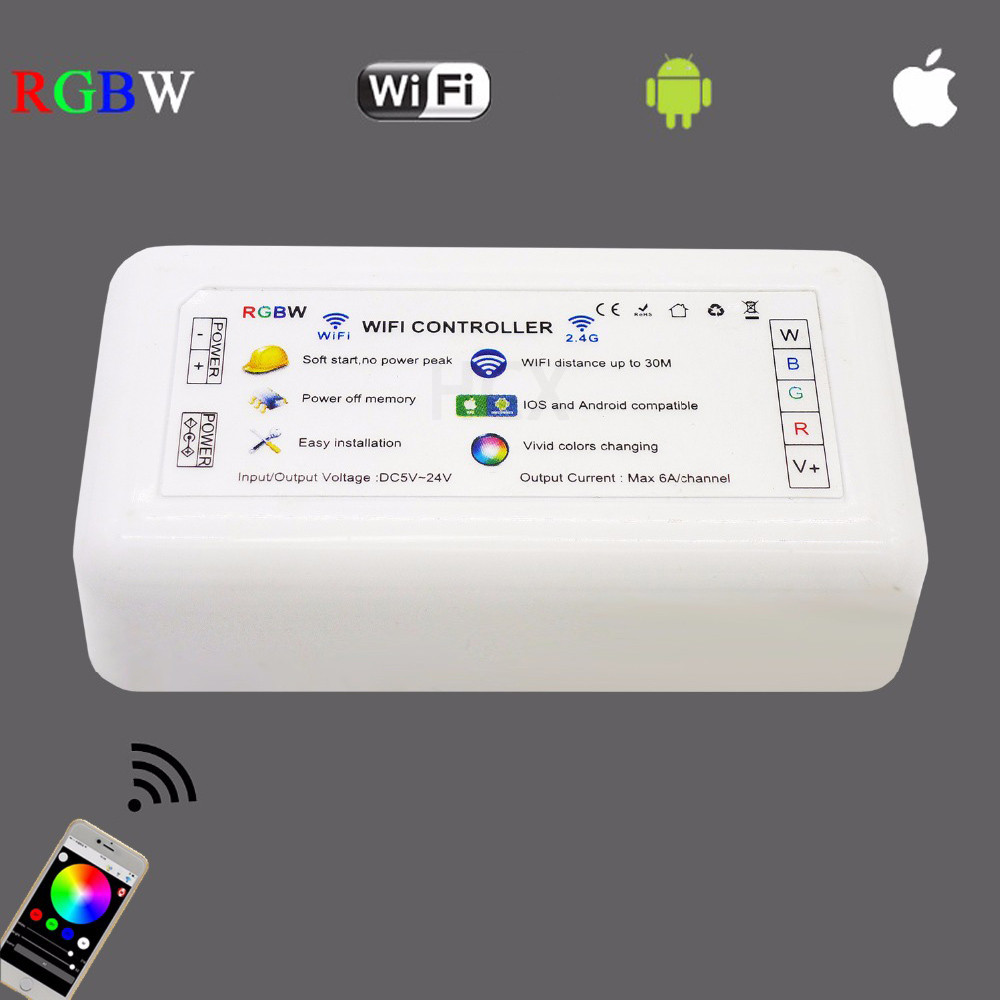
Model Number: H802WiFi
Features: WiFi remote control
applicable system: Ios and Android
1. Features
(1). H802WiFi communicates with iPhone or Android phone through WiFi to realize dimming function.
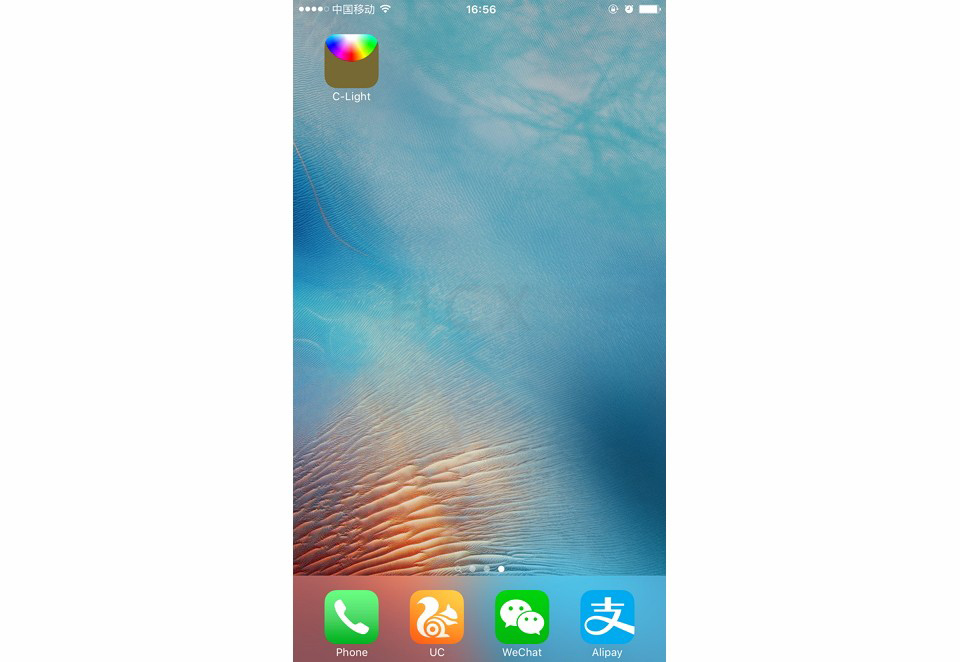
(2). Connect and control lamps easily by “C-Light”.
(3). Output RGBW, 4 routes PWM data, each route max 6A.
(4). Refresh frequency is 500HZ.
(5). Support 802.11 b/g/n.
(6). Fast transmission, response sensitive.
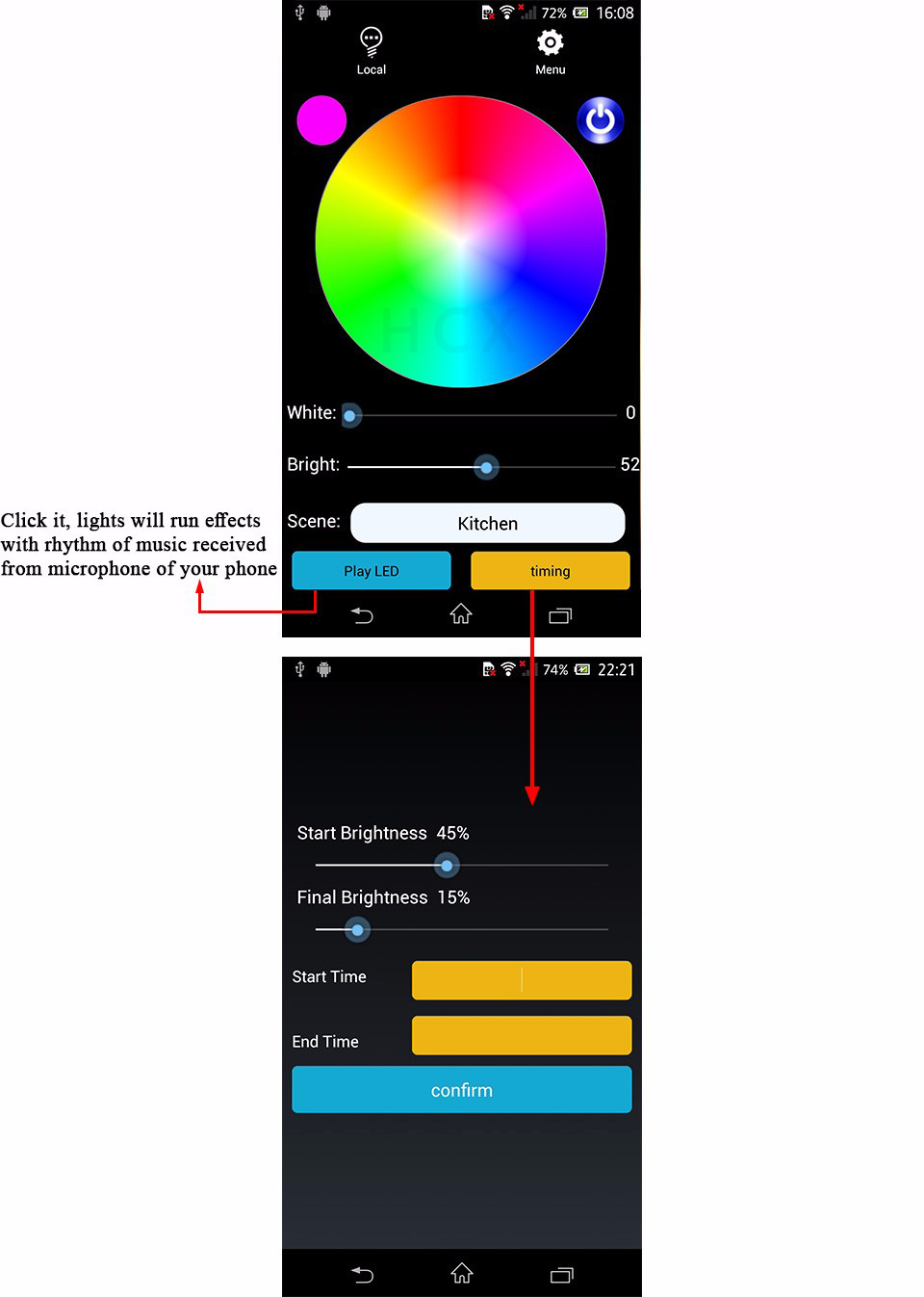
(7). Built-in dozens of effects.
2. Product Display
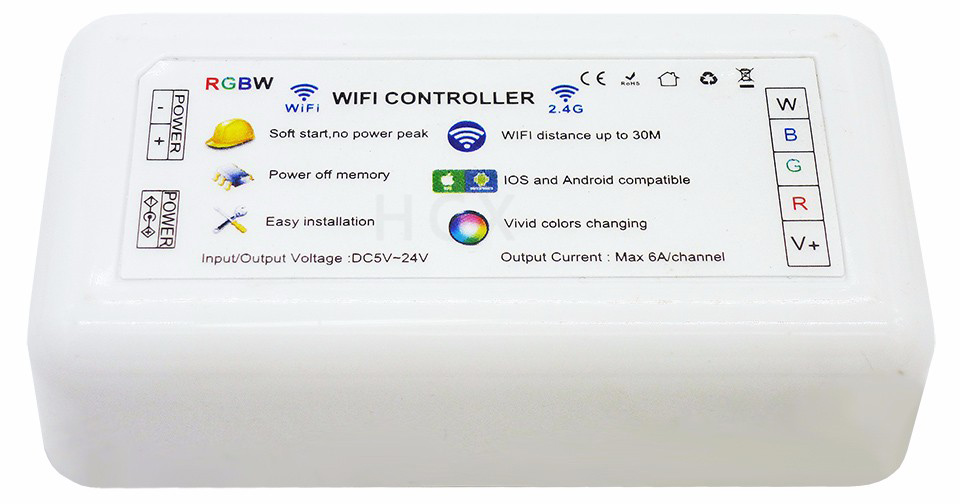
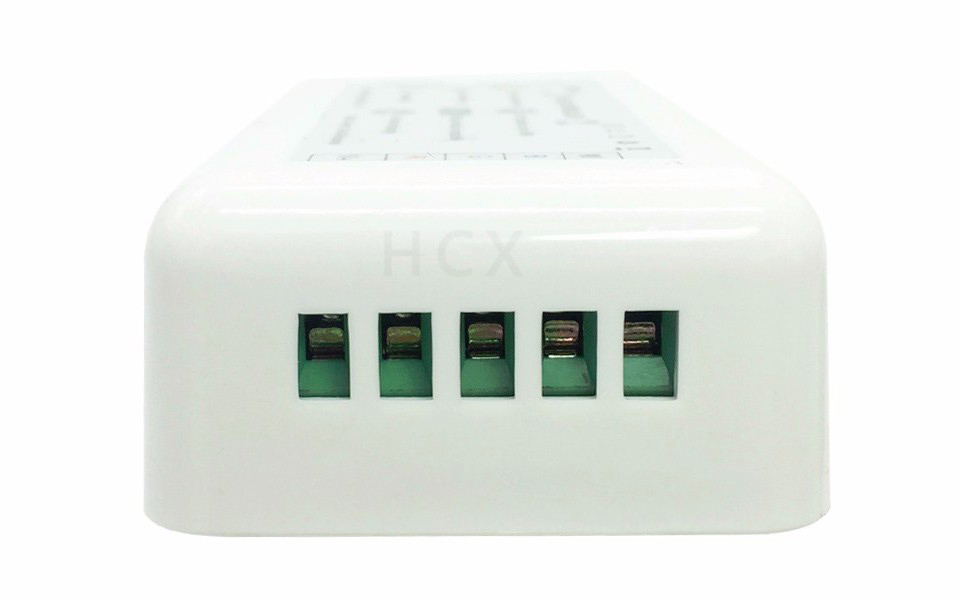
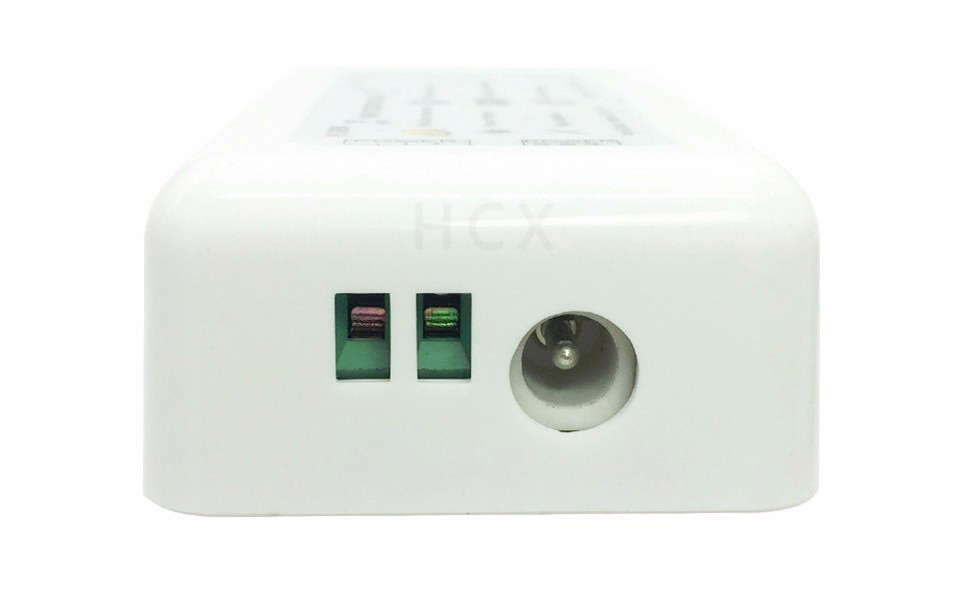
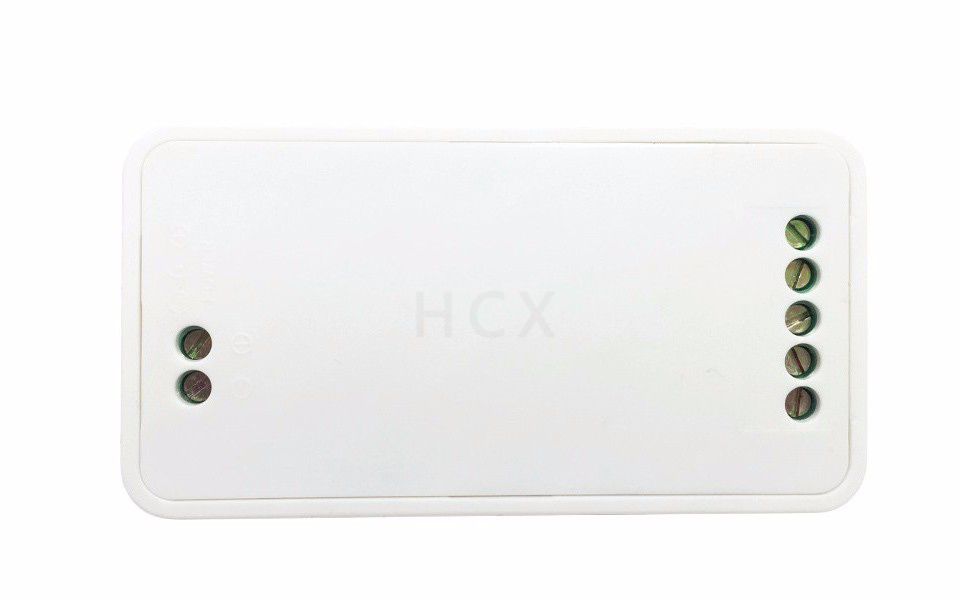
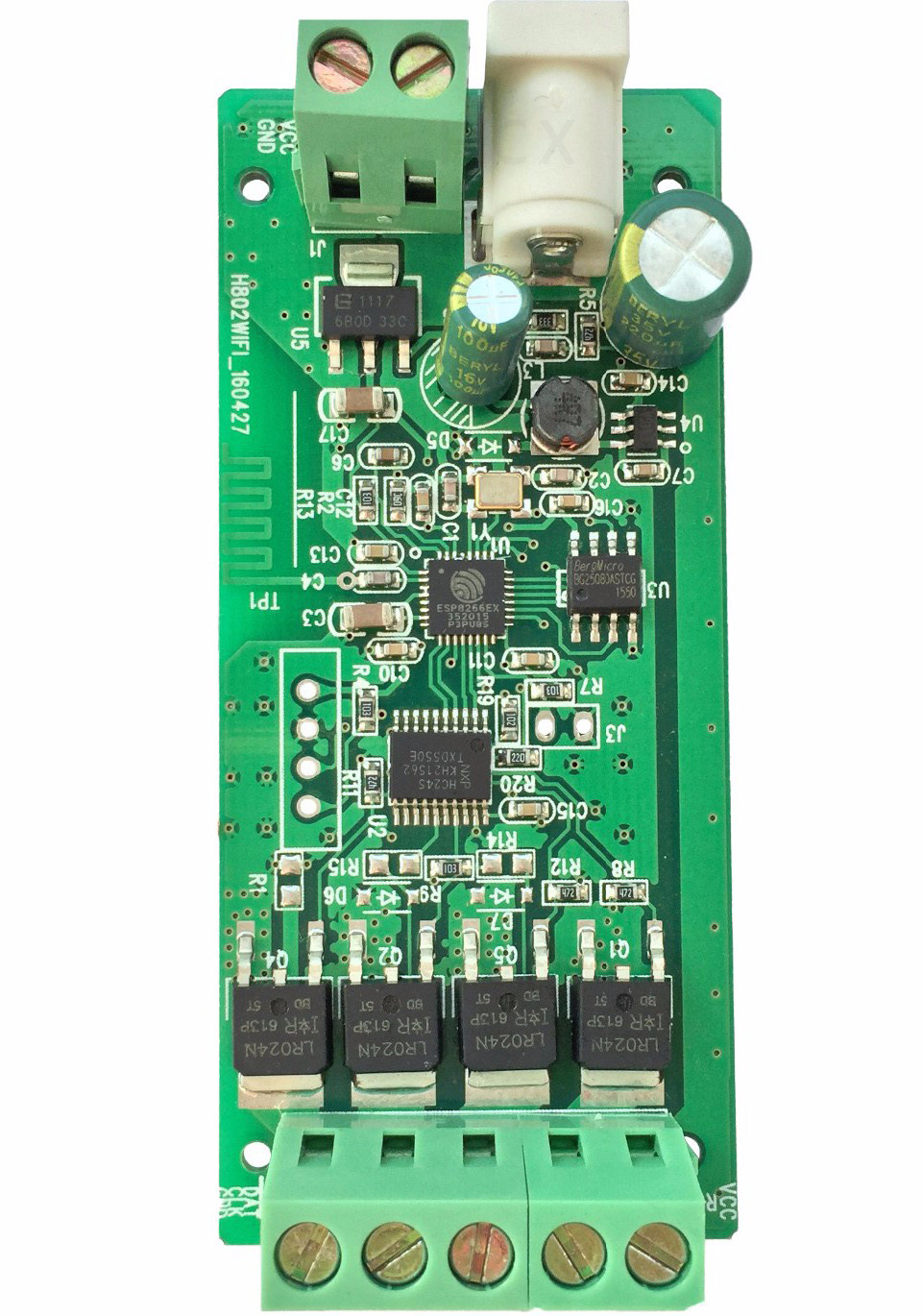
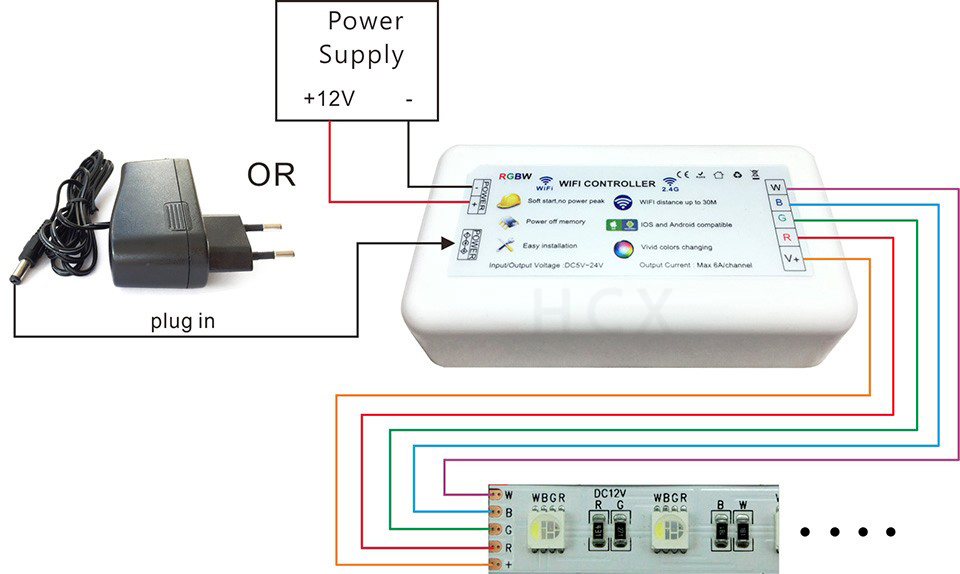
4. Basic Software Workflow
For iPhone(i test it with iOS version 10.1.1)
one iPhone control one device directly
Step1. Scan the QR code or search "c light" in App Store, install it.
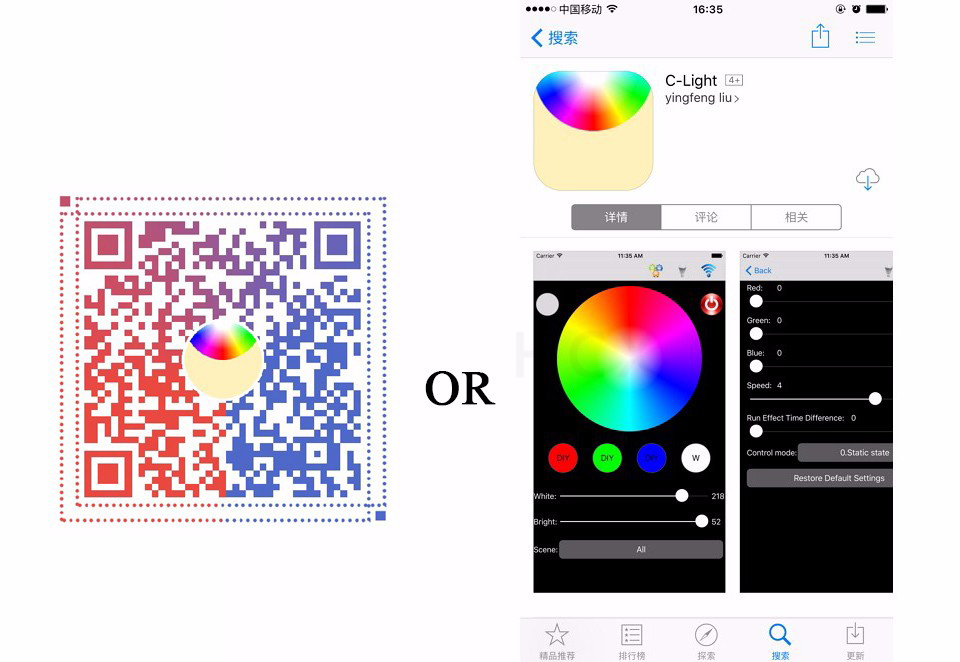
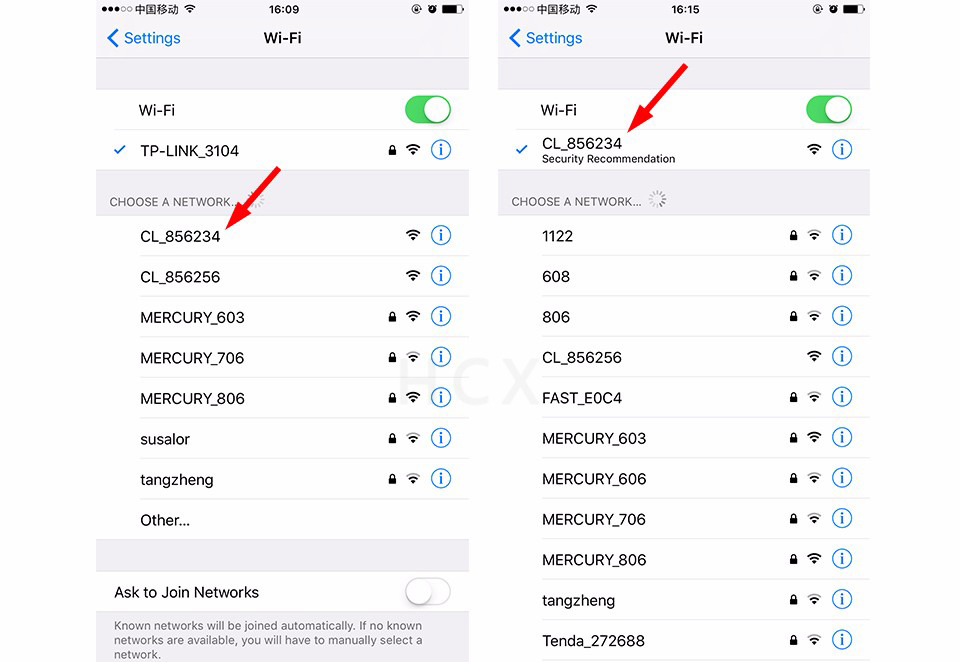
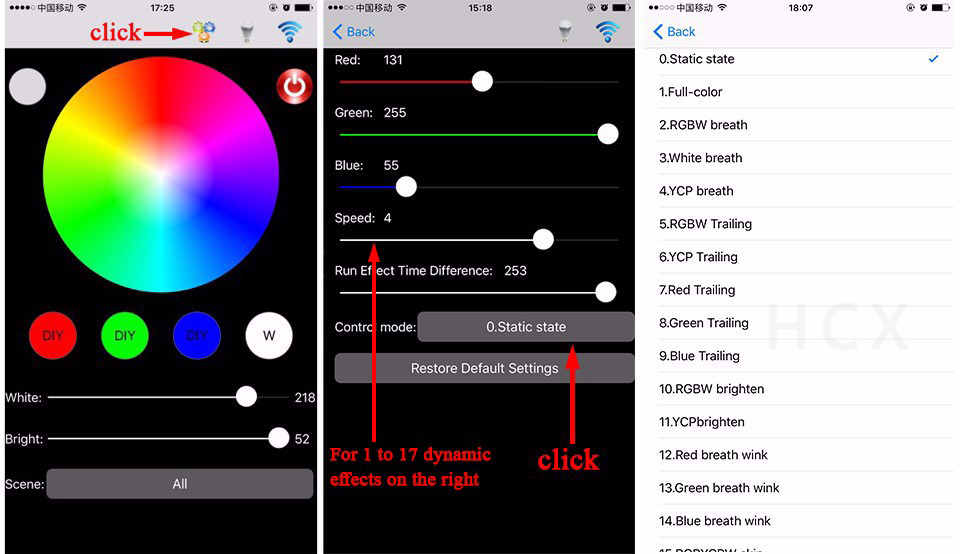
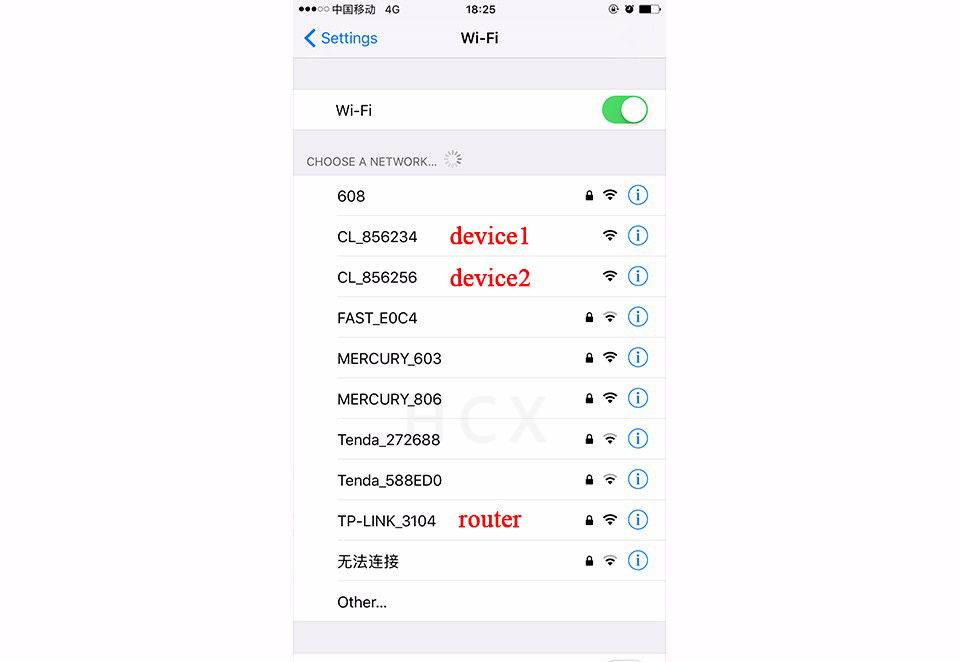
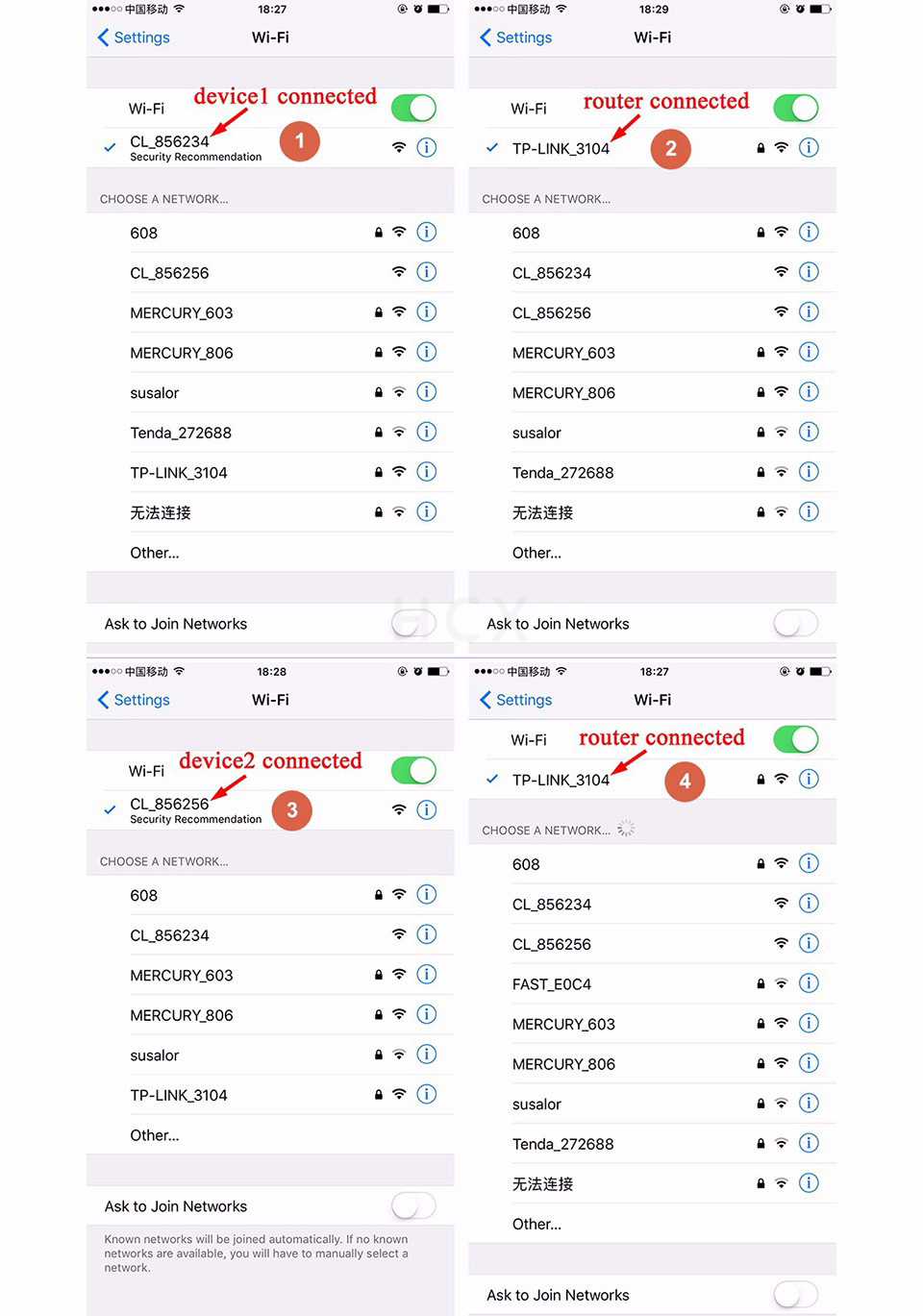
Step 2. Dim in C-Light
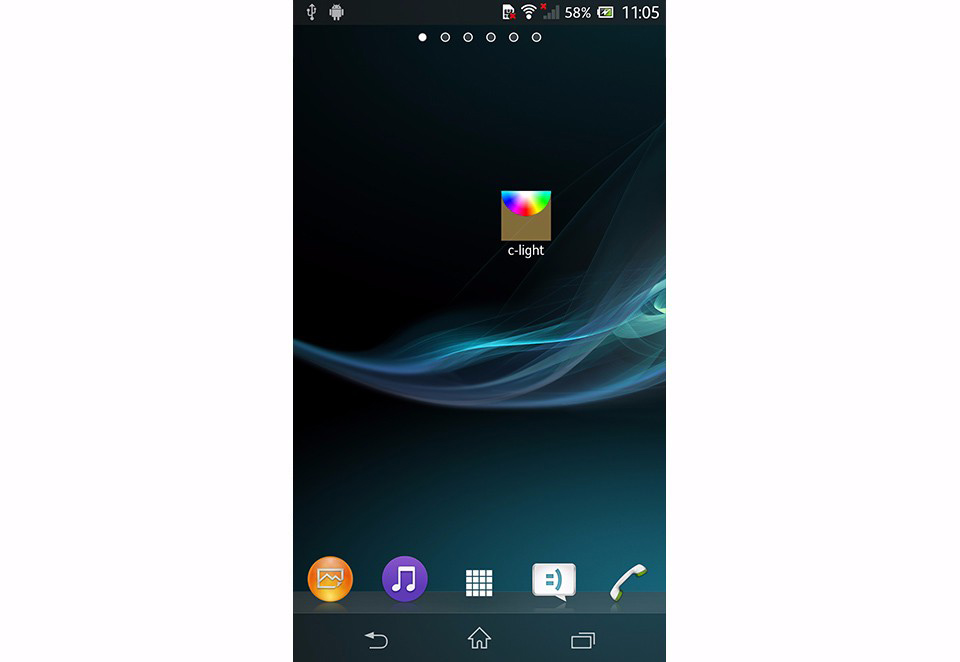
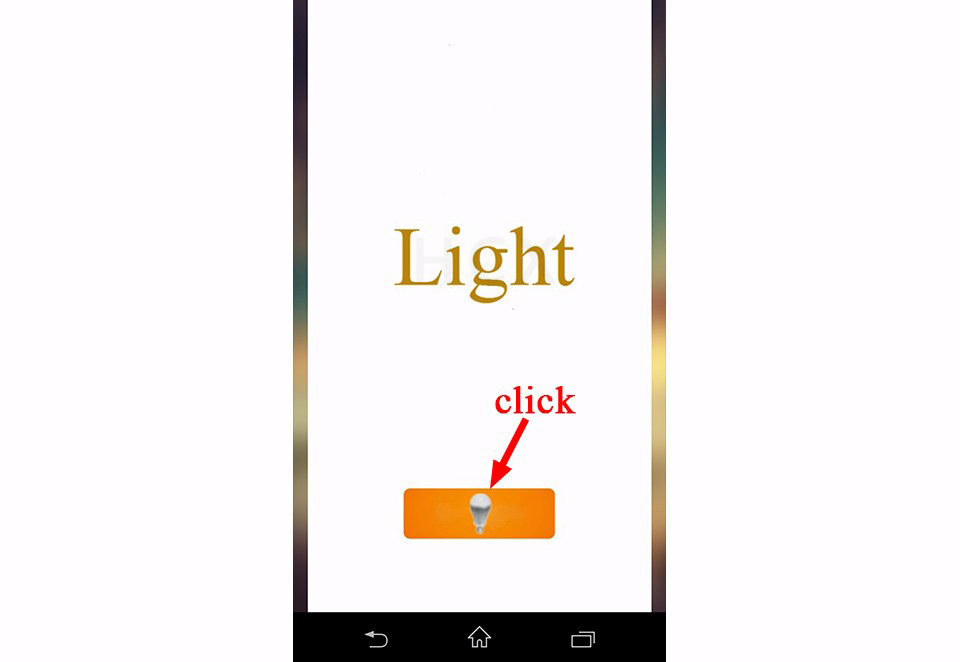
Open C-Light
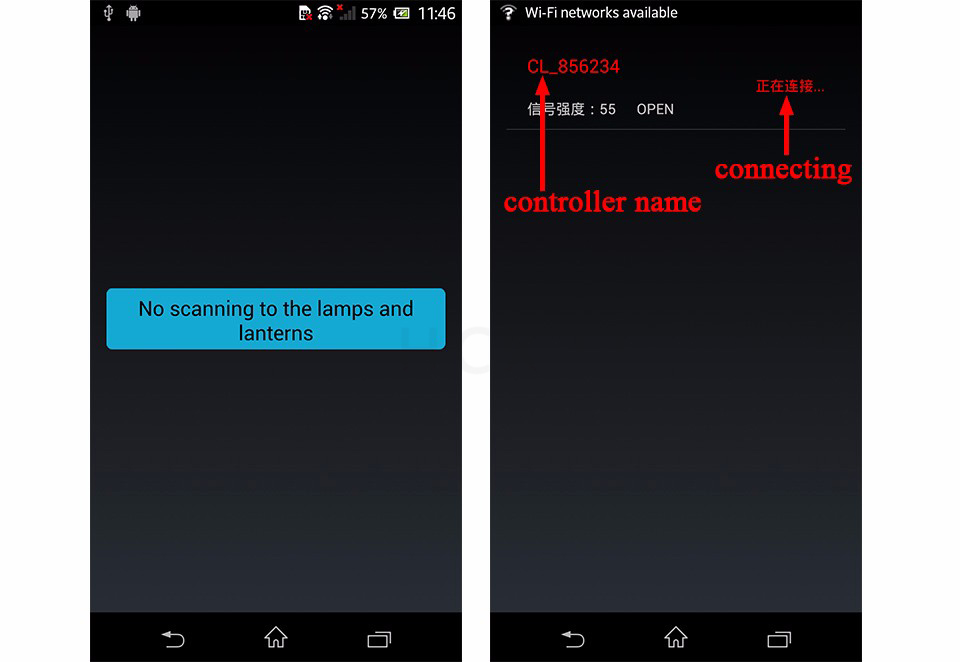
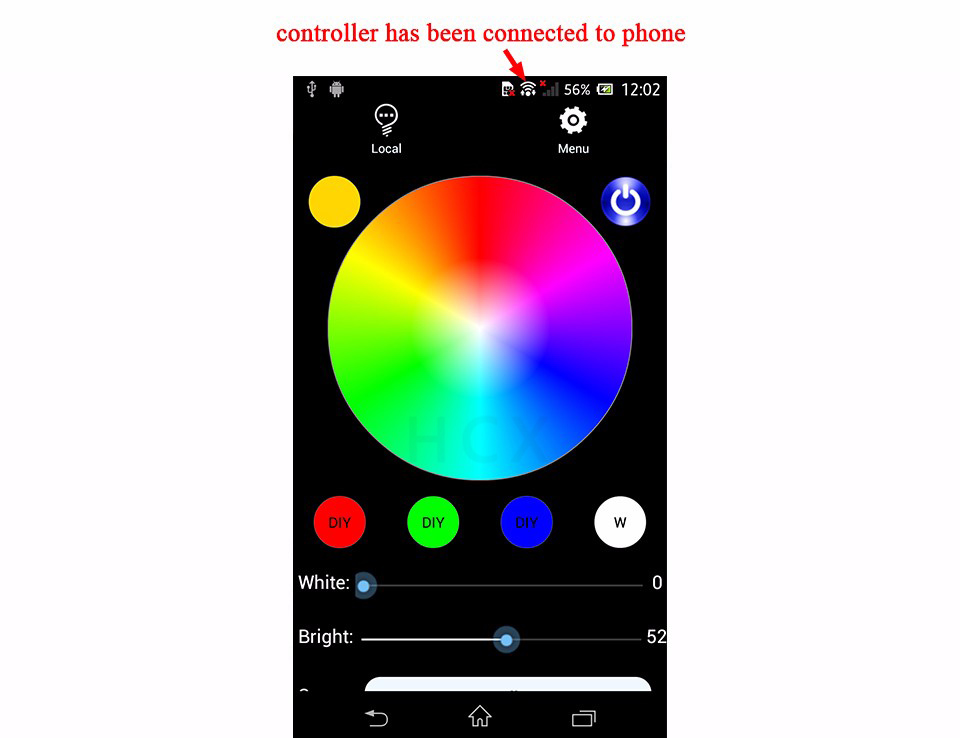
Software will scan nearby available device automatically and connect to it.
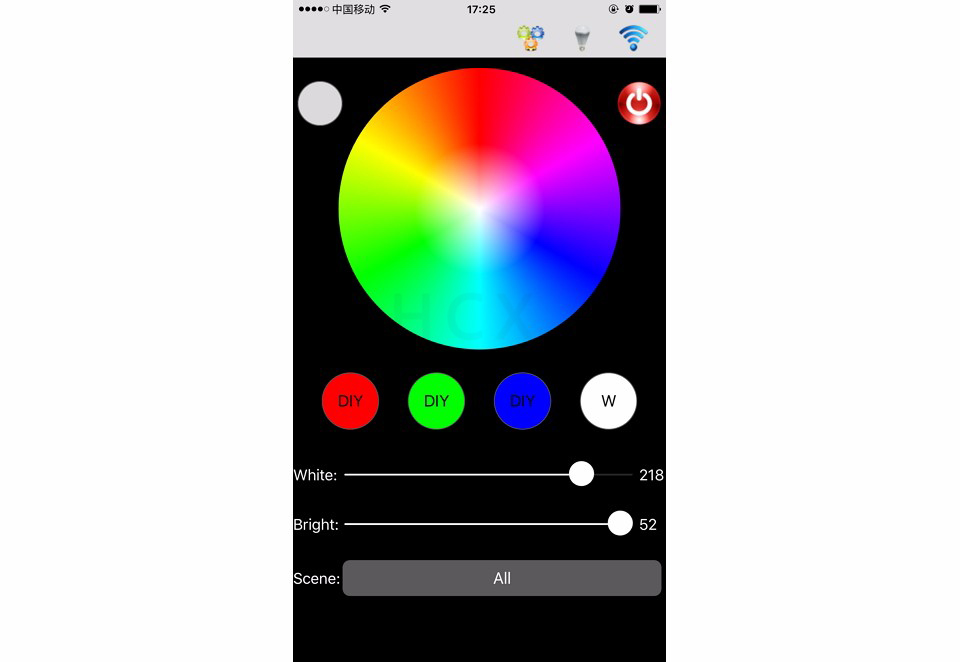
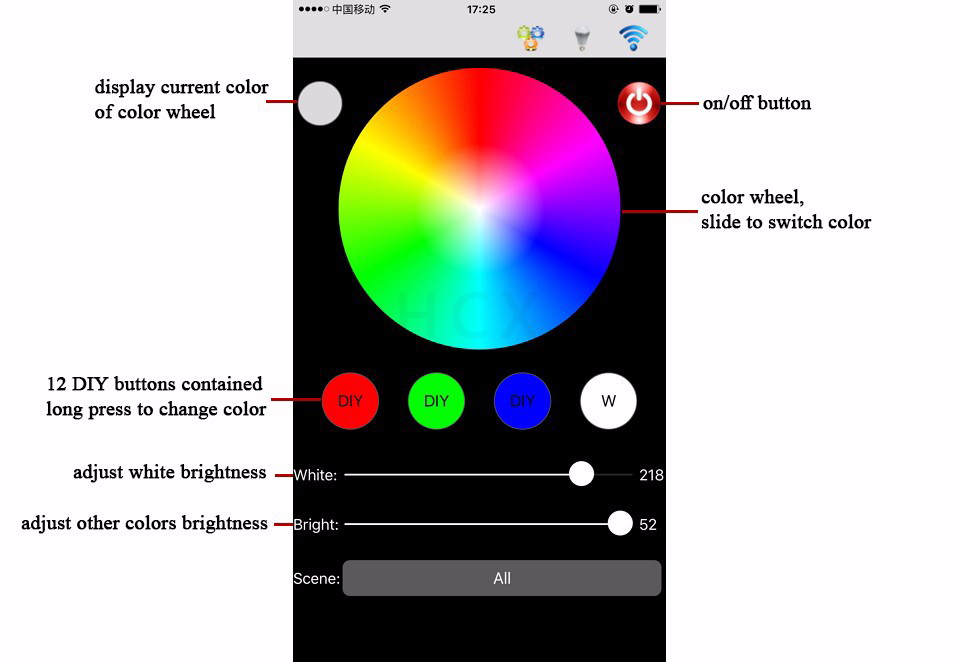
Main Interface
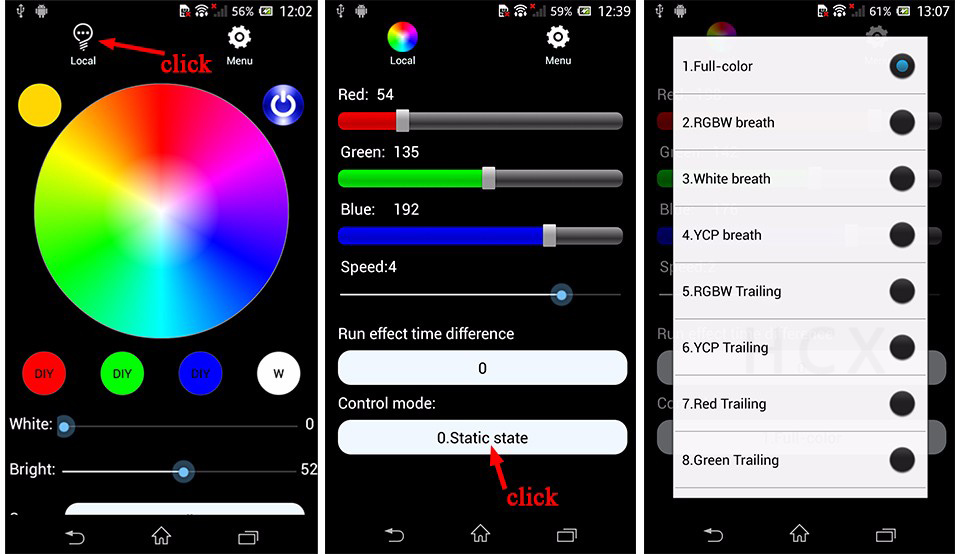
Dim and choose effects in the following three interfaces (similar with ios)
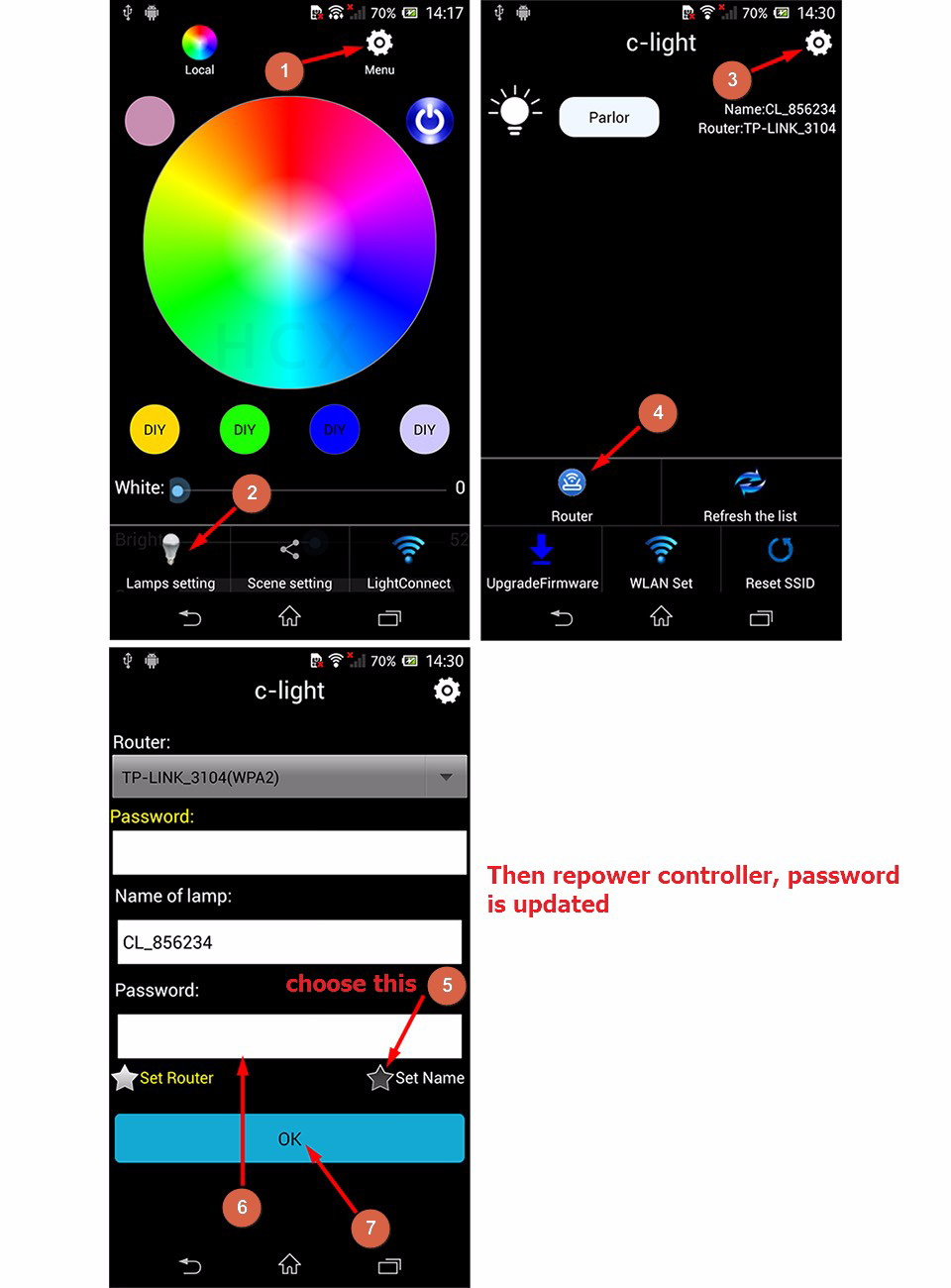
You can set password for controller
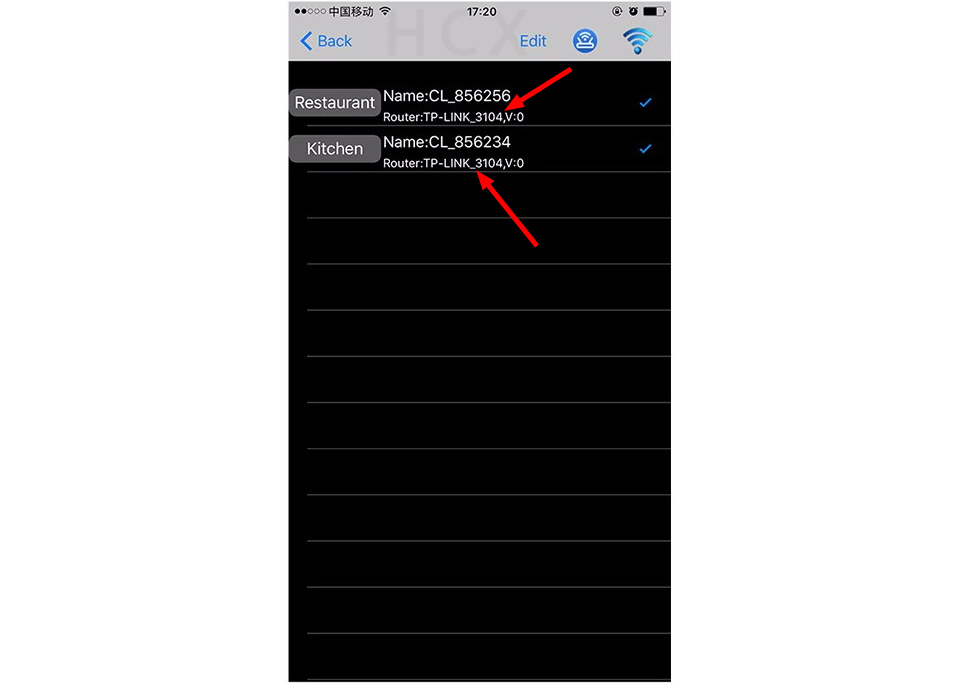
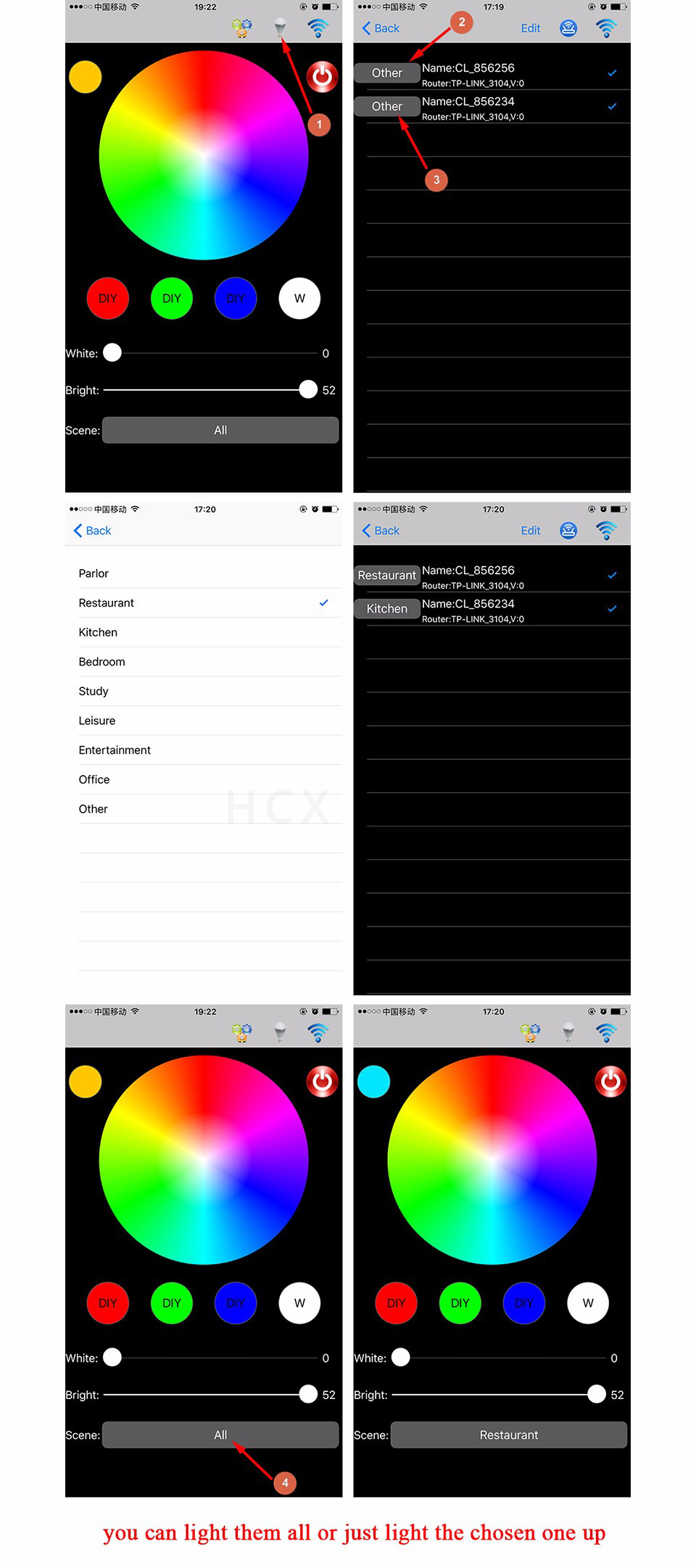
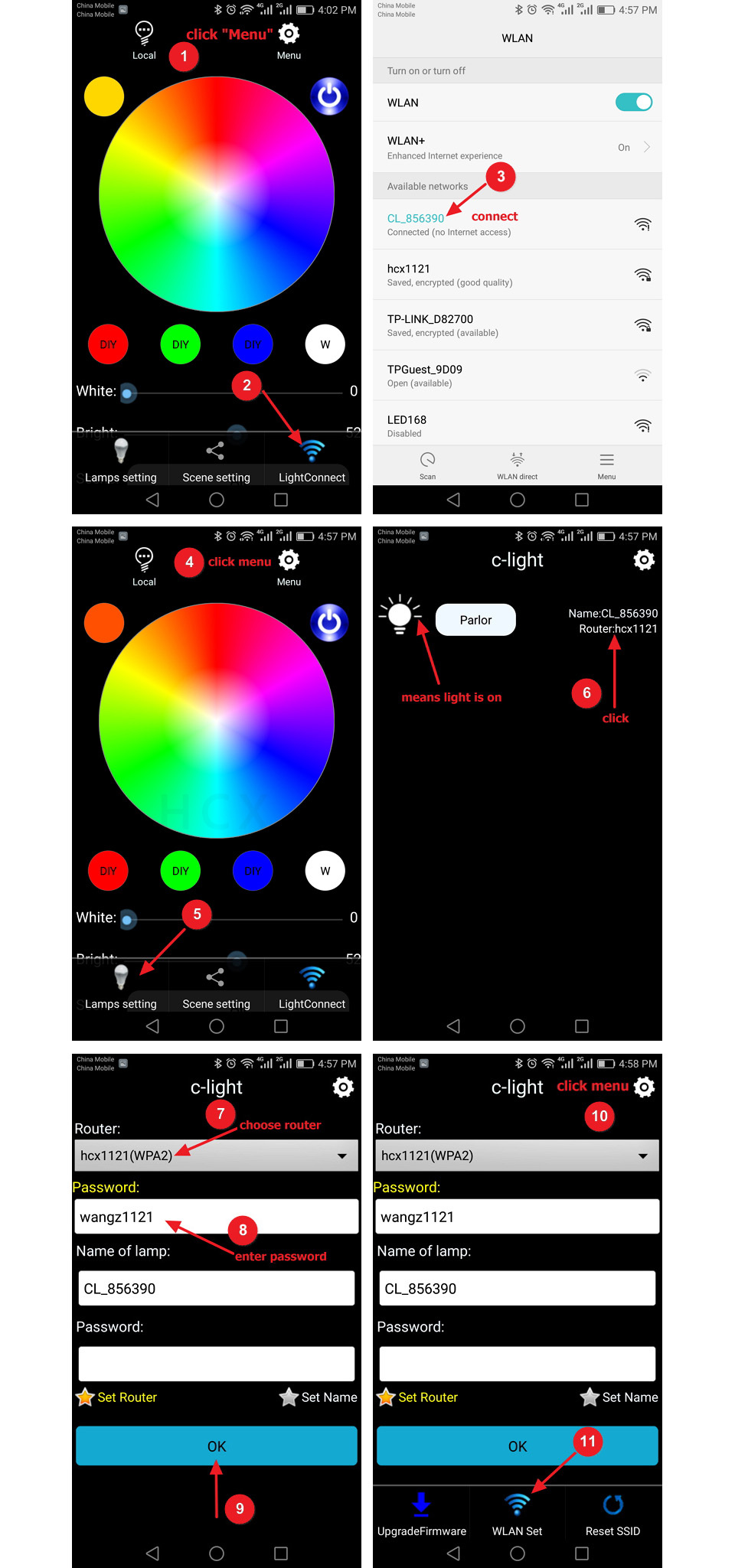
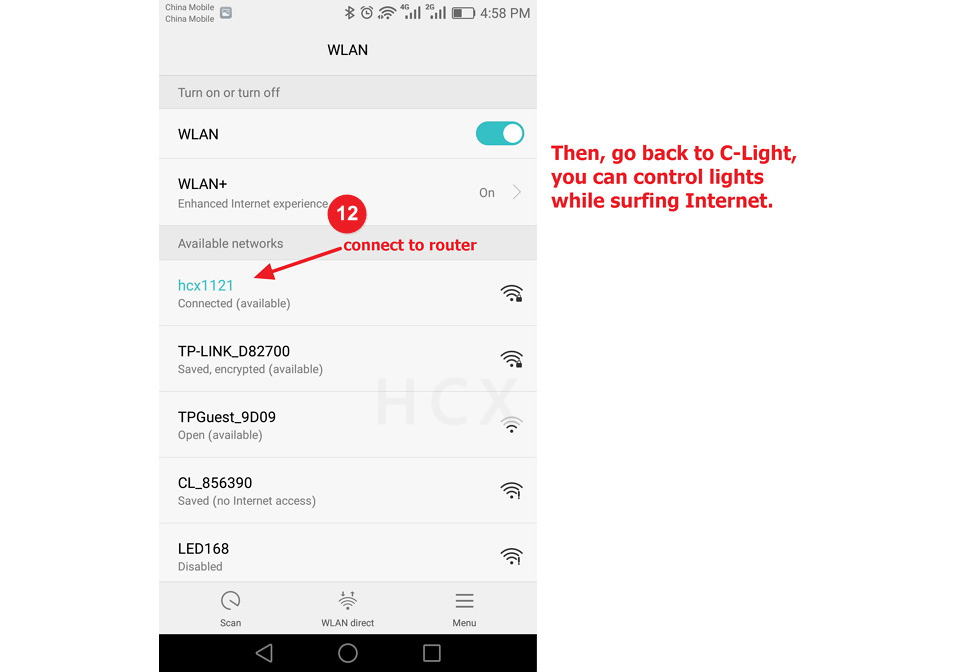
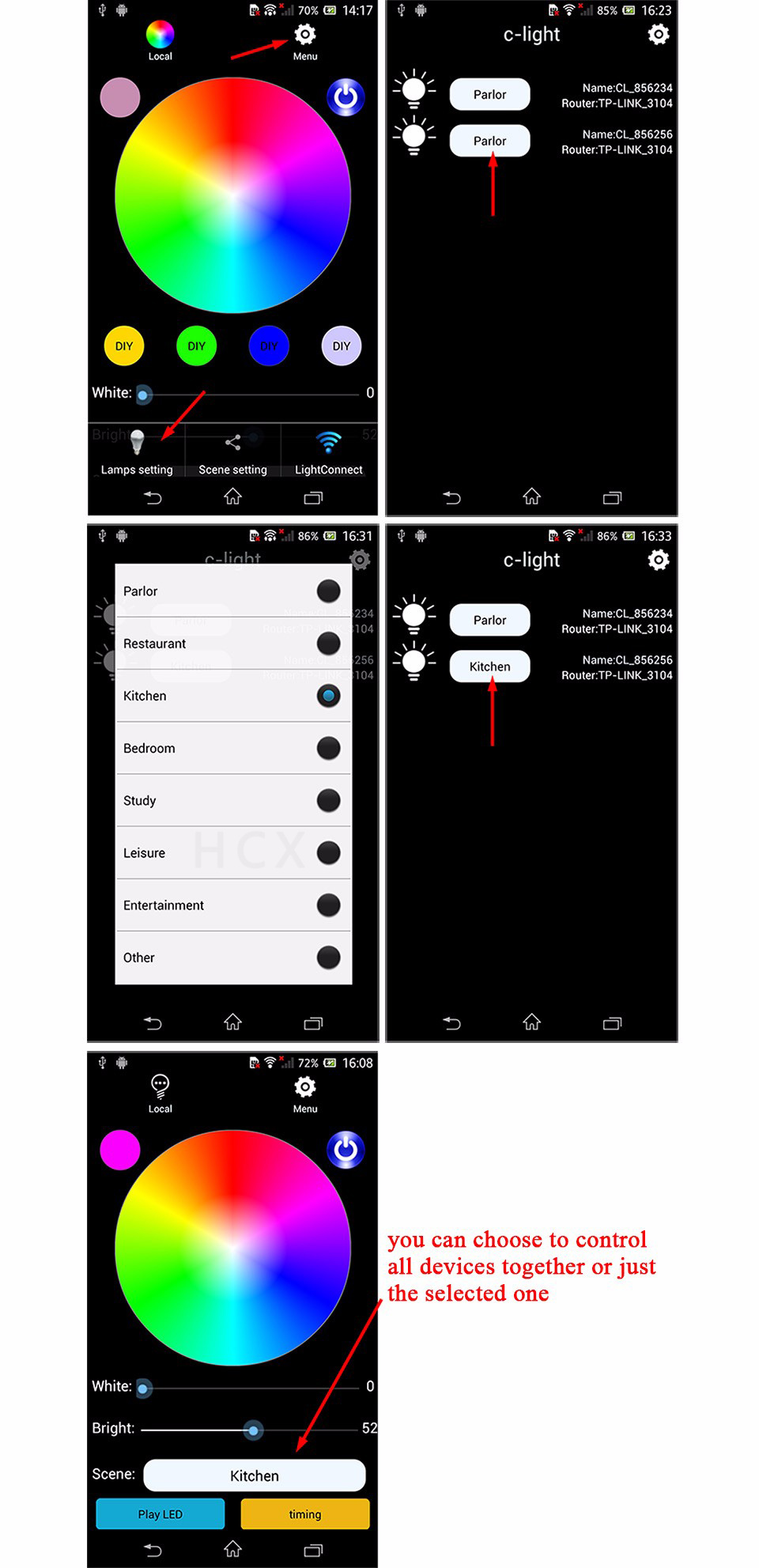
One phone control one or multiple devices via router (you can surf Internet as well)
5. Specifications
Input Voltage: DC5~24V
Power Consumption: 0.5W
Dimension: 93mm x 46mm x 20mm
Output: 4 routes PWM, max 6A per channel