| Select Controller type: | Dimming (Base), CCT (Base), RGB (Base), RGBW (Base), RGBCCT |
|---|---|
| Availability | In Stock |
| Condition | Brand New |
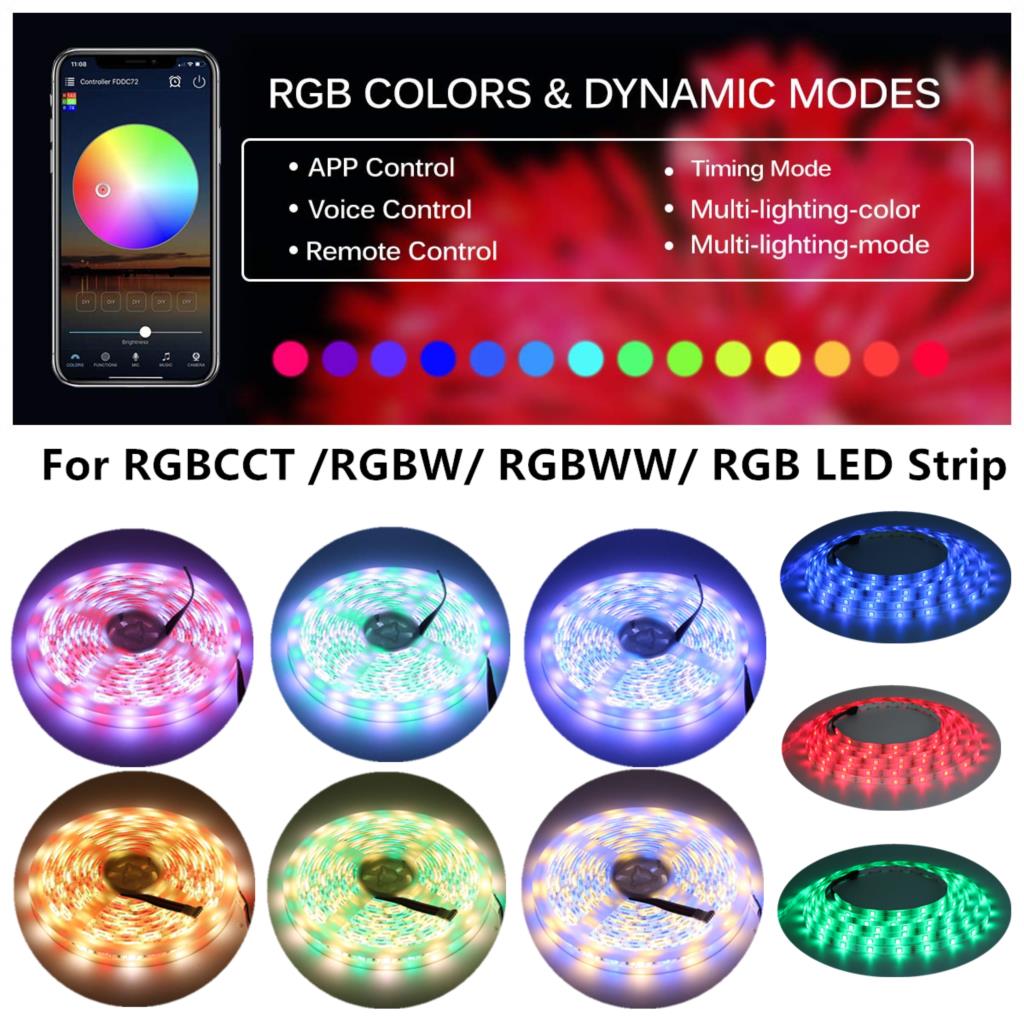
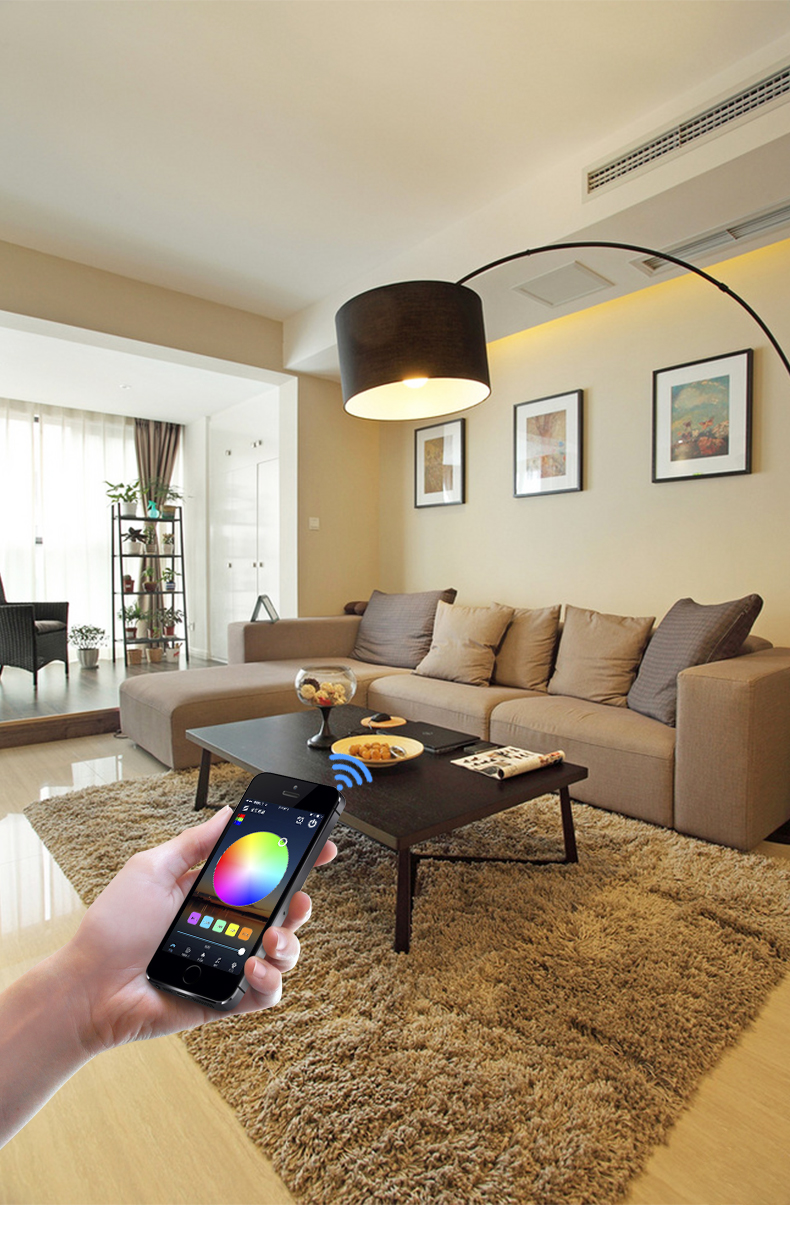
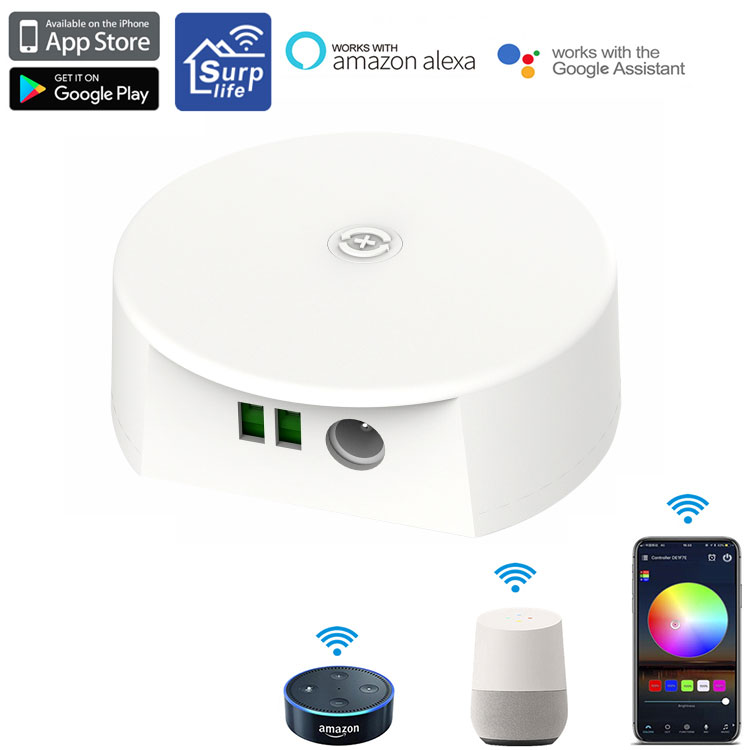
LED controller with voice control (Amazon Alexa and Google Home) and WiFi functions to operate DC12V~48V Single Color/Tunable White/RGB/RGBW/RGBCCT LED strips and lights. UFO look design. Smartphone APP control (Surplife), support Android/IOS system.
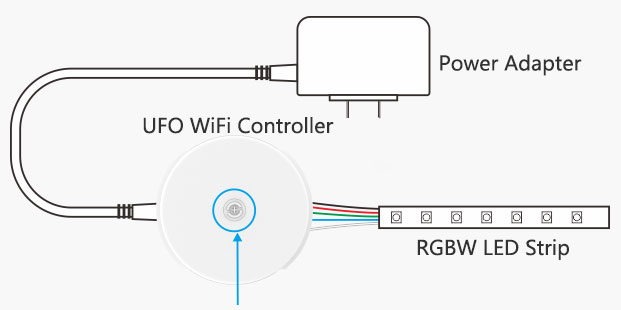
Key Description:
1) Short press: off the light state for the open, on the light state to switch color modes.
2) Long press: long press for 3 seconds to turn off the lights, long press for 8 seconds to restore factory settings.
APP function details:
1) Color Function
Provide 16 million colors to choose freely; Adjustable brightness bar to make the light adapt to various scenes.
2). Rhythm function
① Music mode: the light jumps and changes with the rhythm of music. Click "Add Music" to import music files or import from the built-in music library.
Note: For IOS system, you need to download music files from iTunes or import music from PC according to the instruction, and for Android system, you need to download music files to your cell phone to use.
② Microphone: The light is converted into different rhythmic light effects according to the signal received by the buzzards.
(3) Built-in modes
The light effects of different categories of scenarios are built-in, and custom scenarios can be added.
4). Timer function
①Timed on/off settings for the lights you control according to the time you set.
②Select different lighting effects when you turn on the lights.
5). Group control function
By grouping multiple controllers into the same group, you can simultaneously control the dimming, switching, and other functions of the devices in the group.
6). Scene function
In the scene interface, you can create different lighting colors or dynamic effects for different scenes according to your needs. (Note: "widgets" and "Siri shortcuts" can be applied)
7). Siri shortcut - IOS
Note: 1. Siri can only control the scene (set the scene function in advance). 2.IOS 12.0 and above system comes with shortcut function. 3.Please make sure your device is "Online Cloud".
Enter the page "My" > click "Siri shortcut" > add the scene here
8). Steps to add widget (set up scene function in advance)
Go to the page "My" > click "widget" > add the scene to the widget
9). Create intelligence
In the smart interface, create different smart scenes according to your personal needs, such as wake up/sleep, leave home/home, sunrise/sunset, or DIY customization for devices and scenes
10). Voice function
In the "My" page, you can select the third-party voice service platform (Alexa, Google Home, Tmall Genie, etc.), and connect the device according to the guidelines, and the successful connection will enable voice control, which is convenient and fast.
Standards and Certifications


| Product Category: | LED WiFi Controller |
| APP Software: | Surplife |
| Mobile version: | Android 7.0/10S12.0 or higher |
| Output channel: | 1/2/3/4/5 |
| Input voltage: | DC(12-48)V |
| Color: | White |
| Maximum power: | 12V:200W, 24V:400W, 48V:800W |
| Material: | ABS |
| Power Source: | DC/V+V- |
| Connection Mode: | Common anode |
| Waterproof level: | IP20 |
| White light maximum total power: | 12V:100W24V:200W,48V:400W |
| Working temperature: | -20~+55°C |
| Effective control distance: | WIFI visual distance 40m |
| Product weight: | 45g |
| Product size: | 70MM*60MM*24MM |
How to connect Surplife App?
1) Register/login your Surplife account.
2) Turn on your device and enable the Bluetooth function of your phone.
3) Go to "Surplife" app, click "Add Device" or click "+" to add a device. Then select your Wi-Fi network (only for 2.4Ghz network) and enter your password.
4) Rename the device and select a room for it.
Alexa Support Commands:
Alexa, turn{light name} on/off
Alexa, set {light name} to 1%-100%
Alexa, dim/brighten {light name}
Alexa, set {light name} to red...
Alexa, change the {light name} to the color blue...
Alexa, set {light name} the to daylight
Google Home Support Commands:
Say "Ok Google" or "Hey Google", then..
Turn on <light name>
Dim <light name>
Brighten <light name>
Set <light name> to [50%]
Dim/Brighten <light name> by [50%]
Turn <light name> [color]
Turn on/off all the lights
Is <light name> on
Warm tips
1) Please use the product in a dry environment.
2) Please use 12-48V DC voltage for input voltage, do not use 220V AC directly.
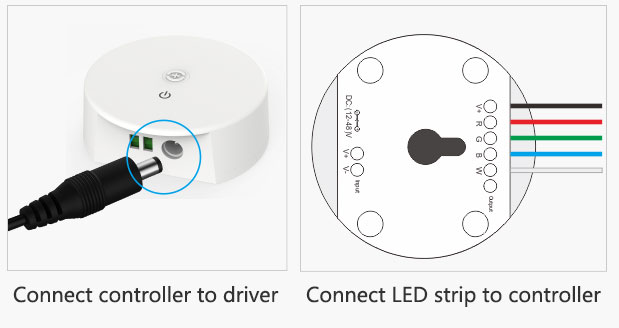
3) the product is the anode connection do not connect the wrong way, connected wrong easily lead to product failure.