

| Availability | In Stock |
|---|---|
| Condition | Brand New |
 Summary
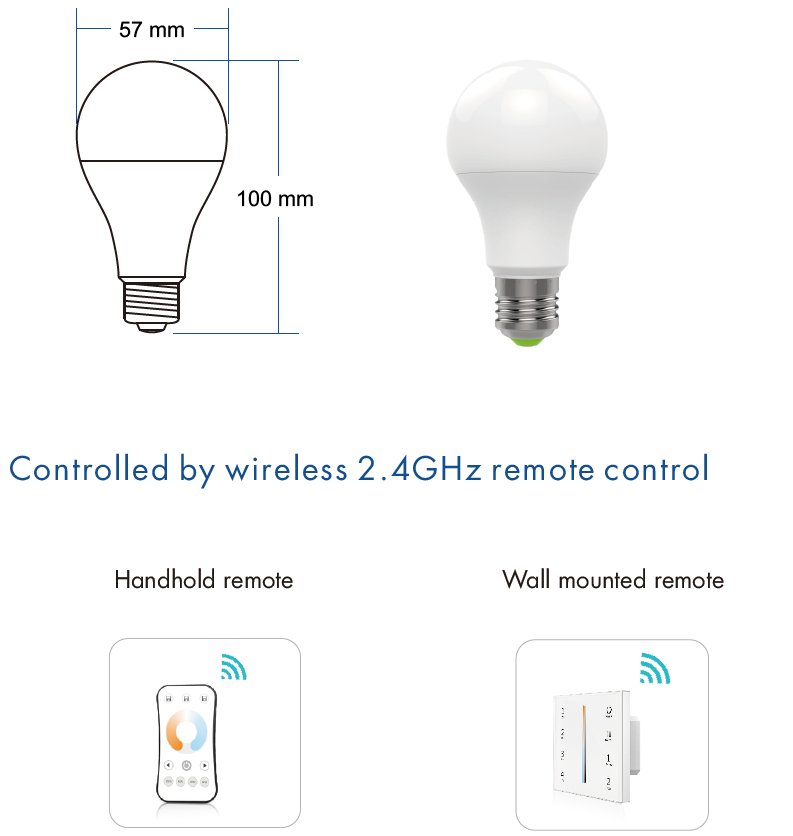
Match with Skydance’s 2.4G CCT remote control, One bulb accepts up to 10 remote control.
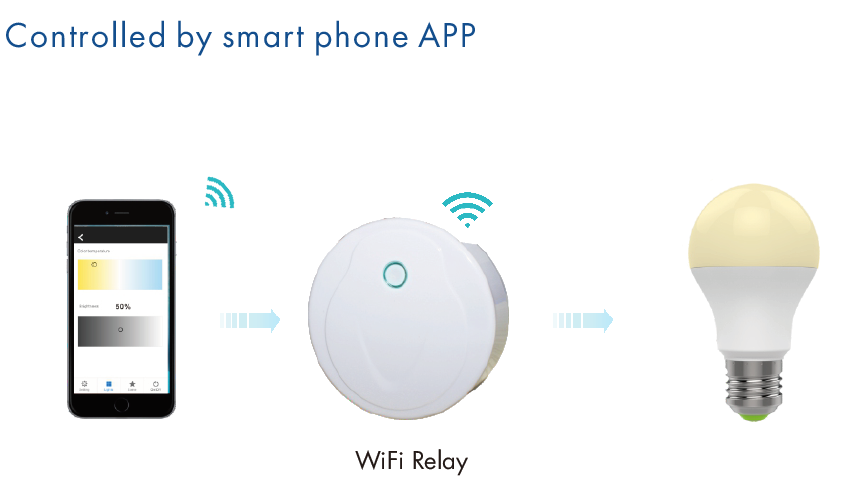
• Match with WiFi-relay device for smart phone control.
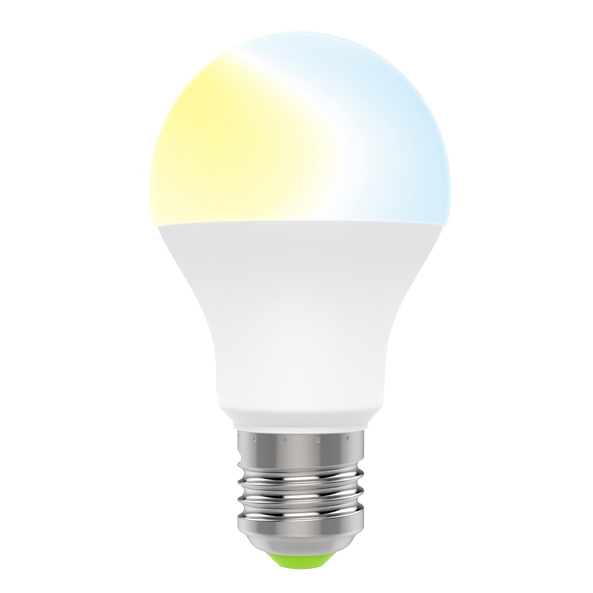
• Adjustable color temperature and brightness.
• Auto-transmitting function: bulb automatically transmits a signal to another bulb with 30m control distance.
• Synchronize on the multiple numbers of bulbs.
• Use SAMSUNG LED.
• 50,000 hours lifespan
Standards and Certifications


Specifications Download 
Technical parameter
Mode: TK06
Power: 6W
Voltage: AC86V-265V 50/60Hz
Color Temperature: 2700-6500K
Ra/CRI: >80
PF(cos): >0.5
Luminous Efficiency: 90LM/W
Luminous Flux(lm): 540LM
Lifespan(h): 50000h
Beam Angle: 220°
Material: Aluminum + PC cover
Base: E27/E26/B22
Dimensions: Ø57*H100mm
Dimming data
Input signal: RF 2.4GHz
Control distance: 30m
Dimming level: 4096 levels
Dimming range: 0 -100%
Safety and EMC
EMC standard (EMC): EN301 489,EN 62479
Safety standard(LVD): EN60950
Radio Equipment(RED): EN300 328
CertificationL: CE,EMC,LVD,RED
1. Make sure the voltage is between AC86-265V.
2. When install the light, please switch off the power to make sure safty.
3. The working power is high voltage alternating current, so it must be far away from people and must with
ground connection.
4. Avoid using under high temperature or moisture.
Match method :
Switch off the power of the bulb, then switch on power again, immediately short press on/off key (single-zone remote) or zone key(multiple zones remote) 3 times on the remote. The light blinks 3 times means the match is successful.
Delete match :
Switch off the power of the bulb, then switch on power again, immediately short press on/off key(single-zone remote) or zone key(multiple zones remote) 5 times on the remote. The light blinks 5 times means delete all matched remote.
Troubleshooting
1. The bulb does not respond to the RF remote.
• Check if the power is switched on at the wall.
• Check if the battery levels of the RF remote are normal, or replace the battery.
2. The bulb changes unexpectedly by itself.
Possible reason: The bulb may be controlled by another RF remote.
Solution: You can delete the match firstly, then match again.