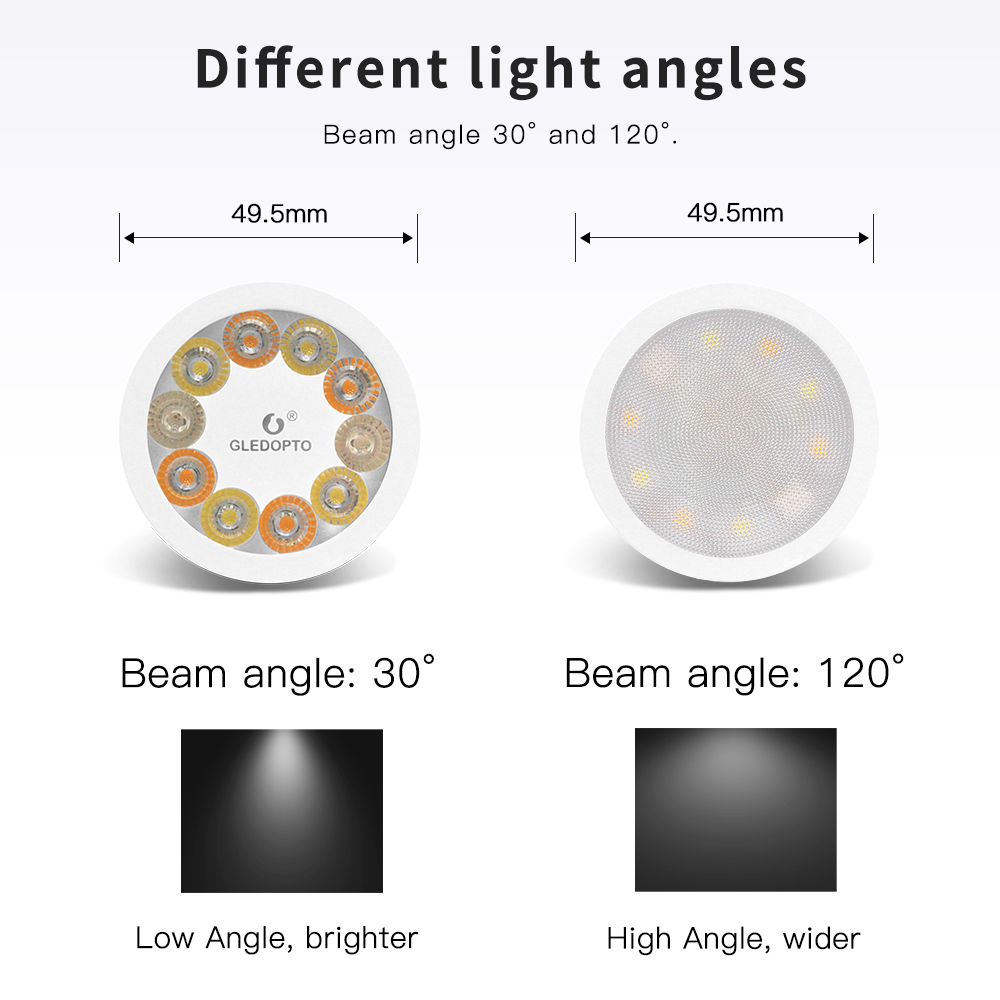
| Select Beam Angles: | 30 degrees (Base) |
|---|---|
| Select Model: | GL-S-014P AC/DC12-24V 5W (Base) |
| Availability | In Stock |
| Condition | Brand New |
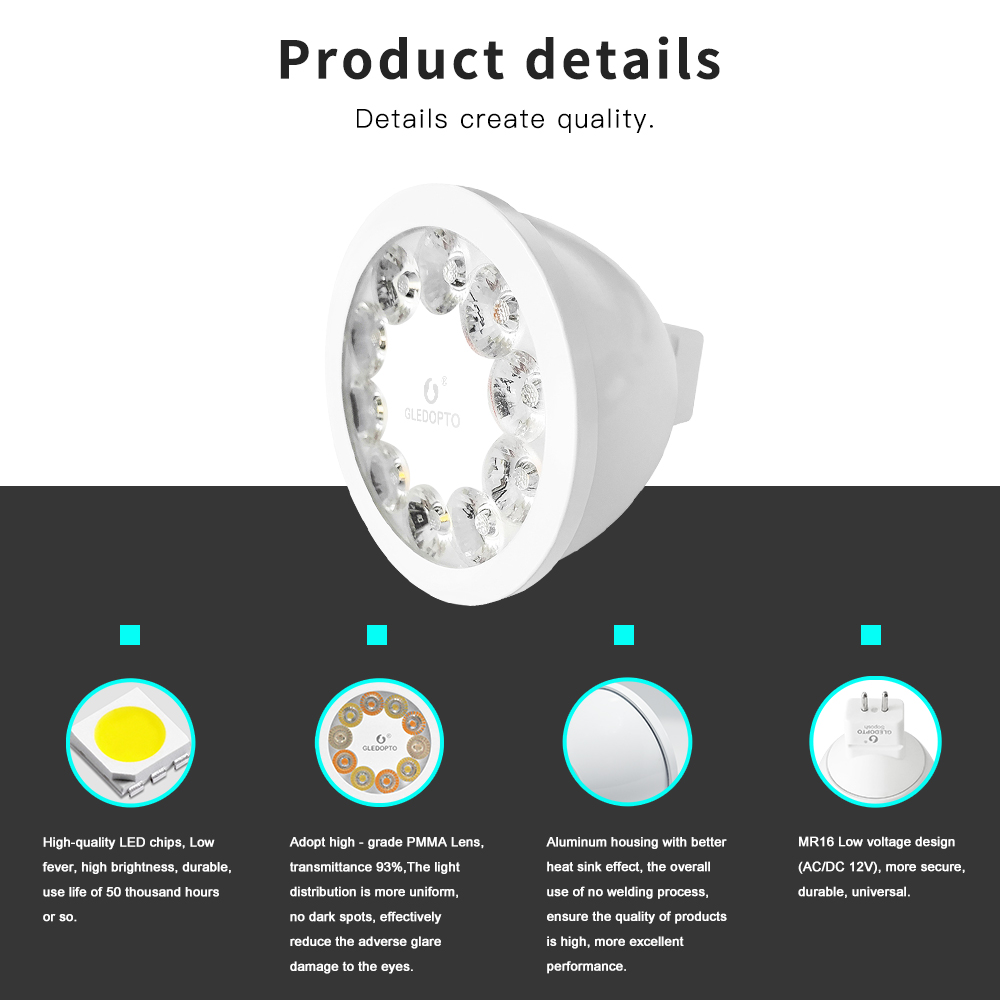
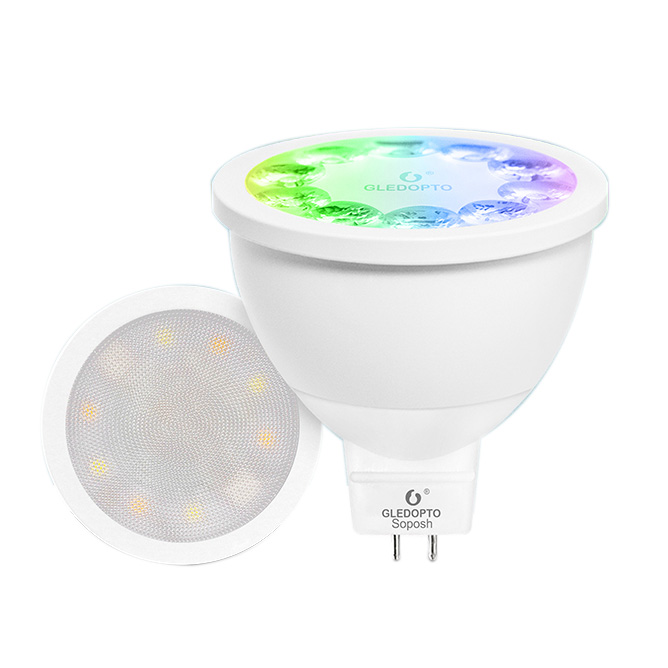
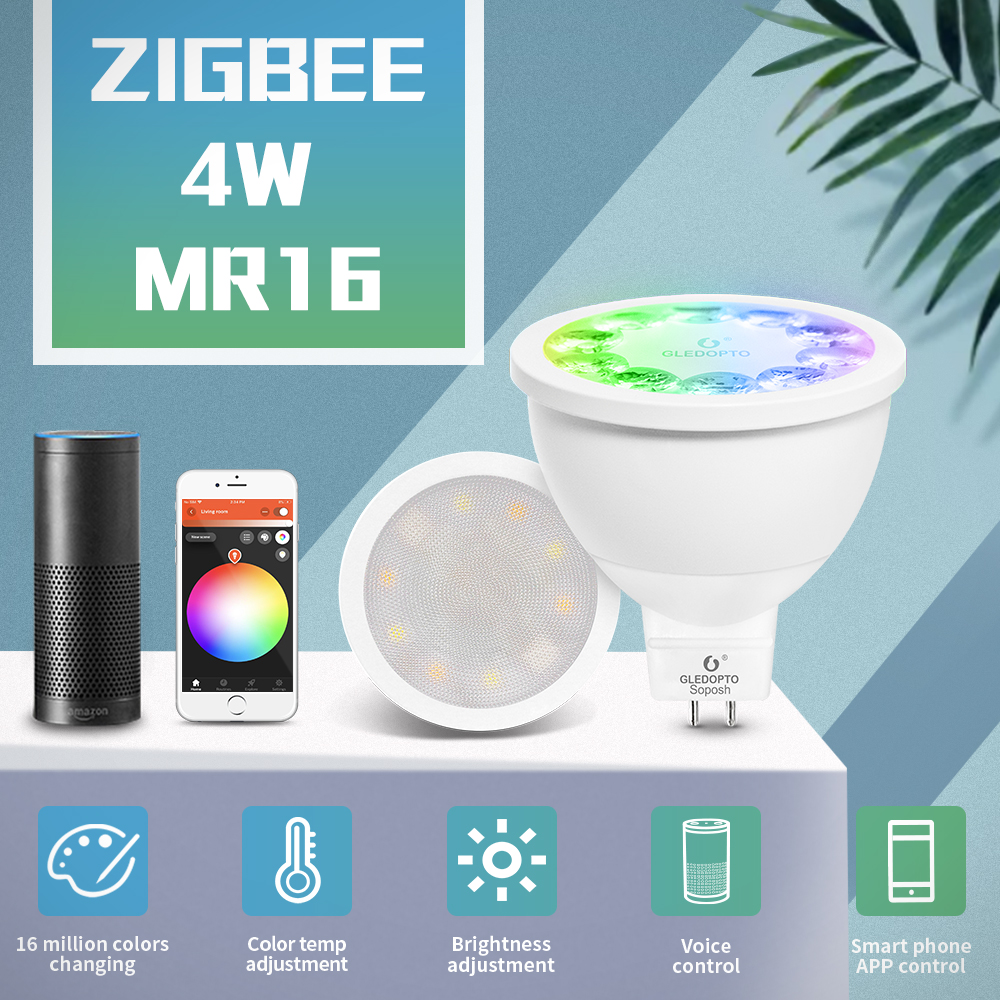
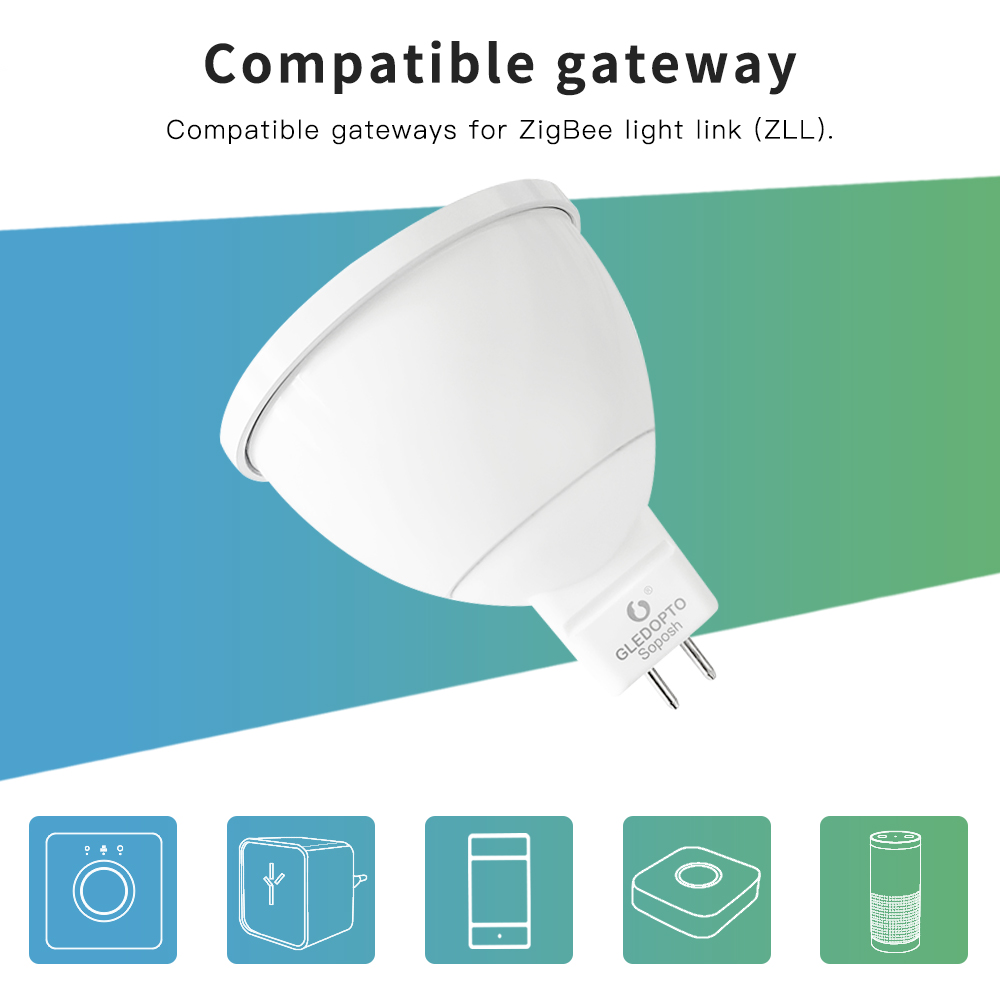
This product is a Gledopto MR16 RGBCCT color change LED spotlight GL-S-014P, the LED floodlight must work with Standard Light Link ZigBee Hub (Required), Compatible with Amazon Echo Plus
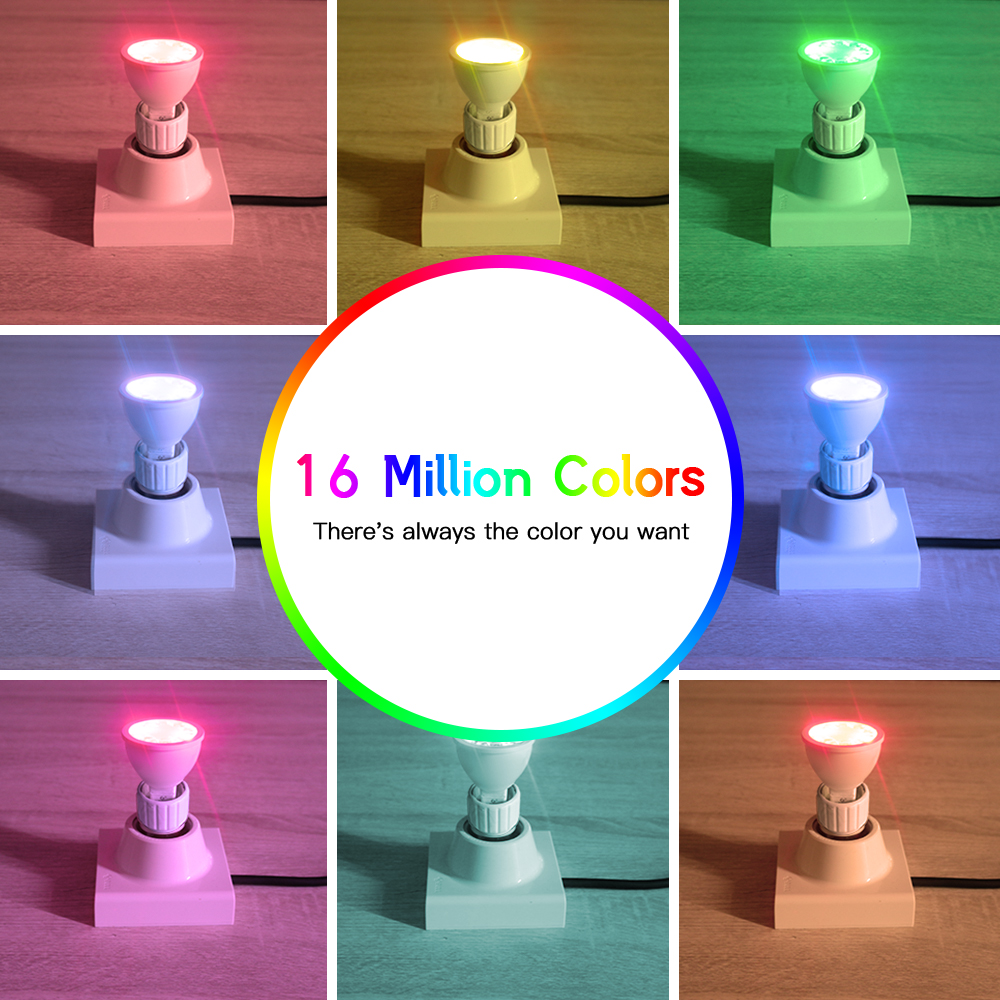
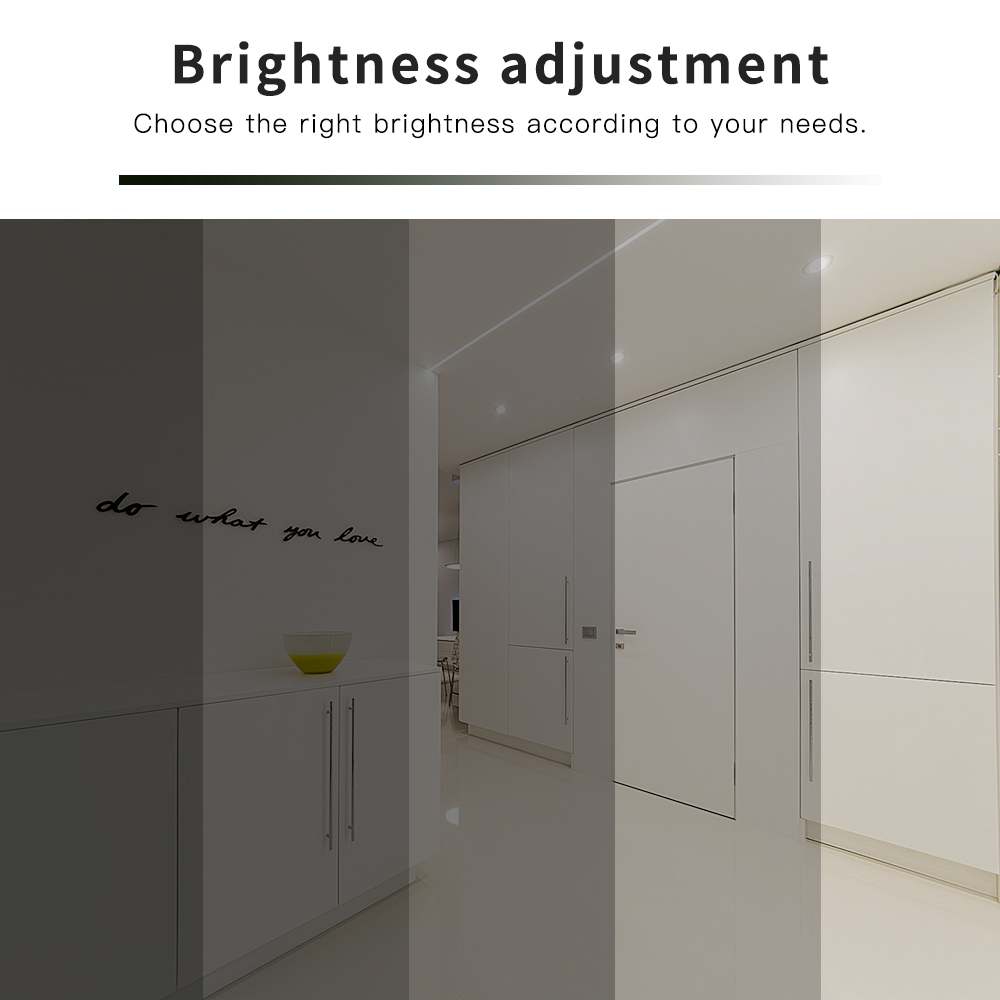
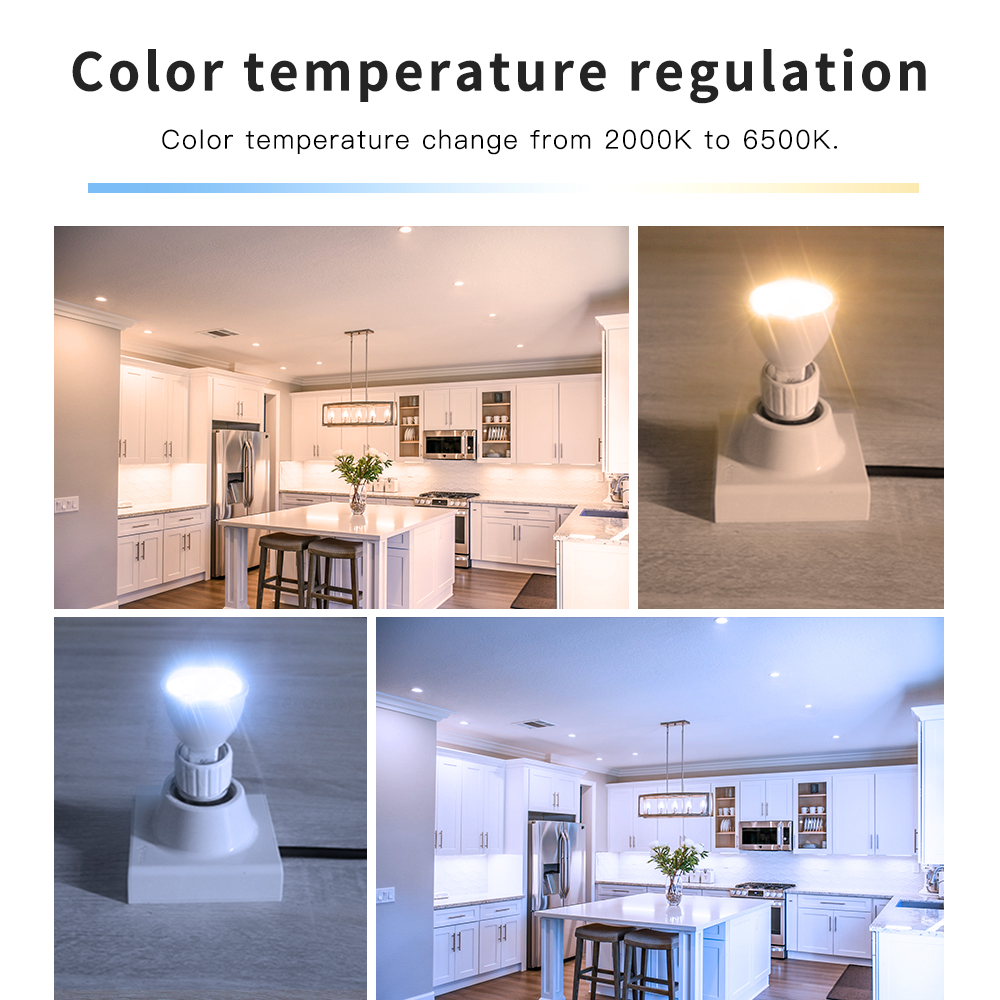
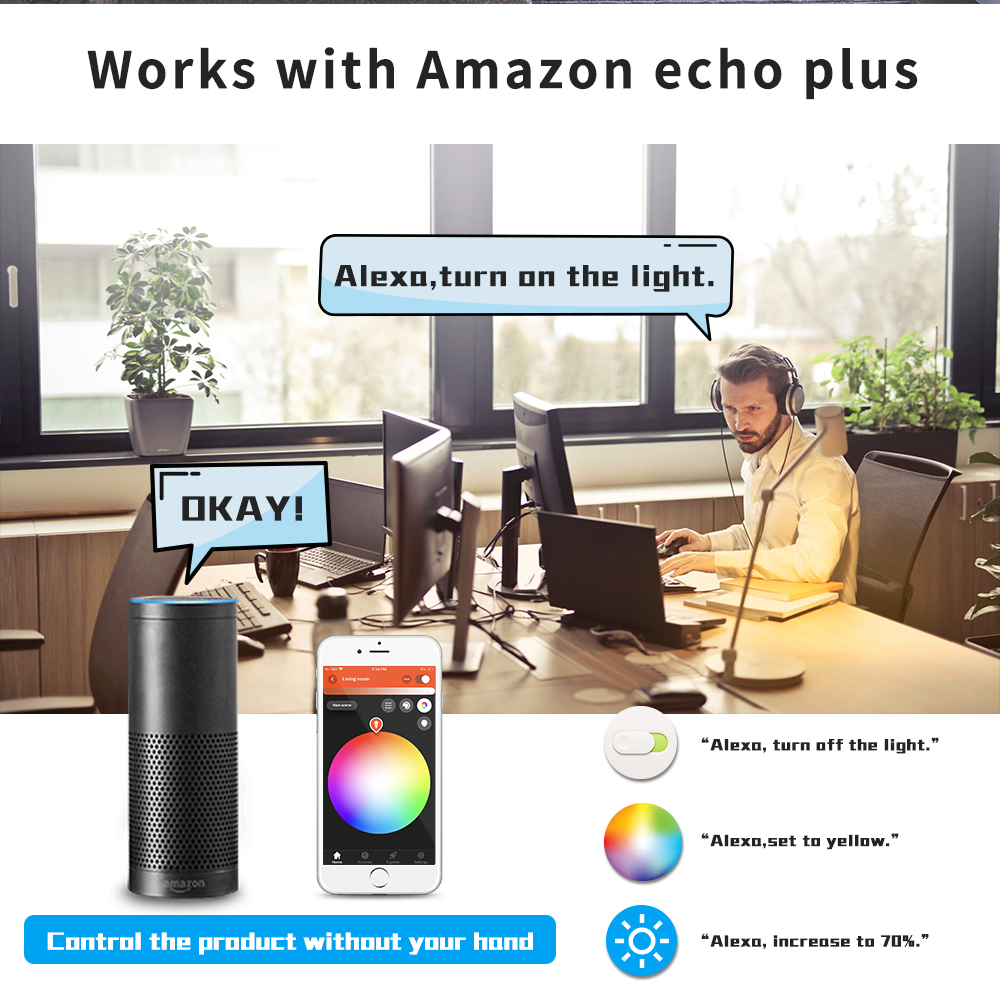
Directly Works with Alexa Echo Plus, Voice controlled your LED floodlight by speaking to Amazon Alexa, you can turn on/off, change the color, dim/brighten the LED spotlight.16000 colors changing, the color temp from 2000 to 6500K. The waterproof rating is IP65, you can use it in an outdoor place.
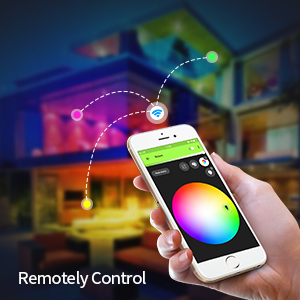
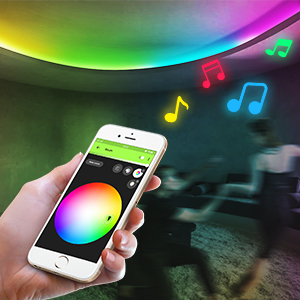
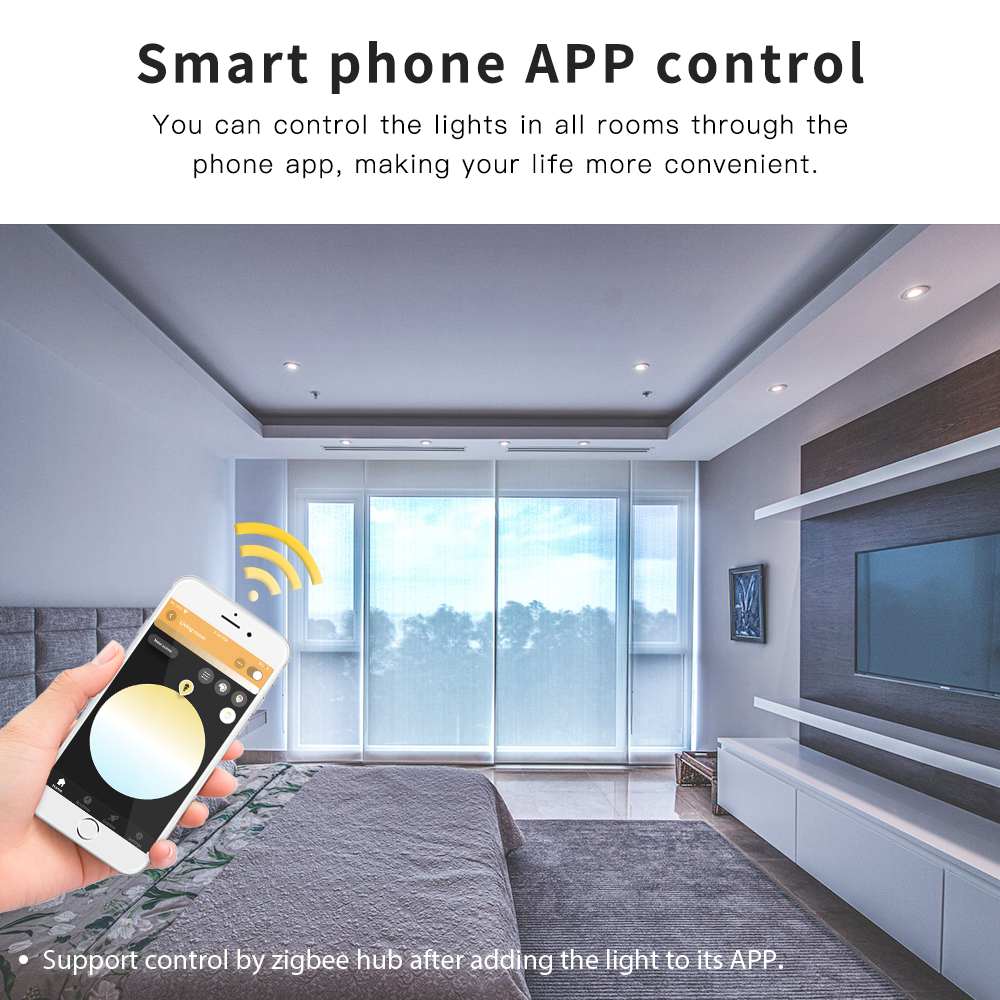
Works with Philips Hue APP: Control your LED spotlight from anywhere; You can make the lights lighting with the rhythm of the music on your Smart Phone.
When using it, please note that the Zigbee RGBCCT LED MR16 spotlight must be compatible with Standard Light Link ZigBee Hub (required), and compatible with ZigBee Light Link gateway, Amazon Echo Plus or other brand gateways, and Android iOS system. Note: Please check whether the power supply is normal before use.
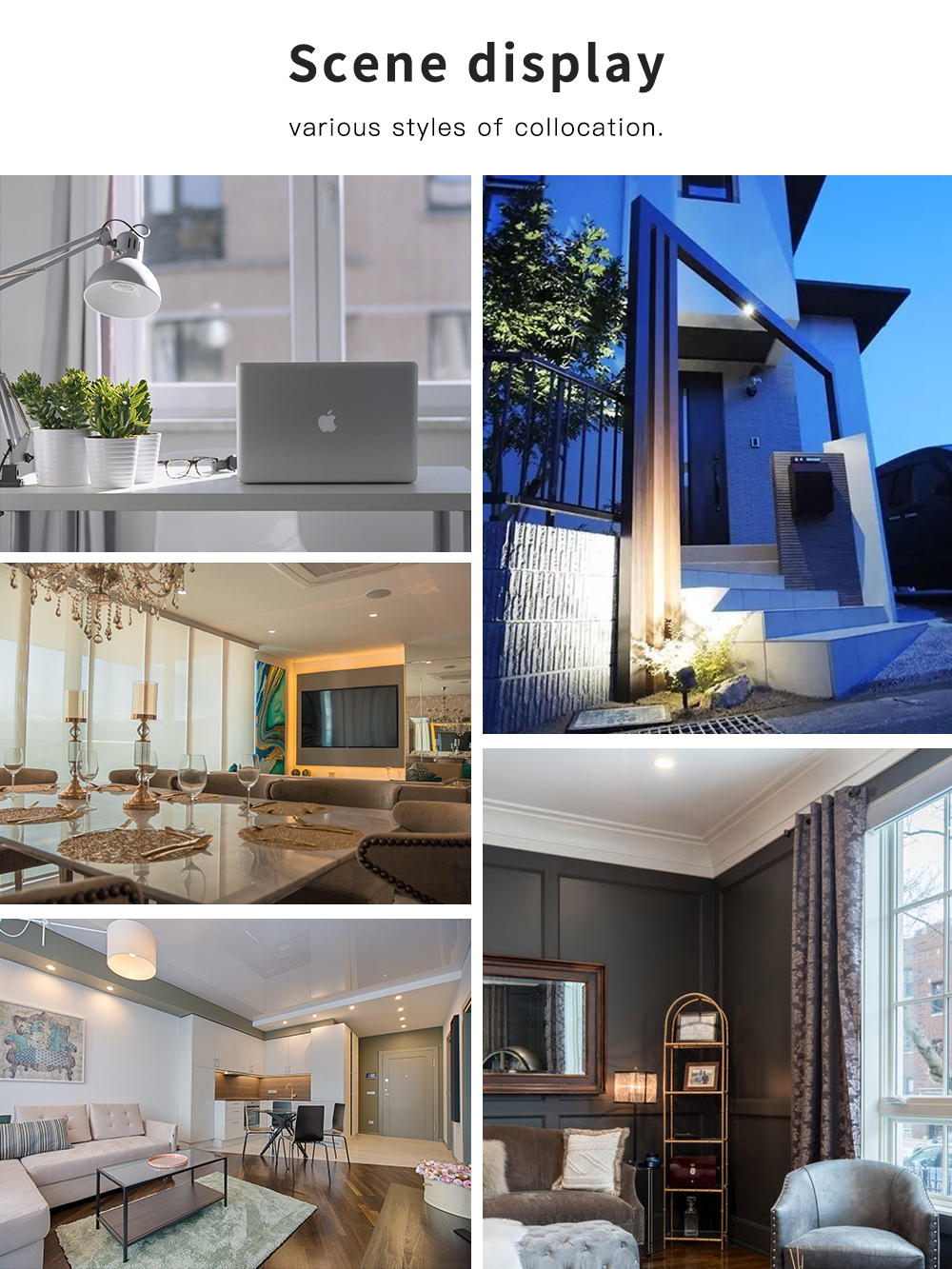
Confirm that your device supports Zigbee Light Link. The matching of LED spotlight can achieve different effects through the APP switching mode, which is suitable for outdoor, and the voltage output is safe, stable, and efficient.
RF remote control: You can use this GL-RC-009 8-Zone RGB+CCT LED light remote to control the lights.
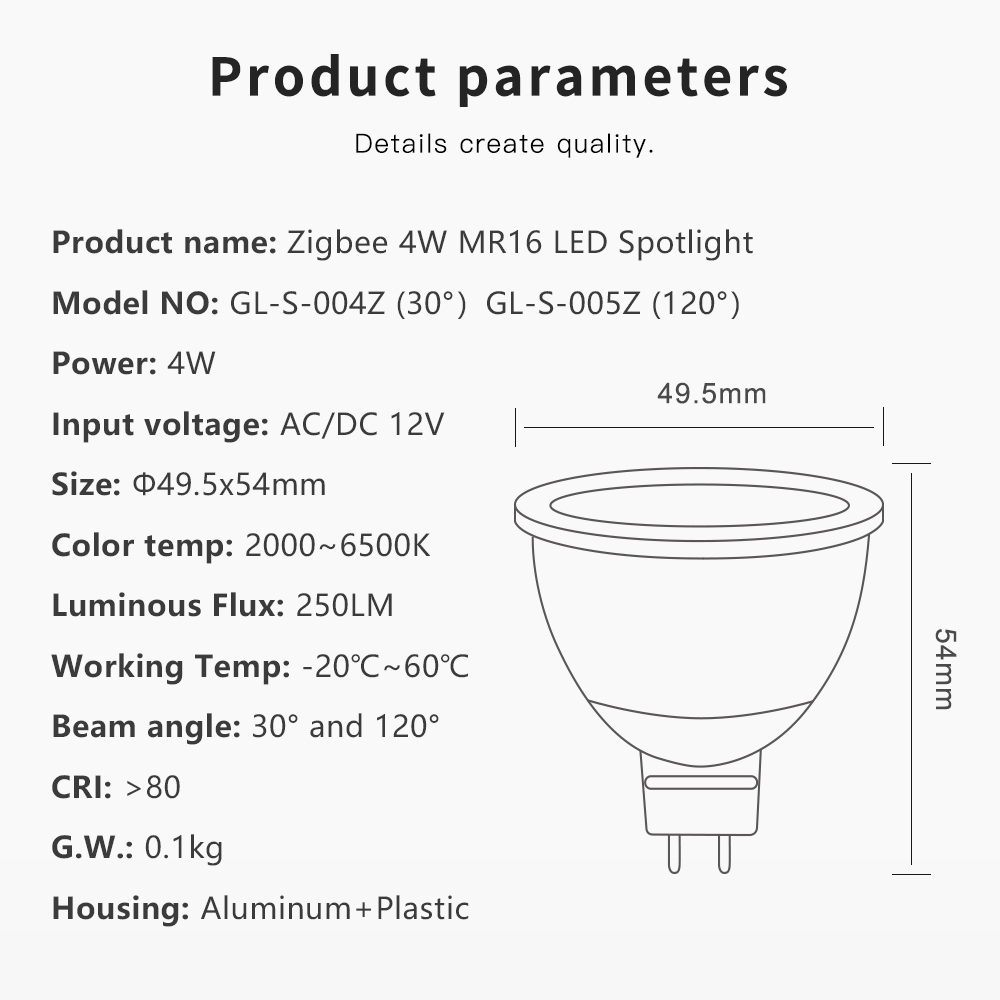
Product Specification
| Model: | GL-S-014P LED Bulb |
| Power: | 5W |
| Voltage: | AC/DC12V-24V |
| Lifespan: | 50000hrs |
| Color Temperature: | RGB+CCT(2000-6500K) |
| Luminous Flux: | 250LM-300LM |
| Luminous Efficiency: | 90LM/W |
| CRI: | >80 |
| Beam Angle: | 30 degrees |
| Max Diameter: | 49.5mm |
| Max Length: | 54mm |
Connection with Gateway:
1. Connect the LED product to the controller see section “wire connection”.
2. Start the device searching on the ZigBee Light Link Gateway, it could take some time.
If the Gateway does not find the device, plug power off/on or make a reset.
3. The Gateway found your device and you can assign it to the different rooms/zones/groups.
4. Now you can use the device.
Reset:
Switch on your device.
Now switch off and on within 2 seconds.
Repeat off/on four times.
Reset is done when the device is switched on in the fifth time and the light stays on after blinking 4 times.
For RGBW/RGBW devices you will find two SSIDs. One for white/warmwhite, the other for RGB. **The Osram Gateway supports only one SSID, with the RGBW/RGBWW device it find only RGB.
Standards and Certifications


g