| Replaced By: | GL-S-006P (Base) |
|---|---|
| Select Beam Angles: | 30 degrees (Base) |
| Availability | In Stock |
| Condition | Brand New |
Please note that GL-S-007P has been discontinued. However, if you decide to purchase it, we will provide you with GL-S-006P, which has essentially the same functionality.
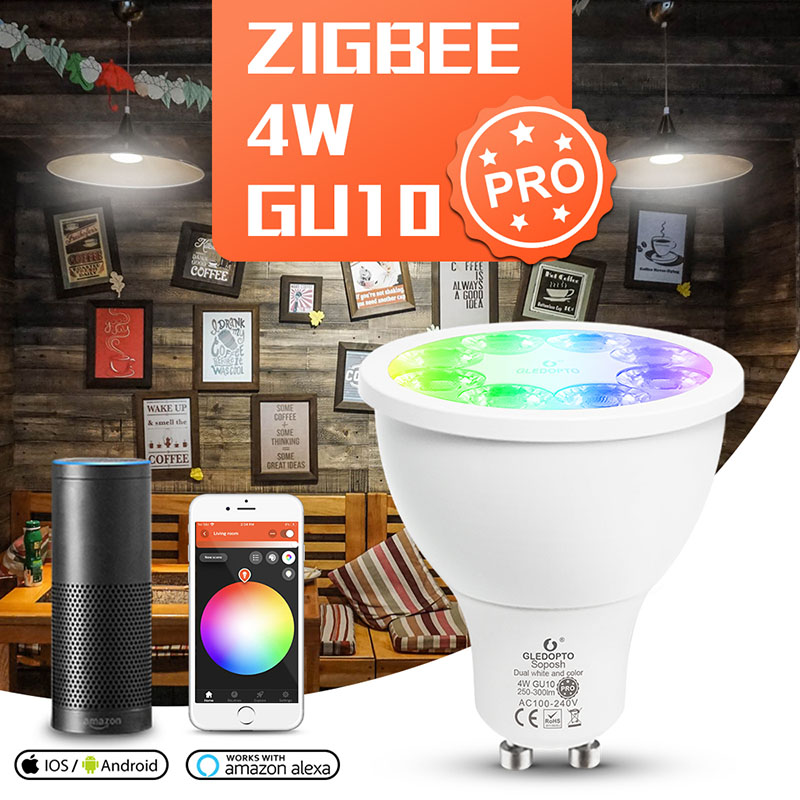
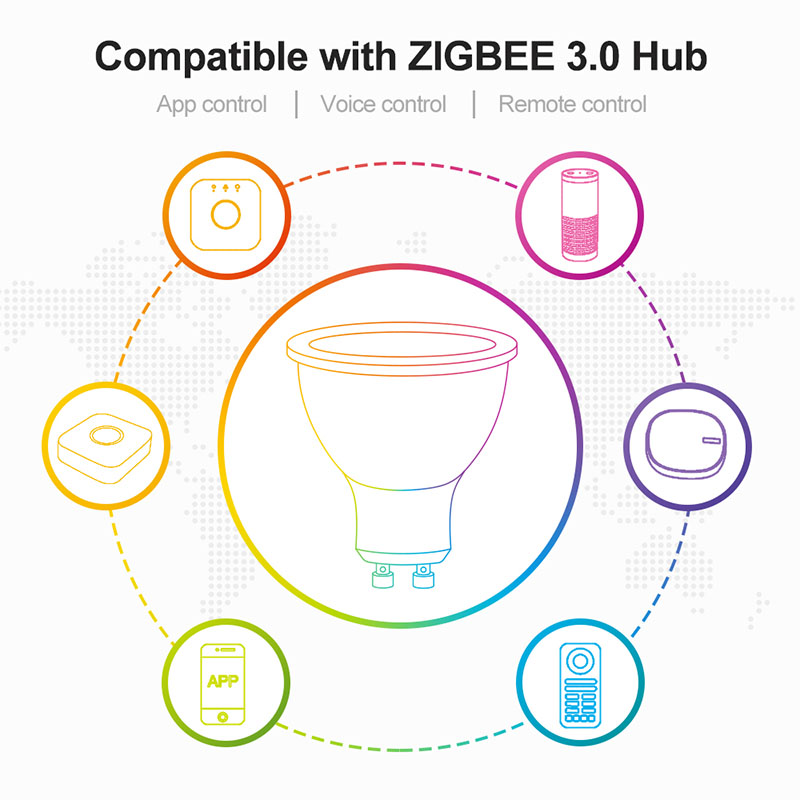
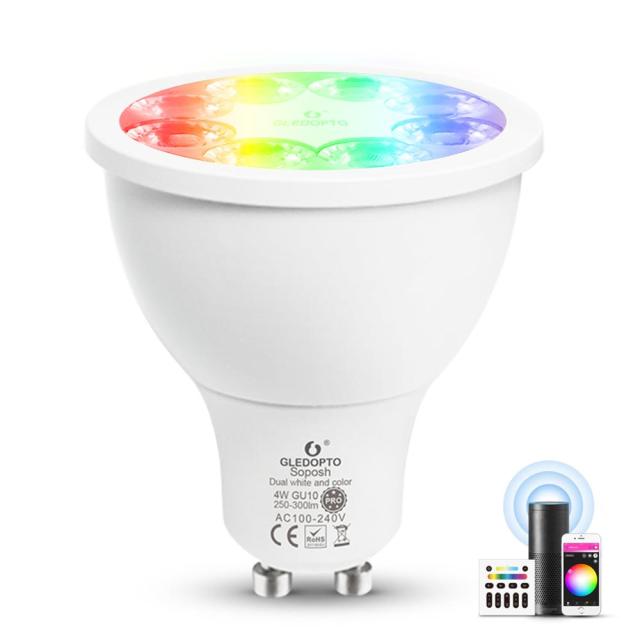
Gledopto GL-S-007P ZIGBEE 3.0 4W GU10 Spotlight Pro LED Bulb. Remote control, Voice control, App control.
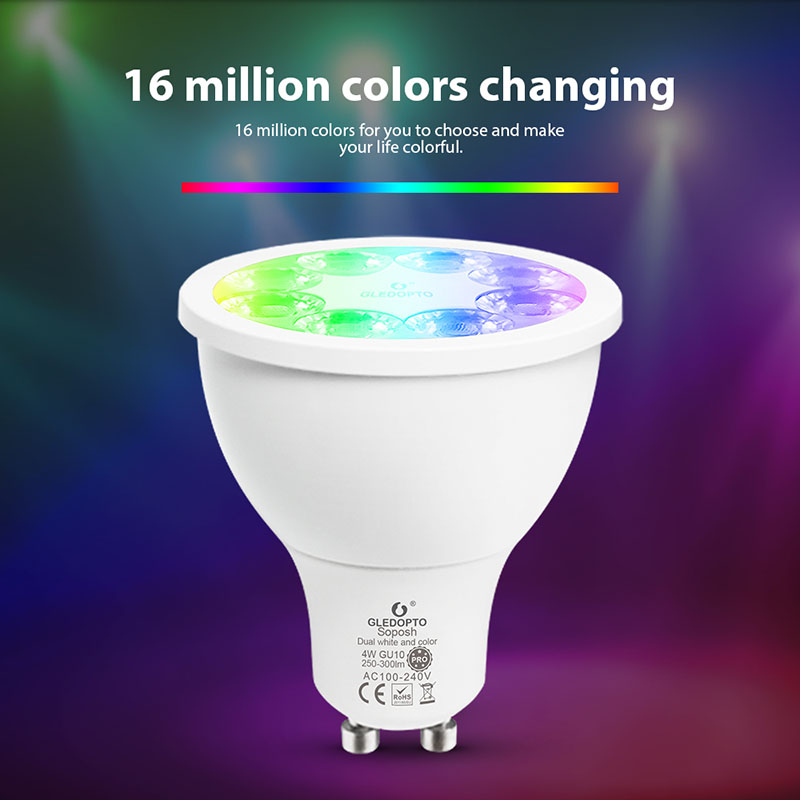
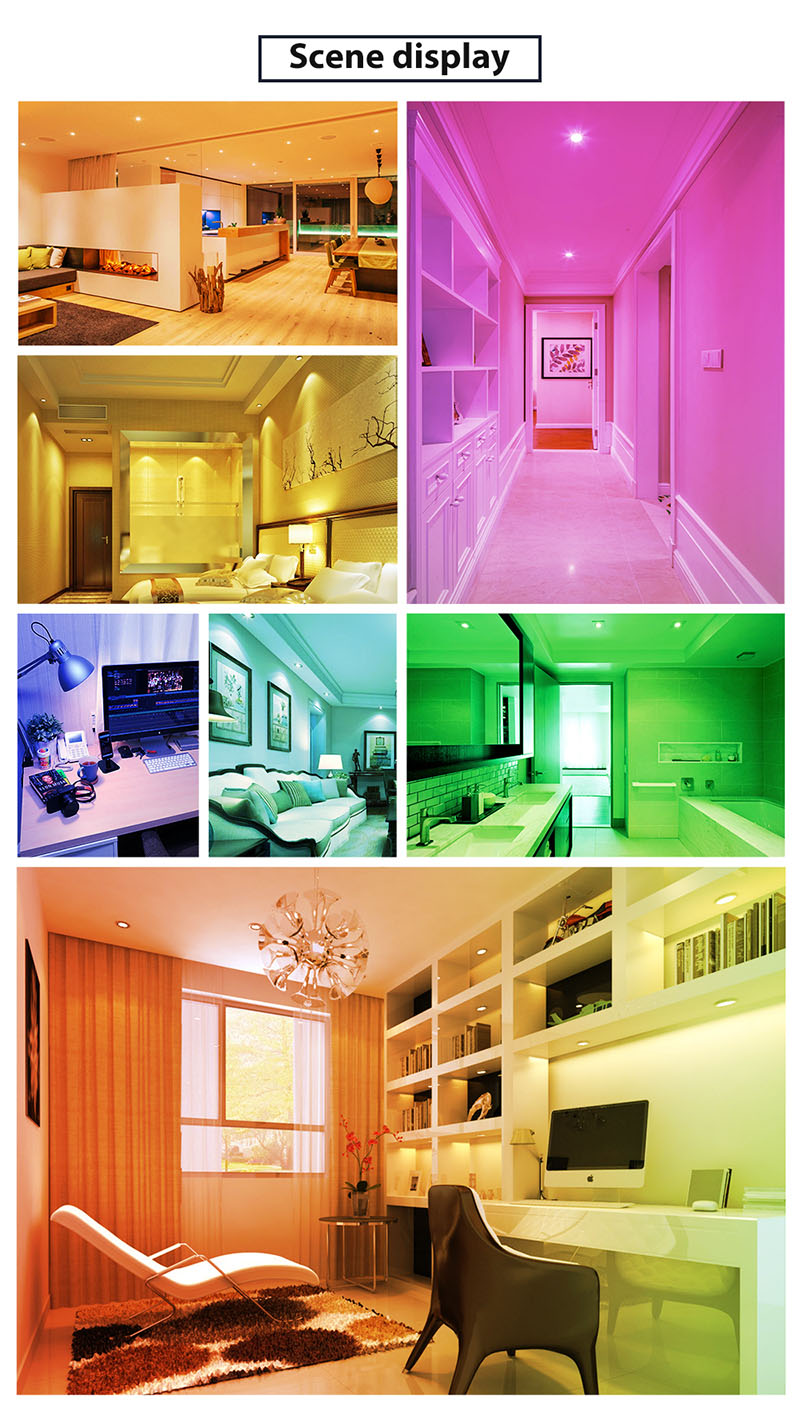
16 million colors changing
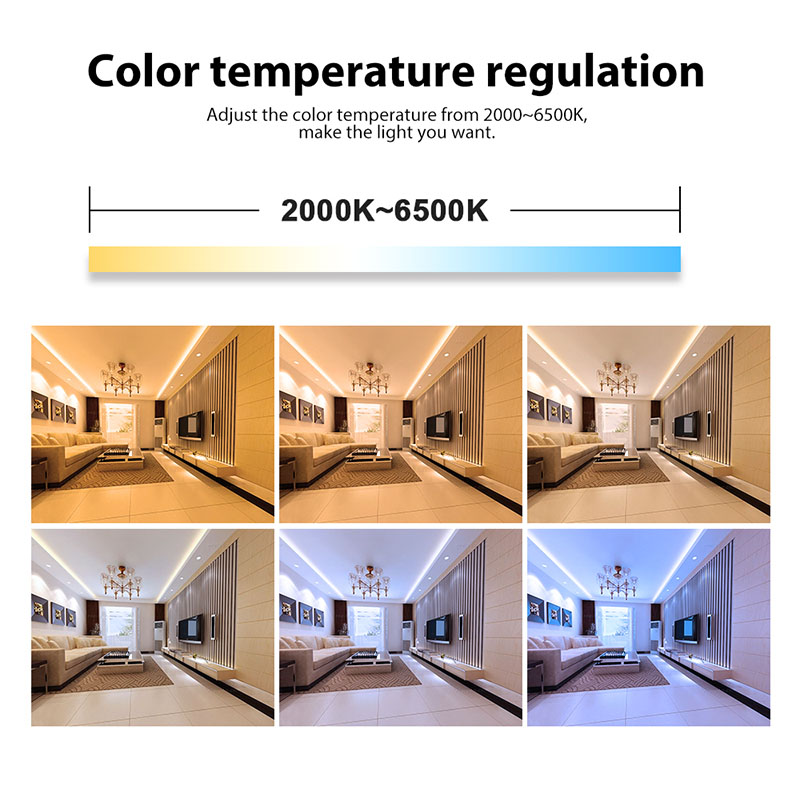
Color temperature regulation from 2000K to 6500K
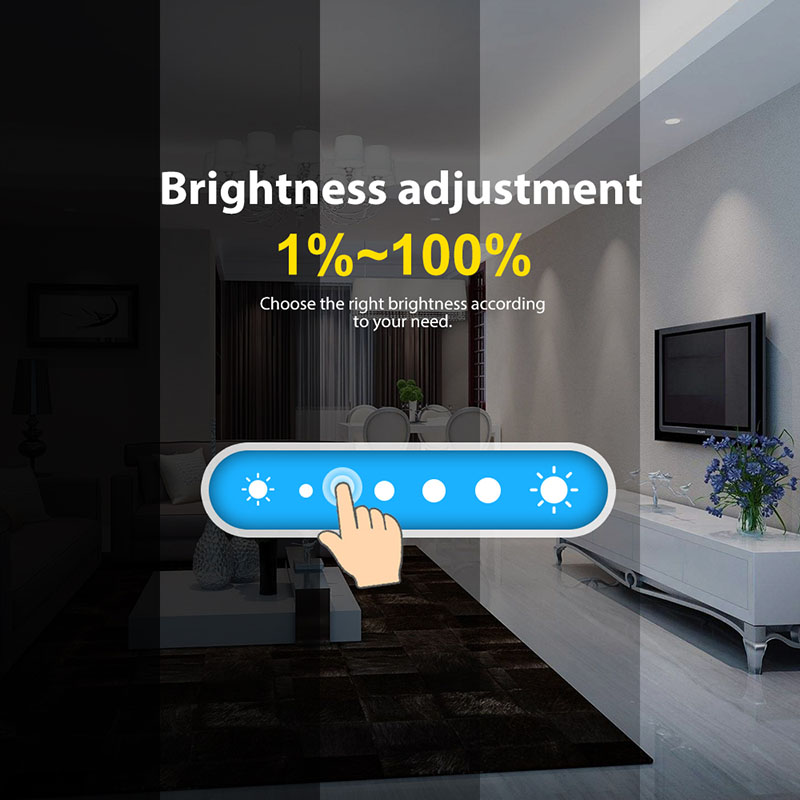
1%-100% brightness adjustment
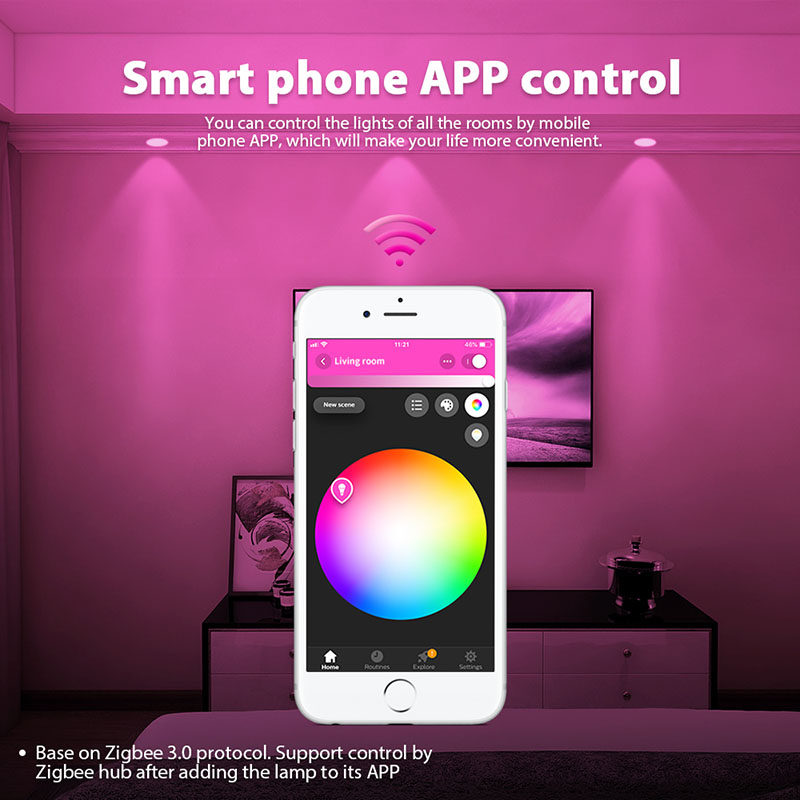
Smart Phone APP Control
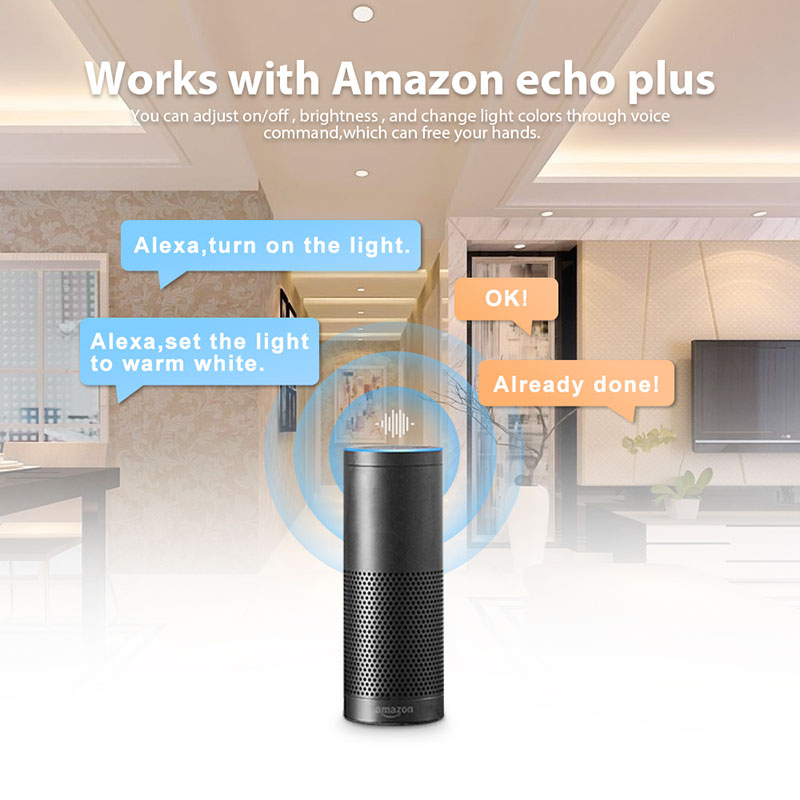
Works with Amazon echo plus: You can adjust on/off, brightness, through voice command, which can free your hands.
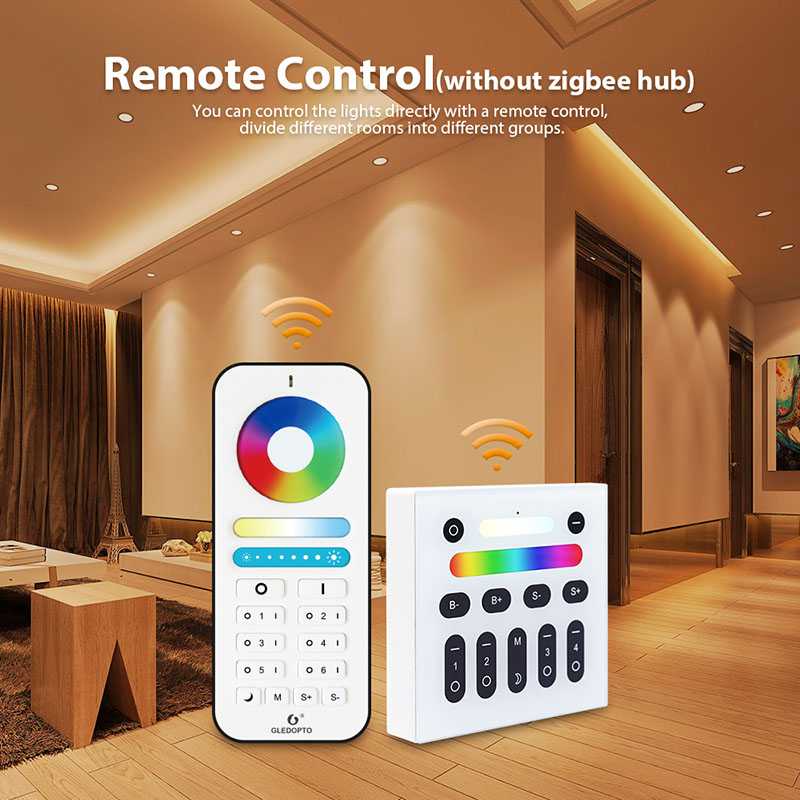
2.4G RF Remote Control (without Zigbee Hub): You can control the lights directly with a remote control, divide different rooms into different groups.
Standards and Certifications


Product Specification
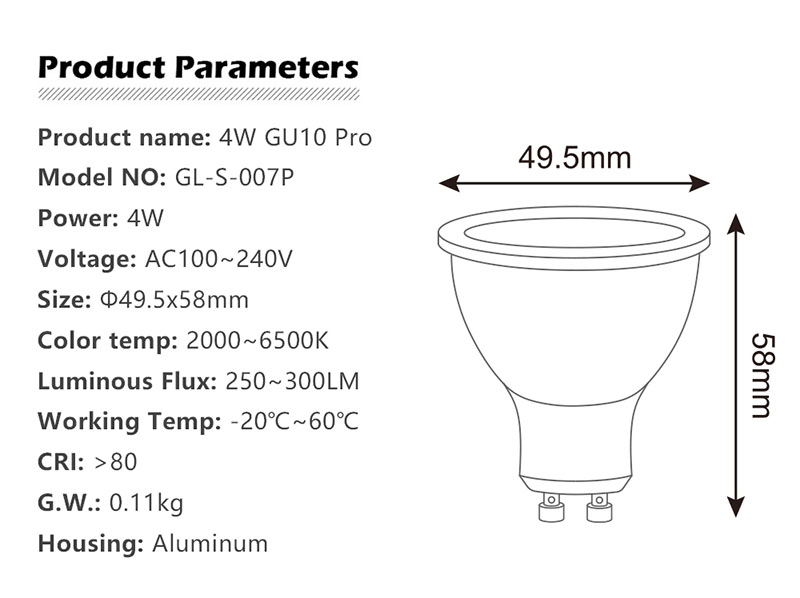
| Model: | GL-S-007P 4W GU10 Pro LED Bulb |
| Power: | 4W |
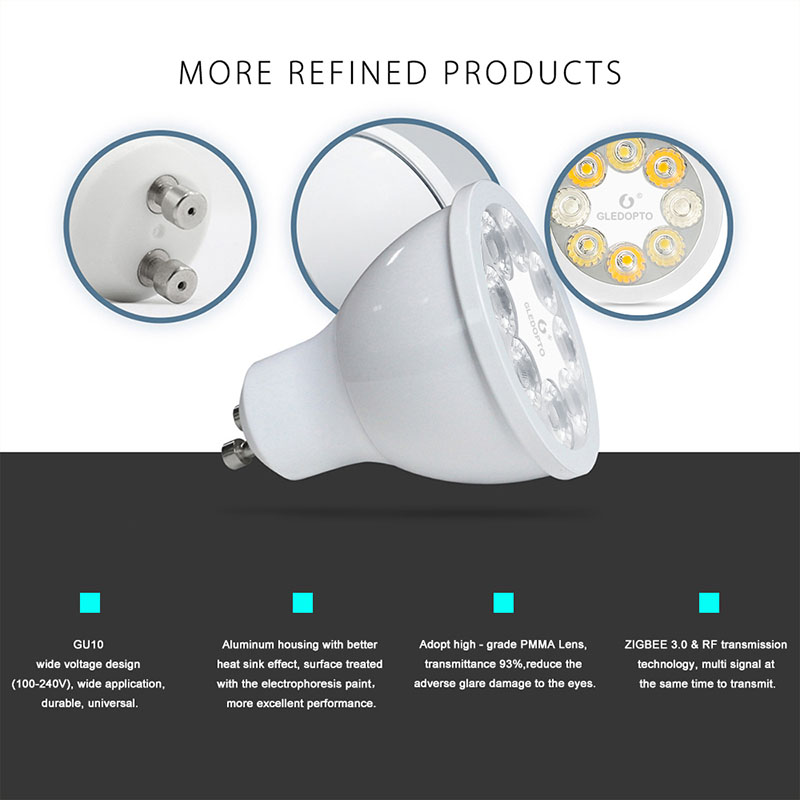
| Voltage: | 100-240V |
| Lifespan: | 50000hrs |
| Color Temperature: | RGB+CCT(2000-6500K) |
| Luminous Flux: | 250LM-300LM |
| Housing: | Aluminum |
| CRI: | >80 |
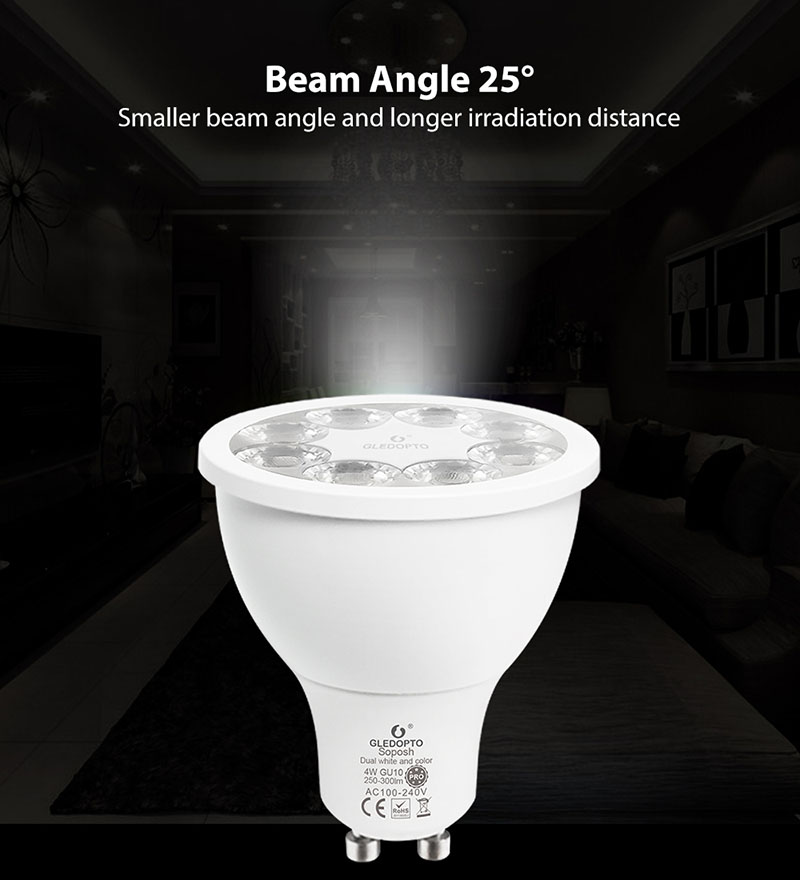
| Beam Angle: | 30/120 degrees |
| Size: | 49.5mmx58mm |
| Working Temp: | -20℃~60℃ |
How to Use:
1. Power your light sources: If you have a starter kit, screw the bulbs into your existing light fittings and turn on your wall light switches. For other Philips Hue lights, such as Philips Hue lightstrip plus, you only have to plug them in and power them. Simple.
2. Set up your bridge: Plug in your bridge and it will automatically power up. Connect it to your Wi-Fi router using the network cable provided. Wait for the three lights to come on and you are good to go.
3. Download the bridge app and connect to your bridge: Download the app in the App Store or Google Play Store. Connect to the bridge. Find your lights. And there you have it, you've got Philips Hue.
4. Play around and experience light in ways you had never imagined: Now that your system is up and running, it's time to get familiar with the possibilities of Philips Hue. Explore the functions of the Philips Hue app or download and try some third party apps and discover new ways to play with light. And when you're ready, you can expand your system to enjoy Philips Hue even more.