

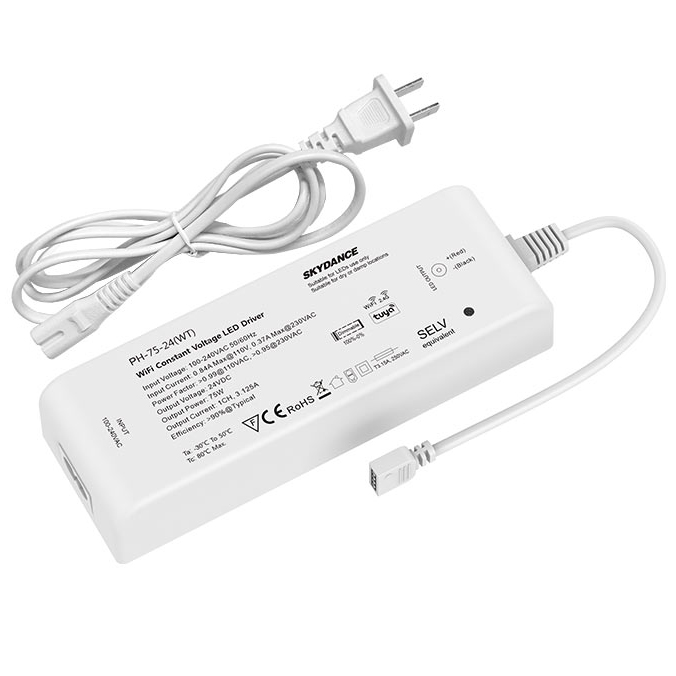
| Availability | In Stock |
|---|---|
| Condition | Brand New |
Features
● Dimmable LED driver with WiFi + RF control, apply to a single color, dual color, or RGB/RGBW LED constant voltage strips
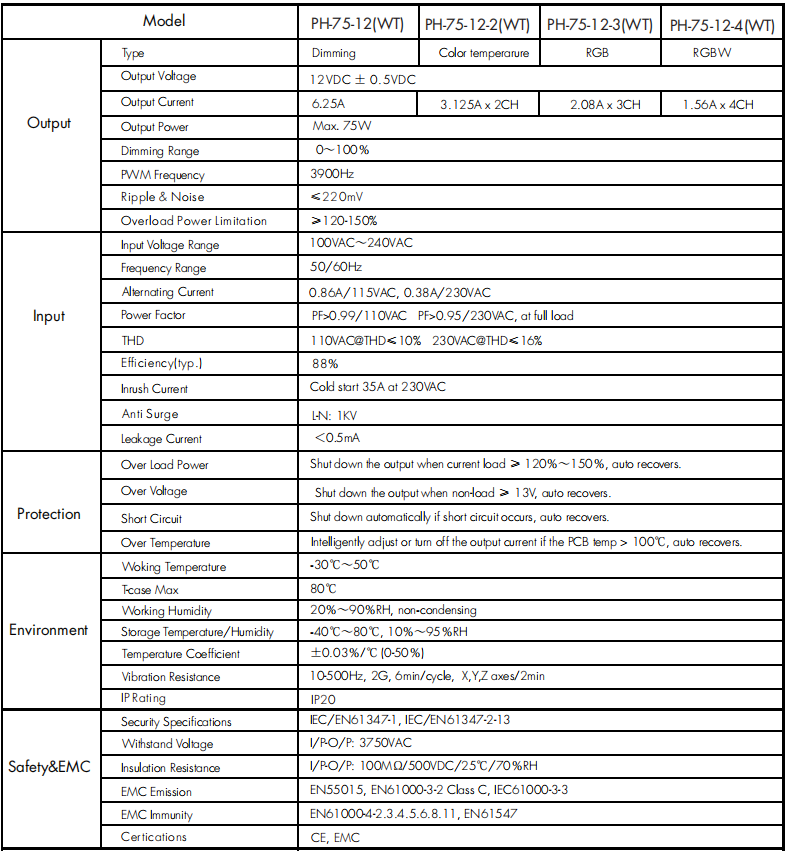
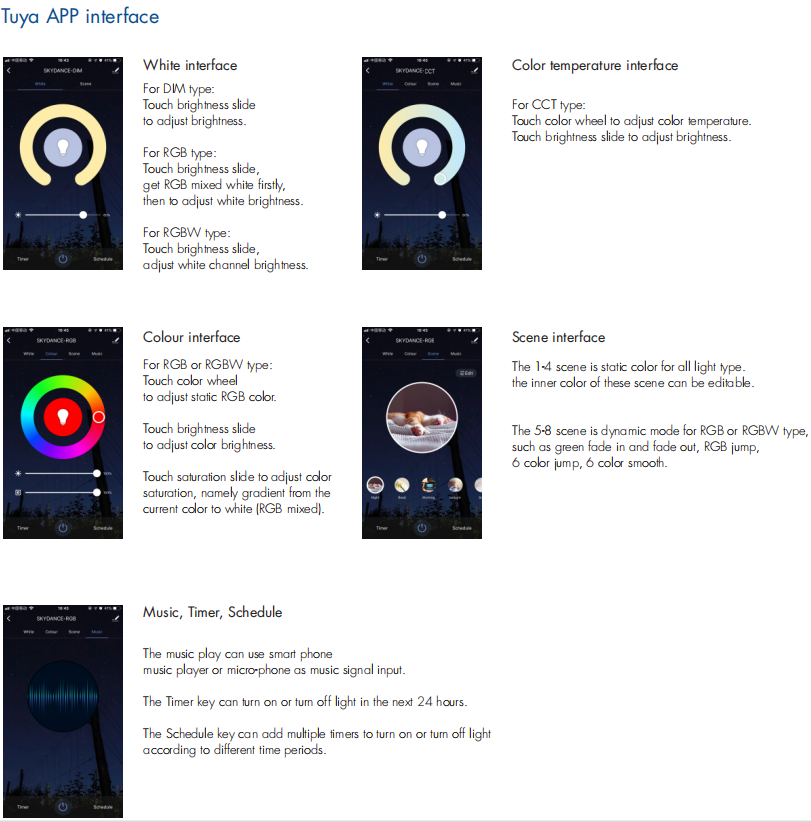
● Tuya APP cloud control, support on/off, RGB color, color temperature, and brightness adjust, delay turn on/off light, timer run, scene, and music play function.
● Voice control, support amazon ECHO and TmallGenie smart speaker.
● Match with RF 2.4G single color, dual color, and RGB/RGBW remote.
One RF LED driver accepts up to 10 remote controls
● Each WiFi dimmable LED driver can also work as a WiFi-RF converter, then use Tuya App to control one or more RF LED dimming drivers synchronously.
● Universal AC input / Full range
● 1/2/3/4 channel constant voltage output, Max. total output power 75W
● Built-in active PFC function: 0.95 Typ
● When using with RGB/RGBW light, built-in 10 dynamic modes, include jump or gradual change style
● Over-heat / Over-load / Short circuit protection, recover automatically
● Full protective plastic case
● Suitable for indoor LED lighting application
● 5 Year, 50,000hr warranty
Application
● Suitable for LED related fixture or appliance which use LED light bar and LED tape (like LED Decoration or Advertisement devices).
● Office / Commercial / Domestic Lighting, Hotels, Retail and Display.
● Use for retrofit upgrades & new luminaire designs.
Technical Parameters
Working Temperature:-30℃~50℃
Storage Temperature:-40℃~80℃, 10%~95%RH
Temperature Coefficient: ±0.03%/℃ (0-50%)
Waterproof Rating: IP20
PH-75-24(WT) 
Standards and Certifications


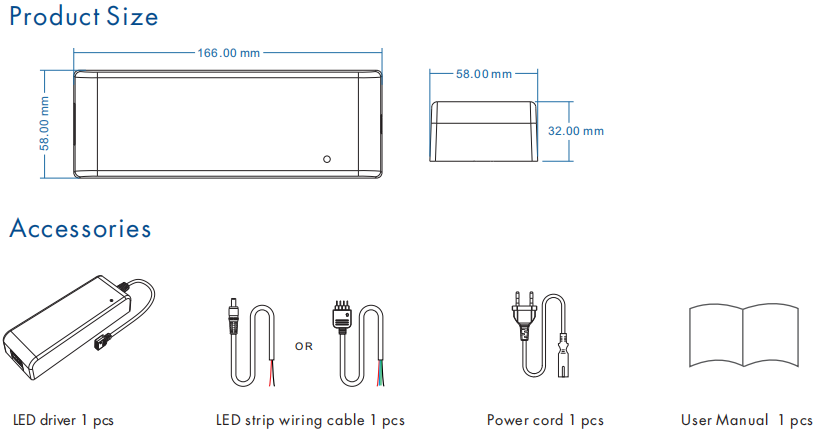


Tuya APP network connection
Switch off the power of the WiFi dimming driver(the RUN LED indicator must be off), then switch on power again, continuous five times fast operation. The light blinks 5 times, means clear previous network connection, enter Smart config mode, Then the RUN LED indicator fast flashes a few times.
If the Tuya APP network connection succeeds, the RUN LED indicator will stop flash, and in Tuya APP, you can find SKYDANCE-RGBW device (or other DIM, CCT, or RGB).
The WiFi Dimming Driver Match Remote Control(Optional)
Use power restart to match the LED driver and RF remote, The LED driver of different light types matches the RF remote of the corresponding light type.
Match:
Switch off the power, then switch on power again,
immediately short press on/off key (single-zone remote) or zone key (multiple zones remote) 3 times on the remote. The light blinks 3 times means the match is successful.
Delete:
Switch off the power, then switch on power again, immediately short press on/off key (single-zone remote) or zone key (multiple zones remote) 5 times on the remote. The light blinks 5 times means all matched remotes were deleted.
