| Availability | In Stock |
|---|---|
| Condition | Brand New |
Product Description
DC5-24V low voltage input, safe, stable and efficient, to prevent power reverse connection; built-in trigger function, support custom trigger effect parameters, with power-off save setting parameters, can be directly connected to the LED power adapter and LED strip light, plug and play.
Max 4 output channels, output 4096 pixels, for DC5V individually addressable, support 4096 LEDs; for DC12V, 3LEDs cuttable, support 4096*3 LEDs; for DC24V, 6LEDs cuttable, support 4096*6 LEDs.
WIFI Art-Net Digital LED controller, compatible with S2811, WS2812B, WS2813, WS2815, WS2818, GS8206, UCS1903 addressable LED strip light.
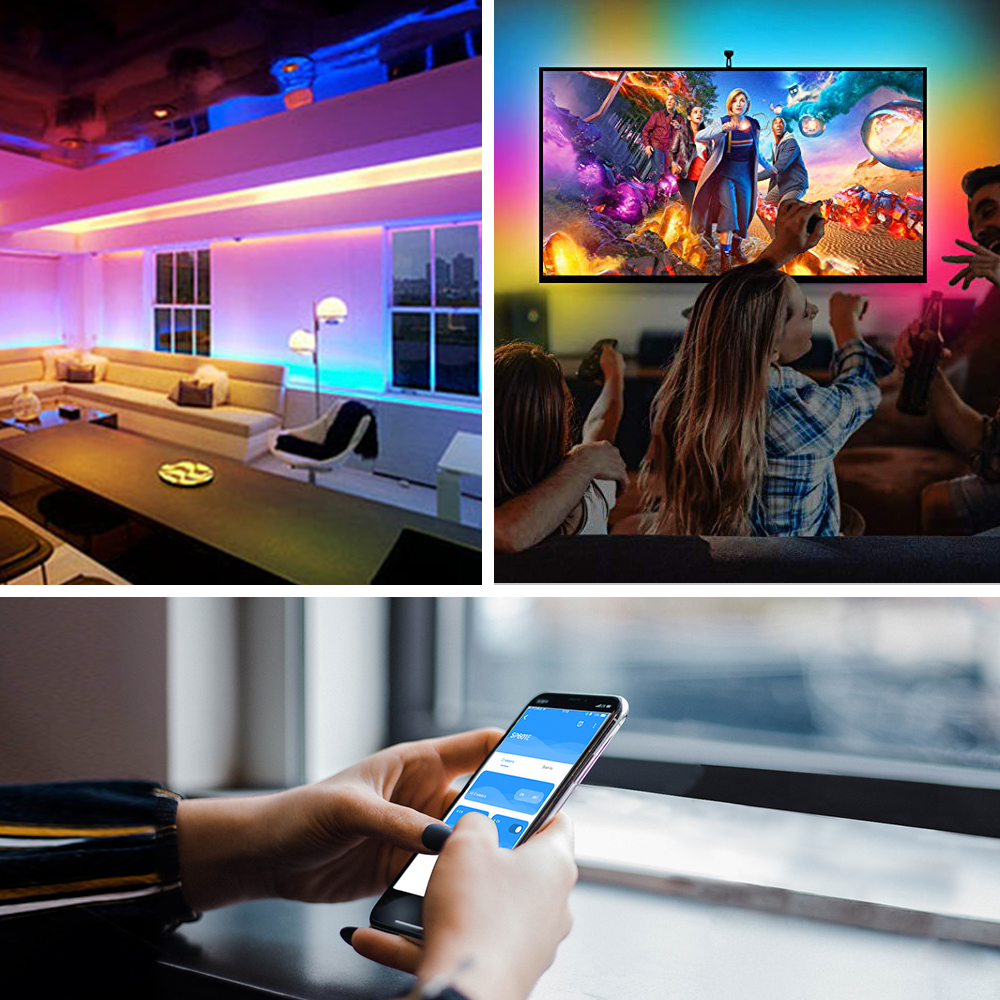
Built-in multiple control functions, multi-parameter adjustable, working with addressable LED strip light produces 16 million lighting color and 256 grey levels adjustment, suitable for bar/KTV atmosphere lighting.
Product Features
1. APP controlled via WiFi, compatible with multiple Art-Net computer software;
2. BluFi configuration using dual mode chip(WIFI&BT);
3. Support AP mode and STA mode;
4. Two layout setting method: regular rectangle layout setting and importing DXF files;
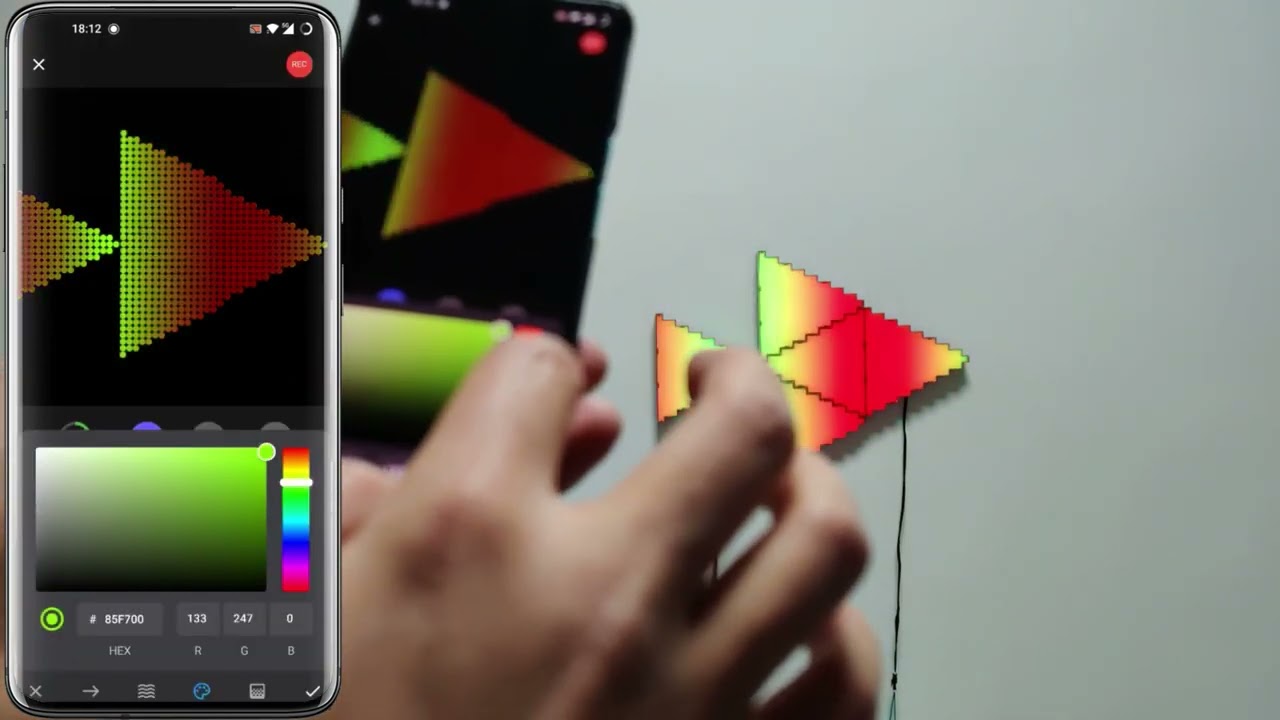
5. Support two layers overlay, built-in multiple types of effect layers: text layer, music effect layer...;
6. The effect layers support a variety of custom parameters: direction, width, color, length, shape...;
7. Real-time preview, support recording the current scene to the controller storage;
8. Support change device name,reorder the RGB order, and OTA update.
Product Specification
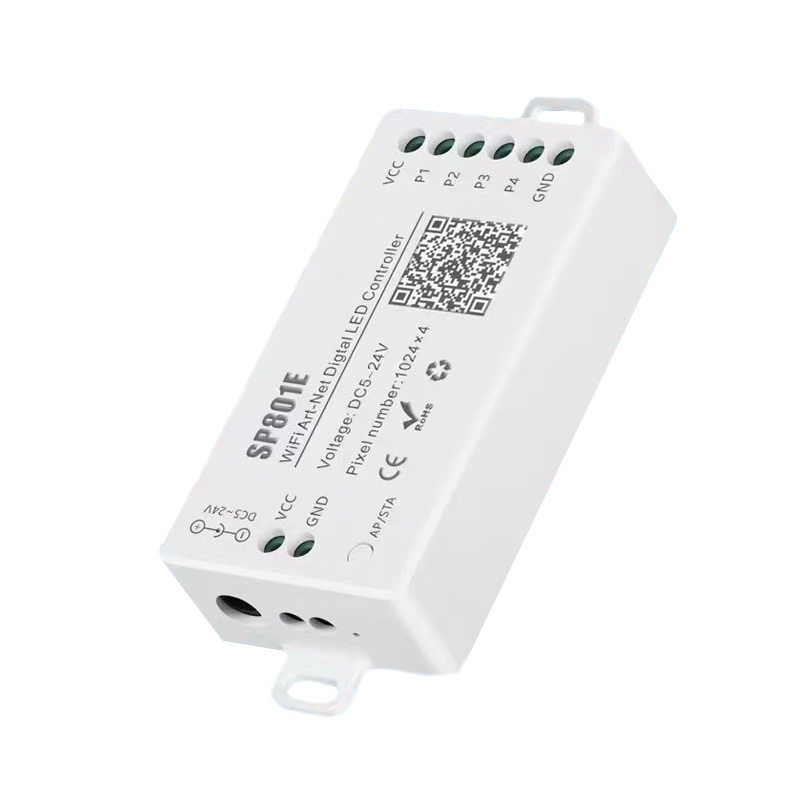
Product: SP801E controller.
Input Voltage: DC5-24V.
Solutions Service: Lighting and circuitry design.
Type: smartphone APP Control.
Controllable IC Chips: 1024*4 pixels
Output Port: 4 channels.
Support IC: WS2812B/WS2811/SK6812/WS2813/WS2815/TM1812/UCS1903
Output Signal: SPI (TTL) Digital Signal.
Dimension: 80mm*41mm*20mm;
LED driver IC: Normal one-wire RZ code LED driver IC.
Support: IOS 10.0/Android 4.4.
Working Current: 25mA~130mA;
Flash Capacity: 128M;
Working Temperature: -20℃~60℃.
APP Control Distance: 15meters(49.2feet)
APP Name: BanlanX
Speed Control: adjustable
Lighting Color: 16 million luminous colors
Memory: Automatic memory function
Software Download: https://www.superlightingled.com/PDF/Madmapper 5.1 Install.zip
https://www.superlightingled.com/PDF/madrix-5.0.zip
https://www.superlightingled.com/PDF/MadrixWygInstall.exe
https://www.superlightingled.com/PDF/2021-LedEdit_setup.rar
https://www.superlightingled.com/PDF/ArtnetSettingTools.exe
Madrix Offline Program Recording Software Download
https://www.superlightingled.com/PDF/CaptureArtnetTools%20V1.49.1-EN.rar
App control:
Both IOS version and Android OS version are available.
Requires IOS version 10.0 or later, requires Android OS version 4.4 or later;
Search “BanlanX” on the App Store or Google Play or scan this QR code to download and install the App
Functions:
|
Button |
Click on the button: Switch AP/STA mode; Press and hold the button: Enter the BluFi network configuration mode |
|
LED Indicator |
Blue static: AP(Access Point) mode; Green static: STA(Station) mode; Green flashing: BluFi configuration mode; |
|
Working Modes |
AP(Access Point) mode:Controller and Phone connect directly, controller works as an access point. Go to your phone Settings page, connect the controller(SSID like SP801E_XXX, the default password is 12345678); Open the BanlanX App,Click “+” button to configure the new SP801E controller, then the controller will be showed on the device list
STA(Station) mode:Controller and phone are in one same WiFi network, in this network, users can operate the controller. There are two ways to configure the controller into the local WiFi network: Connect your phone or tablet to a 2.4G Wi-Fi network.(Doesn't support 5.0G Wi-Fi network) Open the App and click“+” button to scan devices, click Add manually and select SP801E controller in the device category; Input your Wi-Fi network password; BluFi config and AP config: •BluFi config: Press and hold device’s “STA/AP” button until the green led indicator flashes,then the device enters the network configuration state, click next and selcet the device you want to add; •AP config:Switching the device to the AP mode, click next and connect your phone’s WIFI to the named like SP801E_XXX hotspot, password is 12345678,and return to the APP; Pressing next step to wait for the configure processing finish; After the configuration finished, the LED indicator will turn into solid green, the controller will be showed on the device list. |
Note: 1.Users can get more help and detailed information about SP801E on the Help&FAQ page.
2.Please keep your phone, the Wi-Fi router and the controller closer together to maintain a better signal connection during configuration.
Package included:
1* SP801E LED strip light controller (power and strip light not include)
Wiring Diagram: How to Wire Addressable LED Strip Lights?

Applications
1.Interior Decoration: Club, bar, corridor, room, hotel, led aquarium lighting, museum, christmas, holiday, Retail LED lighting etc.
2.Exterior Decoration: Plaza, commercial buildings, parks, scenic spot, evening location, Sign illumination LEDs etc