| Select Output Interface: | 1 (Base), 2 |
|---|---|
| Availability | In Stock |
| Condition | Brand New |
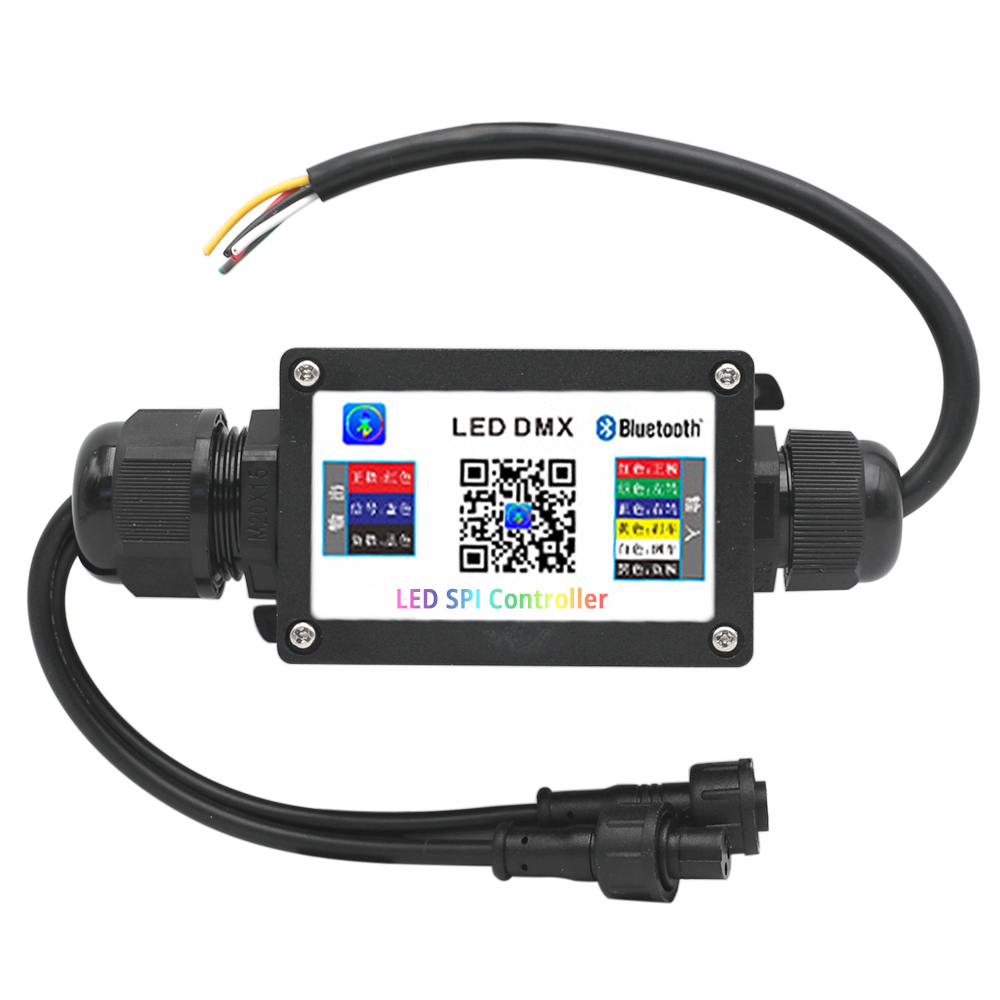
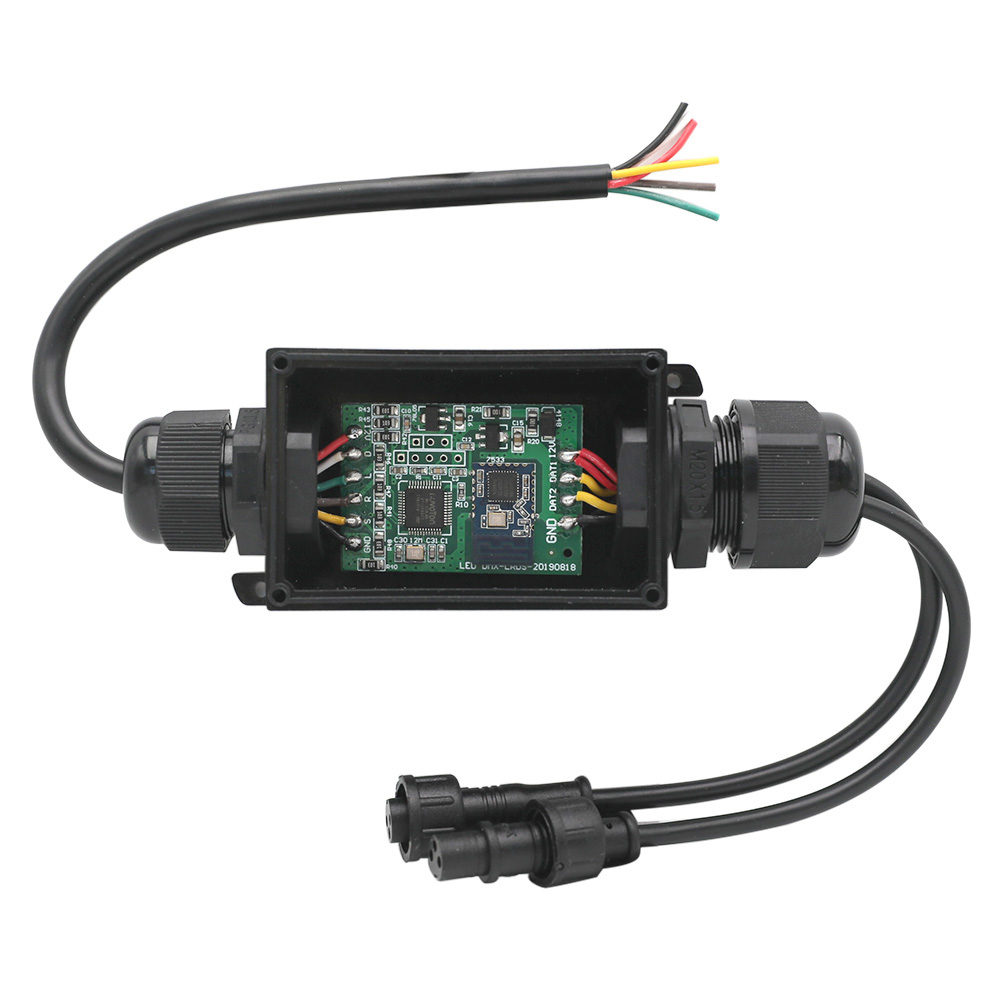
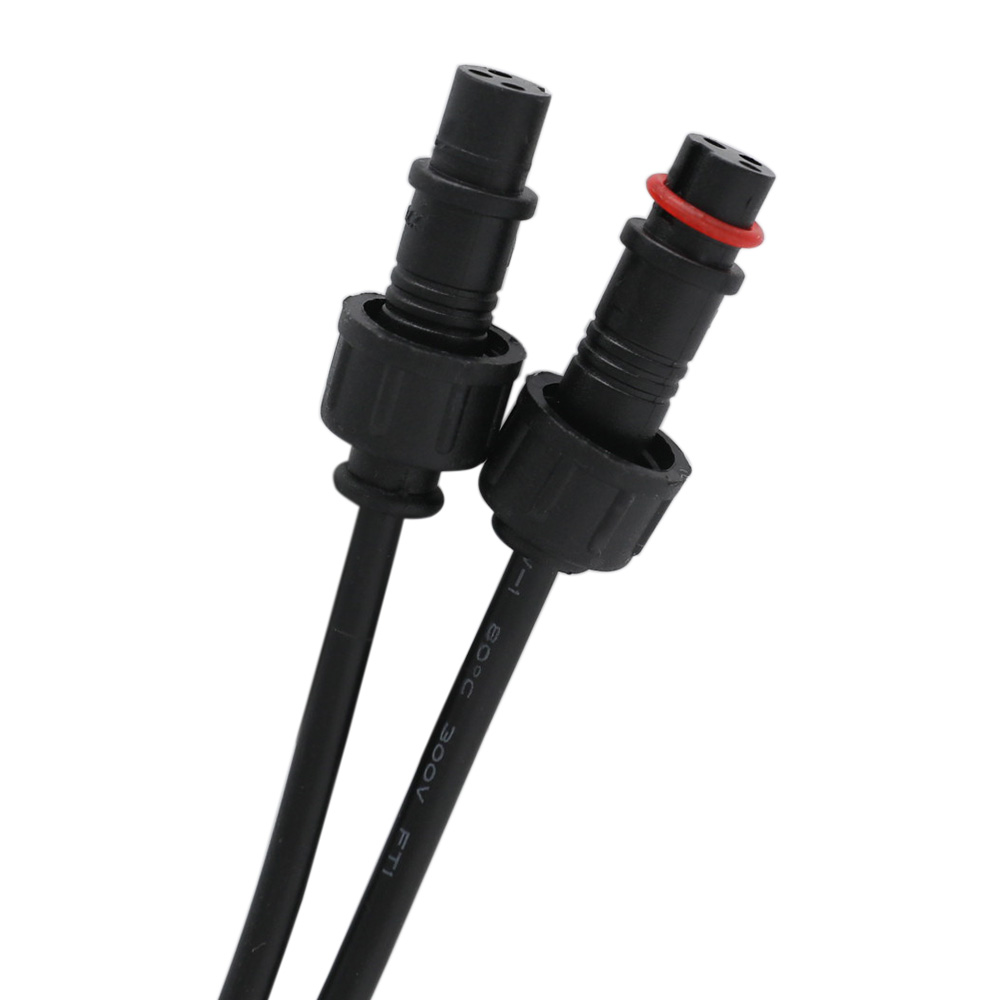
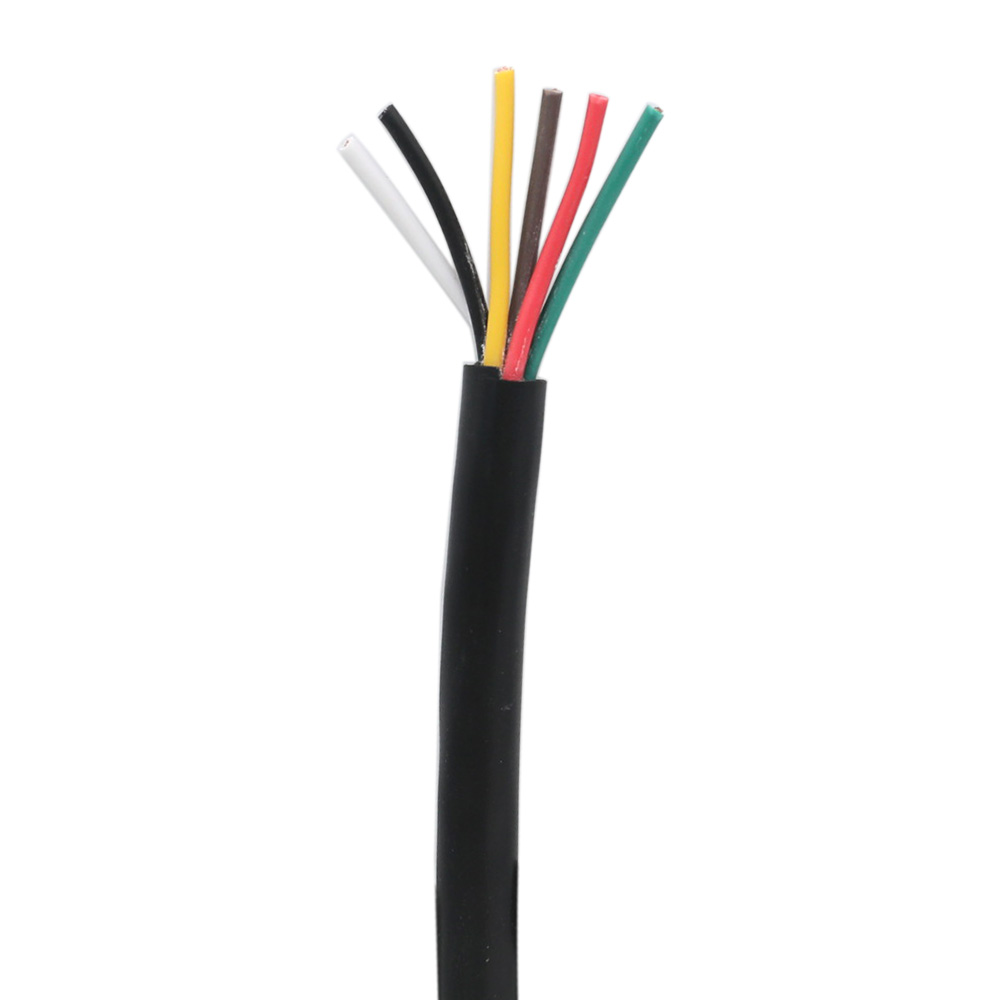
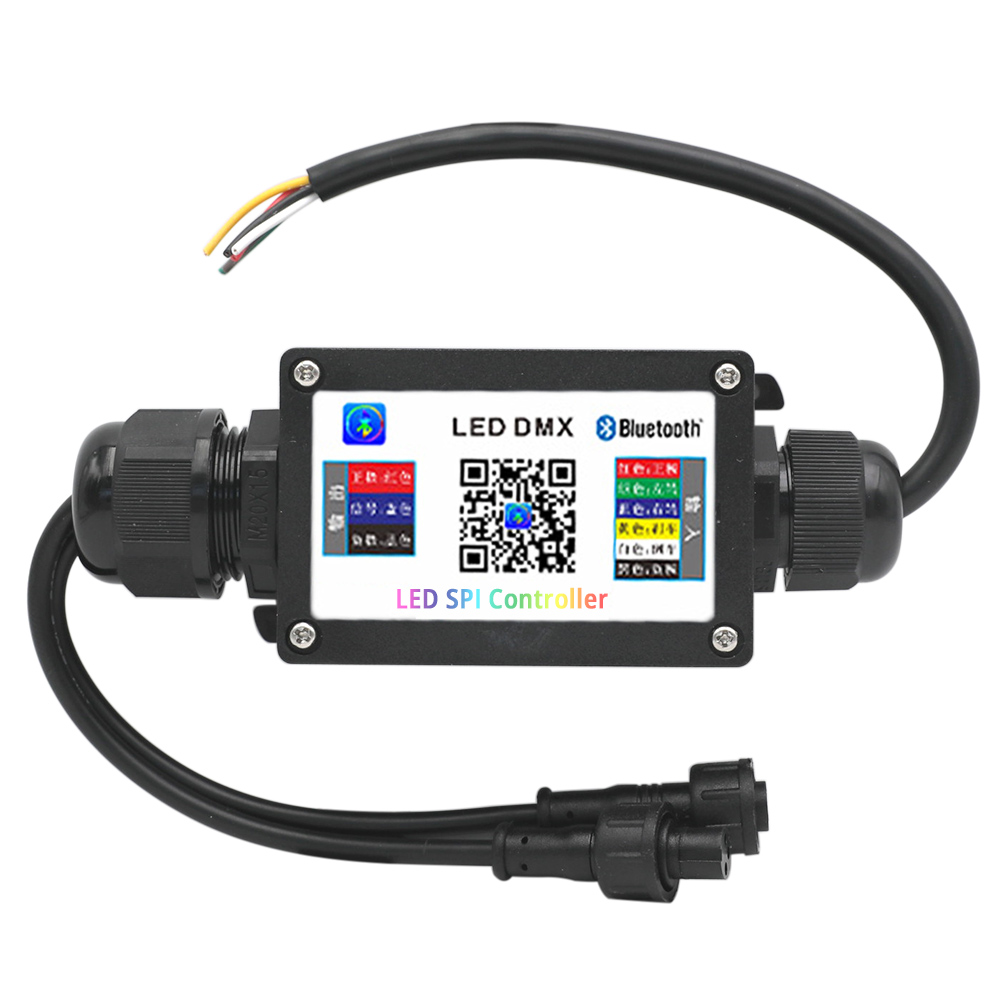
The car tail light Bluetooth controller can be controlled by a mobile phone connected to Bluetooth, the input end 6 wires are connected to the car battery and the operation center. The Bluetooth controller supports DC12V WS2811 addressable led strips, and the input end has a 0.2m 6-pin RVV black waterproof cable. The controller is equipped with a waterproof box.
| Input | Output | ||
| Red | Positive electrode | Red | Positive electrode |
| Black | Negative electrode | Yellow | Signal |
| Green | Turn left | Black | Negative electrode |
| Brown | Turn right | ||
| Yellow | Brake | ||
| White | Reversing | ||
Product Features:
1. Long life, high luminous efficiency, strong heat dissipation, low luminous decay, no flicker, easy to install.
2. Intelligent decoder, strong stability, can decode any car model, suitable for car models on the market.
3. Strong waterproof performance, good tightness, highly waterproof design, waterproof and sunscreen.
4. Fine workmanship, seismic, compression and heat resistance.
5. The internal structure is finely welded to make the circuit board play a better performance.
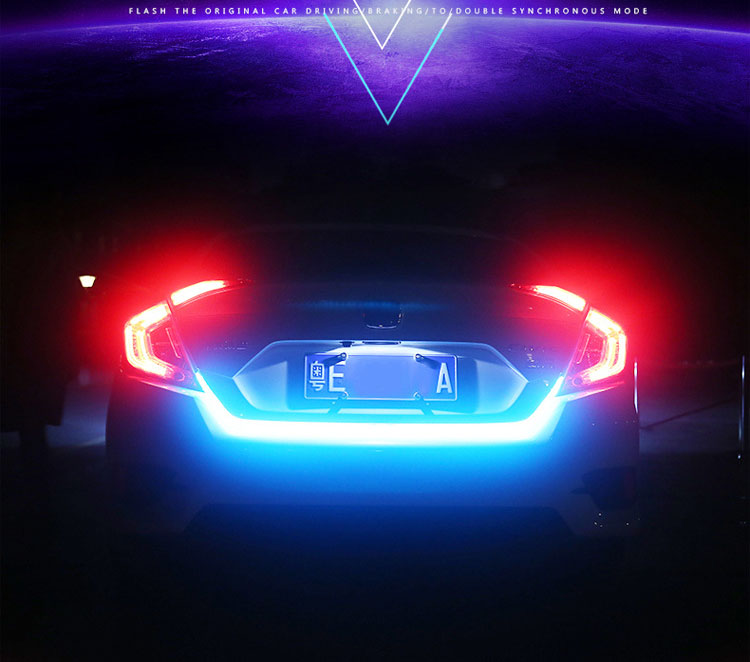
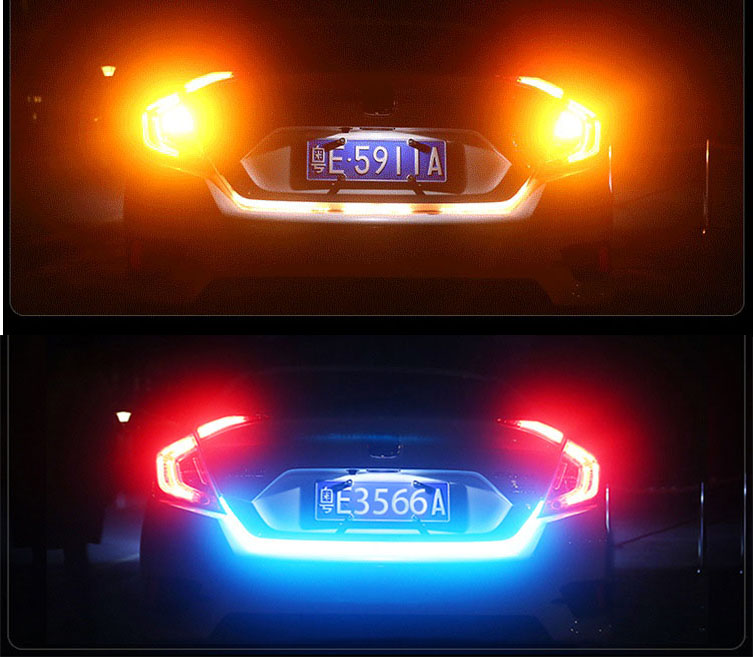
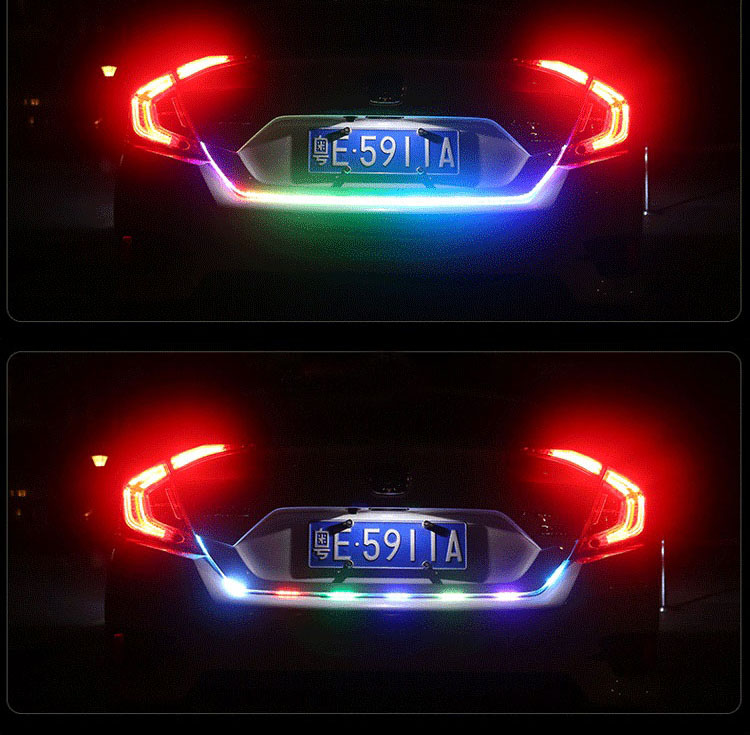
6. Driving brake steering double flash original car synchronization mode:
• Driving mode: Mobile phone + Remote control 210 modes + Custom control at will
• Brake mode: Red light is always on
• Turn left: Yellow light flows from right to left
• Turn right: Yellow light flows from left to right
• Reversing mode: Red, green and blue flashes
• Double flash mode: Colorful pull screen
Specification
Voltage: DC12V
Can be control: DC12V Addressable LED Strip Lights
Support IC: WS2811
Output Channel: 1 / 2 (Optional)
APP Control Distance: 15meters/49.2ft
Control Mode: APP(iOS or Android)
Working Temperature: -20~60℃
Waterproof Level: IP68
APP Control
1. Scan the QR code on the Bluetooth controller with your mobile phone to download and install the APP.
2. After downloading the APP, connect the phone to the Bluetooth LED lights.
First turn on the bluetooth of the mobile phone and connect the power supply to the LED strip. Open the APP again, and the APP will automatically connect to the Bluetooth lamps. Do not manually connect to Bluetooth at the phone settings. Some mobile phones can search for Bluetooth devices, and some cannot search for Bluetooth devices. If the search fails, the mobile phone system does not support it, and it does not mean that the APP cannot be used.
3. Open the APP, the device cannot be connected, please check the following conditions:
1) Whether the LED lights are powered.
2) Whether Bluetooth is turned on.
3) Whether there are other mobile phones connected, if they are connected, please disconnect, Bluetooth 4.0 only supports one-to-many, not many-to-many control.
4) If you still can't connect under normal operation, please exit the APP and restart it or restart the phone, power on the lamp again, reopen the APP and connect again.