

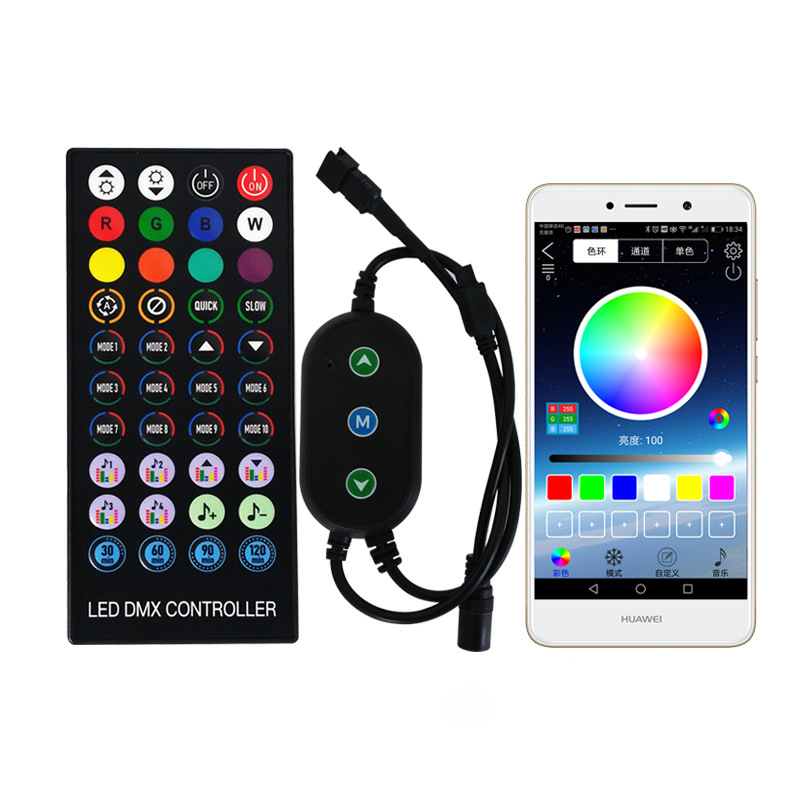
| Select Control Type: | IR Control (Black 40-Key Remote) (Base), RF Control (White 17-Key Remote) (Base) |
|---|---|
| Availability | In Stock |
| Condition | Brand New |
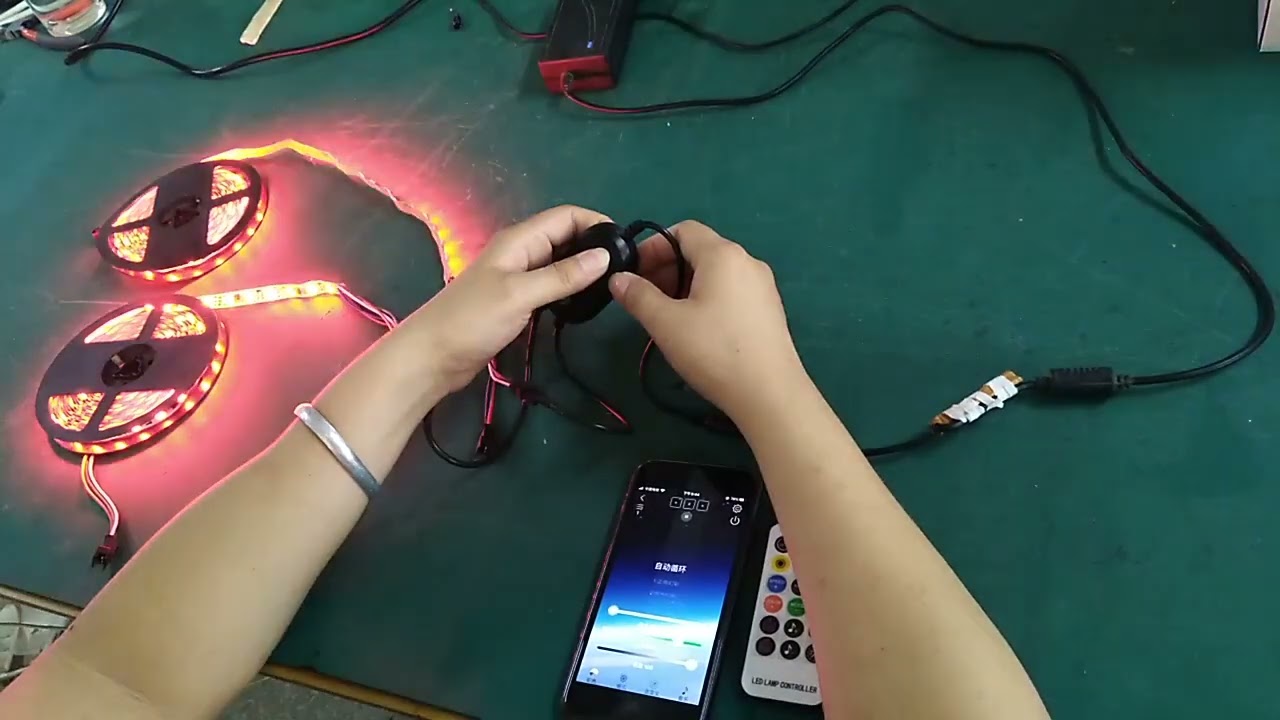
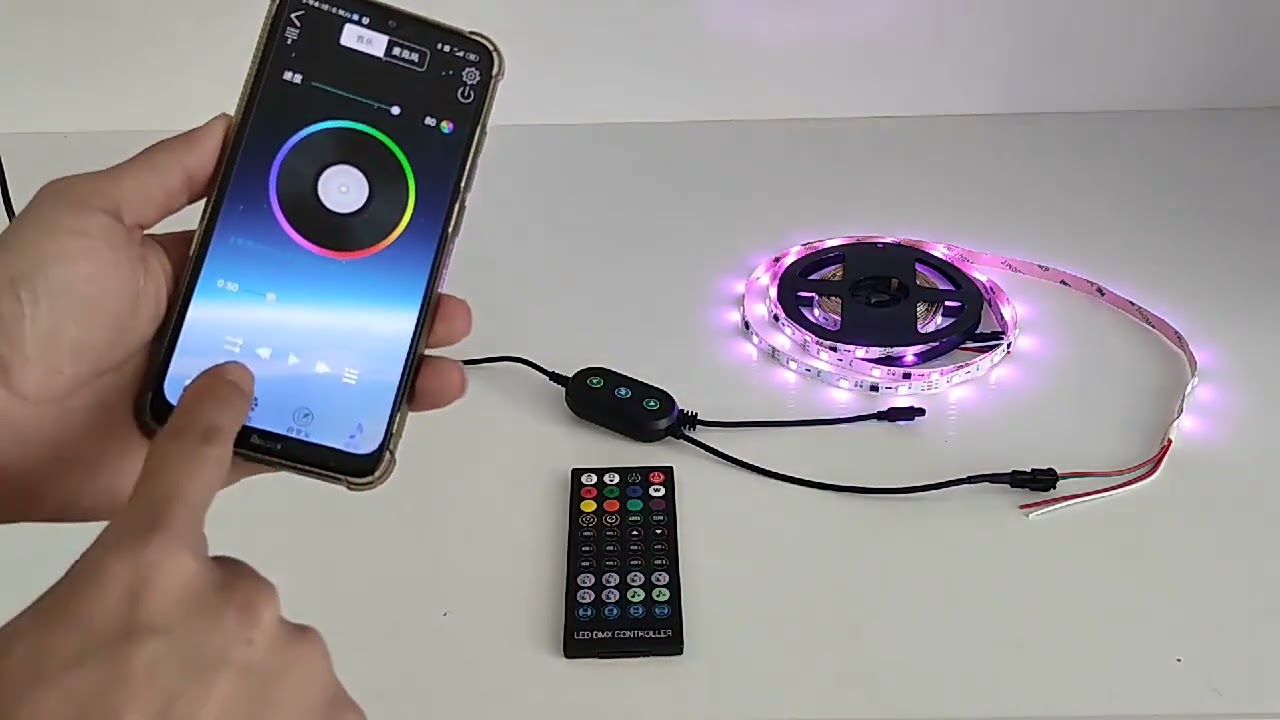
This Bluetooth led controller supports IOS11.0 and Android 4.4 and above. Four control methods, using smartphone APP and IR40 key remote control mode, the led dream color controller comes with 3 control buttons, has a voice control function, the pixel LED lights can change with the rhythm of external music, and the operation is simple and convenient.
It can realize remote control switch lights, brightness adjustment, speed adjustment, music and timing functions. There are 16 million LED colors and 210 changing patterns. The addressable pixel controller is suitable for UCS1903, WS2811, WS2812, and other single-line control IC light strips, with various changing effects, simple wiring, and easy use. It can be widely used in bedrooms, living rooms, entertainment places, public places, etc.
Product Specification
| Input Voltage | DC12V-24V |
| Type | Bluetooth APP With IR Remote |
| Controllable IC Chips | 1024 pixels |
| Support IC | WS2812B/WS2811/SK6812/WS2813/WS2815/TM1812/UCS1903 |
| Output Signal | SPI (TTL) Digital Signal |
| Dimension | 70mm*40mm*18mm |
| Support | IOS/Android |
| Working Temperature | -20℃~60℃ |
| Control Distance | 15-20m |
| Outout Channel | 2 |
Connection Instructions
1. Scan the QR code on your mobile phone to install the LED DMX APP.
2. After downloading the APP, connect the mobile phone to Bluetooth. First, turn on the Bluetooth on the mobile phone, then power on the led strip lights, and then open the APP. At this time, the APP will automatically connect to the Bluetooth lamp. Please do not manually connect to the Bluetooth in the settings of the mobile phone. Search for Bluetooth devices in the Bluetooth setting of the mobile phone. Some mobile phones can be searched, and some cannot be searched. If the search cannot be found, the mobile phone system does not support it, which does not mean that the APP cannot be used.
3. Open the APP, the device cannot be connected.
(1) Check whether the light strip is powered normally;
(2) Whether the Bluetooth of the mobile phone is turned on;
(3) Whether there are other mobile phones already connected, if so, please disconnect, Bluetooth 4.0 only supports one-to-many, and does not support many-to-many control;
(4) Whether the Bluetooth device is connected at the mobile phone settings, if it is connected, please disconnect it. After the APP background is exited and reopened, the APP will automatically connect to it;
(5) If you still cannot connect after a normal operation, please exit the APP from the background and open again;
(6) Exit the APP background, restart the mobile phone, and power on the lamp again; reopen the APP software and connect again.
