


| Availability | In Stock |
|---|---|
| Condition | Brand New |
Staircase light source can bring safety for people when going up and down the stairs. Smart staircase lighting adds fun to this foundation.
Check this motion sensor led stair lights controller, you can press the buttons on the controller to control the speed, time delay, mode, and brightness, or use the same functions on the RF remote to achieve this change.
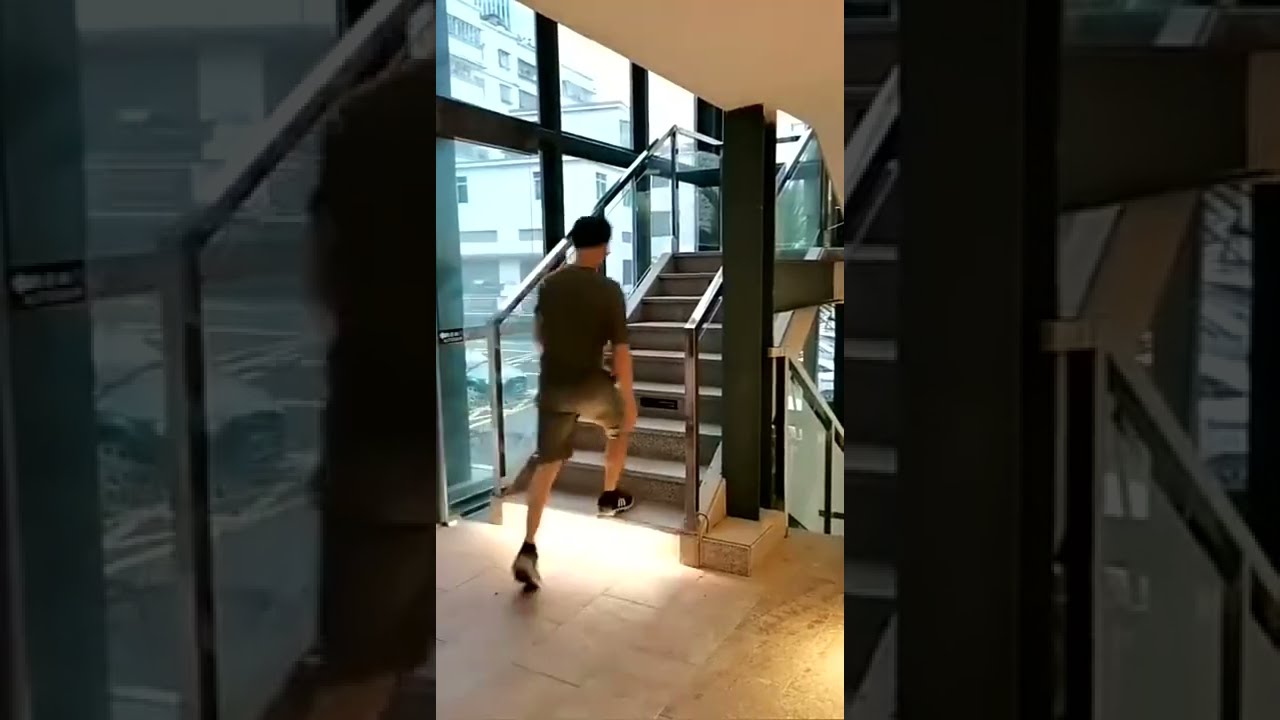
The product comes woth two PIR motion sensors to detect your movements. One at the upper end of the stairs and one at the lower end of the stairs. When you walk up or down the stairs, the lights will follow your steps.
The 28CH stair lighting controller is used for DC 12V or 24V single color led strip lights, light up your every step. If your stairs only have 26 steps, it doesn't matter that there are two empty places without led strips.
Do not forget to equip a 12V/24V DC power supply for the stair strip lights. Choose accessories here to complete your stair step lighting system.


| Input Voltage: | DC12-24V |
| Control Channel: | 28 steps |
| Max Single Step Power: | Each step<15W, total<420W |
| Ingress Protection: | Non-waterproof |
| Housing Material: | Plastic |
| Sensor Method: | PIR motion sensor |
| Working Temperature: | -20℃~60℃ |
| Control Method: | Controller buttons (Number, Mode, Speed, Time Delay, Brightness) & Remote |
| Controller Size: | 250mm*64mm |
| Remote Size: | 44mm*130mm*11mm |
| Sensor Size: | 14mm diameter |
| Sensor Installation: | Surface mount or recessed mount |
| Product List: | 1*controller, 2*PIR sensor, 2*5m sensor extention cable, 1*RF remote (no battery), 1*manual |
How to use the controller button to set the stair lights?
1. Step Number:
Long press the "number" key to set the number of the stair steps, short press to select the step you want to set, and long press to save the setting. Each led step light corresponds to a blue signal light.
2. Mode:
Long press the stair controller speed/mode button to enter the mode selection, short press to select the specific stair light mode, and long press to save the mode selection. There are 9 step lighting modes in total, you can set according to your preference.
| Mode 1: | All step lights on |
| Mode 2: | All step lights on one by one |
| Mode 3: | All step lights on with 2 steps at the time |
| Mode 4: | 1 step light on, moving to other steps according to the "Speed" setting |
| Mode 5: | 3 step light on, moving to other steps according to the "Speed" setting |
| Mode 6: | 1 step light chase, moving to other steps according to the "Speed" setting |
| Mode 7: | 2 step light chase, moving to other steps according to the "Speed" setting |
| Mode 8: | Separated chase, moving to other steps according to the "Speed" setting |
| Mode 9: | Auto change all modes (1-8 modes) |
3. Speed:
There are 10 speeds in total, corresponding to the red signal lights, short press to set.
4. Time Delay:
10 time delay settings, corresponding to the blue signal lights.
5. Brightness:
Short press to adjust the brightness of the led stair light. 10 brightness levels.
How to use the RF remote to control the stair lights?
The brightness adjustment, time delay set, and number of the RF handheld remote is as the same as the controller botton set.
Speed/Mode function: short press to adjust the speed; long press to enter the mode selection, short press to choose the mode from 1-9, and long press to save the mode you want to display.
How to wire 2-pin single color led strip lights to this controller?


