| Select Input Voltage: | DC12-48V (Base), DC5V (Base) |
|---|---|
| Select Kit: | Controller (Base), Controller + RF remote |
| Availability | In Stock |
| Condition | Brand New |
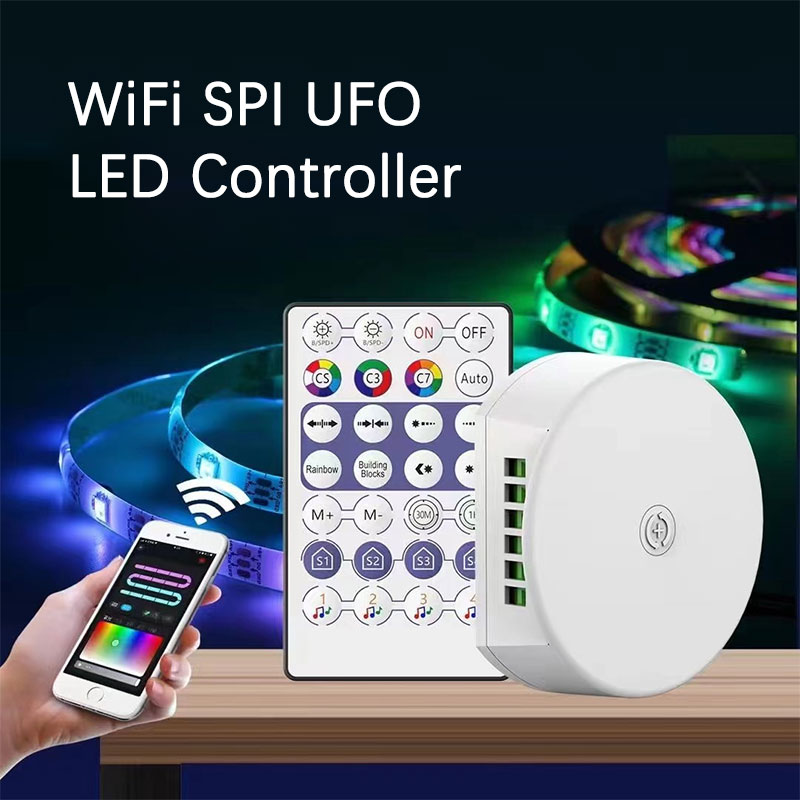
An addressable LED controller is a device used to control and manage addressable LED strip lights in lighting applications. Unlike traditional LED controllers, addressable controllers allow LEDs controlled by each individual IC chip in the strip to be addressed separately. This means that the LED lights can display a different color, brightness, or pattern, leading to more intricate and dynamic lighting designs.
This SPI LED controller is compatible with WS2812B/WS2811/SK6812/SM16703/SM16704/UCS1903/UCS2904B protocol, so you can use it to control these LED strip lights. It has two output channels, each channel can be connected to a 3-pin addressable RGB led strip, and up to 2048 pixels can be controlled.
When controlling multiple RGBIC led strip lights, please pay attention to the voltage and total power consumption. DC5V for 50W max. DC12V for 120W max, DC24V for 240W max, and DC48V for 480W max.
Standards and Certifications


Product Specification
| Product Name: | WiFi Voice Control SPI Controller (UFO series) |
| APP: | Surplife |
| Input Voltage: | DC5V/DC12-48V |
| Max Output Power: | 5V-50W, 12V-120W, 24V-240W, 48V-480W |
| Supported IC: | WS2812B, WS2811, UCS1903, SK6812, SM16703, SM16704, UCS2904B |
| Control Distance: | Visible distance 40m |
| Signal Output: | Able to control up to 2048 pixels |
| Mobile System: | Andriod 7.0/ IOS 12.0 or higher |
| Dimensions: | L70mm*W60mm*H24mm |
| Working Temperature: | -20℃ ~ 55℃ |
| IP rating: | IP20 |
How to Download Surplife APP?
Download the “Surplife” APP from Apple Store and Google Play Store, or scan the QR code.
APP Functions:
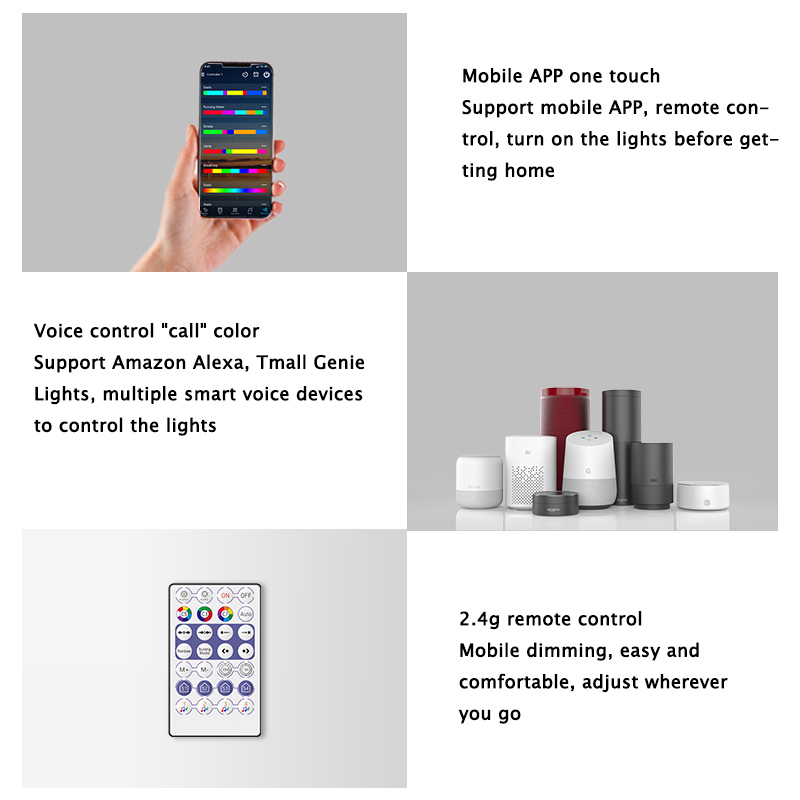
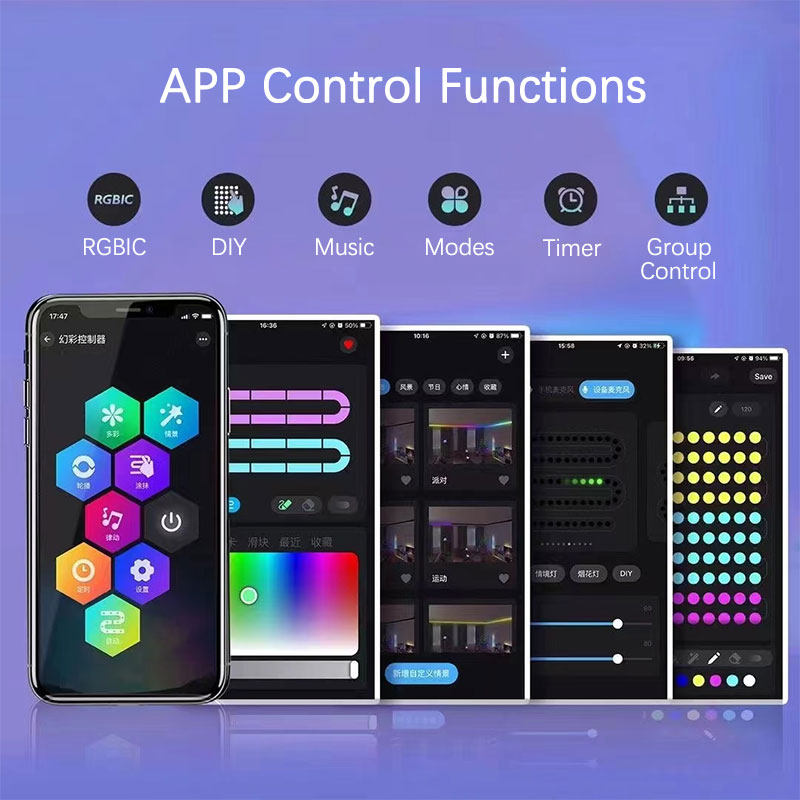
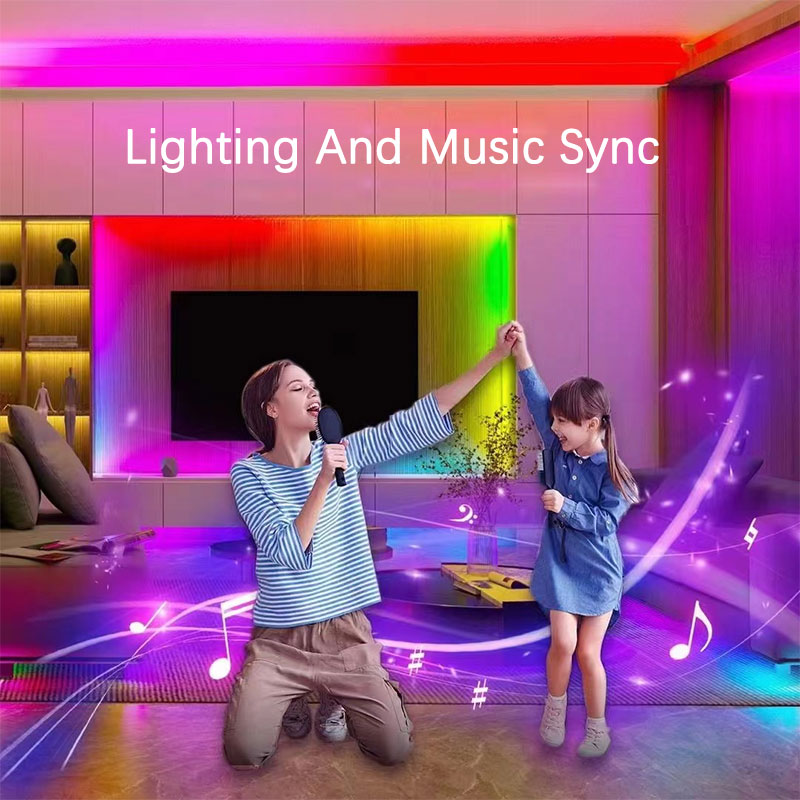
Multi-color, Scene settings, Built-in multiple light dynamic modes, DIY, Music/MIC mode, Light timer, Group control, Apple IOS system widget added (also supports Android phones), Siri Shortcuts-IOS, Third-party voice control (Alexa, Google Home, Tmall Genie, etc.)
How to Connect the SPI Controller to Wi-Fi Network?
1) Register/Login your Surplife account.
2) Open your phone Bluetooth, and turn on the device.
3) Enter the “Surplife” app, tap “Add Device” or click “+” to add the device. Then select your Wi-Fi network (Only works with 2.4Ghz network), and enter the password.
4) The device name can be modified and select the room after successfully connecting to the Wi-Fi network.