

| Select Colour: | Black (Base), White (Base) |
|---|---|
| Select Input Voltage: | AC100-240V (Base) |
| Availability | In Stock |
| Condition | Brand New |
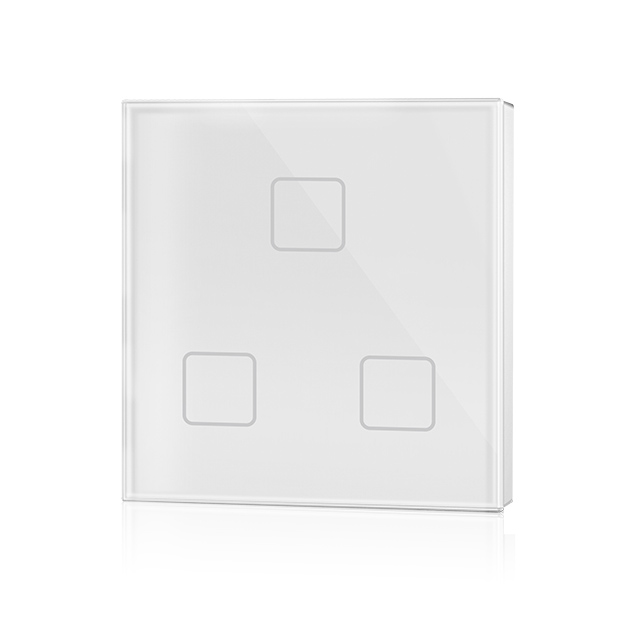
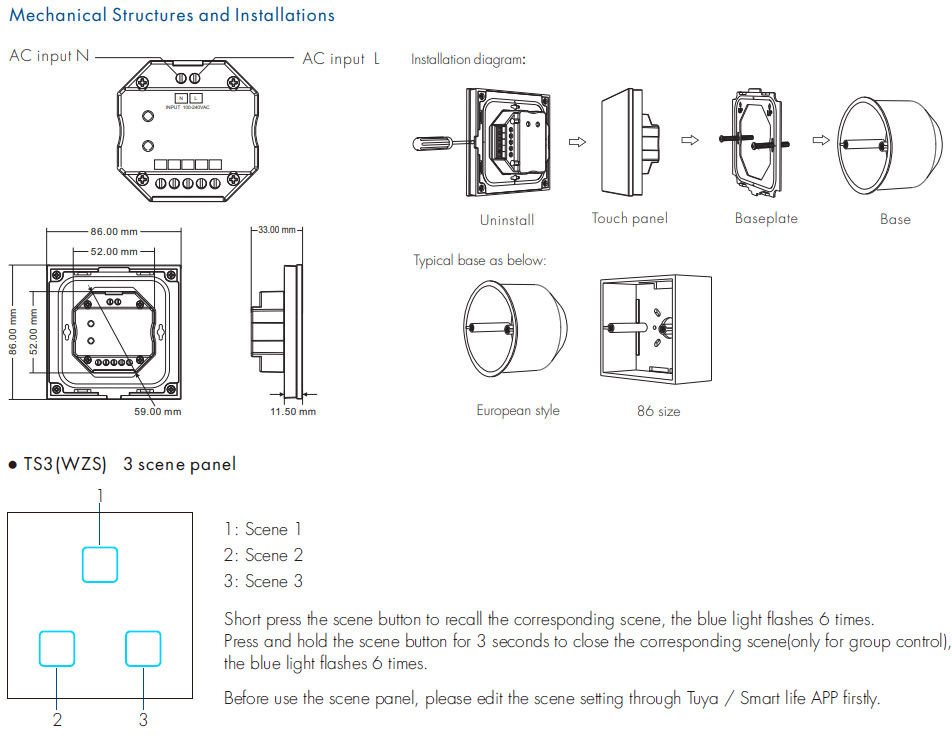
TS3(WZS) is a Zigbee 3.0 Wall Mount Touch Panel Remote with scenes recall function, built-in Tuya Zigbee 3.0 remote module, supports scenario linkage and one-click execution and set scenes through Tuya / Smart life APP. TS3(WZS) zigbee remote comes with a variety of Chinese/English scene button pasters, which can flexibly define the functions of each button.
● Ultra sensitive high strength glass touch panel.
● Each button with blue LED indicator.
● White & Black glass panel available.
TS3(WZS) Manual Download 
Product Specification
| Model: | TS3(WZS) 3 Scenes Zigbee Wall Remote |
| Input voltage: | 100-240VAC |
| Input current: | Max 0.1A |
| Input signal: | Touch key |
| Output signal: | Zigbee 3.0 |
| Control distance: | 30m (Barrier-free space) |
| Operation temperature: | Ta: -30℃ ~ +55℃ |
| Case temperature (Max.): | Ta: +65℃ |
| Warranty: | 5 years |
App Operating Instructions
1. Network pairing
● Download the Tuya APP and register an account, search and add the Tuya Zigbee gateway device.
● For TS3(WZS): Press and hold the "Scene 1" and "Scene 2" button until the 3 LED indicator light flashes.
● Under the gateway, search and add one or more ZBS-DIM, ZBS-CCT, ZBS-RGB, ZBS-RGBW, and ZBS-RGB+CCT light devices.
● Scene panel unpairing: Delete the WZS-Scene Panel device from the tuya APP.
2. Remote association and scene settings
There are 8 scenes in the Tuya APP, which can be set to lighting scenes or linkage scenes.
The lighting scene is used for the overall control of multiple lamps, like the light adjustment of the entire room.
Linkage scene is used for linkage control of different equipment, such as lamps and curtains on and off together.