| Select Base Type: | E27 (Base), E14 (Base), B22 (Base), E26 (Base) |
|---|---|
| Select Shell Color: | Silver (Base), White (Base), Black (Base), Gold (Base) |
| Availability | In Stock |
| Condition | Brand New |
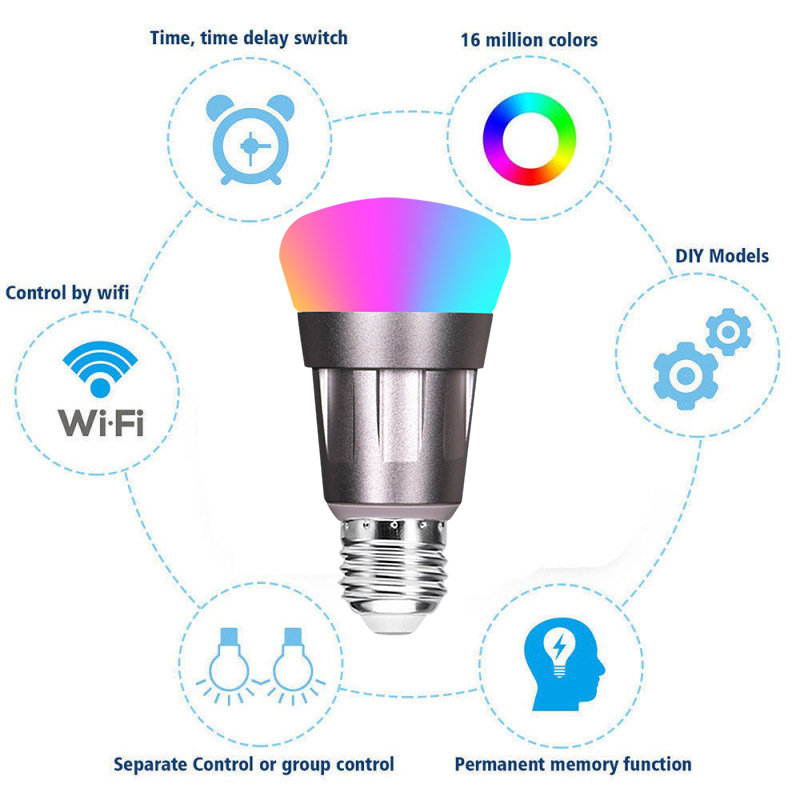
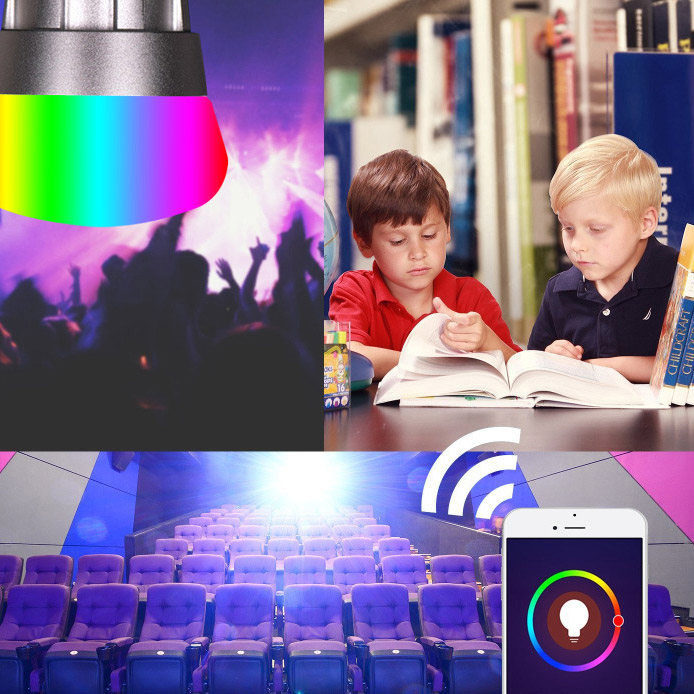
RGB APP Remote Control Intelligent Voice LED Light Bulb remote switch dimming and color adjustment, scene color change, timing function! You can have lights automatically turned on/off or colors/functions / cold white and warm white light in a specified time by setting up the timer. Set your lights to turn on/off at a specific time. Wake up to your favorite colors in the morning, or come back home when the lights in your house are just turned on and bright.
Feature
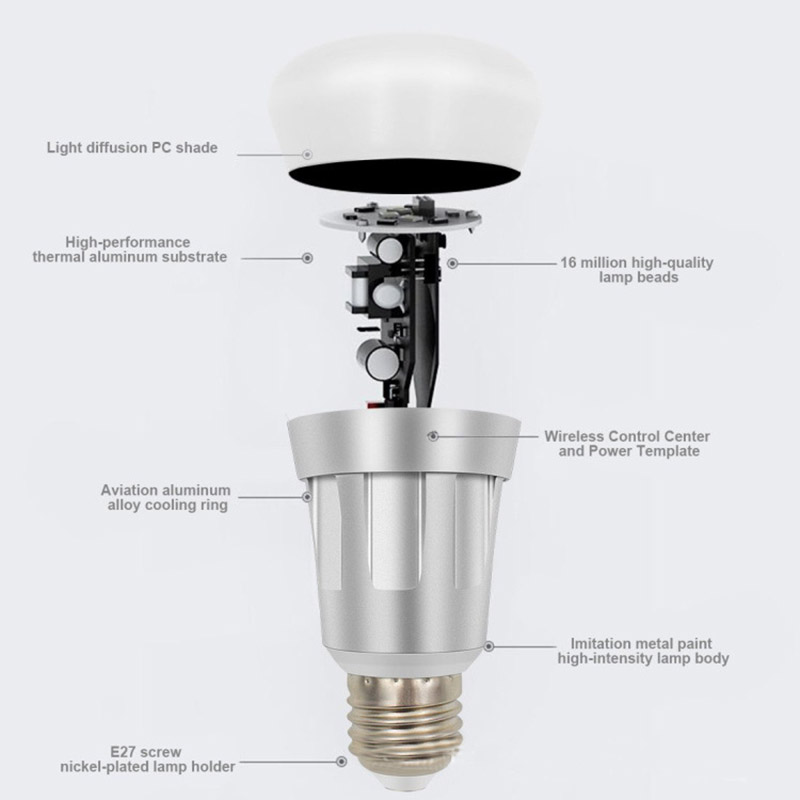
1. Aerospace-grade aluminum shell, better heat dissipation, and longer life;
2. Own patent freehand light control technology: intelligently adjust the light, brightness and special effects through traditional switches, making the operation more convenient;
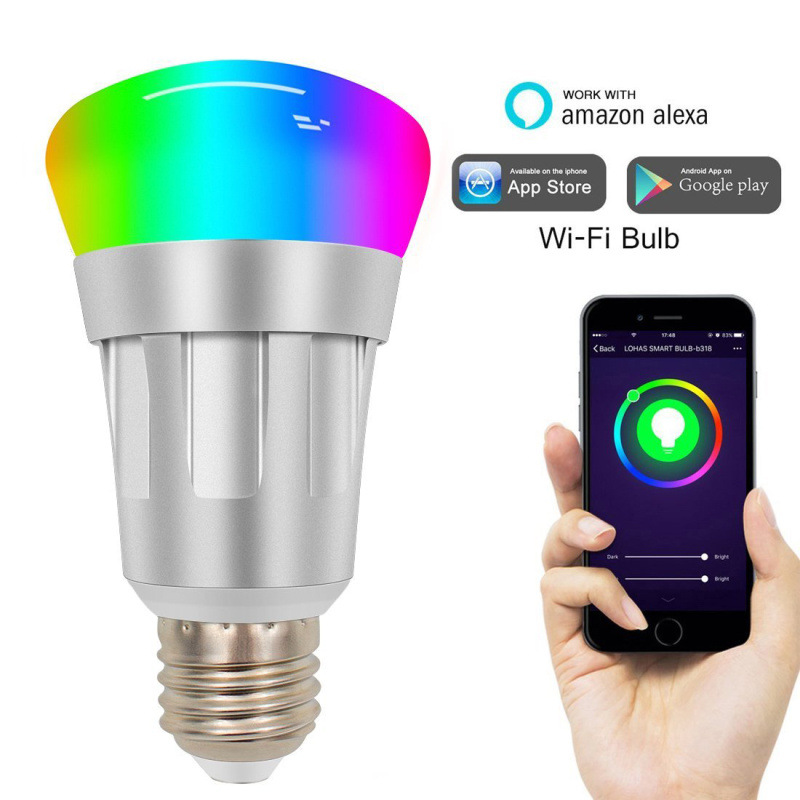
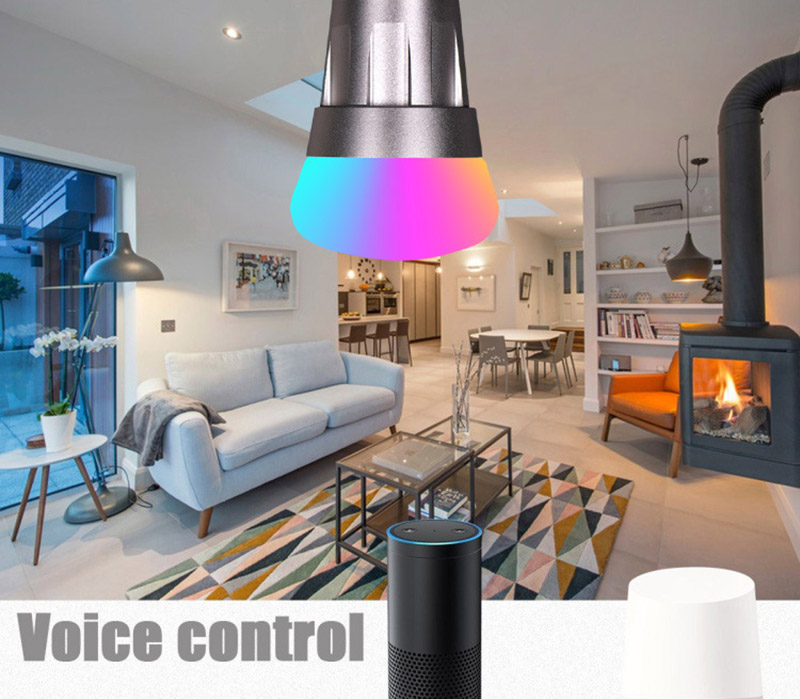
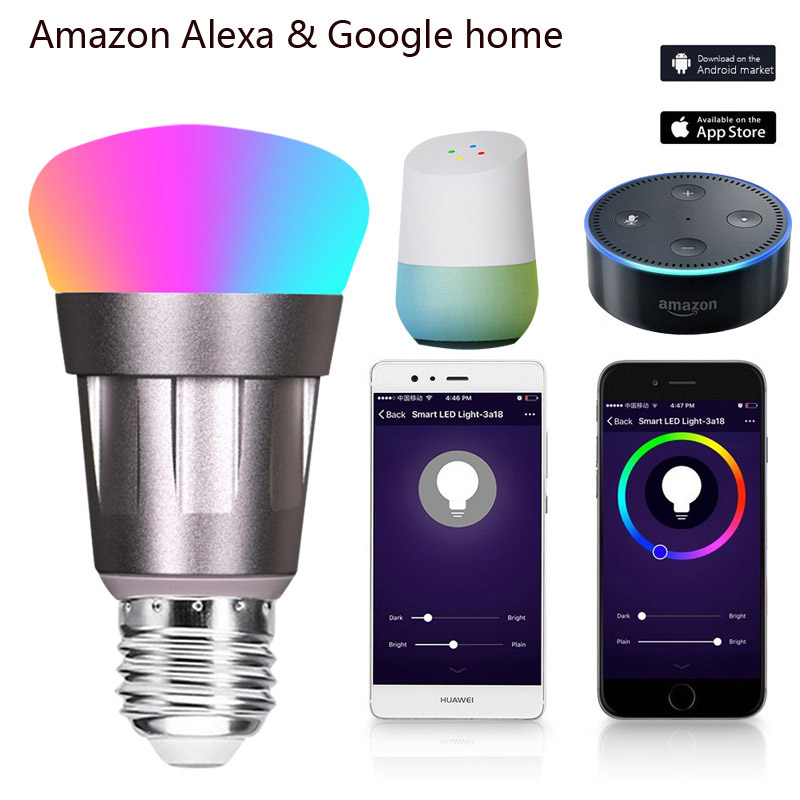
3. Support Amazon Alexa, Google Home, Tmall Genie voice intelligent control, human-computer interaction is more fun;
4. Timing control, power monitoring, more energy-saving;
5. Self-developed APP, multi-language version, compatible with Android and Apple systems.
6. The mobile phone can control the bulb remotely, and the bulb can be controlled anytime and anywhere.
7. Group control, mobile phone download APP can control countless lights
Specification
Power: 11W
LED Body Material: Aluminum alloy
Shell Material: PC
Beam Angle: 120°
Work Voltage: AC 85-265V
Voltage Frequency: 50 / 60HZ
Luminous Flux: 600LM
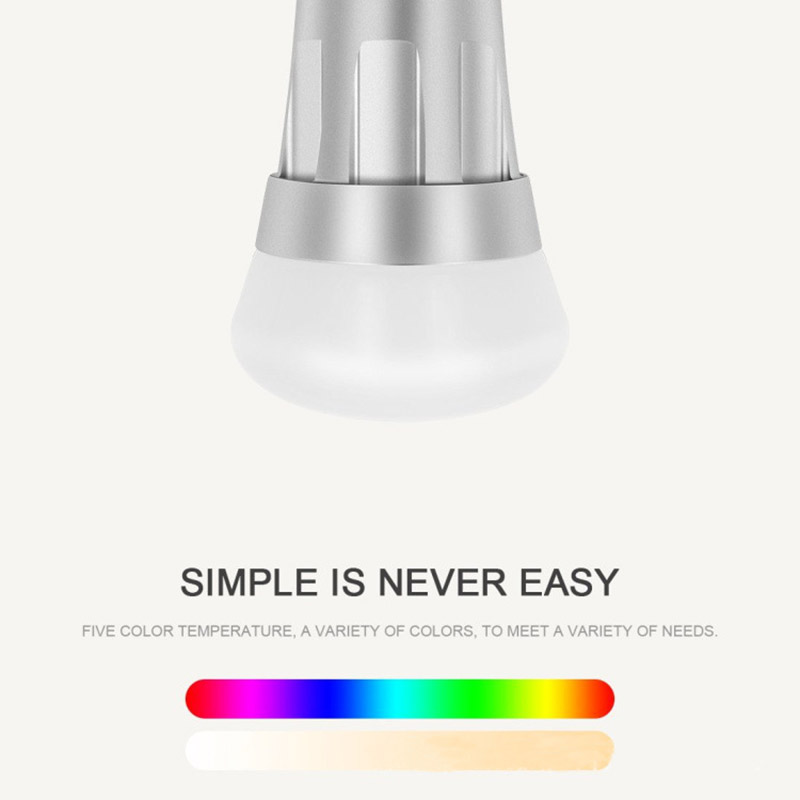
Color Temperature: 6000K(Daylight)+RGB
Wireless Type: 2.4GHZ
Wireless Standard: IEEE 802.11 B/G/N
Base Type: E26 E27 B22 E14
Waterproof rating: IP65
Shell Color: Silver White Black Gold
Product life: >30000H
Size: D 69mm*H 135mm
Product list
1*11W E27/E14/E26/B22 LED Light Bulb
How to use WiFi smart bulb
1. Select the appropriate lamp, screw the WiFi bulb into the lamp holder, and turn on the power switch.
2. Download the client software and scan the QR code on the manual.
3. Turn on the WiFi, start the APP software, and follow the interface guidelines to start using the WiFi smart LED bulb.
4. Click "Add Device" in the bottom bar in the APP and enter the home Wi-Fi name and password.
5. Turn on the power of the lamp and confirm that the lamp is flashing rapidly.
6. Click "Start Configuration" in the APP. During the configuration process, the flashing state of the light changes from fast flashing to a breathing state, and finally, it is always on.
7. When the light changes to a steady-state or the text "Add Successfully" appears on the APP interface, it indicates that the light has been successfully configured.
8. Click on your device and enjoy the smart life.