| Select Handheld Remote: | No (Base), LM091 (RGBCCT) |
|---|---|
| Select UL-Listed: | NO (Base), Yes (No DC Input Port) |
| Availability | In Stock |
| Condition | Brand New |
WIFI+Bluetooth Mesh 5 in 1(Single Color & CCT & RGB & RGBW & RGB+CCT) LED Controller WIFI-BT-WB5 is our newly developed high-end controller, controlled by Tuya Smart Life APP directly, compatible with 3G/4G/5G smartphone control and support third party voice control (need Tuya Bluetooth Mesh Gateway).
This LED strip controller adopts the widely used 2.4GHz wireless technology with the features of low power consumption, long signal transmitting, strong anti-interference, etc. Auto-transmitting and auto-synchronizing. One remote controls multiple controllers at the same time.
The WB5 controller with Single Color Dimming, CCT Color temperature, RGB Color Changing, RGB+W, and RGB+CCT output modes. You need to short-press the "SET" key of the controller to switch to your led strip mode before matching, white light pilot lamp for single color led strip, yellow light for CCT, red light for RGB, green light for RGBW, and blue light for RGBCCT. (It's necessary, related to your control page)
UL-listed is only for the controller. The handheld remote control type is LM091. You can also choose other LM-Series remotes for your lighting control.

Product Feature
►WIFI & Bluetooth optional, wireless control
►Support amazon alexa and google assistant control
►Smartphone Tuya SmartLife APP control
►Compatiable with 2.4GHz RF remote controller
►Dimmable saturation control, Timing on/off the lights, Group control randomly by APP
►Suitable for Single color/CCT/RGB/RGBW/RGBCCT
►DC12V output 180W; DC24V output 360W
►DC12-24V low voltage input
WB5 WIFI Version Download 
WB5 Bluetooth Version Download
Product Specification
| WB5 LED Controller | LED Remote Controller |
|
Model No.: WB5 Input Voltage: DC12-24V(5.5*2.1mm) Maximum load current per channel: 6A Total output current: 15A Working Temperature: -20~60C Communication Mode: WIFI-IEEE 802.11b/g/n 2.4Ghz Output power: 12V<180W, 24V<360W RF: 2.4Ghz Suitable for: Single color/CCT/RGB/RGBW/RGBCCT Support: APP/Remote control/Google Assistant/Amazon Alexa App Name: Tuya |
Voltage: 3V(2xAAA Battery) RF: 2.4GHz Modulation Method: GFSK Transmitting Power Consumption: 20uA Control Distance: 30m Size: 150mm*51mm*18mm |
What is the difference betwee WIFI/BT/Zigbee transimmison signal?
1. Different transmission distance, speed, and power consumption
Bluetooth: The transmission distance is 2-30M, the rate is 1Mbps, and the power consumption is between Zigbee and WIFI.
WIFI: The transmission distance is 100-300M, the rate can reach 300Mbps, and the power consumption is 10-50mA.
Zigbee: transmission distance 50-300M, rate 250kbps, power consumption 5mA.
2. The scope of application is different
Bluetooth: communication, automotive, multimedia, industry, medical, education, etc.
WIFI: wireless Internet access, PC, PDA.
Zigbee: Mainly suitable for automatic control and remote control, and can be embedded in various devices.
3. Different features
Bluetooth: It adopts simple GFSK modulation and has extremely low operating and standby power consumption. It can even work continuously for several years using a button battery.
WIFI: The transmission speed of WiFi is very fast, and the radiation of health and safety WiFi products is small.
Zigbee: close range, low complexity, self-organization, low power consumption, low data rate, low cost.
How To Connect LED Strip Lights To Tuya SmartLife?
We have 3 methods to Link and Unlink to APP.
1. Long press "SET" 3 seconds,the pilot lamp will blink,the device go into Smart Link/Unlink mode.
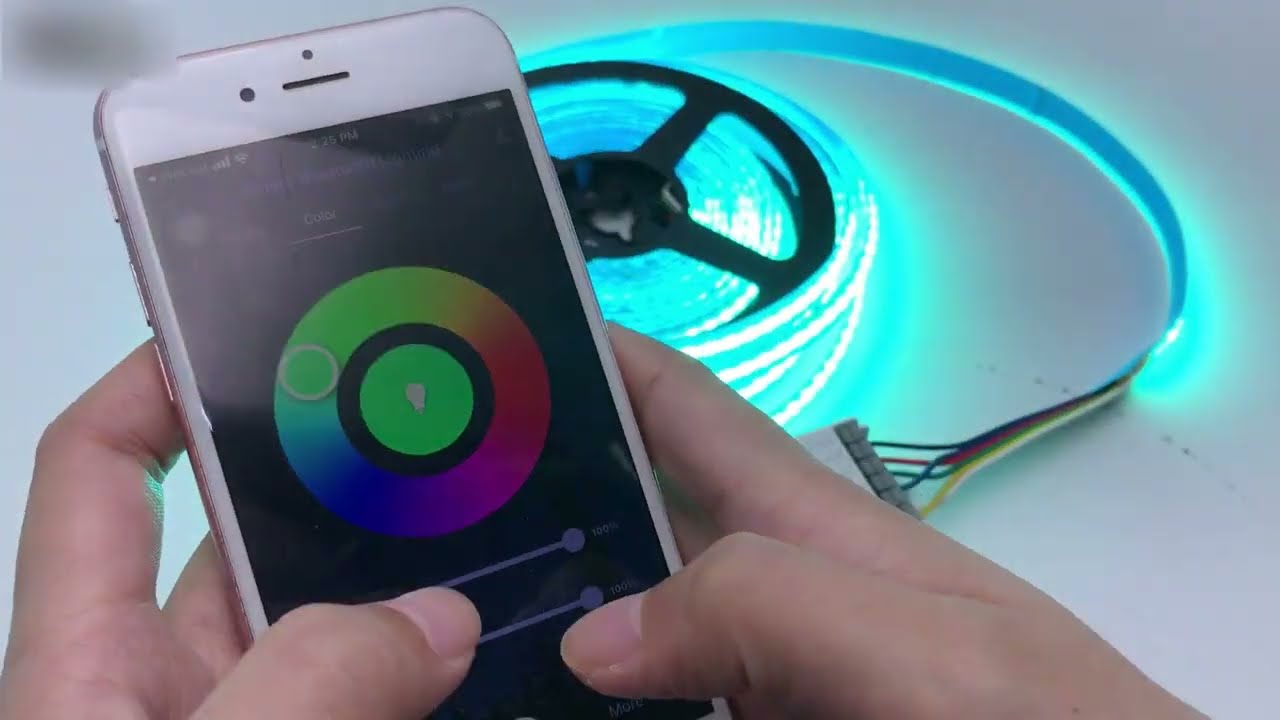
2. Use Linked 091 remote,long press the linked Zone ON button for 3 seconds,the pilot lamp will blink, the device go into Smart Link and Unlink Mode.
3. Switch ON and OFF 3 times within 10 seconds,the pilot lamp will blink, the device go into Smart Link and Unlink Mode.
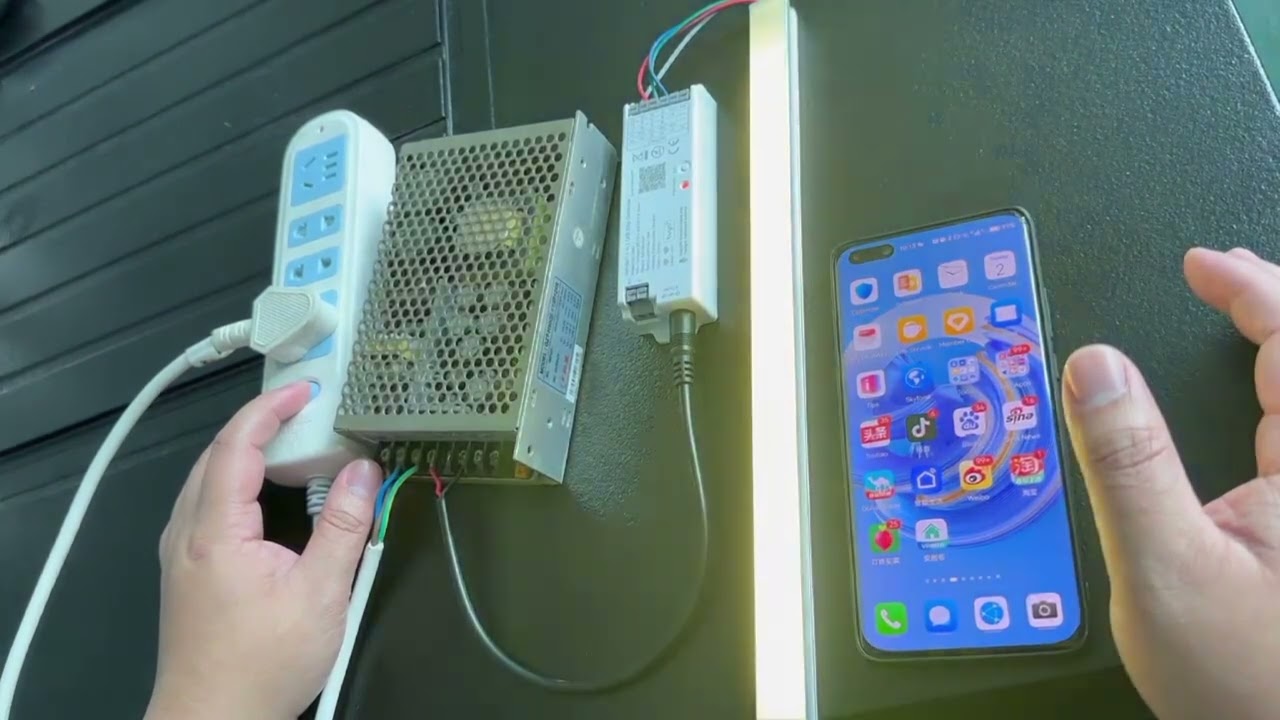
4. Manual connetion by switching power:
Step-by-step guide:
4.1 Wire the strip to the controller, and turn on the power.
4.2 Reset the controller first. Long press the "SET" key for 10 seconds till the red pilot lamp blinks.
4.3 Short press the "SET" key to switch to your led strip mode, white light pilot lamp for single color led strip, yellow light for CCT, red light for RGB, green light for RGBW, and blue light for RGBCCT. (It's necessary, related to your control page)
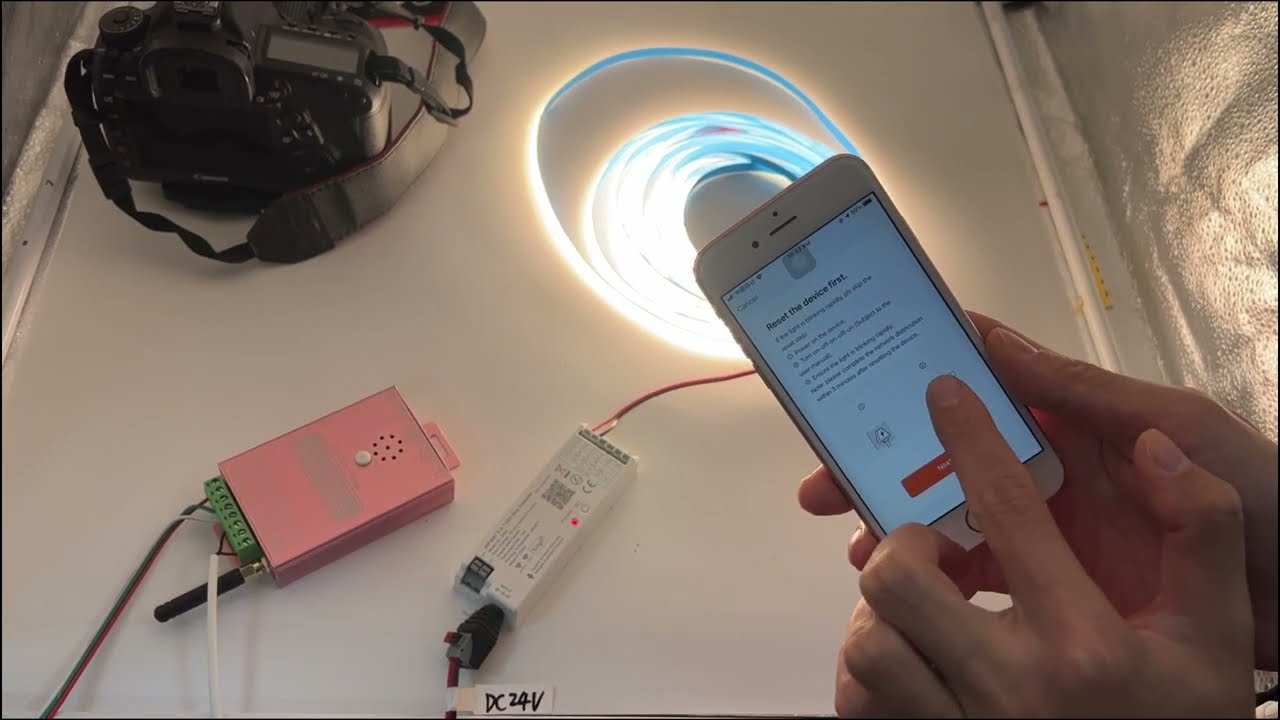
4.4 Turn off the power, then turn it on; Turn off the power, then turn it on; Turn off the power, then turn it on; Turn off the power, then turn it on.
4.5 Click "add device" - "Lighting" - "Strip Lights (WiFi)", connect to your network, and this time, the red pilot lamp will blink quickly. Click "Blink quickly", and you will pair the controller to your smartphone.
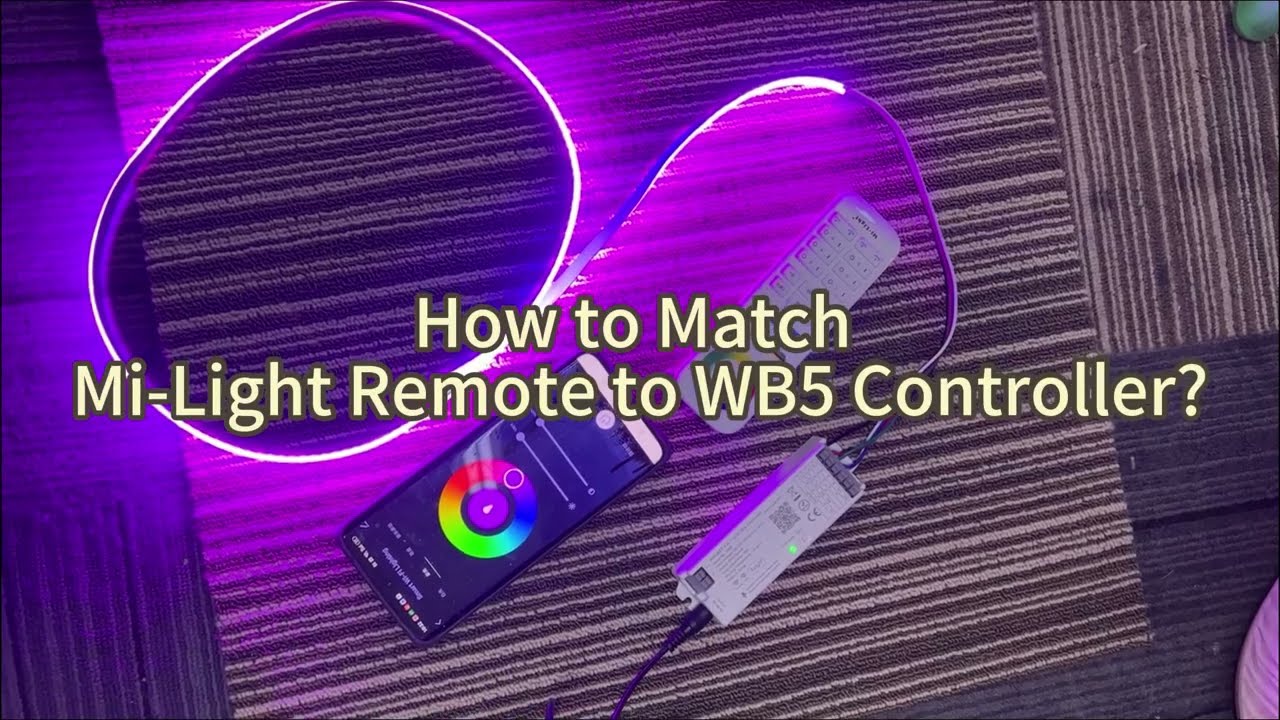
How to match Mi-Light remote to WB5?
First, power off the controller for at least 10 seconds;
Then power on the controller;
Press the MATCH key on the controller and ZONE/ON key on the remote within 3 seconds (ZONE key for multi-zone remote, ON for single-zone remote).
And now, you can use the milight remote to control your WB5 controller, and the remote control syncs with the APP setting.