

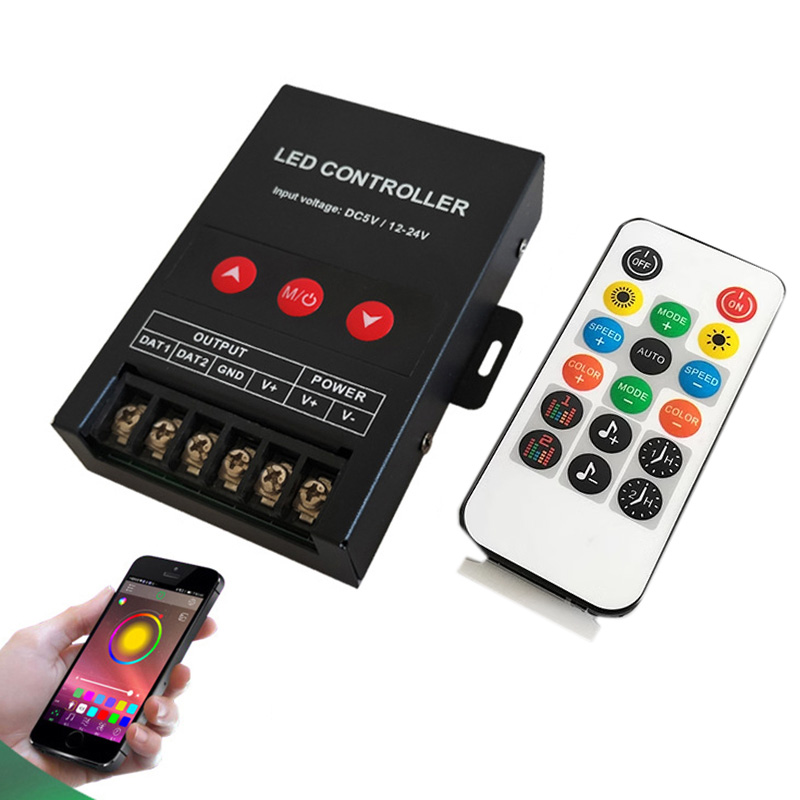
| Select Type: | IR (Base), RF, RF Touch Remote Control |
|---|---|
| Availability | In Stock |
| Condition | Brand New |
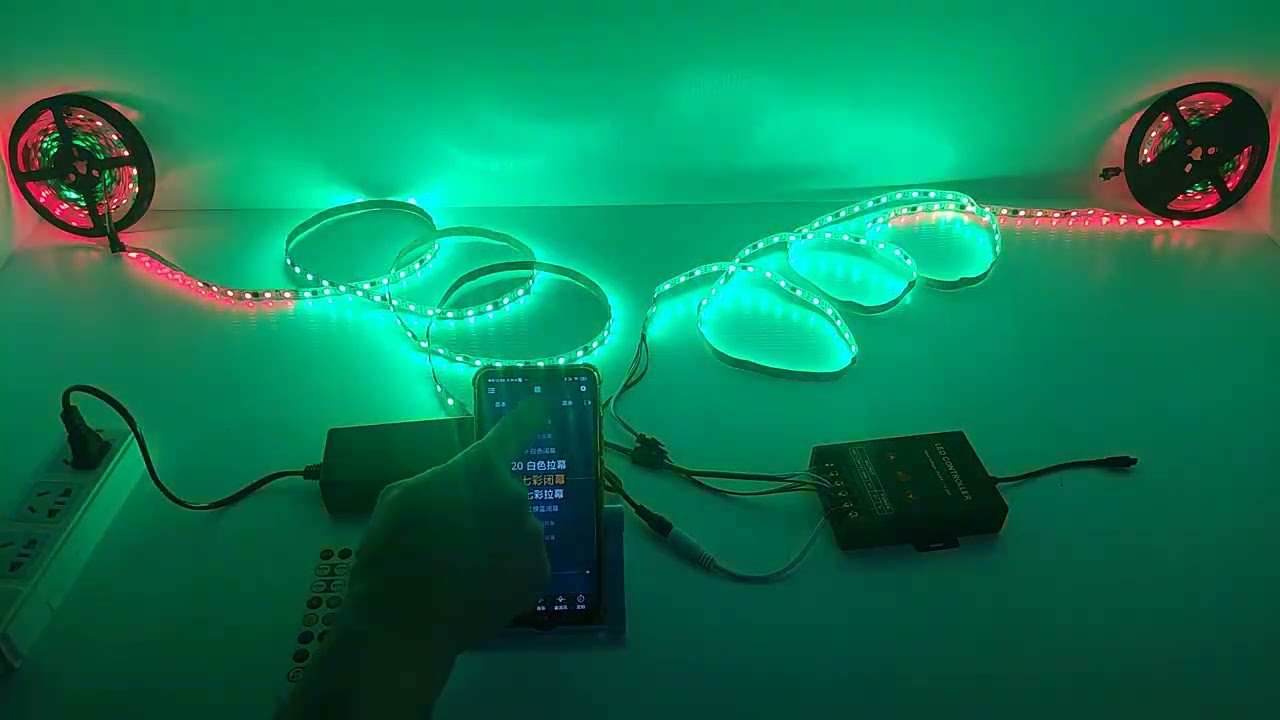
The Bluetooth music addressable led controller can be controlled by IR/RF remote control and mobile phone Happylighting APP. The LED lights can be turned on and off through it. The APP has built-in various color-changing modes, a total of 256 dynamic modes, and can adjust the light color and led brightness of 160,000 colors of LED strips, and adjust the brightness and static color through IR/RF remote control, choose and customize any color and dynamic changes of various lighting effects. It has the advantages of low price, convenient connection, and simple use. The Bluetooth controller has a built-in microphone. In music mode, playing mobile phone music or turning on an audio playback device can make the led light change color and brightness with the rhythm of the music.
Note: IR and RF high power led controller use the same APP Happylighting, IR engineering type uses another APP.
►Our Addressable LED Strip Lights → Link
►How to Choose the Right Addressable LED Light Strip → Link
►How to Wire Addressable LED Lighting Strips → Link
Standards and Certifications


Product Specification
| Input Voltage | DC5V/12-24V |
| Type | Bluetooth APP Control / Remote / Music |
| Controllable IC Chips | 1000 pixels per data channel |
| Support IC | WS2812B/WS2811/SK6812/WS2813/WS2815/TM1812/UCS1903 |
| Output Signal | SPI (TTL) Digital Signal |
| Dimension | 110mm*90mm*25mm |
| Support | IOS/Android |
| Working Temperature | -20℃~60℃ |
| APP Control Distance | 8-15meters(49.2feet) |
| Output | 1 channel |
| Lighting Color | 16 million luminous colors |
APP Usage Instructions
1. Scan the QR code of the product with your mobile phone to install the APP.
2. After downloading and installing the APP, connect the lamp with the mobile phone Bluetooth APP. First, power on the lamp, turn on the Bluetooth and APP of the mobile phone, and then the APP will automatically connect to the Bluetooth lamp.
3. If the APP is opened, the device cannot be connected.
(1) Check whether the lamp is powered normally, and check whether the Bluetooth of the mobile phone is turned on.
(2) Whether there are other mobile phones already connected, if so, please disconnect. Bluetooth 4.0 only supports one-to-many control and does not support many-to-many control.
(3) Check whether the Bluetooth device is connected to the settings of the mobile phone. If the connection is disconnected, please re-open the automatic connection after the APP background exits.
(4) If it is still unable to connect during normal operation, exit the APP in the background, restart the mobile phone, power on the lamp again, reopen the APP software and connect again.
IR engineering type app function:

