
DMX512 Wireless
5 productsRF remote control LED controllers and DMX light bulbs that can be wirelessly controlled by DMX consoles (DMX wireless transmitter FUTD01 is required). Wireless DMX eliminates the limitations of traditional DMX wiring, allowing for greater flexibility in the placement of lighting equipment in a variety of settings.
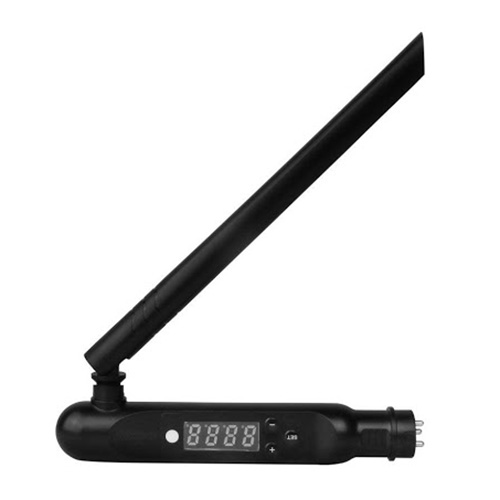
By installing the Mi-Light FUTD01 wireless DMX transmitter on a DMX console, it will output a wireless DMX signal to light controllers and bulbs that are compatible with the FUTD01 DMX wireless transmitter, thus controlling these lighting fixtures through the DMX console.
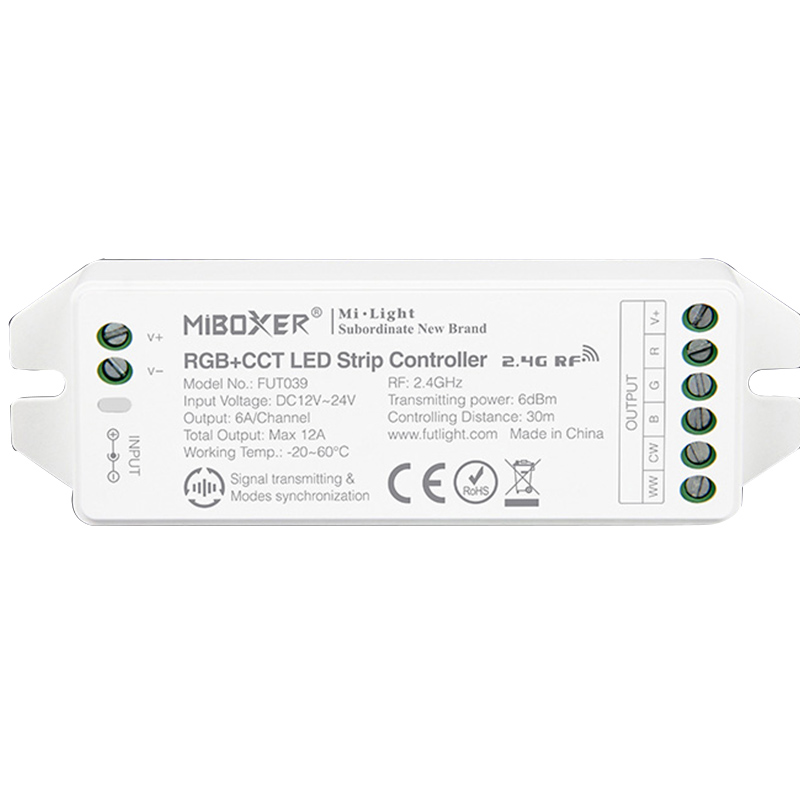
DMX512 RGB+CCT LED Strip Controller | 12V-24V, Max 10A Output
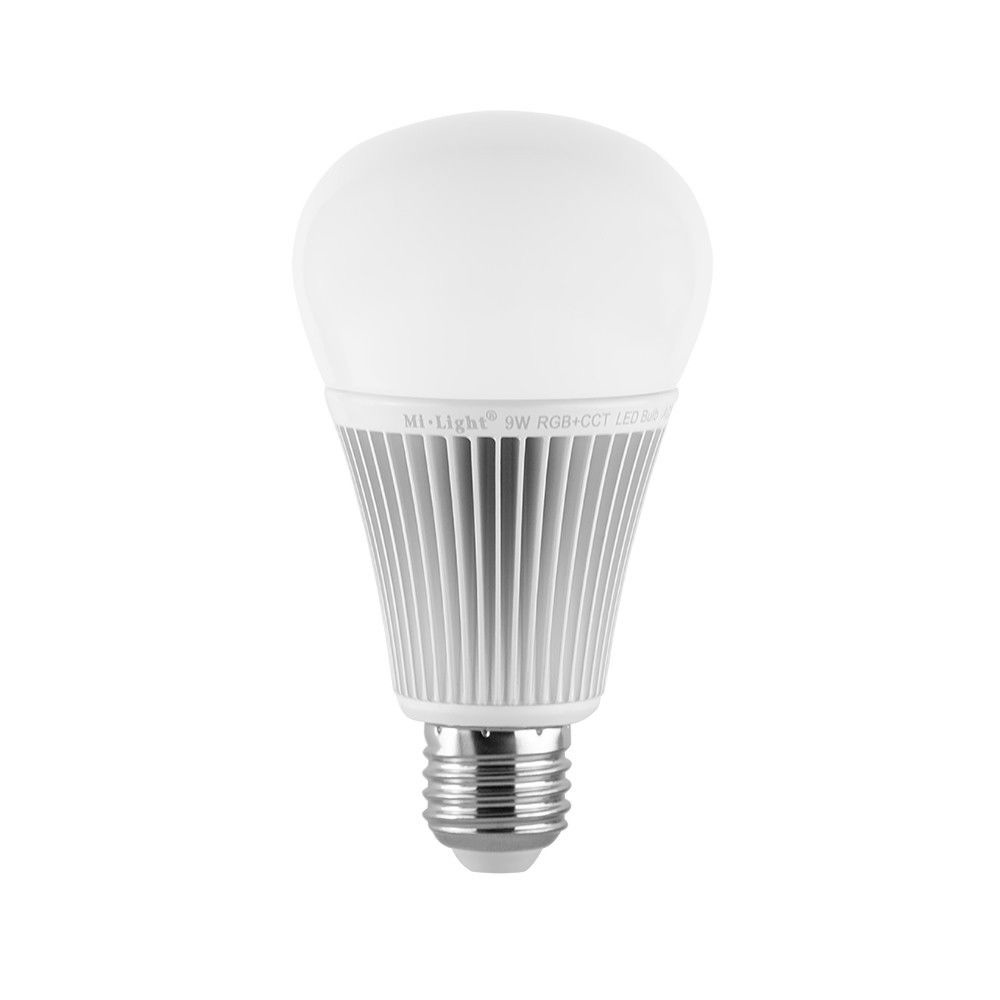
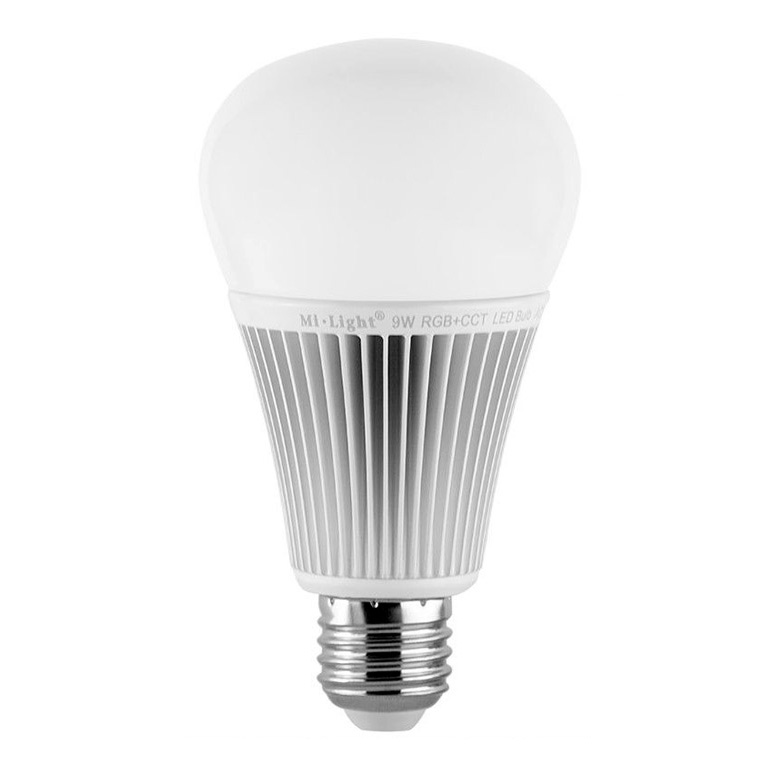
FUT012 9W RGB+CCT DMX512 LED Bulb - Smart Color Changing Light
FAQ About DMX512 Wireless
Direct engineering answers on setting up, addressing, and troubleshooting MiBoxer wireless DMX transmitters, bulbs, and strip receivers.
A DMX512 wireless system converts hardwired DMX512 console output into a 2.4GHz GFSK radio signal using a dedicated transmitter. The transmitter connects directly to your lighting console via standard 3-pin XLR or screw terminals, reads the incoming DMX packet, and broadcasts all 512 channels over the air. Compatible wireless receivers, such as integrated bulbs or strip controllers, listen on that frequency and translate those packets back into PWM dimming signals. That setup cuts out long XLR snake runs across ceilings or temporary stage setups entirely without requiring external radio transceivers at every single lamp.
Yes, a DMX512 wireless transmitter like the FUTD01 pairs directly with standard MiBoxer 2.4GHz RF light bulbs and controllers. It acts as an RF bridge, meaning you plug your DMX desk into the transmitter and link each fixture using its normal 3-second power-cycle pairing sequence. The transmitter splits the 512-channel universe into discrete 5-channel zones for RGB+CCT control.
A DMX512 wireless transmitter delivers a clean 30-meter line-of-sight range, but solid drywall and steel studs drop that to around 10 to 15 meters. Because it broadcasts on the congested 2.4GHz band, mounting the transmitter inside a metal electrical enclosure or right beside high-power Wi-Fi access points causes packet drops and jitter. We always tell installers to elevate the transmitter at least 2 meters off the floor and maintain a clear line of sight to the first cluster of fixtures whenever possible.
The FUTD01 DMX512 wireless transmitter runs on DC5V power through a standard 5.5x2.1mm DC barrel jack or USB power port. It consumes under 500mA, meaning you can power it from a standard wall adapter or directly from a console accessory USB port. One detail people miss: do not tap 12V or 24V auxiliary power from an adjacent stage pack directly into the transmitter, because feeding anything over 5V will blow the internal transceiver board instantly. Always verify your supply voltage with a multimeter before plugging it into the transmitter.
A DMX512 wireless fixture usually fails to respond because it was not linked to the transmitter within the initial 3-second power-on window. Turn the power to the fixture off at the breaker, wait 10 seconds, turn it back on, and immediately press the transmitter zone link button within 3 seconds until the lamp flashes three times. If it still does not track your faders, verify that your console is actively transmitting data on the starting DMX address mapped to that zone, as a stopped console frame clock leaves the bulb in its last static state.
Every DMX512 wireless RGB+CCT fixture consumes 5 sequential DMX channels on your lighting universe. Channel 1 controls Red, Channel 2 controls Green, Channel 3 controls Blue, Channel 4 regulates Warm White (2700K), and Channel 5 manages Cool White (6500K). Master brightness and white color temperature balancing are calculated directly by blending those 5 faders on your board. That means one 512-channel universe can address up to 102 individual wireless zones or fixtures without requiring complex personality profiles or custom fixture definitions.
Setting addresses on a DMX512 wireless unit is handled entirely through the digital display on the FUTD01 transmitter rather than physical dip switches on the lamp. You use the transmitter's up/down buttons to select a starting channel between d001 and d508. When you pair a bulb or strip receiver to that zone, it automatically locks onto the selected starting address and claims the next 5 channels. To re-address a fixture down the road, simply clear its link memory, dial the new base address on the transmitter screen, and re-link the lamp.
Jitter on a DMX512 wireless link is almost always caused by RF packet collision with 2.4GHz Wi-Fi networks running on overlapping channels. The FUTD01 broadcasts across standard 2.4GHz bandwidth, so if an enterprise Wi-Fi router is operating on channels 1, 6, or 11 nearby, data packets get delayed or dropped during fast fader sweeps. Moving the wireless transmitter 2 to 3 meters away from routers and keeping your fixture runs within 20 meters eliminates frame stutter and restores smooth dimming transitions.