
Music LED Controller
60 productsA Music LED Controller does one job that other smart controllers can't: it makes your lights react to sound in real-time. Our Pixel LED Music Controllers have a built-in microphone or an audio line-in to analyze the rhythm, bass, and melody of your music. This turns your addressable LED strips into a dynamic light show, perfect for entertainment rooms, bars, or gaming setups. Forget simple color cycling; these controllers create genuinely responsive music led lights.
SuperLightingLED offers over 40 different music pixel controller models, from simple IR remote units to sophisticated multi-channel WiFi and Bluetooth app-controlled devices. They're built to drive the most popular addressable LED strips, including WS2812B, WS2811, and SK6812, operating on the common DC5V, 12V, or 24V rails. Whether you need a simple plug-and-play solution or a multi-output controller for a complex installation, we have a unit that will get your digital LED strip lights to sync with music perfectly.

Programmable LED Controller For SPI & DMX Lights

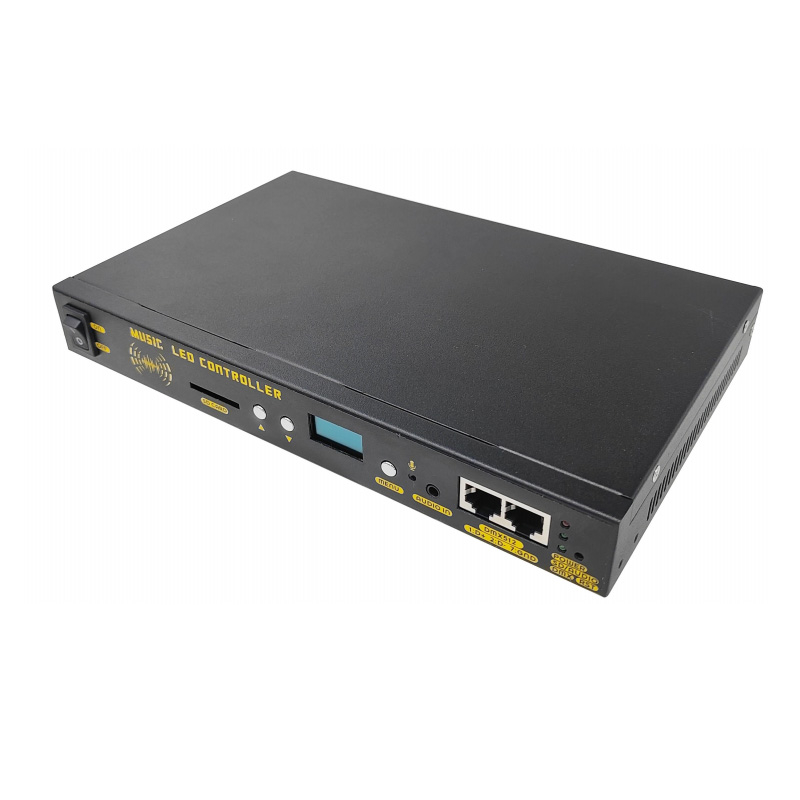
SPIR5 5-in-1 Digital LED Controller (RF + Push Switch + Music)

4CH Addressable LED Light Strip Controller (WiFi + RF + Music)

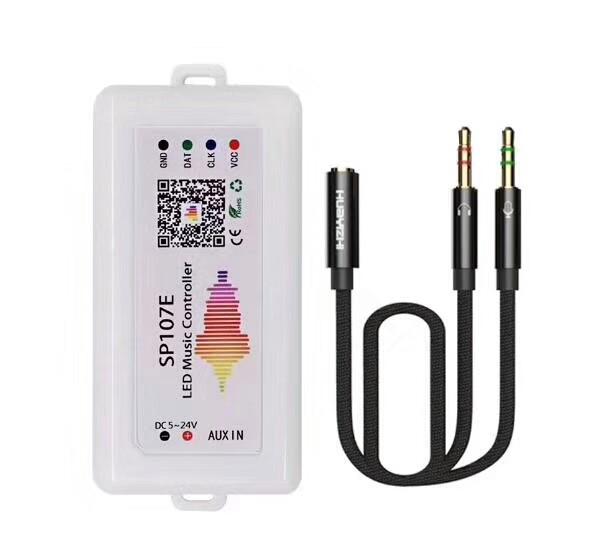
SP107E LED Bluetooth Music Controller For Addressable LED Strip Lights
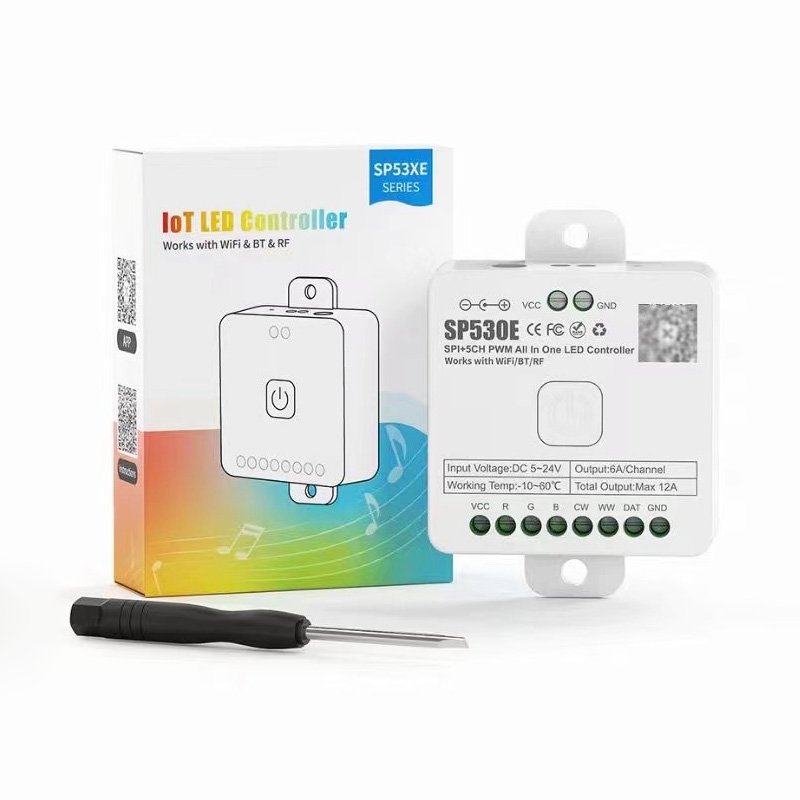
SP530E WiFi Bluetooth RF Music LED Strip Light Controller (Upgraded of SP630E)
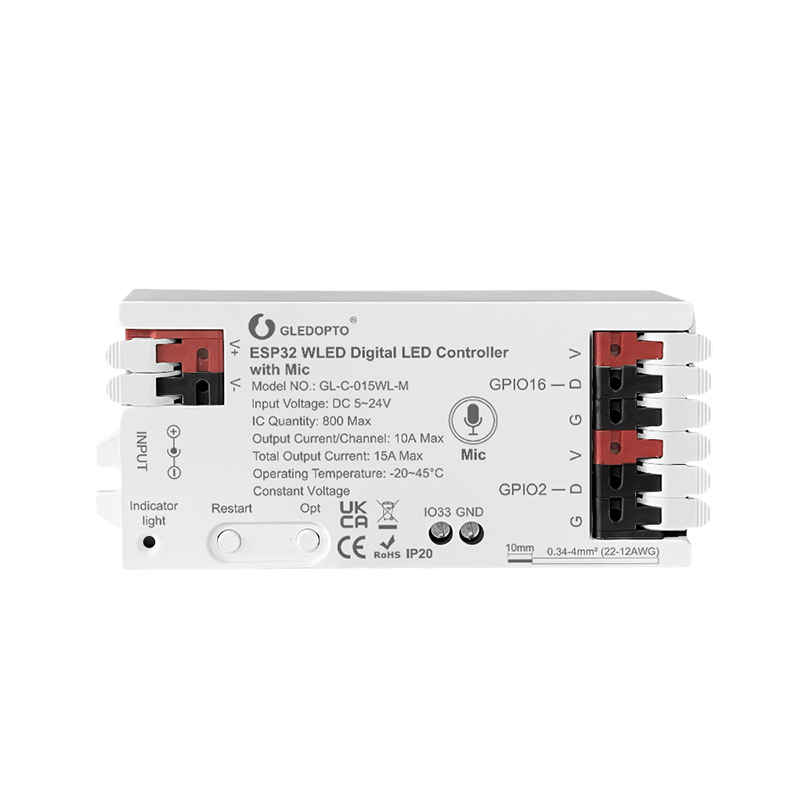
WLED ESP32 Addressable Wifi Music Controller with Microphone inside
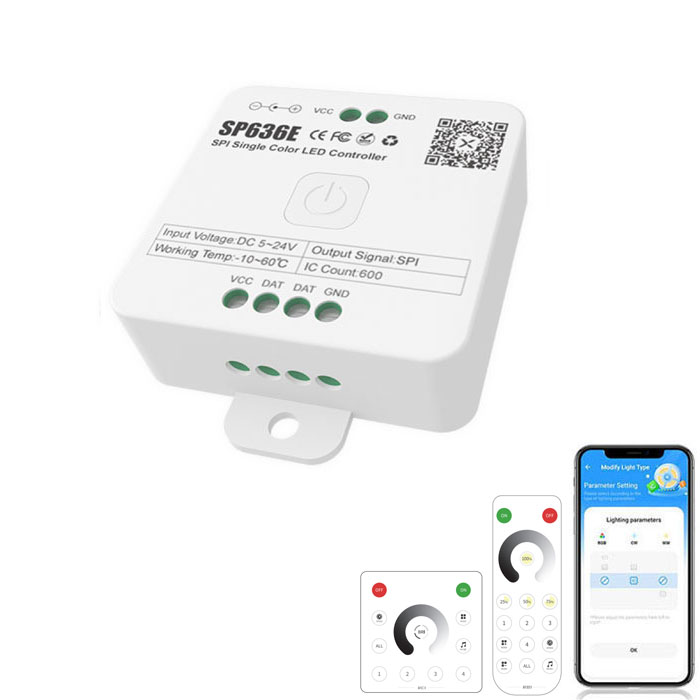
SP636E Bluetooth & RF & Music Running Water LED Strip Light Controller
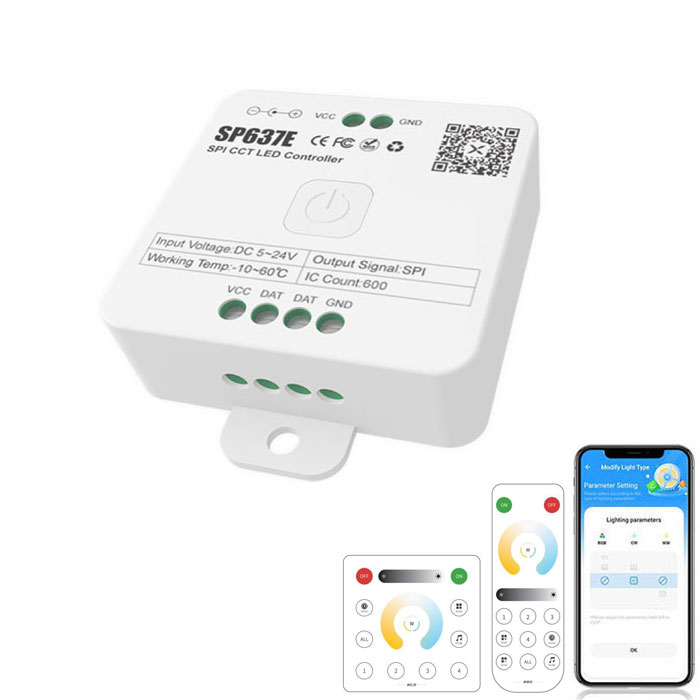
SP637E Bluetooth & RF & Music SK6812 WWA LED Strip Controller
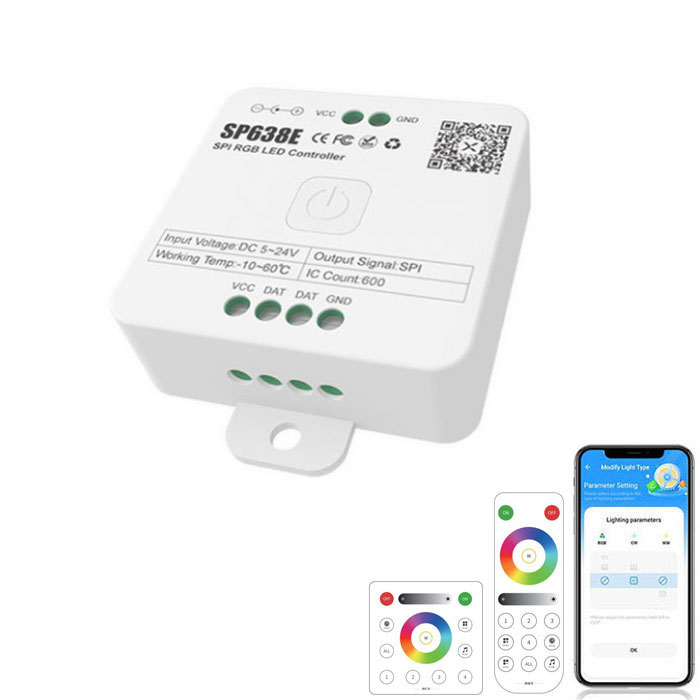
SP638E Bluetooth RF Music Addressable RGB LED Controller
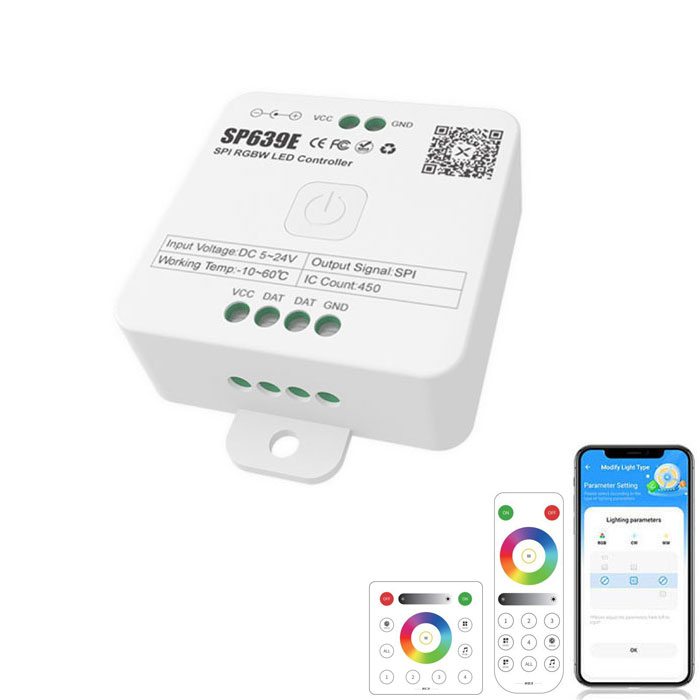
Bluetooth RF Music SP639E LED Addressable RGBW Controller
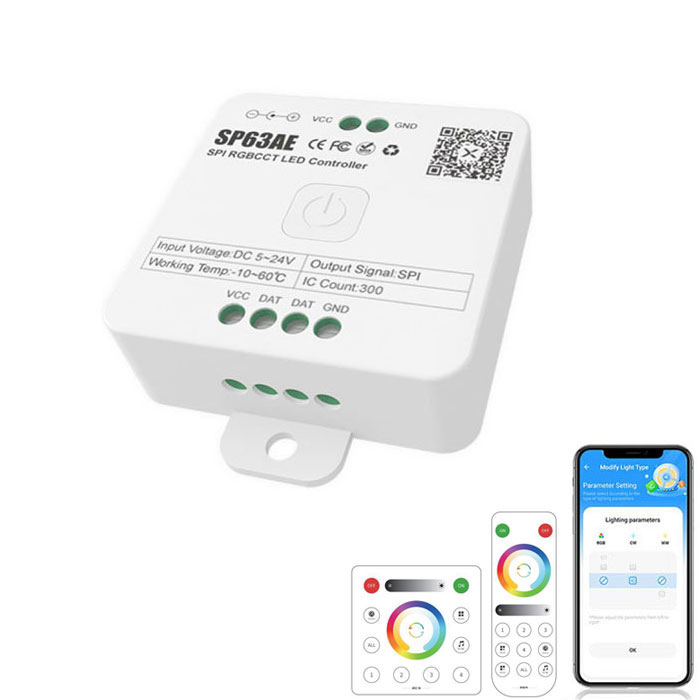
SP63AE Bluetooth FW1906 5In1 RGBCCT Addressable LED Controller
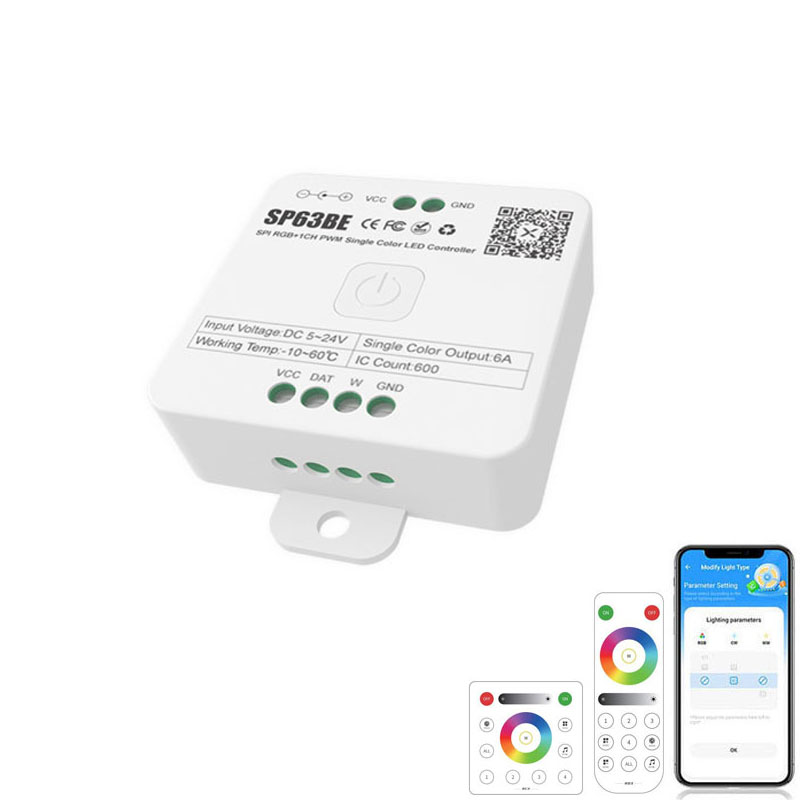
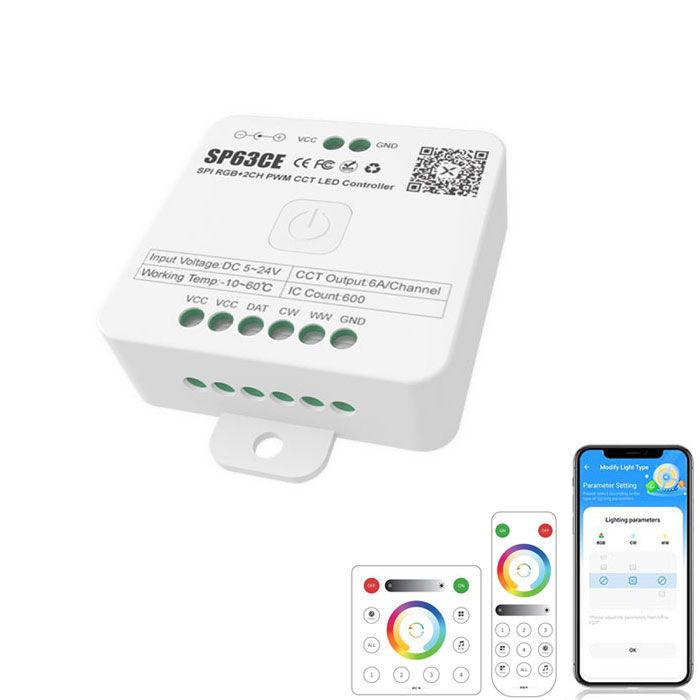
SP63CE Bluetooth RF WS2811 RGB+CCT Addressable LED Controller
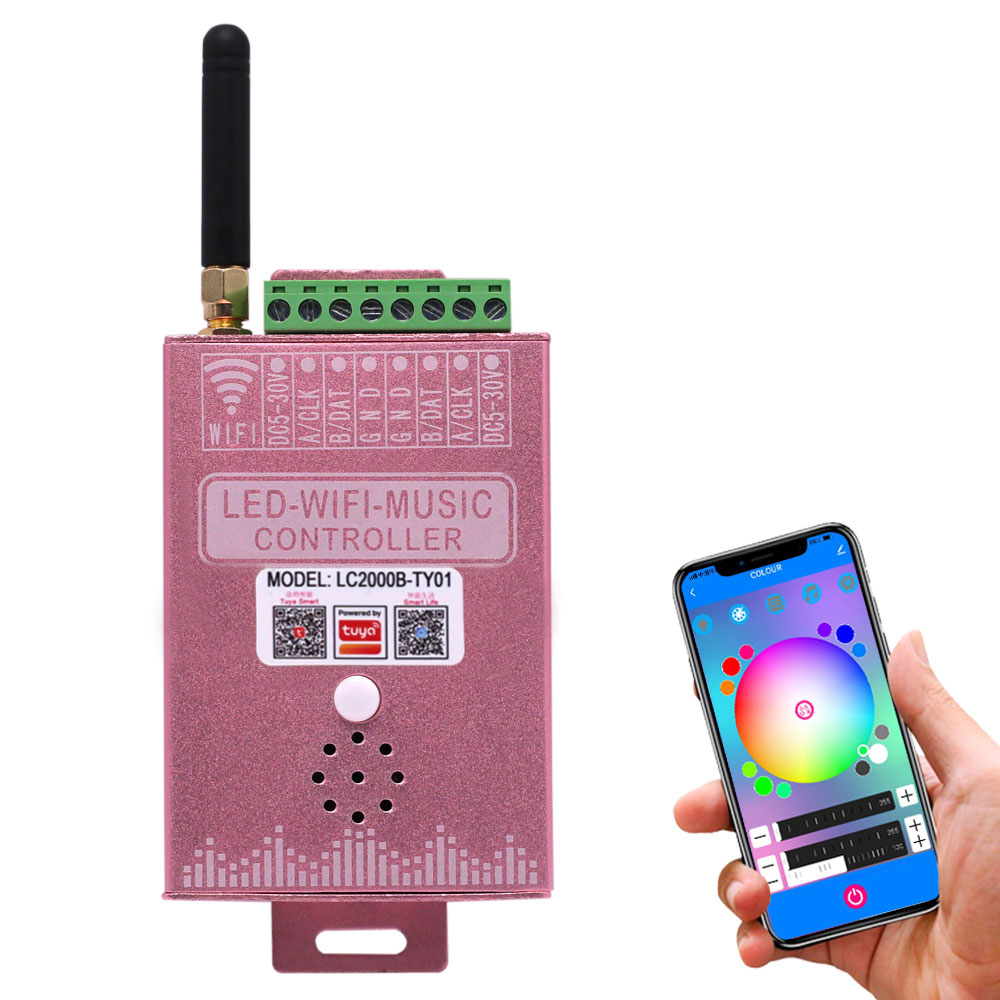
Addressable RGB RGBW RGBCCT WiFi Tuya Music LED Controller
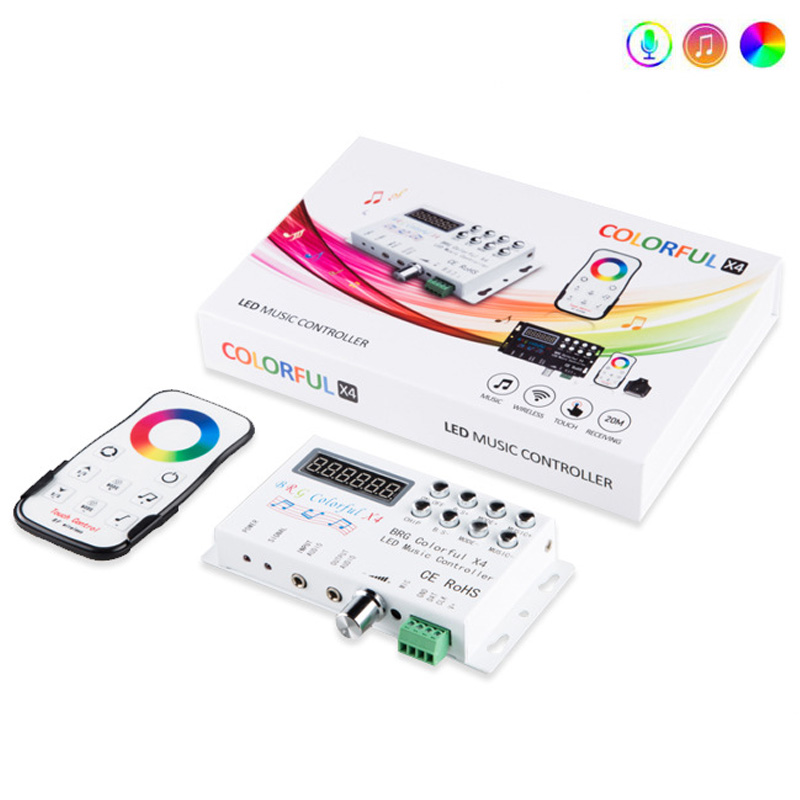
RF 433Mhz LED Addressable RGB Music Controller With OLED Display
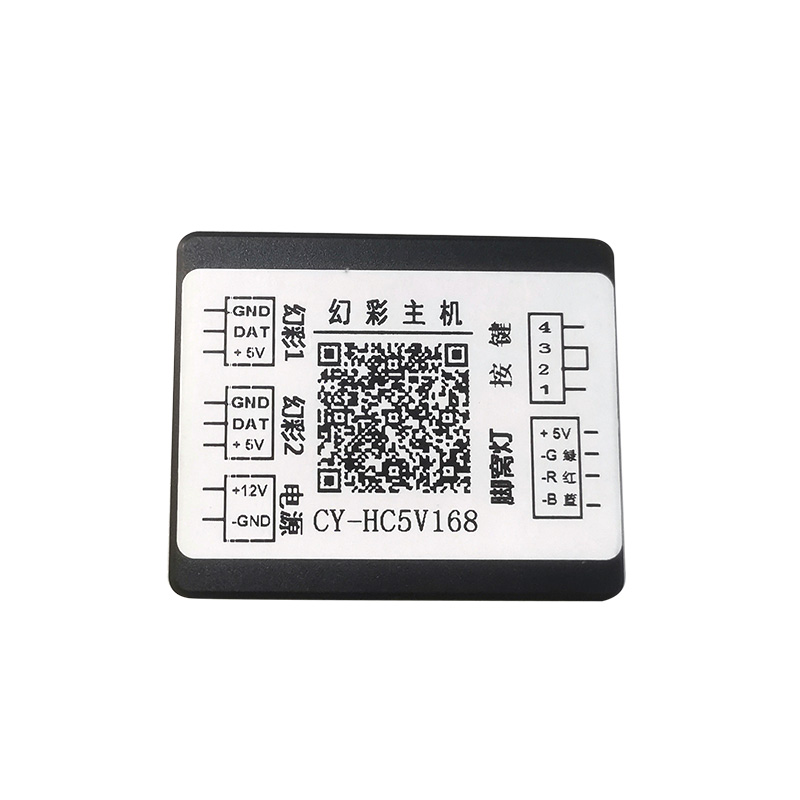
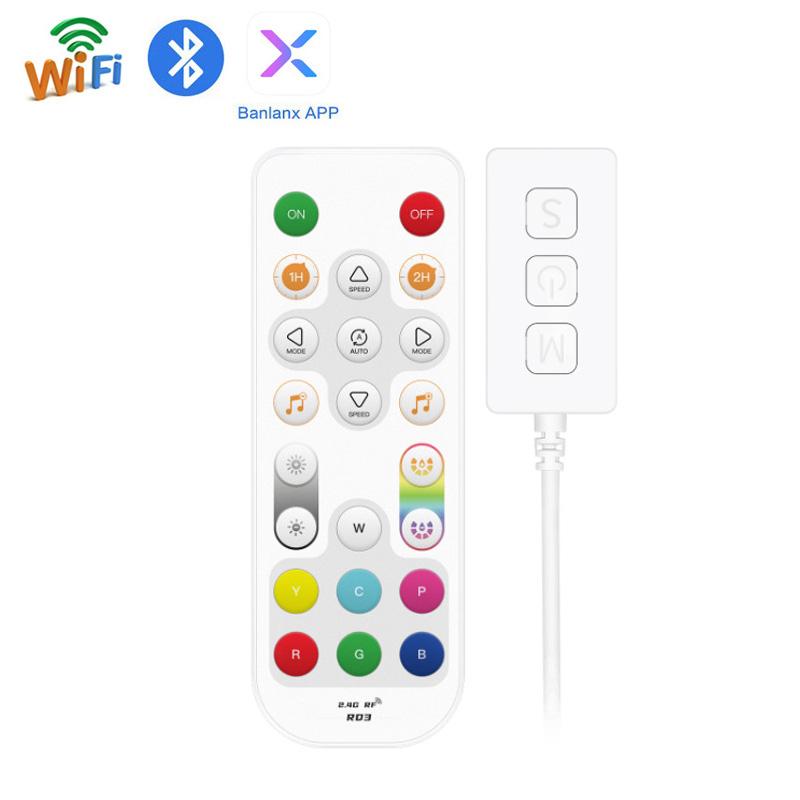
SP501E LED WiFi Controller Compatible Alexa, Smartphone
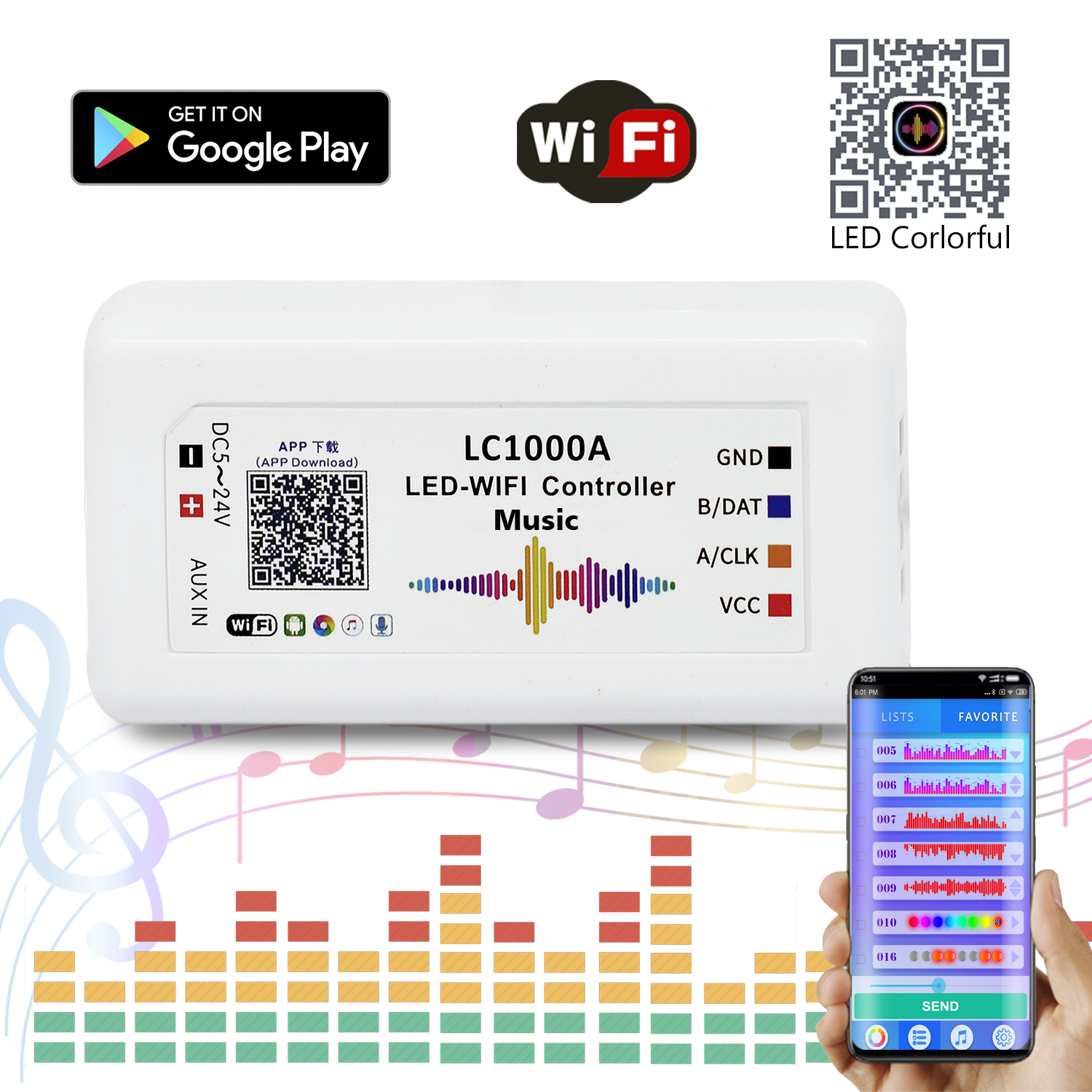
How Do You Want Your Controller to Listen?
The single biggest choice you'll make is how the music light controller gets its audio signal. This determines the accuracy of the light show and the convenience of your setup. Some use their own built-in mic, others use your phone's mic via an app, and the most precise models use a direct 3.5mm audio jack. Each has its pros and cons.
| Audio Source | How It Works | Best For |
| Built-in Microphone | A small mic on the controller itself picks up ambient sound. Most common and easiest setup. | General room use, parties, gaming setups where simplicity is key. |
| Phone/App Microphone | The companion app (e.g., BanlanX, Tuya) uses your phone's microphone to listen and sends data to the controller. | Situations where the controller is hidden but your phone is near the sound source. |
| AUX Line-in (3.5mm) | Connects directly to an audio source (PC, receiver) with an audio cable. No ambient noise interference. | Home theaters, DJ booths, and streamers who need the most accurate, lag-free audio synchronization. |
Frequently Asked Questions About Music LED Controllers
Got questions before you buy? As an application engineer here for over a decade, I've answered them all. Here are the most common ones we get about getting your lights to dance to the beat.
Most have a small microphone built right into the controller's housing, which picks up ambient sound in the room. Some of our more advanced units also have a 3.5mm audio input jack, so you can feed them a clean line-level signal directly from your mixer or phone. The line-in is always better if you want perfect, zero-crosstalk synchronization, but the built-in mic is great for just getting a party going.
Almost, but you have to match the IC chip type. The controller needs to speak the right 'language' to the chips on the strip. Most of our controllers support the common ones like WS2812B, SK6812, and WS2811 right out of the box—you just select it in the app. If you're using a less common strip, check the controller's spec sheet first.
They sync with the *sound* that Spotify or Apple Music produces, not the app itself. The controller's microphone listens to the music playing from your speakers. It doesn't connect to your streaming account. This means it works with any music source—streaming, vinyl, a live band—as long as the microphone can hear it clearly.
This usually means the microphone's sensitivity, or gain, is set incorrectly. If it's too high, it picks up every little background noise and gets overwhelmed, causing frantic, random flashing. If it's too low, it won't react at all. Look for a sensitivity adjustment in the app or on the controller itself. Start low and turn it up until the lights react cleanly to the main beat of the music.
Try to place the controller or its external mic about halfway between your left and right speakers, and not too close. If it's right next to a speaker, that one channel will dominate the response. You want it to get a good, balanced mix of the sound in the room. Avoid putting it inside a cabinet or behind a TV, as that will muffle the sound and make the effects less accurate.
It depends on your setup. Bluetooth is the simplest for direct control from your phone. WiFi connects the controller to your network, letting you control it from anywhere and integrate it with Alexa or Google Home. RF uses a dedicated remote, which is reliable and fast. For the music sync itself, the connection type doesn't matter as much as the controller's audio processing chip.