
Zigbee Controllor and Lights
30 productsZigbee controllers and lights are advanced smart home components that utilize the Zigbee 3.0 wireless protocol to create a stable, low-latency mesh network. Unlike Wi-Fi LED fixtures that can congest your router, Zigbee light devices communicate with each other, extending the signal range and maintaining responsiveness even if the internet is unstable.
SuperLightingLED™ Zigbee lighting system provides high networking capacity and superior energy efficiency, enabling you to seamlessly manage hundreds of devices through a single Zigbee Gateway.
Many premium models support both Zigbee 3.0 and 2.4G RF signals, allowing you to configure physical Zigbee/RF remotes alongside app-based Zigbee control, ensuring your lights are always accessible even if your smartphone isn't nearby. Note that RF remotes are often series-specific and may not be interchangeable between different brands.
Versatile Lighting Solutions and Smart Ecosystem Integration
Whether you are looking for simple plug-and-play light bulbs or complex architectural strip lighting, the Zigbee ecosystem offers two primary configurations to suit your needs:
• Zigbee LED Bulbs: Ideal for residential retrofitting, these smart bulbs screw directly into existing sockets to provide RGBCCT color-changing and dimming capabilities. They are perfect for users who want immediate smart functionality via voice assistants like Amazon Alexa or Google Home.
• Power Supply—Controller—LED Strip: This setup is the preferred choice for professional lighting projects like outdoor landscape lighting or cove accents. By using a compatible Zigbee LED strip light controller, you can transform any constant-voltage LED strip into a smart fixture with million-level dimming precision.
If you need alternatives for the Skydance or Mi-Light series Zigbee products, or prefer to maintain brand uniformity within your existing setup, please explore our dedicated Skydance Zigbee series or Mi-Light Zigbee series.
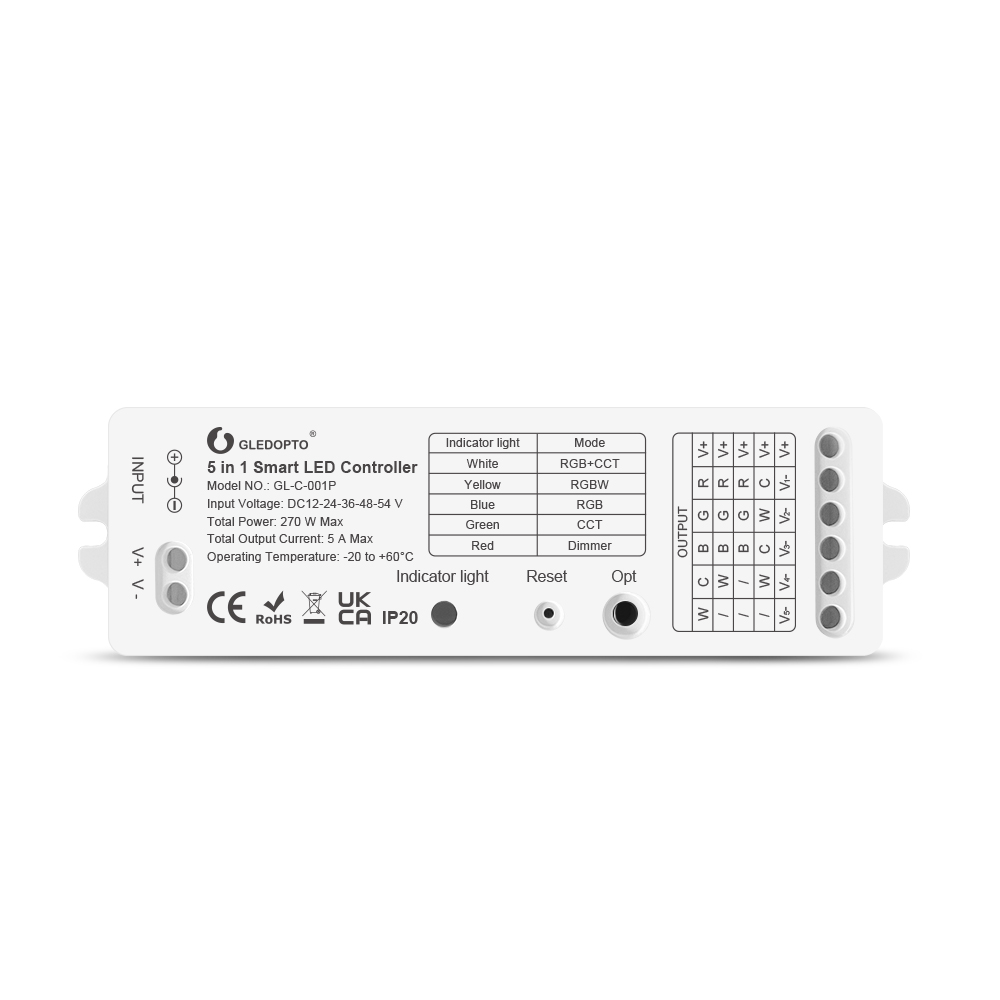
Gledopto GL-C-001P ZigBee Smart 5 in 1 LED Controller Max
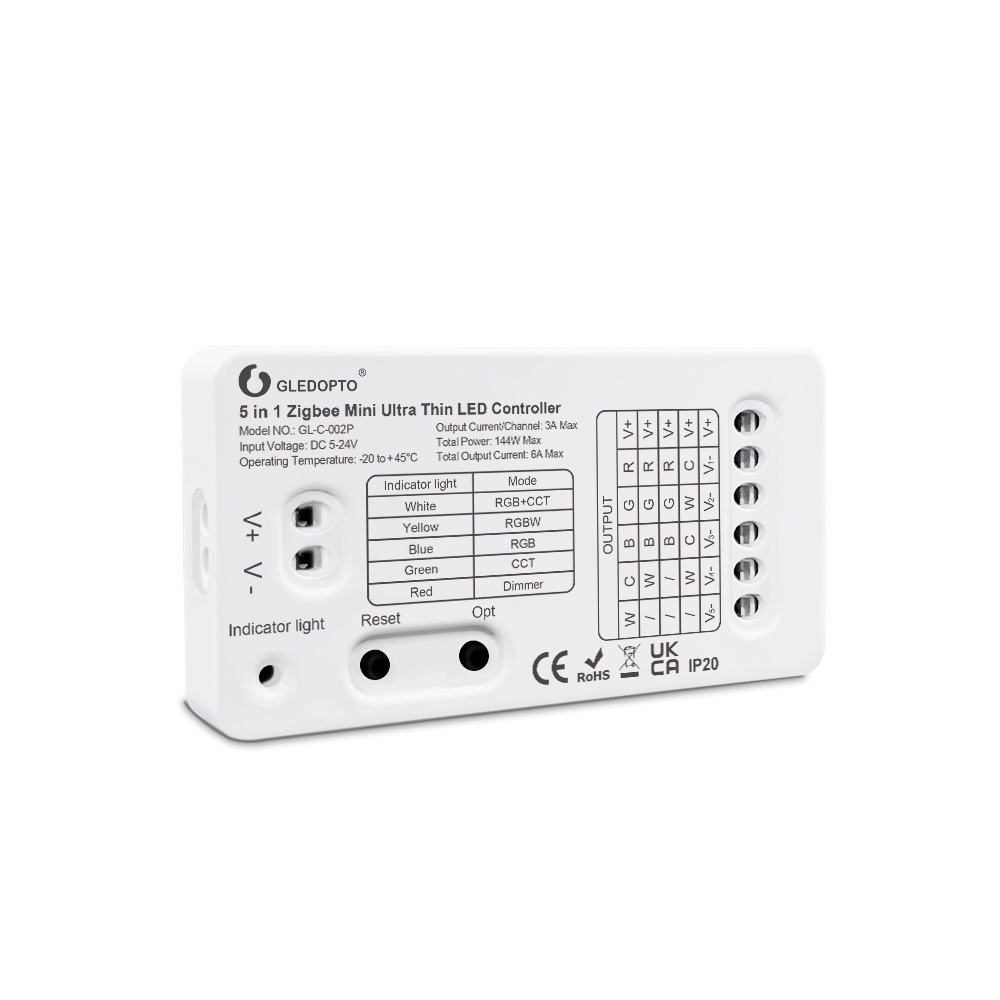
Gledopto GL-C-002P 5in1 ZigBee Mini Ultra Thin LED Controller
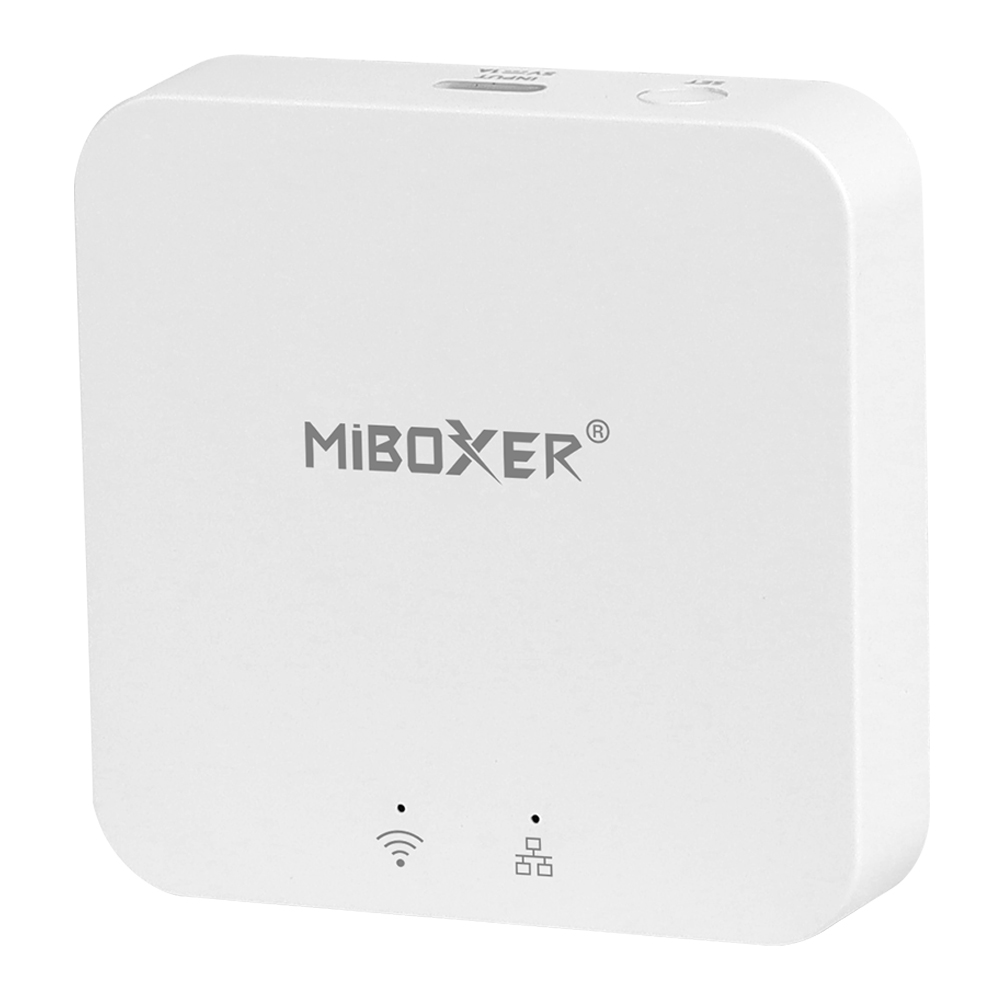
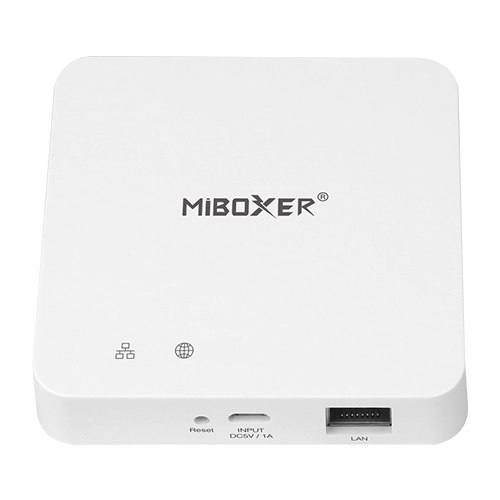
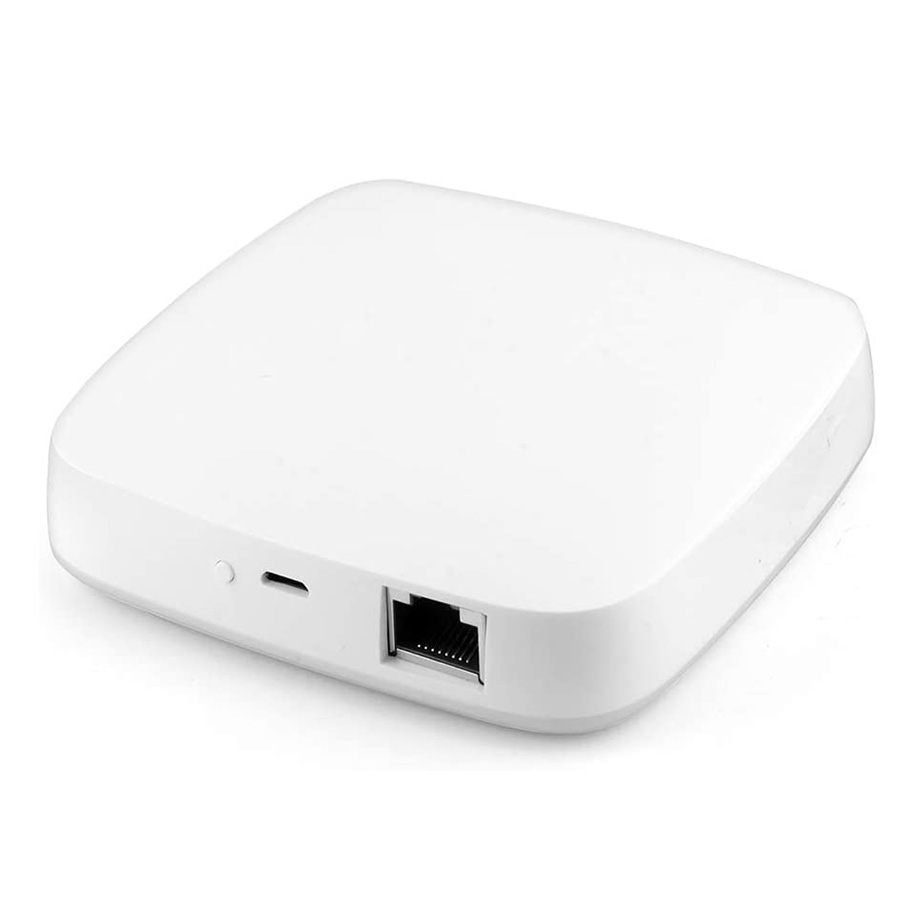
ZB-Box3 Zigbee 3.0 + Bluetooth Gateway - Smart Home Hub
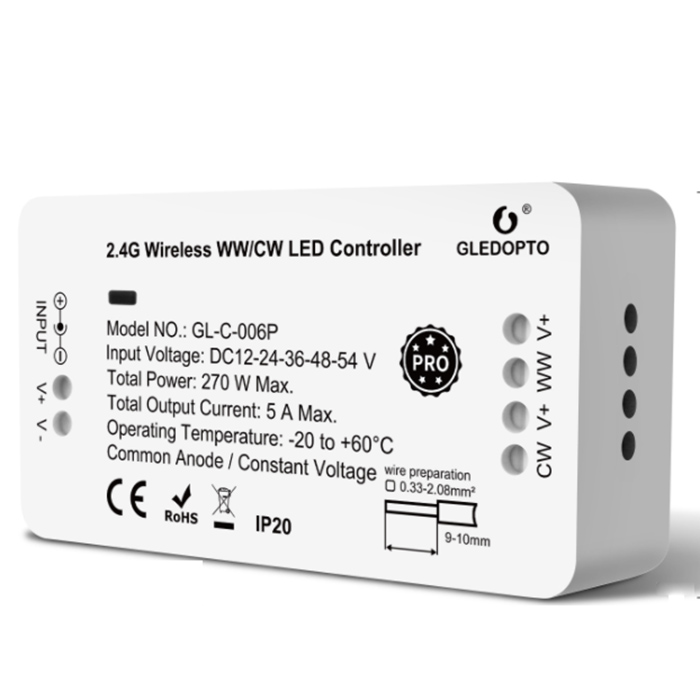
Gledopto GL-C-006P ZIGBEE 3.0 CCT LED Controller Pro
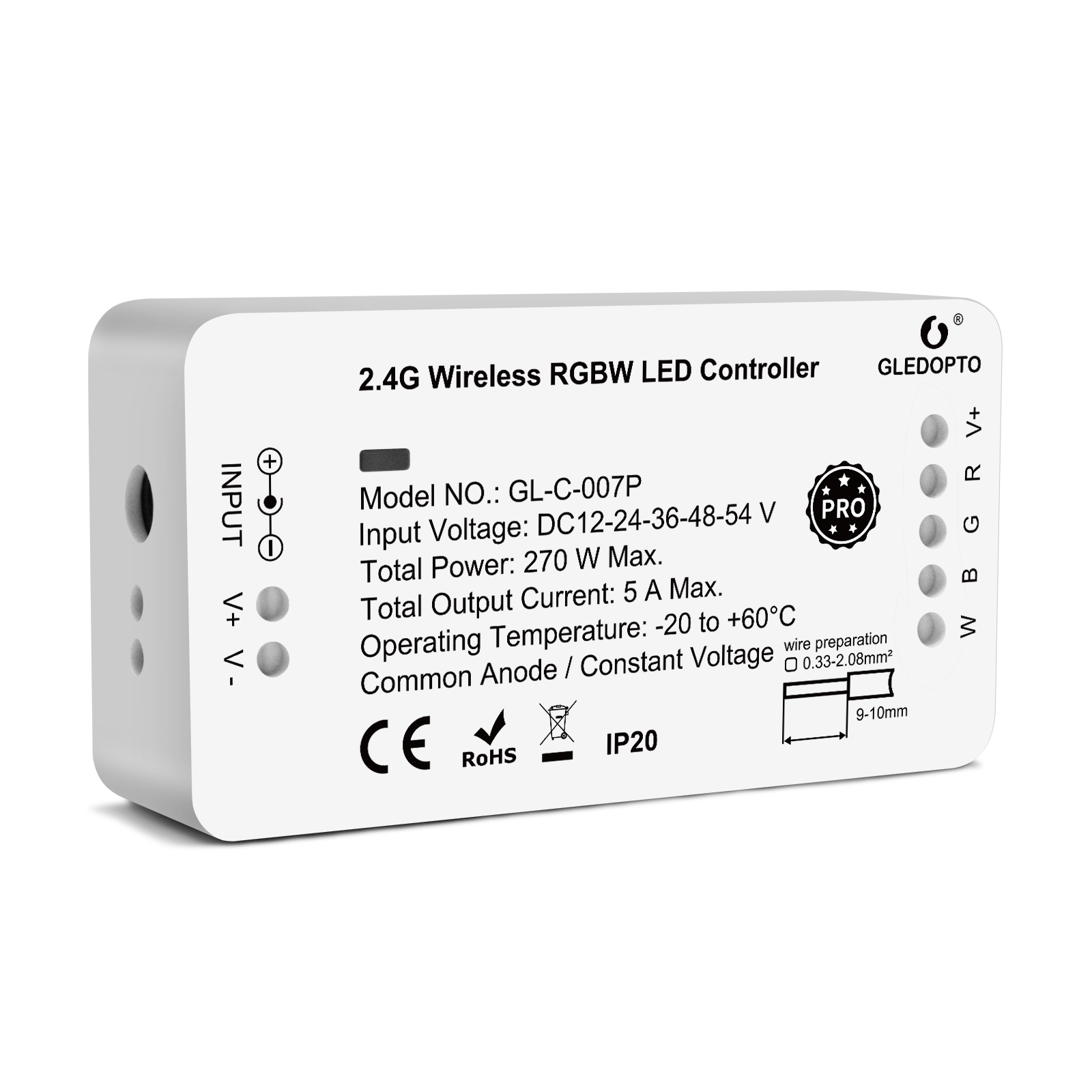
Gledopto GL-C-007P ZIGBEE 3.0 RGBW LED Controller Pro
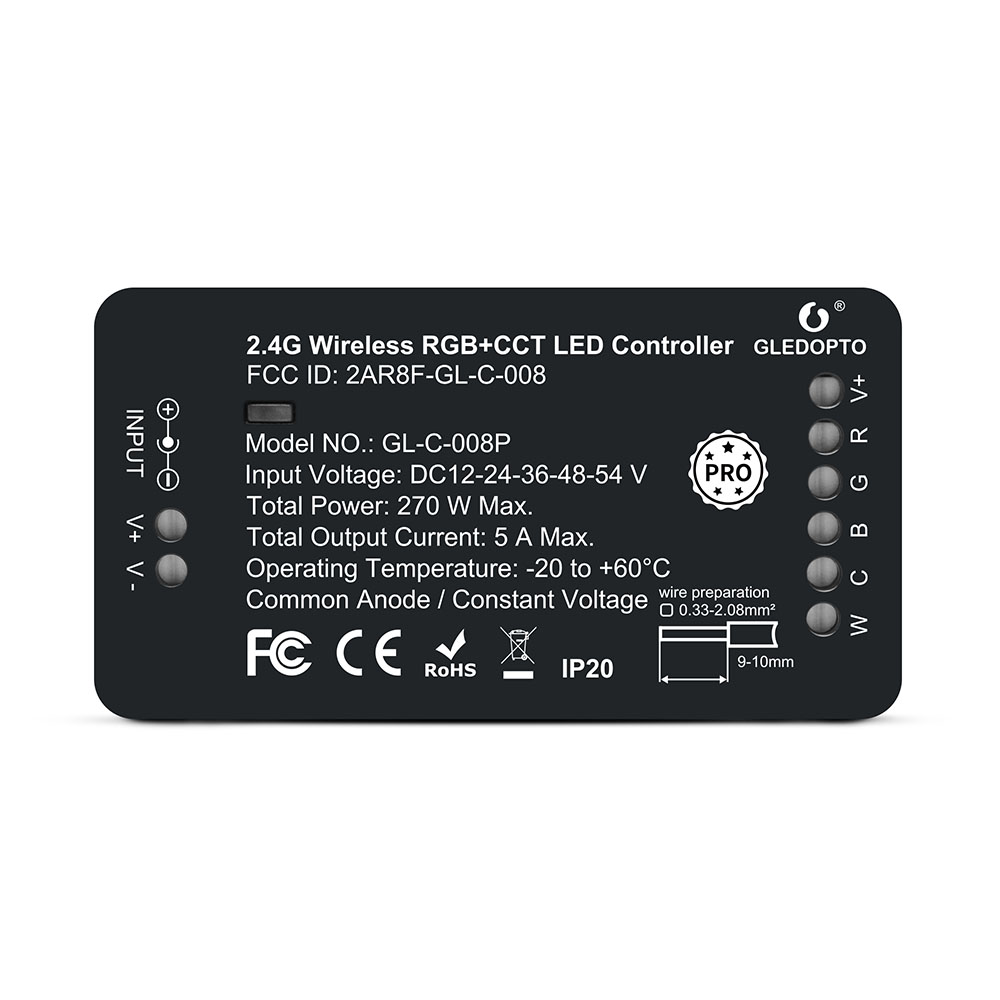
Gledopto GL-C-008P RGB+CCT ZigBee 3.0 LED Controller Pro
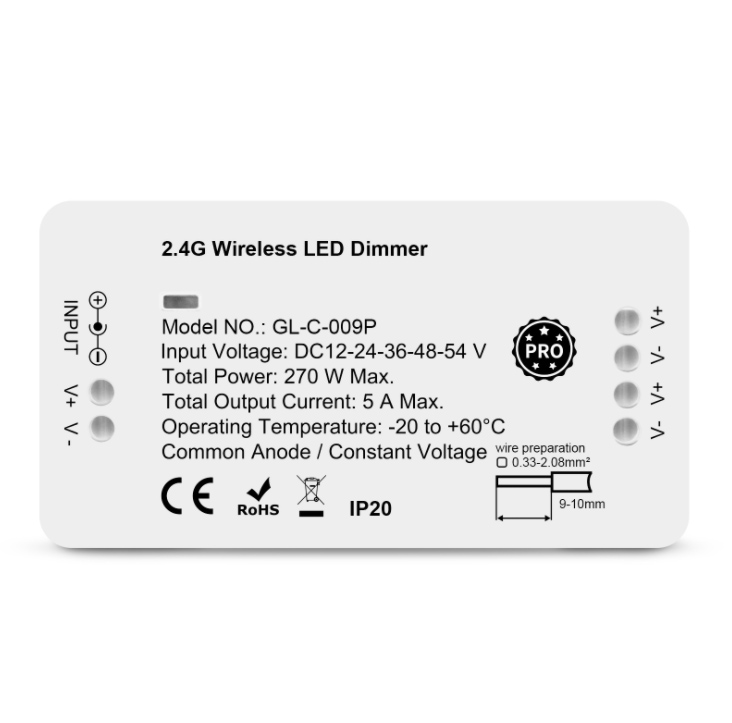
Gledopto GL-C-009P 2CH Zigbee LED Dimmer Controller Pro
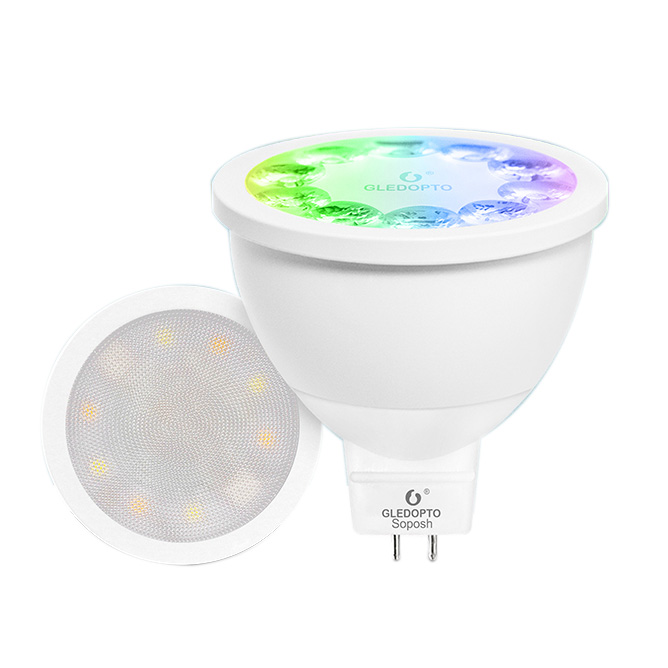
Gledopto GL-S-004P GL-S-014P Zigbee MR16 RGB+CCT Smart LED Bulb
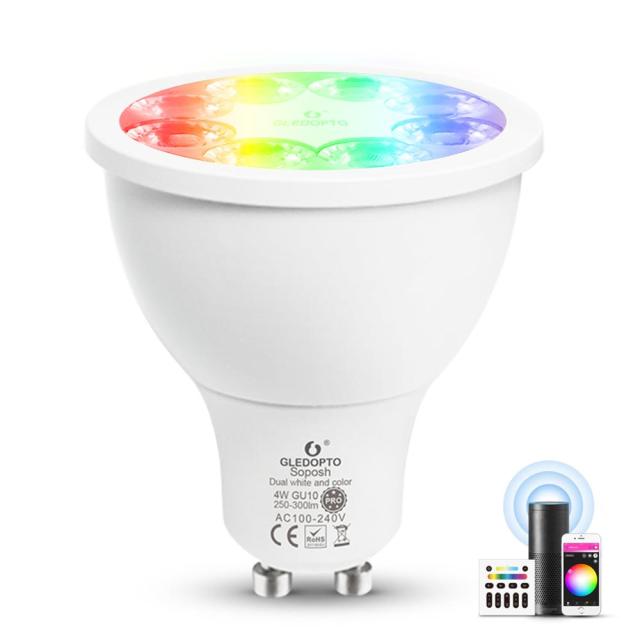
Gledopto GL-S-007P ZIGBEE 3.0 GU10 RGB+CCT LED Spotlight Bulb
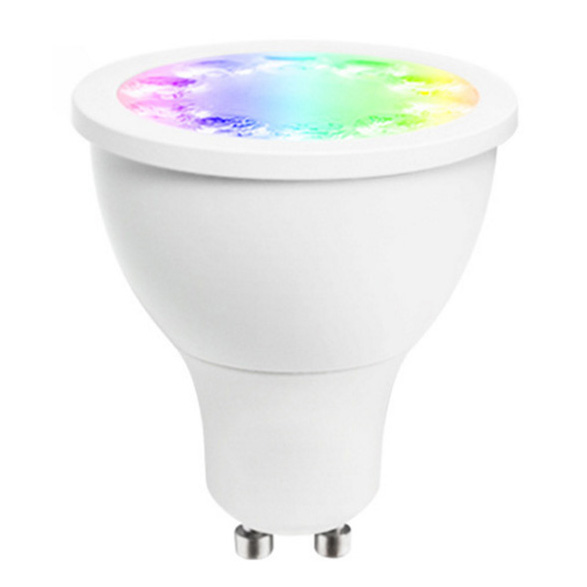
GL-S-003Z AC100-240V RGBW GU10 5W LED Light Bulb, Work With Amazon Assistant
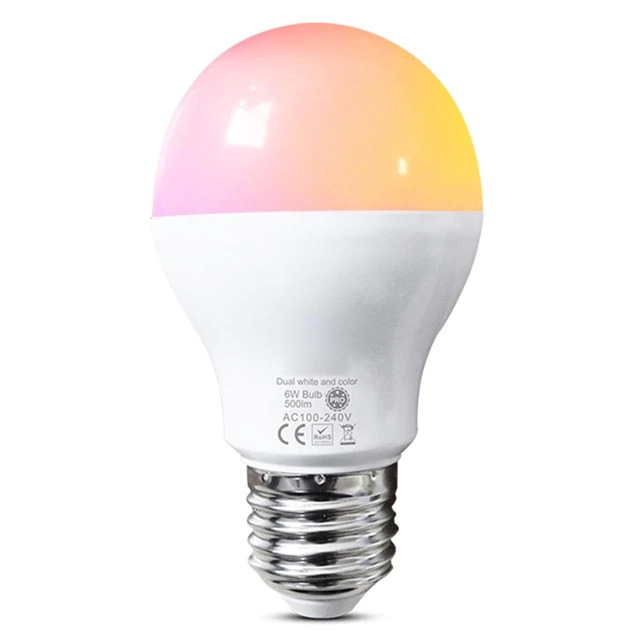
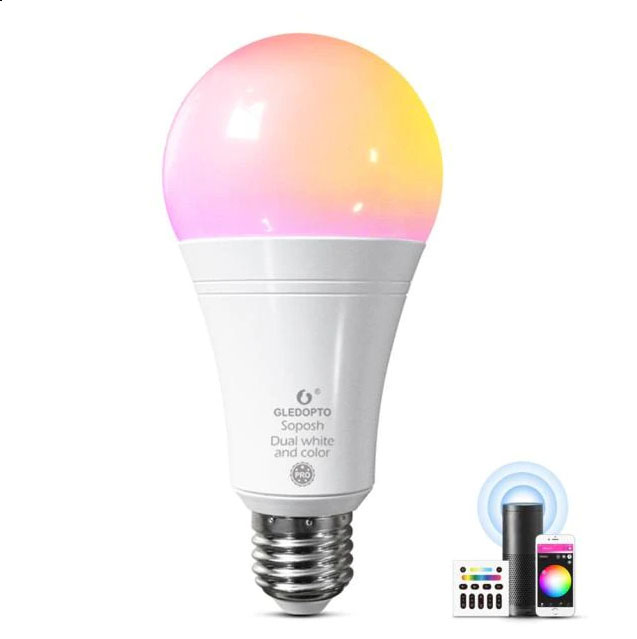
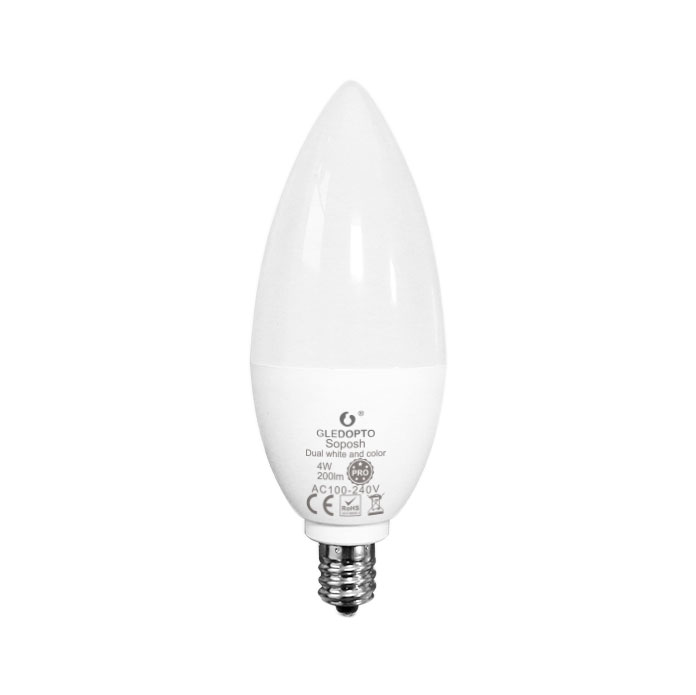
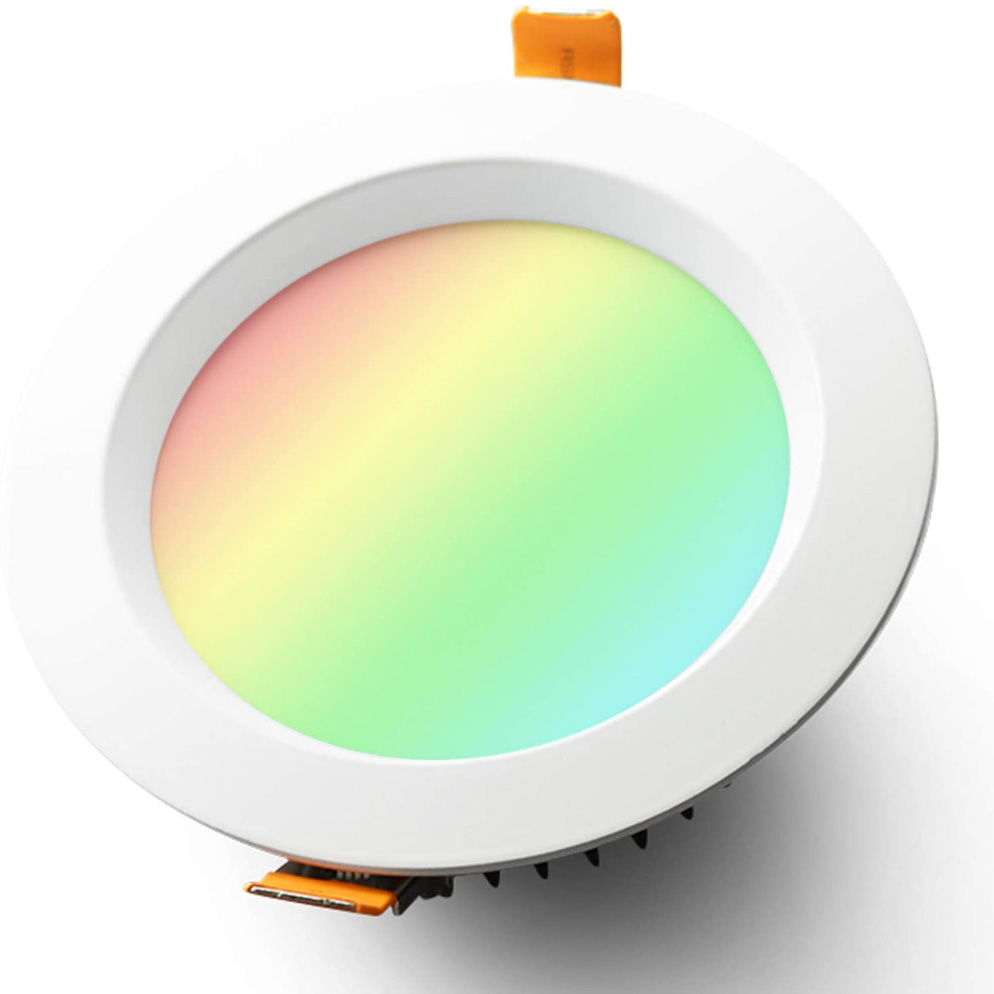
2020 Newest AC100~240V 6/9/12W RGBCCT color-changing LED Downlight
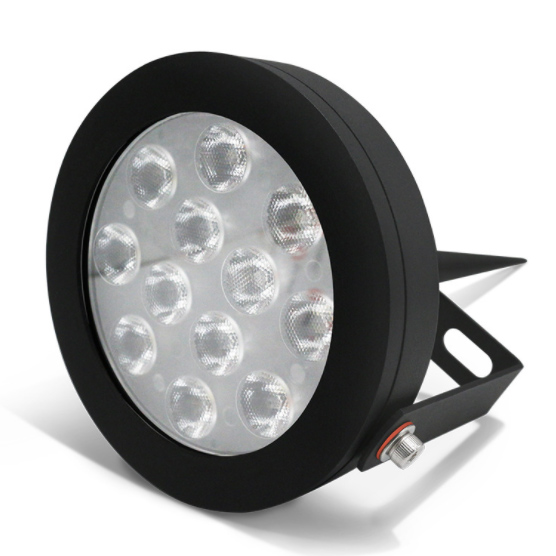
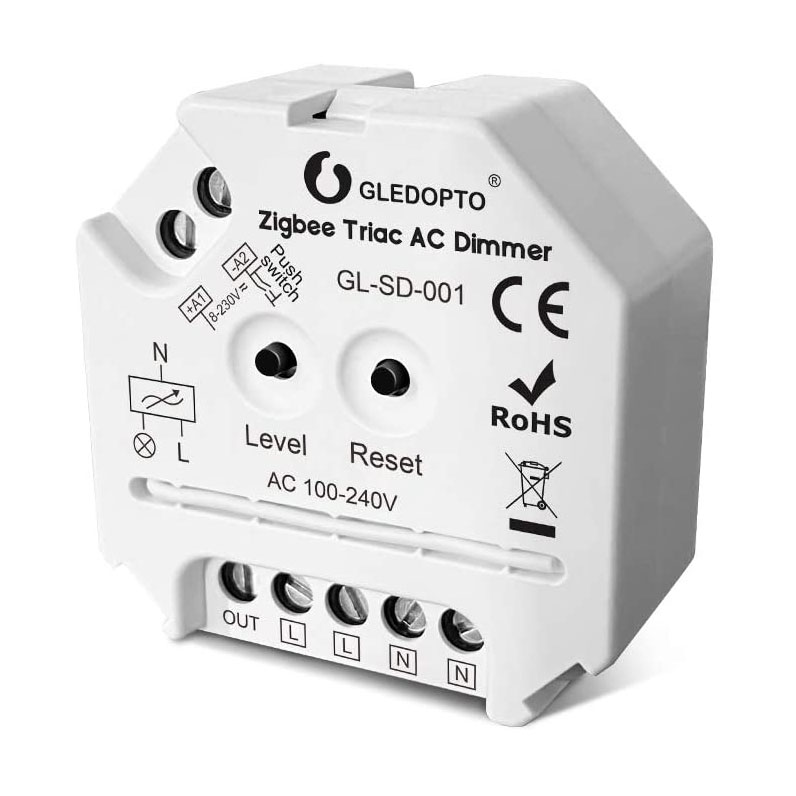
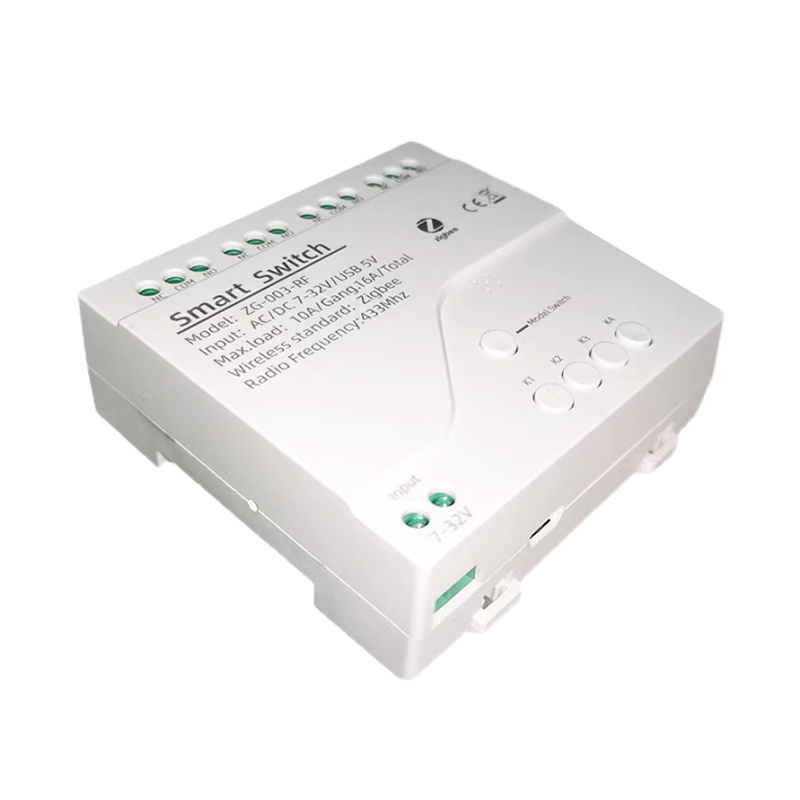
Zigbee 4 Way Smart Switch with Multiple Powerful Functions
Frequently Asked Questions About Zigbee Controllers & Lights
Your real-world questions about setting up a Zigbee lighting system, answered by an engineer.
Yes, you absolutely do. The gateway, or hub, is the brain of the operation. It's what talks to your WiFi router on one side and speaks the Zigbee language to all your lights on the other. Your phone app talks to the gateway, not directly to each bulb or controller. This is what makes the system stable and keeps it off your crowded WiFi network. Without a gateway, the lights have no way to get commands.
Our LED controllers use the Zigbee 3.0 protocol, which is the standard designed for interoperability. We've tested them extensively with major hubs like Philips Hue, Samsung SmartThings, Tuya, and Amazon Echo devices that have a built-in Zigbee hub. The key is that Zigbee 3.0 certification. If your hub supports that, you should be good to go. Just be aware that some brand-specific features in an app, like Hue Entertainment, might not work with third-party lights.
Your lights will still work inside your house. This is a huge advantage over WiFi-only devices. As long as your Zigbee gateway has power, you can control your lights through any physical Zigbee remotes, switches, or sensors you've paired. Pre-set schedules stored on the hub will also keep running. The only thing you'll lose is control from outside your home network and voice control via Alexa or Google Home, since those rely on the cloud.
This is the most common hiccup. First, bring the device close to the gateway—within 10 feet—for the initial pairing. Second, make sure the device is in pairing mode, which usually means power-cycling it several times until it blinks. Check the specific product manual. Finally, if you have a lot of devices, try temporarily turning off a few nearby Zigbee plugs or bulbs. Sometimes a weak signal from another device can interfere with the pairing process.
This isn't about the number of controllers, it's about the total power draw. You can wire dozens of controllers to one power supply if you want, as long as the total wattage of all the connected LED strips doesn't exceed about 80% of the power supply's rating. You'll wire them in parallel, not series. Running them in series is a common mistake that leads to severe voltage drop. Each controller gets its own home run back to the power supply.
It depends on the job. Zigbee bulbs are perfect for retrofitting existing lamps and fixtures. You just screw them in, pair them, and you're done in minutes. For architectural lighting like under cabinets, in coves, or along stairs, a dedicated zigbee led strip lighting system is the professional choice. It gives you a continuous, dot-free line of light that you can't get from a bulb. For those jobs, you'll want a power supply, a Zigbee controller, and the LED strip itself.
Yes, on many of our pro-series controllers. These models support both Zigbee 3.0 for app and hub control, and a separate 2.4G RF signal for physical remotes. This gives you the best of both worlds—your lights still work from a wall switch or handheld remote even if the hub is offline. Just be sure to check the product specs, as the remote and controller have to be from the same series.
Most modern Zigbee 3.0 gateways can support up to 128 devices. Some older or more basic hubs might top out around 30-50. The great thing about Zigbee is its mesh network. Every mains-powered device (like a bulb or a controller, but not a battery-powered sensor) acts as a repeater, strengthening the network and extending its range. So the more lights you add, the more robust your network becomes.
This usually points to a weak spot in your Zigbee mesh network. If a single light is acting up, it might be too far from the nearest repeating device. If the whole system feels sluggish, you may have a 'network hop' problem where the signal has to pass through too many devices to get to its destination. The best fix is often to add another mains-powered Zigbee device, like a smart plug, midway between the gateway and the problem area to act as a signal booster.
The key is using groups and scenes inside your smart home app, like Tuya, Smart Life, or Philips Hue. Instead of controlling 15 individual bulbs, you create a group called 'Kitchen Lights' and control them all as one. Then you can create scenes like 'Movie Time' that sets the living room group to 20% brightness and a warm color, all with a single tap or voice command. This is really how to control smart lights efficiently.