
Wireless Sync Controller
10 productsThe LTECH T Series 2.4GHz RF Wireless Sync System is designed for LED lighting installations that need synchronized lighting effects, convenient handheld control, and flexible multi-zone operation without running dedicated synchronization signal wires between receivers. The system combines compatible T Series RF remotes with wireless receiving controllers, making it a practical solution for coordinating multiple LED strips or fixtures across a room, building, or decorative lighting installation.
Unlike a more extensive L-BUS lighting control architecture that combines Wi-Fi master controllers, wall panels, and signal converters, the T Series focuses on direct RF control and synchronization between compatible remotes and receivers. This simpler structure is particularly useful when multiple lighting locations need to follow the same color changes, dimming adjustments, or dynamic lighting effects without requiring a centralized wired synchronization system.
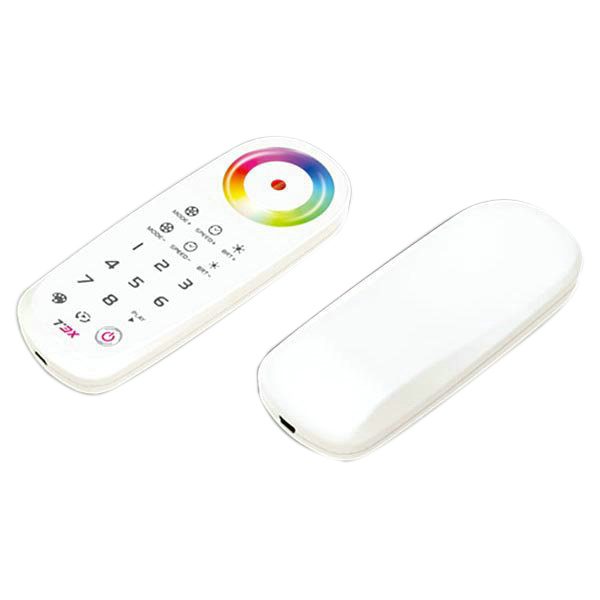
Unlike basic battery-powered remotes, T Series remotes feature a built-in 1,000mAh rechargeable lithium battery and a USB charging port, providing a reusable, rechargeable control solution. Also, T Series remotes can control an unlimited number of assigned T Series light receivers within their effective wireless range.
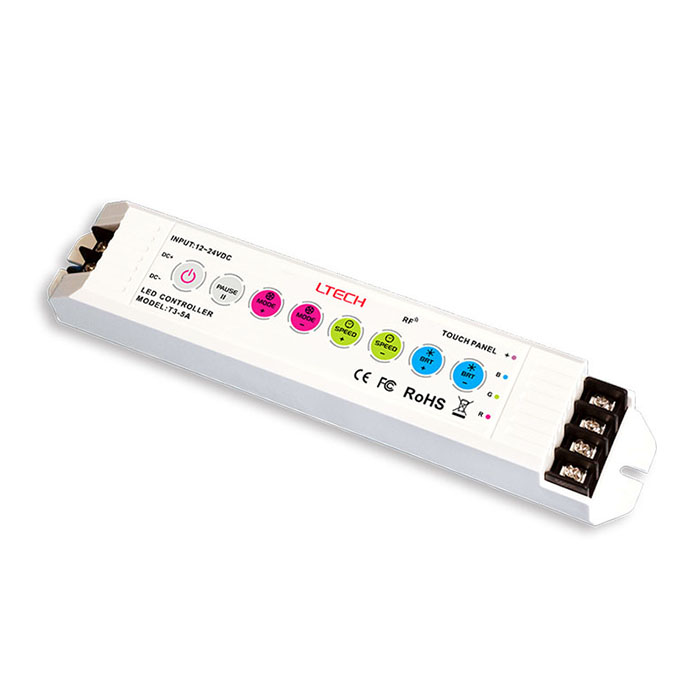
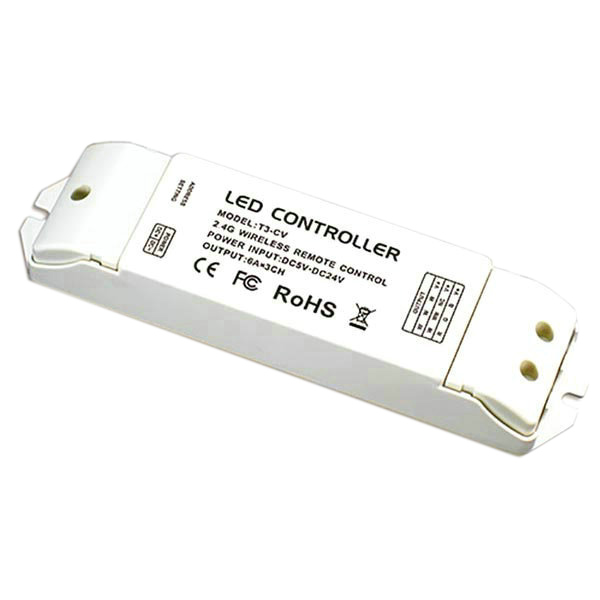
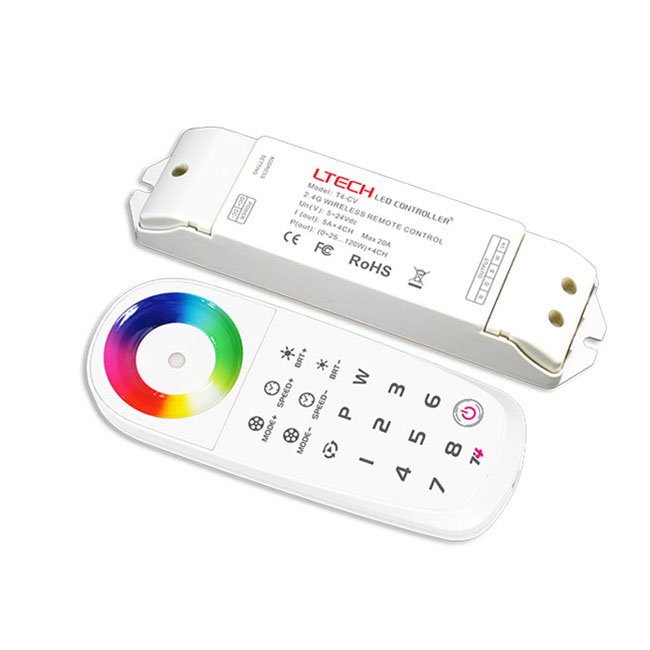
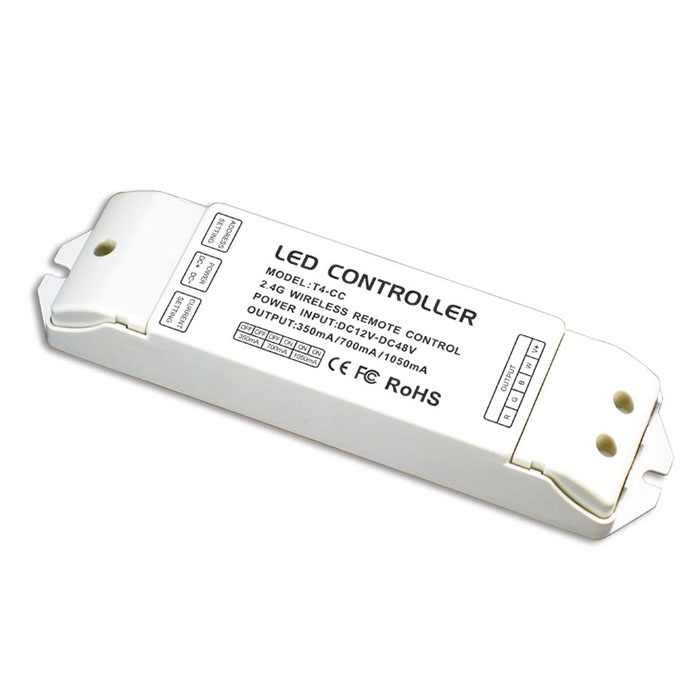
T4-CV RGBW LED Controller - Wireless Sync & Zone Control | LTECH
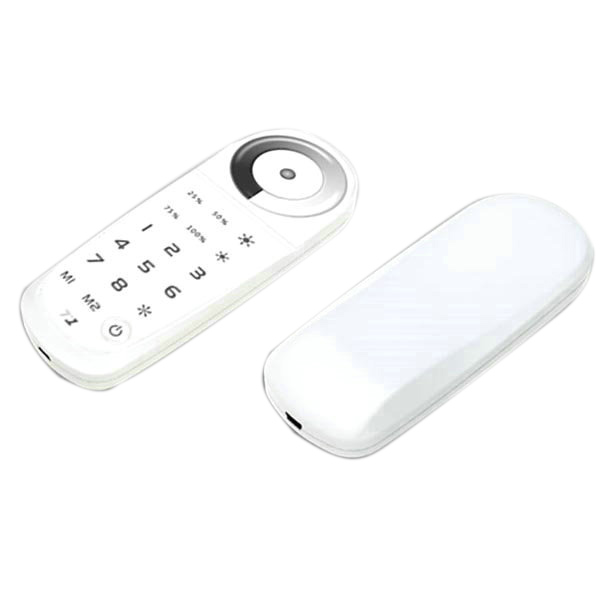
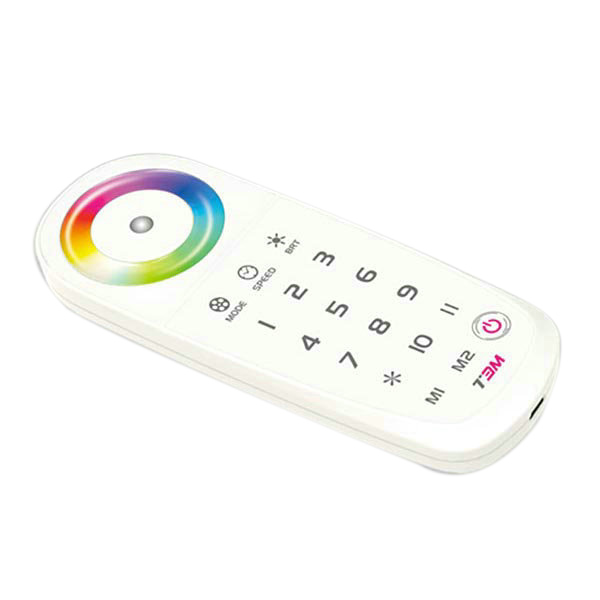
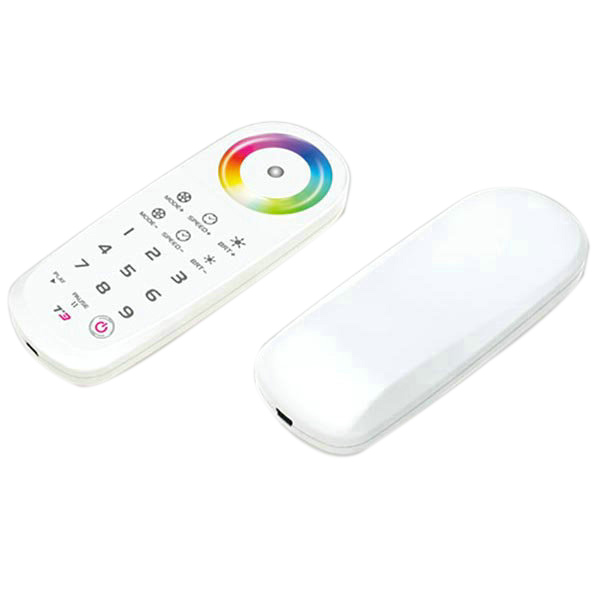
T3 2.4G RF RGB LED Touch Remote Controller - Wireless Sync & Full-Color Wheel
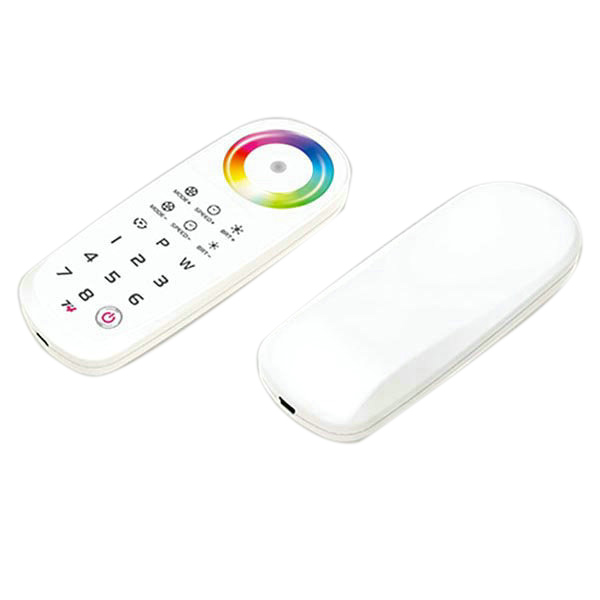
T4 2.4G RGB LED Wireless Sync Controller - High-End Touch Remote | 5-Year Wty
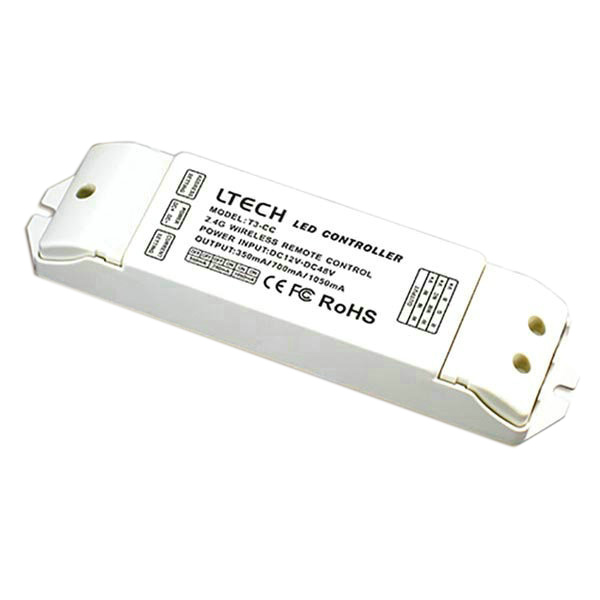
FAQ About Wireless Sync Controller
Direct engineering answers on setting up, pairing, and wiring Ltech 2.4GHz RF wireless sync lighting systems.
An LED sync controller locks multiple wireless receivers to the exact same color cycle and timing pulse so dynamic lighting effects never drift apart. With standard RF controllers, each receiver relies on its own internal clock oscillator. Those separate clocks wander within 10 to 15 minutes, leaving one cove displaying blue while another has already transitioned to purple. Ltech 2.4GHz sync architecture continuously broadcasts synchronization timing packets across all matched receivers, keeping color transitions and fading sequences frame-locked across every connected run of LED strip lights without control cables between power drops.
Choose the T3 wireless sync controller for dedicated 3-channel RGB LED strip lights, and pick the T4 for 4-channel RGBW LED strip setups or multi-zone installations. The T3 remote features a 3-channel touch color wheel configured specifically for saturated color mixing on RGB LED strip tape. The T4 adds a fourth dedicated white output channel, which prevents color-polluting your neutral white LEDs when you mix pastels. The T4 remote also supports 4 individual zone buttons, letting you synchronize every receiver across an entire floor with one touch or split perimeter coves and under-counter runs into independently adjusted zones.
A single wireless sync controller can control an unlimited number of wireless receivers within its 30-metre RF broadcast radius. Because the 2.4GHz remote broadcasts commands unidirectionally rather than establishing two-way handshakes with each box, you can place 2, 10, or 40 receivers in the same open space with zero signal lag. If a single receiver reaches its rated load limit—such as 5A per channel on a T3-5A or T4-CV—you do not need cumbersome secondary wiring runs.
Mount your wireless sync controller receiver outside enclosed metal cabinets with at least 0.5 metres of clearance from large transformers and WiFi routers. While 2.4GHz radio signals travel up to 30 metres across open space and penetrate standard drywall or timber studs, a closed steel junction box weakens RF transmission by 80% to 90%. If you must locate drivers and receivers inside a utility closet, place the receiving controllers against the non-metallic wall side or pop the external receiver antenna outside the enclosure to maintain a steady control link.
Dynamic color modes fall out of sync when receivers miss RF clock packets due to excessive distance or severe 2.4GHz wireless interference. If one receiver sits 35 metres away behind a concrete firewall while the others are 10 metres out, the distant box eventually misses the synchronizing pulse and reverts to its internal timer. To fix this, reposition the lagging receiver within 20 metres of the remote, align its antenna vertically, and keep it away from high-power 2.4GHz wireless routers or structural metal framing.
To pair an LED sync controller receiver, short-press the 'ID learning' button on the receiver housing and immediately press any key or the desired zone number on the remote. The green indicator light on the receiver will flash rapidly, confirming the unique 2.4GHz transmission ID is stored. If you need to reassign that receiver to a different zone or clear corrupted memory after reconfiguration, press and hold that same ID button for 5 seconds until the status indicator blinks steadily, resetting the unit back to factory defaults.
A wireless light controller remote fails to hold a charge if its internal 5V lithium cell has dropped below cut-off voltage or if it is connected to a fast-charging USB-C PD block. Ltech T series handheld remotes incorporate a built-in lithium battery designed for 5V 500mA charging over standard USB. High-wattage quick chargers (9V, 12V, or 20V phone adapters) can trigger the internal protection circuit and prevent current flow. Plug the remote into a basic 5V 1A USB-A power port using the supplied cable for 2 full hours to restore normal battery runtime.