
RF+DMX512 Touch Panel
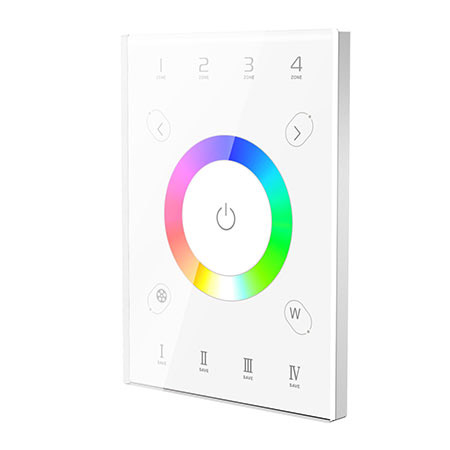
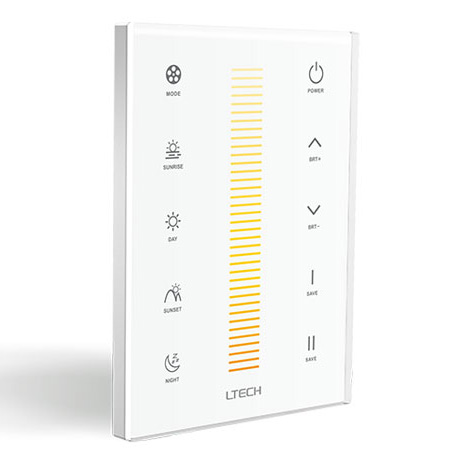
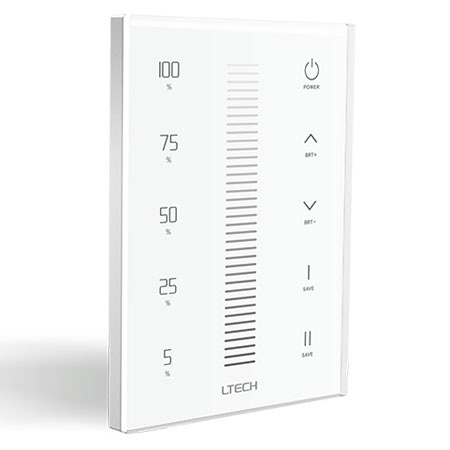
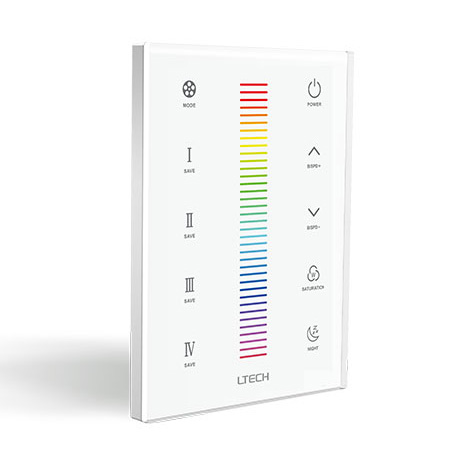
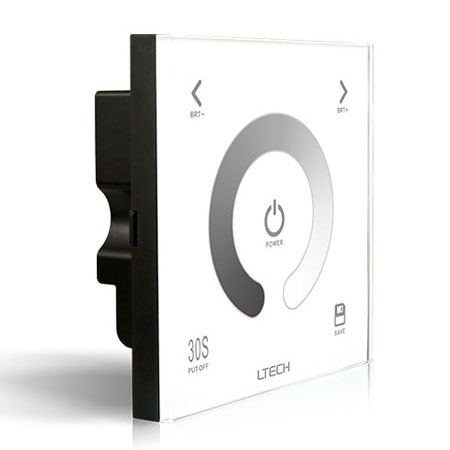
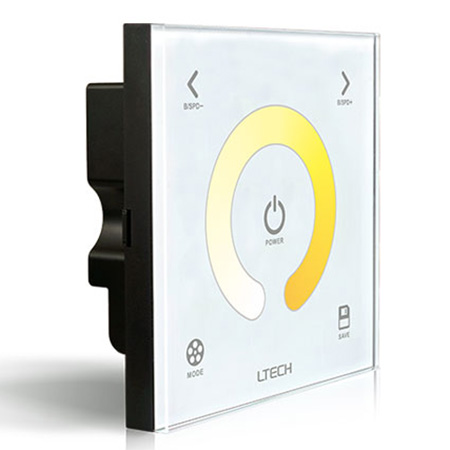
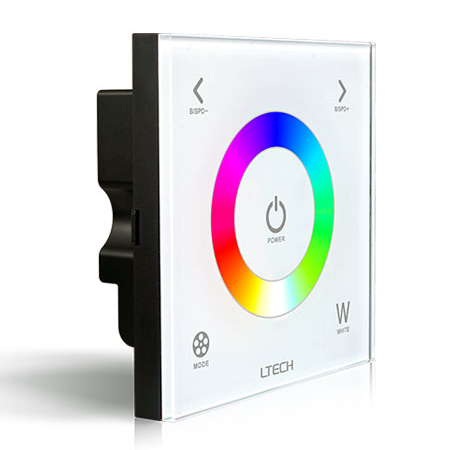
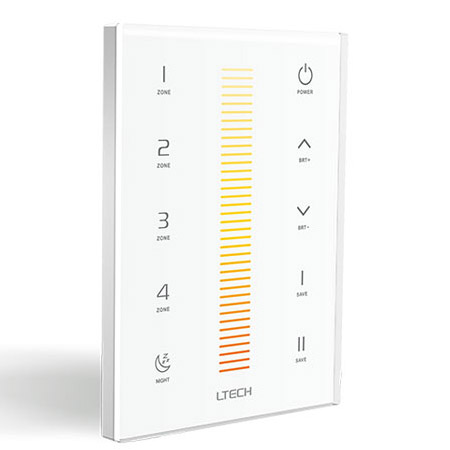
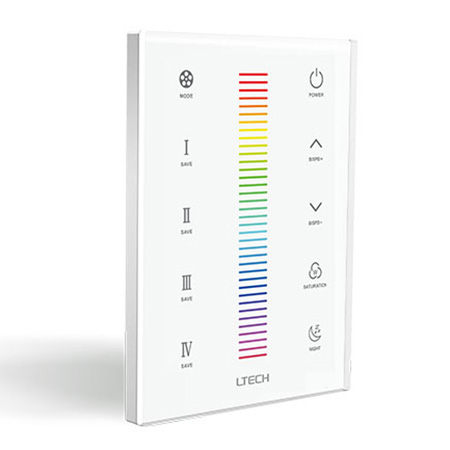
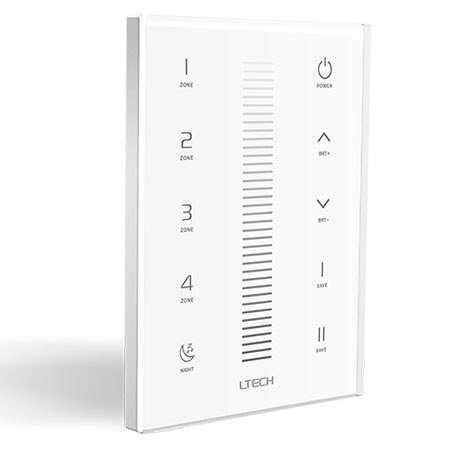
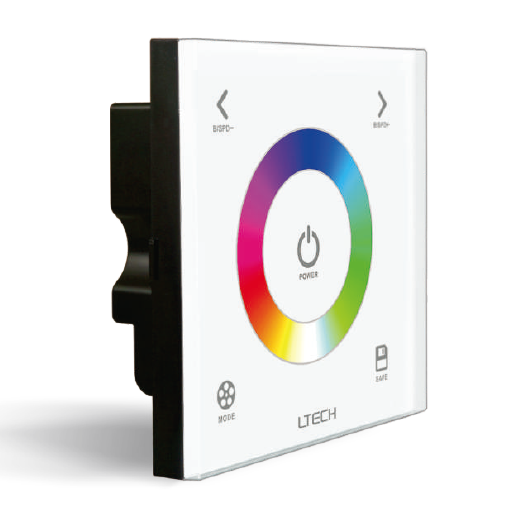
15 productsThese touch panels are designed for the LTECH DX Wi-Fi/RF lighting control system. They support 2.4GHz RF wireless communication and DMX512 signal output, providing two different ways to control compatible LED lighting. Depending on your system architecture, UX8 can operate as a wireless wall panel for R4 series receivers or as a wired DMX512 master panel for compatible DMX decoders and drivers.
Choose wireless R4 receiver mode when you want convenient wall-panel control of compatible LED strips or constant-current fixtures without running signal wiring between the panel and each receiver. Choose wired DMX512 mode when you need the UX8 to send DMX commands directly to external decoders. Add compatible WiFi-104 integration when smartphone control is also required.
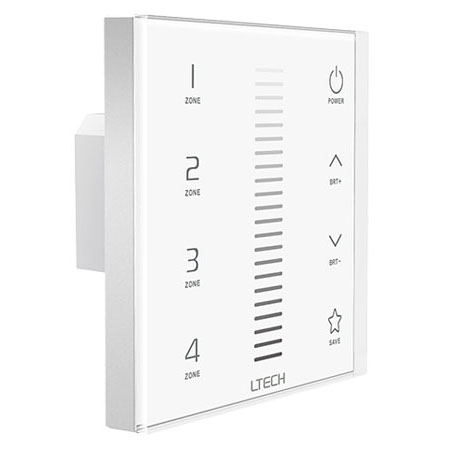
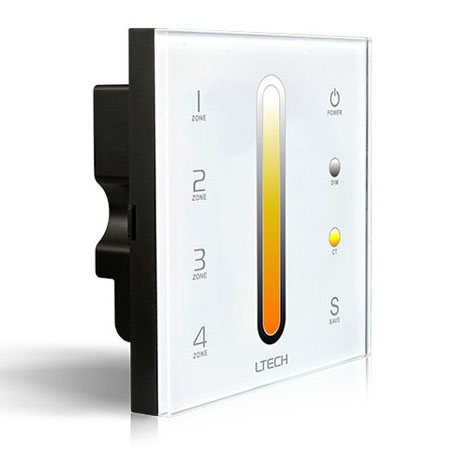
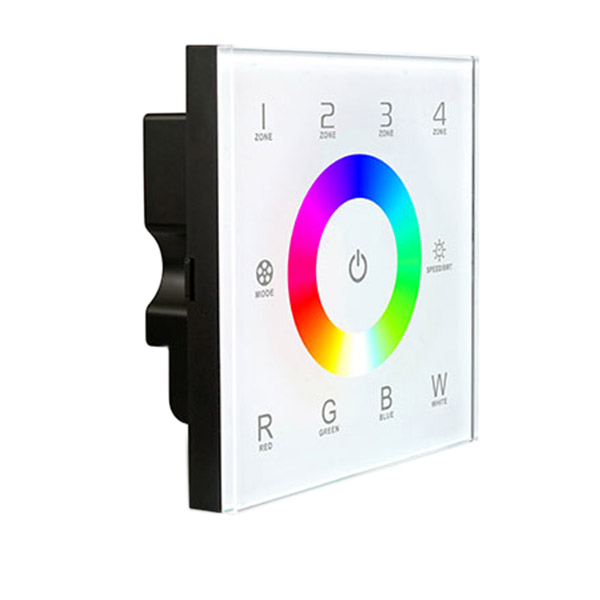
Mode 1: Wireless Control for R4 Series Receivers
In wireless receiver mode, UX8 communicates directly with compatible LTECH R4 series wireless receivers via 2.4GHz RF. No signal cable is required between the UX8 panel and the receivers.
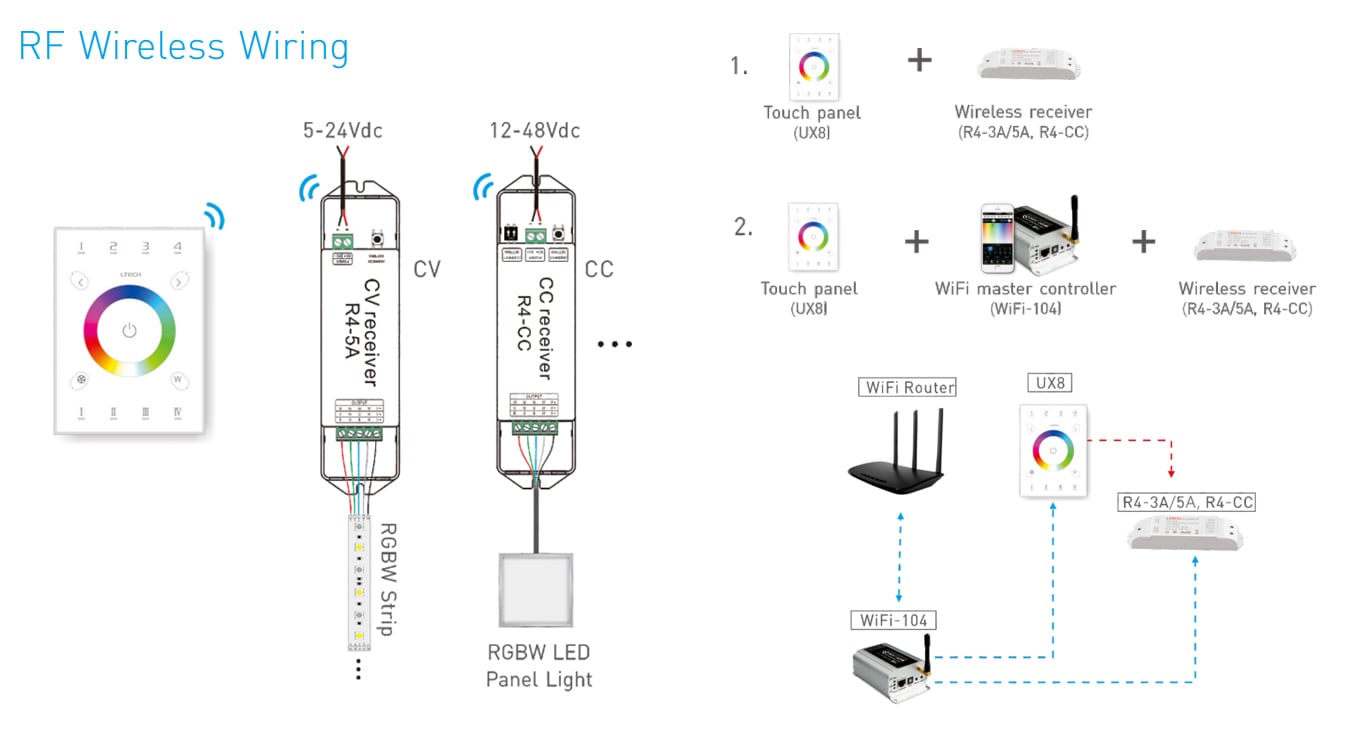
This configuration is suitable for compatible RGB and RGBW LED lighting setups. Pair the panel with R4-5A constant-voltage receivers to control compatible low-voltage LED strips, or with R4-CC constant-current receivers for compatible constant-current LED fixtures.
Mode 2: Wired DMX512 Control for External Decoders
UX8 can also operate as a wall-mounted DMX512 master panel for compatible DMX-RGB or DMX-RGBW decoders. In this configuration, the panel's DMX512 output must be hardwired to the DMX input of a compatible decoder or DMX-enabled driver.
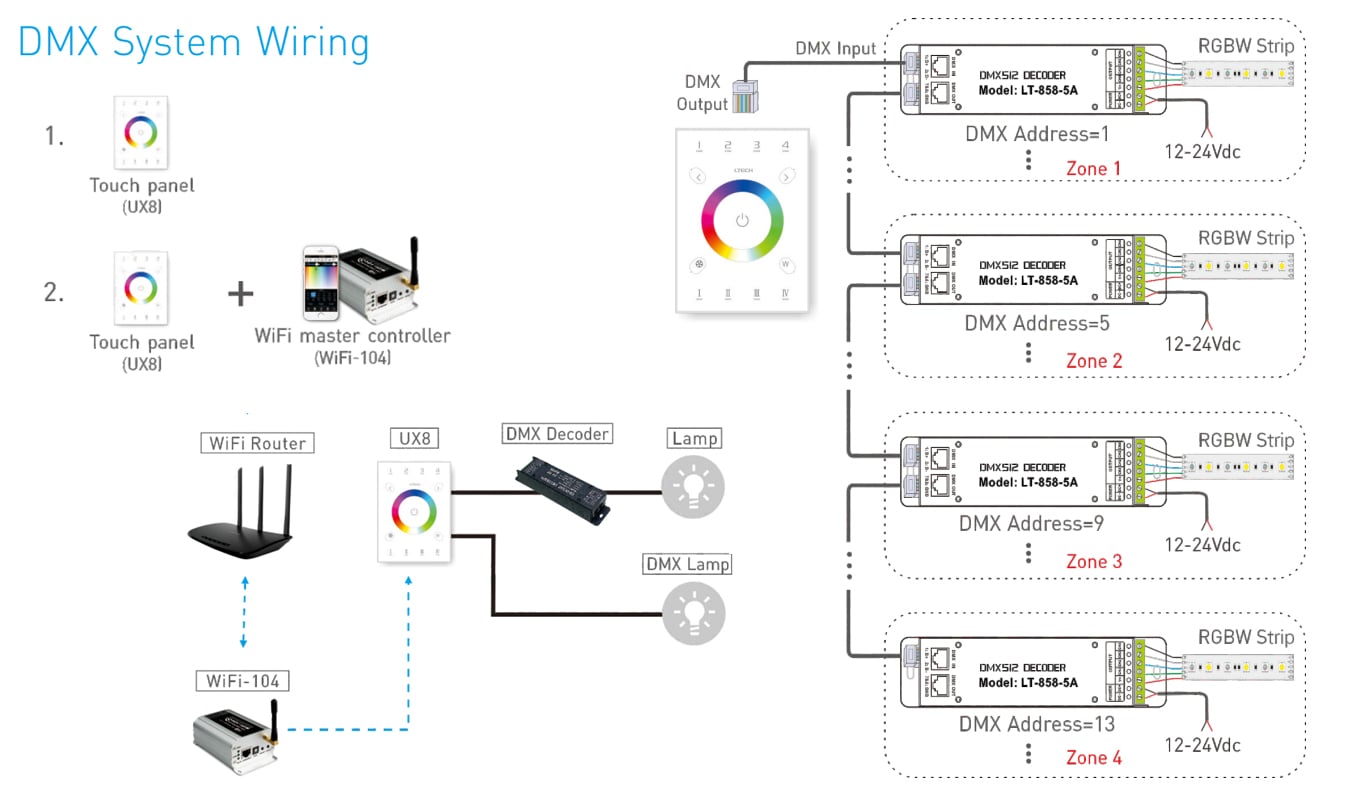
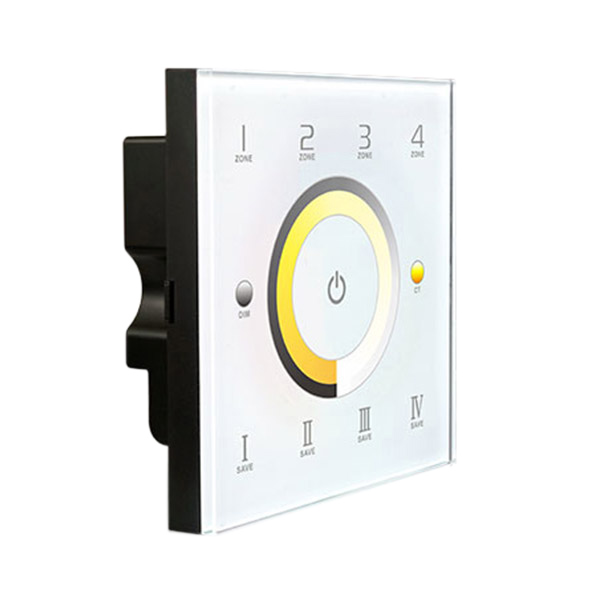
The decoder or driver then controls the connected LED strip lighting according to the received DMX commands. The panel supports four control zones, with DMX addressing configured according to the connected equipment and system design. This provides a practical solution for installations requiring centralized wall control of multiple DMX lighting zones.
At present, a separate RF handheld remote is not offered for this UX8 DMX-master configuration through this product category.
Add WiFi-104 App Control
For additional control flexibility, UX8 can be wirelessly linked to the LTECH WiFi-104 master controller in a supported DX system configuration. Once configured, compatible lighting fixtures can be controlled through the WiFi-104 mobile app.
FAQ About RF+DMX512 Touch Panels
Direct answers to common wiring, addressing, and pairing questions from our pre-sales engineering desk.
An RF+DMX512 touch panel assigns hardwired DMX channels sequentially in 4-channel blocks starting at DMX address 001. On 4-zone RGBW units like the UX8, Zone 1 occupies DMX addresses 001 through 004 (Red, Green, Blue, White), Zone 2 takes 005 through 008, Zone 3 takes 009 through 012, and Zone 4 takes 013 through 016. If you connect external decoders driving RGBW LED strip lights, you must set each decoder's dip switches or digital display to match those exact starting addresses. You cannot remap or skip channels in firmware on standard units; external fixtures must conform to this 16-channel block structure.
An RF+DMX512 touch panel fails to pair with wireless receivers when the receiver is outside the 30-meter RF window, enclosed inside a grounded metal junction box, or timed out during the match sequence. To pair correctly, power on the R4 receiver, short-press the learning key on the receiver housing, and tap the desired zone key on the touch panel within 5 seconds. If the strip lights connected to the receiver flash twice, pairing is confirmed. If you house the receiver inside a steel cabinet or behind foil-faced insulation, RF signals attenuate heavily; relocate the receiver outside the metal enclosure.
Spurious beeping or frozen touch keys occur when the glass faceplate was installed with the power energized, corrupting the initial capacitive calibration cycle. The panel calibrates its ambient capacitance baseline in the first 3 seconds after receiving power. If the mounting screws press too tightly against an uneven wall box, or if your fingers touch the glass while energizing the circuit, the baseline drifts out of spec. Kill mains power at the breaker, loosen the mounting bracket screws a half-turn to relieve mechanical chassis stress, ensure the front glass is completely clean, and restore power without touching the surface.