
DMX Master Decoder Console
4 sub-categoriesDMX512 isn't just for stage lighting anymore. In the modern architectural and linear lighting landscape, DMX stands as the gold standard for precision, reliability, and complex dynamic control. Whether you are illuminating a high-rise façade or syncing a home theater's RGBW accents, understanding the DMX ecosystem is key to unlocking limitless creative potential of LED lighting. At SuperLightingLED, we empower you with the underlying logic of DMX lighting systems and numerous hardwares to execute it. Learn the system, pick your tools, and light up your space like a pro.
Choose Your DMX Control Based on LED Type
When designing a lighting system, the important question "Which type of controller should I buy?" is actually "How do the LED strips receive instructions?"
From a signal control perspective, almost all LED light strips and fixtures fall into three primary categories. Matching your DMX control system to the correct signal type is the secret to an instant responsive LED setup.
1. DMX to PWM (Analog Control)
These include your standard Single Color, Tunable White, RGB, RGBW, or RGBCCT lights, where the entire run operates as a single unit and changes color or brightness of LEDs simultaneously.
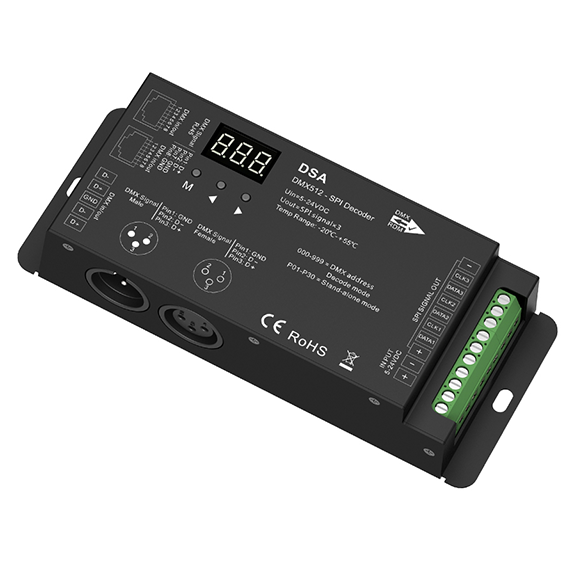
In this setup, the LED strip itself is "dumb"—it has no onboard intelligence. It relies on an external DMX Decoder to translate DMX data into a PWM (Pulse Width Modulation) signal that regulates LED brightness and color.
The DMX signal ends at the decoder; the decoder then drives the LED lights via multi-core cables (V+, V-: R, G, B, W, etc.).
2. DMX to SPI/TTL (Pixel/Addressable Control)
The converter translates DMX "Universe" data into a serial protocol (Data & Clock) that tells each individual IC pixel what to do in LEDs.
3. Native DMX512 (Direct Control)
By utilizing differential signal transmission (RS485), Native DMX LED products offer superior immunity to electromagnetic interference.
The DMX signal travels directly from the controller to the light fixture. No external decoders or SPI converters are required in between.
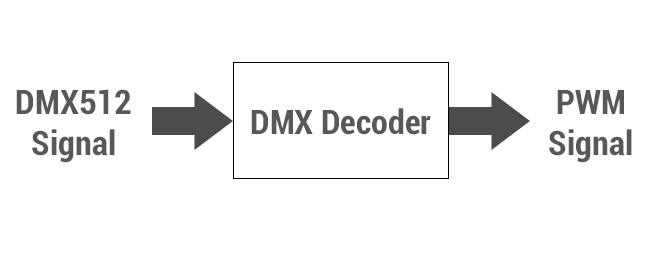
DMX to PWM Decoding Series
To achieve brightness adjustment, color switching, and control of complex lighting effects for non-addressable (analog) light strips via DMX control, these DMX-to-PWM decoders or converters are what you need.
They translate DMX digital signals into PWM output that standard constant-voltage LED strips can understand — enabling professional-grade DMX control with your existing single-color, CCT, RGB, RGBW, or RGBCCT light strips.
How to Choose the Right DMX Decoder for Your LED Strips?
Before browsing our DMX decoder products, we recommend clarifying the following key factors first — this will help you quickly identify the correct decoder type for your LED strip system and avoid costly compatibility mistakes.
1. Match Your LED Strip Voltage
LED Strip Type Decoder Output Voltage Low voltage LED strips DC12V / 24V / 36V / 48V High voltage LED strips AC110–120V / 220–240V 2. Select the Required Output Channels
Channels on DMX-to-PWM decoders typically represent color circuits — not physical LED strips. For example, 1CH outputs a single color change, while 5CH outputs RGBCW or RGBCCT color changes.
If your DMX project involves multiple LED strips and requires 4 sets of RGBW strips, select a DMX-to-RGBW decoder with at least 4x4 (16) channels. Note that each output channel has a current limit.
3. Calculate How Many Decoders You Need
When processing DMX signals for four 5-meter RGBW light strips via DMX-PWM LED decoders, using our UL-certified model (24V, 96 LEDs/m) as an example, each RGBW strip (maximum 153.5 watts, 6.4 amps) occupies 4 color output channels and one output positive terminal.
This means: 6.4A ÷ 4 colors = 1.6A per color channel, so each output channel must be capable of carrying a minimum current of 1.6 amps.
Once you have clarified these related requirements, you are now ready to select the exact DMX-to-PWM decoder model that fits your DMX lighting system. Focusing solely on the Ltech brand? Purchase here.
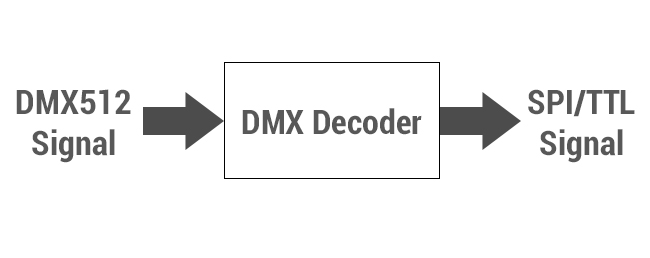
DMX to Pixel Mapping Series
Programming dynamic pixel LED lighting effects via DMX has become a hallmark of modern commercial landmarks, high-end residential interiors, and sophisticated landscape lighting. Whether you are chasing a fluid "waterfall" effect or a complex 3D matrix with pixel light strips or strings (IC controlled), the right DMX controller choice is key to bringing your vision to life.
How to Map Pixel LED Strips or Light Strings via DMX?
Depending on your DMX project's complexity and your preferred user experience, SuperLightingLED DMX to Pixel Mapping Series has the following mainstream and personalized control solutions:
• For large-scale commercial displays and intricate animations, our controllers integrate with industry-standard PC software or ArtNet for frame-accurate pixel mapping. This is designed for professionals who require unlimited creative freedom and synchronized playback across thousands of pixels.
• For high-end home ambience that demand effortless operation and a seamless aesthetic, our smart RF / Bluetooth enabled DMX pixel controllers provide unparalleled flexibility. These controllers act as a versatile hub, allowing you to match them with compatible wireless wall panels or RF remotes, or integrated APP control via mobile devices. This ensures a touch away for a premium tactile experience, whether through a physical interface or your smartphone.
Explore our comprehensive range of DMX-to-Pixel LED controllers below and find the perfect match to power your next pixel masterpiece lighting.
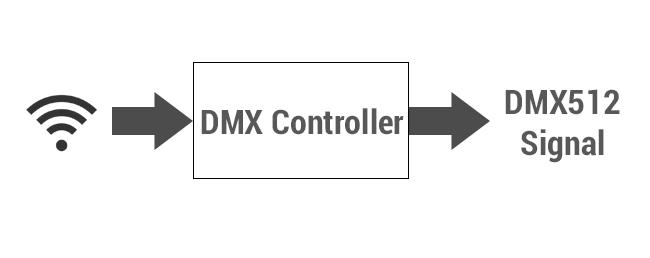
Direct DMX Control Series
The ability to deliver centralized multi-zone management with scalable system architecture and professional-grade control stability is what makes DMX lighting control the preferred solution for high-end residential and commercial projects.
Why Choose Direct DMX Control For LED Strip Lights?
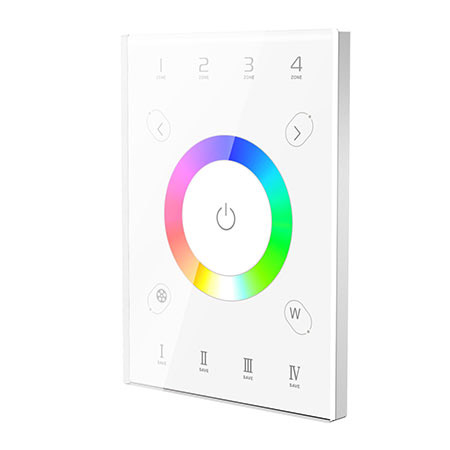
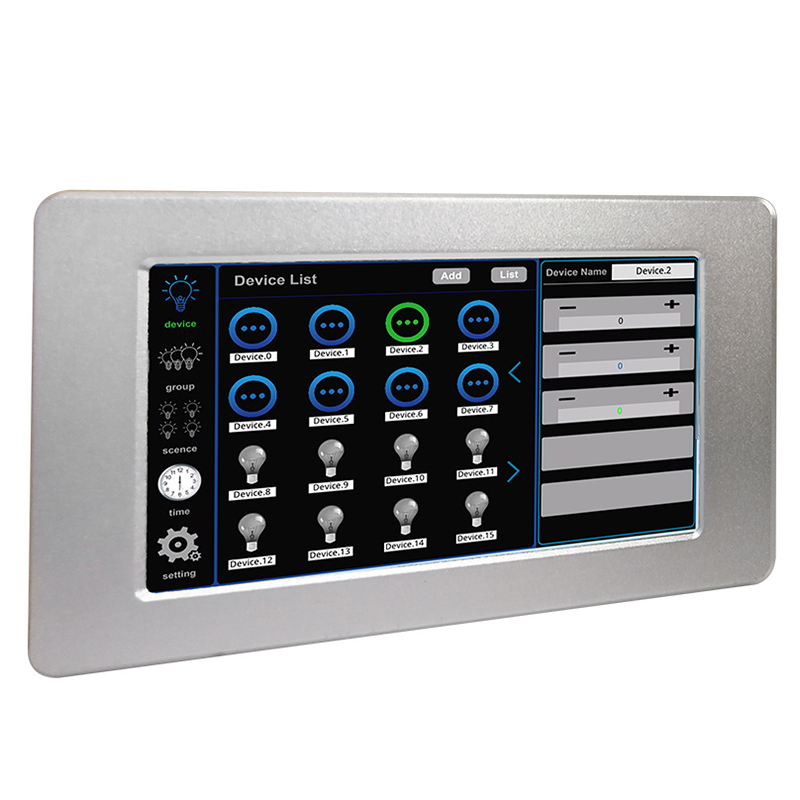
Unlike traditional wall panel controllers that connect directly to LED strip light and are limited by load capacity and cable distance, SuperLightingLED DMX wall panels can distribute DMX 512 control signals to 4, 8, or even more independent lighting zones through a simple architecture:
DMX Panel → DMX-PWM Decoder → LED Strips
This DMX LED control structure allows one single panel to manage 4, 8, or more LED strip lighting units with stable synchronization or completely separate scene control across home living rooms, kitchens, hallways, staircases; commercial retail storefronts, restaurants, etc.
DMX Control vs. Wireless Lighting Control
Compared with wireless panels paired with wireless controllers for LED strip lighting control, wireless-only systems are more susceptible to signal interference, whereas DMX communication remains the most stable and reliable solution for permanent architectural lighting installations.
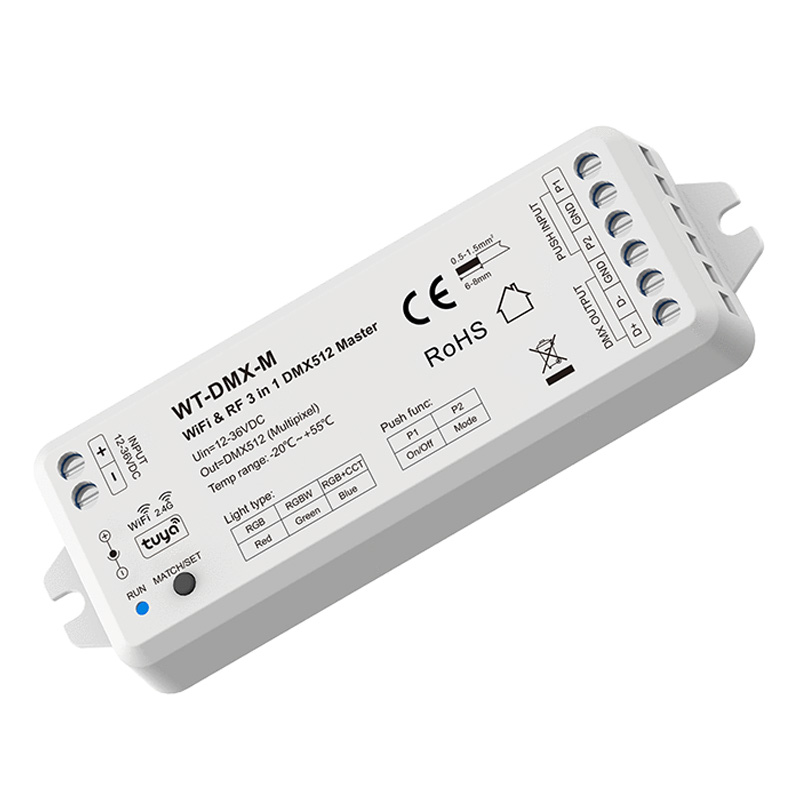
Of course, for simple residential DMX light control or as a smart add-on to professional DMX systems, we also offer WiFi / Bluetooth DMX controllers and wireless DMX devices to provide flexible mobile operation.
Explore Your DMX Control Solution
With the basics covered, you can now browse the smart DMX control options below and see which setup best matches your space and lighting goals.
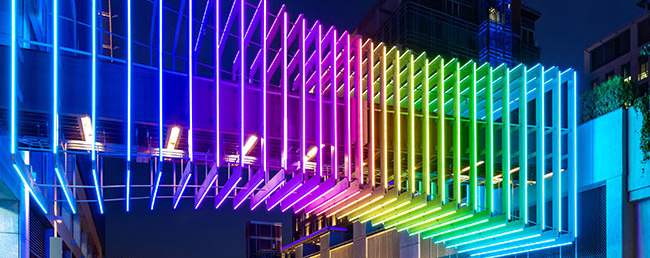
Professional DMX Systems
Many users ask: Is professional DMX lighting control complex? For first-time LED strip users venturing into the world of DMX, the answer is often yes.
While standard lighting setups—such as using a DMX decoder to control PWM or SPI (Pixel) light strips—offer an accessible entry point for residential DMX control, SuperLightingLED™ Professional DMX Systems are engineered for the rigorous demands of lighting designers and engineers.
These powerful modern DMX controllers leverage standard DMX512, Art-Net, and sACN protocols to manage vast arrays of LED fixtures like DMX-native par lights, spotlights, heading lights, high-output wall washers, and LED strips via advanced consoles, touch-screen interfaces, or PC-based software like Daslight 4 and Sunlite.
Scalable Solutions for Professional Lighting Masters
Unlike consumer-grade alternatives, these DMX controller systems support up to 2048 channels (4 Universes) and include critical features like RDM (Remote Device Management) for bi-directional feedback and real-time fault troubleshooting, alongside DMX recorders that store up to 255 lighting effects for reliable offline playback.
For LED projects that demand industrial-grade stability and "future-proof" scalability, our professional collection offers the robust infrastructure necessary for high-stakes environments. Invest in SuperLightingLED™ Professional DMX hardware to ensure your lighting network remains stable, scalable, and superior in performance.
Best-selling DMX Master Decoder Console
1–20 of 142 products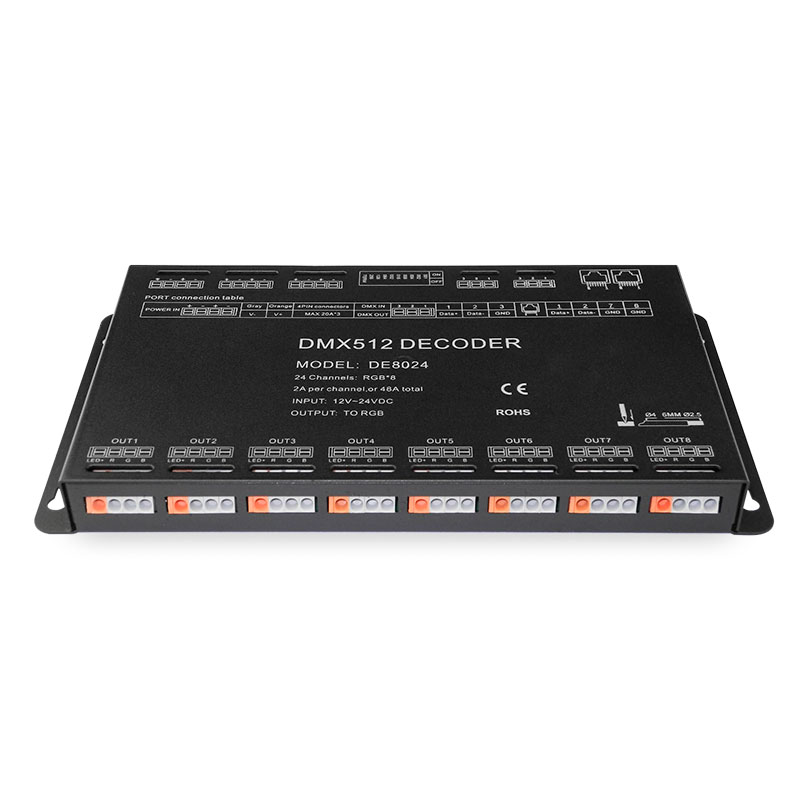
DC12-24V DMX512 Digital Signal 24CH RGB Output Constant Voltage LED Decoder

 (1)
(1)
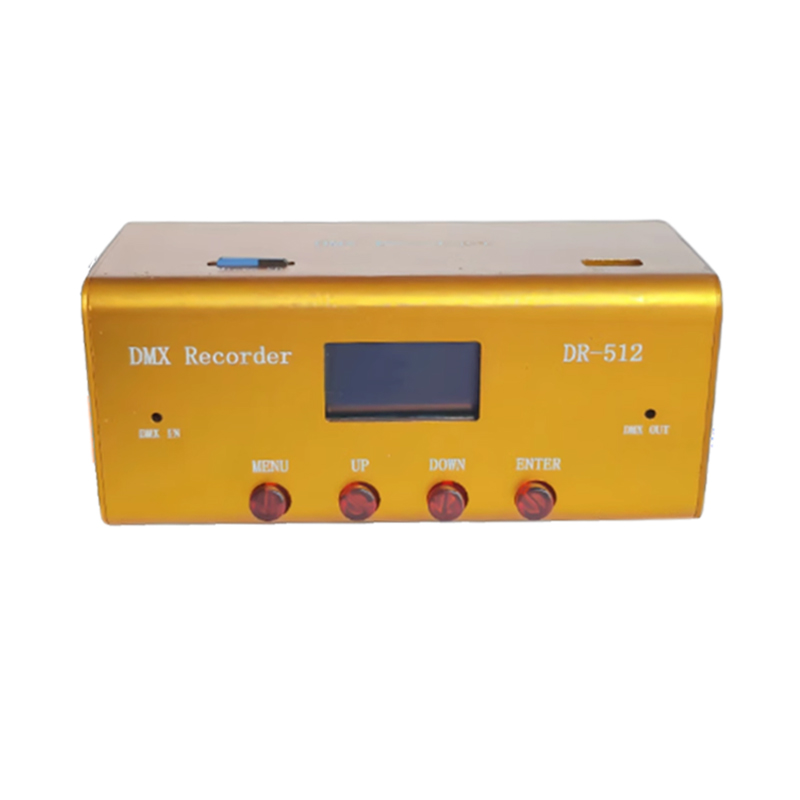
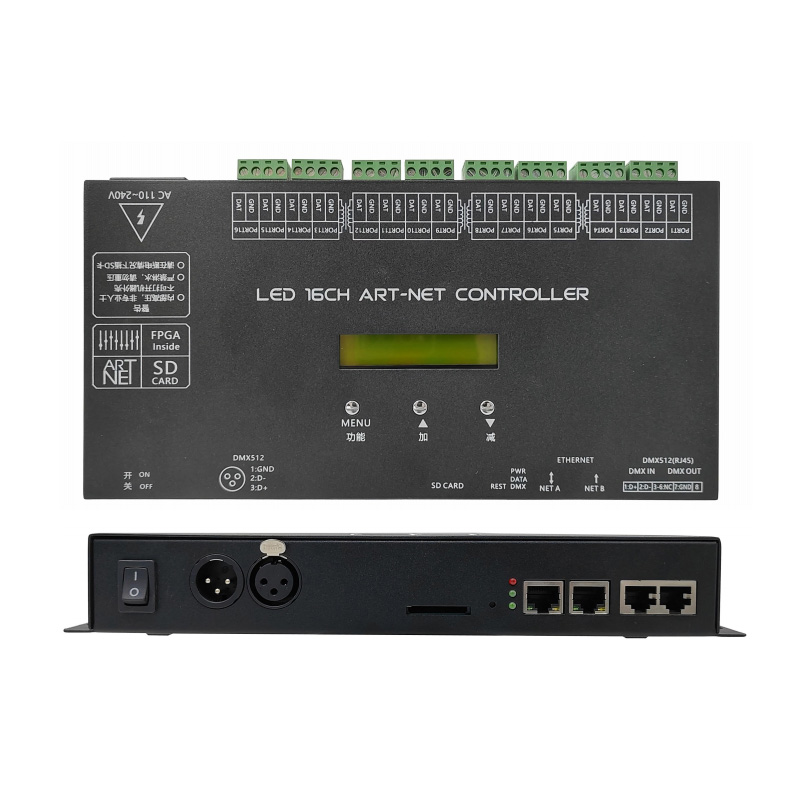
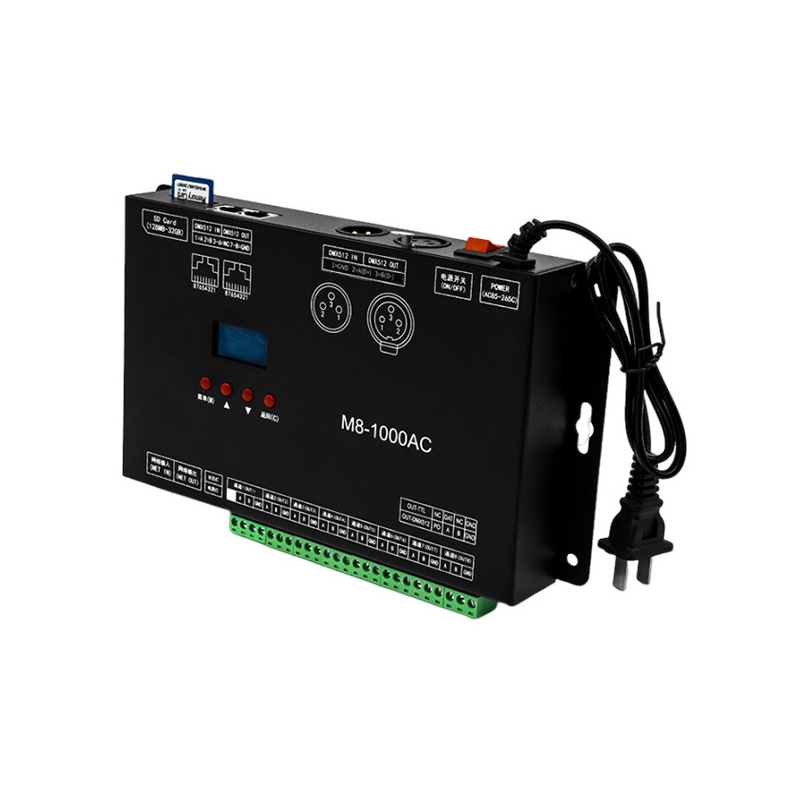
Artnet DMX Recorder Playback 255 Recording Effects with 32G SD Card
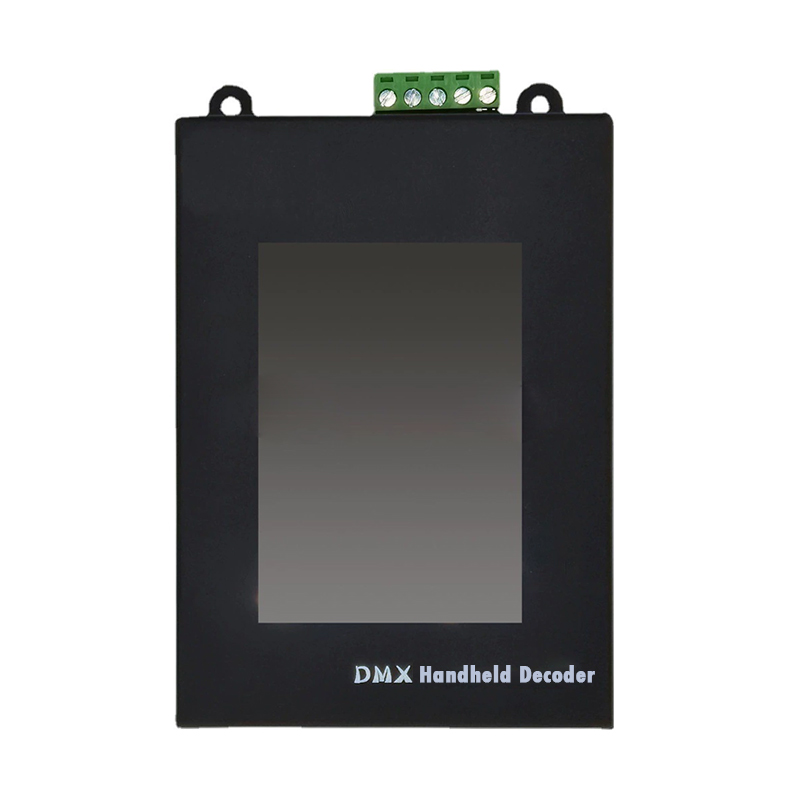
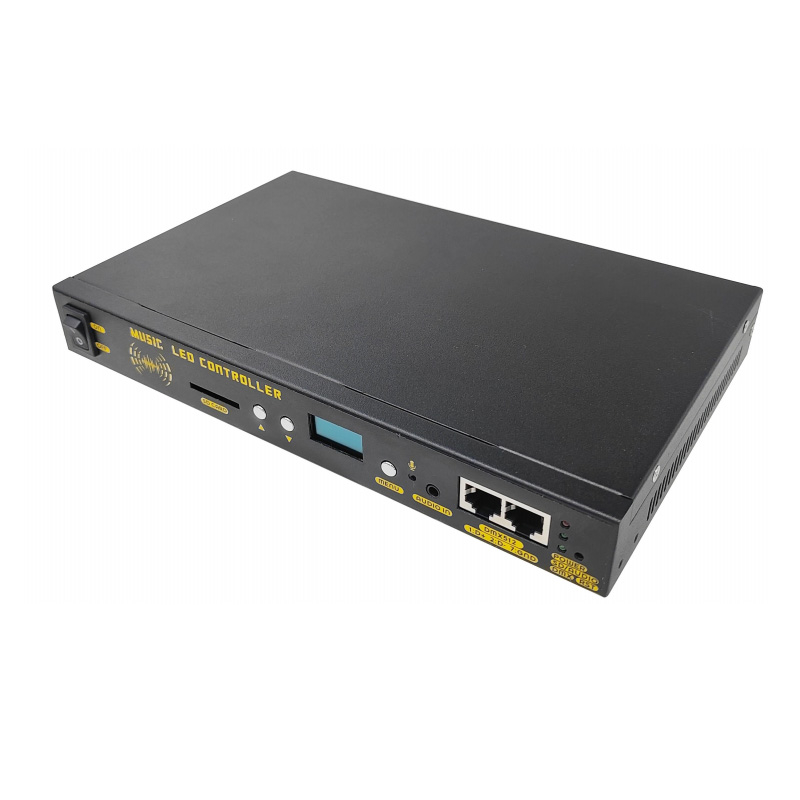
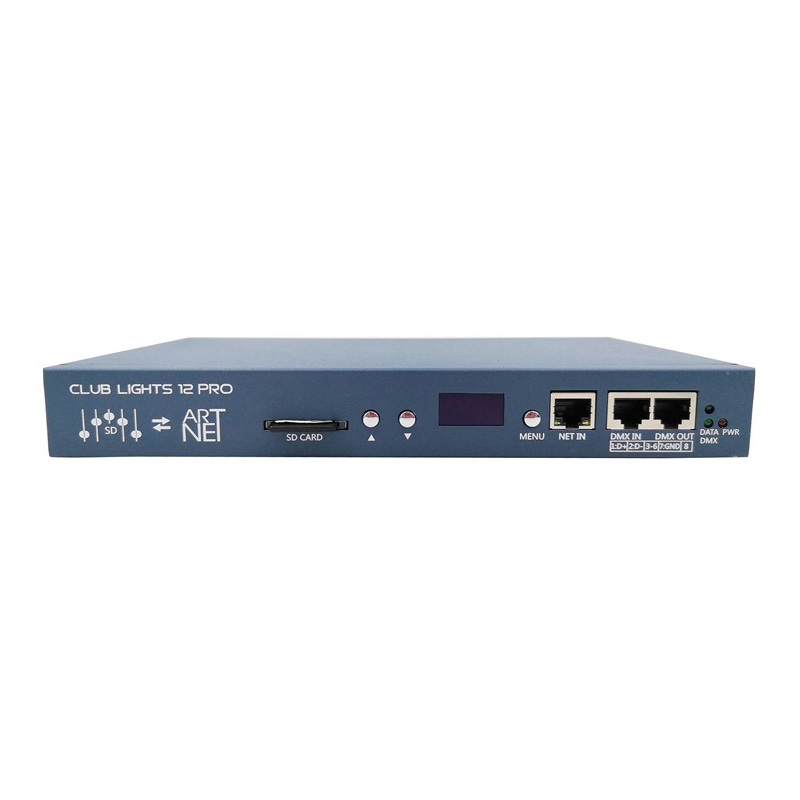
12CH Artnet Pixel LED Controller Support MADRIX Online and SD Card Offline For DMX512 TTL SPI...
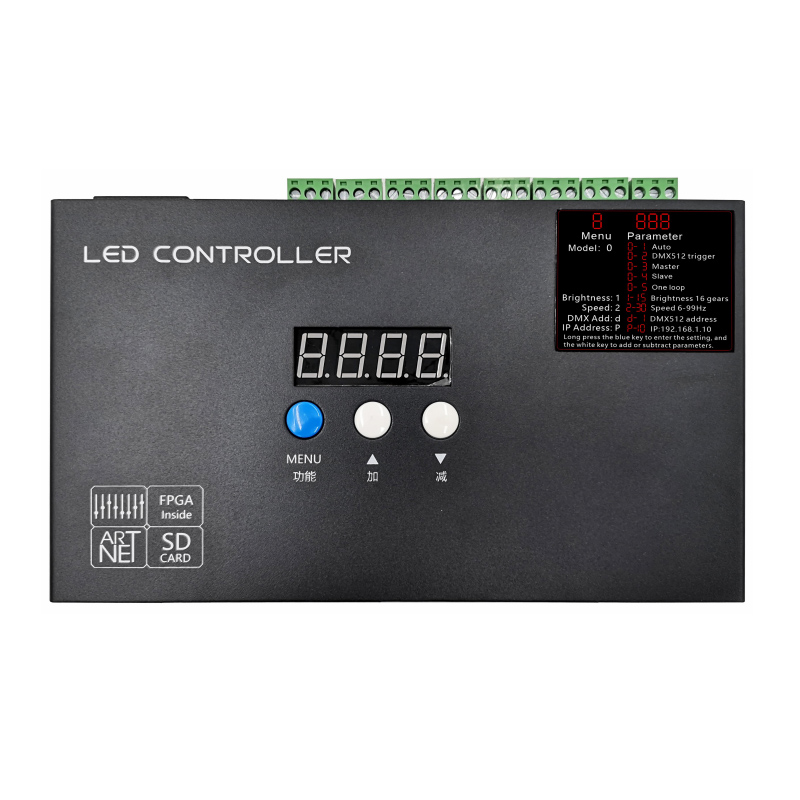
8 Channel Online and Offline Madrix Artnet DMX SPI Controller for LED Lights 508S
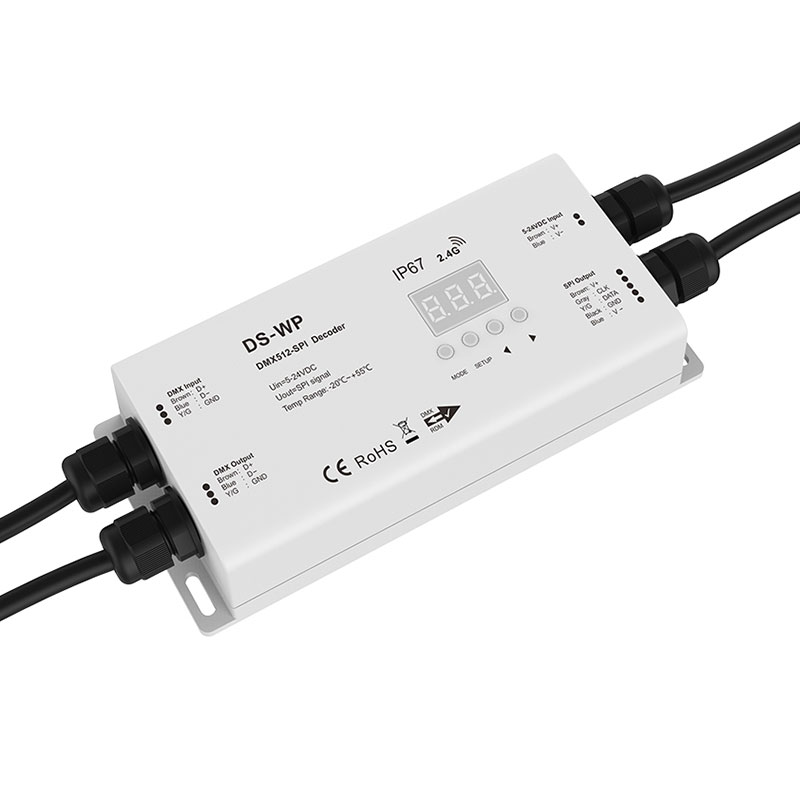
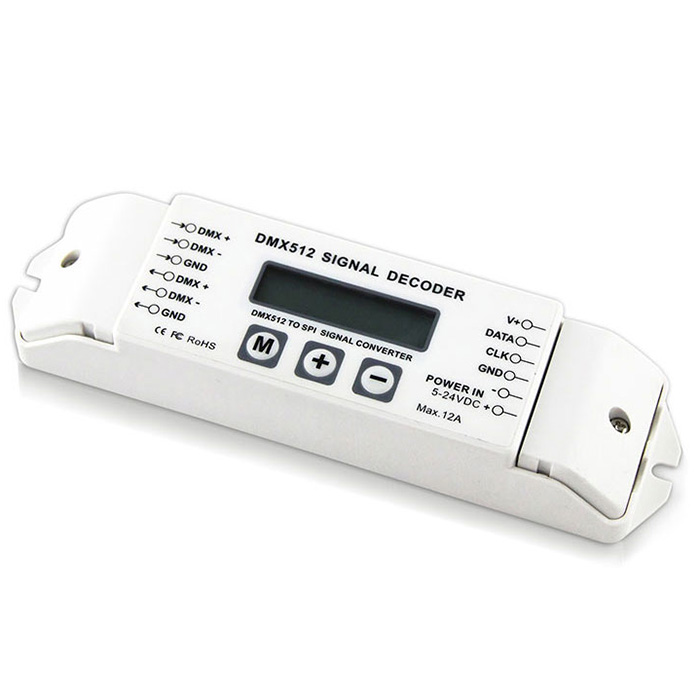
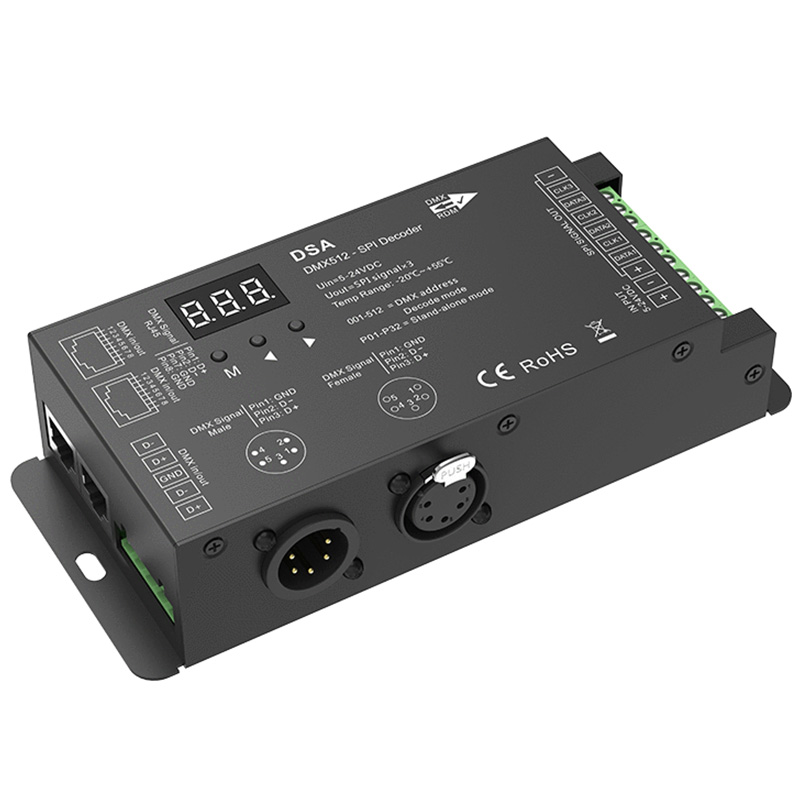
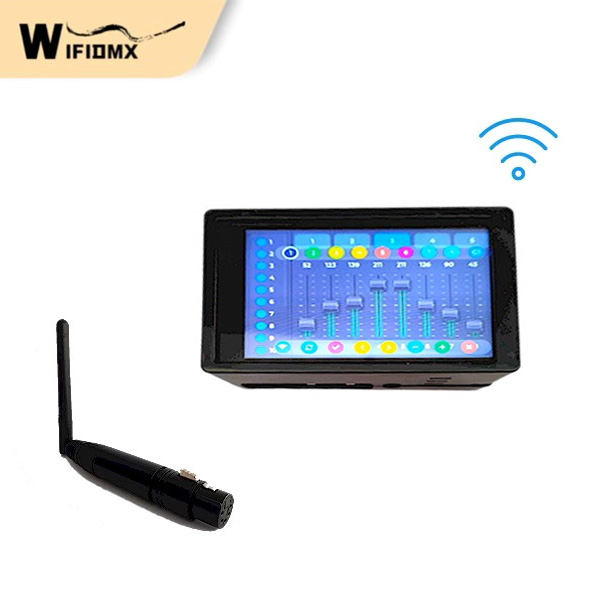

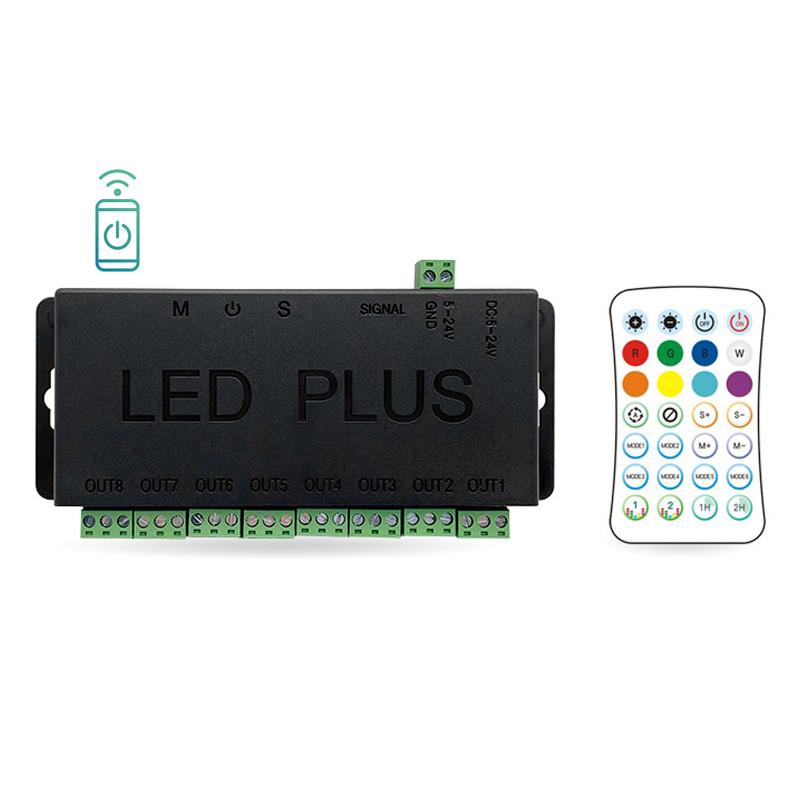
Wireless Bluetooth RF Digital SPI DMX512 8 Channel LED Light Controller
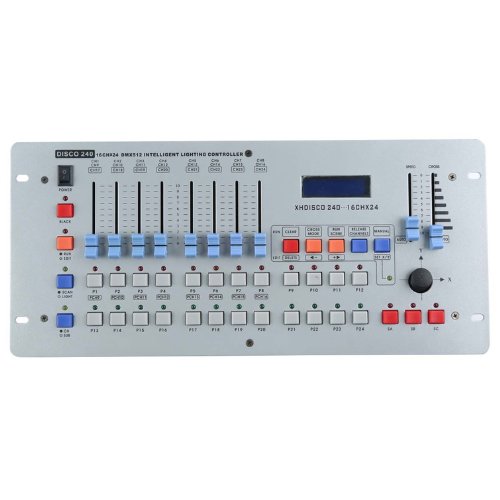
240 Channel DMX512 international DJ Lighting Disco Lighting Controller Console For LED Stage Light...
Expand Your Expertise: Featured Reads
DMX Decoder & Console FAQ: LED Lighting Control Basics
DMX control assigns DMX addresses to LED strips and fixtures. By editing these addresses, you can achieve rich and complex lighting effects. Standard dimming only supports overall brightness adjustment or simple dynamic effects.
This depends on your LED color type: single-color LEDs occupy one channel, CCT occupies two, RGB occupies three, RGBW occupies four, and RGBCCT occupies five. A single DMX Universe has a total of 512 channels.
DMX addresses determine how the controller drives the light strips. For example, the first RGB light strip might be addressed as 01, 02, 03, while the second RGB strip is addressed as 04, 05, 06. The DMX controller can assign different control signals to these two strip zones.
Not necessarily. DMX controllers offer multiple control methods. Residential and light commercial lighting can be conveniently operated via wall panels or mobile devices; professional stages or large venues use computers or DMX consoles to program and deliver captivating lighting effects tailored to event needs.