
Wall Panel RF Remote Control
32 productsBring convenient, wall-mounted wireless lighting control to your home or commercial space with MiBoxer (Mi-Light) RF wall panels. Combining the familiar accessibility of a traditional wall switch with the flexibility of 2.4GHz RF communication, these panels let you control compatible LED lighting from a designated location without running a dedicated signal cable between the panel and the lighting receiver. Depending on the model, available designs include touch-sensitive panels, push-button switches, and rotary dimming controls, offering different ways to operate your lighting system while maintaining a clean, modern interior.
Compatible with MiBoxer RF Controllers & Wireless LED Lighting
MiBoxer wall panel remotes are designed for compatible MiBoxer wireless LED controllers and compatible MiBoxer lighting fixtures both with supported built-in RF receivers. Depending on the selected model and its supported lighting functions, they can be used with single-color LED strips, tunable white CCT lighting, RGB/RGBW/RGBCCT color-changing lights, and SPI addressable LED systems.
Always confirm that the selected wall-mount LED panel remote supports your specific controller or lighting product.
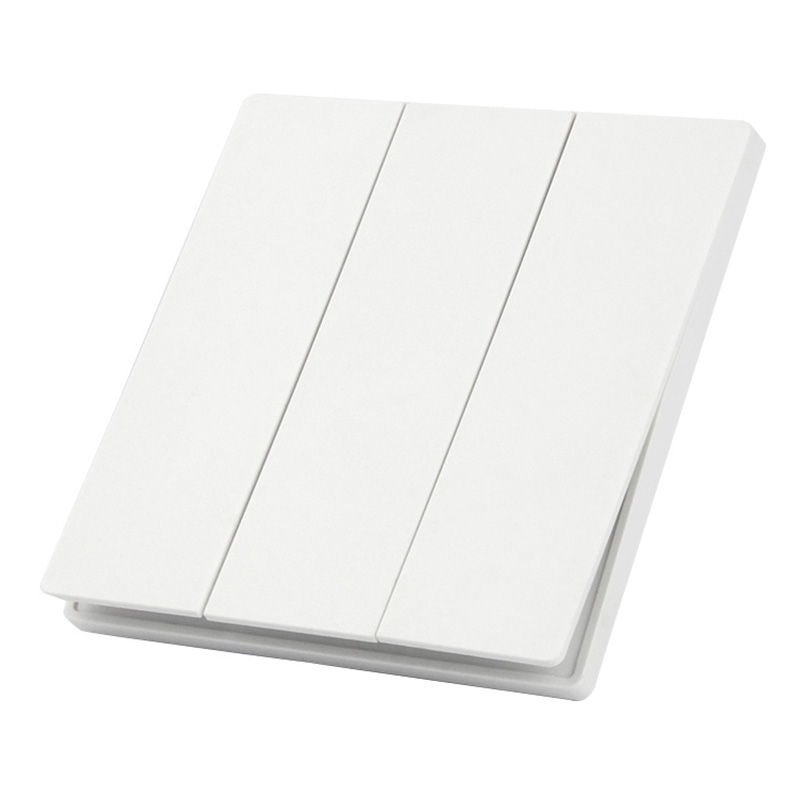
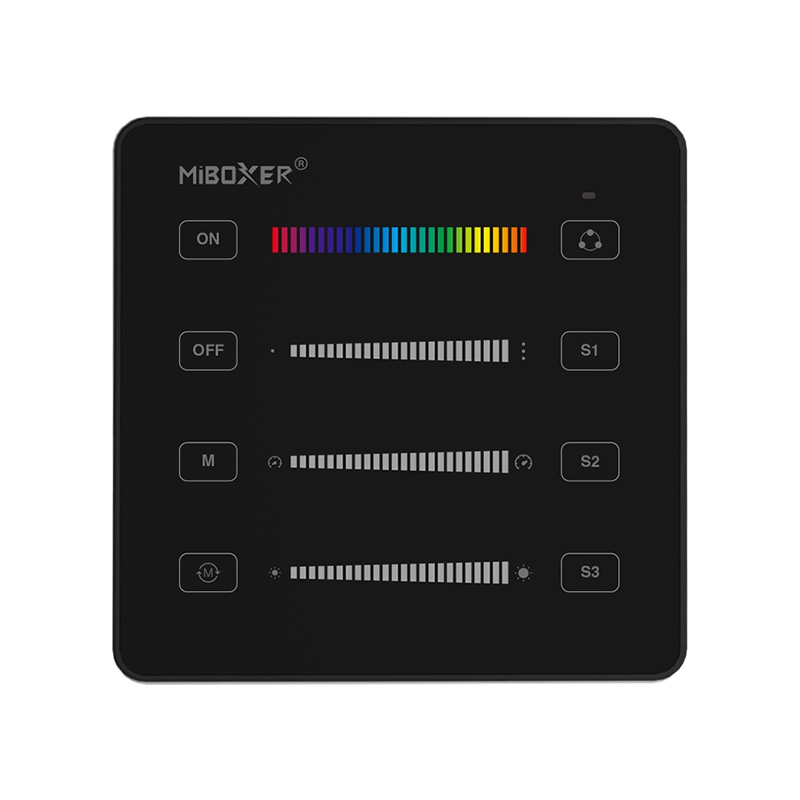
B6 RF RGB RGBW SPI Addressable LED Panel Remote Control
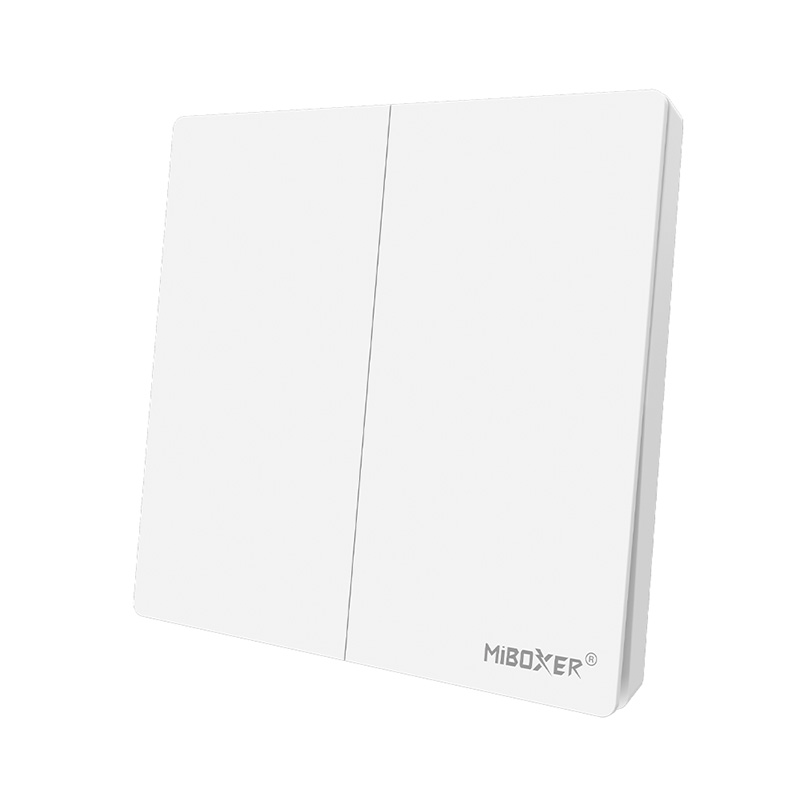
PUSH3-2 Wireless 2-Zone LED Dimmer Panel - Battery Powered | Mi-Light Compatible
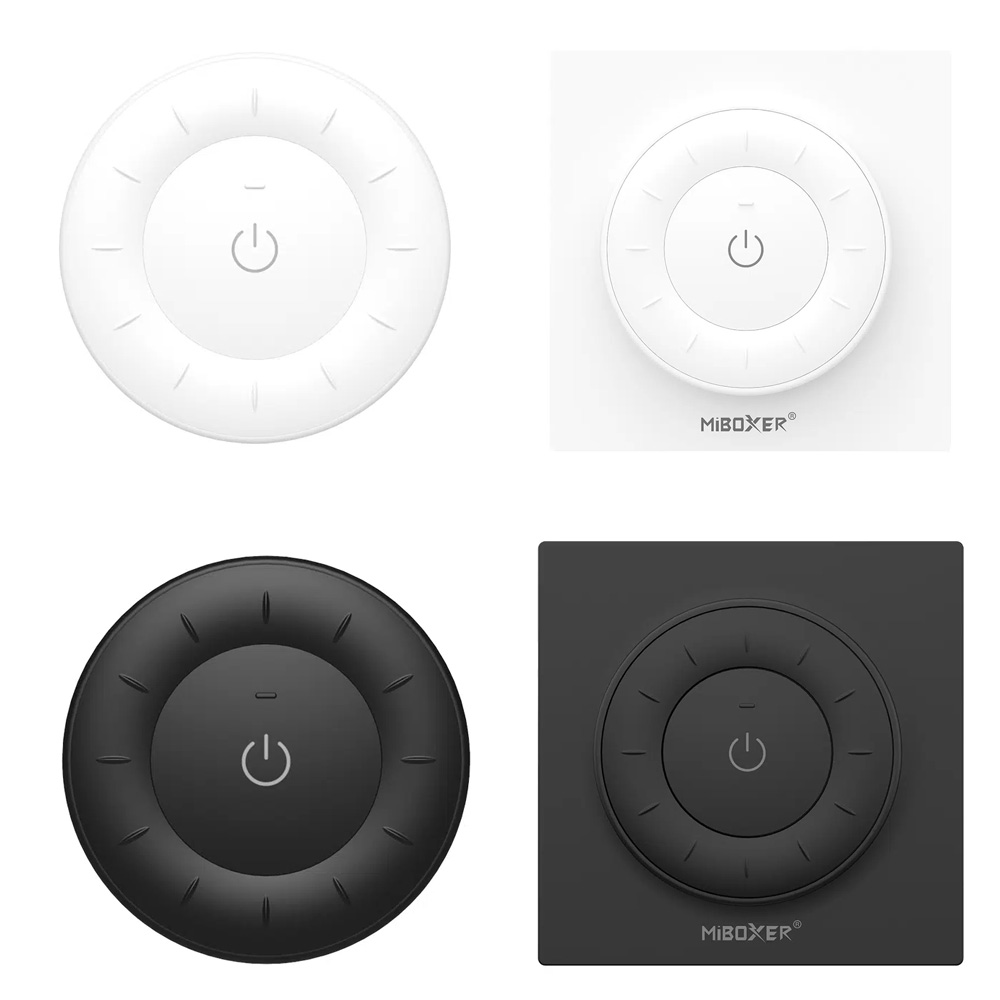
Mi Light K3S K3 Round Rotating Wheel RF LED Remote (Dim / CCT)
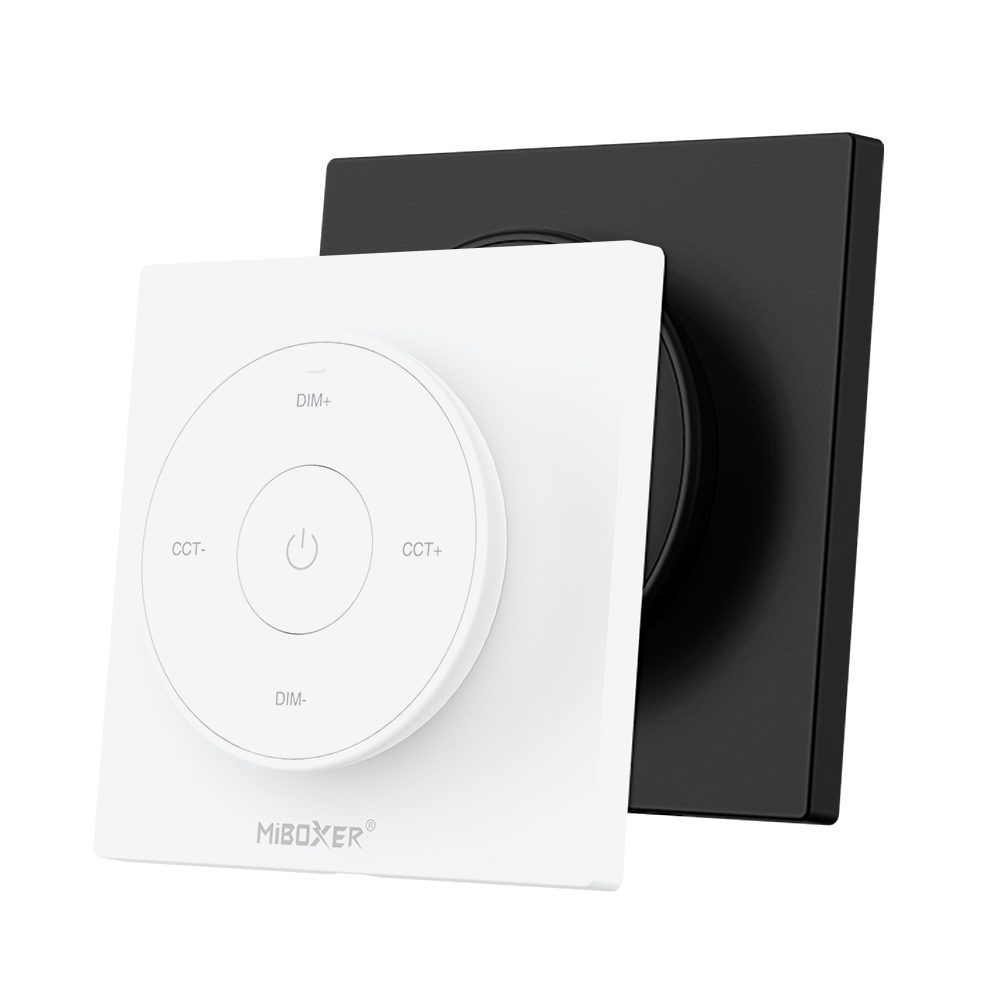
2.4G Wireless Tunable White LED Light Remote MIBOXER K2
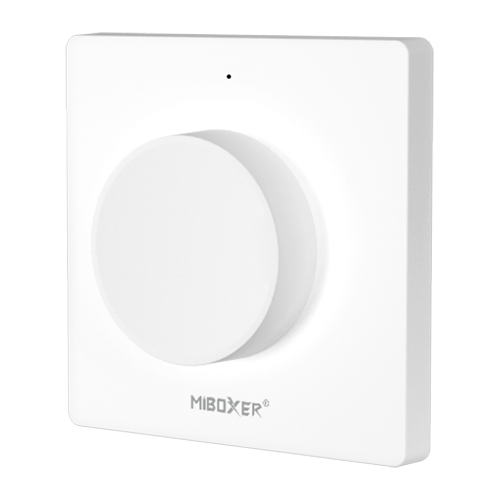
K1 Rotating Switch Panel Remote for LED Lighting Control
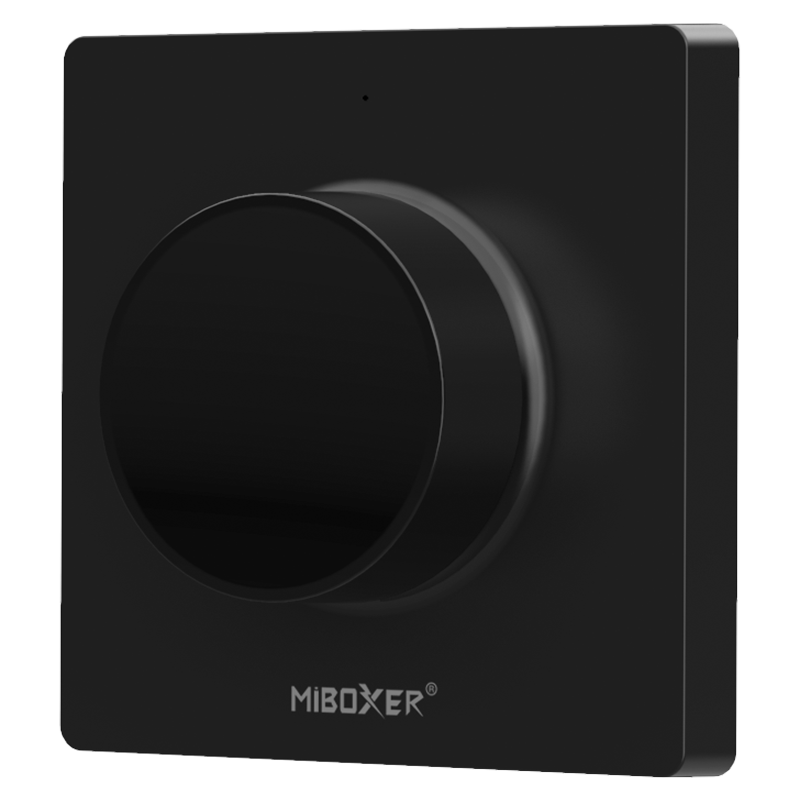
K1-B Rotating Switch Panel Remote - Easy LED Control
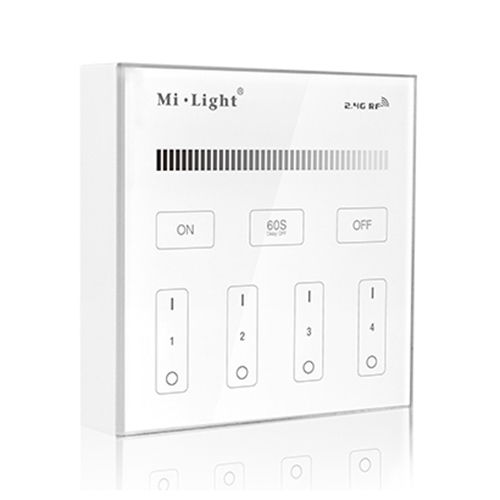

4-Zone LED Remote B1-B: Brightness Control & Stable Touch
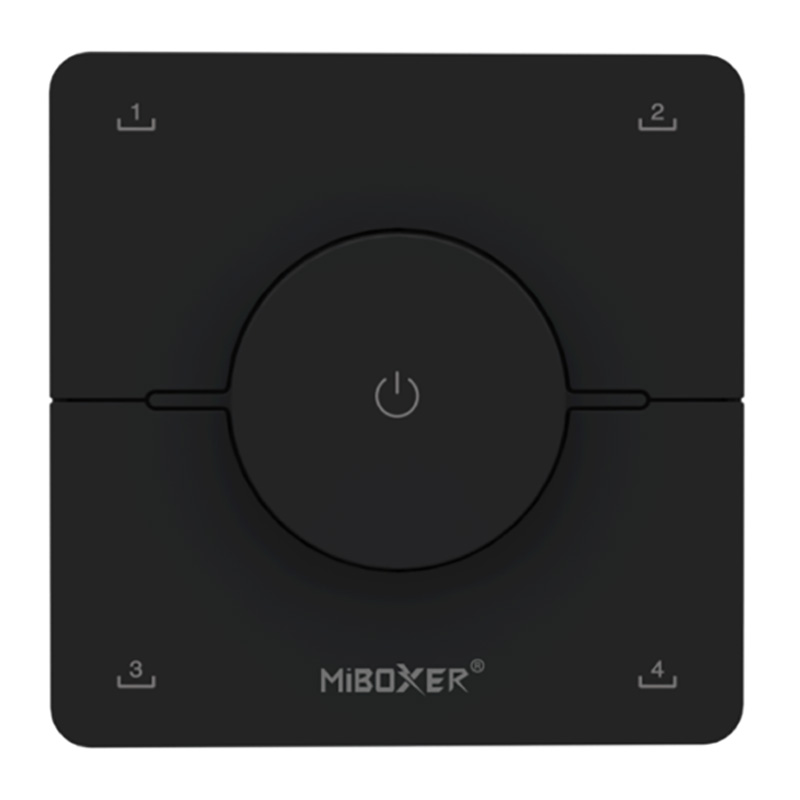
K0 RF CCT Tunable White LED Strip Rotating Wall Panel Remote
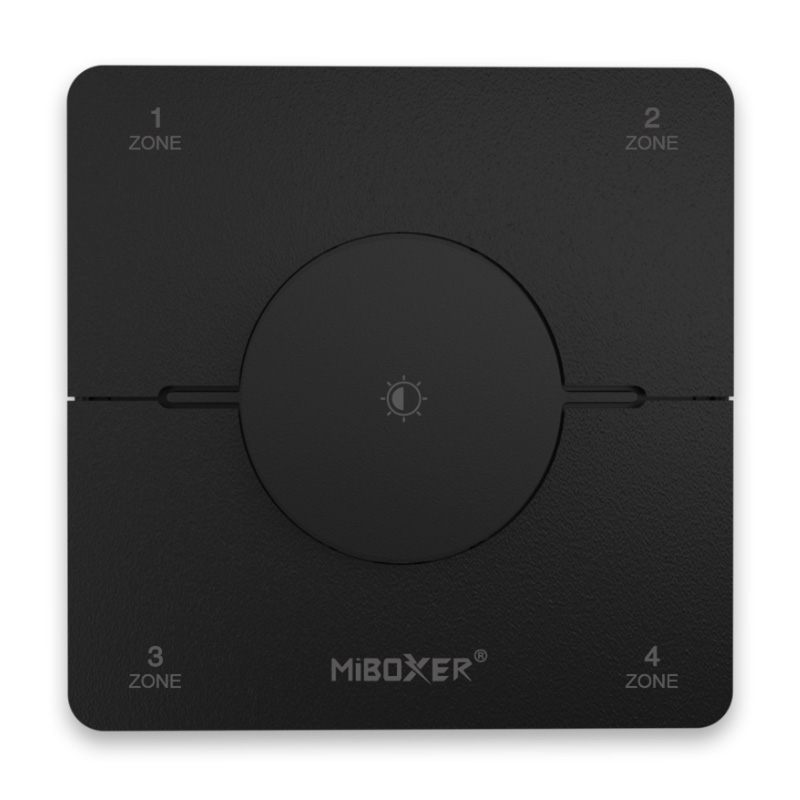
K0S RF 4 Zone CCT Rotary LED Panel Remote Control Dimmer
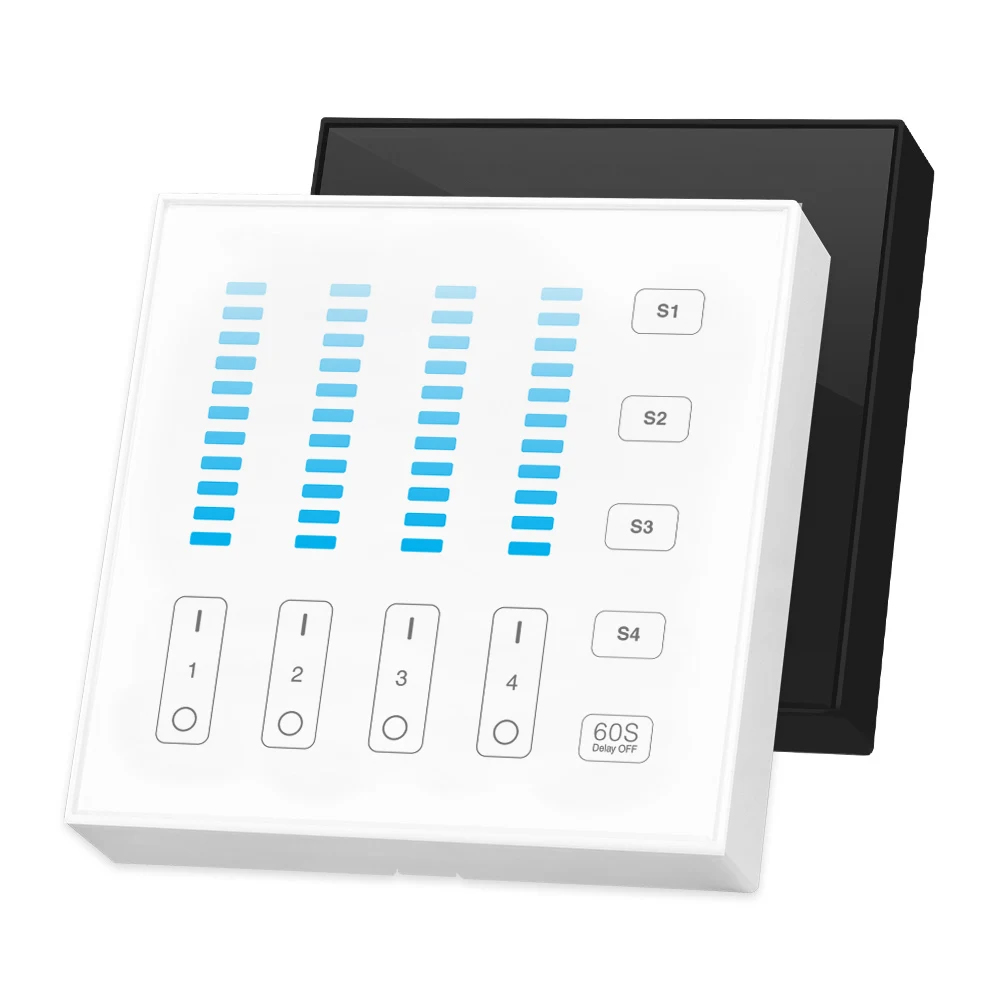
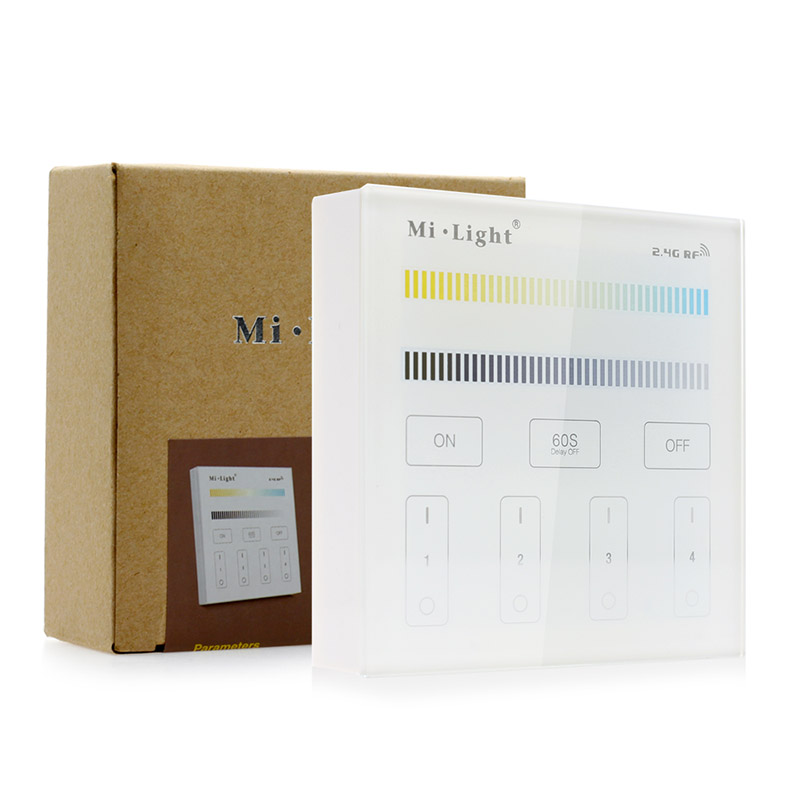
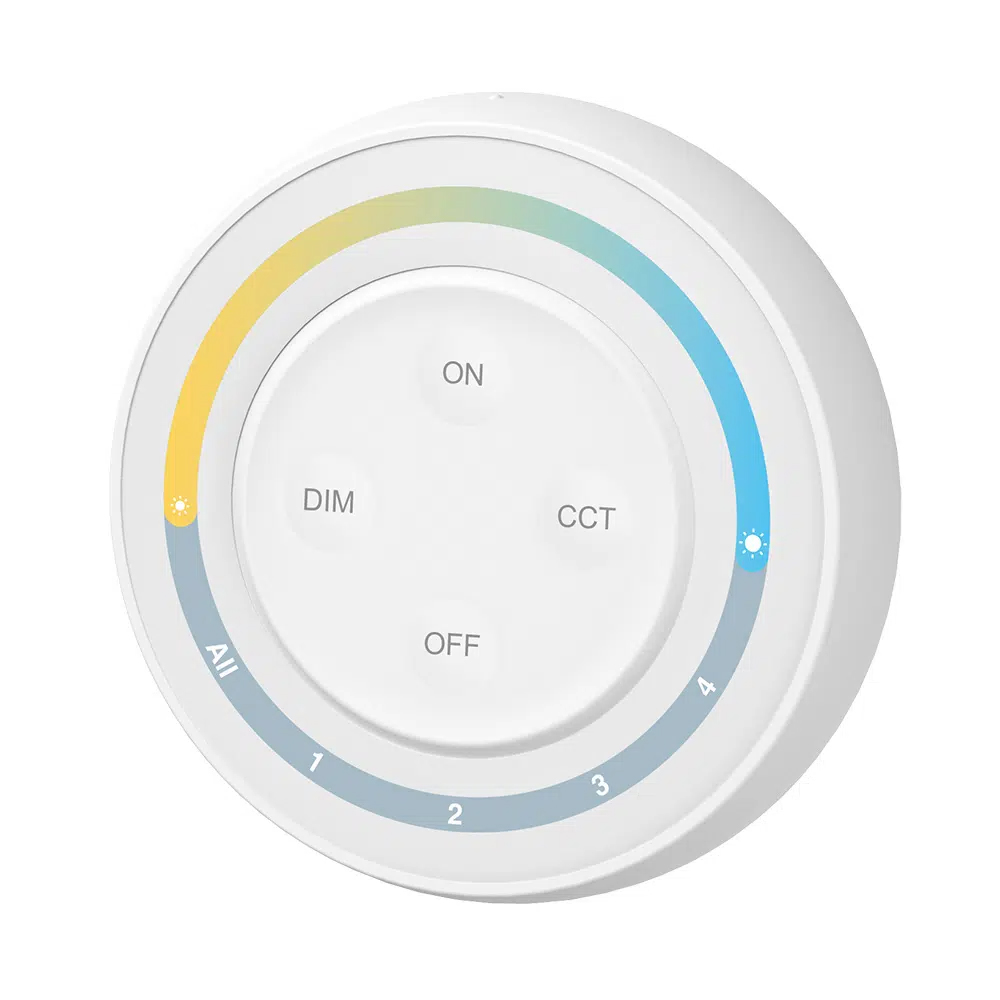
S1W+ 4-Zone Round CCT RF Wireless Remote LED Controller
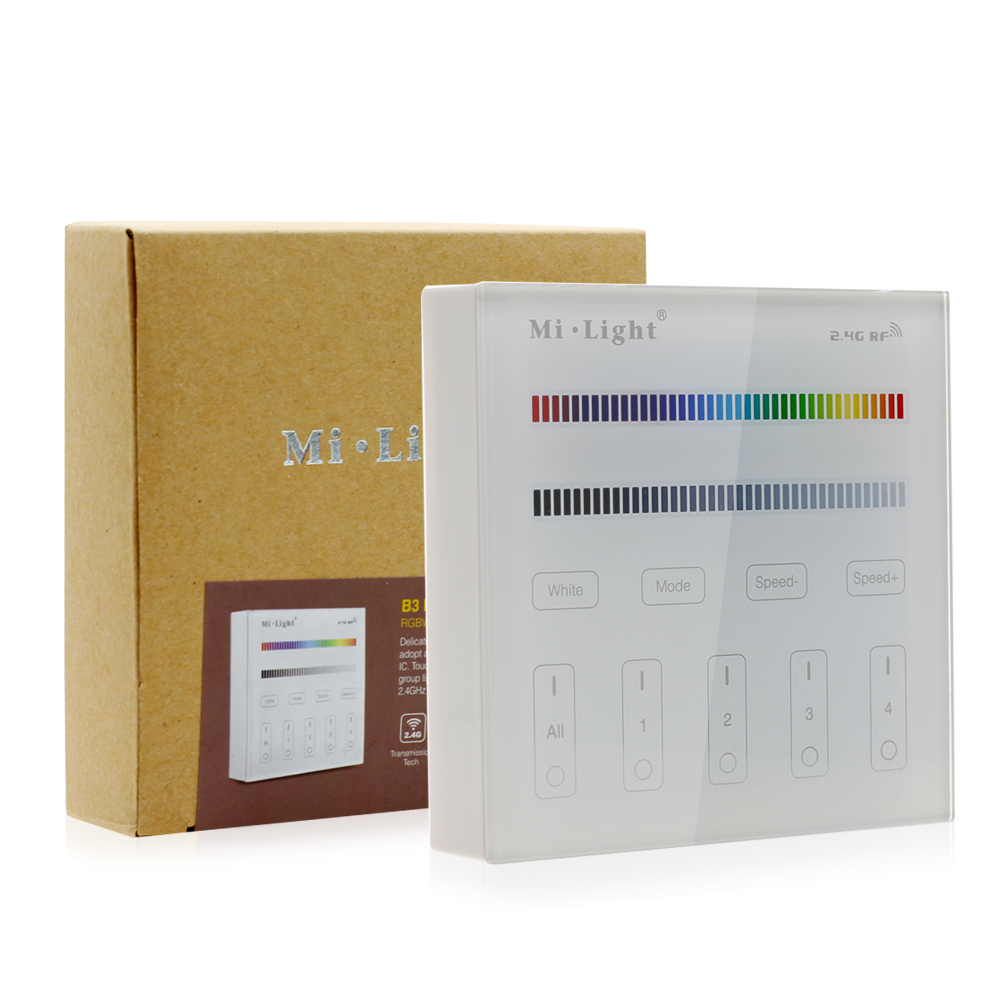
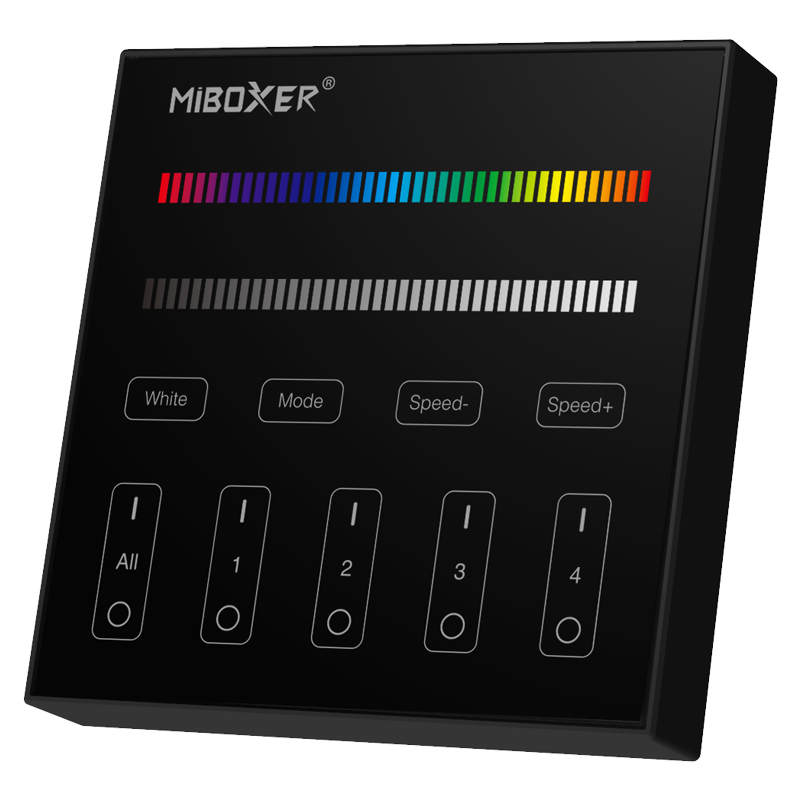
B3-B RGBW 4-Zone LED Remote | Stable 2.4GHz Touch Control
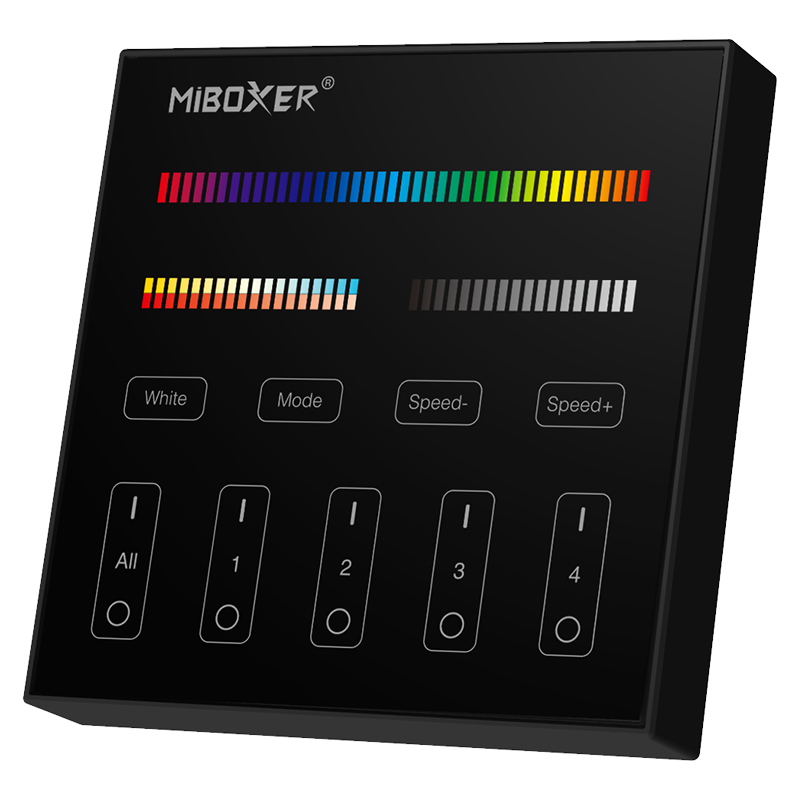
B4-B 4-Zone RGB+CCT LED Remote | Precise Touch Control
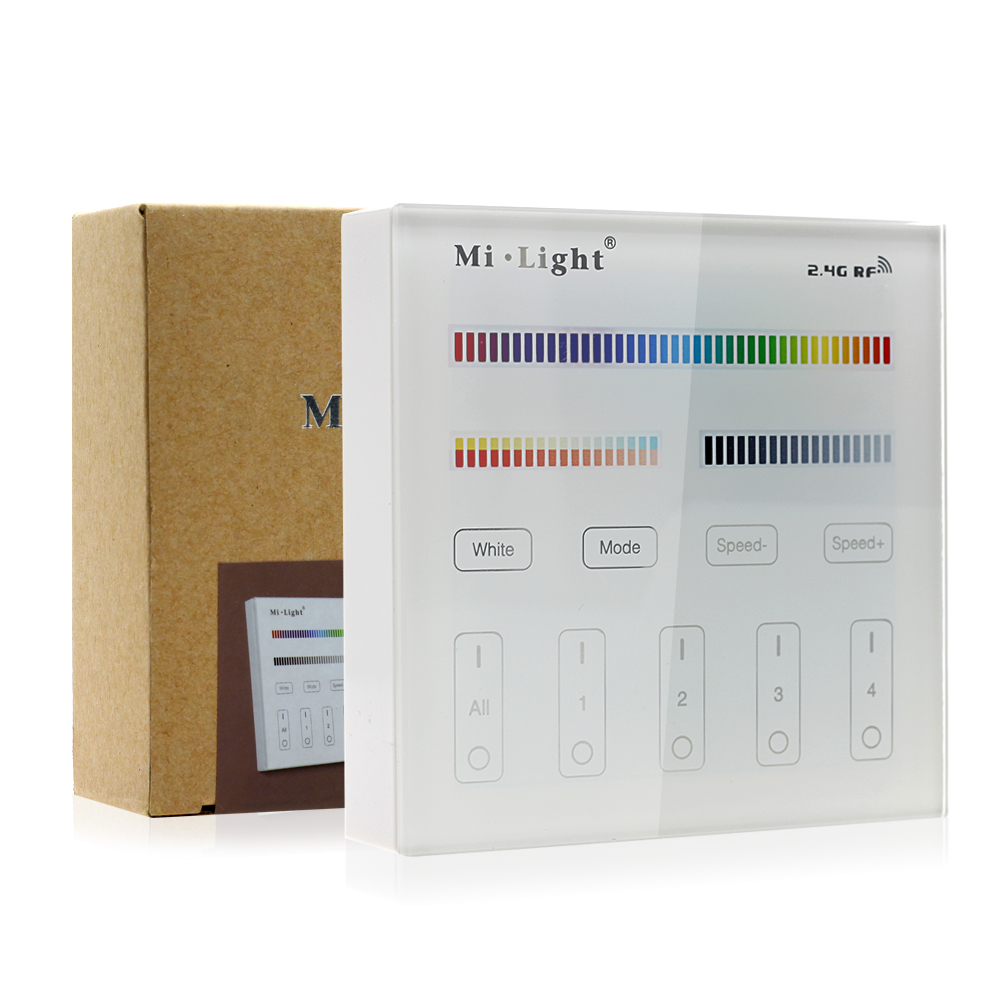
B4 4-Zone RGB+CCT Panel Remote - Smart LED Strip Controller 30m
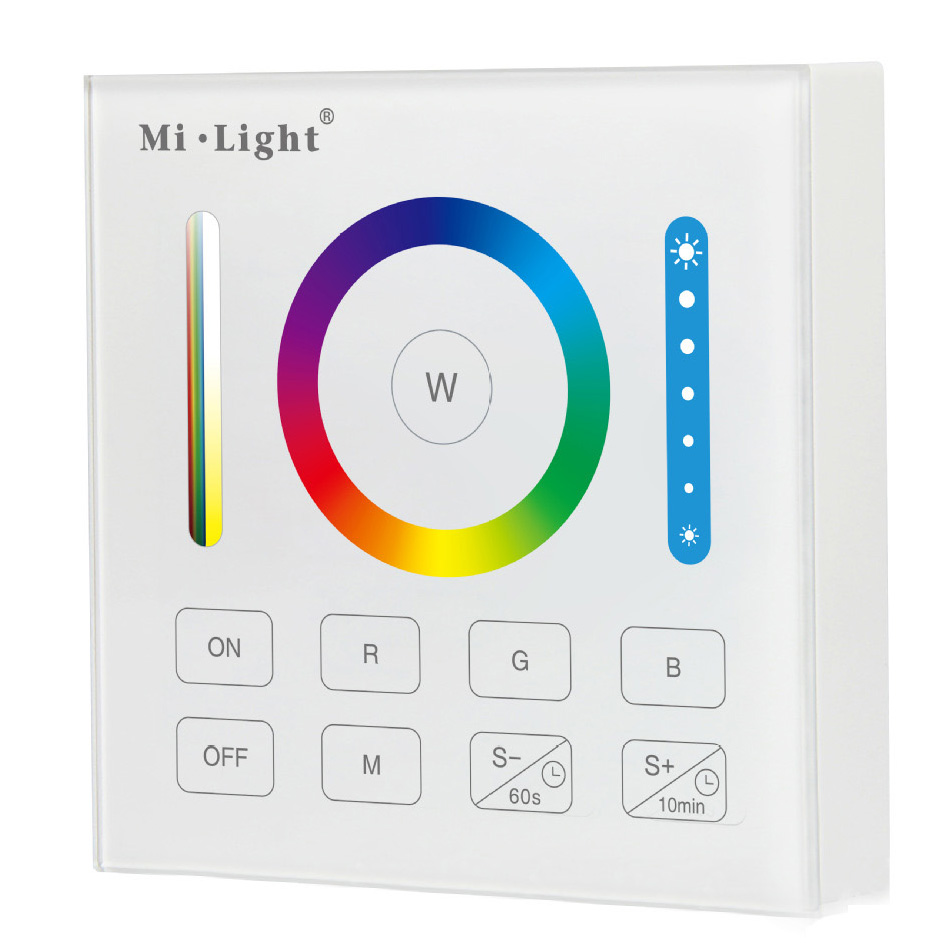
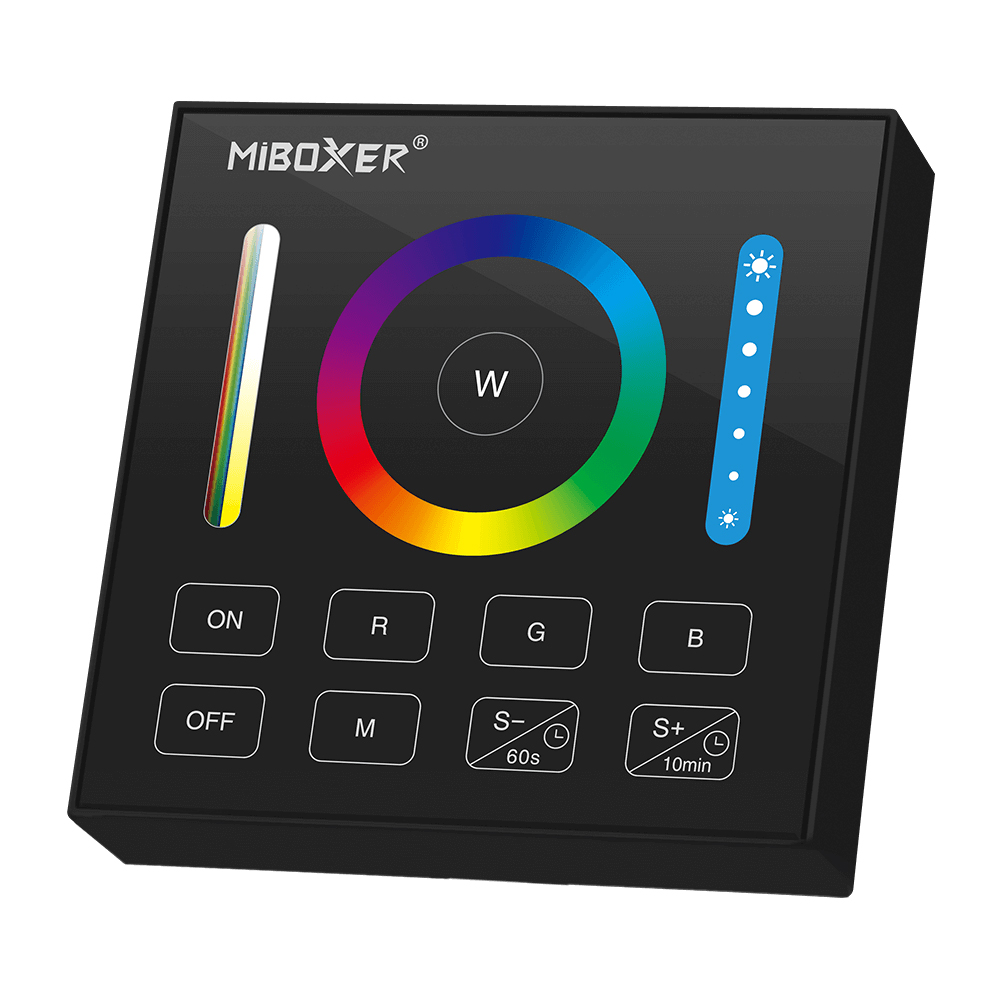
Flexible Wall-Mounted Installation & Everyday Operation
Different MiBoxer wall panels offer different operating methods and lighting functions, so the right choice depends on both the connected light and how you want to control it.
Unlike conventional wall switches that require a wired control connection to the lighting system, wireless RF panels communicate with compatible receivers without a dedicated signal cable between them. This can simplify control upgrades in existing homes, apartments, offices, showrooms, and hospitality spaces where adding new control wiring is inconvenient.
Depending on the model, installation may involve wall mounting, a compatible mounting plate, or another specified mounting method; power and installation requirements should be checked before purchase.
Once paired with a compatible MiBoxer controller or lighting fixture, the wall panel provides convenient access to everyday lighting adjustments from a fixed location. Selected models also offer multi-zone operation and a specified RF control distance of up to 30 meters. Actual range depends on the model and installation environment, including walls, obstacles, and wireless interference.
Check Compatibility Before Choosing Your Wall Panel
MiBoxer (Mi-Light) wall panel remotes are not universally compatible with every wireless controller or lighting fixture. Even products that use the same nominal wireless frequency may support different protocols, pairing methods, or lighting functions. Before purchasing, verify the panel's compatible controller models, communication protocol, supported LED lighting type, zone configuration, and pairing procedure.
At SuperLightingLED™, we offer a diverse selection of MiBoxer wall panel remotes to help you choose a convenient wireless control solution for LED strip lighting, integrated LED fixtures, and multi-zone lighting projects.
Product spec sheets & downloads
FAQ About Wall Panel RF Remote Control
Direct engineering answers on wiring, protocol compatibility, mounting styles, and multi-zone pairing for MiBoxer wireless RF wall panel controllers.
A wall panel RF remote control is a surface-mounted or flush-mounted wireless transmitter that sends 2.4GHz radio frequency commands to a compatible LED receiver without any control cabling in the wall. You connect your LED strip lights and power supply directly to a MiBoxer wireless receiver, mount the wall panel wherever you need everyday access, and pair them over the air. Because it broadcasts an omnidirectional wireless signal rather than infrared, the panel can communicate with receivers hidden inside ceiling coves, drywall cavities, or joinery up to 30 meters away.
Power input is the fundamental engineering difference between the two series: a B-series wall panel RF remote control runs entirely on batteries, whereas a T-series panel wires directly into 90V to 240V AC line power. Models like the B1, B2, B3, and B4 operate on two standard AAA batteries or 3V CR2032 coin cells, using an ultra-low standby current under 20 microamps so you can mount them over bare drywall with adhesive pads or screws. Models like the T4 panel slot into a standard electrical backbox and tap line voltage directly, so you never have to replace batteries.
Yes, a 2.4G RF remote wall panel with multi-zone support can operate up to 4 or 8 individual zones independently or synchronize them all at once. Panels like the 4-zone B4 or the 8-zone B8 allow you to assign separate receivers in the kitchen, under-cabinet run, living room cove, and hallway to dedicated zone numbers. You can switch on zone 1 alone, adjust its brightness, and leave the remaining three zones untouched, or tap the master 'All On' button to command the entire installation simultaneously from a single switch location.
To choose the correct wall panel RF remote control, you must match the control layout of the panel to the color type of your LED tape and receiver. Single-color tape needs a brightness-only panel like the B1 or rotary K1, while tunable white tape requires a CCT panel like the K0 or B2 with independent color temperature dials. If you are installing 5-channel ribbon, select a dedicated RGB+CCT panel like the B4 or B0; pairing an RGBW panel to an RGB+CCT strip leaves the warm-white and cool-white channels unmapped.
To pair a wall panel RF remote control, cut main DC power to the receiver for 10 seconds, restore power, and tap the desired Zone 'ON' button three times within 3 seconds of power-up. When the connected LED strip lights blink slowly three times, the link is locked into memory. If you need to clear the receiver memory to change zones or decommission a panel, repeat the power cycle: turn the driver off, power it back up, and press that same Zone 'ON' button five times within 3 seconds until the tape blinks rapidly 10 times to confirm unlinking.
Yes, you can link both a wall panel RF remote control and a separate handheld transmitter to the exact same MiBoxer receiver. Every 2.4GHz receiver stores up to 4 separate transmitter IDs in its local memory, so your wall-mounted panel can stay fixed by the doorway while a portable controller rests on the coffee table. We list 39 models of handheld rf remotes alongside our wall panels, giving you full flexibility to mix rotary wall dials, touch wall plates, and pocket remotes across identical lighting zones without signal collisions.
When a wall panel RF remote control fails to trigger the receiver, the issue is almost always a depleted battery, an RF barrier, or timing out during the pairing window. Replace the AAA cells or CR2032 coin battery first; when voltage drops below 2.5V, transmitter range collapses from 30 meters down to less than 2 meters. If the panel is installed on a metal wall studs or inside an enclosed metal electrical enclosure, the metal box shields the 2.4GHz radio signal. Relocate the receiver or mount the battery-powered panel outside the Faraday cage on finished drywall.
Batteries in a 3V wireless wall panel RF remote control typically last between 12 and 24 months under normal residential use of 15 to 20 presses per day. Because the transmitter draws less than 20 microamps in standby, power is consumed almost exclusively during the fraction of a second when an RF command packet transmits. To replace the batteries, insert a small flat-head screwdriver into the release slot at the bottom edge of the faceplate, unclip the front glass module from the rear bracket, insert two fresh AAA or a CR2032 cell, and snap the housing back together without disturbing the wall screws.