
Addressable SPI RGBIC LED Strip Controller
8 productsMiboxer SPI LED controller is designed for controlling pixel addressable led strip including single color, RGBW, RGB addressable LED strip. High-density Pixel Dots can be managed by addressable RGB LED controllers, which is supports single color (2048), RGB (1536), and RGBW (1024) configurations. SPI RGB LED controllers transmit the SPI signal to the compatible IC chip of the SPI LED strip to realize the control of addressable LED rope. The compatible chips include TM1809, SK6813, UCS1903, UCS1909, WS2811, WS2813(RGBW), WS2814(RGBW), etc. Adopting 2.4GHz RF wireless transmission technology, Miboxer SPI Pixel controller is compatible with Miboxer SPI remote control to adjust mode, color, brightness, on/off time and edit dynamic mode of led pixel strip within 30 meters control distance.

Programmable LED Controller For SPI & DMX Lights

SPIR5 5-in-1 Digital LED Controller (RF + Push Switch + Music)

4CH Addressable LED Light Strip Controller (WiFi + RF + Music)
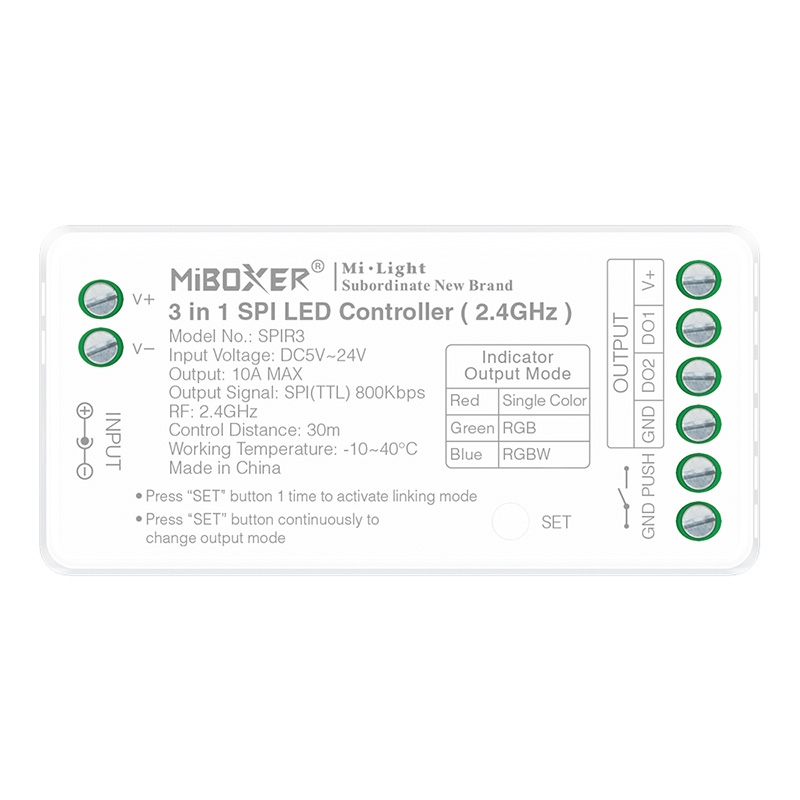
Miboxer SPIR3 RF 3in1 SPI LED Strip Pixel Addressable Controller
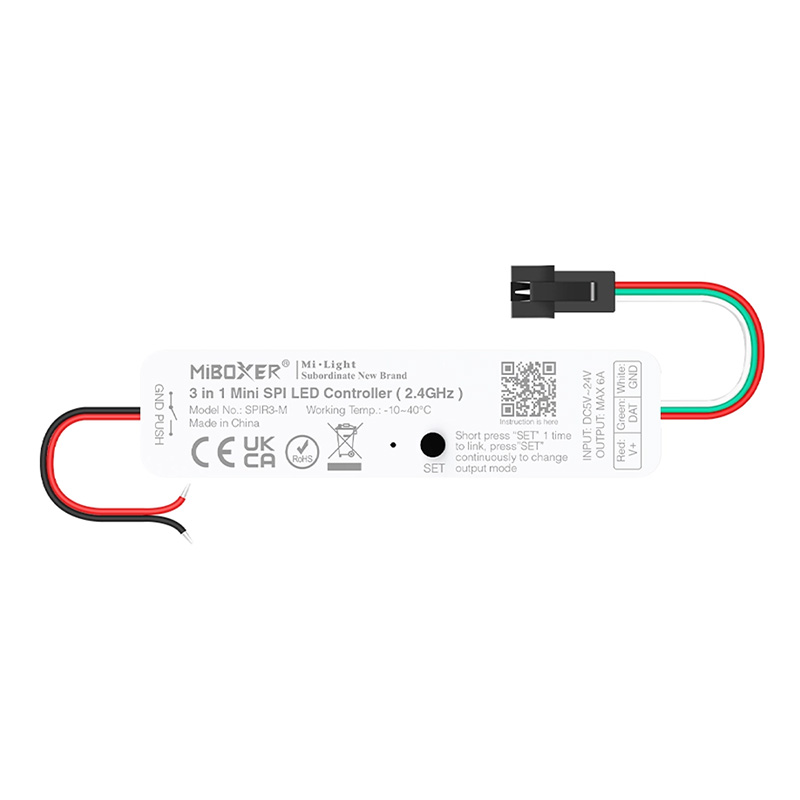
SPIR3-M RF 3 in 1 Dimmable SPI Mini Pixel LED Strip Controller
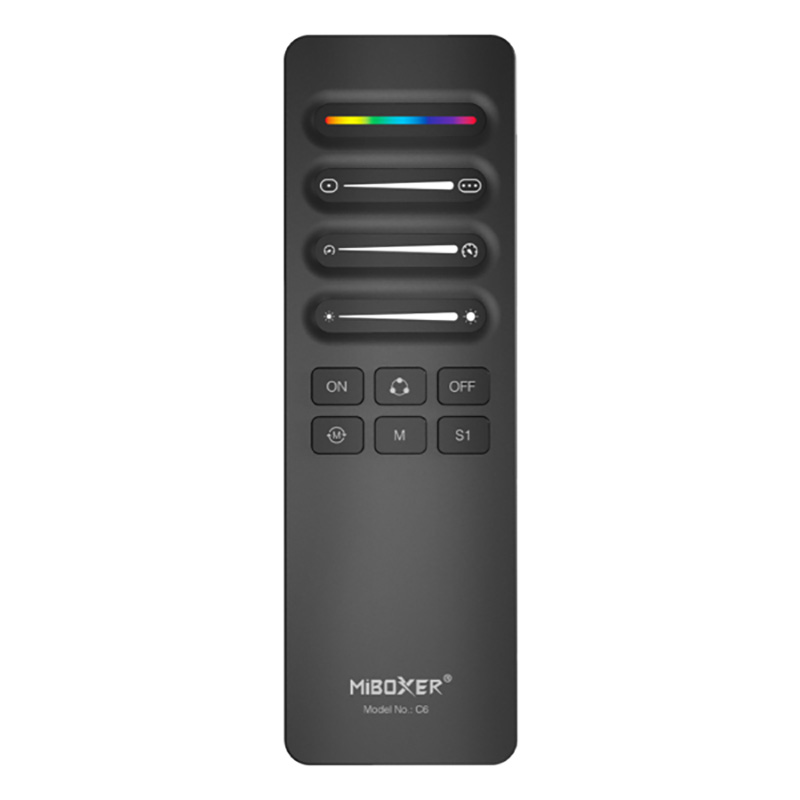
C6 RF Wireless SPI LED Strip Controller Remote Control
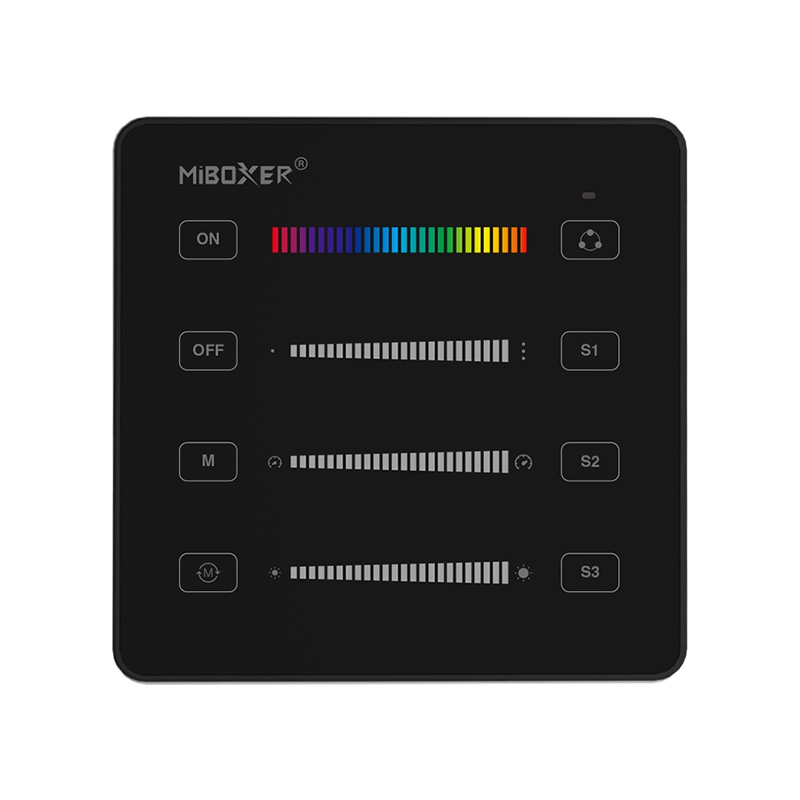
B6 RF RGB RGBW SPI Addressable LED Panel Remote Control
FAQ About Addressable SPI RGBIC LED Strip Controller
Direct engineering answers on pixel IC compatibility, data lines, power injection, and RF pairing for addressable SPI controllers.
Select your Miboxer/Mi-Light SPI LED controller by matching your strip's chip type, control protocol, and total pixel count. If you need simple handheld wireless operation without home network setup, the SPIR3 or SPIR5 paired with a C6 or C10 remote handles up to 30 m of RF range. For smartphone app and voice integration, choose WiFi and Bluetooth models like the SPIW5. If you are coordinating extensive architectural installations across several separate physical runs, pick the SPIW5-4, which outputs SPI signals across four parallel ports to manage up to 1,024 ICs without splitters.
A Miboxer/Mi-Light SPI LED controller works with virtually all mainstream 3-wire and 4-wire digital IC protocols found on commercial pixel tapes. Compatible ICs include WS2811, WS2812B, WS2813, WS2814 (RGBW), TM1804, TM1809, TM1812, UCS1903, UCS1909, UCS1912, SK6813, and CS8812. If you are running 3-wire tape lights, connect DC+, Data (DAT), and DC- ground, leaving the clock terminal unpopulated. On 4-wire strips such as WS2813 or WS2814 that feature backup data lines, wire the main data line to DAT and tie the backup line directly to ground.
Feed DC power in parallel directly from your power supply to the strip every 5 m on 12V or every 10 m on 24V, running only the data line continuously through the controller. A single feed from one end causes noticeable colour shifting—often fading to dull yellow or dim red—because copper traces cannot carry 5A to 10A without resistance loss. Keep the controller's ground terminal bonded to the power supply's negative rail so the SPI signal maintains a solid 0V reference. For step-by-step schematics and terminal diagrams, consult our pixel wiring guide.
An addressable SPI LED strip controller can drive multiple LED runs if you split the data line or select a multi-output unit, but you must never route total operating current through the controller's internal screw terminals. The internal DC pass-through on compact units is rated for 10A to 15A max. For runs drawing more current, connect your 12V or 24V power supply bus bars directly to each LED tape section. Splitting one SPI data signal to 2 or 3 lines mirrors identical chase effects across every branch with zero timing delay.
Keep the unshielded data wire between the controller and the first pixel under 5 m to prevent high-frequency SPI signal attenuation and stray RF interference. TTL data signals run at 800 kHz, which degrades quickly over long, thin hookup wires, causing jitter or erratic flashing down the line. If your installation forces you to locate the controller 10 m to 20 m away from the tape, use shielded twisted-pair wire (grounding the shield at the driver end) or place a sacrificial single-pixel IC every 4 m to regenerate the digital waveform.
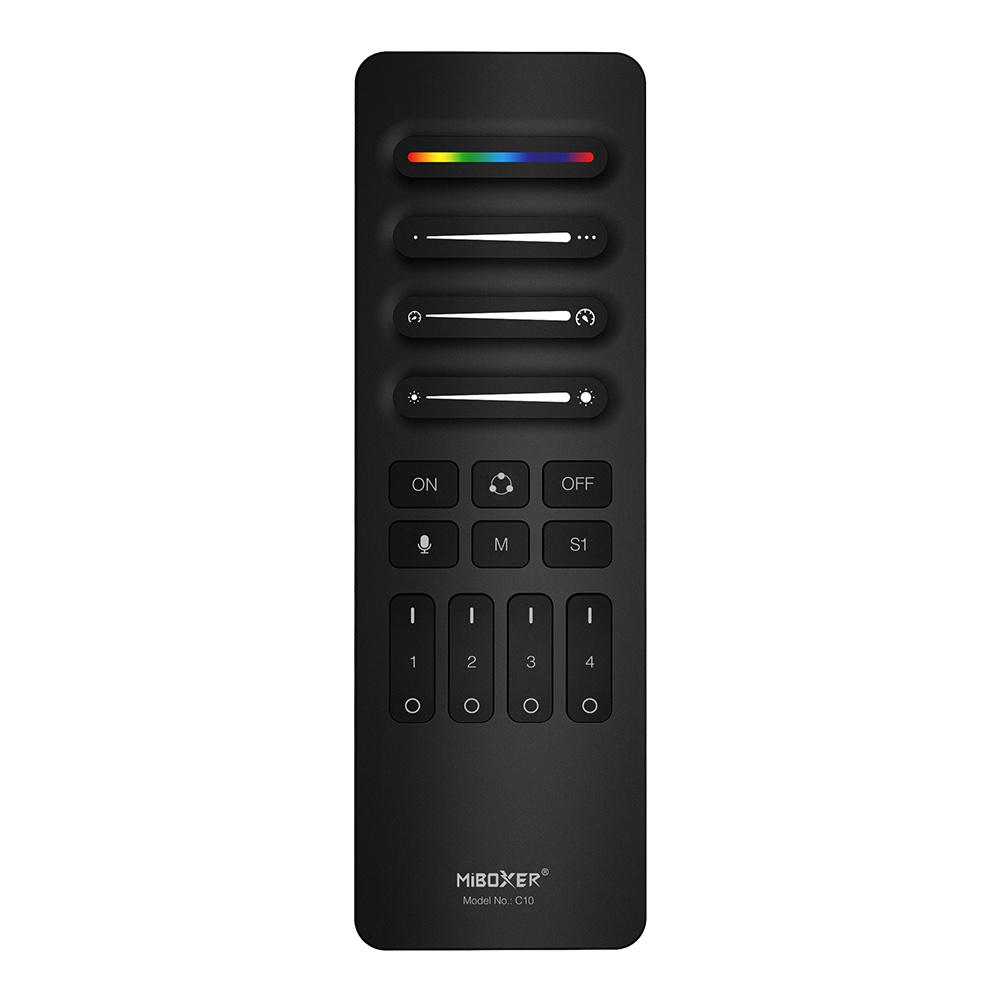
Pair multiple SPI receivers to separate zone keys on a multi-channel remote like the 4-channel C10 or wall-mounted B6 touch panel. Assign receiver 1 to Zone 1 for perimeter coves and receiver 2 to Zone 2 for tray accents by powering each controller on and tapping the desired zone button within 3 seconds. Once paired, you can trigger synchronized chasing patterns across all zones simultaneously, or isolate a single zone to adjust speed, static colour, and brightness independently from up to 30 m away.