
Mini Series
5 productsLTECH T Series and Mini Pro Series both use 2.4GHz RF wireless control, but they are designed for different LED lighting requirements. The T Series focuses on synchronized lighting across multiple receivers, while the Mini Pro Series provides compact wireless LED controllers, compatible RF remotes, and matched controller-and-remote sets with different output configurations for a wide range of low-voltage LED strip lighting applications.
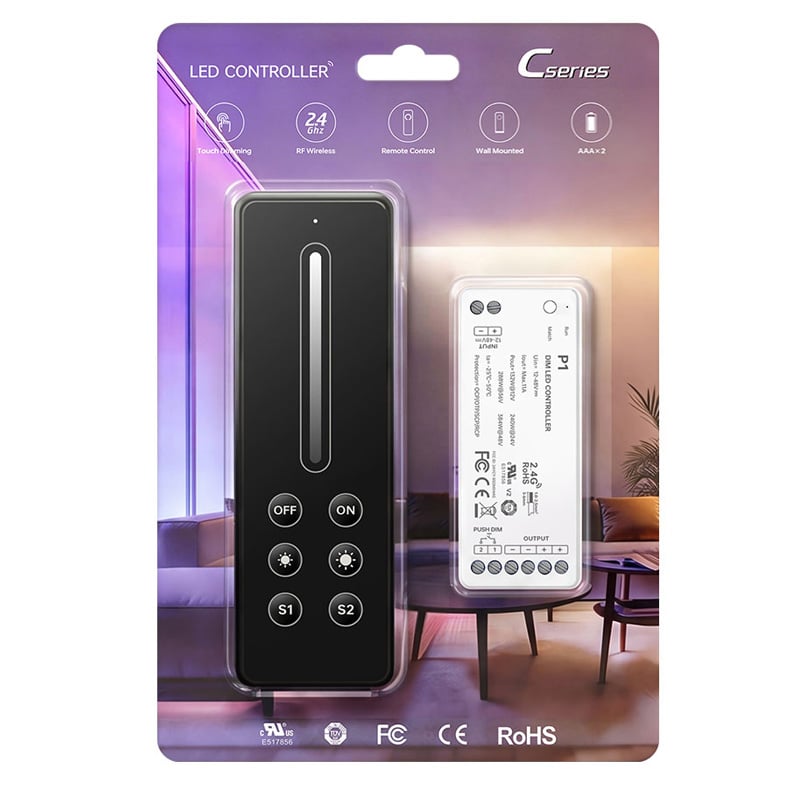
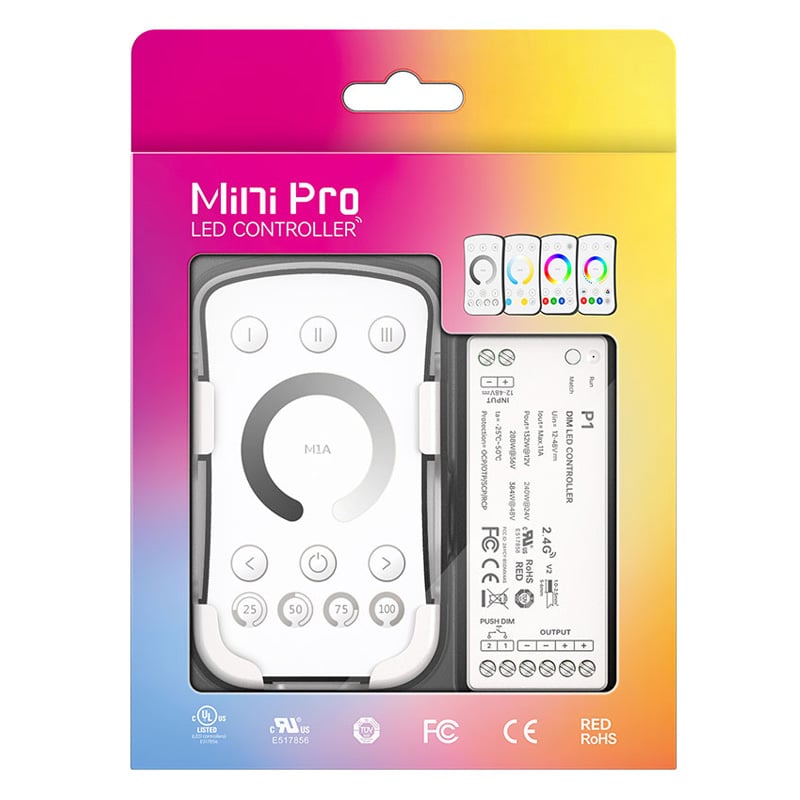
UL-Certified Mini Pro Wireless LED Strip Controllers and Remotes
These Mini Pro products are designated by LTECH as UL-certified controllers, remotes, or sets, making the series worth considering for projects where product certification is an important purchasing requirement. (C Series remotes are not UL.)
Within the specified 30-meter wireless range, a compatible M Series or C Series remote can control multiple assigned P Series controllers, making it possible to operate several lighting locations together or manage supported zones separately.
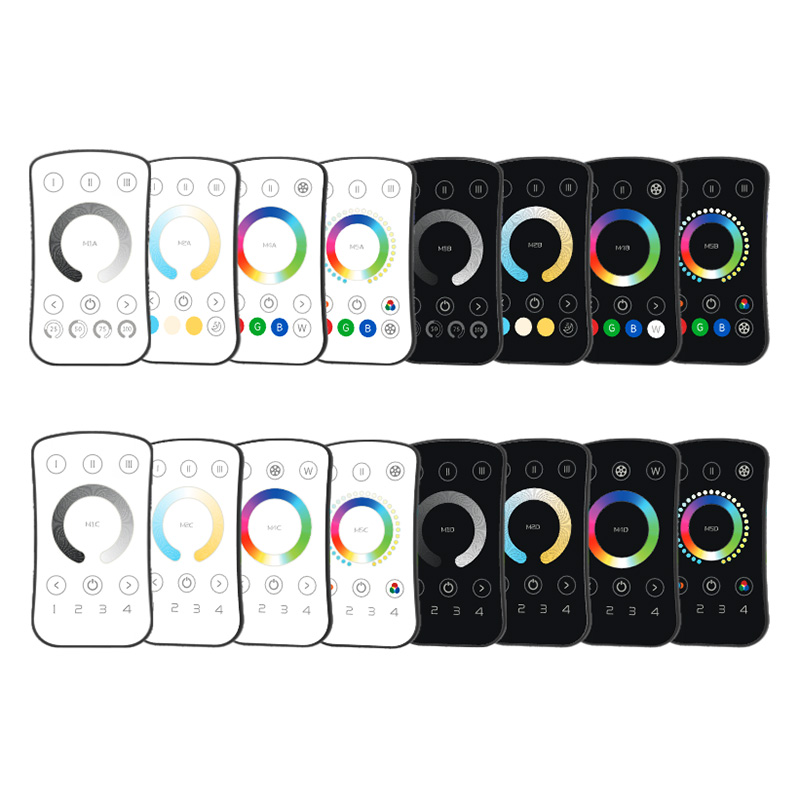
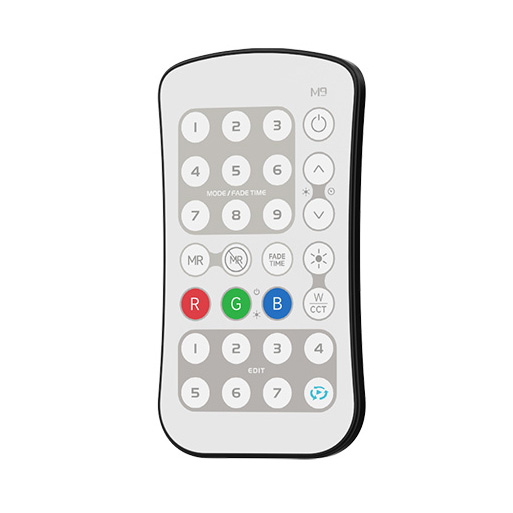
P-Series controllers are designed to pair with compatible LTECH M Series and C Series RF 2.4GHz remotes only. The M Series and C Series remotes provide both single-zone control and multi-zone options, while the M9 model with programmable operation. Choose a remote whose control mode and channel configuration match the P-series controller.
FAQ About LTECH Mini Series LED Controllers
Direct answers to common technical, wiring, and pairing questions about LTECH Mini Pro Series wireless LED controllers and remotes.
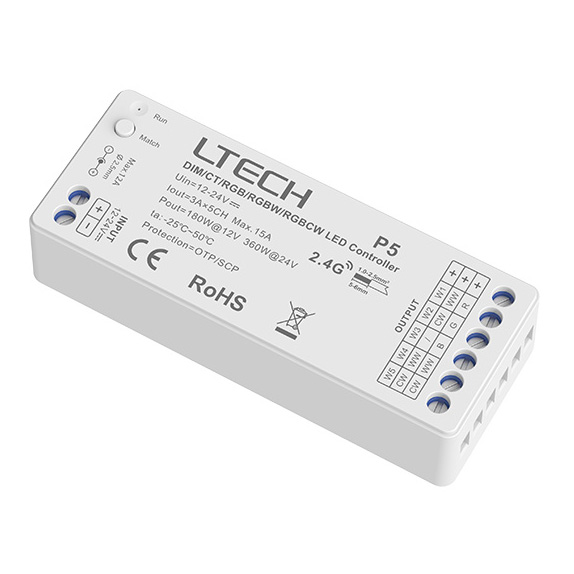
The Mini Pro Series controller packs multi-channel wireless control into an ultra-compact footprint designed specifically for tight spatial clearances. They also carry UL certification for commercial compliance and operate on 2.4GHz RF with up to 30 meters range under clear conditions. The P5 model handles five distinct modes—single color, CCT, RGB, RGBW, and RGBCW—in one unit, saving you from swapping hardware when site specs change.
A single Mini Pro Series P5 receiver controls 5-channel RGB+CCT LED strip lights directly without needing separate white and color drivers. You wire red, green, blue, warm white, and cool white leads to the five output terminals, sharing the common positive. Pair it with an M9 remote or a 1-zone/4-zone mini remote to adjust both saturated colors and 2700K to 6500K color temperature independently. For complete hookup schematics, check our RGB+CCT wiring guide.
You can safely load up to 105W at 12V or 211W at 24V on an 11A Mini Pro Series P1 receiver when adhering to an 80% continuous safety margin. The P1 handles a theoretical maximum of 132W on 12V rails and 264W on 24V rails (11A total). To avoid thermal throttling and keep commercial runs stable, do not load the controller right up to its ceiling. If your single-color LED strip pulls 14.4W per meter on 24V, that works out to a maximum run of roughly 14.6 meters before you need an amplifier or a second receiver.
You connect the common positive line to the V+ terminal and route the warm white and cool white negative leads to channels 1 and 2 on the P5. Before powering up the system, set the controller mode switch to CCT so the firmware modulates the two channels correctly. In CCT mode, sliding the remote color-temperature wheel adjusts the balance between warm and cool LEDs while keeping overall luminous output consistent. Do not leave the unit in RGB mode, or both white channels will ramp up and down simultaneously like a static dimmer.
Most pairing failures on the Mini Pro Series happen because the learning button press was held too long, clearing memory instead of pairing. To pair correctly, apply power to the receiver, short-press the ID learning button once, and immediately press any key or the desired zone key on the RF remote. The connected LED strip will flash twice to confirm the link. If you hold the button down for 5 seconds, the receiver wipes all paired IDs. Also verify the remote battery is fresh, as low voltage weakens 2.4GHz packet transmission.
You can sync multiple Mini Pro Series receivers to a single RF remote without running any interconnecting low-voltage signal cabling. Within the 30-meter line-of-sight range, every receiver assigned to the same zone responds simultaneously to color, dimming, and scene commands. When placing controllers behind drywall or inside wooden cabinetry, practical range drops to roughly 15 to 20 meters. For sprawling layouts with metal framing, locate receivers closer together or use multi-zone remotes to trigger adjacent rooms independently from one handheld unit.