
RF+DMX512 Wall Panels
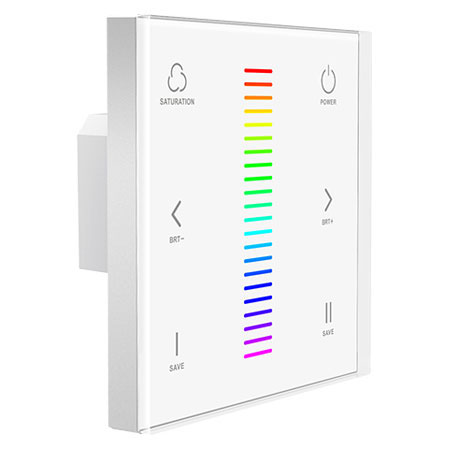
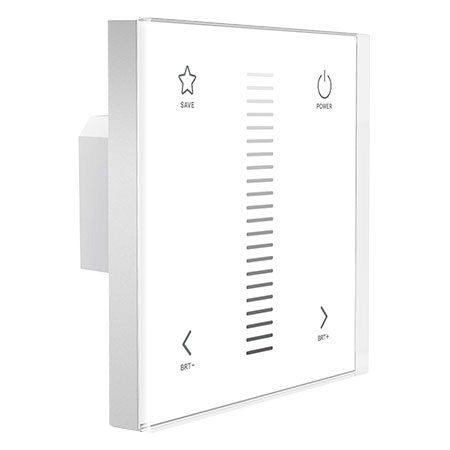
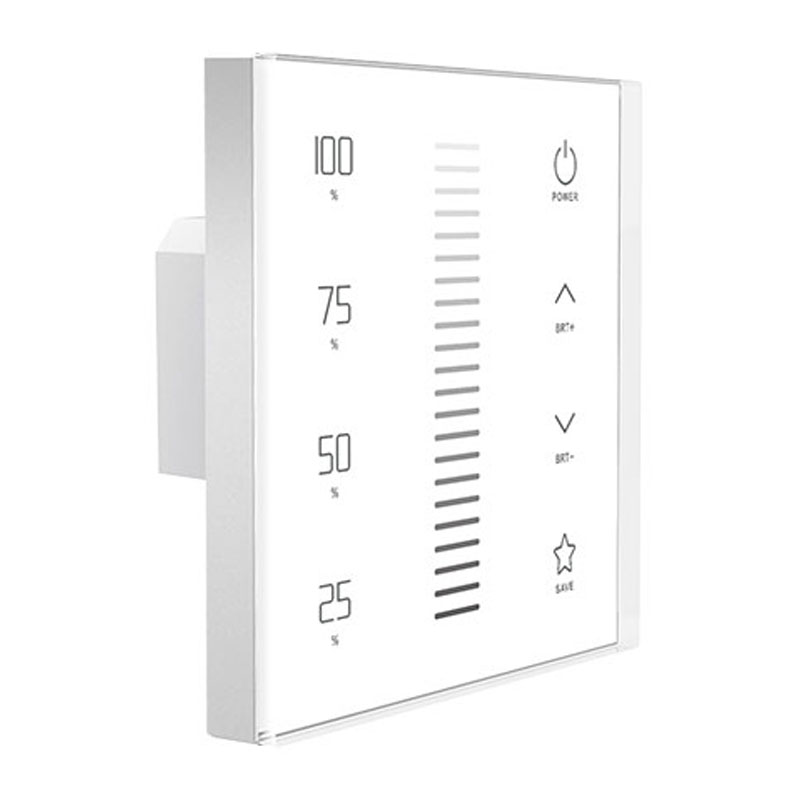
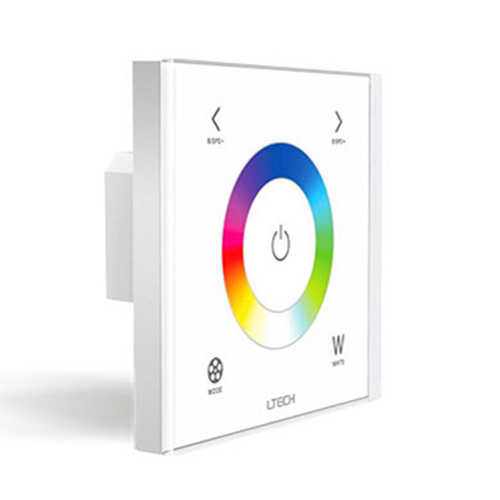
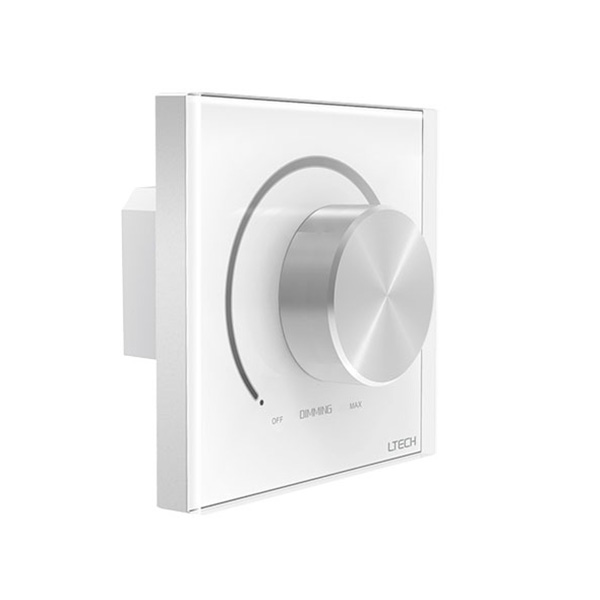
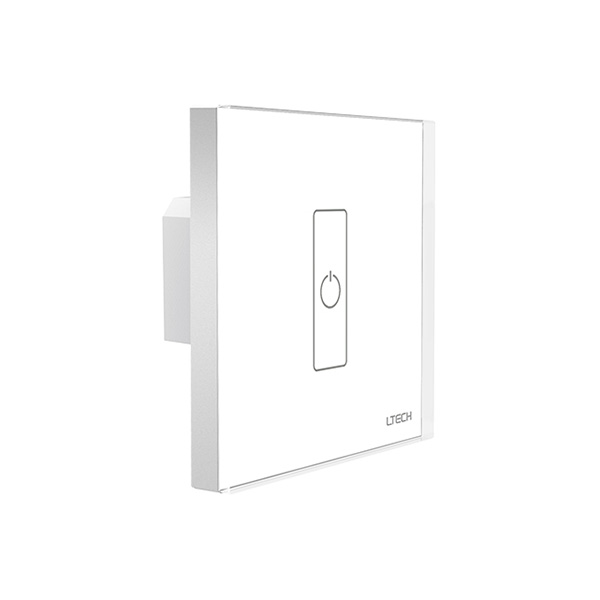
19 productsRF+DMX512 Wall Panels are wireless DMX lighting control interfaces designed for integration into the compatible L-BUS control system. They combine convenient 2.4GHz RF wireless control with DMX512 signal output, allowing users to control compatible DMX decoders or drivers and connected LED strip lights from a wall-mounted touch panel.
Depending on the DMX decoder and driver configuration, this system can support single-color dimming, tunable white (CCT), RGB, RGBW, and RGBCCT lighting. This setup is ideal for residential, commercial, and architectural lighting projects that require centralized DMX control.
These LTECH L-BUS RF DMX512 wall panels are powered by 100–240V AC and designed for installation in a compatible 86 × 86mm wall box. While the panel communicates with compatible L-BUS devices wirelessly via 2.4GHz RF, such as the WiFi master, F Series and Q Series handheld remotes, its DMX512 output must be hardwired to the DMX signal input of a compatible DMX decoder or DMX-enabled LED driver. The connected decoder or driver then controls the LED lighting according to the received DMX commands.
Ensure that the DMX signal wiring, terminal connections, and installation comply with the specific product's wiring diagram and applicable electrical codes.
FAQ About RF+DMX512 Wall Panels
Direct answers on wiring, protocol compatibility, backbox mounting, and multi-zone setups for hybrid RF and DMX wall controllers.
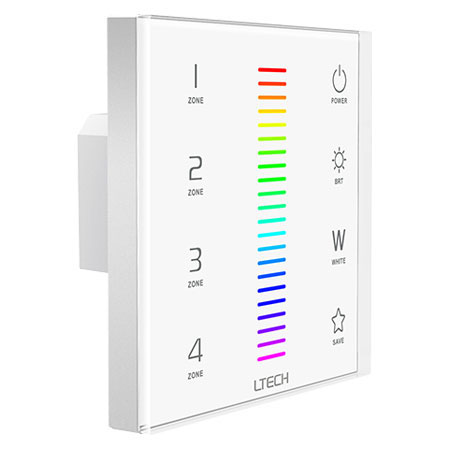
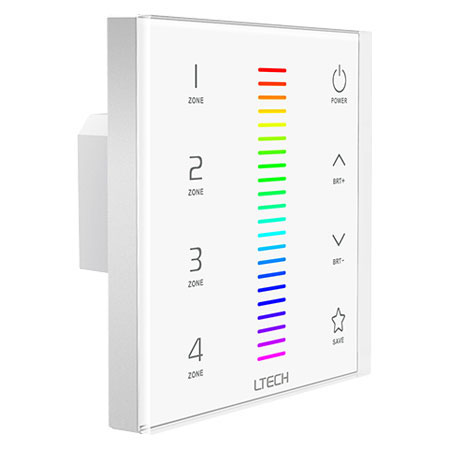
An L-BUS wireless DMX light panel sends 2.4GHz RF commands to wireless receivers and outputs hardwired DMX512 data at the exact same moment. You do not need to flip a toggle switch or select an operating mode. If you touch the color slider on an EX7 or EX8 panel, the wired DMX output immediately sends standard DMX512 packets down the hardwired line while the internal RF transmitter broadcasts the identical command to paired wireless receivers within a 30-meter radius. This hybrid output lets you hardwire primary architectural fixtures nearby while controlling remote cove lighting across the room wirelessly.
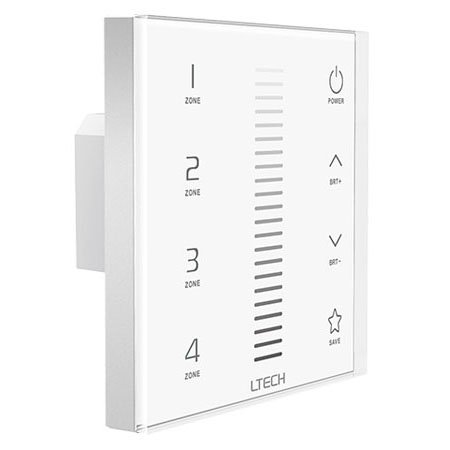
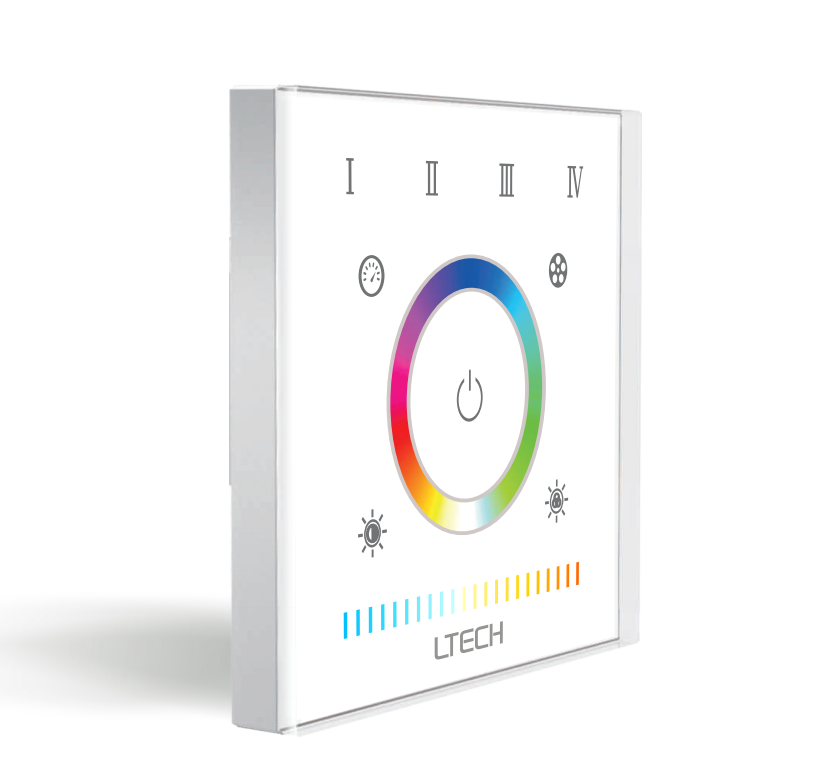
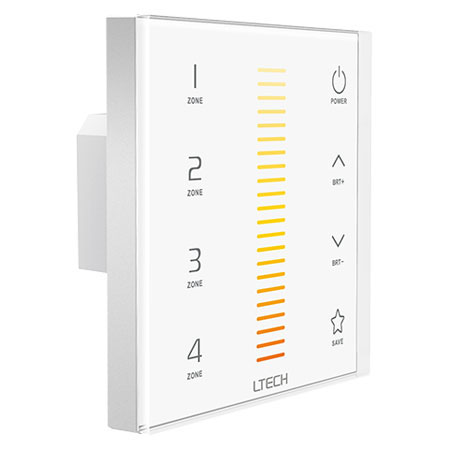
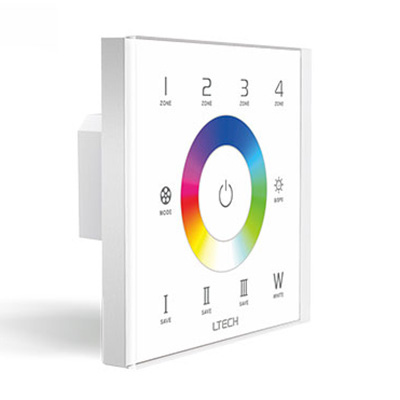
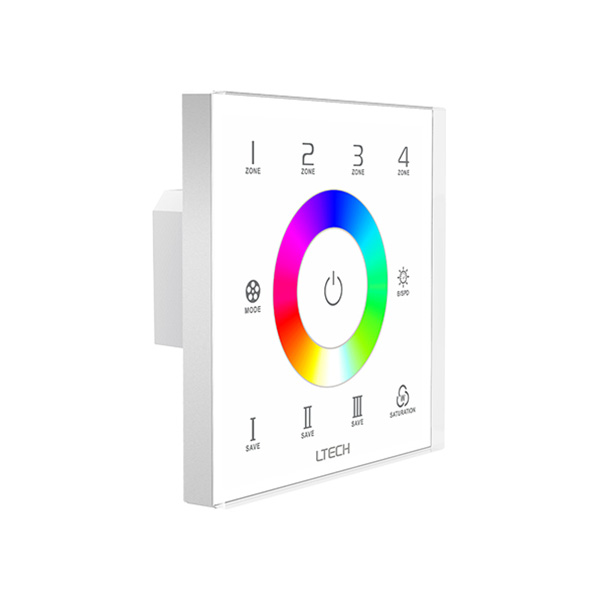
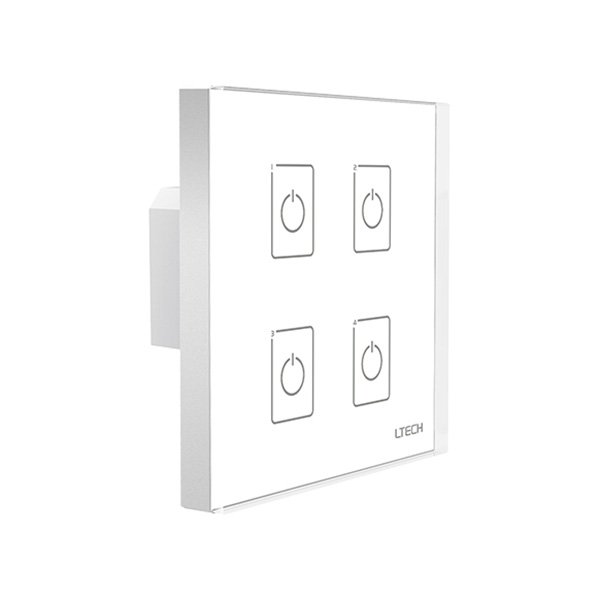
Four-zone panels use consecutive, pre-assigned blocks of DMX channels for each zone key. On the EX8 and EX8S controlling RGBW LED strip lights, Zone 1 transmits on DMX channels 1 through 4 (Red, Green, Blue, White), Zone 2 uses channels 5 through 8, Zone 3 takes channels 9 through 12, and Zone 4 uses channels 13 through 16. To assign an LED decoder to Zone 3, you set the starting address on that decoder to 009. You cannot remap individual zone start channels from the touch glass.
One panel can pair to an unlimited number of wireless receivers across multiple rooms within its 30-meter open-air range. You simply put our wireless L-BUS receivers into match mode and press the desired zone number on the wall panel. Those paired receivers then track every scene, brightness change, and static color you select. If concrete or brick walls reduce the RF signal between rooms, you can run a single 3-pin shielded DMX cable through the wall to bridge the physical gap.
You can wire up to 32 standard DMX decoders directly in a daisy chain from the panel's green output terminals before electrical bus loading degrades the RS-485 signal. If your layout requires more than 32 decoders, or if your physical room layout forces you to branch out into multiple directions, you must install an opto-isolated DMX splitter. The splitter connects to the wall panel output and gives you independent, isolated branch lines that each support an additional 32 decoders without signal drop.
You cannot splice two hardwired DMX outputs in parallel, but you can achieve multi-way control wirelessly. Because DMX512 is a single-talker protocol, wiring the DMX output terminals of two panels together causes severe packet collisions and flashing fixtures. Instead, designate Panel A as your hardwired DMX master connected to the fixtures. Leave the DMX terminals on Panel B disconnected, power it from 100-240VAC, and pair Panel B via 2.4GHz RF to Panel A so both touch plates mirror each other seamlessly.
The EX8S stores independent static scene memories and dynamic color cycles accessed directly from dedicated touch keys on the glass. When running dynamic modes like color fading or jumping, the panel sends updated RGBW values down the DMX stream at up to 40 frames per second. Short-pressing the speed keys cycles through 10 speed intervals, while holding a numbered scene key for 3 seconds overwrites that preset with your current color, saturation, and brightness mix across all four zones.