
RF RGBW Panel Remote Control
10 productsThe SkyDance RF RGBW Panel Remote Control Series provides convenient in-wall wireless control for compatible constant-voltage and constant-current SkyDance RF RGBW controllers. These wall-mounted panels communicate with RGBW controllers through 2.4GHz RF wireless signals rather than a direct electrical connection to the LED lighting. Depending on the model, they are independently powered by AC line voltage, low-voltage DC, or batteries, allowing flexible installation without running wired RGBW control outputs to the connected lights.
Touch Panel Control for RGBW Lighting
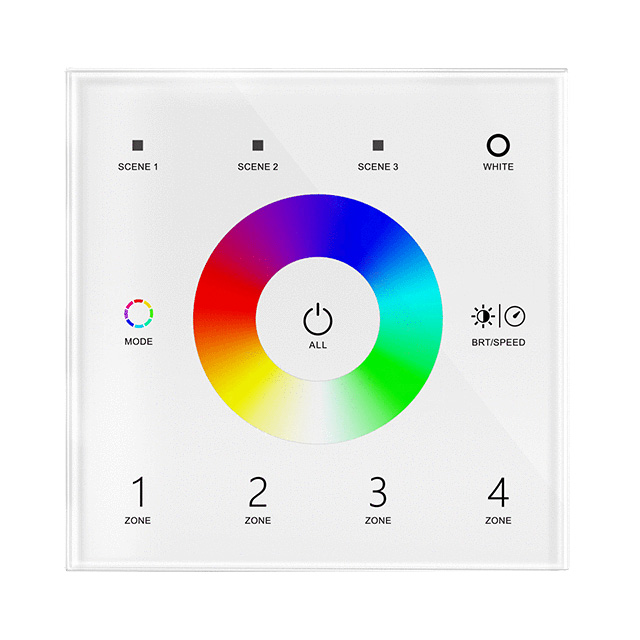
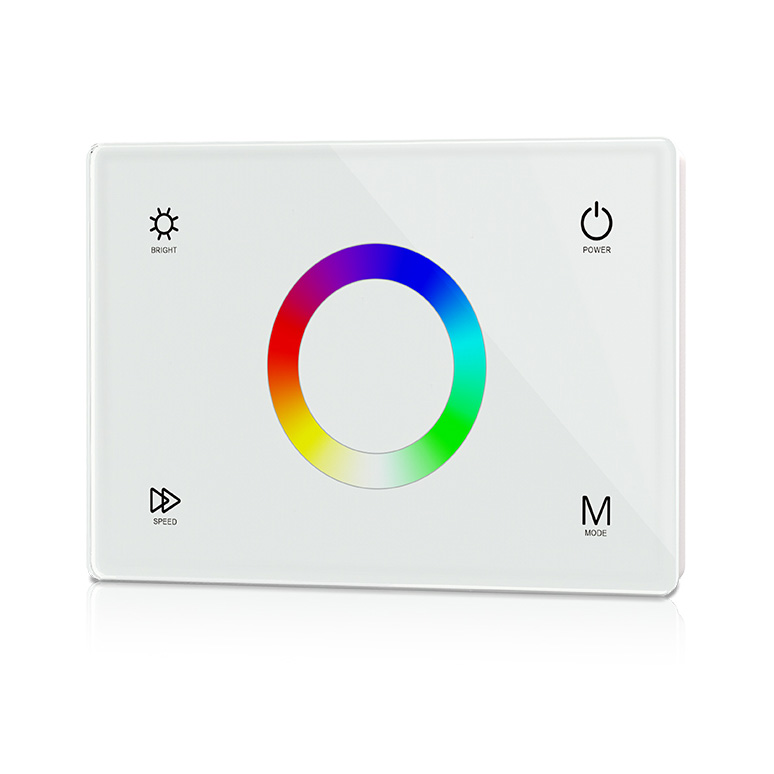
Simply touch the corresponding functional areas on the panel to operate your RGBW lighting from a convenient wall location. Depending on the model, supported functions include switching lights on and off, selecting and adjusting RGBW colors, controlling brightness, choosing dynamic color-changing modes, adjusting effect speeds, recalling preset scenes, and selecting individual lighting zones. Available in single-zone and multi-zone configurations, these panels make it easy to operate multiple RGBW lighting areas together or control different zones independently.
Proximity-Activated Wireless RGBW Lighting
Special RF models with PIR-sensing functionality provide an additional level of convenience for everyday lighting applications. When a person approaches the sensor panel or enters its detection area, the RF sensor panel can send a wireless command to activate compatible RGBW lighting. The lights can then automatically turn off according to the configured settings when the area is no longer in use.
SkyDance RF RGBW panel remotes support different power options, including AC 100–240V, DC 12–48V, AAA batteries, and coin-cell batteries. One panel remote can be paired with multiple compatible RGBW controllers, allowing several LED strips or fixtures to operate together.
**Important Wiring Notice:** When used as a wireless RF panel remote, the RGBW panel acts as a wireless command transmitter only. It does not directly supply electrical power or output signals to the RGBW LED lights. A separately installed, compatible SkyDance RF RGBW controller is required to drive the connected RGBW lighting.


4 Zone Constant Voltage RGB LED Touch Panel RF Remote TW4-4

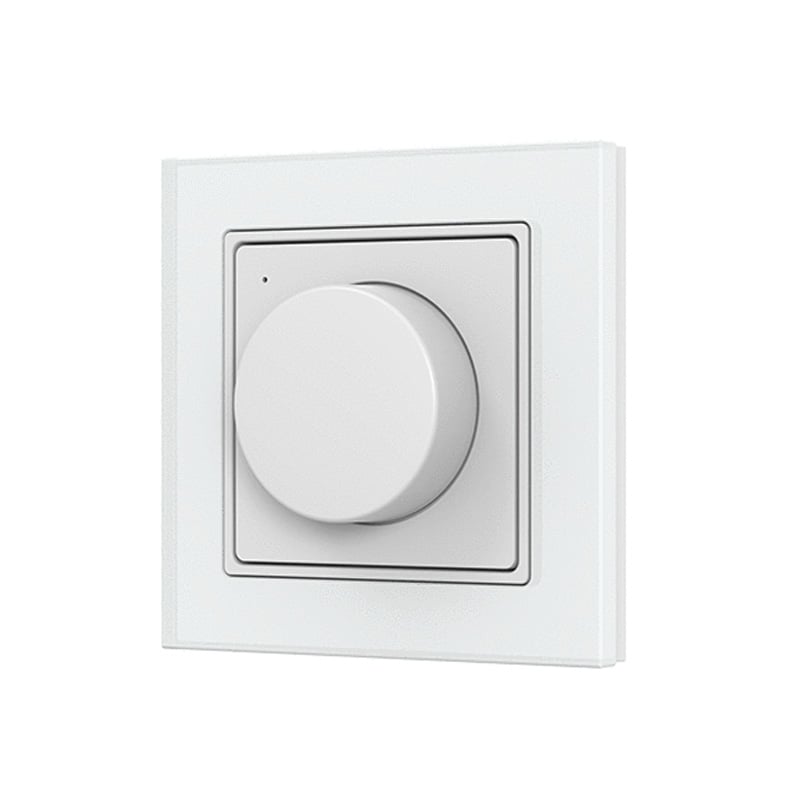
Glass Panel Dimmer RF Remote Control (CR2032 Battery) PK1(G)


FAQ About RF RGBW Panel Remote Control
Direct technical answers from our engineering desk on wiring, power options, and pairing protocols for RF RGBW wall touch panels.
An RF RGBW panel remote control is a wall-mounted touch glass transmitter that sends 2.4 GHz wireless signals to manage red, green, blue, and dedicated white channels independently. Unlike basic RGB panels that simulate white by firing three colors at once, an RF RGBW panel remote control includes dedicated white sliders or buttons. This allows you to mix saturated dynamic colors from the glass touch wheel while blending in pure 3000K warm white or 6000K daylight white from your rgbw led strip lights without desaturating the color tone.
An RGBW LED strip integrates dedicated white diodes alongside standard red, green, and blue chips on a 5-conductor printed circuit board. Controlling this layout demands an RF RGBW panel remote control because a 3-channel RGB wall dimmer cannot govern the independent white diode circuit. When linked to an led controller with rf remote control receiver, the panel lets you switch between vivid color-changing displays and clean, functional white architectural illumination smoothly without color cross-bleeding.
When connecting an RGBW LED strip to an RF RGBW panel remote control, zero low-voltage load wiring connects to the wall interface itself. The panel mounts anywhere on drywall—powered by lithium batteries or 85-265VAC line voltage—and sends wireless 2.4 GHz commands across distances up to 30 meters. You connect the 5-pin RGBW LED strip directly to the output terminals of a paired rf rgbw cv controller positioned right next to your DC power supply. This eliminates the labor of fishing heavy 5-conductor low-voltage cables through wall cavities.
An RF RGBW panel remote control works alongside a handheld 2.4 g rf remote on the exact same LED receiver without signal conflict. Every SkyDance wireless receiver matches with up to 10 separate transmitters, letting you mount a glass touch panel at the entryway and keep a portable remote on a nightstand or desk. Because 2.4 GHz rf remote control systems send brief, encrypted packet bursts lasting only a few milliseconds, both controllers update brightness and color values without signal collisions or lag.
An RF RGBW panel remote control comes in either a surface-mount wireless build or an in-wall wired configuration. Battery-operated wireless panels like our T24 use a completely flat backplate that mounts over finished drywall or covers a standard US single-gang box using standard screw spacing. Line-voltage AC-powered models feature a circular rear mechanism measuring 68 mm in diameter; these require a European round back-box or a standard US single-gang mud ring adapter to sit fully flush against the wall surface.
An RF RGBW panel remote control provides dedicated scene keys (labeled S1 and S2) to store custom color balances and brightness levels instantly. To set a preset, adjust your RGBW LED strip lights to your target color and white brightness using the touch wheel and sliders, then press and hold the scene key for 2 seconds until the back light flashes. A brief single press recalls that exact setting immediately, making it easy to swap between soft ambient evening tones and full-brightness task lighting with one touch.
A battery-powered RF RGBW panel remote control running on standard AAA or CR2032 cells provides an operating standby life of 6 months to 2 years depending on daily use. The panel uses microamp sleep circuitry that wakes into active 2.4 GHz transmission only when skin capacitance contacts the glass. If touch response becomes sluggish or wireless range drops under 10 meters, cell voltage has dropped below 2.6V and requires replacement. For zero-battery maintenance in commercial builds, we recommend installing our AC-powered panel models.
Pairing issues happen when the receiver buffer memory is saturated, the match sequence timing is missed, or the receiver uses an incompatible proprietary protocol. To pair an RF RGBW panel remote control, press the Match Key on your SkyDance receiver once briefly, then tap a zone key on the wall panel within 5 seconds; the connected LED strip lights flash three times to confirm. If it fails, hold the receiver Match Key down for 5 seconds to clear previous pairings, then repeat the pairing sequence.