
Sensor Remote Control
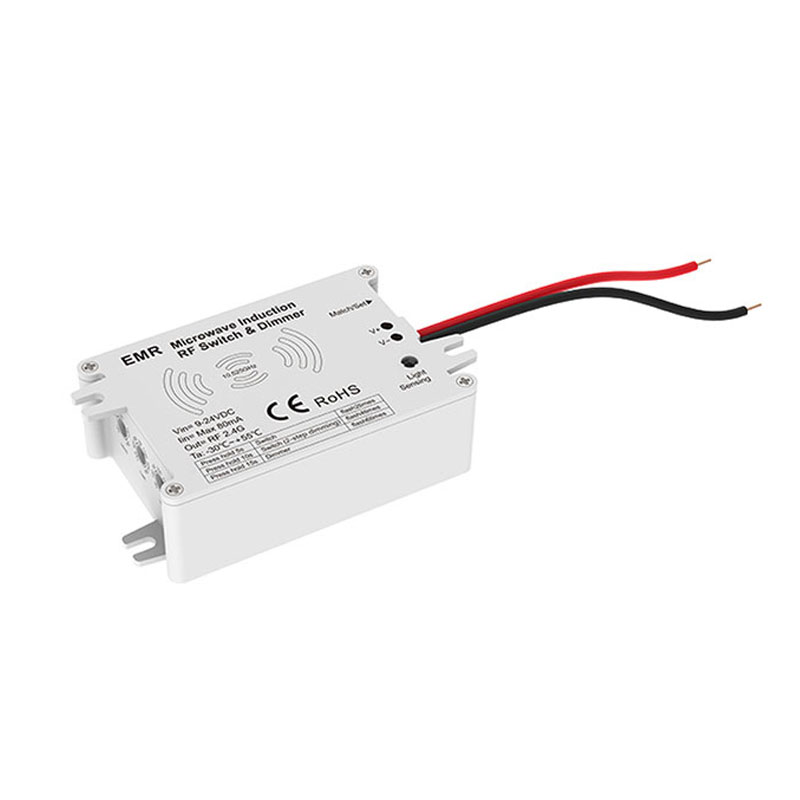
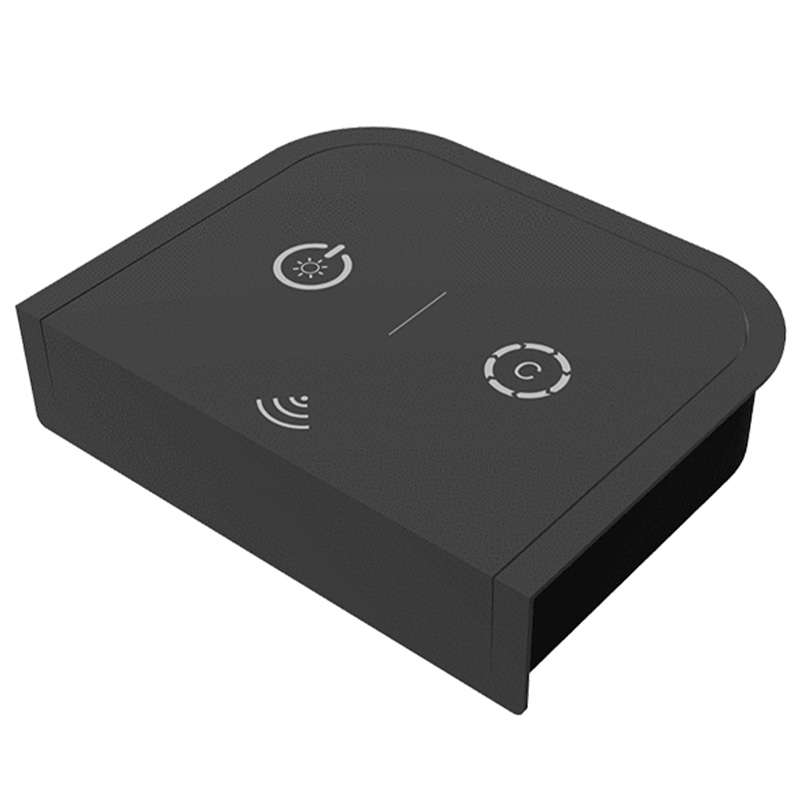
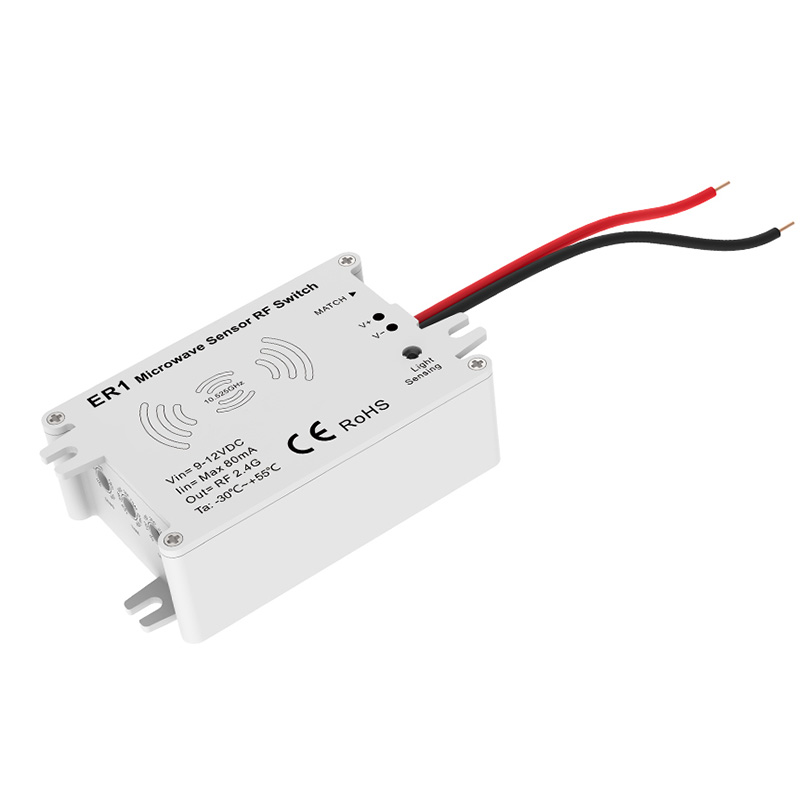
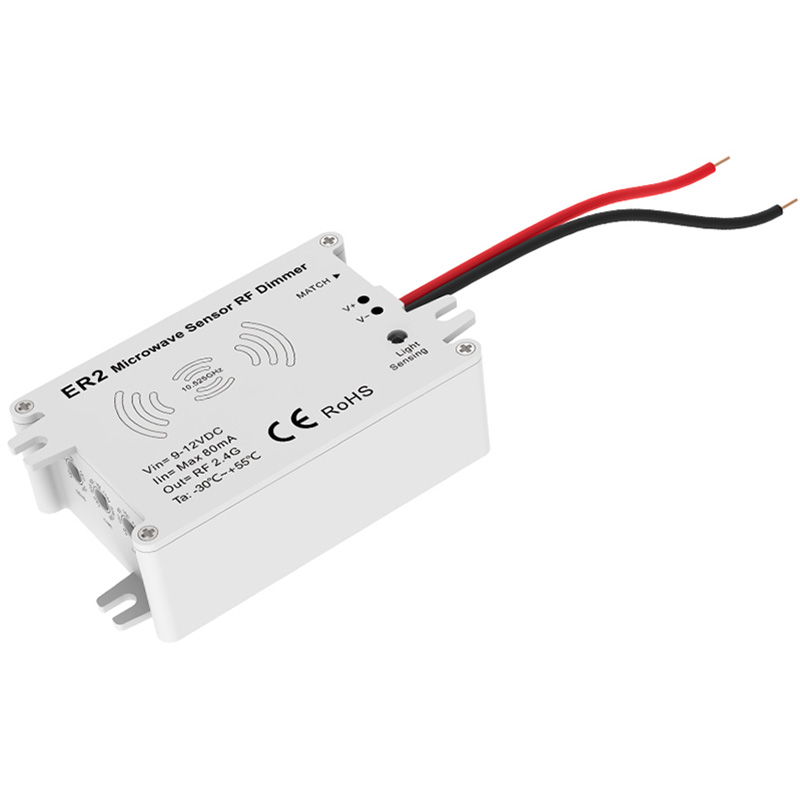
11 productsThe SkyDance Sensor Remote Control Series is specifically designed for wireless sensor operation with compatible SkyDance RF controllers and drivers. Unlike conventional sensors that directly switch or power LED lighting, these independent wireless sensors function as remote control transmitters, sending RF signals to paired controllers to trigger lighting actions automatically.
Wireless Sensors for Different Detection Applications
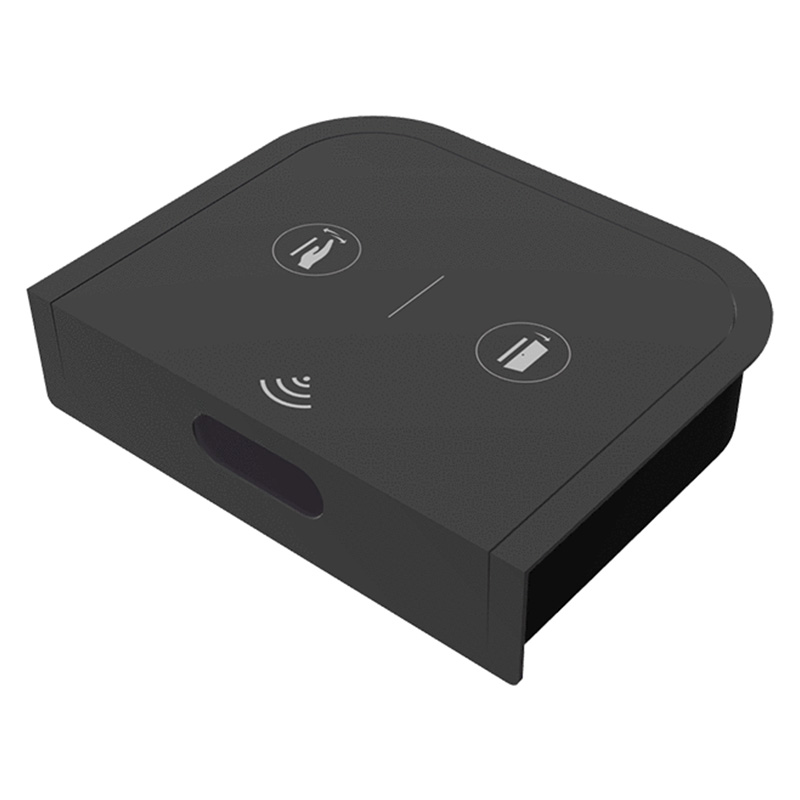
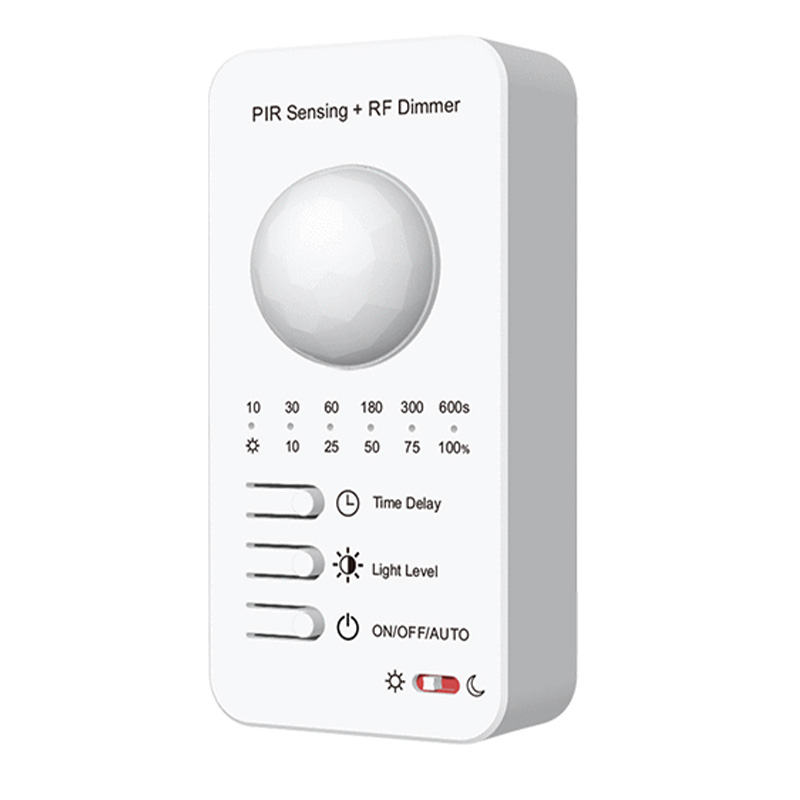
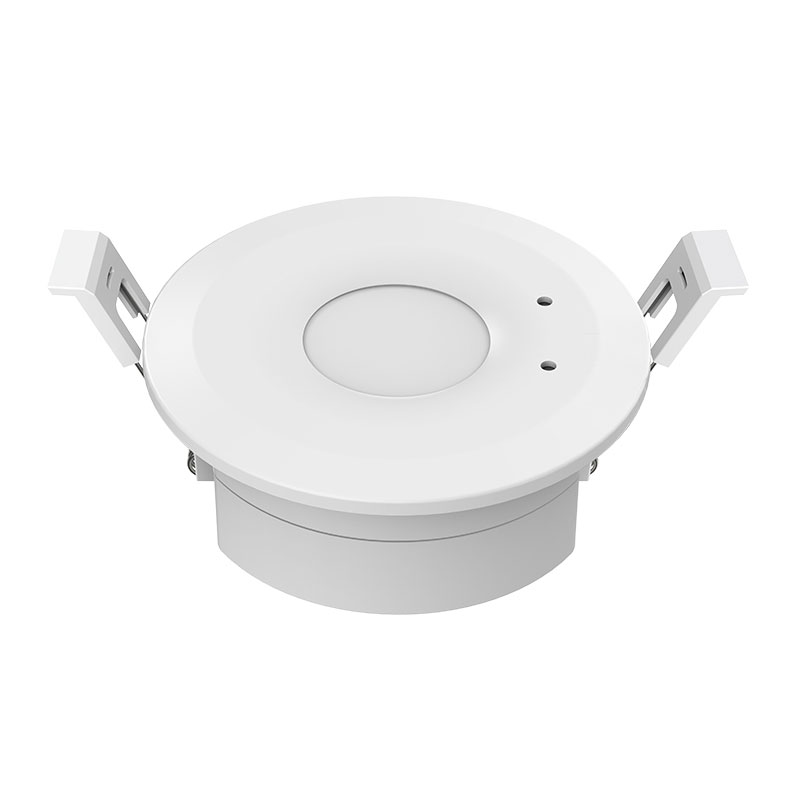
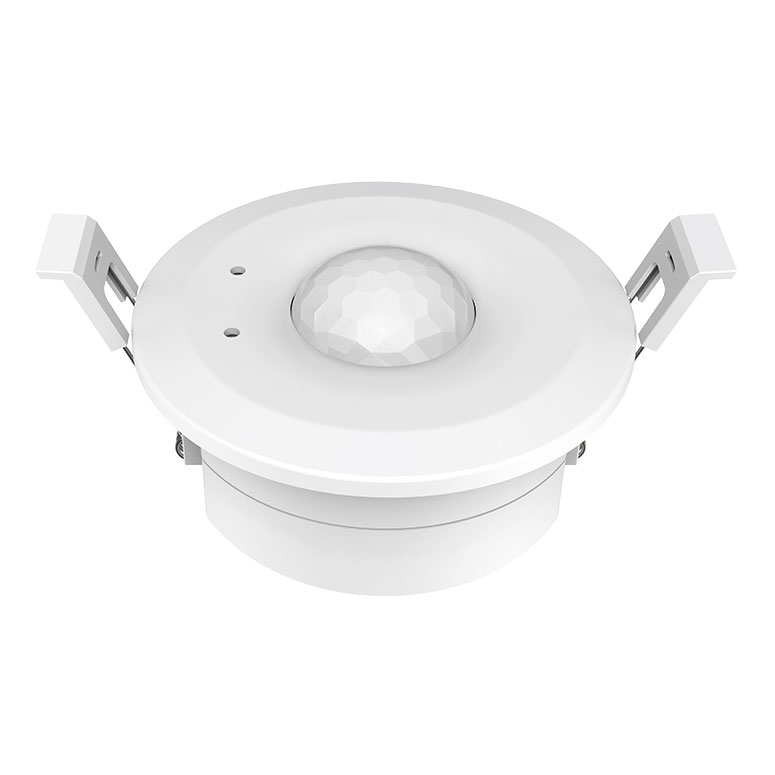
This series offers several sensor remote types to suit different lighting environments and automation needs, including microwave motion sensors, microwave human presence sensors, PIR motion sensors, and multifunction hand-wave and door sensors. Each sensor type provides a different way to trigger lighting based on movement, human presence, hand gestures, or door activity.
To build an automatic lighting setup, connect your LED strip lights to a compatible SkyDance RF controller. Then pair the appropriate sensor remote with the controller. When the sensor detects movement, human presence, a hand-wave gesture, or a door opening or closing, depending on the sensor type, it sends a wireless command to trigger the connected lighting.
This setup allows your LED lighting to respond automatically to everyday activities, making it suitable for applications such as cabinets, closets, hallways, staircases, offices, and other spaces where hands-free or occupancy-based lighting control is preferred.
**Important:** When act as wireless RF control transmitters, these sensors shouldn't have any output for the lighting, and they're only compatible with SkyDance RF controllers and modules.



FAQ About Sensor Remote Control
Direct answers to common technical, wiring, and pairing questions about our sensor remote controls and wireless occupancy switches.
A sensor unit with remote light control transmits a 2.4GHz RF or Zigbee signal to remote receivers rather than cutting power directly at the sensor head. Standalone switches wire directly in series between the driver and the LED strip light, which limits your load to that single wire run. With wireless remote light control, one sensor can trigger multiple distributed receivers across a 30 m line-of-sight range, or a hand remote can override the motion trigger whenever you want manual brightness adjustments.
Choose a PIR sensor when you need strict line-of-sight detection and pick a microwave sensor when you need to hide the detector behind plastic diffusers, glass, or thin wood. A PIR light sensor reacts to moving body heat within 3 to 5 m, so it will not trigger through cabinetry doors or walls. Active microwave units emit a 10.525GHz high-frequency radar signal that senses motion through non-metallic obstacles up to 10 m away. If you are fitting an LED strip light for remote control inside a closed millwork wardrobe, microwave is the right tool; for an open stairwell, PIR avoids false triggers from adjacent hallways.
An EF-T touch led remote controls single-color, tunable white, RGB, RGBW, and RGB+CCT receivers, but you must set the receiver's matching mode during initial pairing. The dual-touch keypad outputs 2.4GHz RF signals that communicate across a 30 m radius. When driving complex RGB+CCT tape alongside accent single-color led lights with remote, the remote handles both on separate RF zones without requiring separate handheld units.
Position a microwave remote light detector facing into the center of the room and keep its detection zone pointed away from thin drywall shared with adjoining rooms. Because the 10.525GHz radar passes cleanly through 1/2-inch gypsum and 1/4-inch plywood, mounting it flat against a shared bedroom or hallway wall will cause passing foot traffic in the next room to trip your remote light. If you must mount it near a partition wall, reduce the detection radius setting from 100% down to 50% or 25% using the onboard DIP switches, or angle the sensor head downward toward the floor.
An integrated daylight light sensor measures ambient lux and prevents the remote control light switch from turning on the LED strip lights when natural sunlight exceeds your setpoint. Units like the EV-R provide adjustable ambient thresholds ranging from 10 lux (dark night only) up to 50 lux (dusk) or daylight bypass (24-hour operation). When ambient light falls below that threshold, motion triggers the programmed run time. If someone turns on an overhead room fixture, the sensor pauses automatic activation until ambient levels drop again, saving energy across daytime hours.
The EF-B sensor switch lets you switch between hand-sweep dimming, door trigger, and motion modes using a single onboard push button. When set to door mode, opening a cabinet door turns your under-cabinet led light with remote on instantly, and closing it shuts the power off. In hand-sweep mode, waving your palm within 1 to 8 cm turns the LED strip light on or off, while holding your hand steady smoothly dims the strip from 10% to 100%. Because it communicates over 2.4GHz RF, you can install the sensor head in a pantry door while the driver and receiver sit in an upper utility cupboard without running control wires between them.
A single 2.4GHz lights remote can pair with an unlimited number of SkyDance RF receivers within its 30 m transmission range. When coordinating multiple runs of lighting with remote, all paired receivers within range respond to dimming and switching commands within 15 milliseconds. To span runs across massive spaces up to 100 m wide, each receiver automatically re-transmits the RF signal to the next receiver within 30 m. As long as no two adjacent receivers are spaced farther than 30 m apart, your remote commands hop across the entire installation in tight synchronization without noticeable latency.
To restore lighting remote control sync, clear the receiver memory and re-pair the remote using the dedicated match key. First, disconnect and reconnect input power to the receiver, then immediately press and hold the Match key on the receiver casing for 5 seconds until the LED strip light flashes 5 times. That wipes all stored RF addresses. Next, short-press the Match key once and immediately press the On/Off button (or zone key) on your light remote. The connected LED strip light will blink 3 times, confirming the secure 2.4GHz RF handshake is re-established.