
Multi Zone Series
4 products4-Zone DMX512 Control for DIM, CCT, RGB & RGBW Lighting
The BinColor Multi-Zone Touch Panel Controller Series features mains-powered in-wall DMX512 touch panels designed for centralized control of single-color DIM, CCT tunable white, RGB, and RGBW LED lighting systems. Operating on AC85–265V line voltage, these P Series LED panels output standard DMX512 control signals to compatible CV DMX decoders, CC DMX decoders, or DMX-controlled lighting fixtures, providing independent control of up to four lighting zones from one wall-mounted interface.
Connect the touch panel's DMX512 output to compatible DMX decoders according to your LED lighting type. The DMX decoder then converts the incoming DMX commands into the appropriate output signals for connected LED strips or fixtures. You can build different lighting configurations using:
- - DMX DIM Decoders: For single-color dimmable LED strips and fixtures.
- - DMX CCT Decoders: For tunable white LED strips and fixtures with warm and cool white channels.
- - DMX RGB Decoders: For full-color RGB LED strips and lighting fixtures.
- - DMX RGBW Decoders: For RGB color-changing lighting with an additional dedicated white channel.
The touch panel handles DMX control, while the connected decoder supplies the appropriate LED output. Select a compatible LED panel and decoder according to the lighting type, voltage, current, and channel requirements.
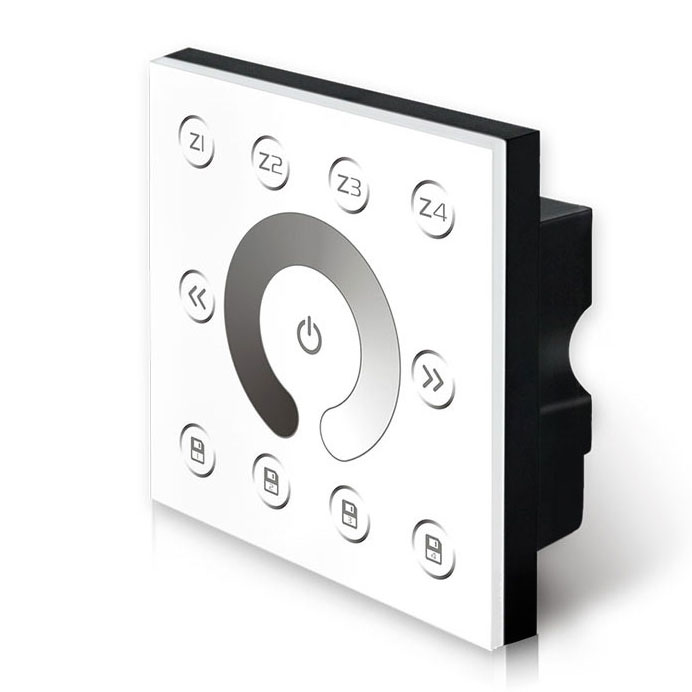
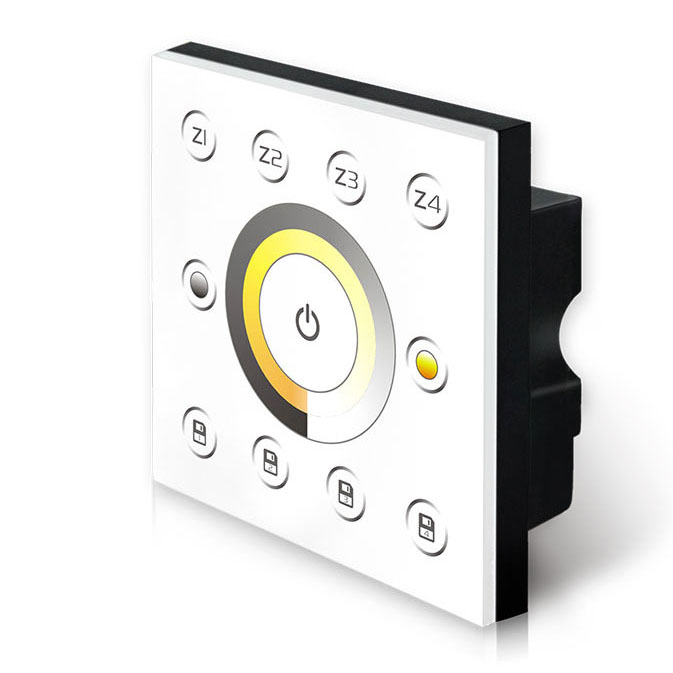
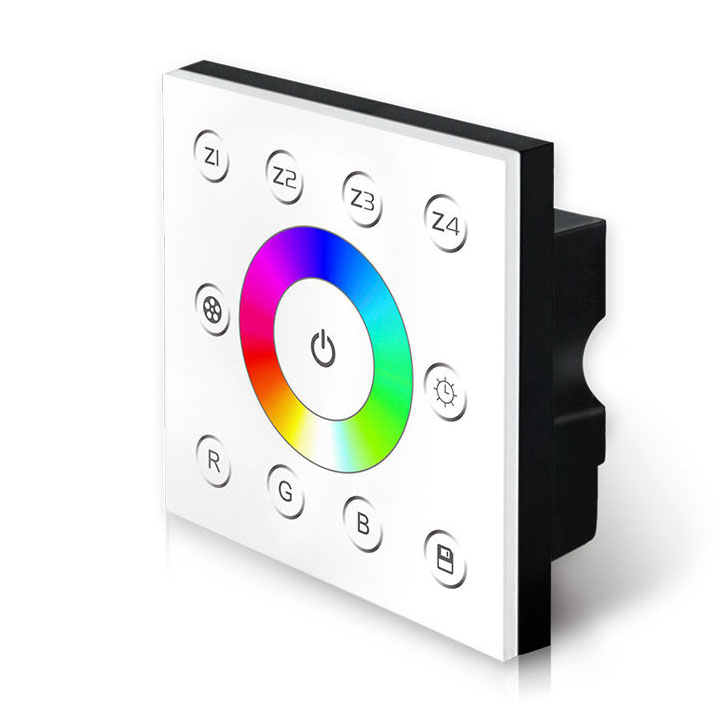
.jpg)
FAQ About Multi Zone Series Touch Panel Controllers
Direct answers on wiring, DMX channel assignment, line-voltage input, and multi-zone layout from our bench testing and jobsite support.
Every multi-zone touch panel controller for LED strip lights in this series assigns fixed consecutive DMX addresses in blocks of 4 zones. On the P8 RGBW panel, Zone 1 occupies addresses 001 to 004, Zone 2 takes 005 to 008, Zone 3 takes 009 to 012, and Zone 4 takes 013 to 016. On the P7 RGB panel, each zone uses 3 channels across 12 consecutive addresses. To assign your fixtures, set each downstream DMX decoder to the starting address of its respective zone.
No, you cannot wire LED strip lights directly to this controller because the terminal block outputs standard DMX512 data, not PWM-dimmed DC power. The rear terminals provide only Line, Neutral, DMX Signal +, DMX Signal -, and Ground. To power your low-voltage strips, run the DMX output wire to a DMX decoder, connect a constant-voltage power supply to that decoder, and land your strip leads on the decoder terminal outputs.
Yes, you can run an unlimited number of decoders inside the same zone as long as you assign each decoder the same starting DMX address. For example, if you have three separate 100W power supplies and three decoders powering cove lighting around a room perimeter, set all three decoders to address 001. When you adjust Zone 1 on the touch panel controller for LED strip lights, all three decoders receive identical data packets simultaneously, keeping the entire perimeter synchronized.
Yes, the controller uses onboard non-volatile memory to save the current brightness, CCT, or RGBW color mix across all 4 zones. When AC line power cuts out and restores, the panel restarts in its previous lighting state within 1.5 seconds without requiring manual input. Downstream DMX decoders with internal memory will also resume their output levels immediately once the panel re-establishes the differential DMX512 stream.