
DMX Auto Editing Address Lamp
11 productsThese MiBoxer Mi-Light auto-writing DMX address lights automate the writing of DMX addresses with the DMX address auto-editor FIR-DMX-XL. Using an intelligent algorithm to automatically assign addresses to DMX light fixtures, the tedious process of manual addressing is eliminated for ease of use.
This is very user-friendly for DMX systems containing a large number of fixtures. The DMX address auto editor is connected to the DMX console and outputs DMX512 signals to these DMX address auto writer lights.
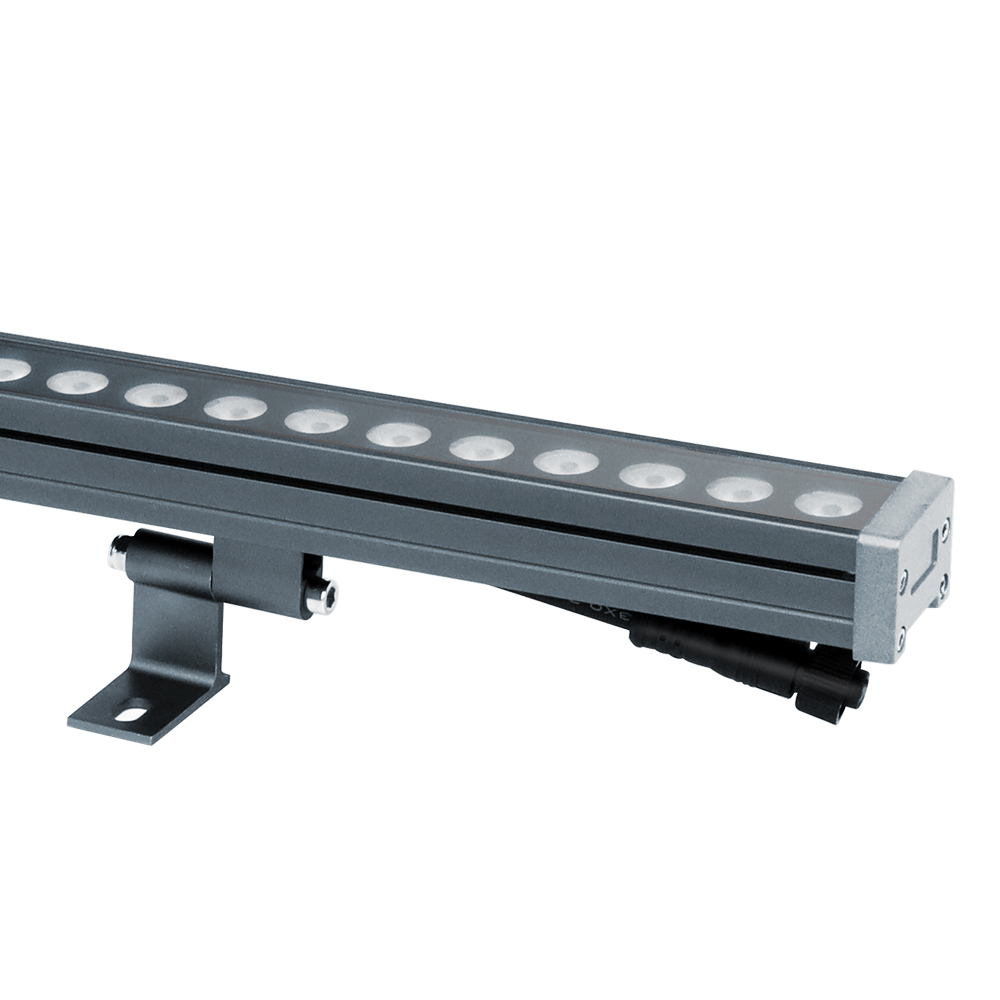
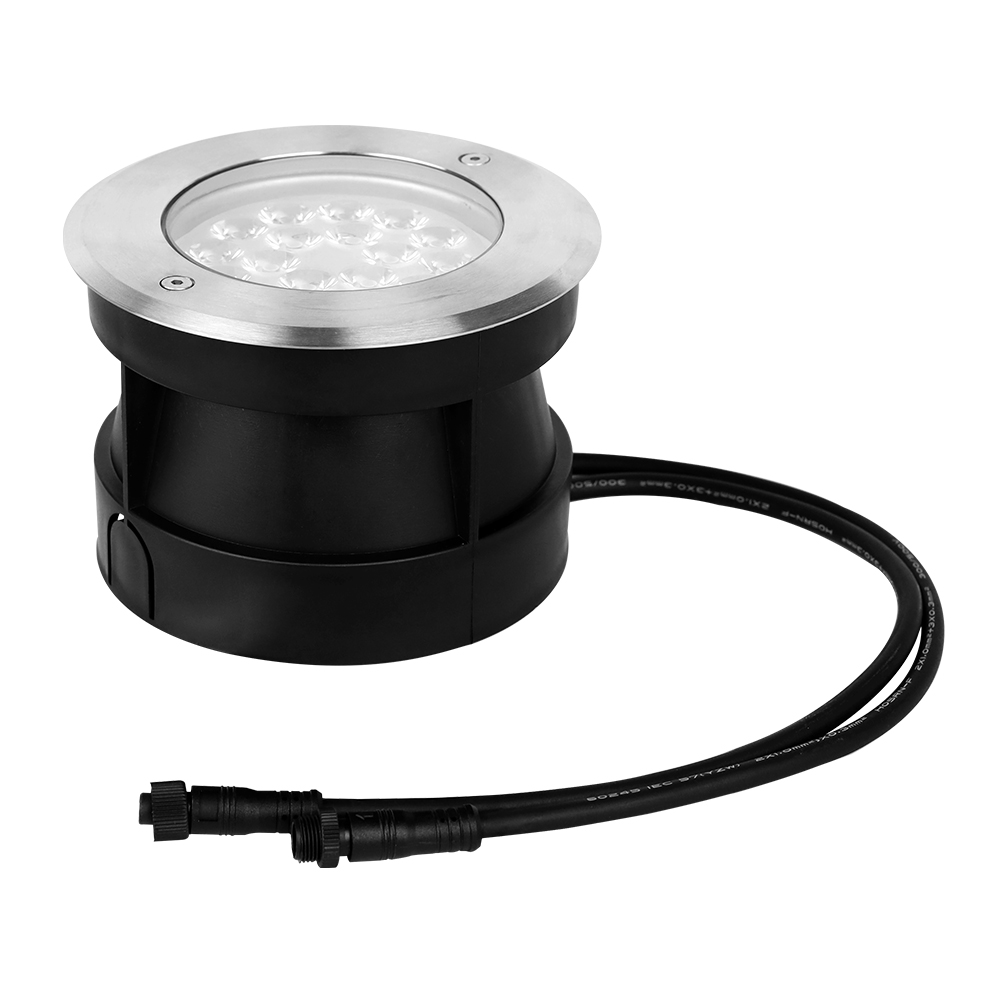
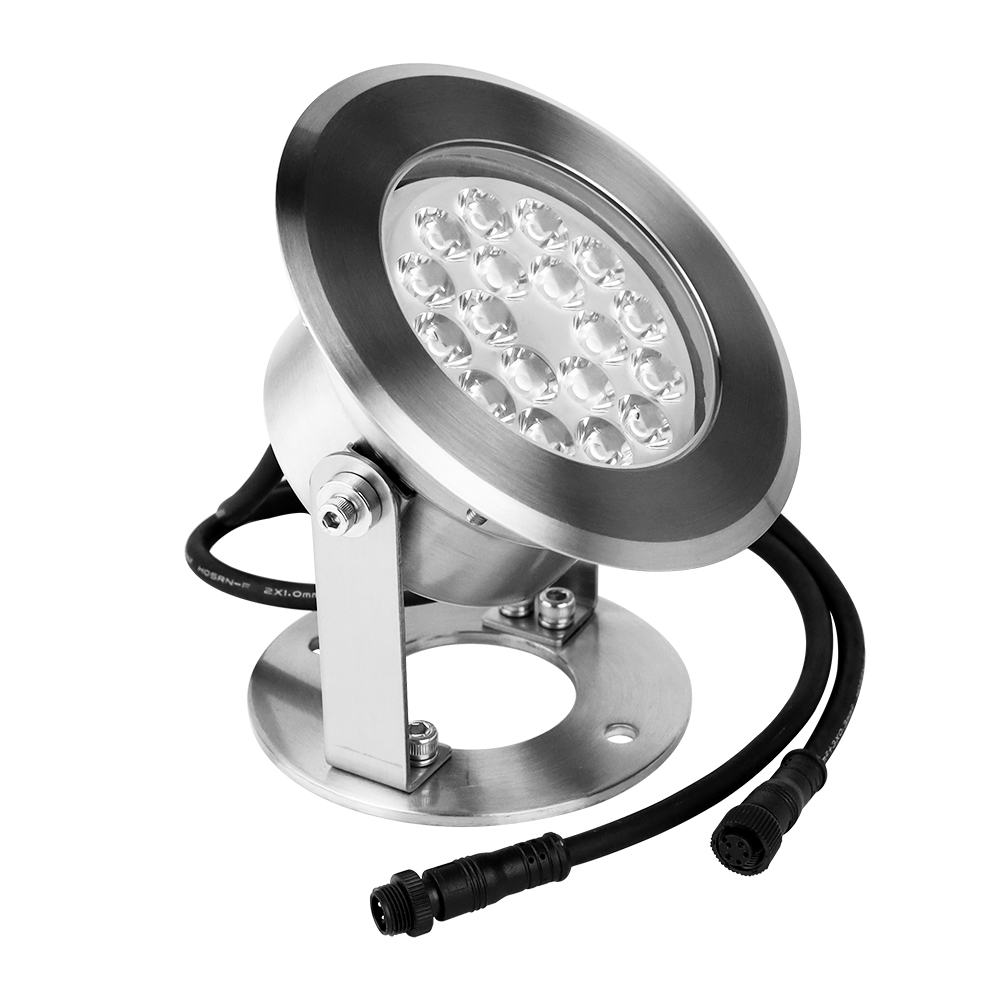
DMX512 RGBW Waterproof LED LED Wall Washer Light DC24V 24W WW4-24A-XL
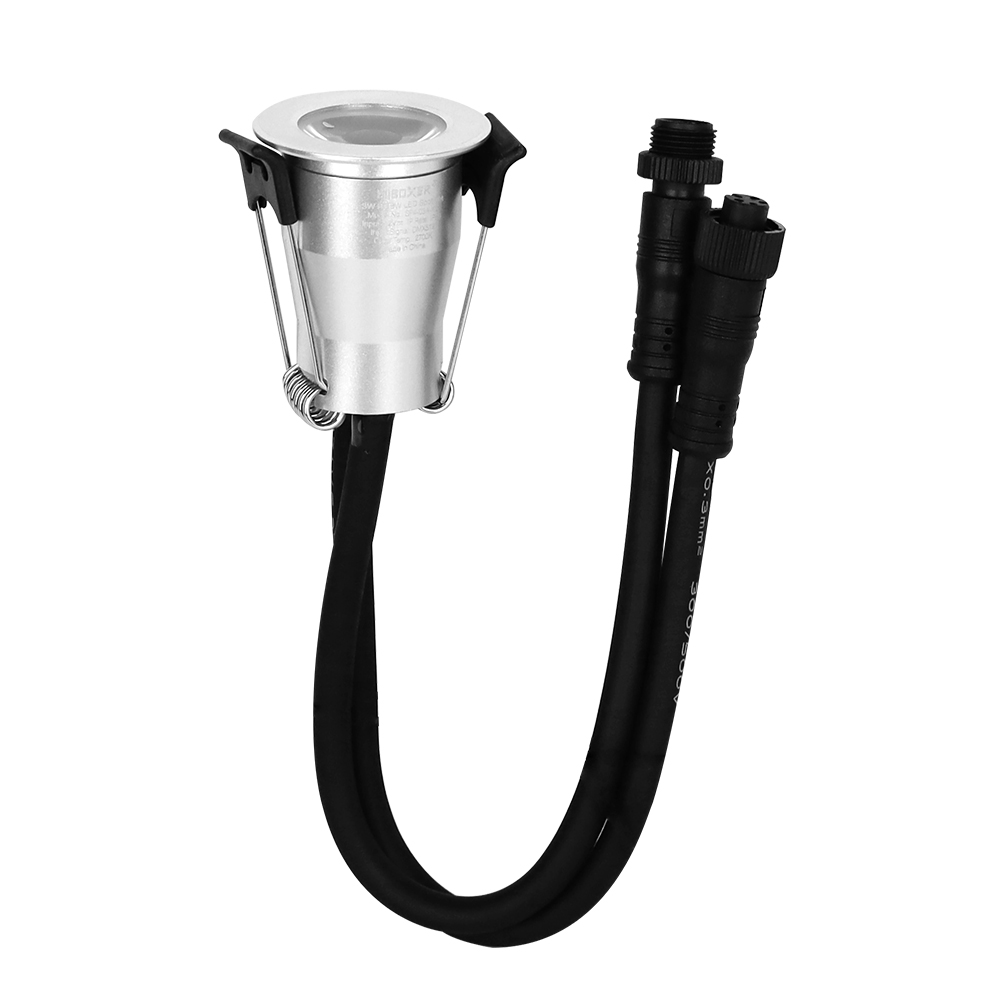
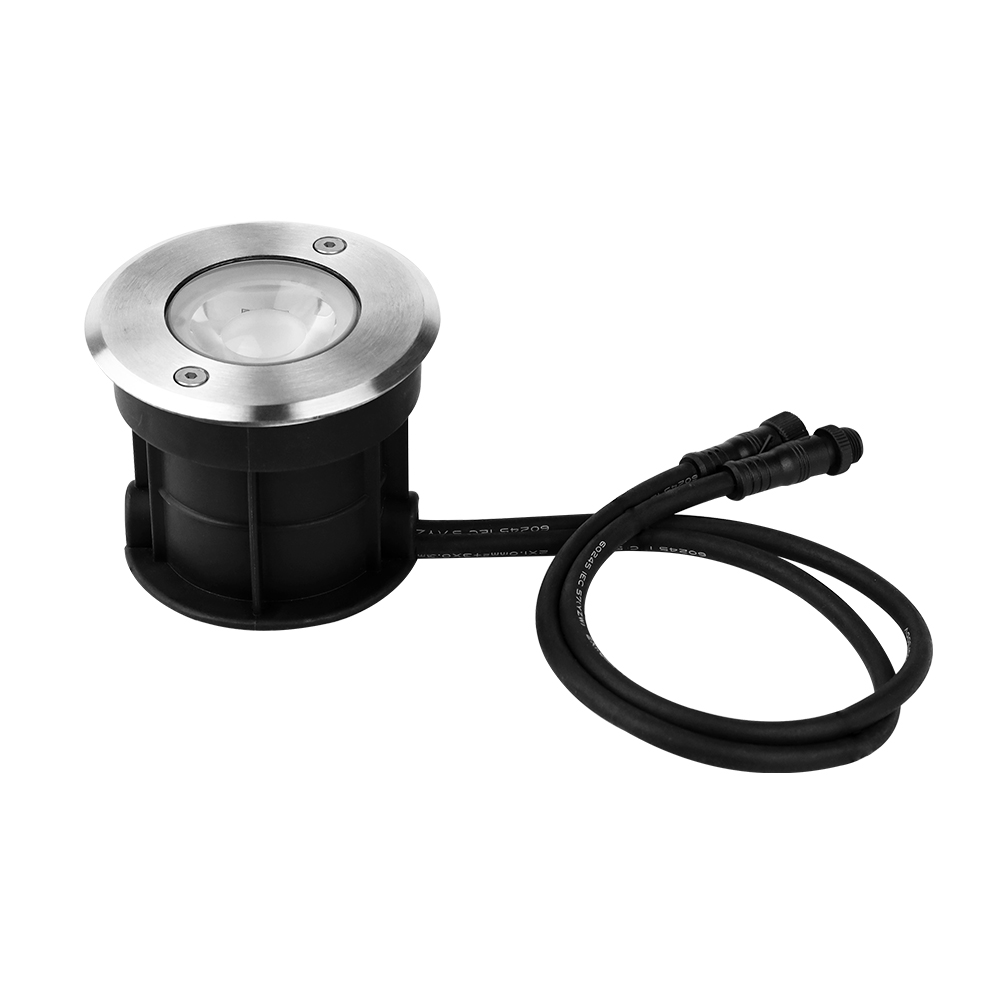
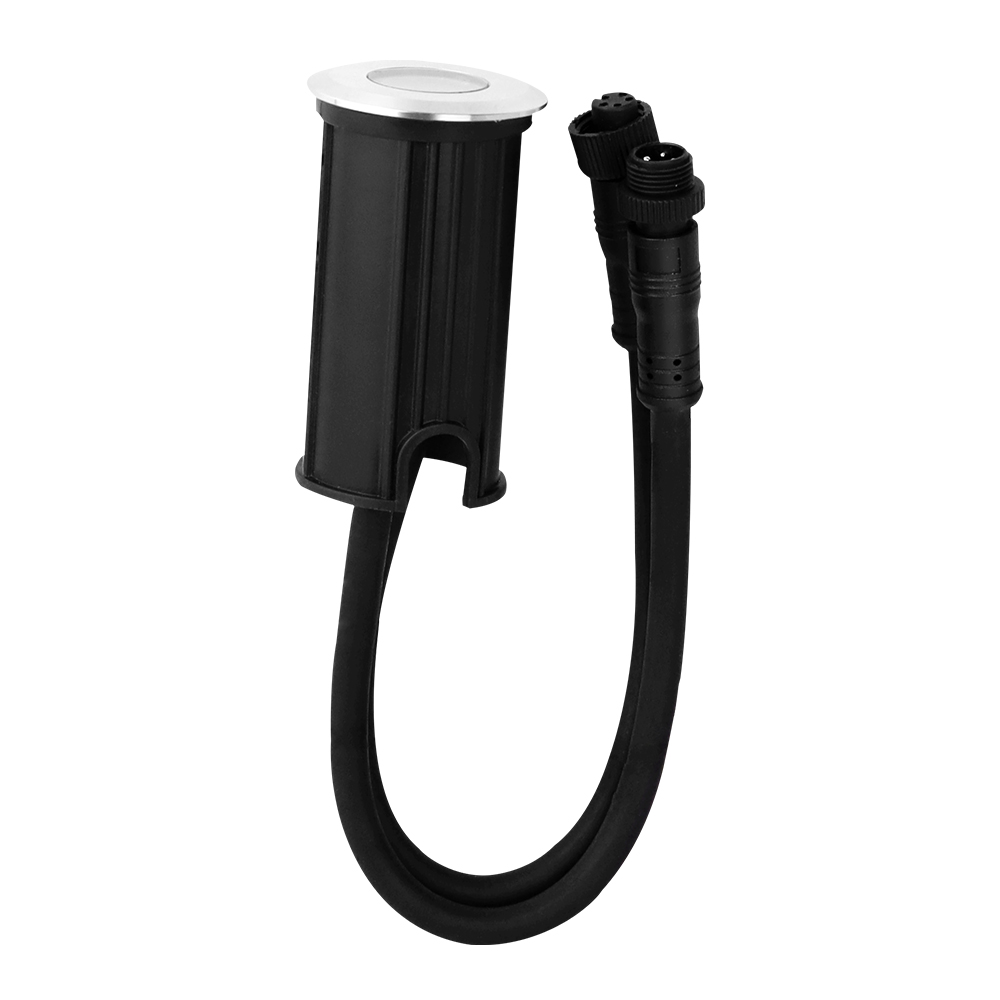

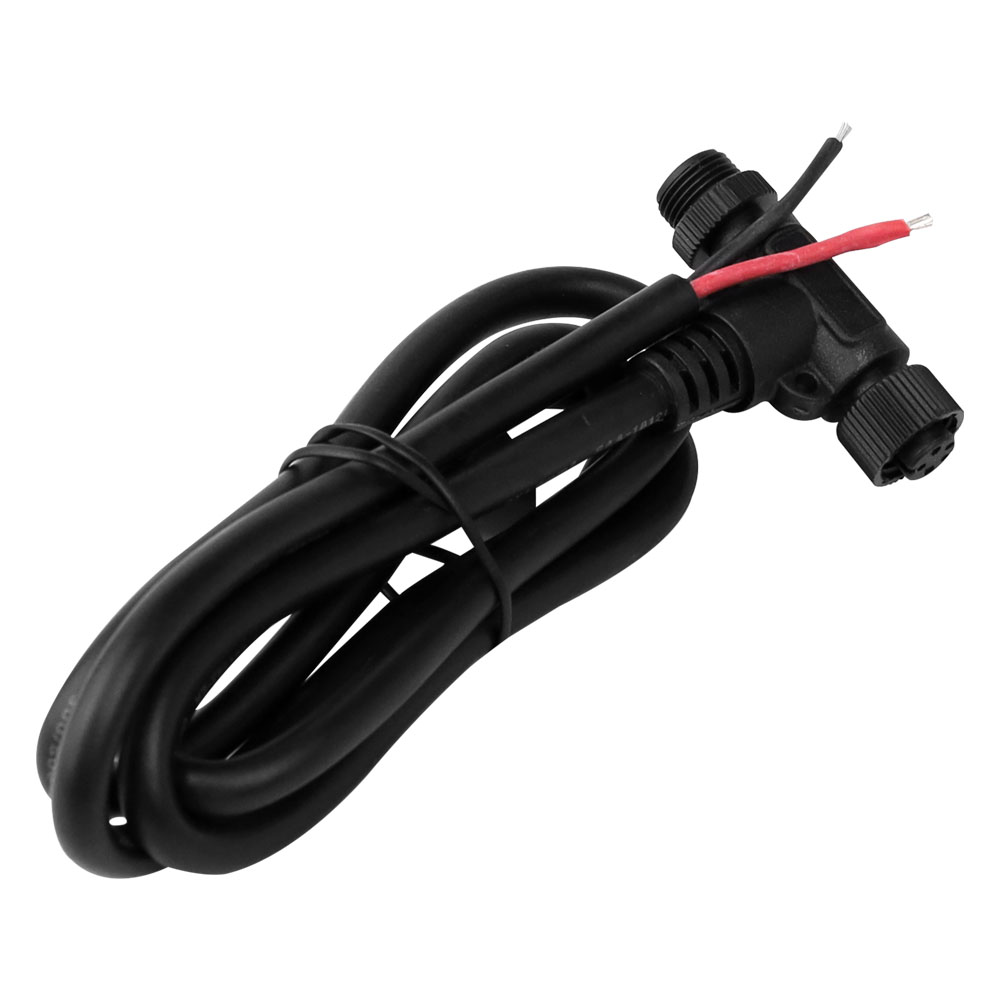
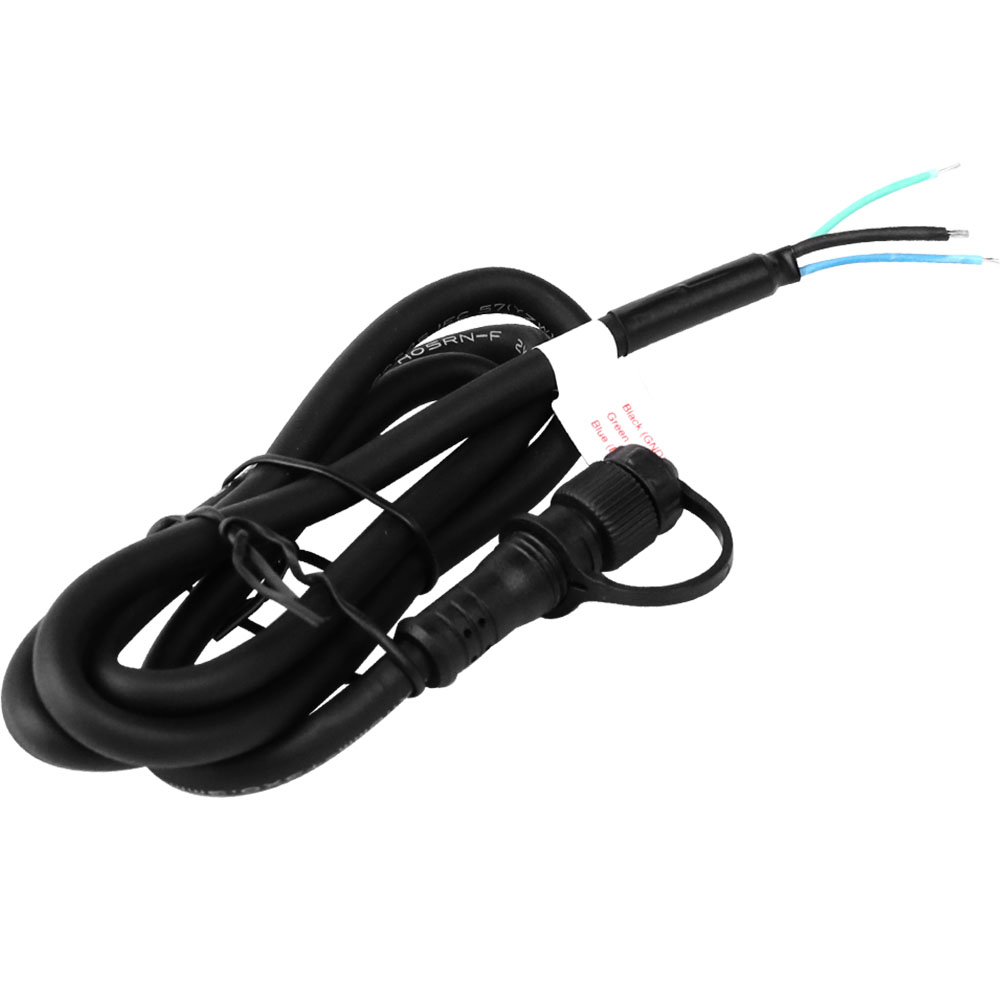
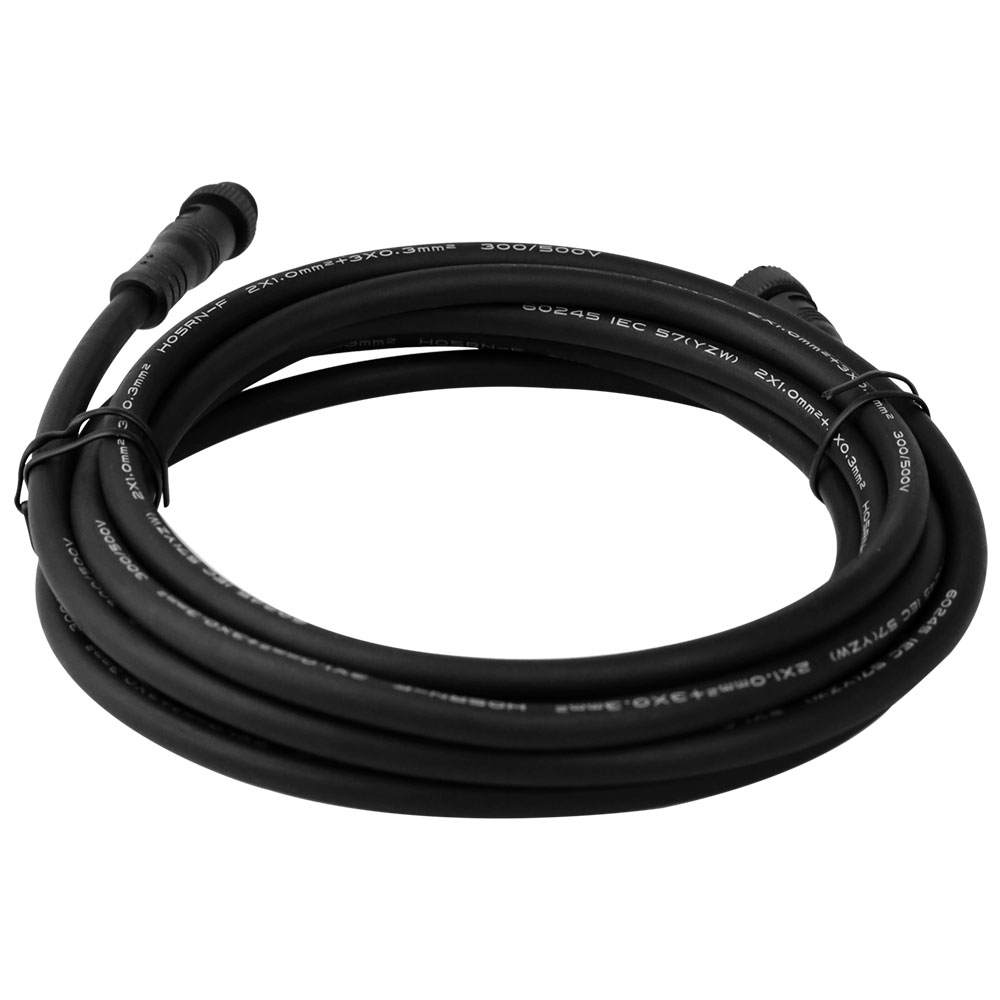
DMX512 M12 5Pin Extension Cable For LED Lights
FAQ About DMX Auto Editing Address Lamp
Answers to technical questions on auto-addressing DMX fixtures, automated commissioning, cabling limits, and system wiring from our engineering desk.
A DMX auto editing address lamp writes its start address sequentially via an external writer like the FIR-DMX-XL address editor instead of onboard dip switches or RDM discovery. When you initiate the write sequence, the editor sends dedicated address pulses down the line; the first fixture takes channels 1 through 4 (for RGBW), offsets the incoming count, and passes the next block to the downstream fixture. You get clean sequential smart DMX addressing across an entire run without climbing ladders to set hardware switches or relying on software that can lose virtual assignments after a power cycle.
Smart DMX addressing automates channel allocation across daisy-chained fixtures so technicians do not have to set 9-pin DIP switches or dial addresses individually on every lamp. On an architectural site with 40 inground uplights or wall washers, addressing manually takes 2 to 3 hours plus troubleshooting time for duplicate dials. With automated addressing, you wire the run, connect the handheld auto editor at the head of the circuit, and assign all 160 channels in under 30 seconds, eliminating duplicate addresses and misread switch positions entirely.
Select 24V for runs over 10 meters to prevent color shift and voltage drop, and use 12V only for short, compact runs under 5 meters. For runs spanning building perimeters or long paver lines, pair your 24V fixtures with weatherproof 24V drivers to keep voltage stable from the first lamp to the last.
A DMX auto editing address lamp connects directly to standard USITT DMX512-A consoles once its internal IC has been programmed with the auto address editor. The address writer is used during commissioning to write the initial start addresses into non-volatile memory; once written, the editor is removed and the circuit connects to your console or DMX master controllers. The fixtures interpret standard 250kbps DMX packets across your programmed universe exactly like any fixed-address stage or architectural fixture.
If a DMX auto editing address lamp sustains severe hardware damage that cuts the signal line, downstream fixtures will lose data reception. In parallel-line DMX wiring, signal carries through, but in series address-writing runs, a damaged controller IC prevents downstream fixtures from receiving address rewrite commands. If you swap out a damaged fixture, you simply plug the replacement unit into the line and run the auto-writer routine once from the head of the cable to re-sequence the line correctly.
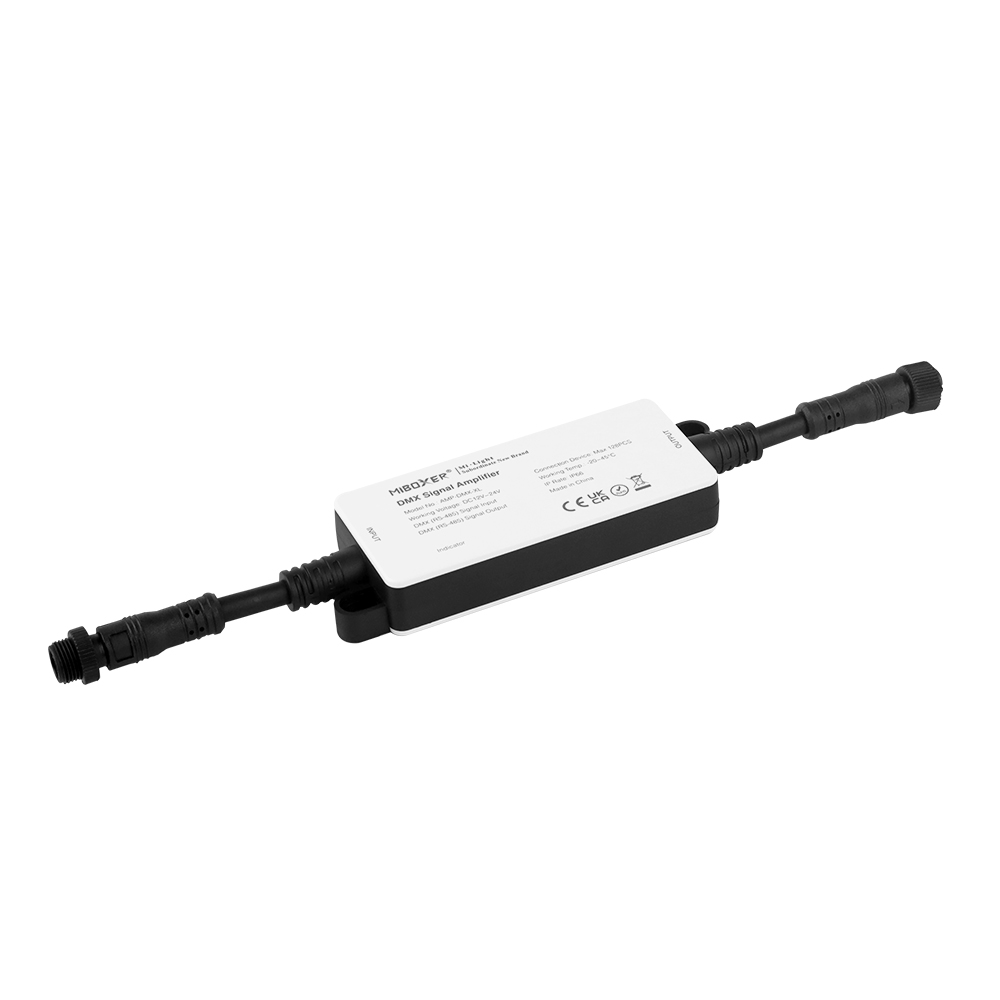
You can daisy chain up to 32 fixtures on a single signal run before standard DMX512 electrical transceivers require an amplifier. Because these fixtures use 4 channels each for RGBW, 32 fixtures consume 128 DMX channels, well within a single 512-channel universe. If your cable run exceeds 100 meters between fixtures or reaches the 32-node threshold, insert the AMP-DMX-XL signal repeater to refresh signal slew rates and prevent packet jitter without disturbing the addressing sequence.
A DMX auto editing address lamp uses an M12 5-pin waterproof connection carrying DC power, ground, and DMX addressing lines in a unified jacket. The standard wiring allocates V+ (24V or 12V DC), V- (Ground), DMX Data+ (pin 3), DMX Data- (pin 4), and the dedicated Auto-Write Address line (pin 5). Using factory-molded AM-DM-12DN53 extension cables and AM-DM-12DT5B T-connectors ensures the IP67 seal remains intact, stopping water ingress that frequently destroys bare-wire field splices.
You can operate standard DMX fixtures and auto-addressing lamps on the same console universe, but they must be addressed in separate workflow stages. Connect and program your auto-addressing run first using the FIR-DMX-XL editor so those fixtures populate their sequential channels (such as 1 to 64). Once programmed, connect your manual fixtures running off multi-channel decoders—set to channels 65 and above, ensuring no overlap occurs within that 512-channel space.
To identify channels on an unmapped fixture, use a DMX test fader board or run the auto-writer re-address sequence to establish a known channel baseline. When you connect the FIR-DMX-XL editor to the head of the line and trigger the reset, the lamps rewrite from address 001 sequentially: fixture one takes channels 1–4 (Red, Green, Blue, White), fixture two takes 5–8, and so on. For deeper troubleshooting on packet sequencing, review our guide on DMX lighting control to isolate channel mapping issues quickly.