
WiFi Alexa LED Controller
44 products
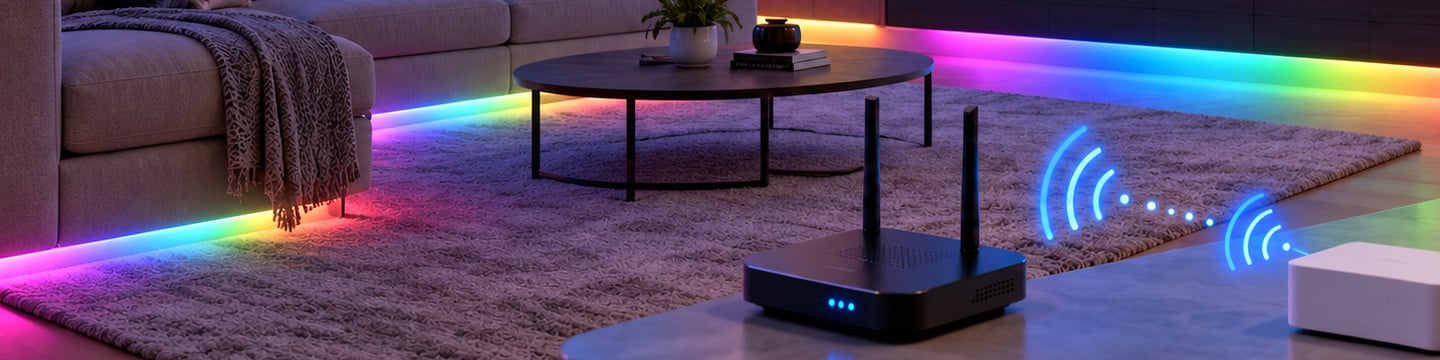
Controlling addressable LED strip lighting via WiFi controllers paired with Alexa voice control is the ultimate upgrade for modern home entertainment lighting.
SuperLightingLED™ WiFi Alexa LED controller Series connects your addressable LED strips to your home network, giving you control from your phone anywhere in the world and unlocking voice commands through assistants like Alexa and Google Home. This is the key difference from its siblings.
Beyond smart app and voice integration, these intelligent pixel controllers also support dynamic music synchronization, RF/IR remote controls, and motion-sensing capabilities for a fully automated lighting experience.
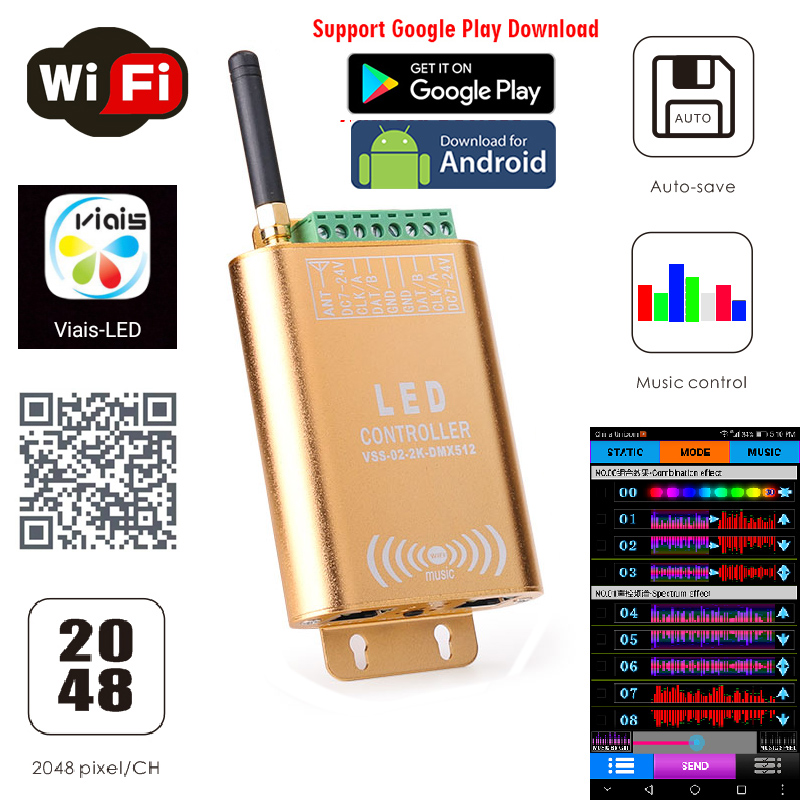
LED WiFi SPI Controller: Music Spectrum, 2048 Pixels, DC7-24V
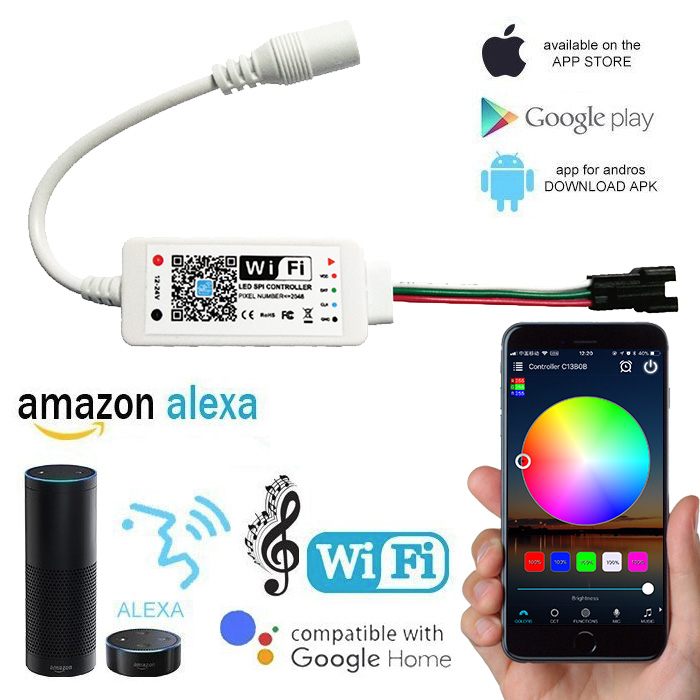
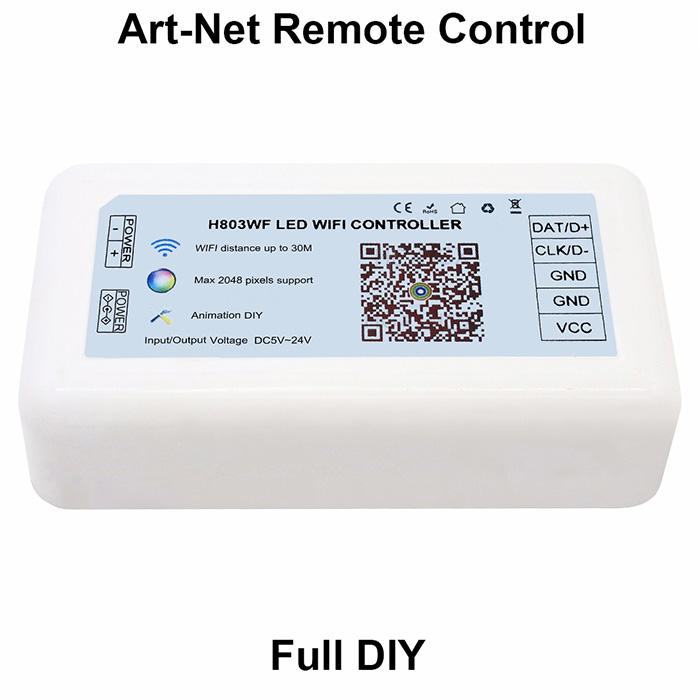
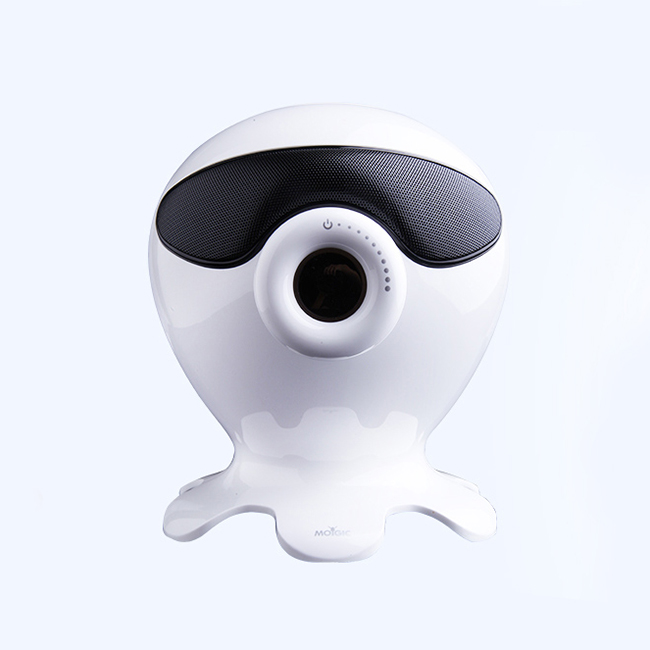
LED WiFi Music Controller & Bluetooth Speaker - WS2811/WS2812B RGB Home Lighting
How Addressable LED WiFi Controllers Integrate with Voice Assistants
Our addressable LED WiFi controllers leverage leading smart ecosystems and dedicated control platforms—including Tuya (Smart Life), BanlanX, WLED, Surplife, Magic Home, and LED Shop. Integrating voice control is straightforward: within your controller's companion mobile app, navigate to the "Third-Party Voice Services" or "Integration" section in the settings menu.
From there, link your app account directly with your Amazon Alexa or Google Home account to grant authority. Once linked, the voice assistant automatically discovers your addressable pixel setups, enabling hands-free voice commands for power control, color changes, brightness adjustments, and preset scene execution.
Please note: Primary pixel configurations—such as IC chip selection, color sequence (RGB/RBG/GRB), and total pixel count—must still be configured in the controller's native app prior to voice operation.
Understanding the Operational Limits of Addressable WiFi LED Controllers
When installing addressable WiFi LED controllers, system performance is restricted by two main factors: total IC pixel capacity and maximum output current. Understanding the balance between signal handling and power delivery is essential for a reliable setup.
IC Pixel Capacity vs. Signal Outputs: Controller pixel specs define how many total ICs the unit can process. For instance, a 4-channel WiFi controller rated for up to 1,024 IC pixels can theoretically handle three addressable LED strips containing 300 ICs each (900 ICs total).
Current Limits and Direct Controller Power: Controllers also enforce a hard amperage limit (e.g., 10A maximum output). If each 300IC strip draws 5A, routing power directly through the controller restricts you to powering only two strips (10A total), despite having enough signal capacity for more.
Power Injection Solution: To run three 5A strips (15A total load) on a single 10A controller, you must use external power injection. Supply main power directly to the LED strips from the power supply, while connecting only the Data (and Clock/GND) lines to the controller.
RGBIC Addressable WiFi Controller vs. RGB WiFi Controller
RGBIC Addressable WiFi Controllers deliver multi-color dynamic lighting by sending individual digital signals to each IC chip along the strip, allowing each LED section to display distinct colors simultaneously. In contrast, standard RGB WiFi Controllers manage all LEDs as a single unified zone, driving the entire strip to display one uniform color at a time. While RGB controllers are cost-effective solutions for general ambient lighting, RGBIC controllers unlock advanced features such as dynamic chasing, running water effects, and customizable DIY segment control.
| Feature / Spec | RGBIC Addressable WiFi Controller | Standard RGB WiFi Controller |
|---|---|---|
| Color Output | Multi-color per strip (Individual pixel control) | Single color across the entire strip at once |
| Signal Type | Digital Data Signal (DAT / CLK / SPI) | Analog PWM Output (R, G, B, V+) |
| Lighting Effects | Dynamic chasing, flowing, rainbow, & pixel art | Static color, global dimming, flashing, & fading |
| Pin Interface | 3-pin or 4-pin (V+, DAT, GND / CLK / BKP) | 4-pin (V+, R, G, B) |
| Primary Applications | Entertainment centers, gaming setups, & dynamic commercial displays | Cove lighting, under-cabinet lighting, & general ambient lighting |
FAQ About WiFi Alexa LED Controllers
Got questions about connecting your pixel LEDs to your network and voice assistant? You're in the right place. Here are the answers we give every day.
This is almost always a WiFi signal strength issue. If your router is too far away, or there are thick concrete walls in between, the signal will be weak and unstable. Before you install it permanently, test the controller in the exact spot it's going to live. If it drops connection, you may need a WiFi extender or to reposition your router.
For broad compatibility across different brands of lights, sockets, and controllers, the Tuya Smart or Smart Life apps are the industry standard. Many of our WiFi Alexa LED controllers are designed to work with them. This lets you group different lights, create scenes, and set schedules easily. For more advanced, custom effects on addressable strips, WLED is fantastic. It runs on ESP32-based controllers and offers incredible granular control, but it's more of a DIY-focused platform.
This is the most common setup hiccup. First, make sure your phone, the controller, and your Alexa/Google device are all on the same 2.4GHz WiFi network. Second, you usually need to link the app (like Tuya or Smart Life) to your Alexa or Google Home account. This is done inside the Alexa or Google Home app, under 'Skills' or 'Works with Google.' You're not connecting the controller directly to Alexa; you're connecting the *app's account* to Alexa, which then lets it see your devices.