
Professional DMX Systems
20 productsMany users ask: Is professional DMX lighting control complex? For first-time LED strip users venturing into the world of DMX, the answer is often yes.
While standard lighting setups—such as using a DMX decoder to control PWM or SPI (Pixel) light strips—offer an accessible entry point for residential DMX control, SuperLightingLED™ Professional DMX Systems are engineered for the rigorous demands of lighting designers and engineers.
These powerful modern DMX controllers leverage standard DMX512, Art-Net, and sACN protocols to manage vast arrays of LED fixtures like DMX-native par lights, spotlights, heading lights, high-output wall washers, and LED strips via advanced consoles, touch-screen interfaces, or PC-based software like Daslight 4 and Sunlite.
Scalable Solutions for Professional Lighting Masters
Unlike consumer-grade alternatives, these DMX controller systems support up to 2048 channels (4 Universes) and include critical features like RDM (Remote Device Management) for bi-directional feedback and real-time fault troubleshooting, alongside DMX recorders that store up to 255 lighting effects for reliable offline playback.
For LED projects that demand industrial-grade stability and "future-proof" scalability, our professional collection offers the robust infrastructure necessary for high-stakes environments. Invest in SuperLightingLED™ Professional DMX hardware to ensure your lighting network remains stable, scalable, and superior in performance.
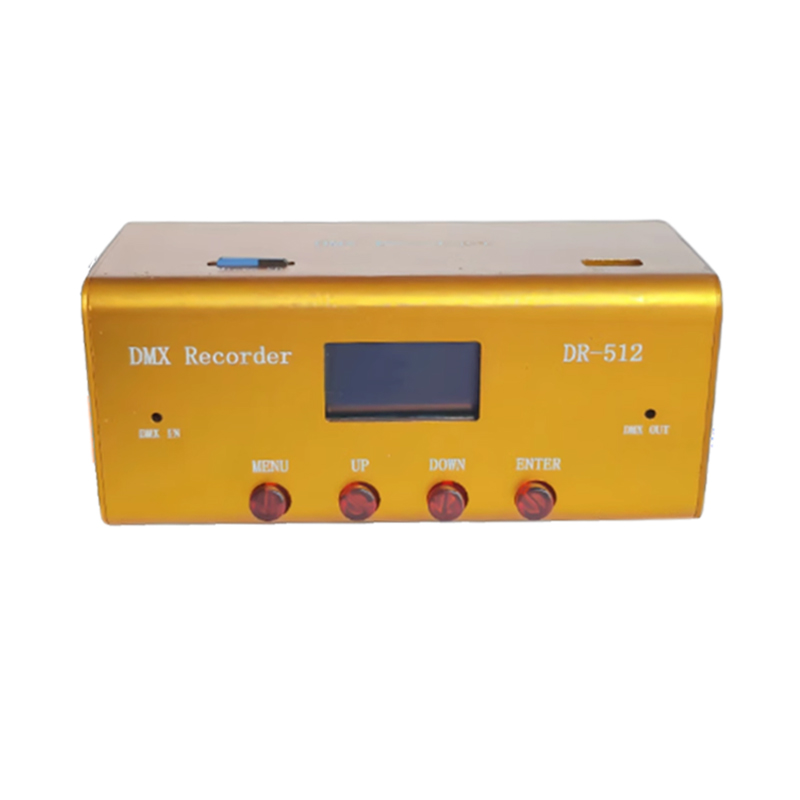
Artnet DMX Recorder Playback 255 Recording Effects with 32G SD Card
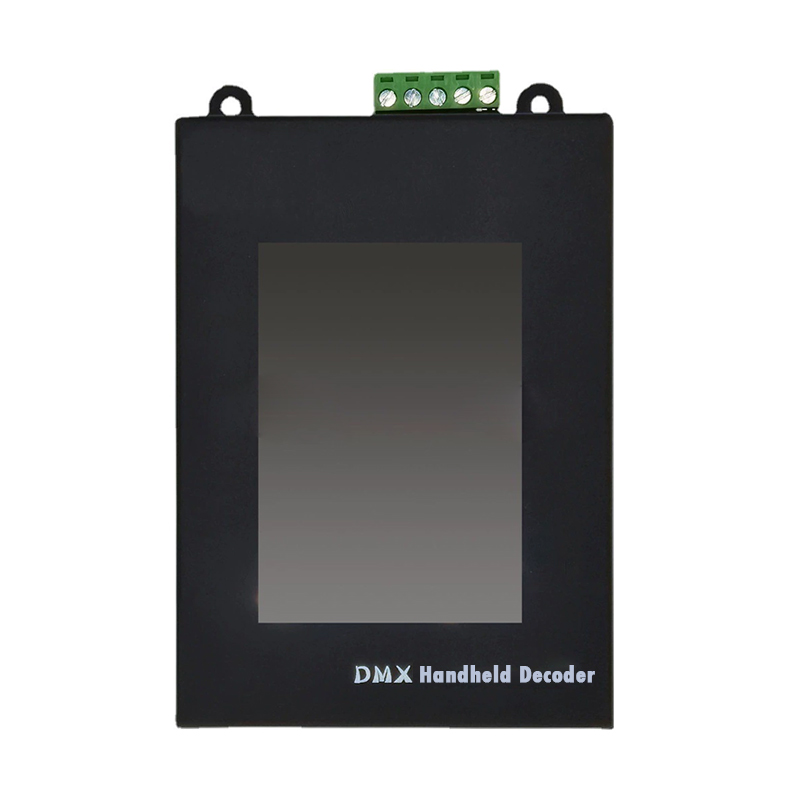
MR-WT25 DMX512 LED Strip DMX Address Writer Repeated Encoding
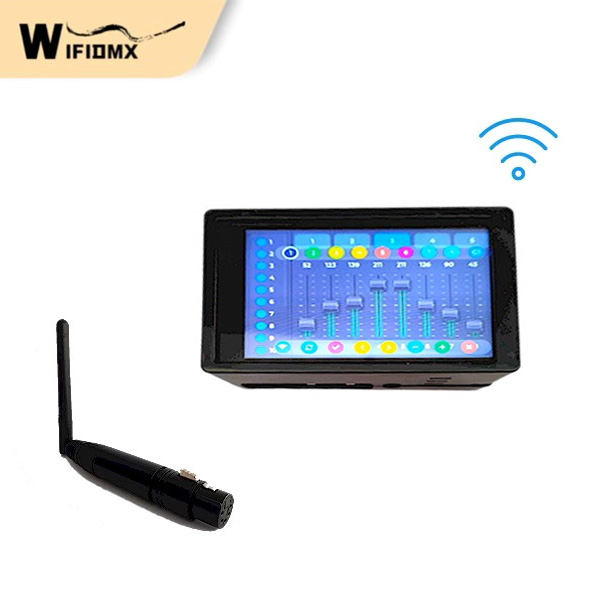
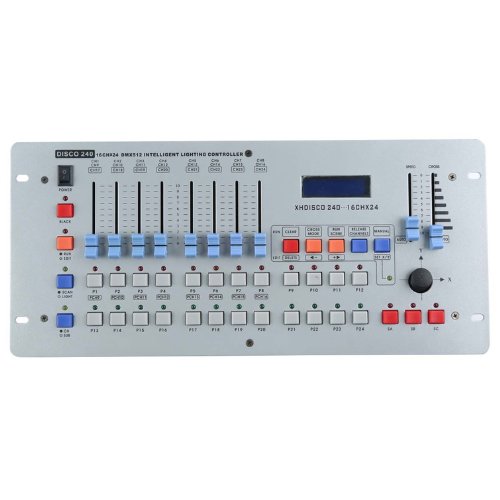
240 Channel DMX512 Controller - DJ & Stage Light Mixing Desk | Customize Effects
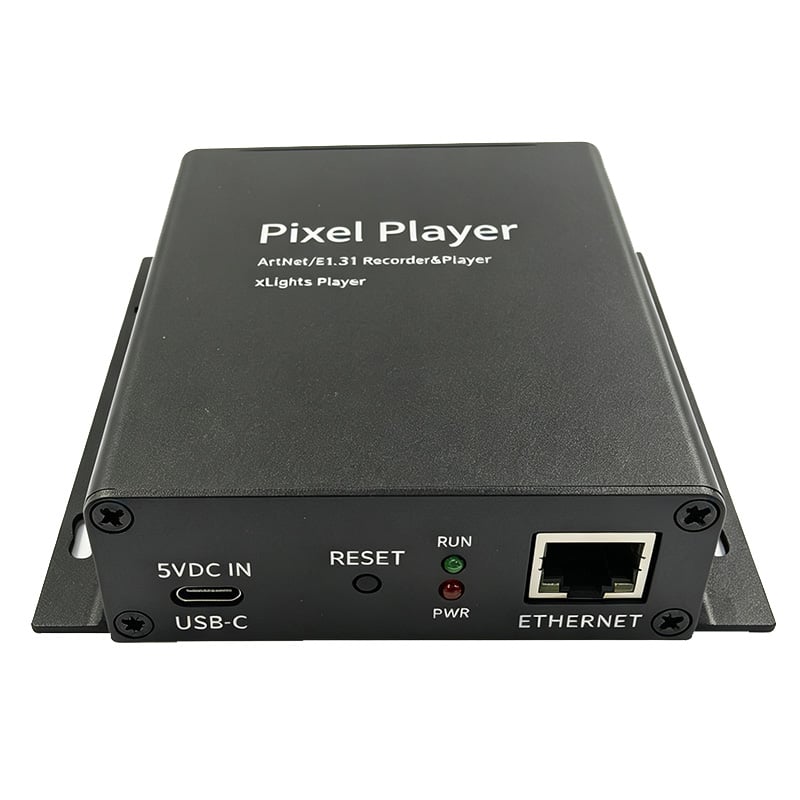
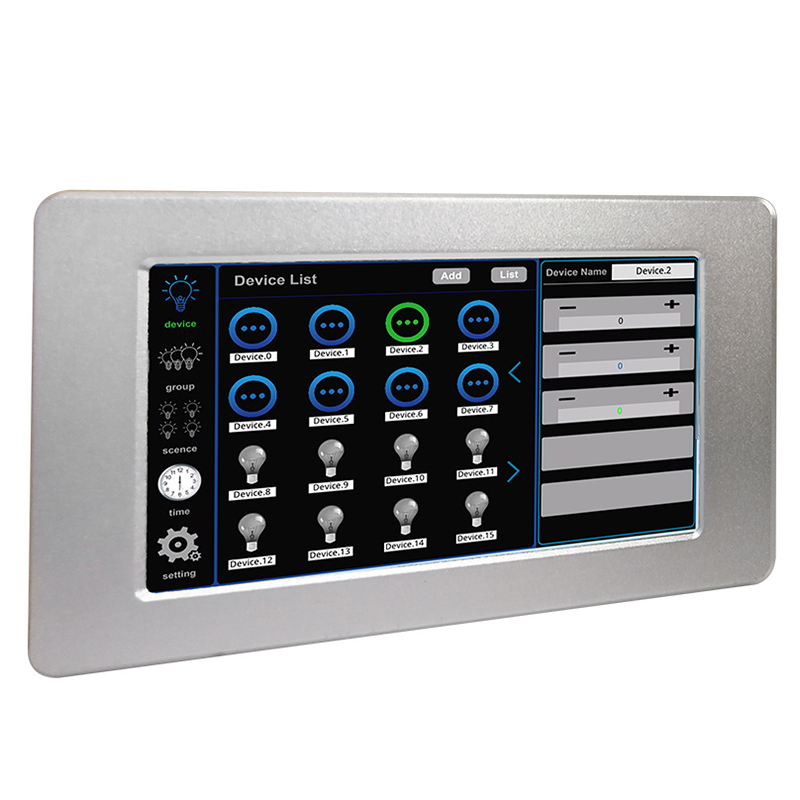
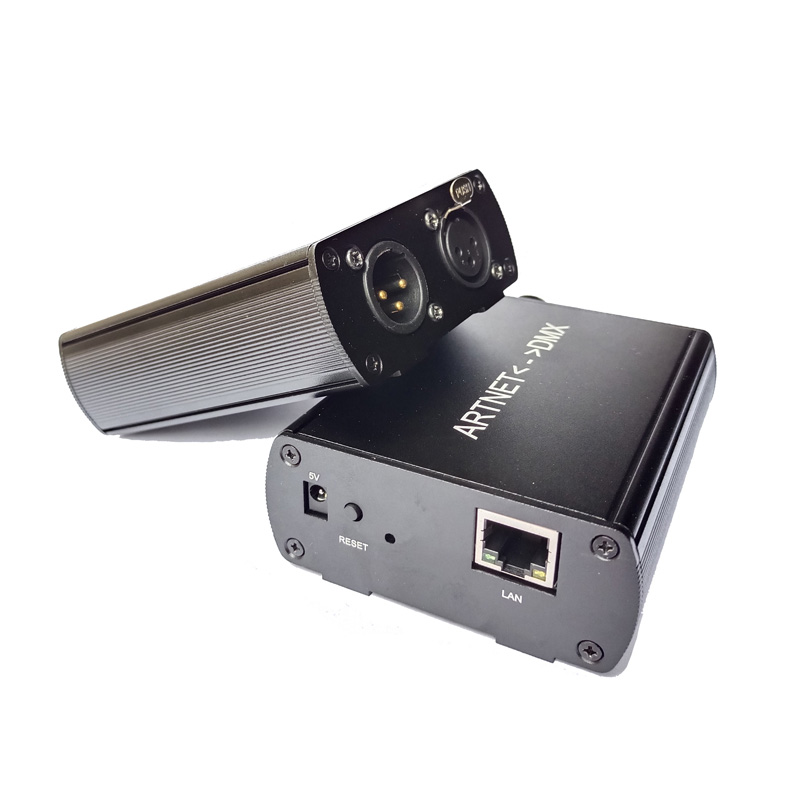
ArtNet-DMX512 Converter: Bidirectional Signal for Madrix & LED Control
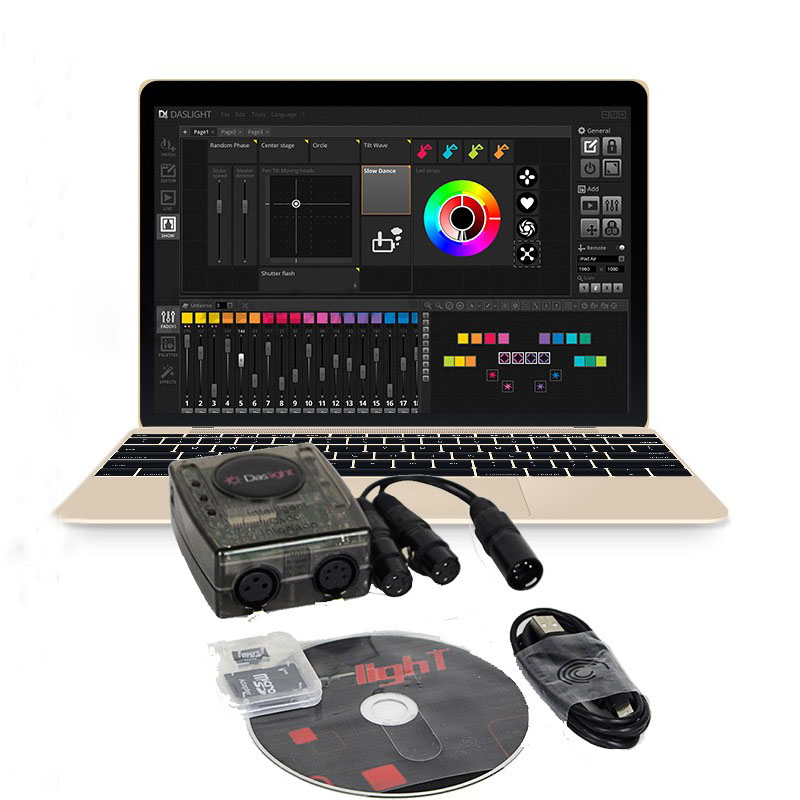
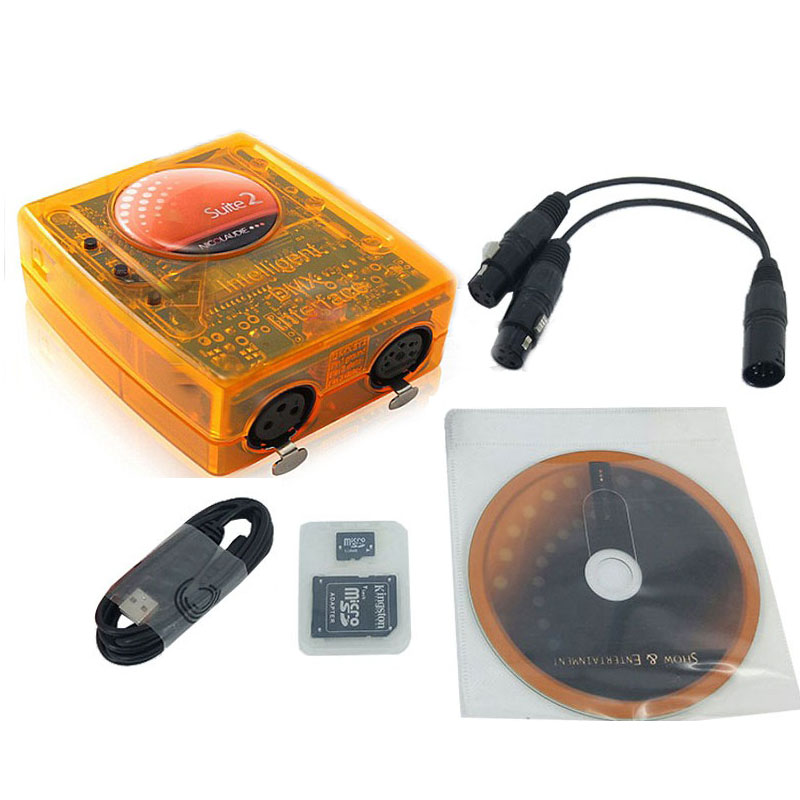
DVC4 Daslight DMX Master USB Lighting Interface Software Stage Lighting LED Controller
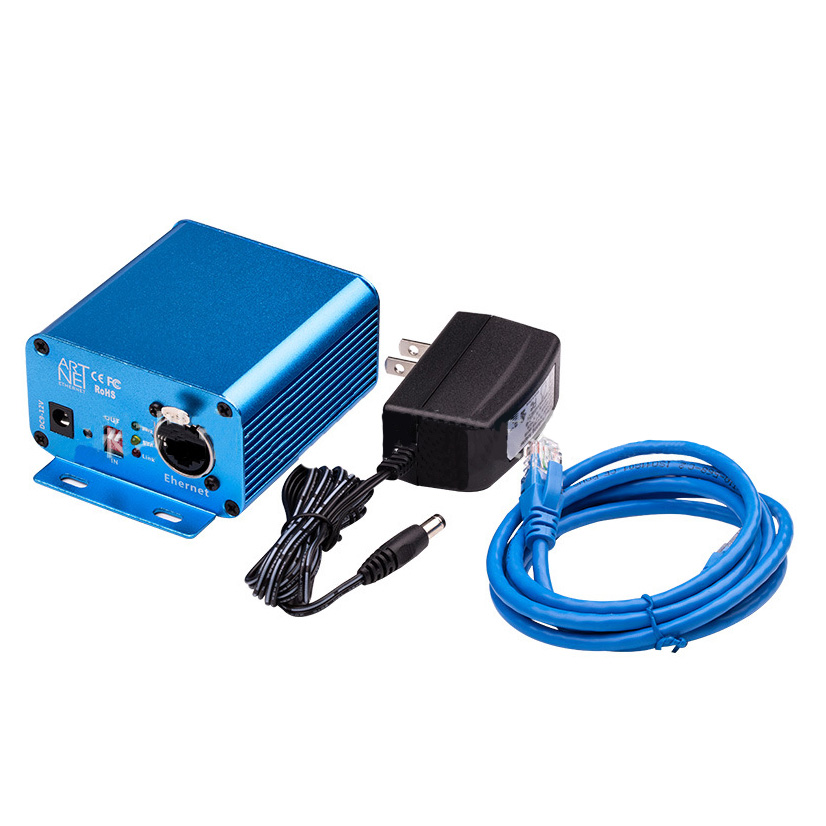
DMX512 Console to Madrix Software and DMX512 Led Lights to ArtNet DMX Signal

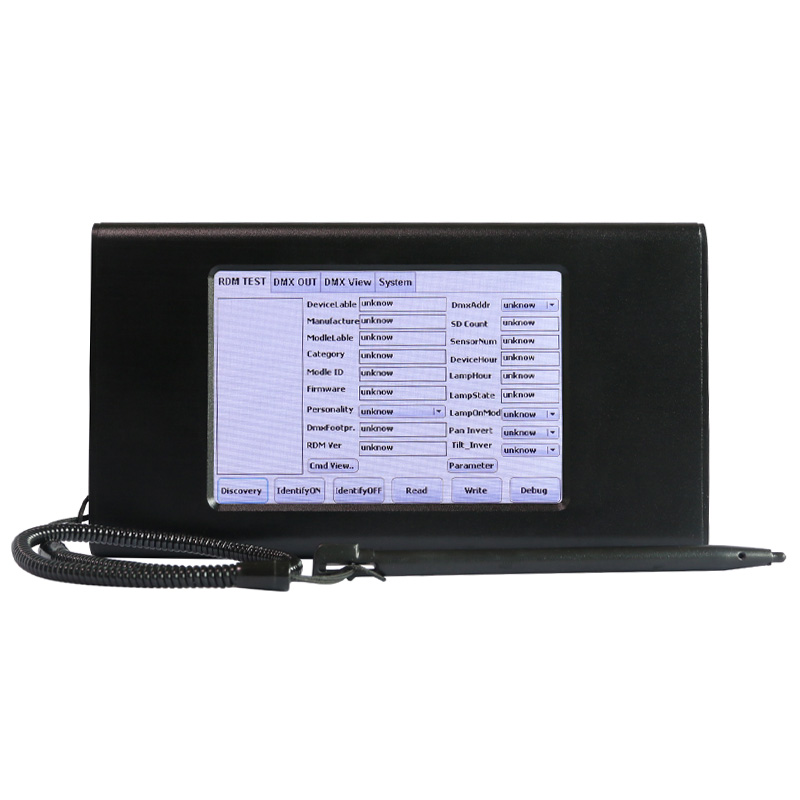

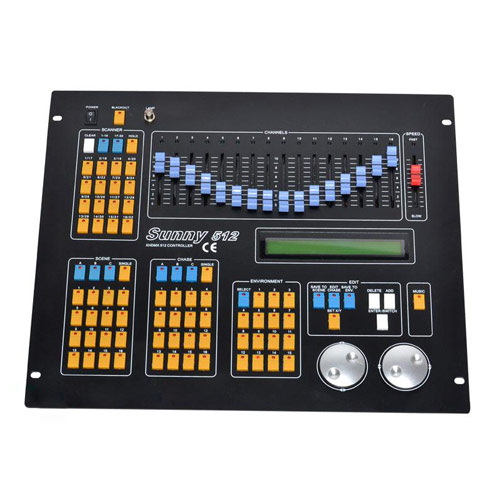
Sunny DMX512 Controller - 16 Sliders, 1600 Chase Steps | Professional DJ Lighting

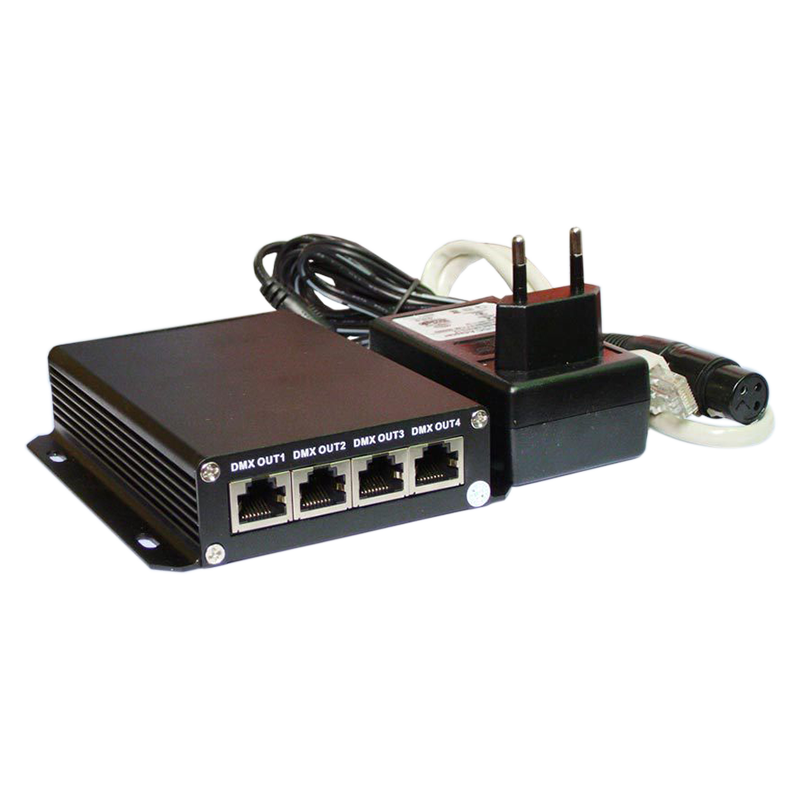
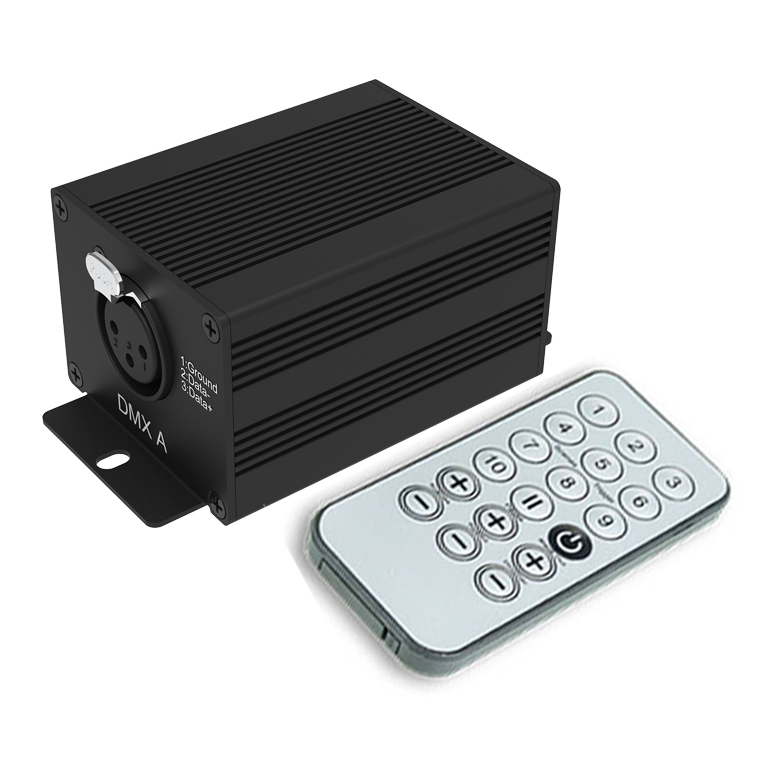
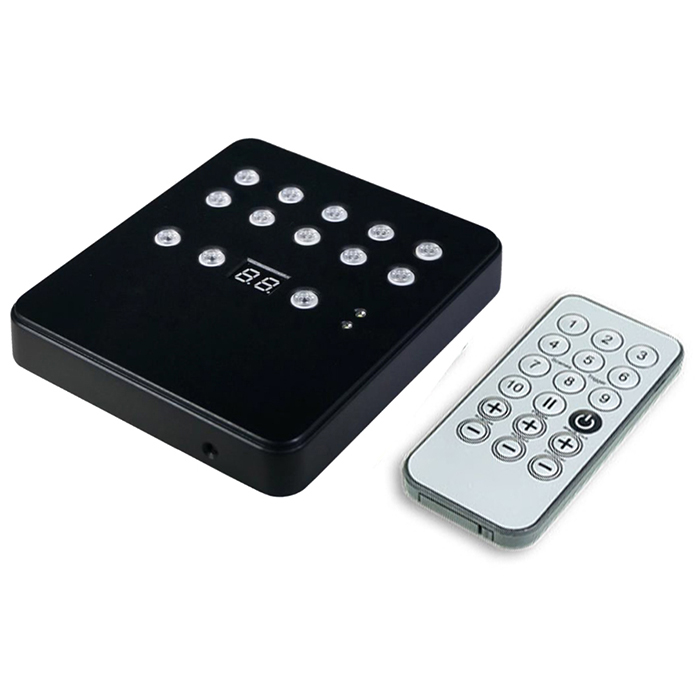
512-Channel USB DMX Controller DM512 - PC & Standalone Control
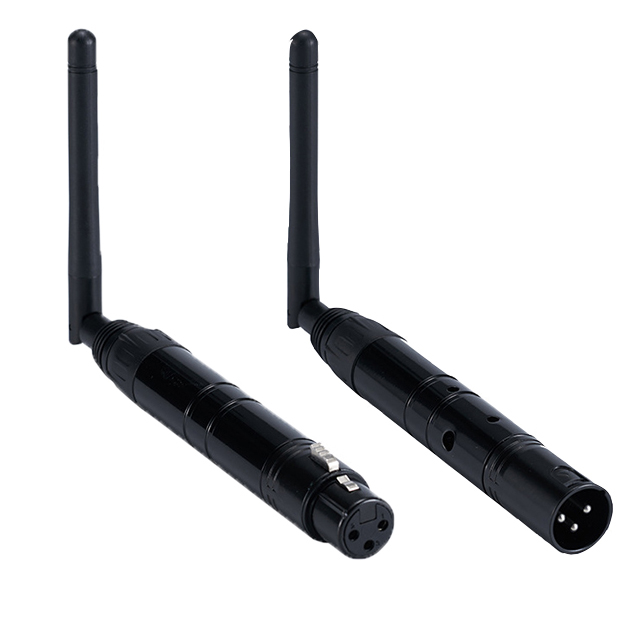
DMX512 Wireless Transmitter/Receiver Kit - 400M Range, 7 ID Groups
Frequently Asked Questions About Professional DMX Systems
Got a question about setting up a pro-grade DMX system? I've answered thousands of them over the years. Here are the most common ones that come up before a big install.
They all control DMX lights from a computer, but they're for different jobs. Daslight and Sunlite are fantastic for live event control, DJ setups, and general stage lighting — they're often bundled with a USB-to-DMX interface. Madrix is the heavyweight champion for pixel mapping, used for creating complex visual effects on large arrays of pixel LEDs, like media walls. We stock hardware compatible with all of them.
For large, high-end homes, a wired DMX system is often the best smart lighting system because of its rock-solid reliability. While consumer systems like Zigbee or WiFi are great for a few rooms, they can struggle with interference and scale in a big house. A professional DMX system provides a dedicated, wired network for lighting that's immune to your WiFi crashing. It allows for centralized, flawless control over everything from simple cove lighting to complex, multi-zone landscape and media room effects.
You should consider a DMX backbone for high-end custom homes, especially those with home theaters, extensive landscape lighting, or architectural cove features. The key is that DMX requires its own low-voltage wiring. If the project demands perfectly smooth dimming and synchronized control over dozens of light fixtures without fail, DMX is the professional choice. For simpler homes where the client just wants to control a few bulbs per room from their phone, standard systems like Lutron, Zigbee or Z-Wave are more straightforward.
RDM stands for Remote Device Management, and it's a huge time-saver in any professional LED light installation. Standard DMX is a one-way street: the controller just shouts commands at the lights. RDM makes it a two-way conversation. From your console on the ground, you can remotely change the DMX address of a fixture that's 50 feet up on a truss, or get a report that a specific light has a fault. For any install where the lights are hard to access, RDM is worth every penny.
DMX512 is the signal that runs down the 3-pin or 5-pin XLR cable to the lights themselves. ArtNet and sACN are protocols for sending that DMX data over a standard computer network using Ethernet cables or WiFi. You need an ArtNet or sACN gateway when you have to control many 'universes' of DMX (a universe is 512 channels) or need to send the lighting control signal across a building that's already wired with network cable. It's DMX-over-Ethernet.
A DMX recorder is designed for exactly that. You connect it between your computer running software and your lights. Program and design your lighting scenes as you normally would, then you hit 'record' to save that DMX output stream to the recorder's SD card. Once it's saved, you can disconnect the computer completely. The recorder becomes a standalone player that can loop your show or trigger specific scenes, which is perfect for architectural installs, retail displays, or trade show booths that need to run flawlessly all day.
You can't connect them directly, as they speak different languages. The professional way to integrate DMX lighting with smart speakers is to use a home automation system like Control4, Crestron, or Home Assistant as a bridge. The smart speaker talks to the automation hub, and the hub then sends a command over the network to an ArtNet-to-DMX gateway. That gateway translates the command into standard DMX for your lights.
Yes, that's precisely what they are engineered for. Unlike consumer smart home gadgets, our professional DMX systems use industrial-grade components designed for continuous, reliable operation. They are installed in museums, retail chains, and architectural projects that run day-in and day-out. They provide the set-and-forget stability that's required when system failure isn't an option.
Yes, always. The controller, especially a USB interface, gets its power from the computer or a small wall adapter. The actual light fixtures or DMX decoders require their own separate, high-capacity MeanWell UL indoor power supplies. The power supply needs to be sized to handle the total load of all your lights. Trying to power the lights from the controller itself will either fail immediately or damage the controller.
That's the beauty of the DMX512 protocol — it's a universal standard. As long as your stage light has DMX-in and DMX-out ports, it will work with our controllers. You'll use software like Daslight DVC4 or Sunlite to patch the fixture. This means telling the software the fixture's DMX start address and what each channel does (e.g., channel 1 is intensity, channel 2 is red, channel 3 is pan, etc.). You can usually find this 'fixture profile' in the software's library or create one from the light's manual.