
SK6812 RGB LED Strip
42 products
SK6812 RGB refers to the RGB LEDs controlled by SK6812 digital IC chips, sometimes the SK6812 IC is built-in inside the RGB LED, and sometimes external on the light strip PCB. SK6812 RGB led strip consists of several such SK6812 RGB LED lights, highly programmable, and the brightness and color of the SK6812 RGB LEDs are adjusted by data signals. Standard color-changing RGB light strips do not feature IC chips such as the SK6812, so their dynamic color capabilities are limited.
RGB SK6812 is the more common choice for ARGB (addressable RGB) led strips and is similar to WS2812B, but with input voltages up to 12V or even 24V.
Comparison of Various SK6812 RGB LEDs
• SK6812 4020 RGB: Specialized side emitting light
• SK6812 3535 RGB: Mini size so can have dense led layout and narrower strip widths e.g. 5mm
• SK6812 5050 RGB: Common high brightness LEDs in large packages, may limit the led density as well as the PCB width
• SK6812 2020 RGB: Very small dimensions allow for high density LED arrangements and ultra narrow PCB widths of only 3 or 4 mm
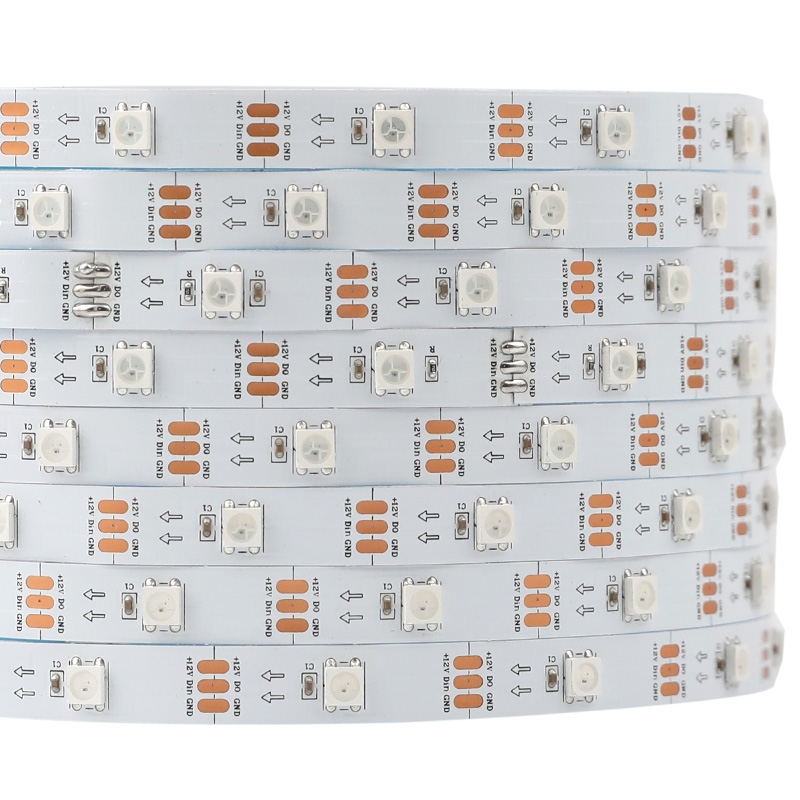
30LEDs/m SK6812 RGB 12V Individual IC LED Strip (150 Pixels)
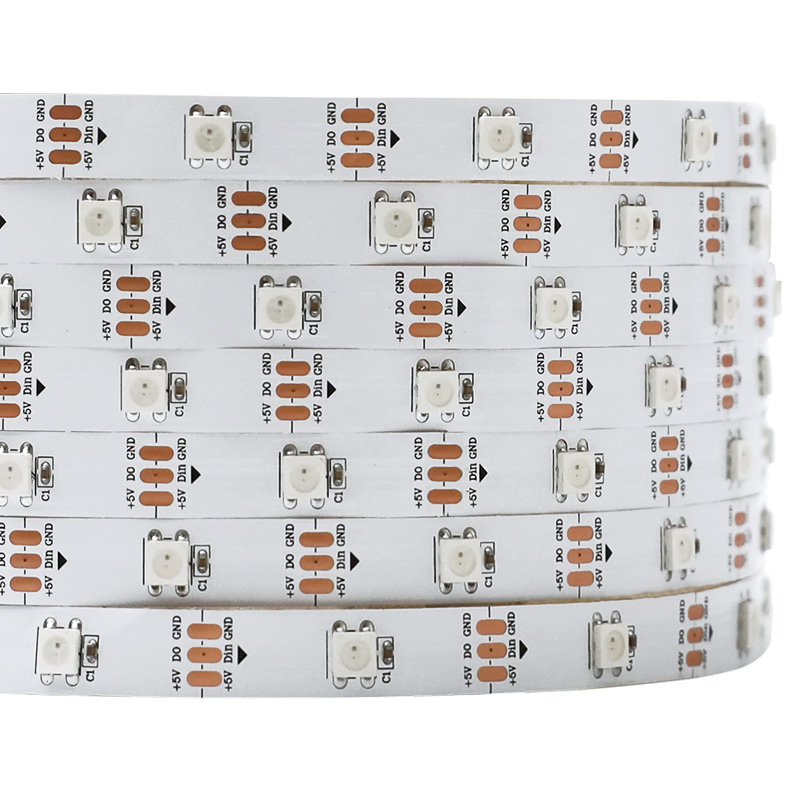
SK6812 (WS2812B ECO) DC5V RGB 150LEDs 16.4Ft Digital Intelligent Individually Addressable LED Strip Lights
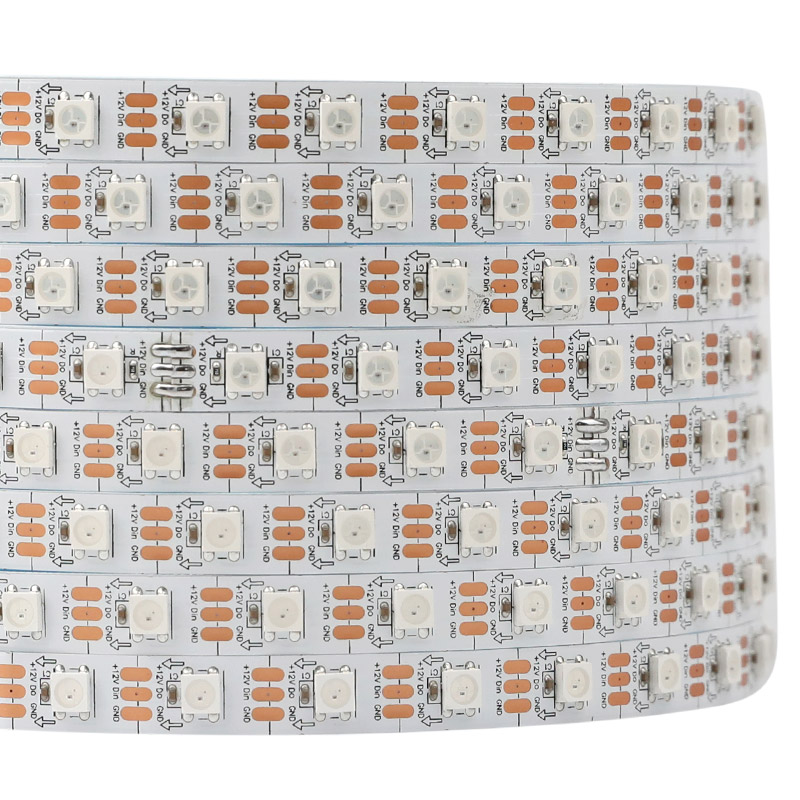
12V SK6812 5050 RGB 60LEDs/m Individual Pixel Light Tape
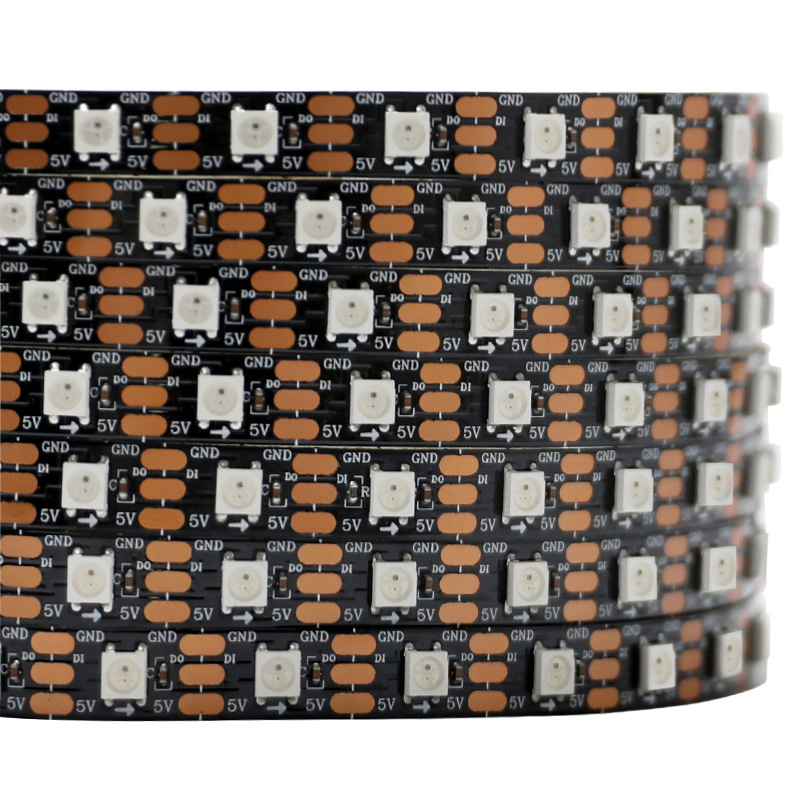
DC5V LC8812 60LEDs/m Addressable RGB LED Strip Light

SK6812 (WS2812B ECO) DC5V 300LEDs 16.4Ft Arduino Uno Individually Addressable RGB LED Light Strips
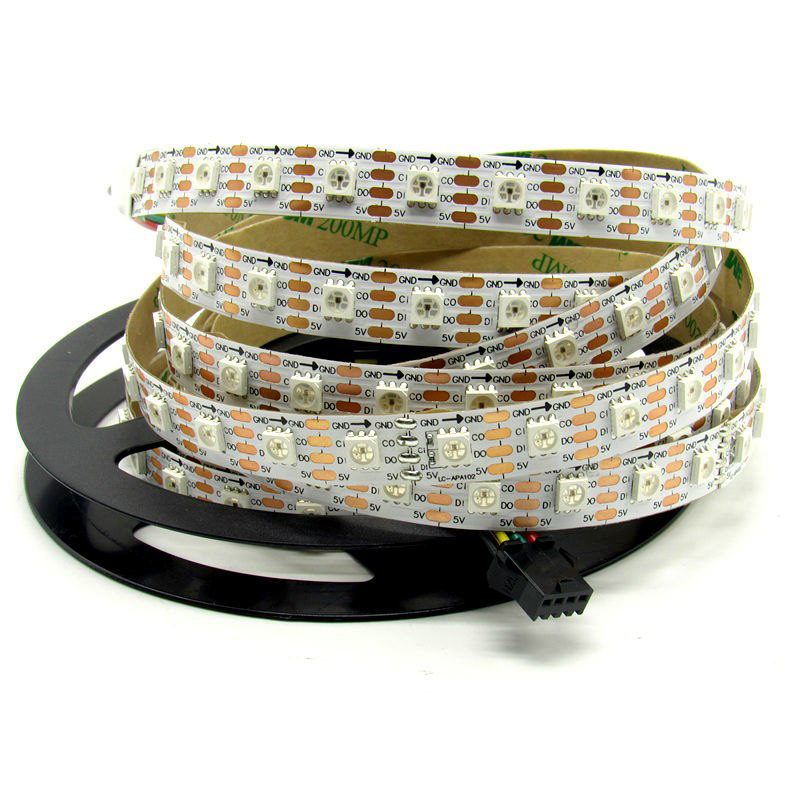
SK6812 (Upgraded WS2812B) RGB 74LEDS/M DC5V 10MM-Wide Digital Intelligent Addressable LED Strip Lights - 5m/16.4ft per roll
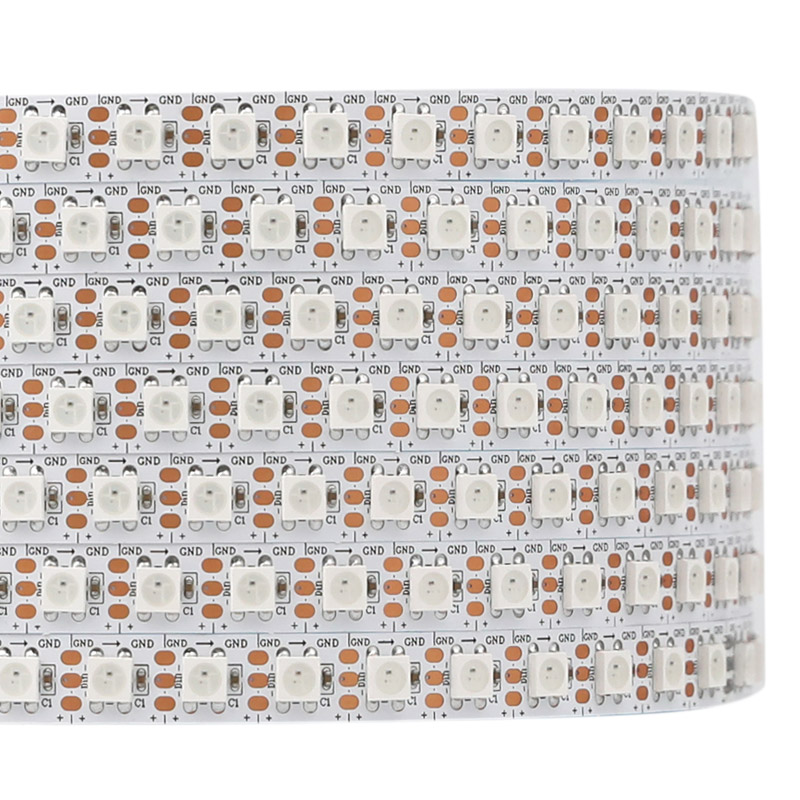
12V SK6812 High-Density SMD5050 96LEDs/m Individual RGB+IC LED Tape Light
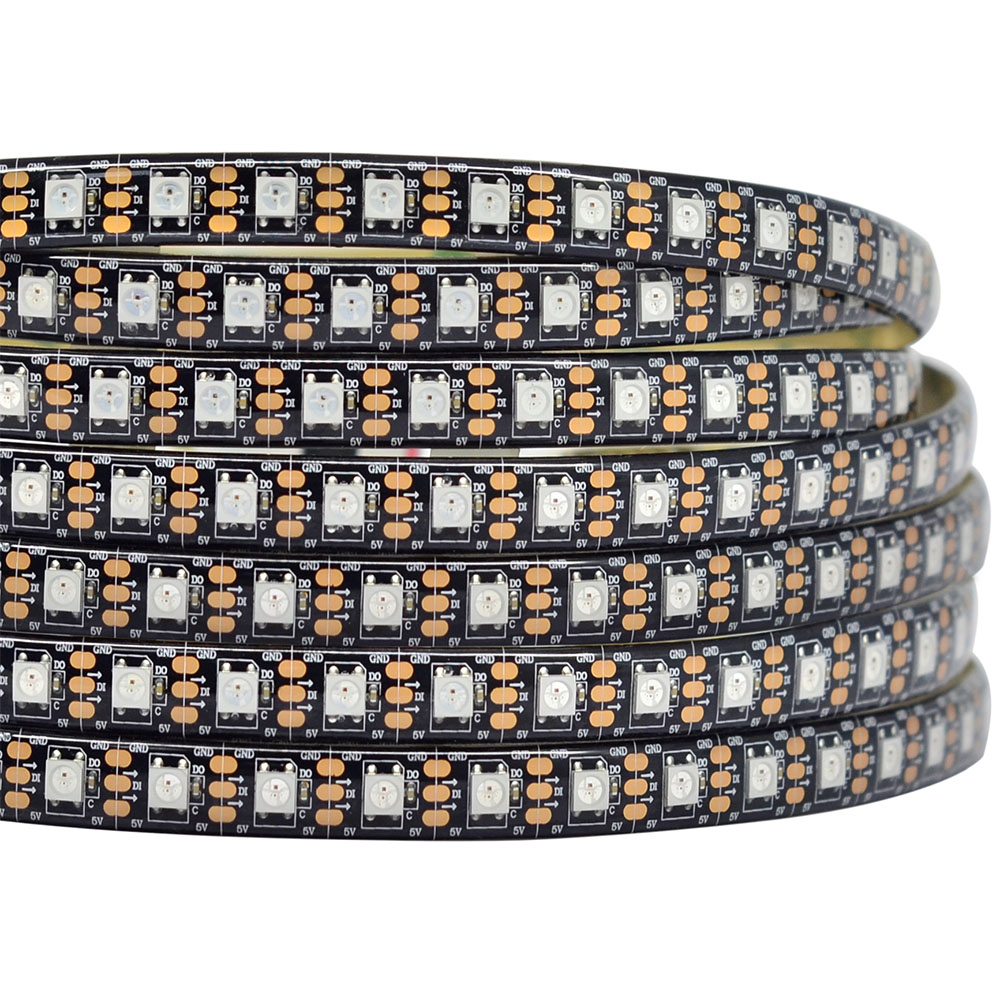
SK6812 (Upgraded WS2812B) RGB 96LEDS/M DC5V 10MM-Wide Digital Intelligent Addressable LED Strip Lights - 5m/16.4ft per roll
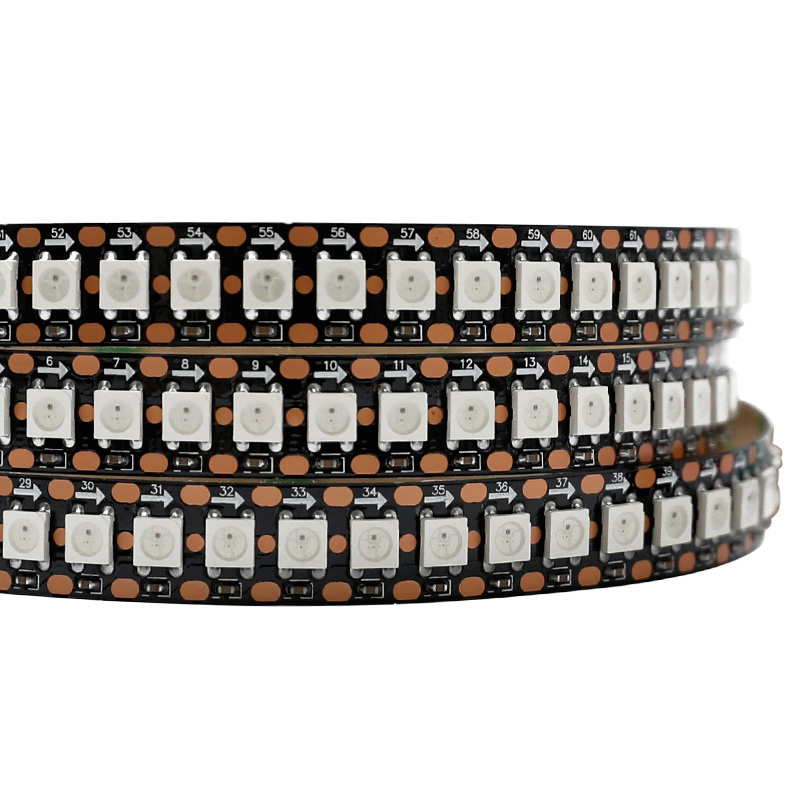
SK6812 (WS2812B ECO) Arduino Uno Individually Addressable RGB LED Strip Lighting - DC5V 144LEDs 3.28Ft
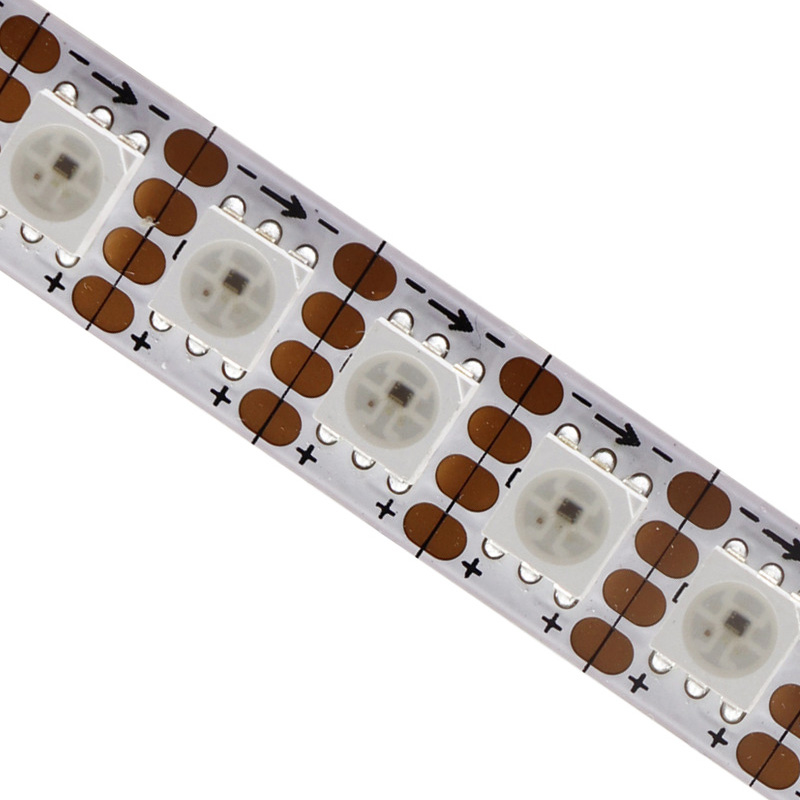
12V SK6813 600 Pixels 5050 RGB Individual LED Digital Strip
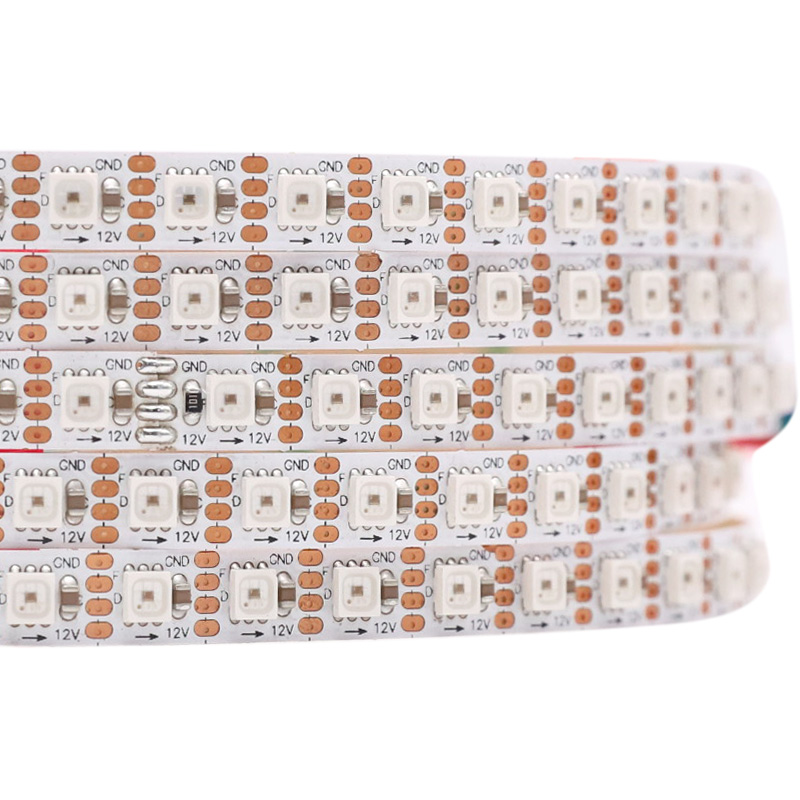
7mm 12V SK6813 3535 4Pin Individually Digital ARGB LED Strip
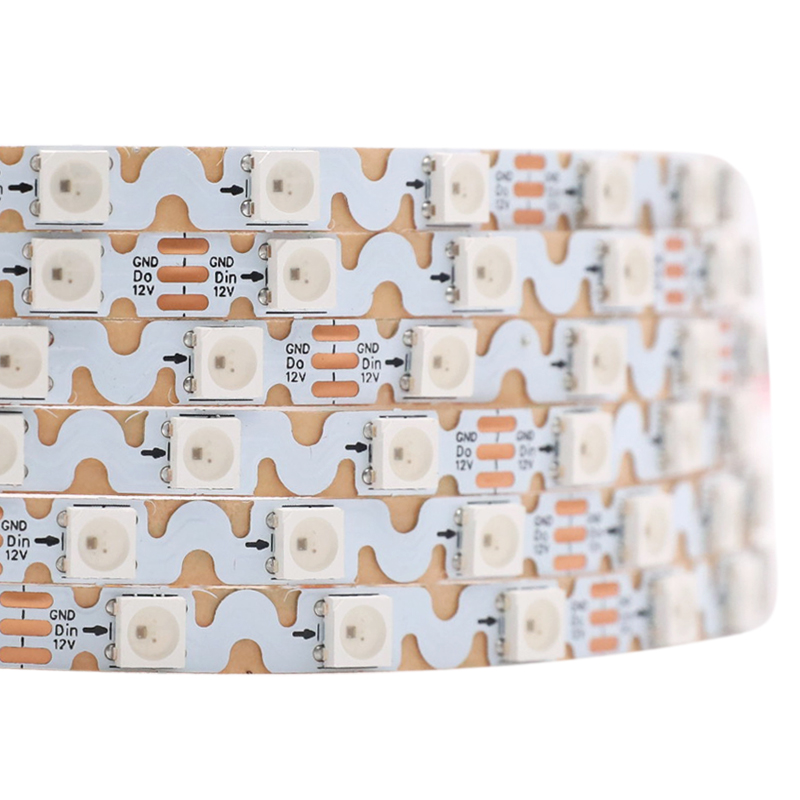
6mm Mini 12V SK6813 Individually Controllable RGB Snake LED Strip
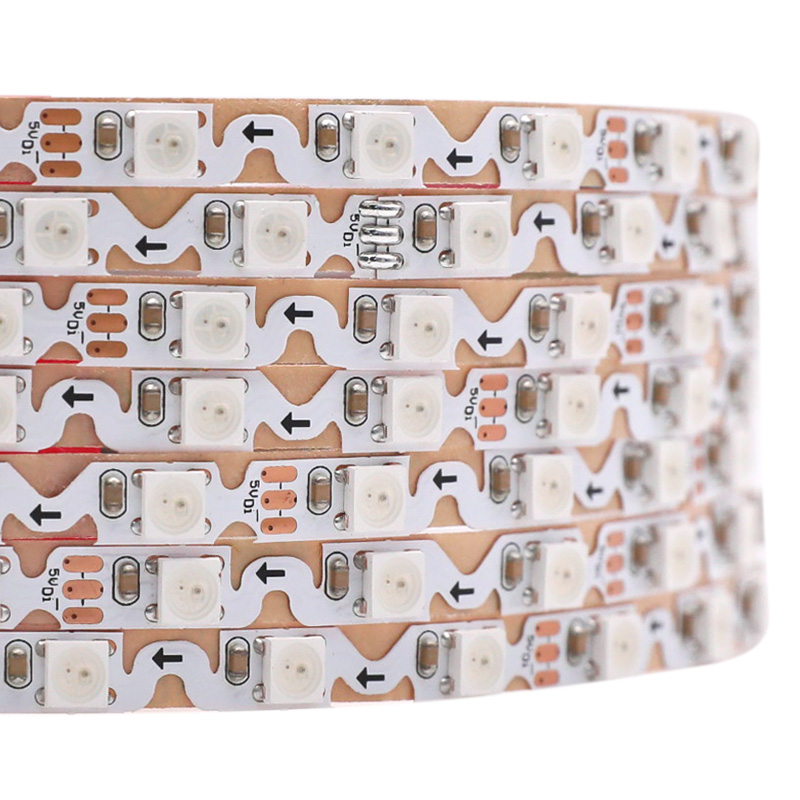
6mm Thin 5V SK6812 5050 RGB Digital S Type LED Strip 60LEDs/m
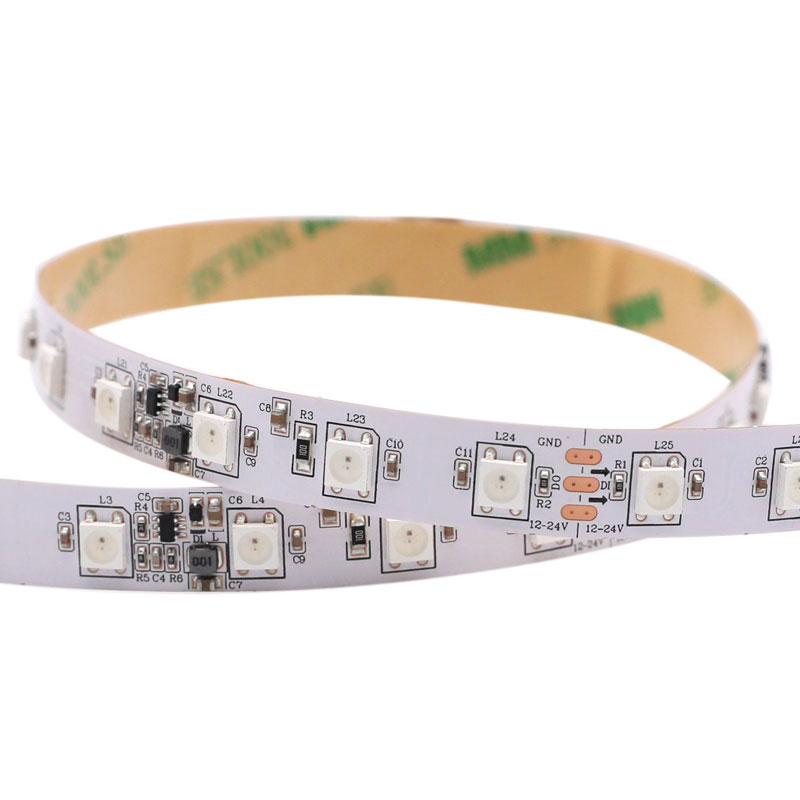
DC12-24V Individually Programmable SK6812 RGB LED Strip
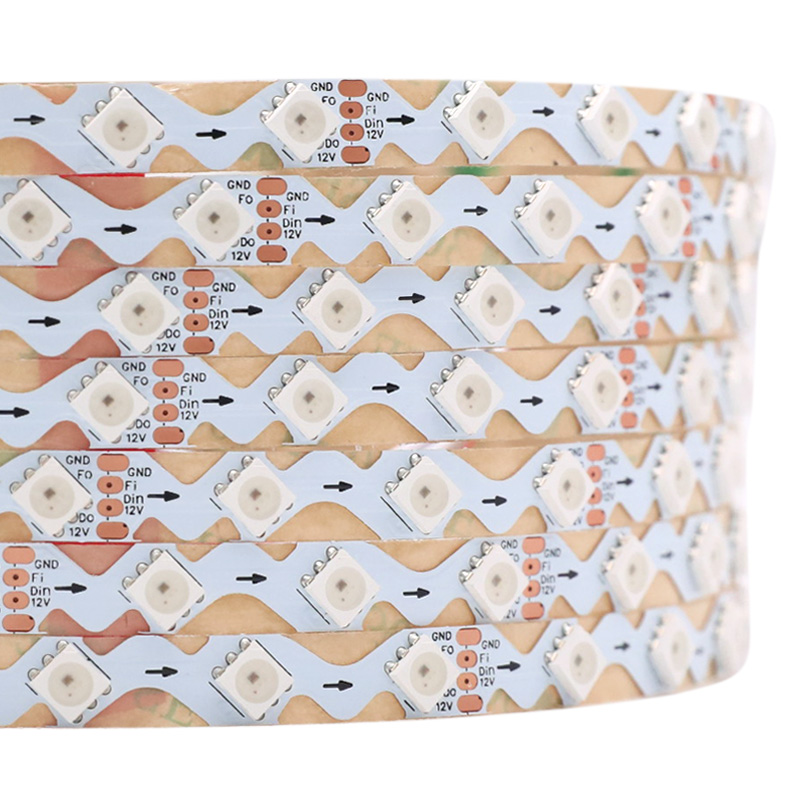
12V SK6813 5050 Dual Signal Pixel RGB Zig Zag LED Strip
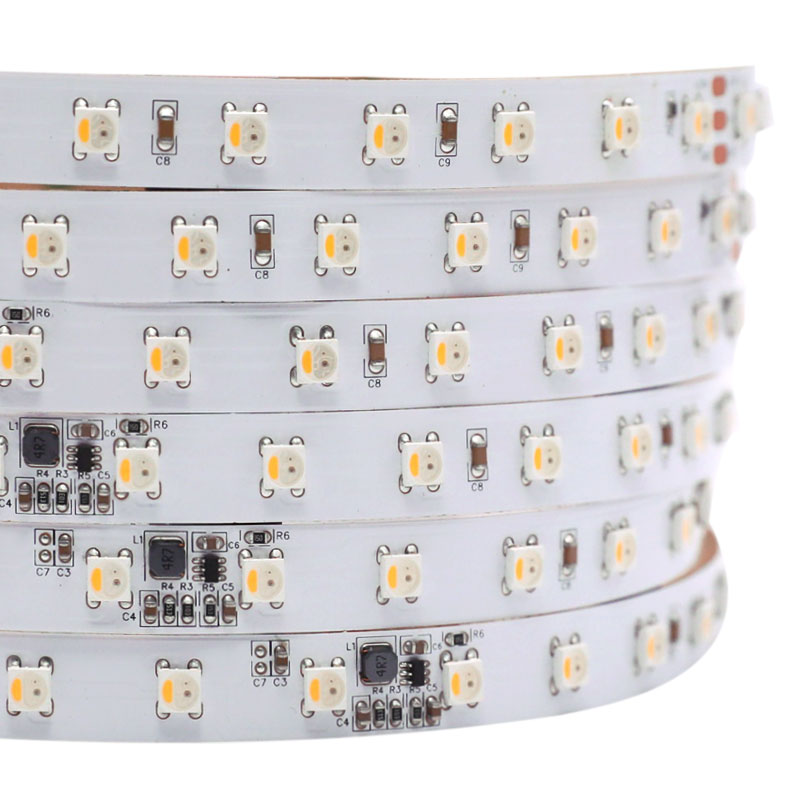
24V to 5V Individual Addressable SK6812 RGB & RGBW LED Strips
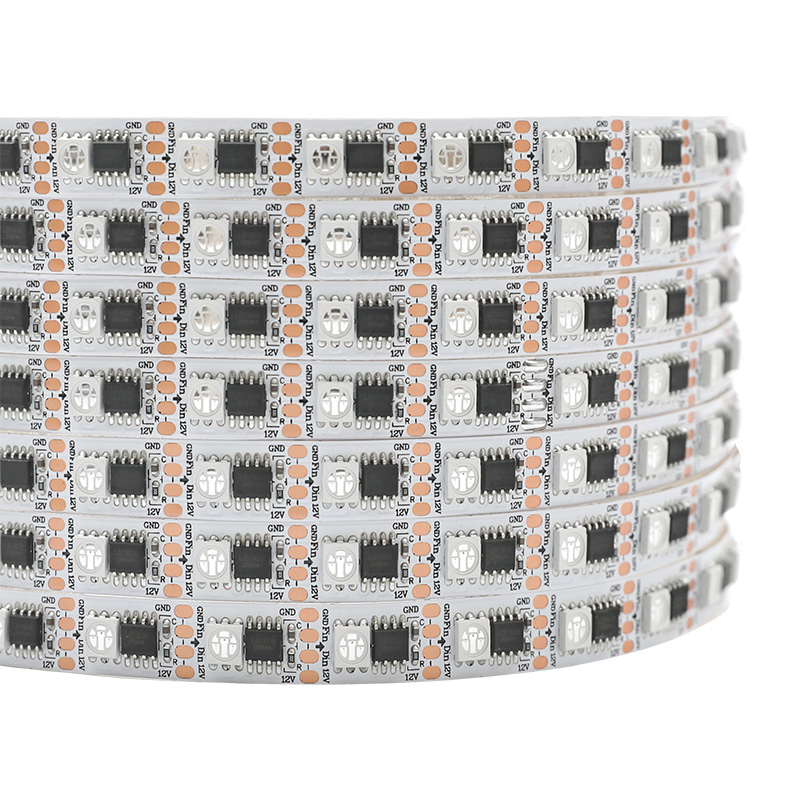
External LB1908 IC Individually Addressable 12V RGB LED Strip
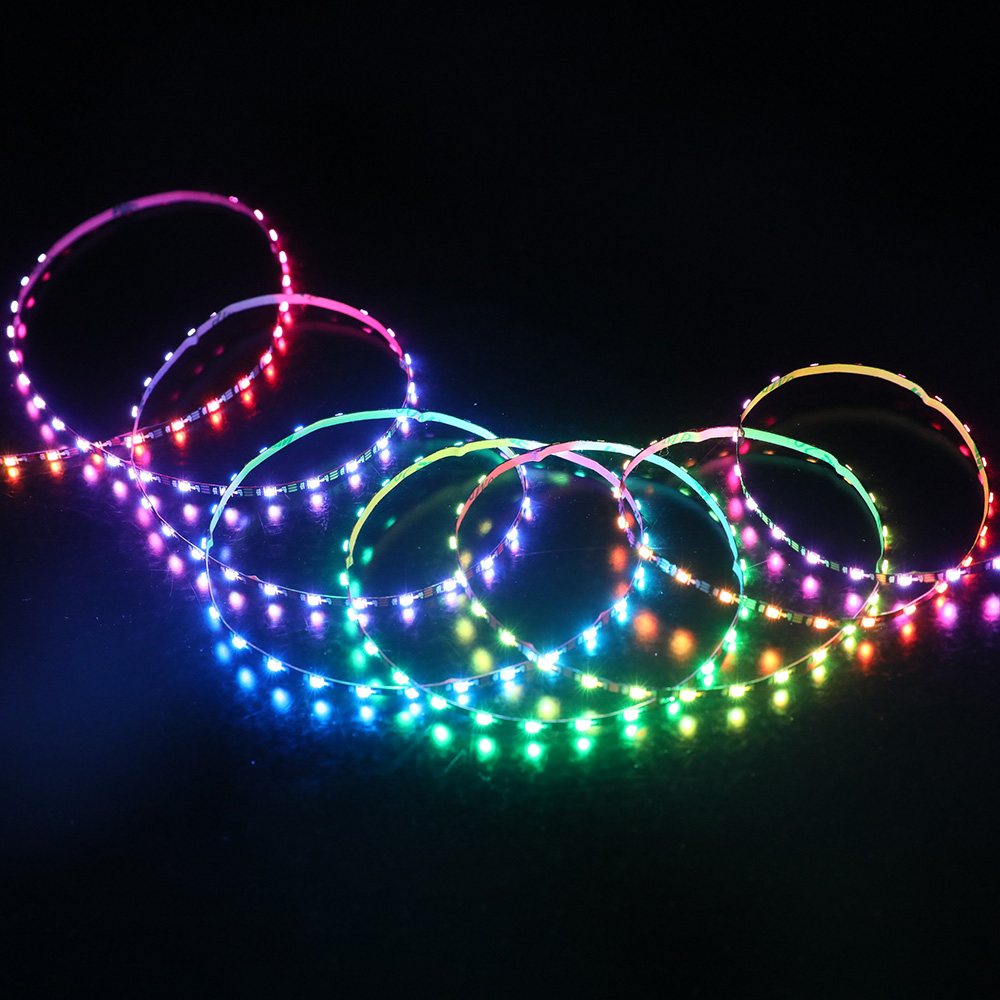
Narrowest 3mm 5V SK6812 RGB LED Strip 96 Pixels, Black PCB
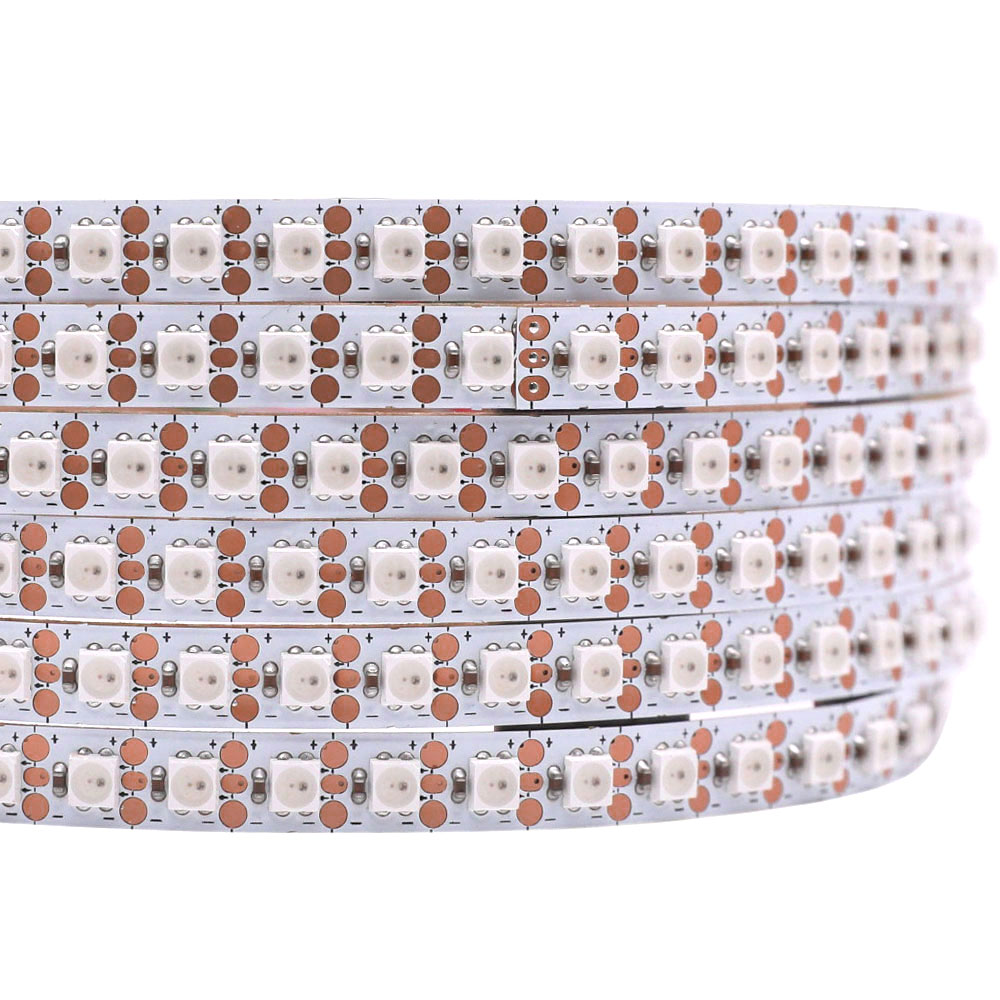
7mm 144LEDs/m SK6812 Mini Individually Addressable RGB LED Strip
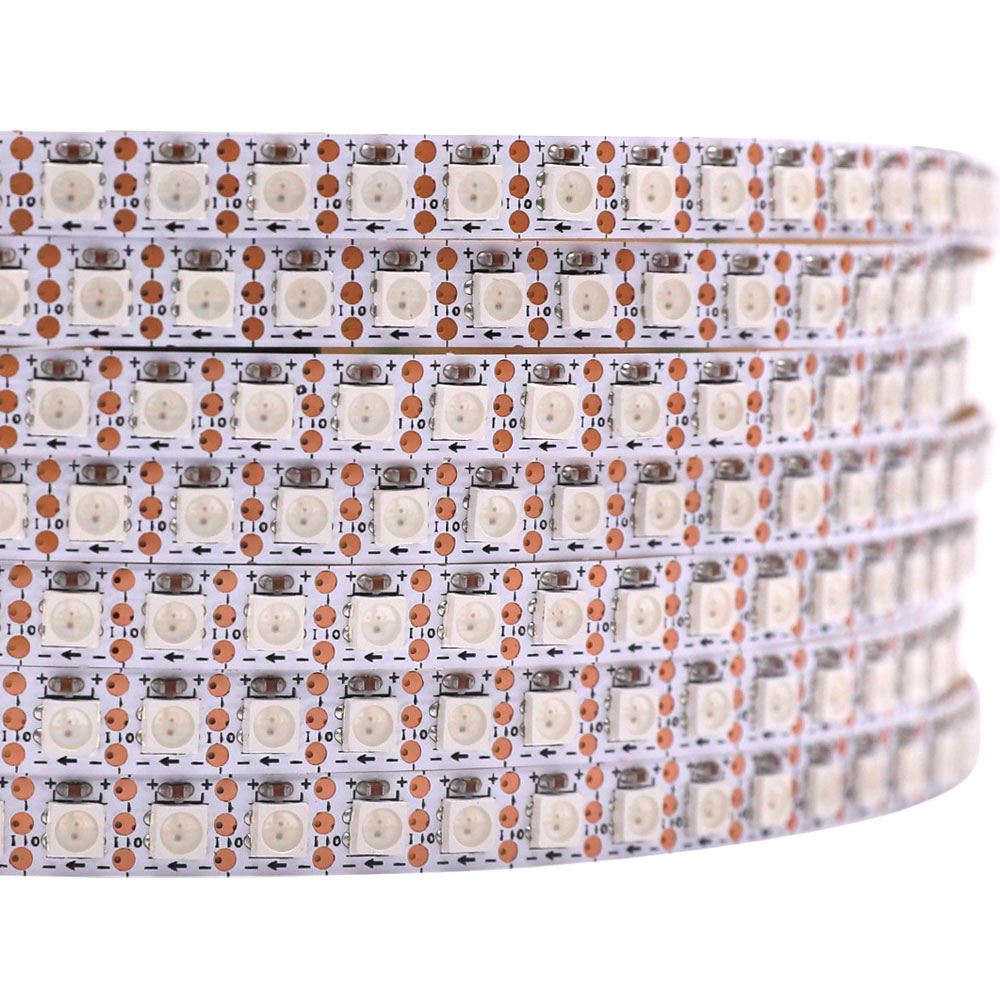
SK6812mini 144LEDs/m Individually Addressable RGB LED Strip
Frequently Asked Questions About SK6812 RGB LED Strips
Your project deserves the right parts. Here are the common questions we answer every day for customers specifying SK6812 strips.
Honestly, for most projects, they're interchangeable. SK6812 and WS2812B LED strips use the same control protocol, so your controller won't know the difference. The main advantages of the SK6812 are a slightly higher PWM frequency, which reduces flicker on camera, and a wider product family. We stock SK6812 in RGBW, dedicated white, and more 12V/24V options than you'll typically find for the WS2812B. For a deeper dive, check out our SK6812 vs WS2812B guide.
That's classic voltage drop, and it's the single most common issue people face. The copper traces on the flexible PCB have resistance, so voltage literally gets 'used up' along the length of the strip. When the voltage at the far end drops too low, the blue and green LEDs don't have enough power to light up fully, leaving you with a dim, reddish glow. The fix is to inject power at both ends or in the middle. Using our 12V or 24V SK6812 RGB strips helps a lot on longer runs. We have a whole guide on wiring for long runs that covers this.
Yes, you absolutely can. Any controller designed for WS2811, WS2812, or WS2815 will drive an SK6812 RGB LED strip just fine. They all speak the same single-wire data language. The only thing you might have to check is the color order setting in your software. Some strips are wired 'RGB' and others are 'GRB'. If your colors are swapped (e.g., you command red and get green), just change that one setting in your controller or code library and you'll be set.
For a typical 5V SK6812 RGB strip with 300 LEDs (that's 60 LEDs/m), a safe rule is to budget about 0.2 to 0.3 watts per LED at full brightness white. So, 300 LEDs times 0.3W is 90 watts. We always recommend adding 20% headroom, so you'd want a power supply rated for at least 108W — a 120W or 150W unit would be a solid choice. For 12V strips, the calculation is different as they are grouped in series, so check the product page for its specific watts-per-meter spec.
We strongly recommend it, especially for densities of 60 LEDs/m or higher. An aluminum channel isn't just for making the light look good; it's a critical heat sink. The SK6812 ICs generate heat, and if that heat isn't pulled away, the LEDs will run hot. That shortens their lifespan significantly and can cause the colors to shift over time. For any permanent installation, a channel is cheap insurance to protect your investment.
This isn't a faulty strip. It's a simple software setting. Addressable LEDs have a specific internal wiring for their Red, Green, and Blue diodes, and your controller needs to send the data in that exact order. Many SK6812 strips use a 'GRB' order, not 'RGB'. Go into your controller's settings or your programming code (like FastLED or WLED) and find the color order setting. Change it from RGB to GRB, and the problem will almost certainly disappear.
A standard SK6812 RGB LED strip has 3 pins: Power (+5V/12V), a single Data line, and Ground. A 4-pin strip is usually the SK6813 variant, which has Power, a primary Data line, a Backup Data line, and Ground. That backup data line is a great feature we call 'breakpoint resume'. If one LED chip fails, the backup line carries the signal to the *next* chip, so the rest of your strip keeps working perfectly. On a 3-pin strip, one dead pixel can take down the entire rest of the run.
For tight spaces, you'll want an SK6812 RGB LED strip that uses smaller LEDs on a narrower PCB. Look for our versions with SMD3535 or even tiny SMD2020 LEDs. These allow us to build strips on PCBs that are only 4mm or 5mm wide, which can fit into channels and crevices where a standard 10mm strip has no chance. High-density versions with these mini LEDs also give you a smoother, less 'dotty' look which is great for close-up applications.
You'd need a 300 watt LED light power supply for a large-scale, high-impact installation. Imagine lighting up a long bar, a large ceiling cove, or an architectural feature with multiple runs of our high-density 144 LED/m strips all wired back to a central point. To calculate the power, you just add up the maximum wattage of every single strip segment in the project, then add a 20% safety margin. For big commercial jobs, hitting 300W, 500W, or even more is pretty common.
You can create a 300 ft lights installation that *looks* continuous, but it won't be a single powered strip. The data signal degrades after about 10 meters, and voltage drop is a problem even sooner. The proper way to build a 300 ft run is to break it into shorter, 5-meter sections. Each section gets its own power injection from a power supply bus, and you use signal amplifiers between sections to clean up and re-broadcast the data signal. It's a solvable engineering problem, not a single product.
Physical damage is the number one cause. Bending the strip too sharply can crack the solder joints inside the LED package. The second most common killer is electrostatic discharge (ESD) during handling—zapping it with static from your hands can fry the tiny IC. Overheating from a lack of ventilation can also cause failures over time. It's very rare for a pixel to just 'burn out' from normal use within its rated lifespan; usually, something external has damaged it.
For a brand new design, I'd spec an SK6812 every time. While you can often use a WS2812 vs SK6812 interchangeably, the SK6812 platform is simply more flexible. The ecosystem is bigger, giving you access to more options like RGBW versions for better pastels and true white, and a much wider selection of 12V and 24V strips that make power planning for longer runs much simpler. Since the control is identical and the cost is comparable, the SK6812 is the more versatile choice.
A side-emitting SK6812 RGB LED strip is designed for projects where you need to project light parallel to the mounting surface. Instead of shining up, the LEDs shine out from the edge of the strip. It's perfect for things like edge-lighting an acrylic sign, hiding the strip in a tiny groove to create a wall-grazing effect, or backlighting a display where you can only mount the light source on the perimeter. It gives you a clean line of light from an angle standard strips can't achieve.
Yes, absolutely. A huge amount of the product we ship is built to customer drawings. You can specify the exact length of your SK6812 RGB strips, down to the millimeter. We can also pre-solder any connector you need, add custom-length wire leads in the gauge you spec, and apply IP67 waterproofing to the connections. Just send our engineering team an email with a sketch or a description. We'll send back a full wiring diagram and a quote, usually within 12 hours, with no fee and no obligation to order.