
SPI Controller Series
12 productsThe SkyDance SPI Controller Series is designed to control DC5-24V addressable LED strip lights using digital SPI signals (DAT and CLK), supporting a variety of pixel lighting applications, including addressable RGB, RGBW, and white LED strips. These SPI controllers send digital control data to addressable IC chips via buttons, RF remotes, smart APPs, or switch light through PIR sensors, allowing individual pixels or groups of pixels to display different colors, brightness levels, and dynamic lighting effects.
Depending on the controller, you can configure the supported IC type (UCS1903, UCS2903, SK6813, WS2811, WS2812, WS2813, WS2815, SM16703, TM1814 RGBW, SK6812 RGBW, WS2814 RGBW, SM16714 RGBW, WS2801, SK9822, TM1914, GS8206, GS8208, WS2818, etc.), RGB/RGBW color sequence, and pixel count (900, 960, 1000, 1024, etc.) to match your LED strip. Various dynamic effects, such as chasing, flowing, running, and gradual color transitions, allow you to create customized pixel lighting displays for architectural accents, signage, entertainment spaces, and decorative lighting projects.
**Compatibility Note:** SPI controllers are not universally compatible with every addressable LED strip. Check the supported IC types, current load, RGB/RGBW or white output configuration, color order, and maximum pixel capacity of the selected controller before connecting your pixel LED strips.


ES D(WT) SPI WiFi PIR Sensor Addressable LED Strip Controller


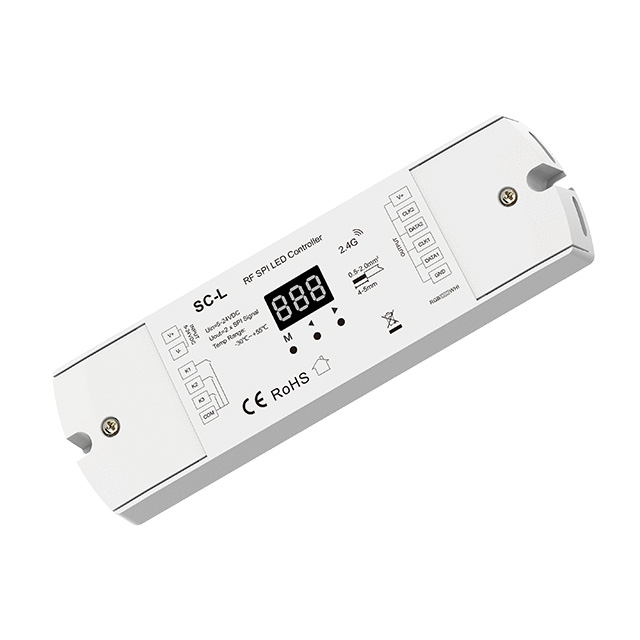

WZ-SPI RF Tuya RGB RGBW Zigbee Addressable LED Controller
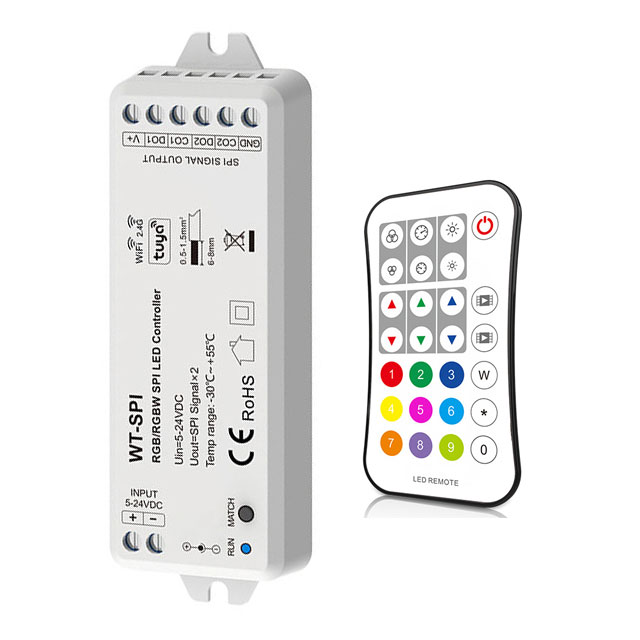
WT-SPI 5-24VDC WiFi Tuya & RF RGB/RGBW SPI LED Controller
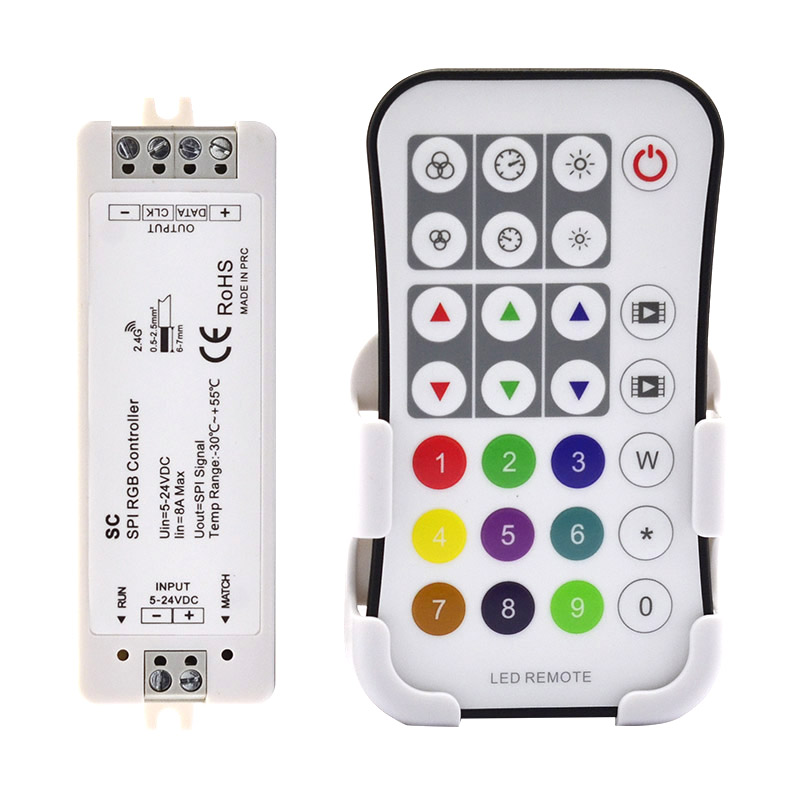
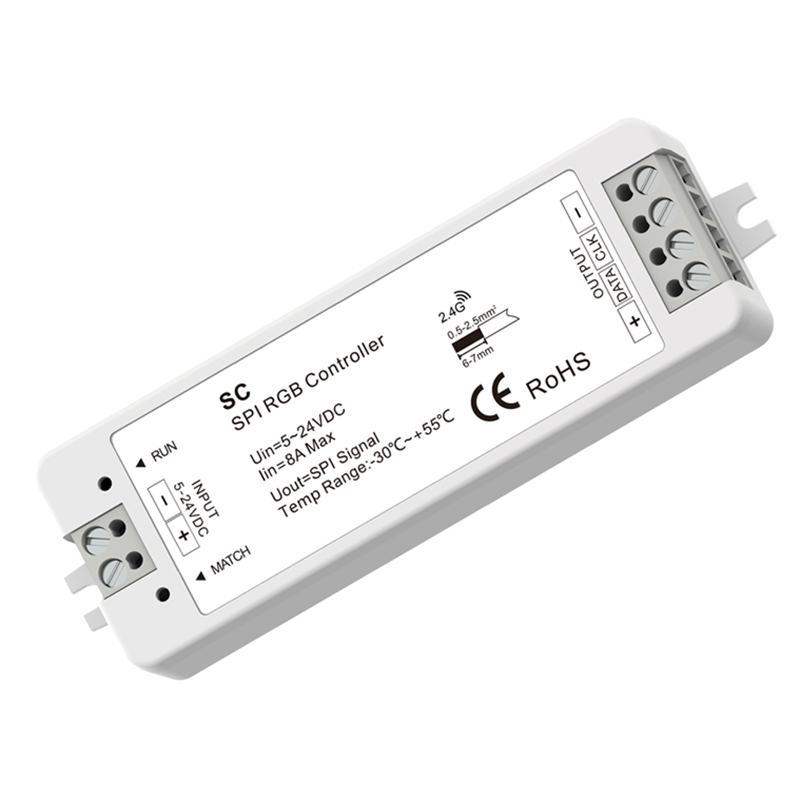


WiFi-SPI+R9 DC5-24V RF WiFi RGB SPI LED Controller Set

WiFi SPI Programmable Time Controller WiFi-SPI
FAQ About SPI Controller Series
Direct engineering answers on wiring, IC configuration, network pairing, and troubleshooting for digital pixel installations.
An SPI LED controller receives DC power directly from the driver while routing clean digital control signals straight to the tape. Run DC positive and negative from your 5V, 12V, or 24V power supply into the controller DC input terminals, then branch power directly to the tape's VCC and GND lines to prevent burning out the controller board. Connect the DAT (data) terminal—and CLK (clock) terminal if your IC requires a dual-line feed—from the controller to the strip's data input end. Always tie the DC power supply ground and the controller ground into a common ground rail; an open or floating ground is the single most common cause of jumping and errant flashing.
A multi-channel SPI controller provides separate terminal outputs to distribute digital signal frames without loading down a single driver pin. On models like the WT-SPI, the unit can be switched between a 2-channel mode driving data plus clock (DAT+CLK for WS2801 or SK9822) and a 4-channel mode driving four parallel data outputs (DAT x 4) for single-wire chips like WS2811 or UCS1903. This parallel architecture lets you run up to four separate runs of 1,024 pixels displaying perfectly mirrored chase effects simultaneously, without purchasing external signal repeaters.
An SPI LED controller cannot output two different IC chip protocols simultaneously because its internal processor outputs a single clock-and-timing frame. If you connect a WS2811 strip to Output 1 and an SK6812 strip to Output 2, the second tape will misread the pulse widths, creating random flickering and wrong colors. Every addressable tape connected to a single controller must share the exact same IC timing and RGB/RGBW color sequence. If your project mixes different pixel chipsets, you need separate controllers assigned to individual zones.
An LED SPI controller paired with the Tuya Smart or Smart Life app enables custom segment painting once you set the exact physical IC count. Open the controller interface, enter the chip settings menu, and type in the precise number of pixel nodes—for instance, 100 pixels for a 5 m 12V tape with 20 pixels/m. The app renders an interactive visual slider representing your strip length. From there, you can divide the total line into custom segments, applying static hues, multi-color gradients, or dynamic chase blocks to individual sections with zero manual coding.
You can synchronize multiple SPI controllers wirelessly using multi-zone RF remotes like the R9 or through the Tuya mobile app group control feature. For RF setups, press the match button on each controller and bind them to the same zone on your 2.4 GHz handheld remote. Because our controllers feature auto-transmitting mesh functionality, each receiver automatically relays the RF signal to adjacent receivers up to 30 m away. For complex multi-line installations exceeding 1,000 pixels across wide facades, split the digital line with SPI signal splitters to maintain exact nanosecond sync across every branch.
An LED SPI controller equipped with push-switch terminals—such as our dual-button ES-DP models—allows standard momentary wall switches to trigger lighting changes without an app or remote. Tapping push-switch 1 toggles power on and off, while a continuous press ramps overall brightness smoothly between 0% and 100%. Tapping push-switch 2 cycles through pre-programmed dynamic pixel chase modes, and holding push-switch 2 adjusts the animation running speed through 10 calibrated levels. This gives hotel guests or residential clients immediate tactile wall control while protecting the base IC programming behind the scenes.
Every SPI LED controller in our SkyDance lineup features permanent power-off memory backed by an internal EEPROM chip. When power drops or the upstream AC circuit breaker is shut off, the controller writes its active mode, color choice, speed level, and brightness threshold to memory within 2 milliseconds. Once AC power returns, the controller boots back up to that exact dynamic chase sequence within 0.5 seconds, eliminating the need to re-pair RF remotes or reset smart home automation routines.