
SPI LED Bluetooth Controller
39 productsSuperLightingLED™ SPI LED Bluetooth Controller can wirelessly connect between your mobile phone and addressable LED light fixtures (addressable led strip lights, pixel led modules, pixel led panel screens, pixel led sheets, etc. ). It can implement data commands to addressable LED lights within a short distance without wires to change the LED color, light brightness, mode, etc. In addition, our Bluetooth LEDs addressable controller can be compatible with music, RF remote control, IR remote control, wireless panel control, and speaker functions to achieve more intelligent control methods.
With a fast and convenient connection, Bluetooth is great wireless LED light control method. Turn on the Bluetooth of your mobile phone and connect to the Bluetooth of your addressable LED light fixture. After a successful connection, you can control the LED lighting through your IOS/Android mobile phone APP.
Explore our full range of Bluetooth addressable LED controllers below, along with key technical guidelines to help you select the right protocol for your installation.
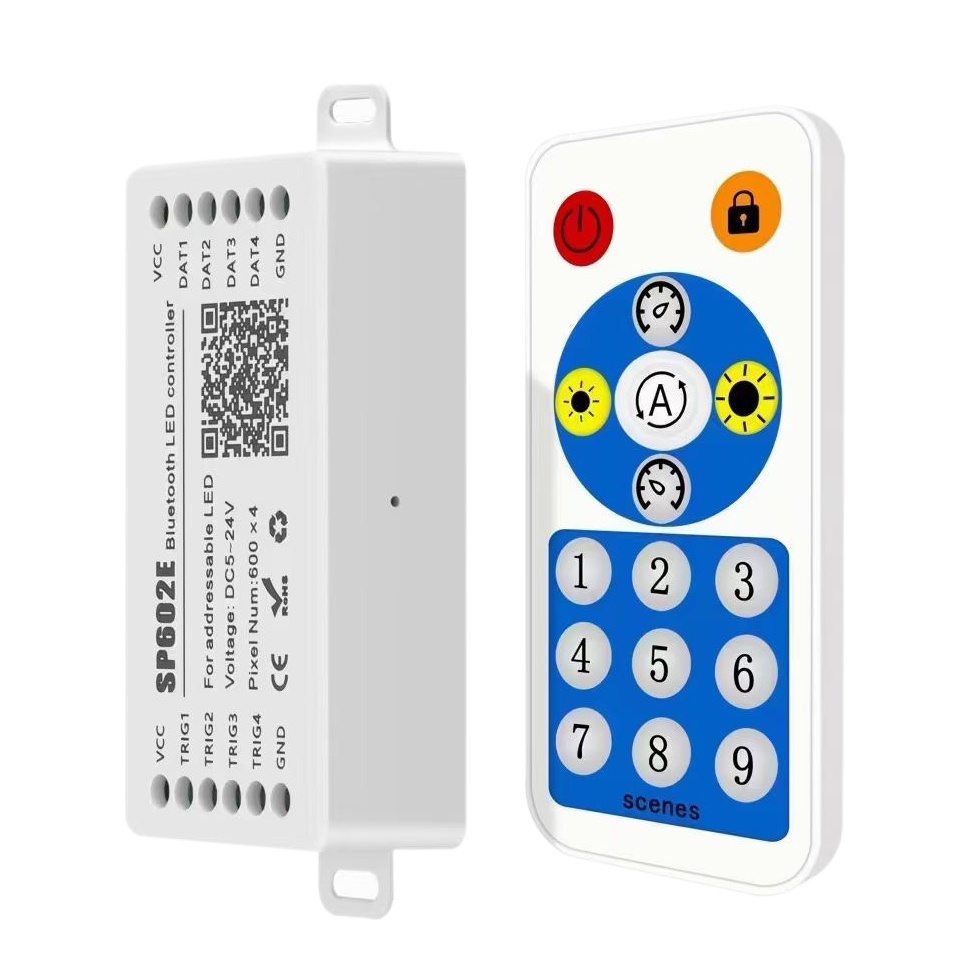
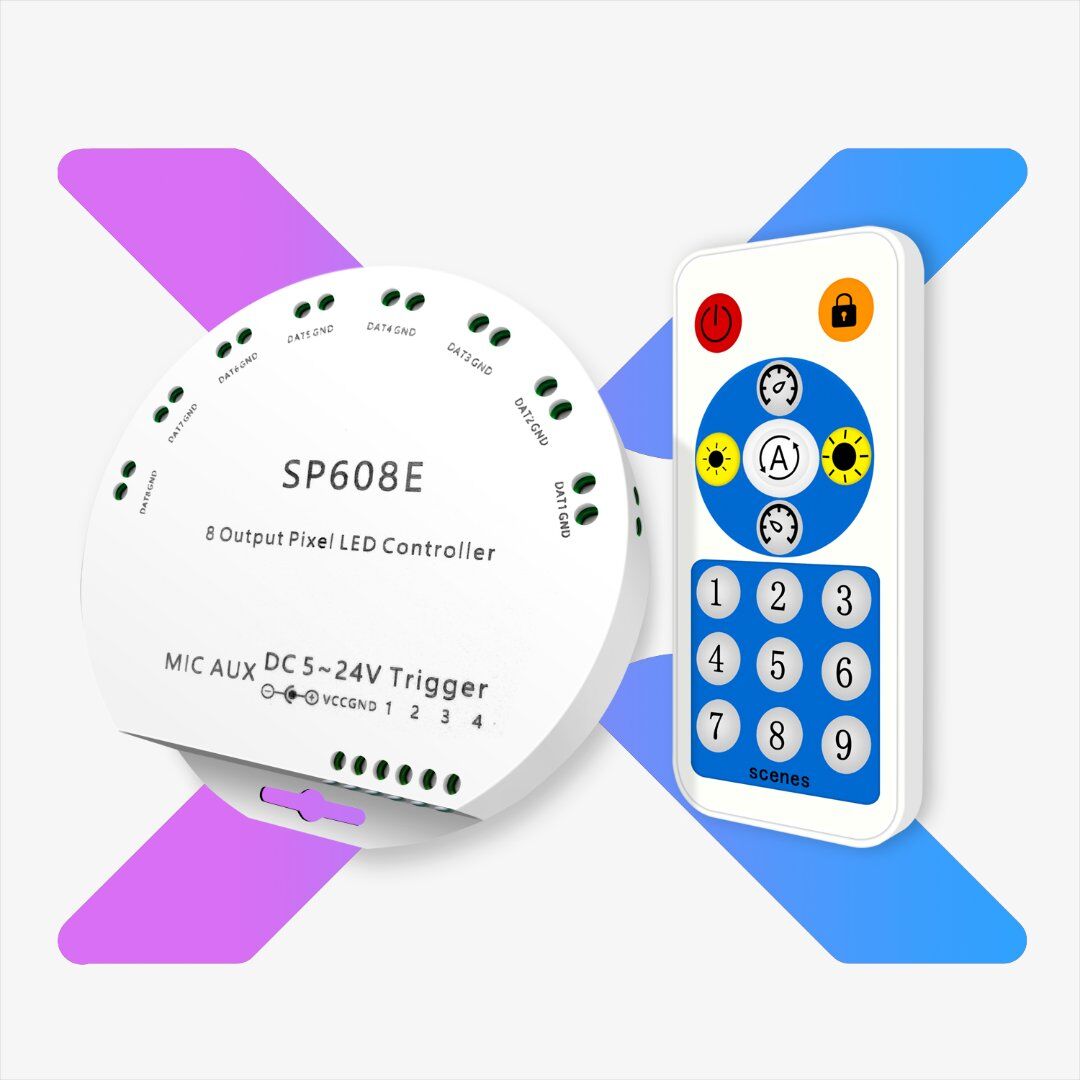
SP608E 8CH Bluetooth RF SPI Music LED Controller
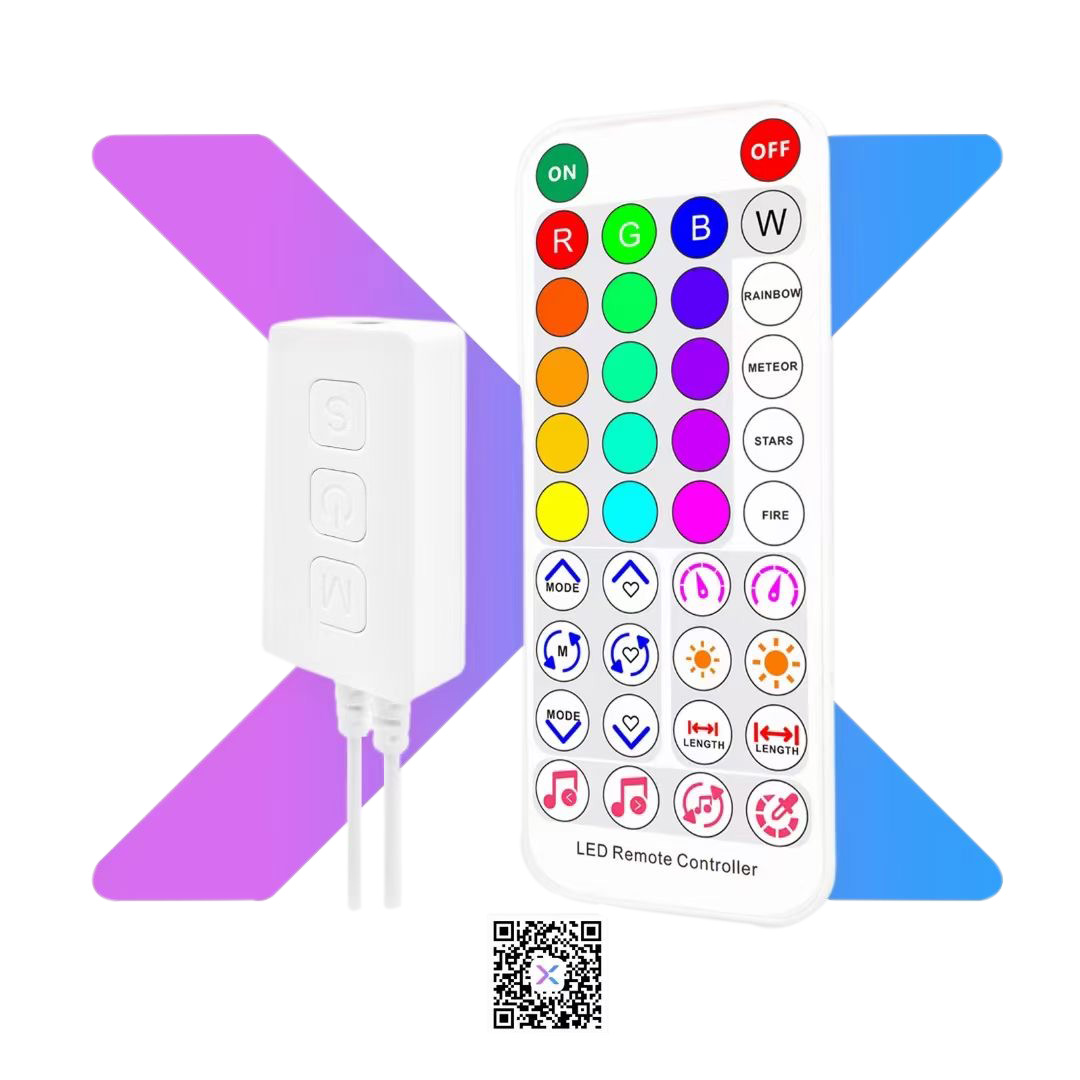
SP611E SPI Music Bluetooth LED Controller - 2 Output
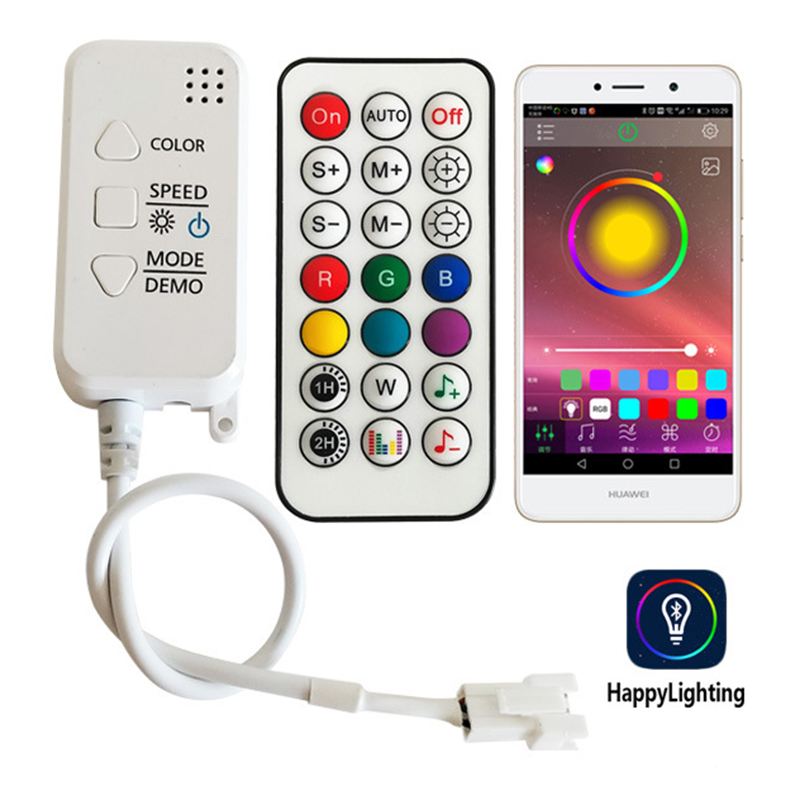
Bluetooth Addressable LED Music Controller | Dream Color App/IR/RF
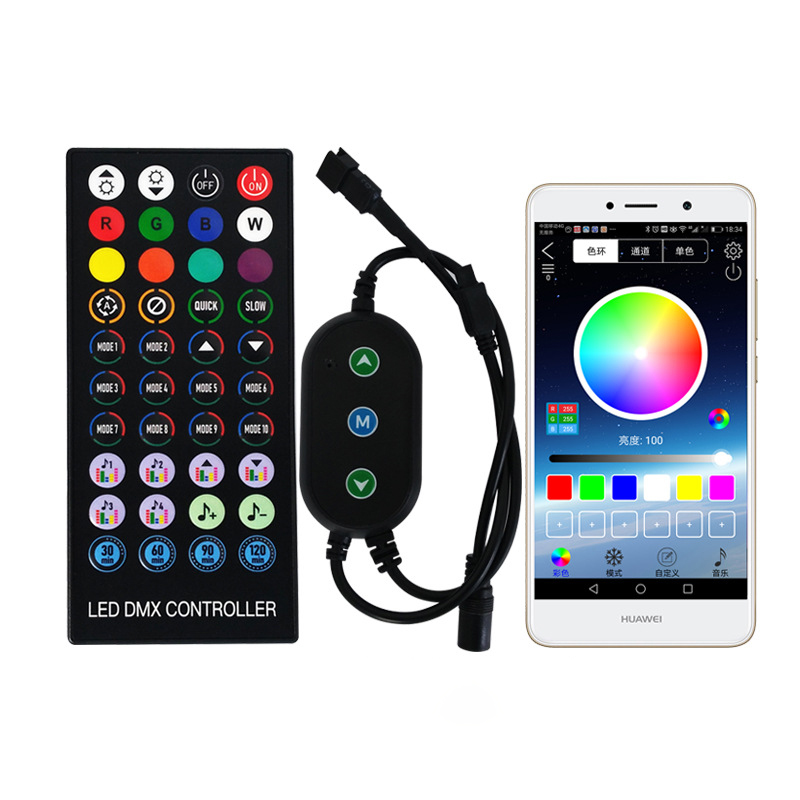
Bluetooth Led Dream Color Music Controller - Smart Lighting
Addressable LED Strip Car Light Bluetooth Controller
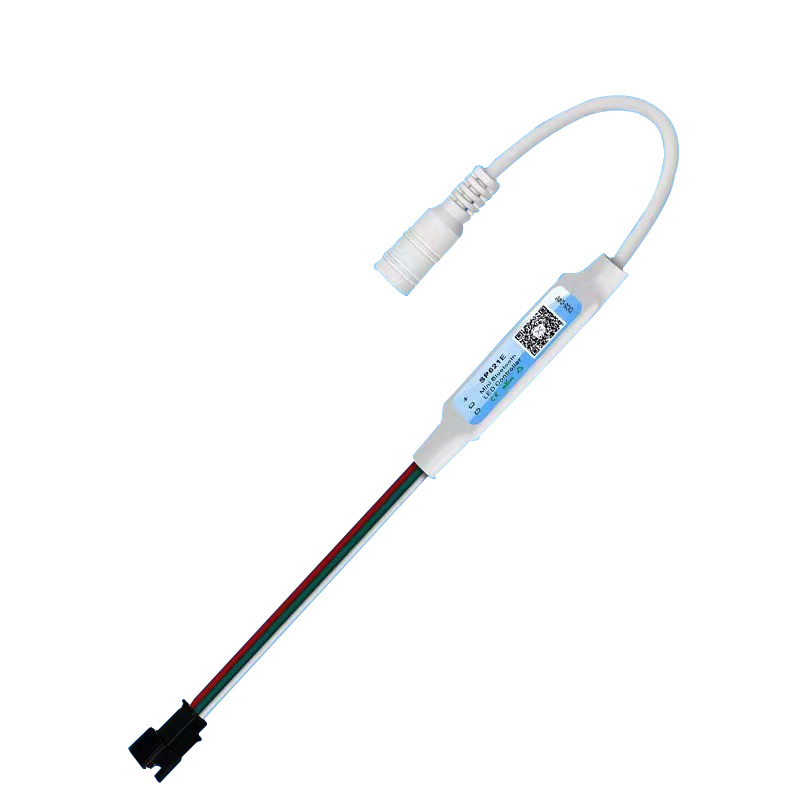
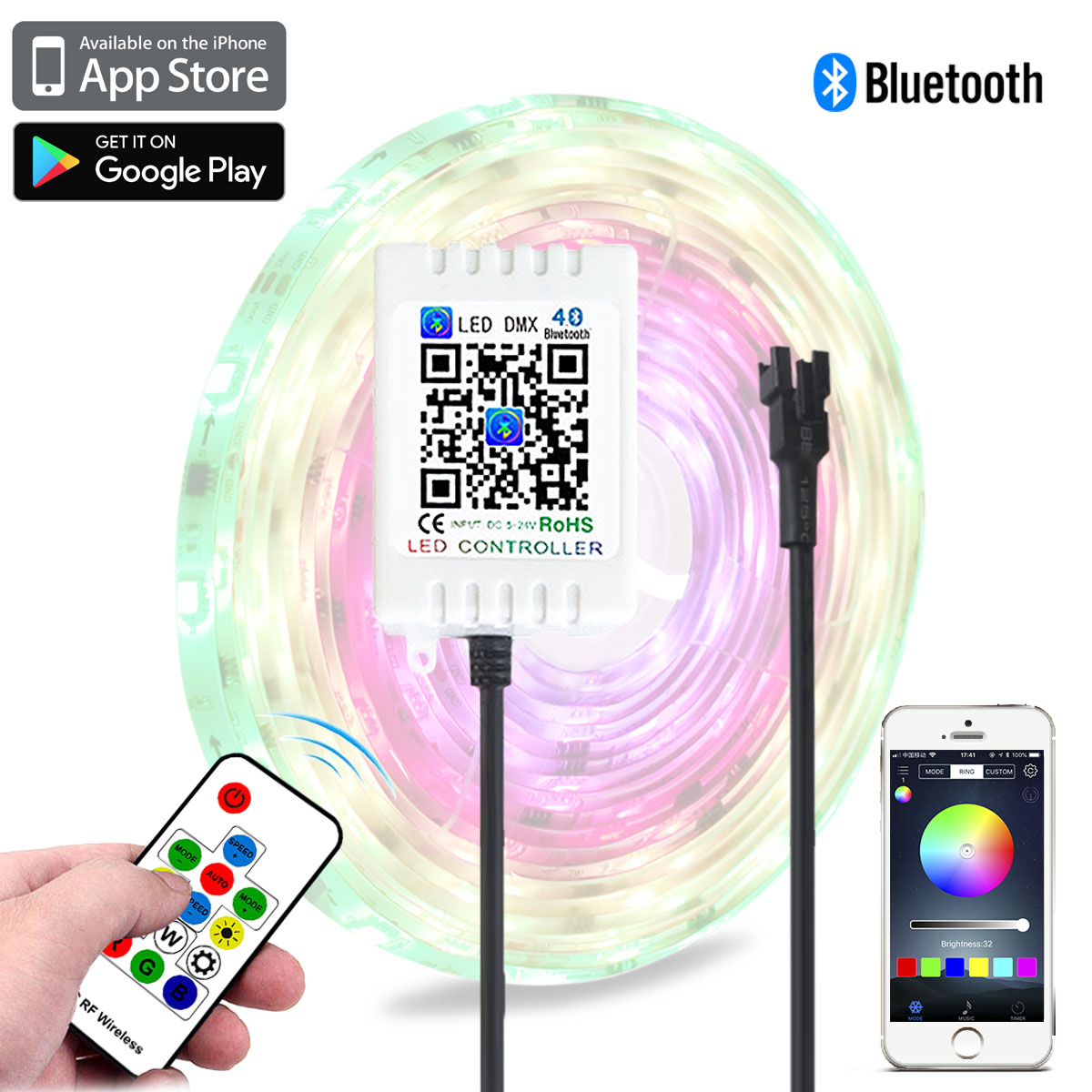
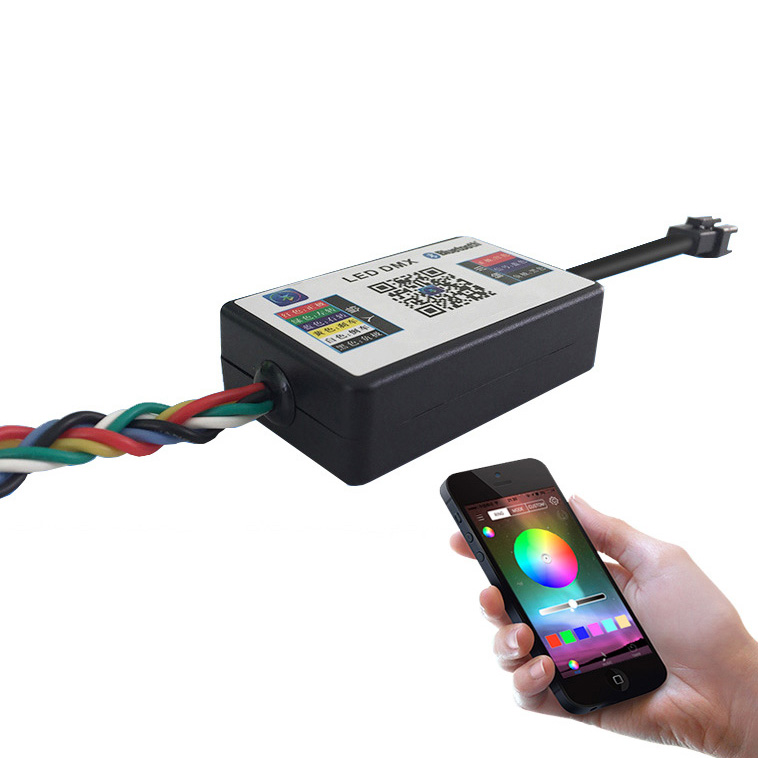
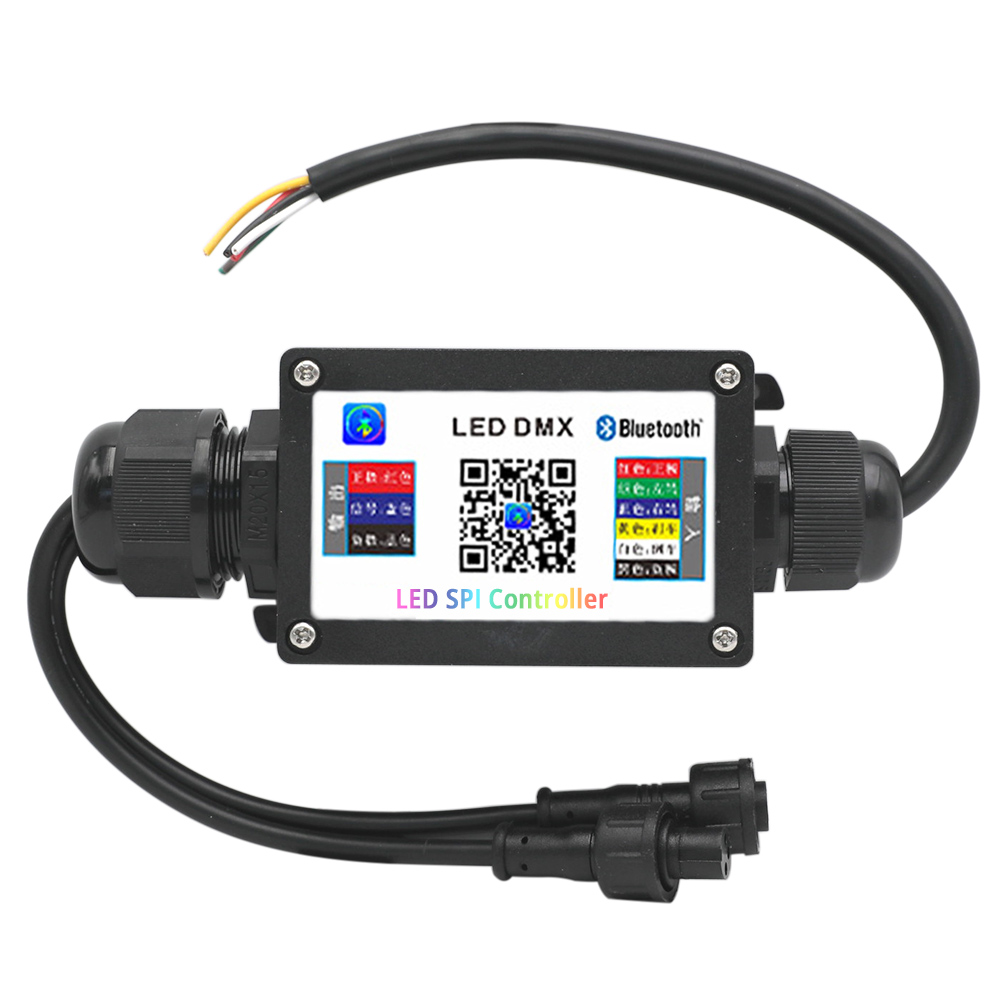
Car Tail Light DC12V WS2811 LED Bluetooth Controller
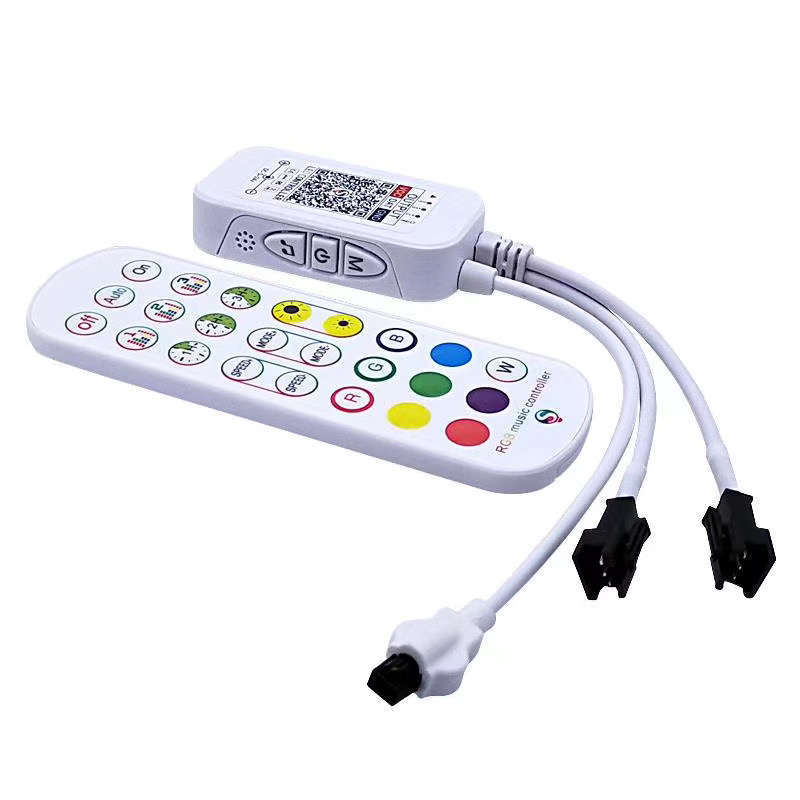
DC5-24V Bluetooth SPI Dream Color Dual Channel RF Remote RGB LED Controller For Addressable LED Strip Light- duoCo StripX APP
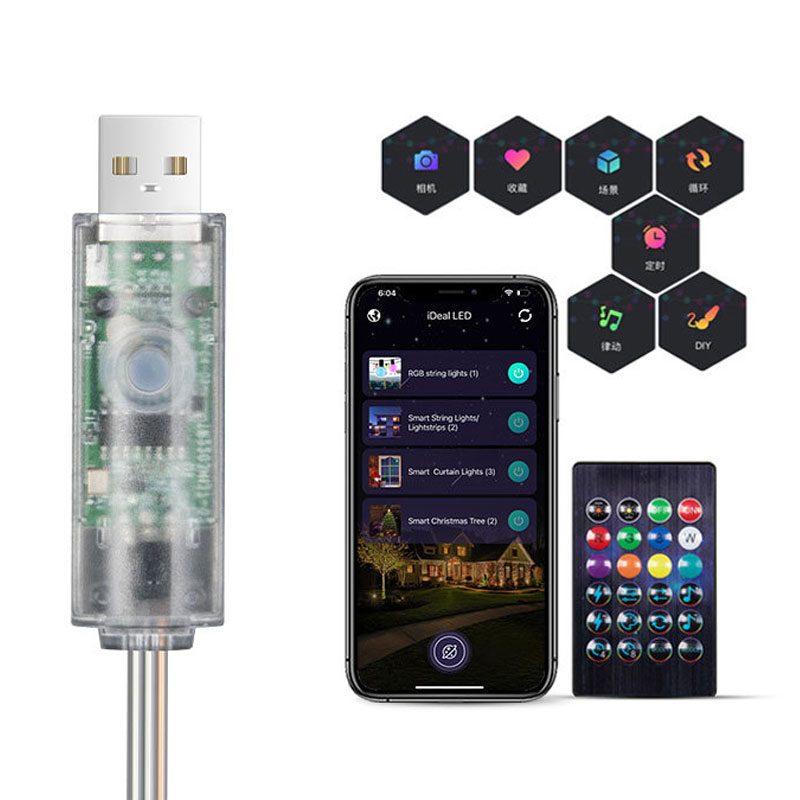
Mini IR Bluetooth USB Controller - Fairy & String LED Lights | App/Remote
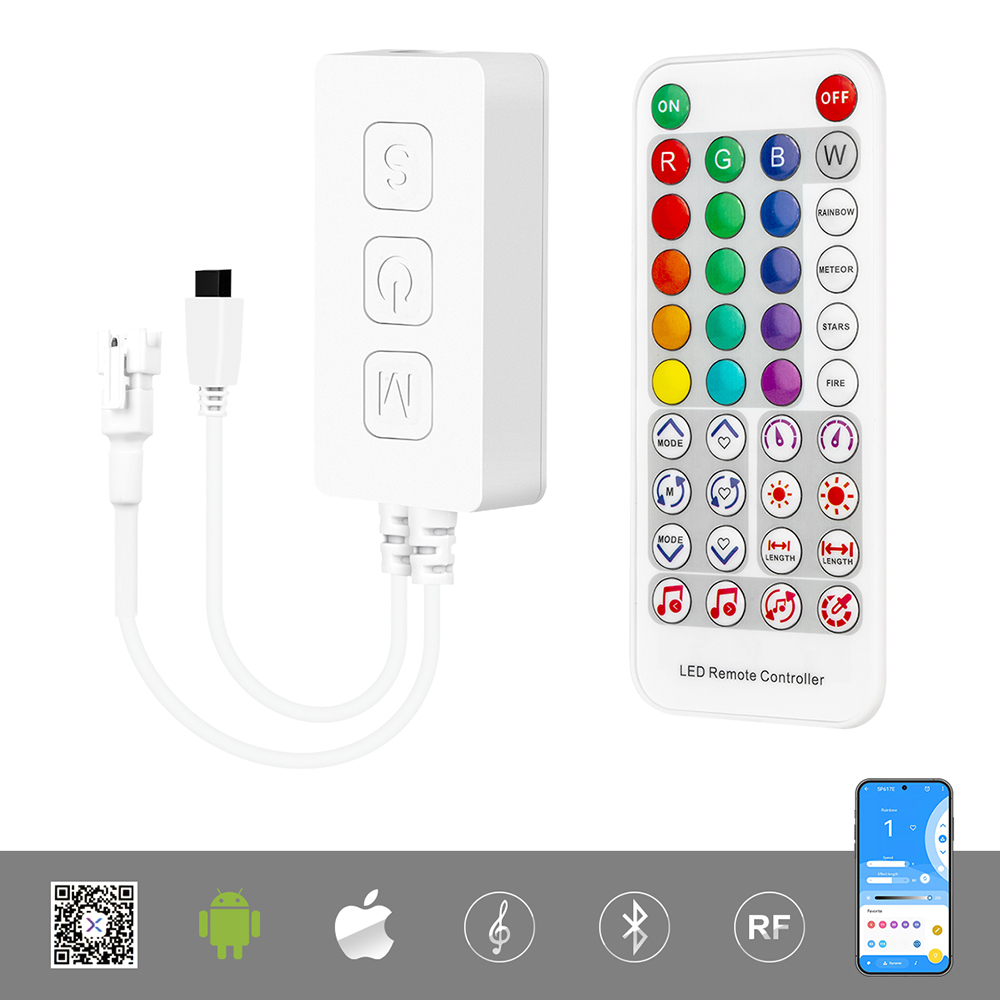
DC5-24V SP617E Bluetooth Music LED Controller
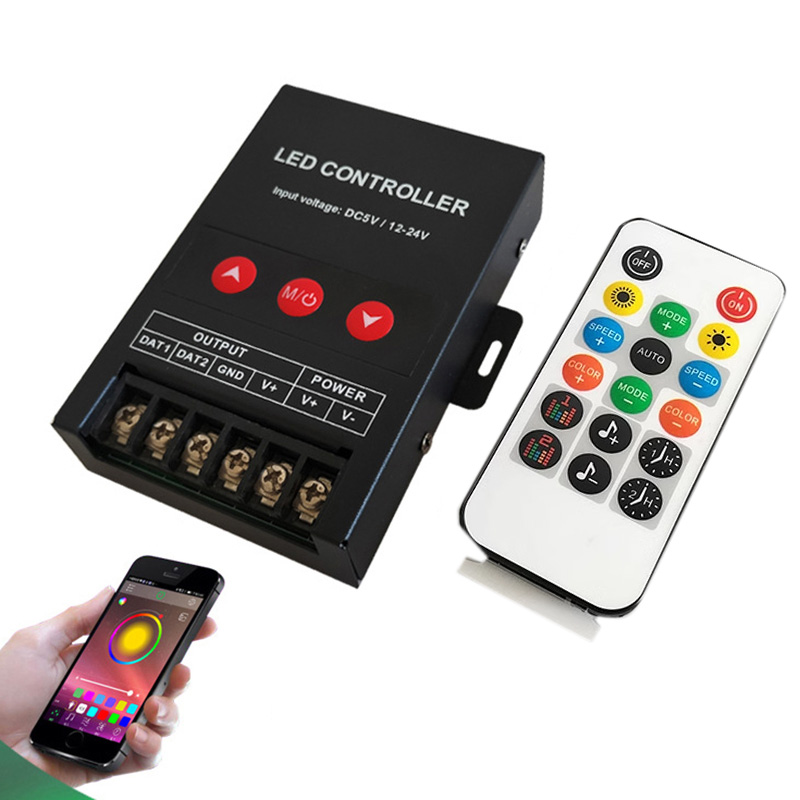
Bluetooth Addressable LED Music Controller | Happylighting APP, WS2812B
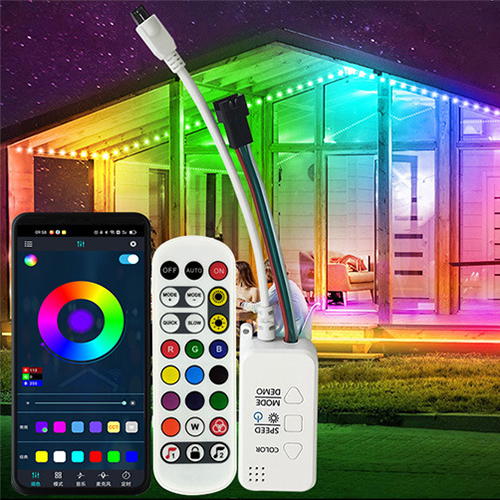
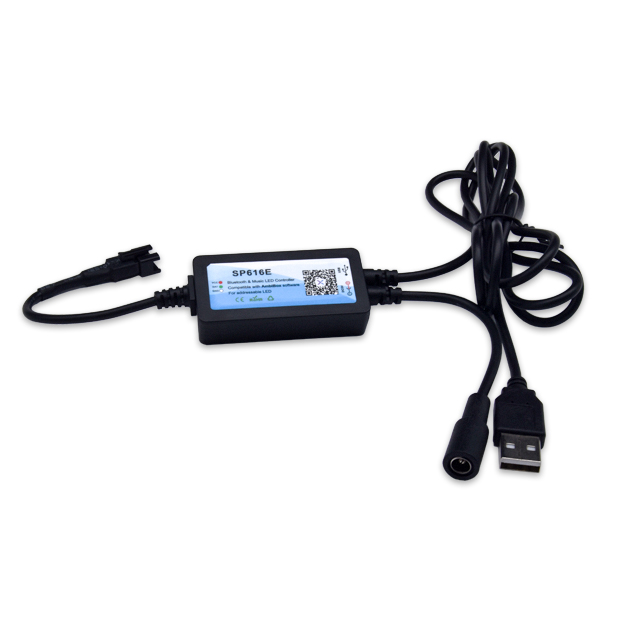
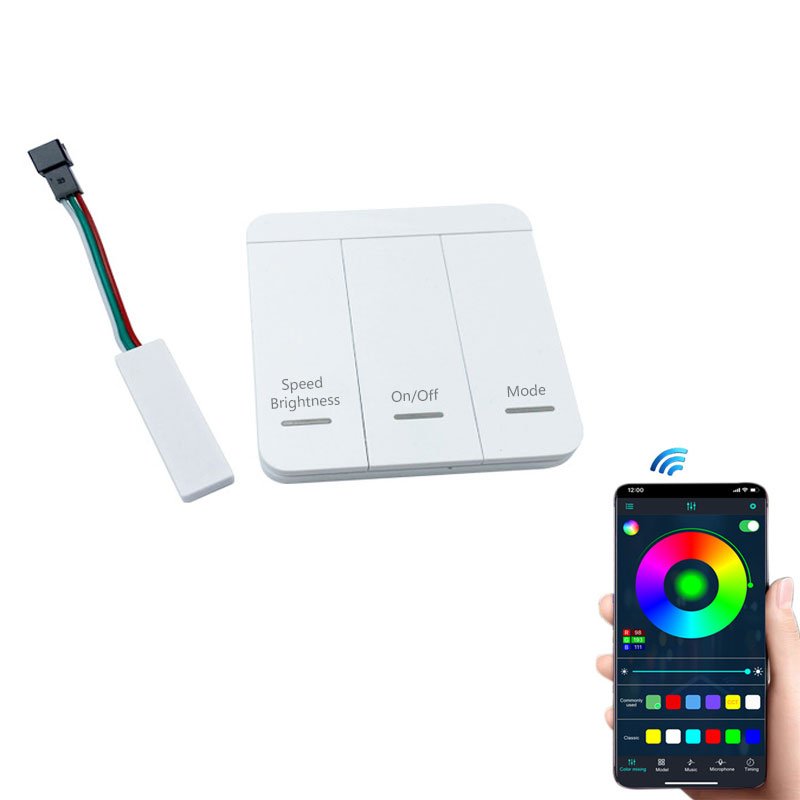
Mini Bluetooth & Switch Panel LED Running Water Controller
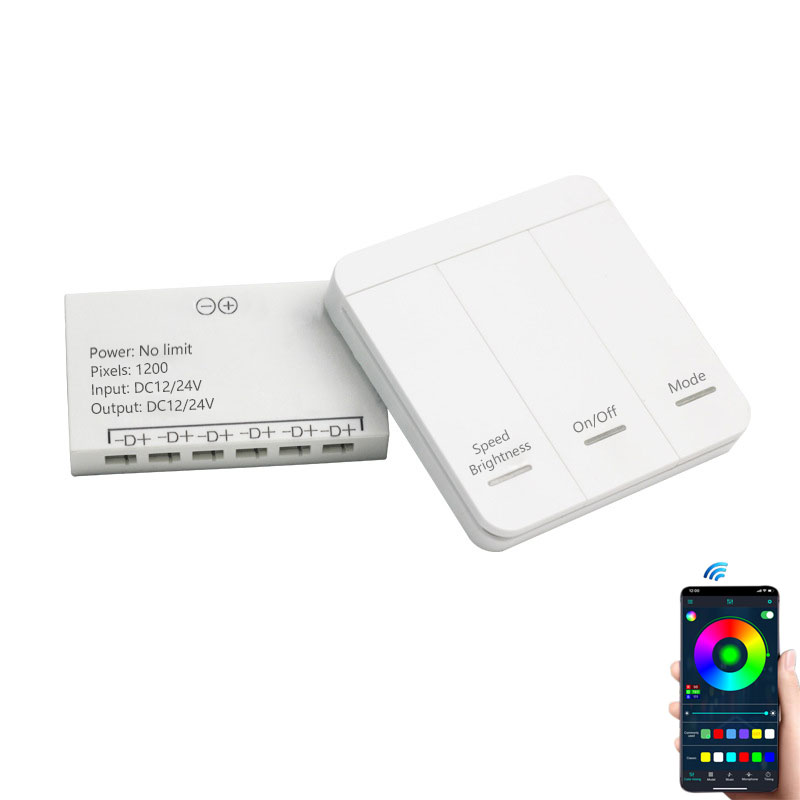
Mini 6CH Bluetooth LED Stair Side Wall Strip Light Controller
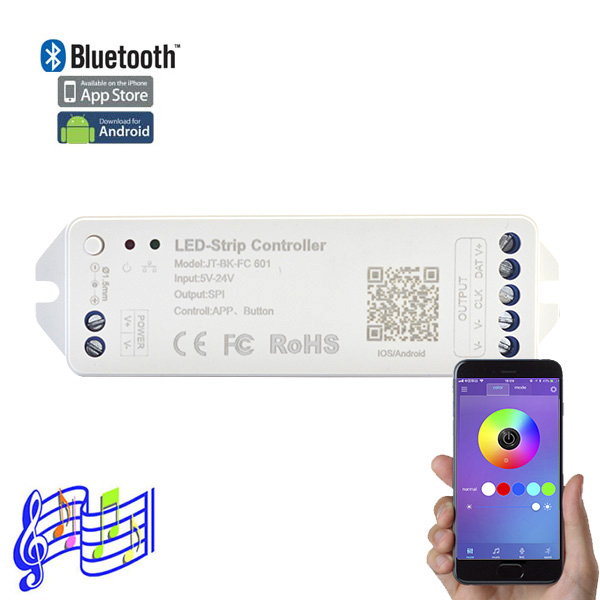
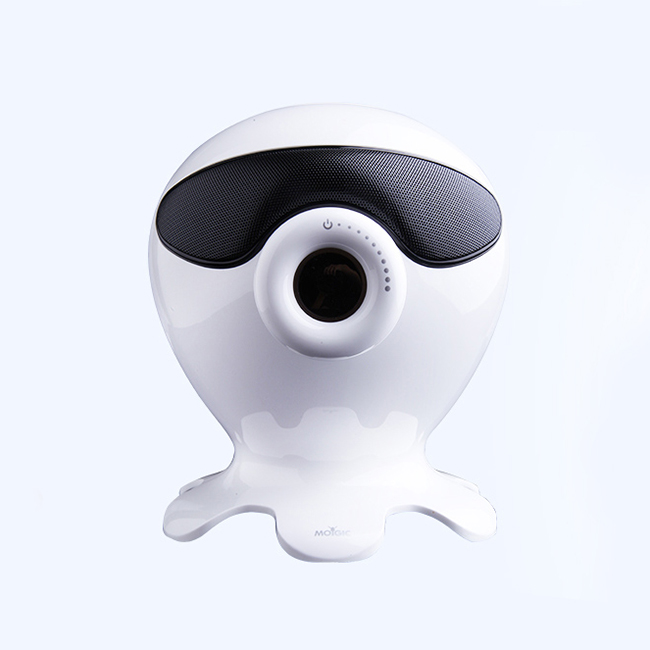
LED WiFi Music Controller & Bluetooth Speaker - WS2811/WS2812B RGB Home Lighting
How to Choose the Right Bluetooth IC Controller for Your Pixel Light Project
Selecting a compatible Bluetooth IC controller depends entirely on the signal architecture of your addressable LED strip. These controllers fall into three primary categories based on their output protocols:
1. Single Data Line Controllers (DAT Only):
Engineered for 3-wire single-signal addressable LED strips (e.g., WS2811, WS2812B) and 4-wire breakpoint-resume strips (e.g., WS2815, GS8208). These units transmit a standalone data signal without requiring an external clock line.
2. High-Speed SPI Controllers (DAT + CLK):
Designed with dual signal outputs (Data + Clock) for high-refresh-rate 4-wire IC protocols (e.g., SK9822, APA102). They are fully backward-compatible with 3-wire single-signal and 4-wire breakpoint-resume series by utilizing only the data pin.
3. Bluetooth DMX Controllers (DMX512 Output):
Outputs standard DMX512 signals for DMX-compatible LED strips and fixtures. Note: Because these entry-level smart Bluetooth controllers do not include an active address-writing (ADDR) line, they are ideal for mobile app management and simplified DIY setups where manual chip coding isn't required.
How to Connect a Controller to Your Addressable LED Strip Light
Connecting a controller to your addressable LED strip depends on the output interface of the receiving unit. Many addressable Bluetooth and smart RF controllers feature heavy-duty screw terminal blocks, requiring you to insert stripped lead wires and secure them with a precision screwdriver for a custom, direct hardwired connection.
Alternatively, many plug-and-play controllers come pre-wired with a standard 3-pin JST SM connector (typically the Male end with pins), allowing you to instantly snap the controller directly onto the matching input tail of your pixel strip without tools or soldering.
Regardless of the terminal type, always ensure proper pin alignment—matching Power (V+), Ground (GND), and Data (DAT) or CLK—before powering on the system.
Frequently Asked Questions About SPI LED Bluetooth Controllers
Your question's probably here. If not, send a sketch to our engineering team—we'll draw you a solution.
Bluetooth is for direct, short-range control from your phone, usually within about 30-50 feet. It's simple: open the app, connect, and you're done. A WiFi controller connects to your home network, which means you can control your lights from anywhere you have an internet connection. WiFi also opens the door to voice assistants like Alexa and Google Home. If you just need room-level control, Bluetooth is perfect. If you want remote access or smart home integration, you'll need one of our WiFi-based controllers.
This is a spec you have to check on each model's data sheet, as it varies a lot. A small mini-controller might handle 600 pixels, while a more powerful one can drive 1000 or even 2048 pixels. Remember, performance isn't just about the max number. Running a lot of pixels at a high frame rate for smooth animations requires more processing power. If you're building a large matrix or a long run, check the controller's 'Pixel Number' spec first. Exceeding it will cause lag, flickering, or parts of the strip not lighting up.
Almost always, yes. Most of our SPI LED Bluetooth controllers support the most common IC chips out there: WS2811, WS2812B, SK6812, UCS1903, and so on. The key is to check the product page for the list of supported ICs. In the app, you'll need to select the correct IC type and sometimes the color order (like RGB, GRB, BRG). Getting that setting wrong is the #1 reason for weird colors. For a deep dive on these chips, check out our complete guide to addressable LEDs.
Let's run through the usual suspects. First, make sure your phone's Bluetooth is on and that you're within range—don't try to connect from three rooms away. Second, most of these controllers connect directly through the app, not through your phone's main Bluetooth settings menu. Open the app (like BanlanX or Magic Home) and scan for devices from there.
With standard Bluetooth controllers, no. Each is a one-to-one connection with your phone. However, if you need to sync multiple zones, you should look for controllers that use Bluetooth Mesh technology. These models allow you to group multiple units together in the app. They form their own network so you can control them all at once, perfectly synchronized. It's the go-to solution for large spaces or multi-part installations.
Yes, absolutely. This is critical. If you have a 12V addressable strip, you must use a 12V power supply and a controller rated for 12V. Most of our controllers have a wide input range, like DC5-24V, which makes them flexible. But the key is that the power supply voltage must match the LED strip's requirement. Feeding a 5V strip with 12V will destroy it instantly. This voltage controller device is just a pass-through for power; it modifies the data signal, not the voltage.
This is a classic setup issue, not a broken controller. Your SPI LED Bluetooth controller is sending out color data in a specific order (like Red, then Green, then Blue), but your strip's ICs might be expecting it in a different order (like Green, then Red, then Blue). Go into the controller's app settings. There will be a section for 'Color Order' or 'RGB Sequence.' Just cycle through the options (RGB, GRB, BGR, etc.) until the colors you select in the app match what you see on the strip.
It really depends on the specific model you buy. Different manufacturers use different apps. Many of our popular controllers from the SP-series use 'BanlanX'. Others might use 'Magic Home Pro,' 'duoCo StripX,' or 'FairyNest.' We always state which app to use right on the product page and usually include a QR code in the instructions. Don't assume one app works for all controllers—it's tied to the hardware's firmware. Always download the specific app listed for your controller.