
DMX-SPI Decoder
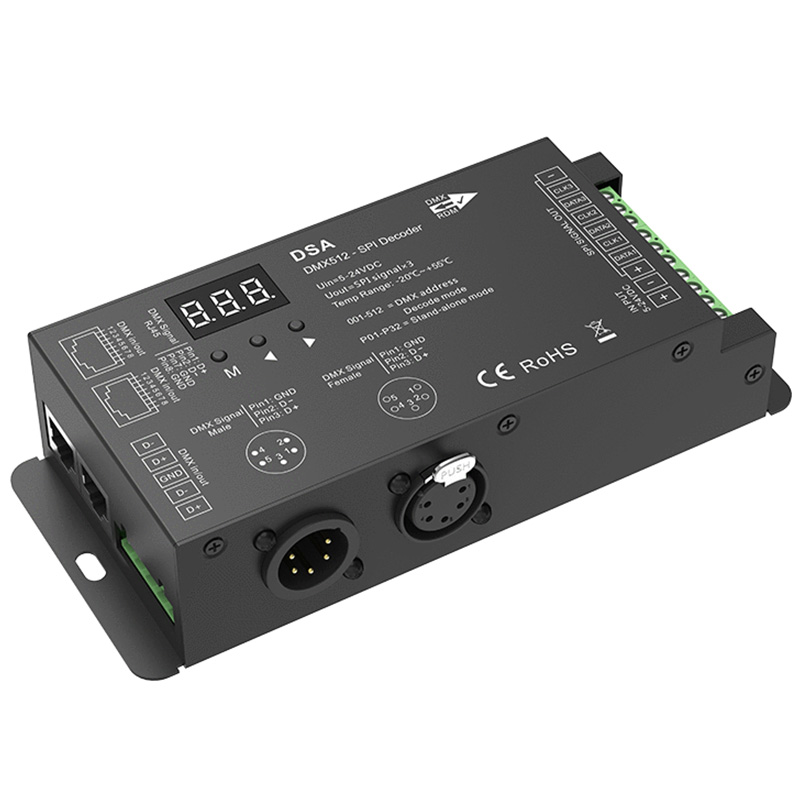
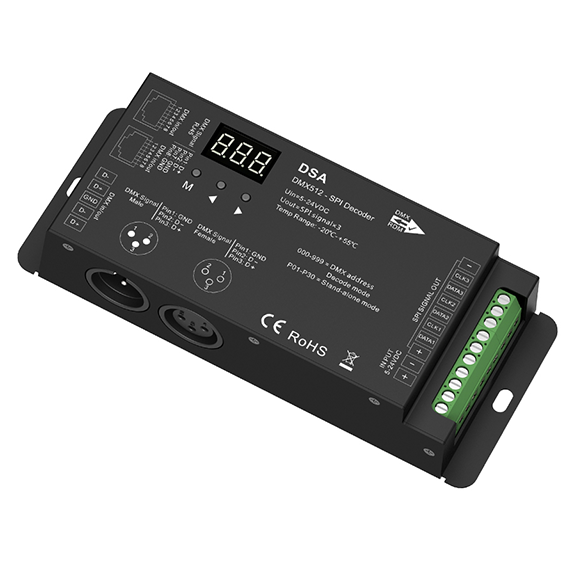
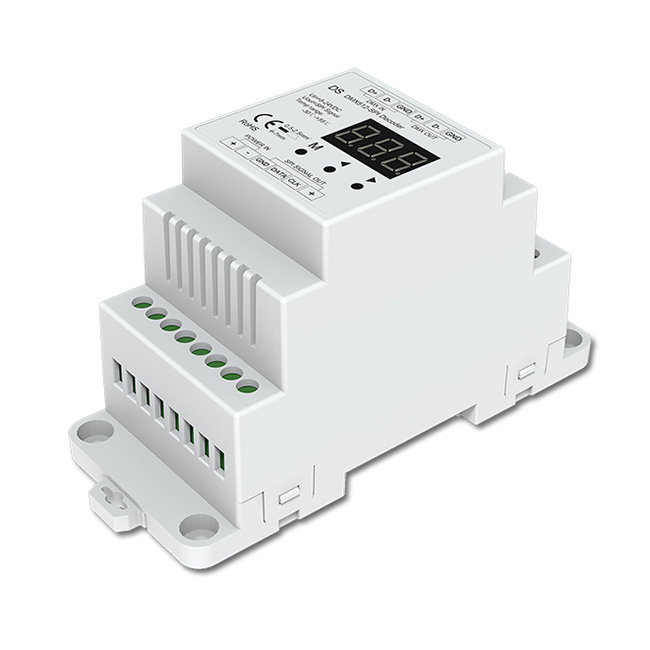
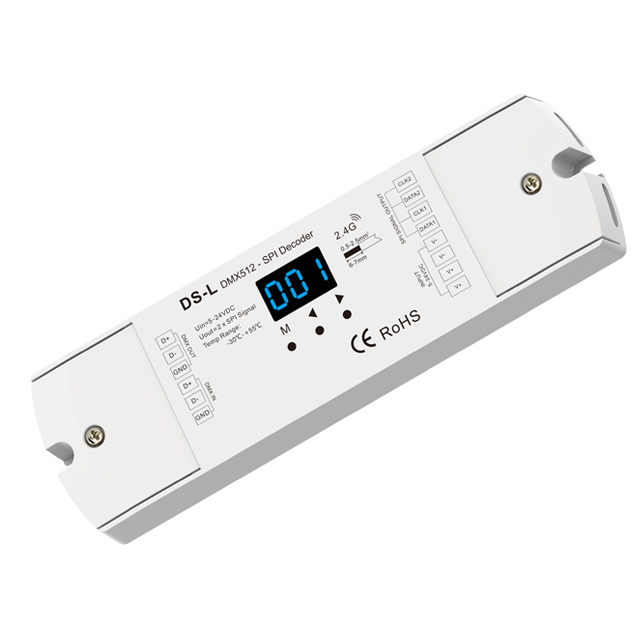
5 productsAll latest products of the Skydance DMX-SPI Decoder System come with a built-in RF module. They are fully compatible with addressable RGB and RGBW LED strips & fixtures, including UCS1903/UCS2903, TM1812, SK6813, WS2811/SM16703, WS2815, GS8206, GS8208, LPD6803, LPD8806, WS2801, SK9822, as well as TM1814 RGBW, SK6812 RGBW, SM16714 RGBW and WS2814 RGBW.
Please note that the wireless RF remote function cannot work simultaneously with a DMX master controller. Therefore, if you use the Skydance RGB or RGBW remote to control your pixel lighting, this setup is typically used for standalone or independent applications where a complex DMX console is not required, allowing you to easily manage lighting effects, color transitions, and dimming directly via wireless convenience.
Like the DMX-SPI signal converters from the Ltech brand, these decoders come with a 5-year warranty.
Product spec sheets & downloads
Frequently Asked Questions About DMX-SPI Decoders
Got a question about getting your pixel strips talking to your DMX console? You're in the right place. Here are the questions we answer most often.
You need a DMX-SPI decoder when you want to control addressable pixel LED strips (like WS2811, SK6812, etc.) from a professional DMX512 lighting console, a DMX wall panel, or PC software with a DMX interface. It's the bridge that translates the DMX language into the SPI language the pixel ICs understand. Without it, your console and your strips can't talk to each other.
That's a hard limit of the DMX protocol itself, not the decoder. A single DMX universe has 512 channels. Since a standard RGB pixel needs 3 channels (one for red, one for green, one for blue), you can control a maximum of 512 / 3 = 170 pixels per universe. If you have an RGBW strip, that's 4 channels, so the limit is 128 pixels. To control more, you need more decoders on separate DMX addresses.
Most of our DMX-SPI decoders have a digital display and buttons for this. You'll need to know the IC model of your LED strip (it's usually printed on the chip itself or on our product page). You just cycle through the menu on the decoder until you find the matching IC number. Getting this wrong is a common mistake; the lights might not turn on at all, or the colors will be completely wrong.
This is a key feature of our Skydance DMX-SPI decoders: they can operate in either DMX mode or RF mode, but not both at the same time. The RF remote function is designed for standalone setups where you don't have a DMX console. As soon as the decoder detects a DMX signal, it automatically disables the RF remote control. If you unplug the DMX cable, the remote will start working again after a few seconds.
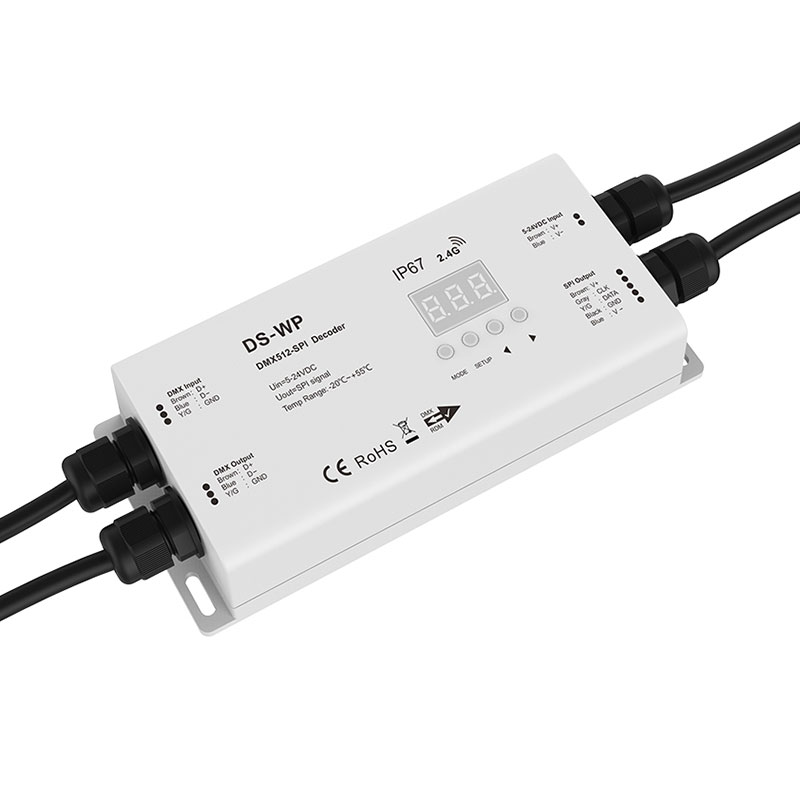
The main difference is the enclosure. A waterproof DMX-SPI decoder like the DS-WP is fully potted in an IP67-rated case with sealed cable glands. This is what you need for outdoor landscape lighting, signage, or any damp environment. The internal electronics are the same, but the physical protection is much higher. A standard indoor decoder will fail quickly from moisture corrosion if you try to use it outside.
Yes, as long as it's a standard DMX512-A compliant controller, it will work. Skydance gear is built to the industry standard, so it's compatible with consoles and software from major brands like ETC, Martin, Chamsys, Avolites, and any software that outputs standard DMX via a USB or ArtNet interface. If you're using a physical console, just connect its DMX output to the decoder's input with a proper DMX cable. Our DMX master controllers are, of course, a perfect match.
They control two completely different types of LED strips. A DMX-SPI decoder is for 'addressable' or 'pixel' strips where you can control each LED individually. A DMX-to-PWM decoder (what we call a CV DMX512 decoder) is for standard, non-addressable strips where the entire length of the strip is one color. If you need to create flowing effects, animations, or video displays, you need DMX-SPI. If you just need to dim or change the color of a whole strip at once from a DMX board, you need DMX-PWM.