
RF RGB+CCT Panel Remote Control
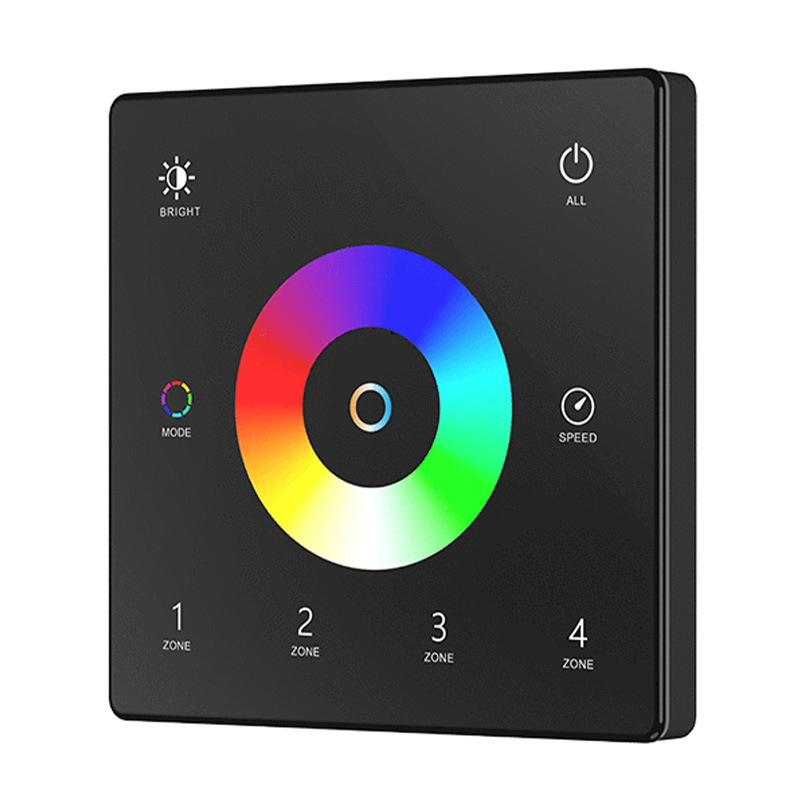
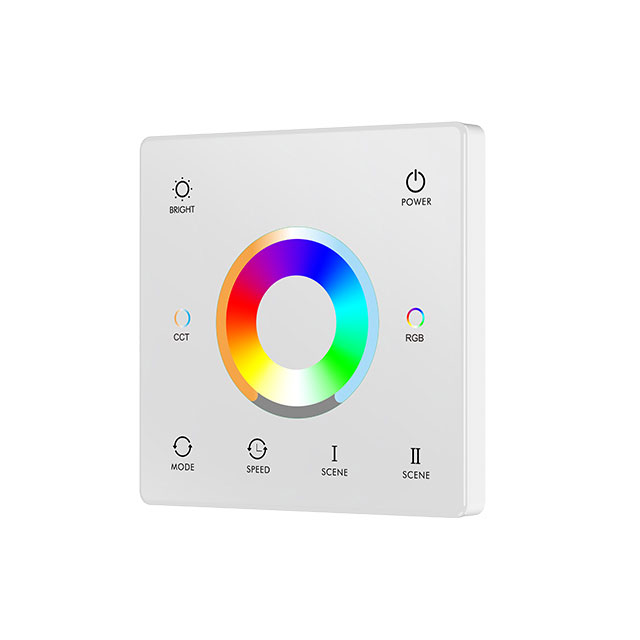
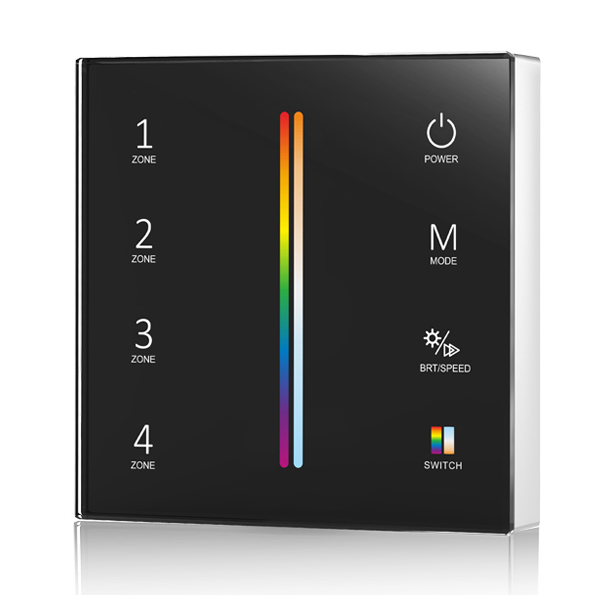
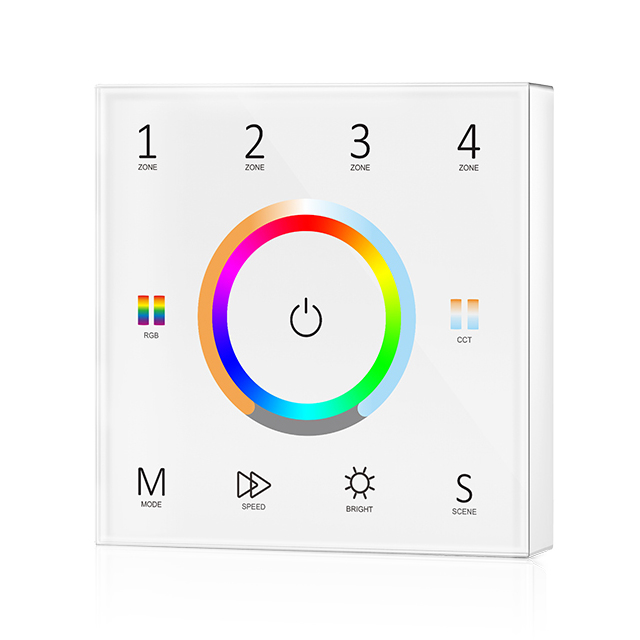
8 productsThe SkyDance RF RGB+CCT Panel Remote Control Series is designed specifically for compatible SkyDance constant-voltage (CV) RGB+CCT LED controllers, providing convenient in-wall wireless control for five-channel RGB+CCT lighting systems. These wall-mounted panels communicate with compatible RGBCCT controllers through 2.4GHz RF wireless signals rather than direct electrical connections to the LED strips. Depending on the model, they are powered by batteries or AC line voltage, offering flexible installation options for different lighting environments.
Wireless RGB+CCT Lighting Control from the Wall
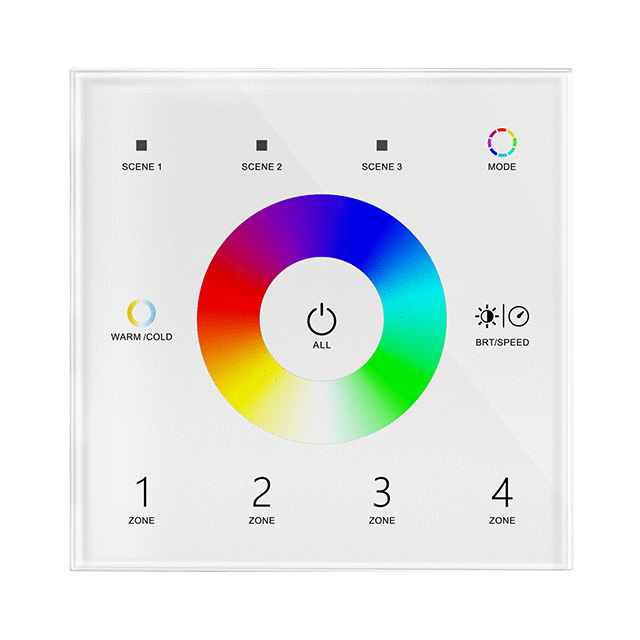
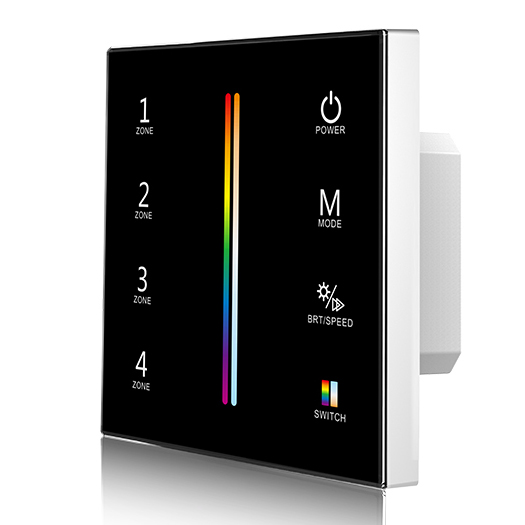
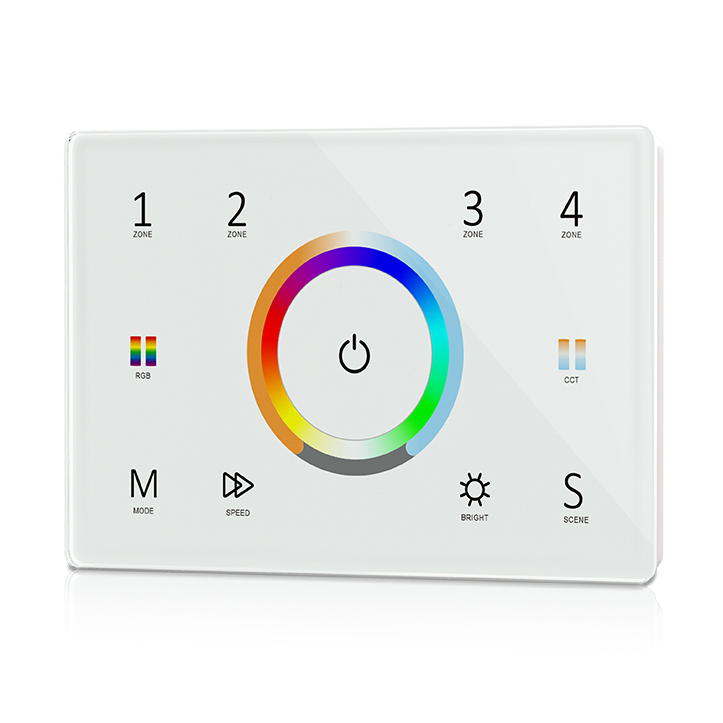
Simply pair the wall panel with a compatible SkyDance RF RGB+CCT controller to operate your connected LED strips wirelessly. By touching the corresponding control areas, you can turn the lights on or off, adjust brightness and color saturation, select RGB colors, change white color temperature, customize dynamic lighting modes and effect speeds, recall lighting scenes, and manage different lighting zones.
Available RGBCCT control configurations include single-zone and four-zone options, with selected models also offering dedicated scene-selection functions. One compatible RGB+CCT panel can be paired with multiple controllers, allowing several LED strips or lighting installations to operate together or be organized into separate zones for independent control.
SkyDance also offers wireless RF motion-sensing controls for compatible RF RGB+CCT controllers, providing an additional hands-free lighting control option. When movement is detected within the sensor's detection area, it wirelessly sends a command to activate the connected lighting. The lights can then automatically turn off after a preset delay when no further movement is detected, making this solution ideal for hallways, entrances, stairways, closets, and other areas where lighting is only needed when someone is present.
**Important Wiring Notice:** These RGB+CCT panel remotes cannot directly connect to or drive LED strips. They function exclusively as wireless control transmitters, sending commands to separately installed, compatible SkyDance RF RGB+CCT controllers. Even when an AC-powered panel is hardwired to the building's electrical supply, it does not provide RGB+CCT output to the LED lighting. Always connect your RGB+CCT LED strips to the appropriate compatible controller.

Frequently Asked Questions About RF RGB+CCT Panel Remote Control
Direct answers to real technical, wiring, and pairing questions from our pre-sales engineering desk.
Choosing an AC mains or battery-powered RF RGB+CCT panel remote control depends entirely on whether you have live 85-265V AC wiring inside your wall gang box. If you are retrofitting without running new Romex, battery-powered models like the TW5 run on a single 3V CR2032 cell and mount flat to drywall with double-sided adhesive. For new builds with neutral and line wires in the wall box, AC-powered models like the T15 eliminate battery maintenance entirely.
A handheld 2.4 g rf remote and an RF RGB+CCT panel remote control can easily operate the exact same receiver simultaneously without conflicting. Every compatible SkyDance 5-channel receiver accepts up to 10 distinct control devices in its memory. You can install an in-wall touch panel by the entryway for room-wide toggling and keep an RF RGB+CCT remote control on the coffee table. Both will update the lighting state in real time via 2.4GHz RF signals.
An RF RGB+CCT panel remote control separates color temperature and RGB mixing onto distinct touch keys and sliders so you can tune white points without disturbing color levels. On a 5-channel 5050 or COB strip, the color wheel only drives the red, green, and blue diodes. Touching the dedicated CCT slider shifts only the dual-white channels from 2700K warm white to 6500K daylight. If you need mixed pastel tones, press both channels together, but the white channels will not drift when you touch the RGB wheel.
An RF RGB+CCT panel remote control fails to pair most often because the receiver was not in match mode within the critical 5-second pairing window. Press the Match key on the receiver for half a second, then immediately touch the Zone On key on the wall panel. If the receiver LED blinks 3 times, pairing succeeded. If it does not, hold the Match key down for 5 seconds to clear corrupted memory, verify your panel has fresh battery voltage or 120V mains supply, and retry within 2 meters before final mounting.
An RF RGB+CCT panel remote control can control 12V and 24V LED strip lights in separate zones without any voltage conflicts. The wall panel sends only radio data packets; it never passes DC operating voltage to the lights. Zone 1 can command a 12V receiver running under-cabinet accent tape, while Zone 2 commands a 24V receiver driving high-output architectural cove lighting. Each receiver requires its own matched DC transformer, but one 4-zone wall panel switches and dims them independently.
On a 4-zone RF RGB+CCT panel remote control, dynamic mode speed and brightness are adjusted per zone after selecting the active zone button. Tap the specific zone key (Zone 1 to 4) first, then touch the Mode key to step through the 10 built-in color jump and fade patterns. To change transition tempo, tap the Speed key (10 levels, from 1-second rapid jumps to 10-minute slow architectural color rolls). Touching Brightness adjusts PWM duty cycle from 1% to 100% without kicking the strip out of dynamic mode.
When an RF RGB+CCT panel remote control faces heavy 2.4GHz interference from dense Wi-Fi routers, the receiver can miss command packets or exhibit delayed dimming response. While the SkyDance wireless protocol operates on 2.4GHz GFSK, mounting a wireless receiver within 30 cm of a high-power Wi-Fi 6 access point will create signal packet collisions. Keep receivers at least 1 meter away from routers. Within a room, SkyDance receivers automatically re-transmit commands to adjacent controllers up to 30 meters away, creating a self-relaying RF network that bypasses local dead spots.