
SK6813 Pixel LED Strip Light
13 productsSK6813 LED Strip works for engineering lighting projects in complex environments, serving in the field of dynamic LED control and high-precision display. As a built-in IC, SK6813 can achieve individual pixel control. With dual-signal transmission (DAT&BAK), SK6813 LED strip light has stronger anti-interference ability and long-distance data transmission capability. SK6813, GS8208 and WS2815 are the most popular in engineering lighting.
Adopting fine PWM modulation technology, SK6813 supports 256-level grayscale adjustment to ensure smoother color transition. It supports RGB and RGBW modes and has a built-in constant current driver circuit that automatically adjusts the current to provide more precise brightness control. SK6813 IC operates at a low voltage of 5V, but it can also be applied in a 12V LED light strip with an external step-down circuit to convert 12V to 5V. Nowadays, SK6813 LED strip is widely used in advertising displays, stage lighting, architectural lighting, and other fields, providing flexible control options and excellent display effects.
SK6813 VS SK6812
1.SK6813 has two signal lines, equipped with breakpoint-resume function. SK6812 usually adopts single signal transmission.
2.SK6813 has a higher refresh rate, perfect for complex dynamic lighting display. The refresh rate of SK6812 is lower, suitable for simple dynamic display effect.
3.SK6813 is usually seen in 5V and 12V light strip. While the SK6812 is typically used for 5V, 12V and 24V strips.
SK6813 RGB LED Datasheet Download PDFSK6813 Datasheet944 KB
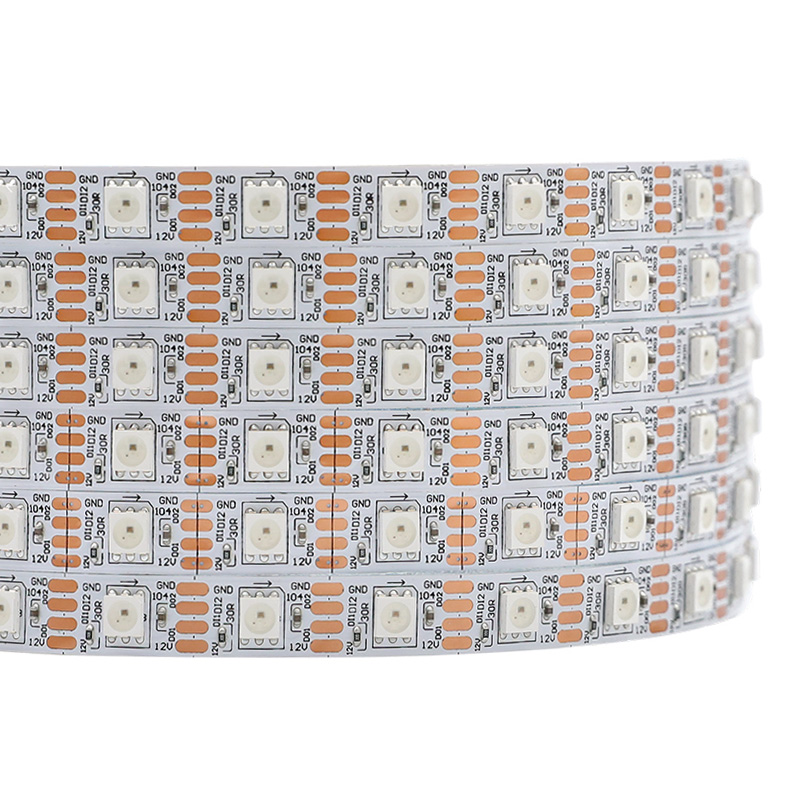
SK6813 DC12V RGB Independently Addressable LED Tape Light
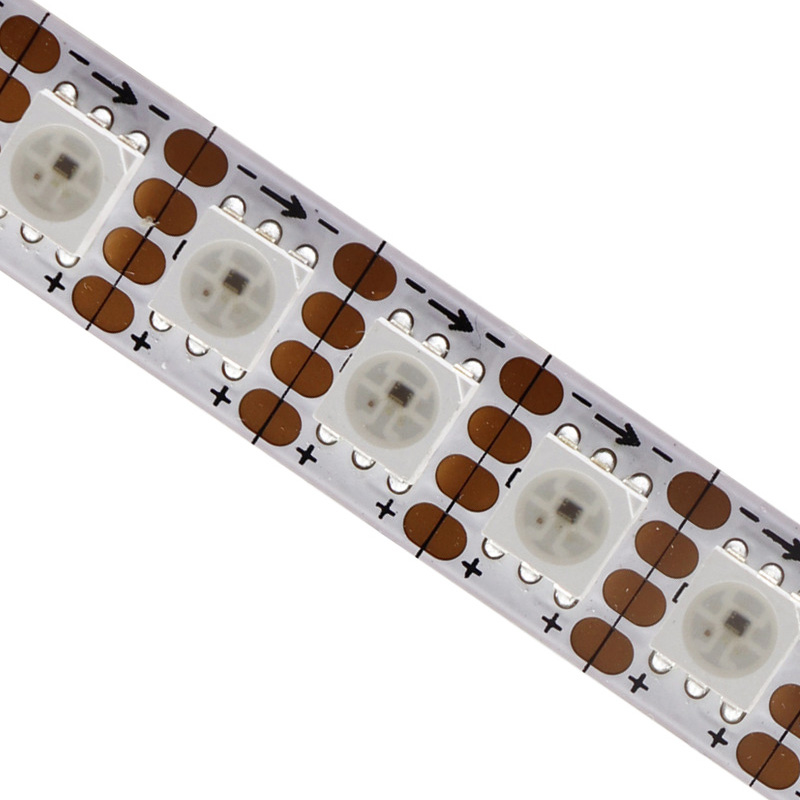
12V SK6813 600 Pixels 5050 RGB Individual LED Digital Strip
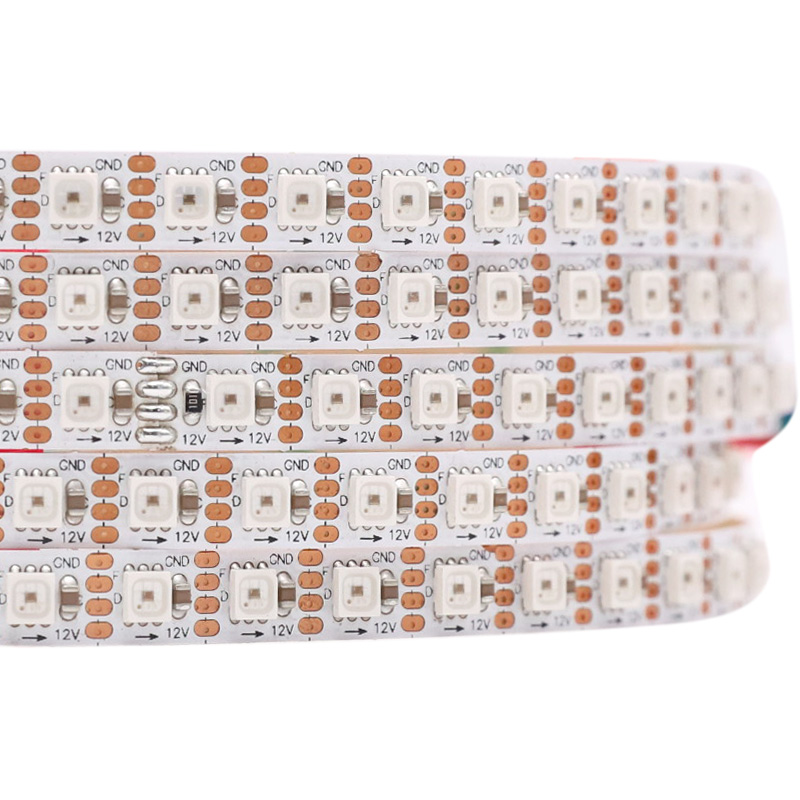
7mm 12V SK6813 3535 4Pin Individually Digital ARGB LED Strip
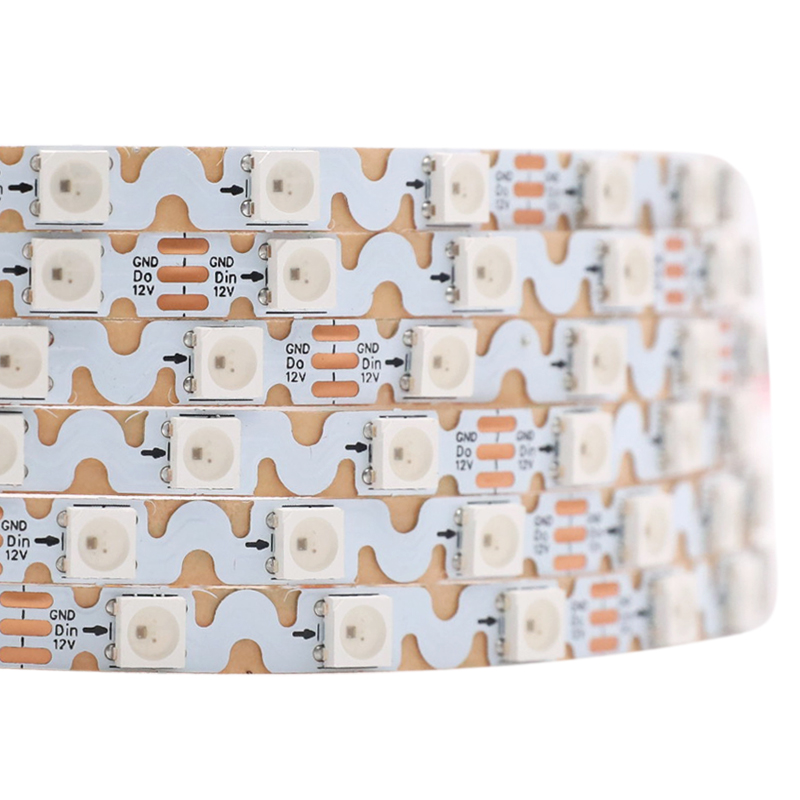
6mm Mini 12V SK6813 Individually Controllable RGB Snake LED Strip
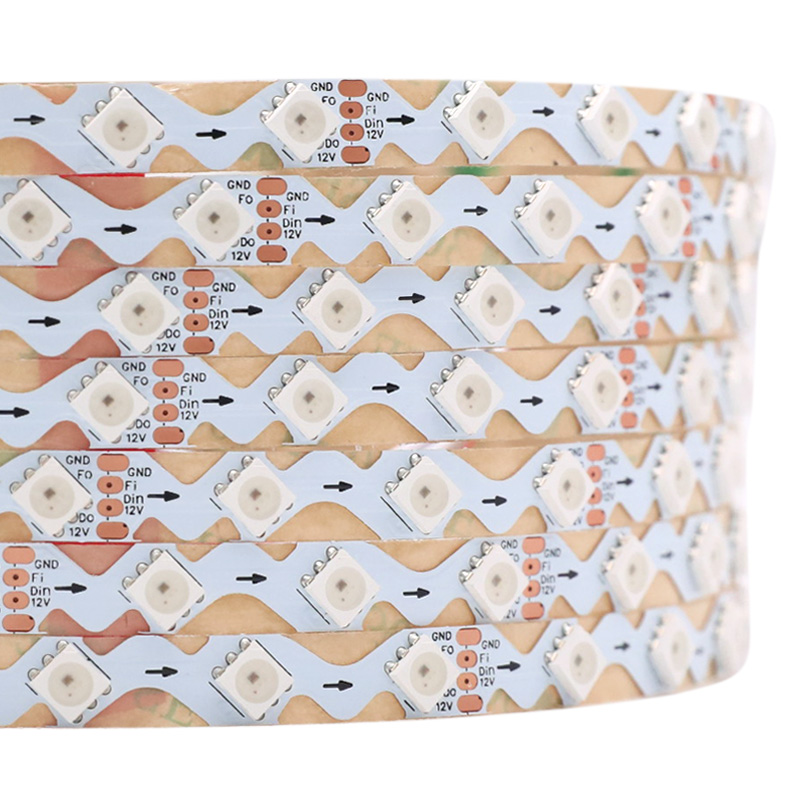
12V SK6813 5050 Dual Signal Pixel RGB Zig Zag LED Strip
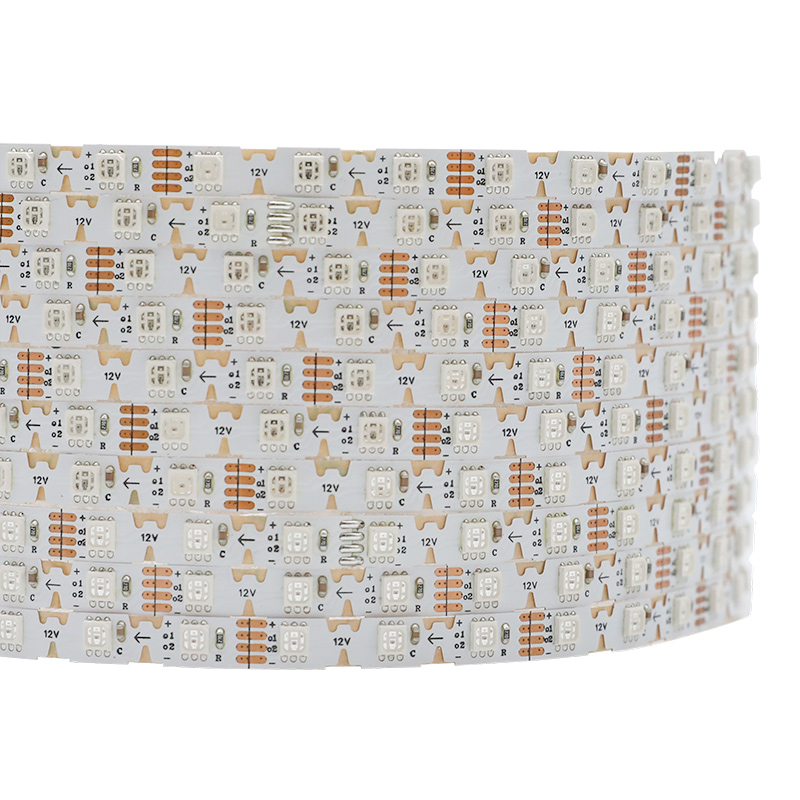
SK6813 DC12V Narrow Individually Addressable Zig Zag RGB LED Tape Light
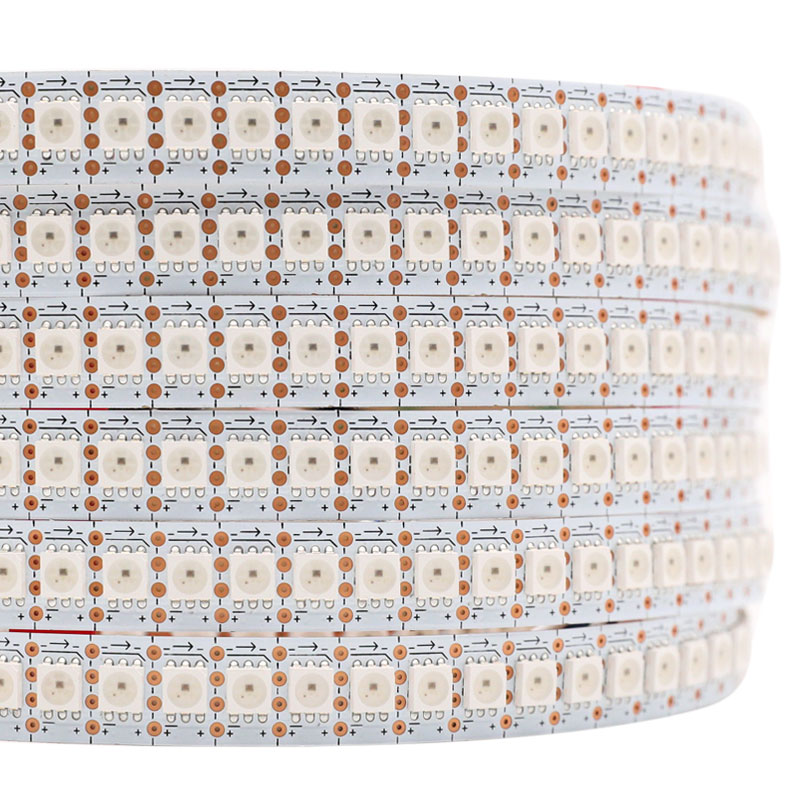
Brightest Dual Signal 12V SK6813 Individually Addressable LED Strip 144
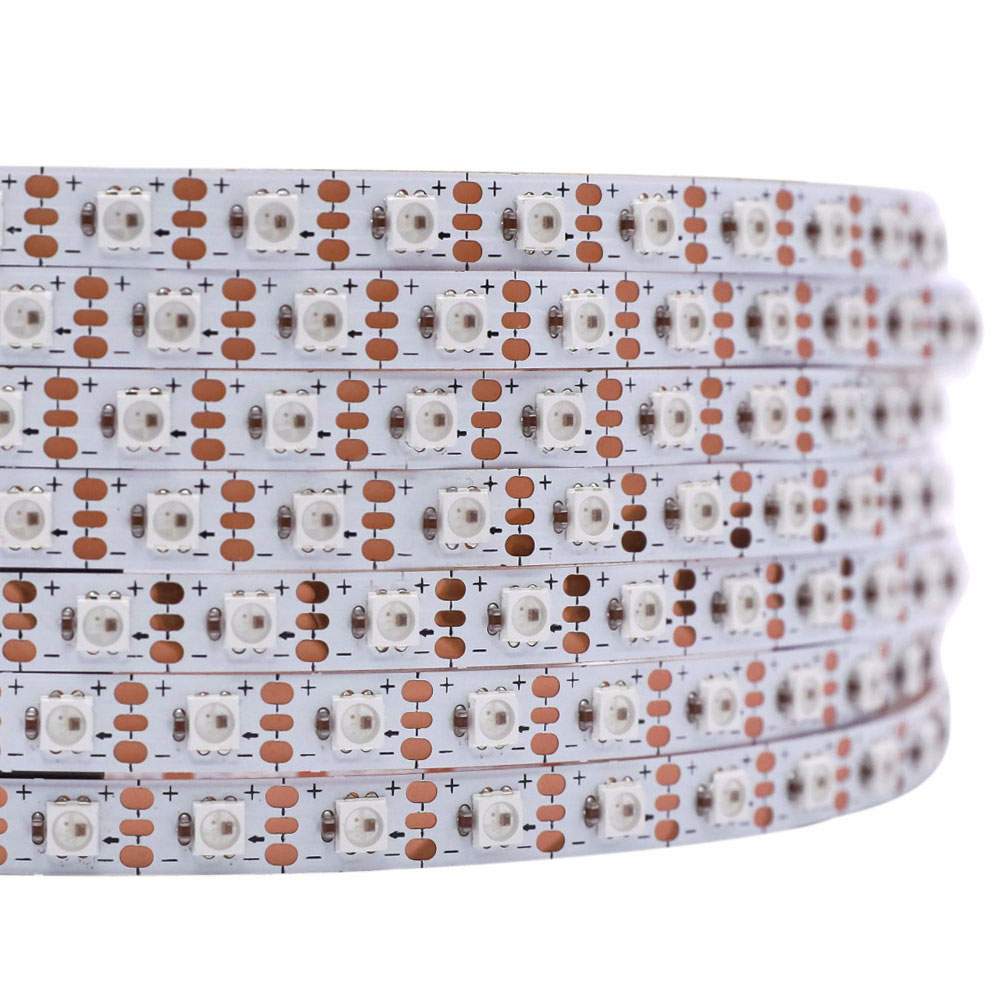
Mini 3535 SK6812 5V LED Individually Addressable RGB Light Strip

SK68xxmini 5V/12V 4-7mm Addressable RGB LED Strip
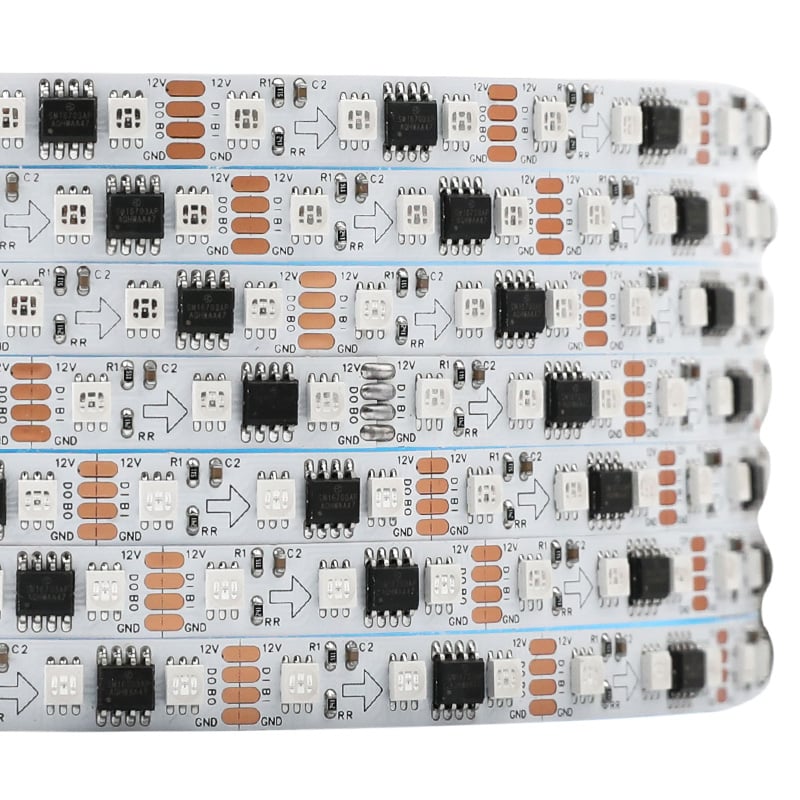
12V Dual Data SM16703AP 3535 Addressable RGB 8mm LED Strip Light
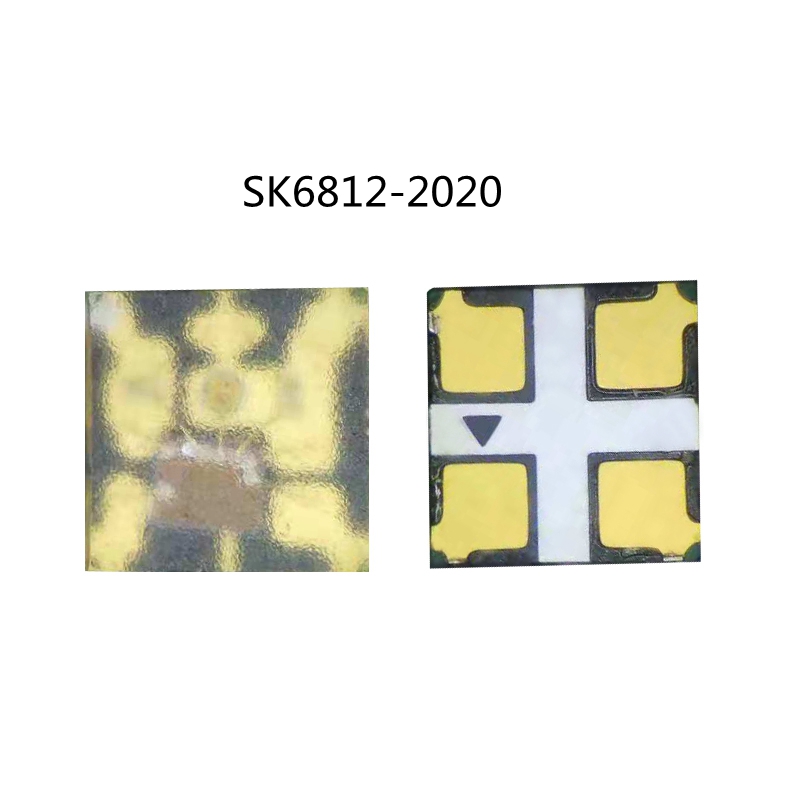
SK6812/SK6813/SK9822/ RGB 2020SMD Digital Intelligent Addressable LED Chip, DIY LED Chip, 100PCS By Sale
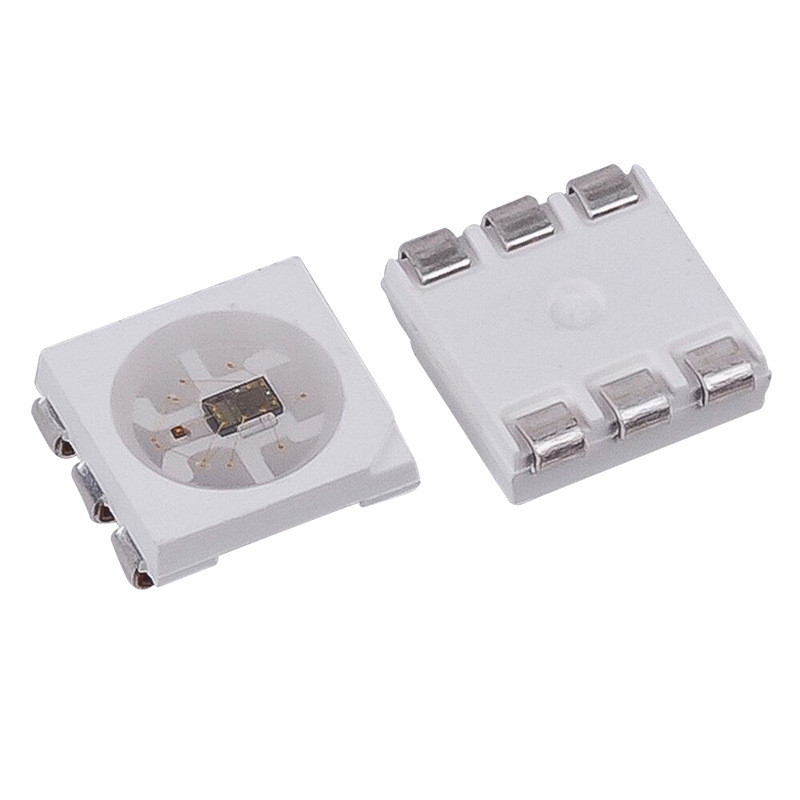
SK6813 Arduino LED Chip - 5050SMD RGB - 500PCS By Sale
Frequently Asked Questions About SK6813 Pixel LED Strip Lights
Your project's already on our shelf. Here are the questions we hear most often about SK6813 strips before a new one goes out the door.
The big difference with an SK6813 vs SK6812 strip is the backup data line. SK6813 has a fourth wire (BI) that lets the signal skip over a dead pixel to the next one. If one LED fails on a standard SK6812 strip, everything downstream from it goes dark. With SK6813, the rest of the strip keeps working. That's why we recommend it for any critical install where pulling it out would be a major job.
For an SK6813 12V strip, you can typically run a full 5-meter reel from one power connection without major issues. Once you go past 5 meters, you'll start to see the LEDs at the far end look dimmer or reddish-orange, especially on full white. For longer runs, you need to inject power at both ends or every 5 meters. It's just physics — the copper traces on the PCB have resistance.
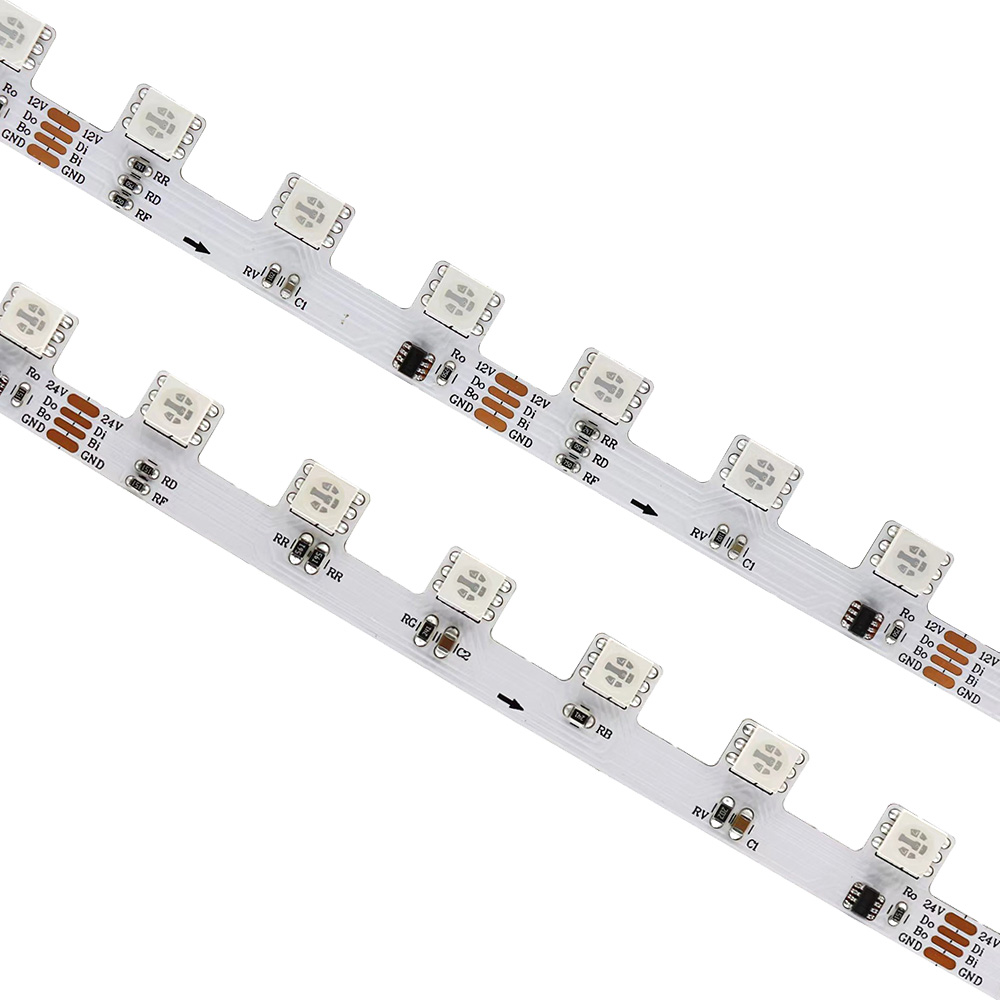
Absolutely, that's exactly what they're for. The zig-zag or 'S-type' PCB lets you make tight turns and follow curved paths without having to cut and solder at every corner. We see them used all the time for backlighting channel letters, logos, and complex architectural shapes. For really sharp corners, you can even fold the strip back on itself. They save a huge amount of installation time on jobs like that.
You don't need a special controller specifically for the SK6813 protocol. Because it's so similar to the common WS281x series, pretty much any controller designed for addressable (or 'pixel') LEDs will work just fine. This includes popular DIY platforms like Arduino and ESP32 running WLED, as well as our wide range of dedicated addressable dream color controllers. Just make sure the controller's voltage matches your strip's voltage (5V or 12V).
Yes, the SK6813 generally has a higher PWM refresh rate than the SK6812. This means it's better for applications with very fast color changes or when being filmed, as it's less likely to show flicker or banding on camera. For most visual effects like fades or chases in architectural lighting, you won't notice a difference. But for persistence-of-vision (POV) displays or stage lighting, the higher refresh rate of the SK6813 is a clear advantage.
Yes, we do this all the time. A huge amount of the product we ship is built to a customer's drawing. Just send us a sketch or a list of the exact lengths you need for each cabinet run. We'll cut the SK6813 strips, solder on the lead wires and any necessary waterproof IP68 connectors, and seal the ends. Our engineers will send back a complete parts list and quote, usually the same business day. There's no fee for the consultation and no obligation to order.
It depends on how you'll see the light. For indirect cove lighting where the strip is hidden, 30 or 60 LEDs/m is usually fine. For direct view applications, under-cabinet lighting where you might see reflections on a countertop, or if you want smooth animations, go for 60 or 144 LEDs/m. The higher density gives you a more uniform line of light with less 'dotting' and allows for more detailed patterns.
You can repair a single dead pixel, but it requires some careful soldering. First, unplug the strip. You'll need to cut out the single bad LED segment at the marked cut points. Then, take a new segment from a spare piece of the same SK6813 strip and carefully solder it in place, making sure to match up the +12V, DI, BI, and GND pads correctly. It’s a delicate job, but it’s much cheaper than replacing an entire installed strip. For low-density models, you can also use solderless connectors.