
Related Products
Tick the accessories you need and add them in one go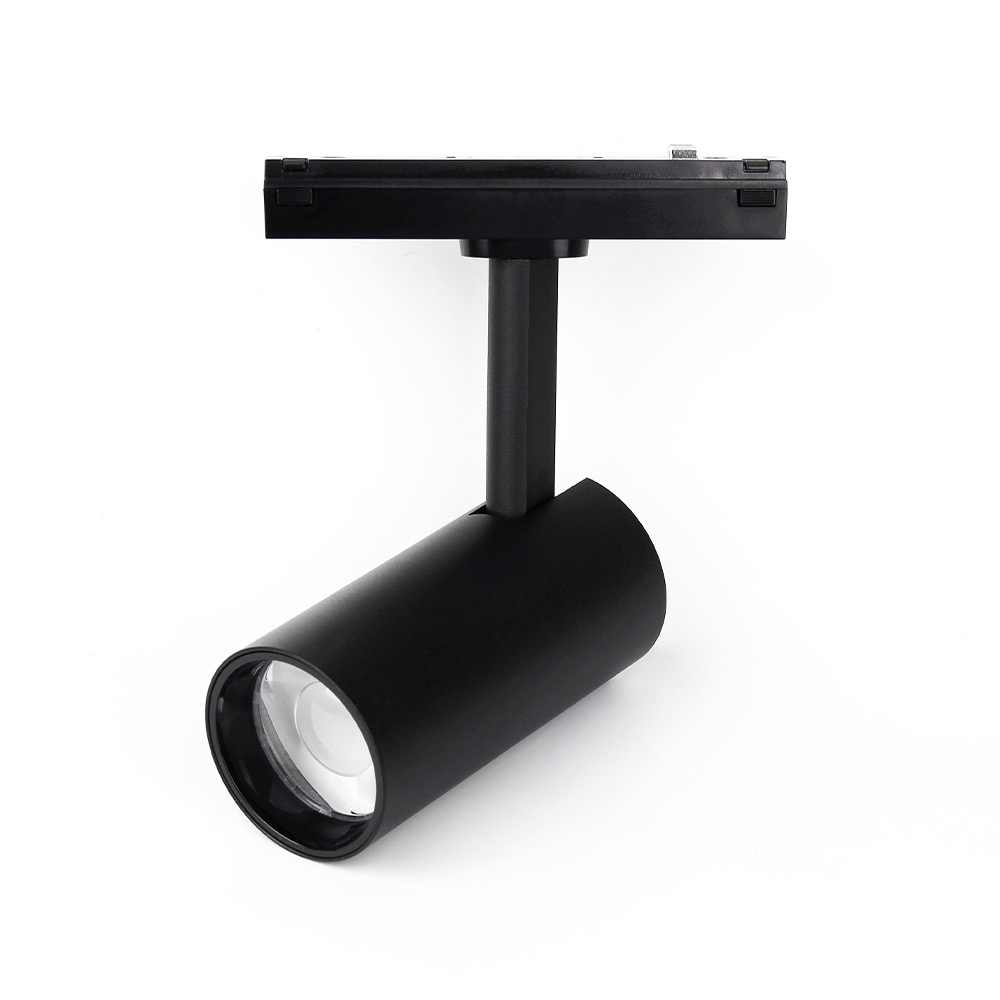 Can.$60.70
 Can.$16.93
 Can.$11.28
 C1.jpg "1CH*350mA 12-48VDC CC Dimming Controller (Push Dim) C1") Can.$15.51
Can.$15.51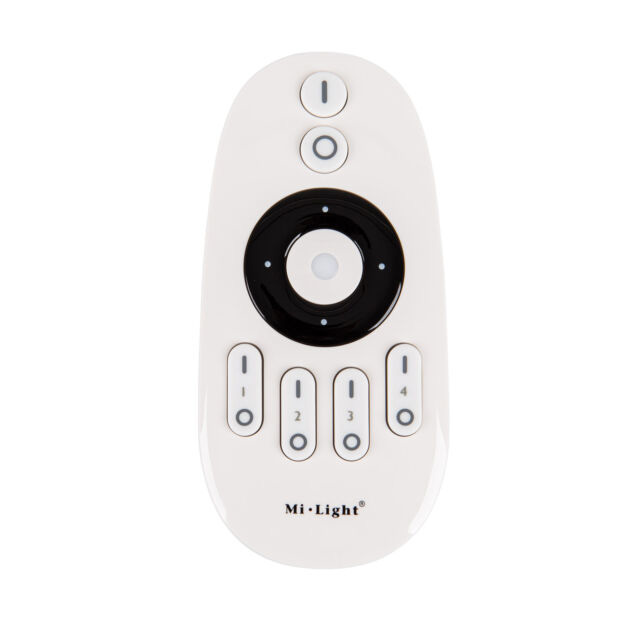 Can.$11.27
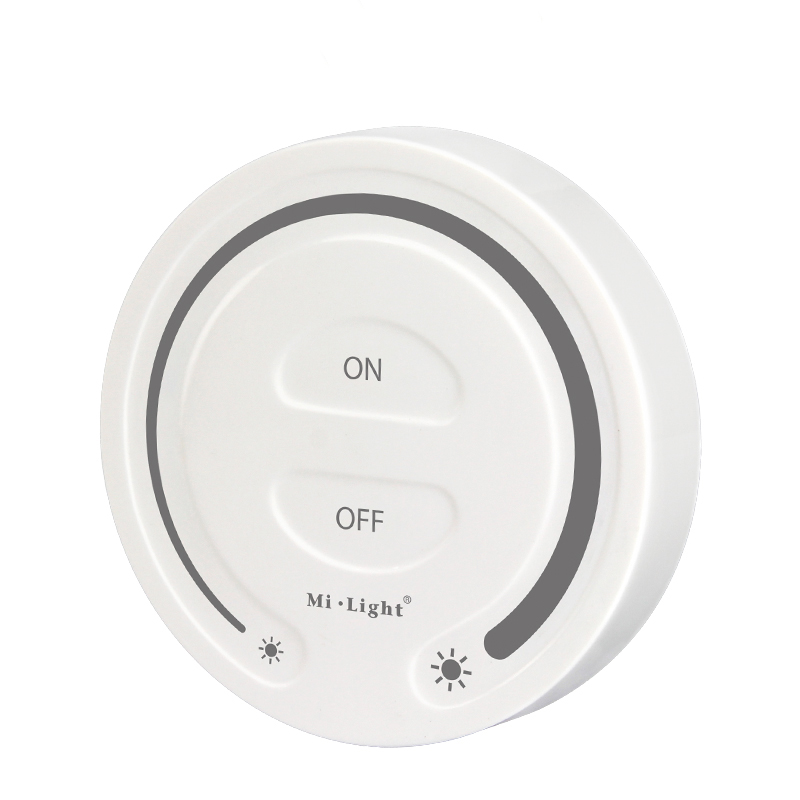 Can.$14.11
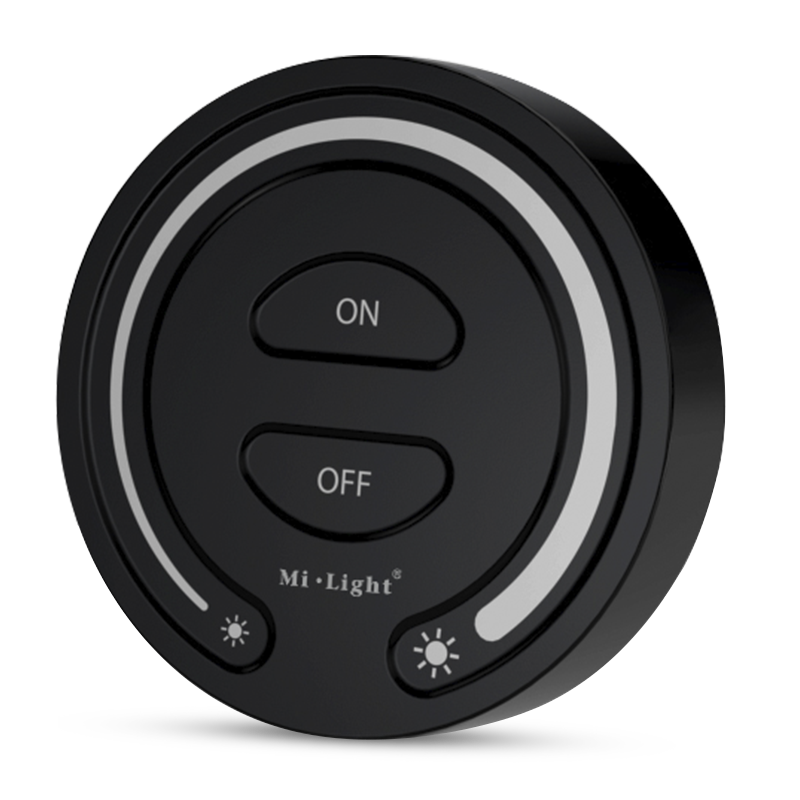 Can.$14.11
Product Information
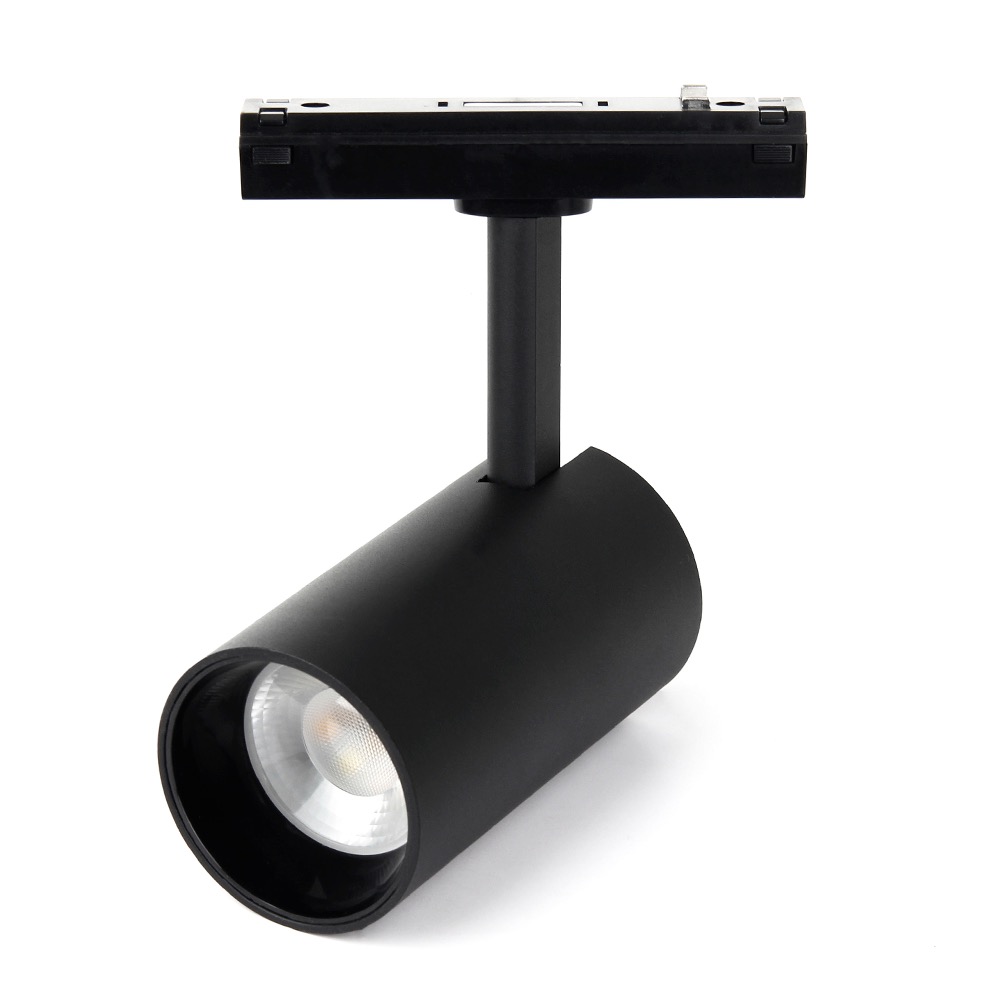
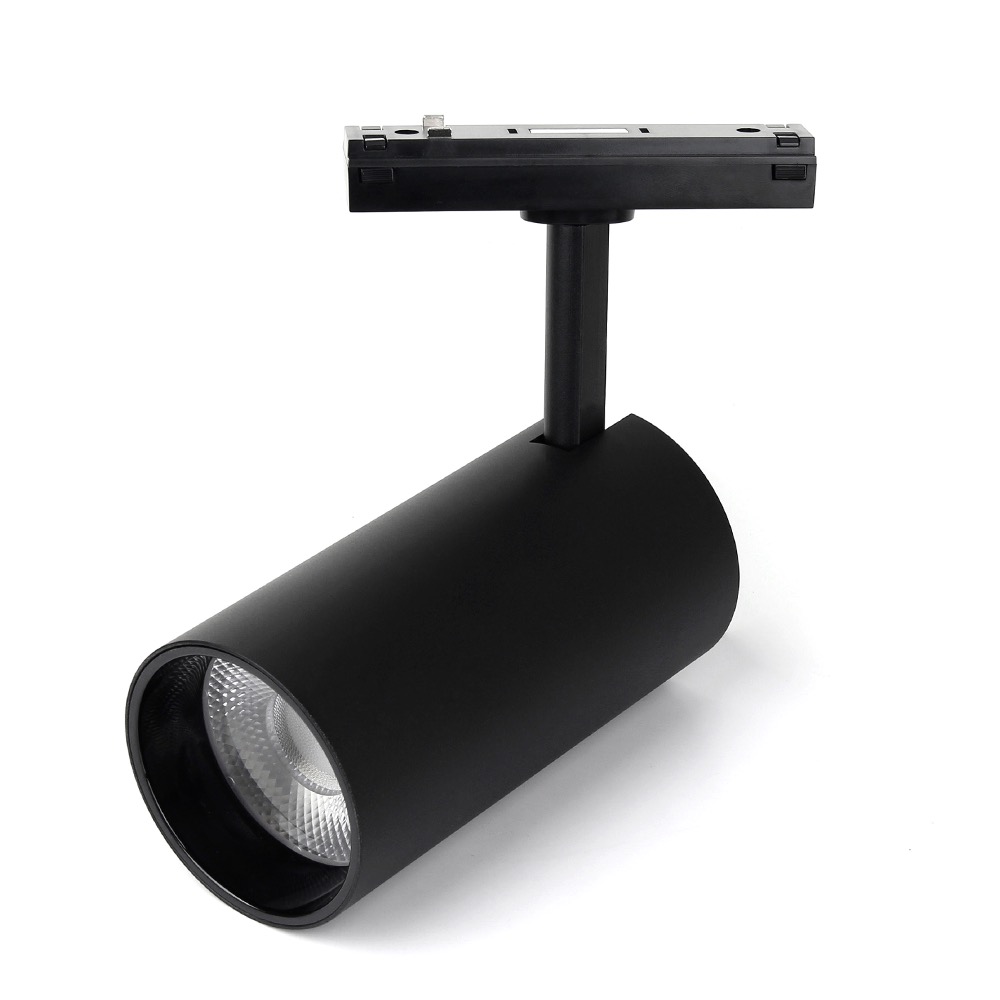
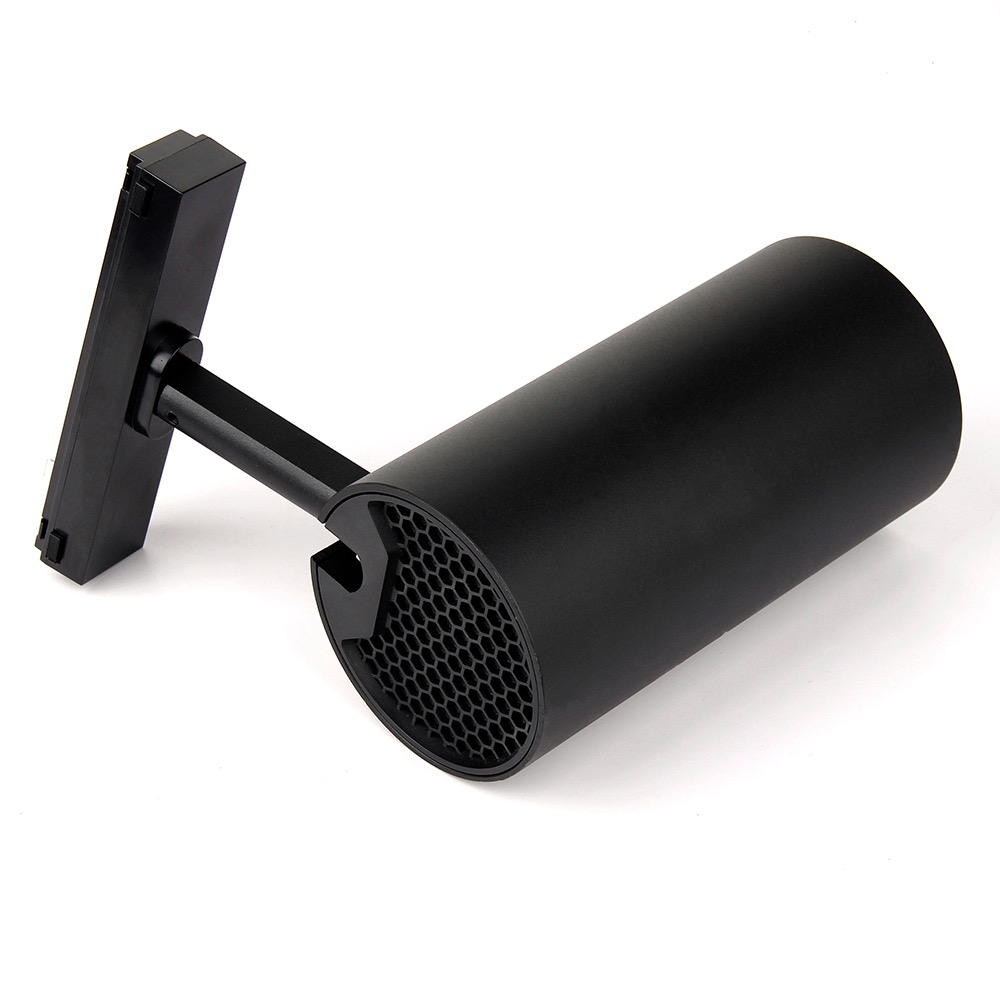
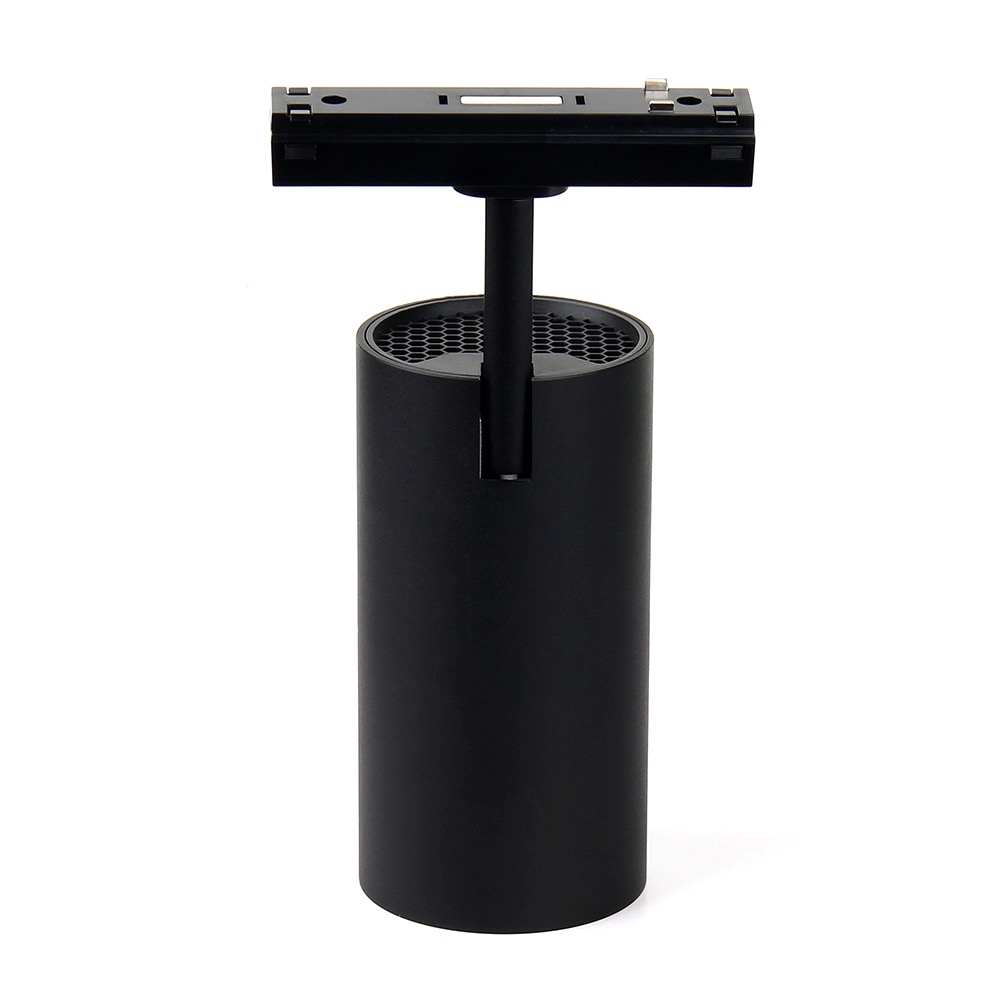
This 6W CCT Magnetic Track Spotlight provides high-quality, adjustable accent lighting for modern interiors. Designed for 48V magnetic track systems, it offers a tunable white color temperature from a warm 2700K to a cool 6500K. Its focused 30° beam angle is perfect for highlighting artwork, architectural details, or retail displays.
Installation is simple and tool-free: just click the fixture into place anywhere along a compatible 48V magnetic track. Control is managed via 2.4G RF remote controls (sold separately), which can be paired to one or multiple lights for synchronized operation.
Browse more in Magnetic Spotlight Track Lights.
Key Features
- Dual output mode (RGB+CCT and CCT) for selection
- 4096 smooth dimming level, mini brightness is 0.1%
- Control multi lights at the same time
- Signal auto transmitting: transmit signal to each lights and unlimited control distance
- Automatic synchronization: In the same dynamic mode, multiple lights can be automatically synchronized.
- Have DND function, usually used in power failure area to save power
- User need to select correct gateway if controlled via Tuya Smart APP, there are 2 different gateways ( 2.4G RF and Zigbee)
- Support Alexa,Google Assistant,Yandex Alice,Tmall genie,Bai Du, Xiao Mi ( need to connect with 2.4G gateway)
Why Choose This Model
This spotlight delivers exceptional lighting quality with a Color Rendering Index (CRI) of over 90, ensuring that colors appear vibrant and true to life. It features advanced 4096-level logarithmic dimming, allowing for incredibly smooth brightness adjustments from 100% down to a subtle 0.1% without any flicker.
For larger installations, the signal auto-transmission feature is a key advantage. Each light acts as a repeater, relaying the remote's signal to the next light within 30 meters, creating a robust control network with virtually unlimited range. The fixture also includes a configurable Do Not Disturb (DND) mode, which determines its power-on state after an outage, a useful feature for areas with unstable power. For smart home integration, this light can be connected to the Tuya app and voice assistants like Alexa and Google Assistant using a 2.4G gateway.
Specifications
| Model No. | LZ5-06B |
|---|---|
| Power | 6W |
| Type | RGB+CCT |
| Communication Protocol | Zigbee 3.0 + 2.4G |
| Input Voltage | DC48V |
| Working Temp. | ~10~40°C |
| CRI | >80 |
| Light Efficiency(LM/W) | 72 |
| Luminous Flux(LM) | 420 |
| Color Temp. | 2700K~6500K |
| Beam Angle | 30° |
| Zigbee Control Distance | 100m (Open aera) |
| 2.4G RF Control Distance | 30m |
Wiring & Installation
Warning: Disconnect mains power before beginning installation to prevent electrical shock.
- Select and securely mount the compatible 48V magnetic track rail to your desired surface.
- Connect a 48V magnetic track power supply to the track according to the manufacturer's instructions. Ensure all wiring is secure and there are no short circuits.
- Insert the magnetic base of the spotlight into the track. The magnets will hold it firmly in place. You can slide it along the track to position it as needed.
- Once all lights are installed, restore mains power.
- Test the light to ensure it is functioning correctly before pairing it with a remote control.
Setup & Operation
This spotlight must be linked to a compatible 2.4G RF remote control before use. The following instructions use the Zone ON ('|') and Zone OFF ('O') buttons as examples.
Linking and Unlinking with a Remote
- To Link:
- Turn the light off at the power source, wait 10 seconds, and turn it back on.
- Within 3 seconds of the light turning on, press the Zone ON ('|') button 3 times quickly.
- The light will flash 3 times slowly to indicate a successful link. If it does not flash, repeat the steps.
- To Unlink:
- Turn the light off at the power source, wait 10 seconds, and turn it back on.
- Within 3 seconds of the light turning on, press the Zone ON ('|') button 5 times quickly.
- The light will flash 10 times quickly to indicate it has been successfully unlinked. If it does not flash, repeat the steps.
Do Not Disturb (DND) Mode
DND mode controls how the light behaves when power is restored after an outage.
- Turn ON DND Mode (Factory Default): Within 3 seconds, short press the main 'OFF' button 3 times, then short press the main 'ON' button 3 times. The light will flash 4 times quickly to confirm. In this mode, the light will return to its previous state (ON or OFF) when power is restored.
- Turn OFF DND Mode: Within 3 seconds, short press the main 'ON' button 3 times, then short press the main 'OFF' button 3 times. The light will flash 4 times slowly to confirm. In this mode, the light will always turn ON when power is restored.
Works With
The spec sheet lists these companion products:
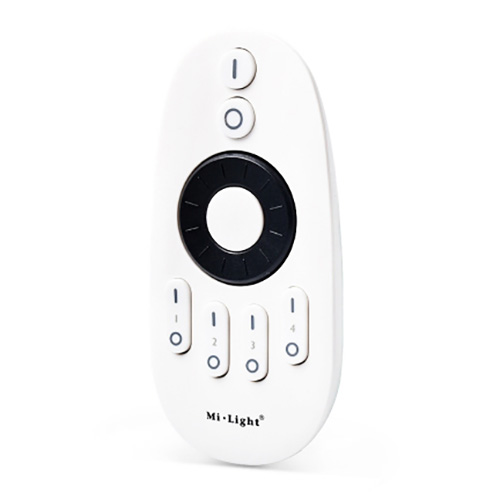
- FUT006 2.4GHz 4 Zone RF Rotating Wheel Remote Control
- DC12-36V 3CH Constant Current RF 2.4G Receiver C3 For RGB LED Strip Light
- 1CH*350mA 12-48VDC CC Dimming Controller (Push Dim) C1
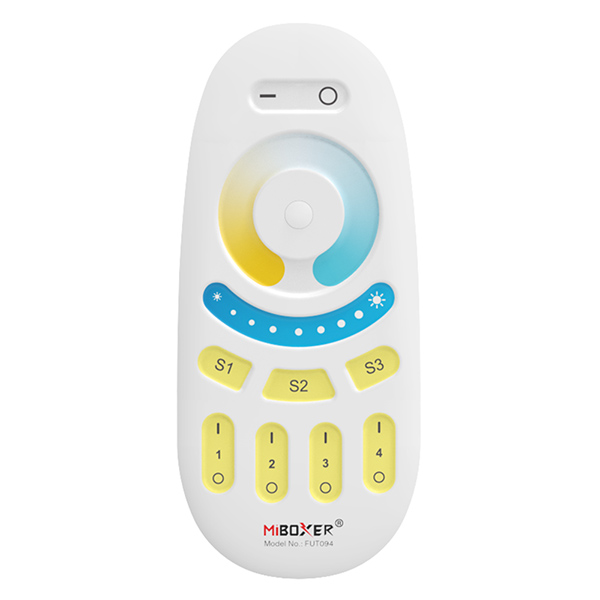
- FUT094 RF Color Temperature 4 Zone CCT Remote
Typical Applications
- Retail display and product highlighting
- Art gallery and museum accent lighting
- Modern residential kitchens and living rooms
- Restaurant and hospitality mood lighting
- Office and commercial task lighting
- Showroom architectural lighting
Frequently Asked Questions
What do I need to install and operate this light?
Can I use this light with any magnetic track?
How many lights can I control with one remote?
Can I control this light with my smartphone?
What is the DND (Do Not Disturb) feature?
What is the beam angle of this spotlight?
Is the LED bulb replaceable?
Precautions
- Always turn off mains power before installation or wiring.
- This product is designed for 48V DC input only. Ensure the power supply is correct.
- Do not disassemble the fixture; it contains no user-serviceable parts.
- For indoor use only. This product has an IP20 rating and is not protected against moisture.
- Avoid placing the fixture near large metal surfaces or strong magnetic fields, as this can interfere with the RF control signal.
- The light source is not replaceable.
Reviews
Customer Experience
Your feedback is important to us! Share your thoughts and photos with other customers.
Downloads
Files for LR2-06BImages
These images were taken with Canon EOS 5D Mark IV and the studio light source is provided by Ra 98's full spectrum LED strip to realistically reproduce the colors of the item itself. All copyrights are created by the superlightingled team, please feel free to browse and download if you are a registered user!
LED Strip Lights Guide
Here you can learn anything about LED strip lights — pick the topic you are interested in to go deeper. We cover LED strip lights, power supplies, controllers, accessories, and how to connect LED strip lights. You can also watch our demo videos.
Led strip lights
►Everything you need to know before you buying led strip lights
| Top 6 Considerations Before Buying LED Strip Lights 1. Where do I want to place the LED strip lights? Indoor or outdoor? • What are waterproof led strip lights? • How to cut and connect waterproof led strip lights? 2. How much LED brightness do I need? 3. The working voltage is available? • 5V VS 12V VS 24V led strips • AC VS DC 4. How long is the LED strip light suitable for my project? 5. Do I need an LED light controller to adjust the LED color and brightness? 6. How to power the LED strip lights? 1. How do led strip lights work? 2. How long can you run an LED strip? 3. How long do LED strip lights last? Is it worth getting led strip lights? 1. Do LED strip lights use a lot of electricity? 2. Why are LED lights energy efficient? 3. Are LED Strip Lights sustainable? 4. What are the pron and cons of led strip lights? 5. Precautions for led strip lights 1. Do LED strip lights overheat? 2. How do you stop LED strips from overheating? 3. Can LED strips catch fire? 4. Is it safe to sleep with LED strip lights on? What are the types of led strip lights? Flexible led strip lights VS rigid led strip lights - 1. What are flexible led strip lights? 2. What are rigid led strip lights? 3. What happens if you bend LED strip lights? 4. What is the difference between flexible led strips and rigid led strips? 1. Can you cut led light strips? 2. What happens if you cut an led strip? 3. How to cut led strip lights? 4. How to connect RGB color changing led strip lights with a connector? 5. How to know what your led strip light is? How to choose the correct SMD led for your strip? Which is the brightest SMD LED? What does SMD 5050 mean? How many lumens is a 5050 SMD LED? How to know what type of LED strip? What is the difference between 2835 and 5050 LED? |
►COB led strip light
| 1. What is COB? 2. What is the COB production process? 3. Different types of COB strip lights 4. What is the difference between COB and SMD led strip lights? 5. What is the difference between COB and LED? 6. Are COB led strips better? 7. How to cut and connect COB led strips? 8. How to install COB led strip lights? 9. Can COB light strips use aluminum channels? 10. Why choose superlightingled? |
►Led neon lights
| 1. What is led neon light? 2. What are neon led lights used for? 3. Are led neon lights good? 4. How to choose led neon rope lights? 5. Are led neon ropes use DC or AC? 6. Can you change the light-emitting angle or the luminous way of neon led strip? 1. How to cut led neon lights 2. Can led neon lights be connected? 3. Easy 7 steps to make led neon lights 4. How to install led neon rope? |
►Addressable led strip
| Ultimate Guide to Choosing the Right Addressable LED Strip What is an addressable LED strip? Can you cut addressable LED strips? How to judge if an LED strip is individually addressable? How to choose the best DC12V addressable led strips? How to choose the best DC5V digital led strips? How to choose the right IC for your project? Which IC is most commonly used? How do I know my IC type? How do I know if my IC is good or bad? How many types of IC are there? |
►Color, color temperature, and CRI
| The Color Difference Between Warm White 2700K, 3000K, 4000K, 6000K Pure White and 7000K Cool White 1. What is color temperature? 2. What color temperature is right for me? • 2700K VS 3000K • How obvious is the difference between 2700K and 3000K? • Warm White 3000K VS Natural White 4000K VS Daylight White 6000K • Warm White VS Cool White 3. Enjoy 2700K, 4000K, 6000K 4. Further Reading: How to install Warm White LED light strip? How to choose the right color for your led strip lights? - 1. How many colors are in LED strip lights? 2. What do LED light colors mean? 3. Why do white LED light turns to yellow? 4. Why are your led strip lights not the same color? 5. What is the most relaxing color for LED lights? 6. What color led lights is best for sleeping? 7. Are led lights bad for your eyes? 8. Is cool white or warm white better for eyes? 1. What is the best color temperature? 2. Does color temperature keep the same as time goes by? 3. What color temperature is best for night? 4. Led strip lights about color temperature,CCT VS RGBW VS RGBCCT; What is color rendering index? 1. What is CRI in led lights? 2. How to choose the right CRI when buying led strip lights? 3. What is the relationship between CRI and brightness? 4. Is higher CRI better? High CRI VS Low CRI; 5. How to find CRI value? |
Led strip light connection
| How to connect led strip lights? 1. How to connect led strip lights together? 2. How to connect LED light strips without connectors? 3. How to solder wires to LED strips? 4. How to connect LED strips without soldering? 5. Which one is better between soldering and using a connector? 6. How to connect mutiple led strip lights? 7. How many LED strip lights can you connect? How to connect led strip to the power supply? 1. Ensuring the working voltage and power first 2. How to hardwire led strip lights? 3. Can I connect multiple LED strips to the same LED power supply? How to wire led strip lights? How to wire single color led strip lights? How to wire tunable white/CCT led strip lights? How to wire RGB color changing led strip lights? |
Controller for led strip lights
| How to choose led strip light controllers? 1. WIFI controller 2. RF controller 3. IR controller 4. Bluetooth controller 5. Remote control and panel control 6. Single color controller and multi-color controller 7. DMX512 controller 8. SPI controller 9. DALI controller 10. 0/1-10V dimmer 11. Triac series 12. Sonsor series |
Led power supply
| How to calculate power for led strip lights? 4 steps to calculate the power you need Performance And Reasons Of LED Voltage Drop How to choose led strip light power supply? 1. Alternating current power supply VS Direct current power supply 2. Constant current power supply VS Constant voltage power supply 3. How to choose the best led power supply for your led strip light? |
Led strip light installlation
| How to install led strip lights? What accessories will be needed? 1. Adhesive installation for IP20 and IP65 led strip lights 2. How to choose the right led tape? 3. Can IP20 and IP65 led strip lights use aluminum profiles? 4. How to use aluminum profiles? 5. Mounted clip installation for IP67 and IP68 light strips How to install LED sensor stair lights? Lighting Up Your Stairs With LED Strip Lights Ideas How to install led strip lights on TV? How to install led strip lights outdoor? |
Accessories
| How to choose led strip light connectors? 1. Are all LED light strip connectors the same? 2. How do LED strip lights connectors work? 3. What connectors do you need for LED strip lights? 4. What are the different kinds of LED connectors? 5. How to choose the right connector for your led strip lights? Ultimate Guide on Aluminum Profile for LED Strip Lighting 1. What are aluminium profiles used for? 2. Why choose aluminum profiles? 3. Different types of LED aluminum profiles 4. LED aluminum profile VS COB LED strips 5. How to install LED aluminum channels? 6. How To Get Ideal Light Diffuser For Your LED Strip? 7. Add Black Aluminum LED Light Diffusers For Your Home Lighting 8. How To Find The Right Aluminum LED Light Strip Diffuser Channel? |