

Related Products
Tick the accessories you need and add them in one go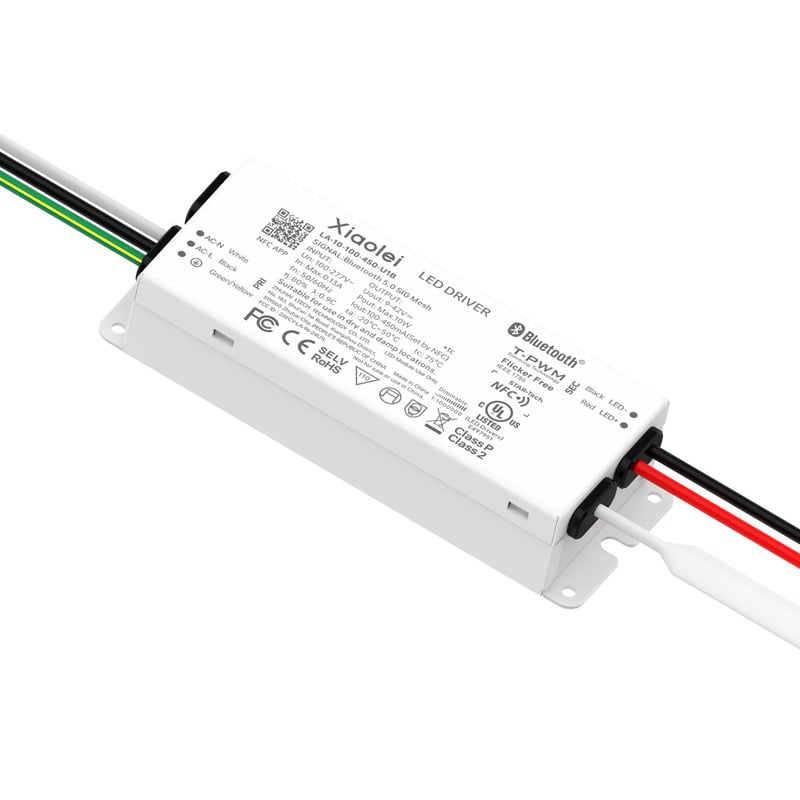 A$51.70
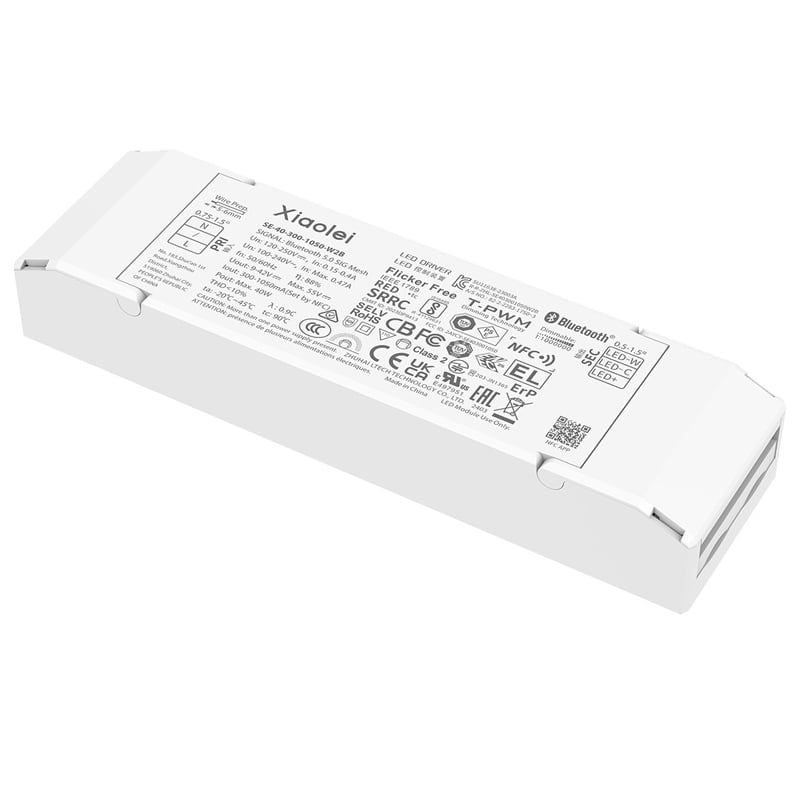 A$56.01
 A$50.27
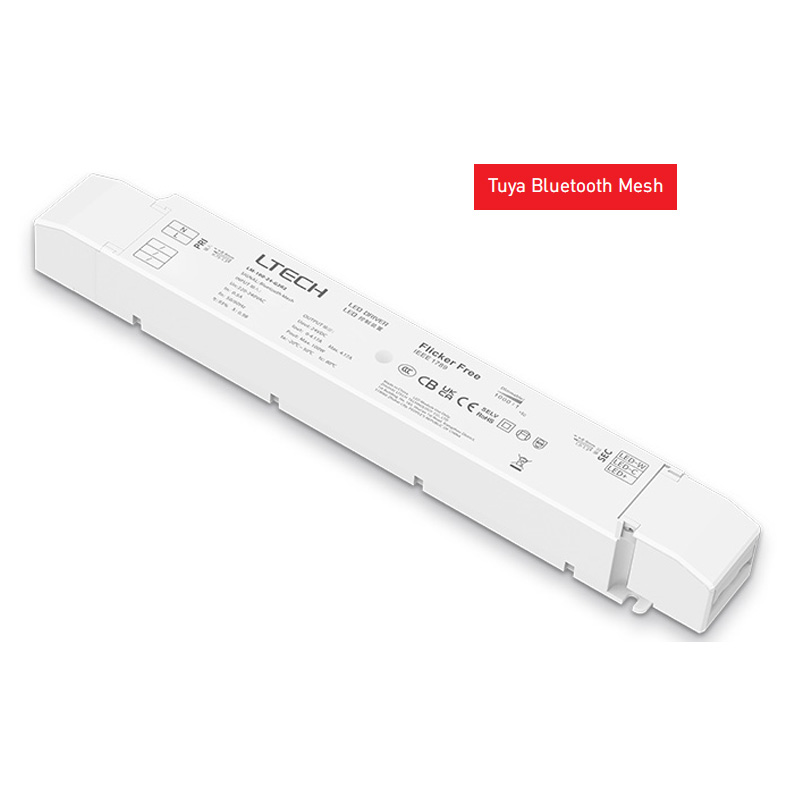 A$61.76
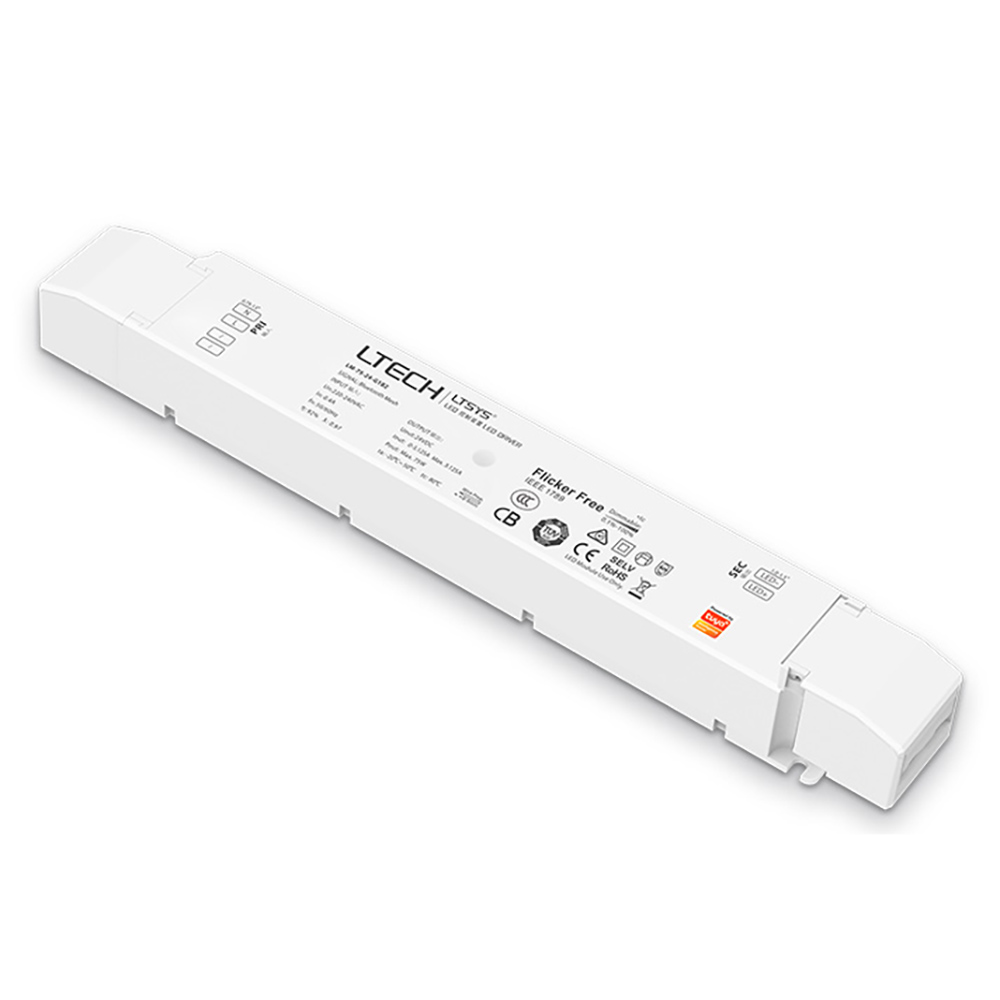 A$97.69A$104.877% off
- A$119.24
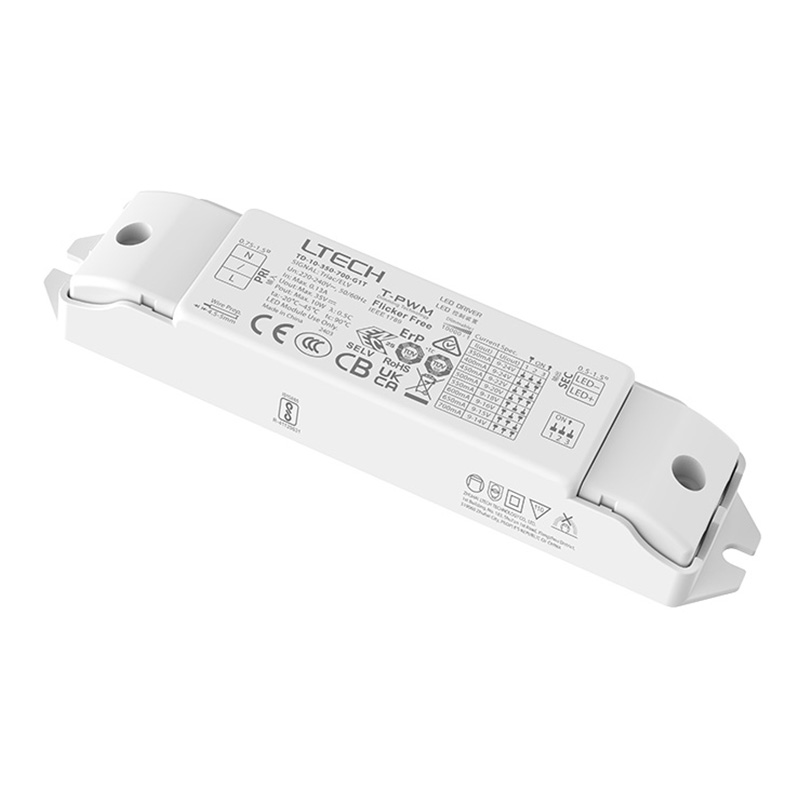 A$24.40
Product Information
The LA-10-100-450-U1B is a 10W constant current LED driver featuring a Bluetooth 5.0 SIG Mesh dimming interface and NFC parameter configurability. Operating across a wide AC input range of 100-277V~, it provides a programmable output current from 100mA to 450mA (default 100mA, adjustable down to 1mA steps) and an output voltage range of 9-42V (maximum <=50V).
Designed with an IP20 protection rating and Class II insulation, it is suitable for Class I, Class II, and Class III light fixtures. The driver supports deep dimming from 0% to 100% (down to 0.0001%, default 0.01%) with a PWM frequency up to 3600Hz and low-frequency current ripple under 5%.
Key Features
Bluetooth 5.0 SIG Mesh
Integrates wireless Bluetooth 5.0 SIG Mesh protocol for dimming control.
NFC Programmable Output
Configures output current from 100mA to 450mA in 1mA steps via mobile NFC while powered off.
Wide Range Dimming
Supports 0-100% dimming with levels reachable down to 0.0001% and default minimum at 0.01%.
Universal AC Input
Accepts 100-277V~ input at 50/60Hz with high power factor up to >=0.95 at 115V~.
Low Current Ripple
Maintains low-frequency current ripple under 5% at maximum current in non-dimming state.
Comprehensive Protection
Includes automatic recovery protections for overload, overvoltage, short circuit, and PCB overheating.
Technical Highlights
- Selectable current output between 100mA and 450mA with ±5% current accuracy.
- Conditional voltage/power limits: 9-40Vdc (2.25-10W) at 250mA, 9-33Vdc (2.7-9.9W) at 300mA, 9-28.5Vdc (3.15-9.975W) at 350mA, 9-25Vdc (3.6-10W) at 400mA, and 9-22Vdc (4.05-9.9W) at 450mA.
- Overheat protection intelligently reduces or shuts off current when PCB temperature reaches >=110°C, recovering when temperature falls below 90°C.
- Overload protection activates at >102% rated power and recovers automatically when the load is reduced.
- Anti-surge ratings of 2KV (Line to Neutral) and 4KV (Line/Neutral to Functional Ground).
Product Specifications
| Parameter | Details |
|---|---|
| Model | LA-10-100-450-U1B |
| Output Type | Constant current |
| Dimming Interface | Bluetooth 5.0 SIG Mesh |
| Output Power Range | 0.9-10W |
| Output Voltage Range | 9-42V== |
| Maximum Output Voltage | <=50V== |
| Output Current Range | 100-450mA (Default: 100mA, 1mA step via NFC) |
| Dimming Range | 0-100%, down to 0.0001% (Default: 0.01%) |
| PWM Frequency | <=3600Hz |
| Current Accuracy | ±5% |
| LF Current Ripple | < 5% (at maximum current for non-dimming state) |
| AC Voltage Range | 100-277V~ (50/60Hz) |
| Rated Input Voltage | 115V~ / 230V~ / 277V~ |
| Input Current (Full Load) | Max. 0.11A/115V~, Max. 0.06A/230V~, Max. 0.055A/277V~ |
| Power Factor (Full Load) | PF>=0.95/115V~, PF>=0.9/230V~, PF>=0.9/277V~ |
| THD (Full Load) | <=10% at 115V~, <=15% at 230V~, <=20% at 277V~ |
| Efficiency (Typ.) | 80% at full load |
| Inrush Current | Cold start 15A (twidth=152us tested under 50% Ipeak) at 230V~ |
| Anti Surge | L-N: 2KV, L,N-FG: 4KV |
| Protection Grade | IP20 |
| Insulation Grade | Class II (Suitable for Class I/II/III light fixtures) |
| Working Temperature | ta: -20°C ~ 50°C, tc: 75°C |
| Dimensions (L×W×H) | 118×43×25mm |
| Net Weight | 275g±10g |
Application Scenarios
How to Wire & Install This Power Supply
- Confirm the light fixture's forward voltage (within 9-42Vdc) and maximum wattage fit the specific configured current setting (e.g., max 22Vdc at 450mA).
- Set the desired output current (100-450mA) and minimum dimming level using the mobile NFC app while the driver is completely powered off.
- Connect the AC input wiring to the 100-277V~ supply terminals with proper electrical isolation.
- Connect the constant current DC output terminals to the fixture load observing correct polarity.
- Power on the driver and pair via the Bluetooth 5.0 SIG Mesh control network to test dimming performance.
- Before setting parameters via mobile app NFC, ensure the driver is completely powered off.
- When mounting on a wooden board, add a washer >=7 mm thick under the mounting screws to maintain a heat dissipation gap.
- Maintain a separation distance of >=15 cm to metal objects to prevent wireless signal interference.
- Maintain a distance of >=15 cm between two adjacent drivers to avoid heat buildup and lifespan reduction.
- Maintain a distance of >=100 cm between the product and the floor to avoid signal interference.
- Designed strictly for IP20 dry indoor environments; do not expose to moisture or liquids.
- Ensure the fixture load does not exceed 102% of the rated power to avoid triggering overload protection.
⇩ Downloads & Documents
Frequently Asked Questions
Q: What is the default output current of the LA-10-100-450-U1B?
A:The factory default output current is 100mA. It can be adjusted up to 450mA in 1mA increments via mobile app NFC.
Q: Does the driver need to be powered on to configure NFC parameters?
A:No. The driver must be powered off before setting parameters using the mobile app NFC.
Q: What are the output voltage limits at 450mA?
A:At 450mA, the output voltage range is 9-22Vdc, corresponding to an output power of 4.05-9.9W.
Q: What clearance is required when mounting the unit on a wooden surface?
A:A washer of at least 7 mm thickness must be placed under the mounting screws to leave an air gap for heat dissipation.
Q: What spacing is required to prevent Bluetooth signal interference?
A:The driver must maintain a separation distance of at least 15 cm from metal objects and at least 100 cm from the floor.
Q: How does the driver react to internal overheating?
A:If the PCB temperature reaches 110°C or higher, the driver intelligently adjusts or shuts off the output, recovering automatically once the PCB drops below 90°C.
Q: What is the minimum dimming level supported by this unit?
A:The default minimum dimming level is 0.01%, but it can be configured down to 0.0001% using the mobile NFC app.
Reviews
Customer Experience
Your feedback is important to us! Share your thoughts and photos with other customers.
Downloads
Files for LA-10-100-450-U1BImages
These images were taken with Canon EOS 5D Mark IV and the studio light source is provided by Ra 98's full spectrum LED strip to realistically reproduce the colors of the item itself. All copyrights are created by the superlightingled team, please feel free to browse and download if you are a registered user!
LED Strip Lights Guide
Here you can learn anything about LED strip lights — pick the topic you are interested in to go deeper. We cover LED strip lights, power supplies, controllers, accessories, and how to connect LED strip lights. You can also watch our demo videos.
Led strip lights
►Everything you need to know before you buying led strip lights
| Top 6 Considerations Before Buying LED Strip Lights 1. Where do I want to place the LED strip lights? Indoor or outdoor? • What are waterproof led strip lights? • How to cut and connect waterproof led strip lights? 2. How much LED brightness do I need? 3. The working voltage is available? • 5V VS 12V VS 24V led strips • AC VS DC 4. How long is the LED strip light suitable for my project? 5. Do I need an LED light controller to adjust the LED color and brightness? 6. How to power the LED strip lights? 1. How do led strip lights work? 2. How long can you run an LED strip? 3. How long do LED strip lights last? Is it worth getting led strip lights? 1. Do LED strip lights use a lot of electricity? 2. Why are LED lights energy efficient? 3. Are LED Strip Lights sustainable? 4. What are the pron and cons of led strip lights? 5. Precautions for led strip lights 1. Do LED strip lights overheat? 2. How do you stop LED strips from overheating? 3. Can LED strips catch fire? 4. Is it safe to sleep with LED strip lights on? What are the types of led strip lights? Flexible led strip lights VS rigid led strip lights - 1. What are flexible led strip lights? 2. What are rigid led strip lights? 3. What happens if you bend LED strip lights? 4. What is the difference between flexible led strips and rigid led strips? 1. Can you cut led light strips? 2. What happens if you cut an led strip? 3. How to cut led strip lights? 4. How to connect RGB color changing led strip lights with a connector? 5. How to know what your led strip light is? How to choose the correct SMD led for your strip? Which is the brightest SMD LED? What does SMD 5050 mean? How many lumens is a 5050 SMD LED? How to know what type of LED strip? What is the difference between 2835 and 5050 LED? |
►COB led strip light
| 1. What is COB? 2. What is the COB production process? 3. Different types of COB strip lights 4. What is the difference between COB and SMD led strip lights? 5. What is the difference between COB and LED? 6. Are COB led strips better? 7. How to cut and connect COB led strips? 8. How to install COB led strip lights? 9. Can COB light strips use aluminum channels? 10. Why choose superlightingled? |
►Led neon lights
| 1. What is led neon light? 2. What are neon led lights used for? 3. Are led neon lights good? 4. How to choose led neon rope lights? 5. Are led neon ropes use DC or AC? 6. Can you change the light-emitting angle or the luminous way of neon led strip? 1. How to cut led neon lights 2. Can led neon lights be connected? 3. Easy 7 steps to make led neon lights 4. How to install led neon rope? |
►Addressable led strip
| Ultimate Guide to Choosing the Right Addressable LED Strip What is an addressable LED strip? Can you cut addressable LED strips? How to judge if an LED strip is individually addressable? How to choose the best DC12V addressable led strips? How to choose the best DC5V digital led strips? How to choose the right IC for your project? Which IC is most commonly used? How do I know my IC type? How do I know if my IC is good or bad? How many types of IC are there? |
►Color, color temperature, and CRI
| The Color Difference Between Warm White 2700K, 3000K, 4000K, 6000K Pure White and 7000K Cool White 1. What is color temperature? 2. What color temperature is right for me? • 2700K VS 3000K • How obvious is the difference between 2700K and 3000K? • Warm White 3000K VS Natural White 4000K VS Daylight White 6000K • Warm White VS Cool White 3. Enjoy 2700K, 4000K, 6000K 4. Further Reading: How to install Warm White LED light strip? How to choose the right color for your led strip lights? - 1. How many colors are in LED strip lights? 2. What do LED light colors mean? 3. Why do white LED light turns to yellow? 4. Why are your led strip lights not the same color? 5. What is the most relaxing color for LED lights? 6. What color led lights is best for sleeping? 7. Are led lights bad for your eyes? 8. Is cool white or warm white better for eyes? 1. What is the best color temperature? 2. Does color temperature keep the same as time goes by? 3. What color temperature is best for night? 4. Led strip lights about color temperature,CCT VS RGBW VS RGBCCT; What is color rendering index? 1. What is CRI in led lights? 2. How to choose the right CRI when buying led strip lights? 3. What is the relationship between CRI and brightness? 4. Is higher CRI better? High CRI VS Low CRI; 5. How to find CRI value? |
Led strip light connection
| How to connect led strip lights? 1. How to connect led strip lights together? 2. How to connect LED light strips without connectors? 3. How to solder wires to LED strips? 4. How to connect LED strips without soldering? 5. Which one is better between soldering and using a connector? 6. How to connect mutiple led strip lights? 7. How many LED strip lights can you connect? How to connect led strip to the power supply? 1. Ensuring the working voltage and power first 2. How to hardwire led strip lights? 3. Can I connect multiple LED strips to the same LED power supply? How to wire led strip lights? How to wire single color led strip lights? How to wire tunable white/CCT led strip lights? How to wire RGB color changing led strip lights? |
Controller for led strip lights
| How to choose led strip light controllers? 1. WIFI controller 2. RF controller 3. IR controller 4. Bluetooth controller 5. Remote control and panel control 6. Single color controller and multi-color controller 7. DMX512 controller 8. SPI controller 9. DALI controller 10. 0/1-10V dimmer 11. Triac series 12. Sonsor series |
Led power supply
| How to calculate power for led strip lights? 4 steps to calculate the power you need Performance And Reasons Of LED Voltage Drop How to choose led strip light power supply? 1. Alternating current power supply VS Direct current power supply 2. Constant current power supply VS Constant voltage power supply 3. How to choose the best led power supply for your led strip light? |
Led strip light installlation
| How to install led strip lights? What accessories will be needed? 1. Adhesive installation for IP20 and IP65 led strip lights 2. How to choose the right led tape? 3. Can IP20 and IP65 led strip lights use aluminum profiles? 4. How to use aluminum profiles? 5. Mounted clip installation for IP67 and IP68 light strips How to install LED sensor stair lights? Lighting Up Your Stairs With LED Strip Lights Ideas How to install led strip lights on TV? How to install led strip lights outdoor? |
Accessories
| How to choose led strip light connectors? 1. Are all LED light strip connectors the same? 2. How do LED strip lights connectors work? 3. What connectors do you need for LED strip lights? 4. What are the different kinds of LED connectors? 5. How to choose the right connector for your led strip lights? Ultimate Guide on Aluminum Profile for LED Strip Lighting 1. What are aluminium profiles used for? 2. Why choose aluminum profiles? 3. Different types of LED aluminum profiles 4. LED aluminum profile VS COB LED strips 5. How to install LED aluminum channels? 6. How To Get Ideal Light Diffuser For Your LED Strip? 7. Add Black Aluminum LED Light Diffusers For Your Home Lighting 8. How To Find The Right Aluminum LED Light Strip Diffuser Channel? |