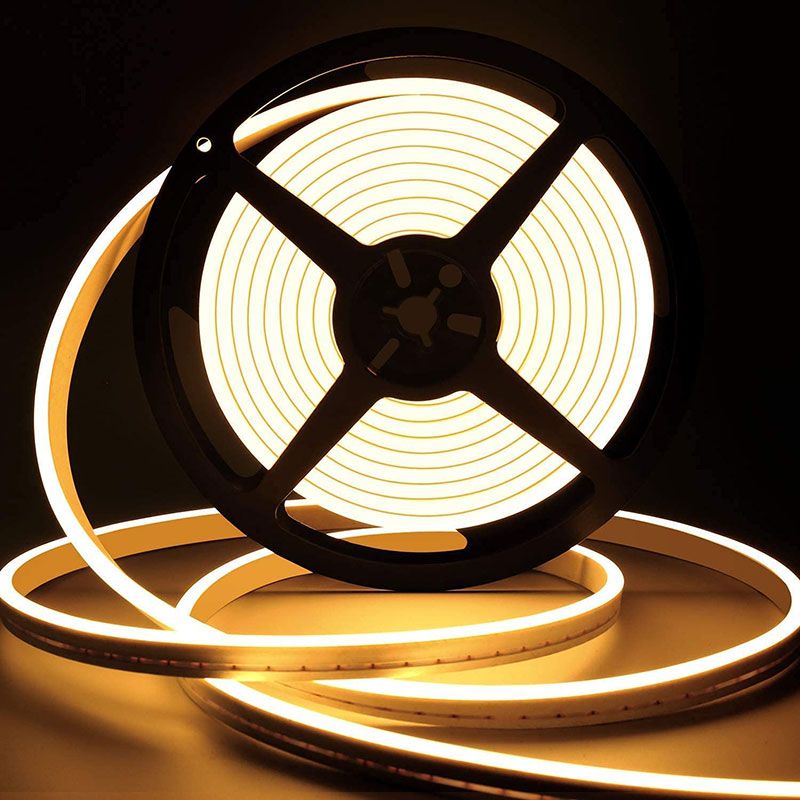
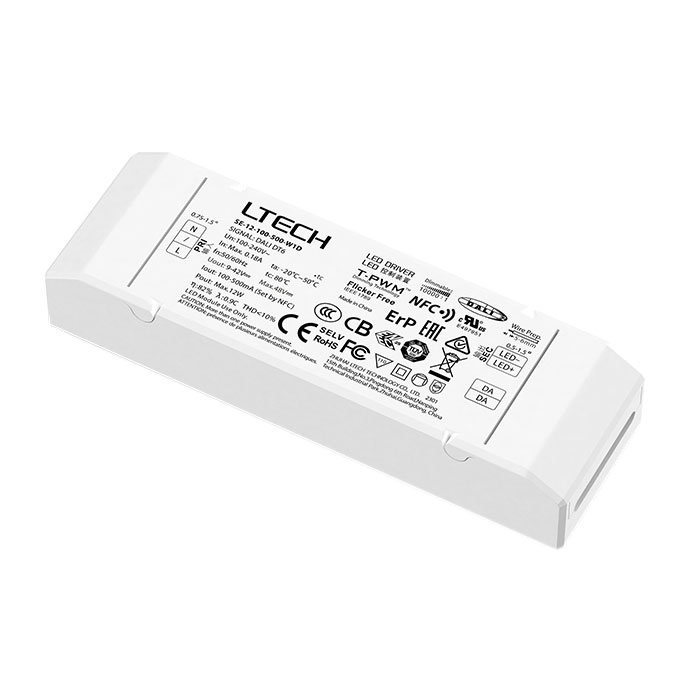
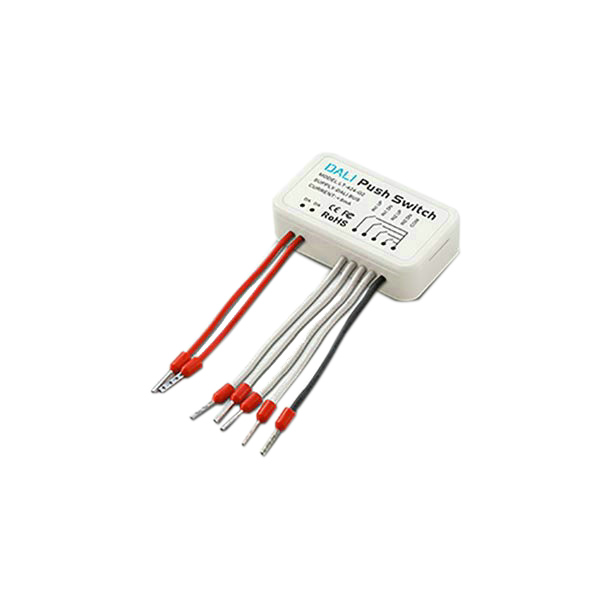
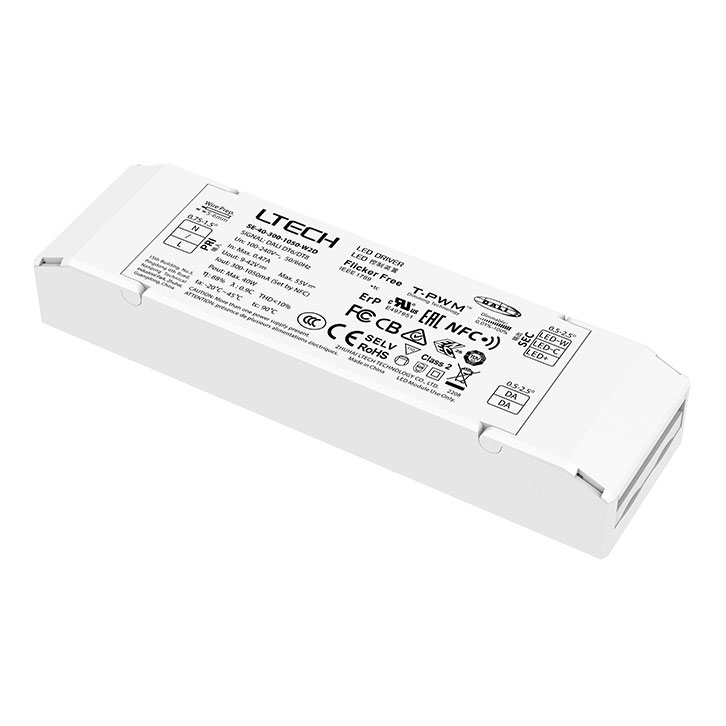
Related Products
Tick the accessories you need and add them in one go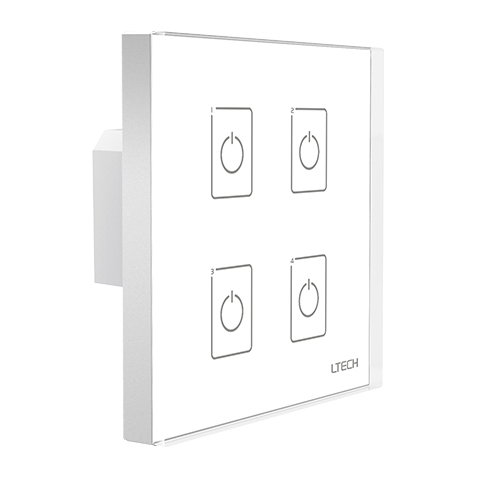 $49.99
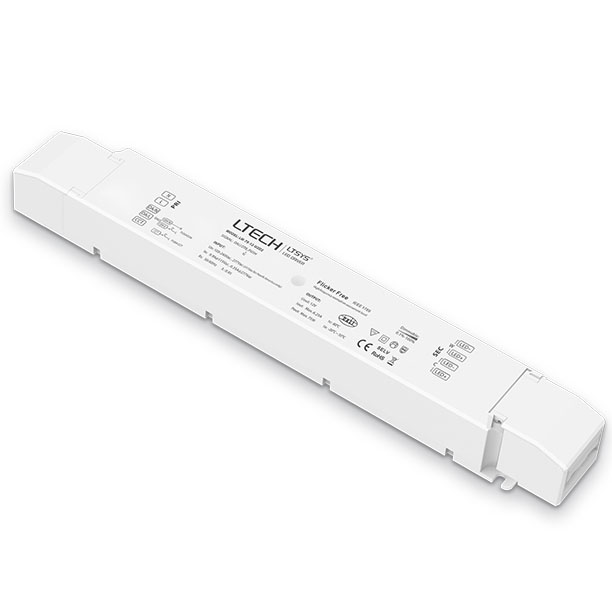 $51.98
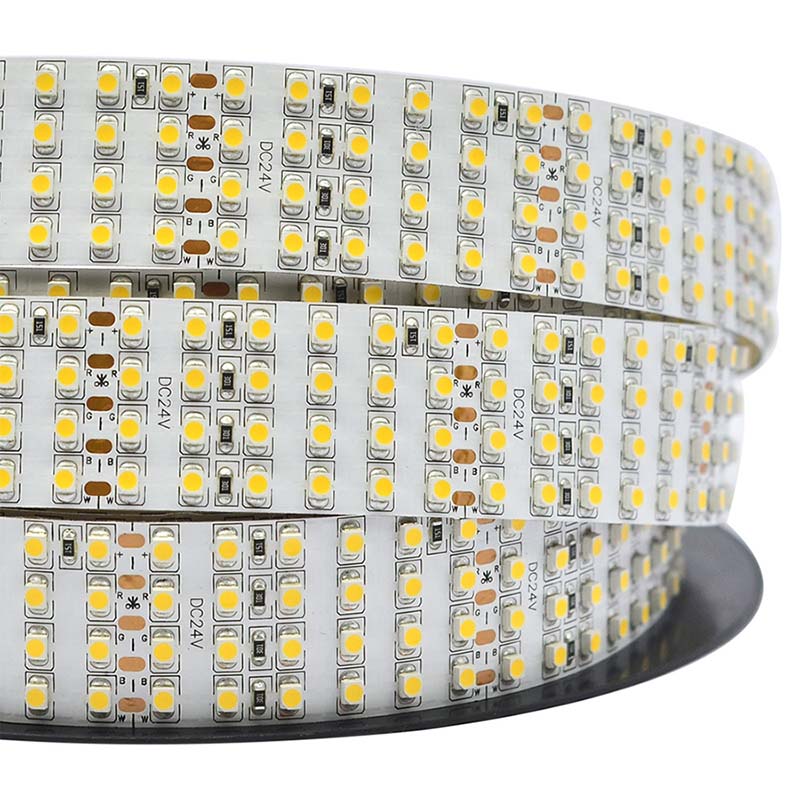 $13.00$36.0064% off
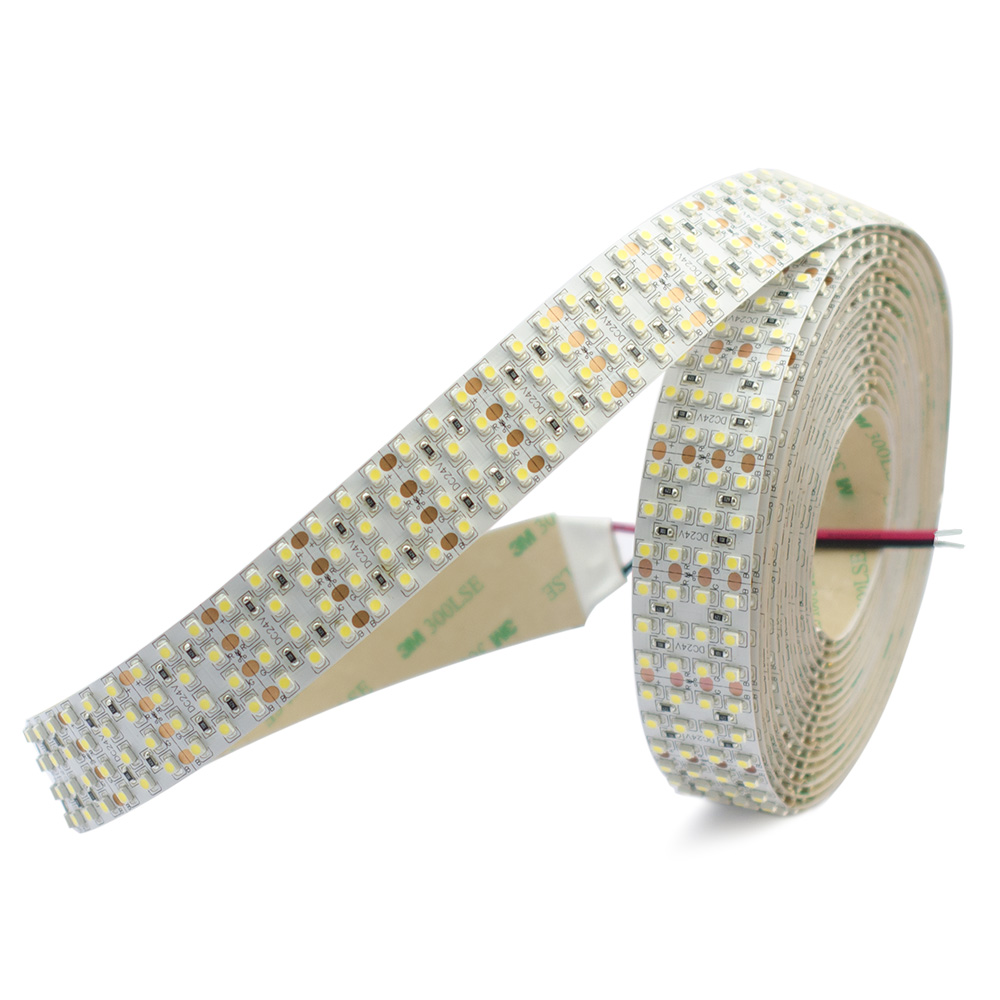 $51.98$90.0042% off
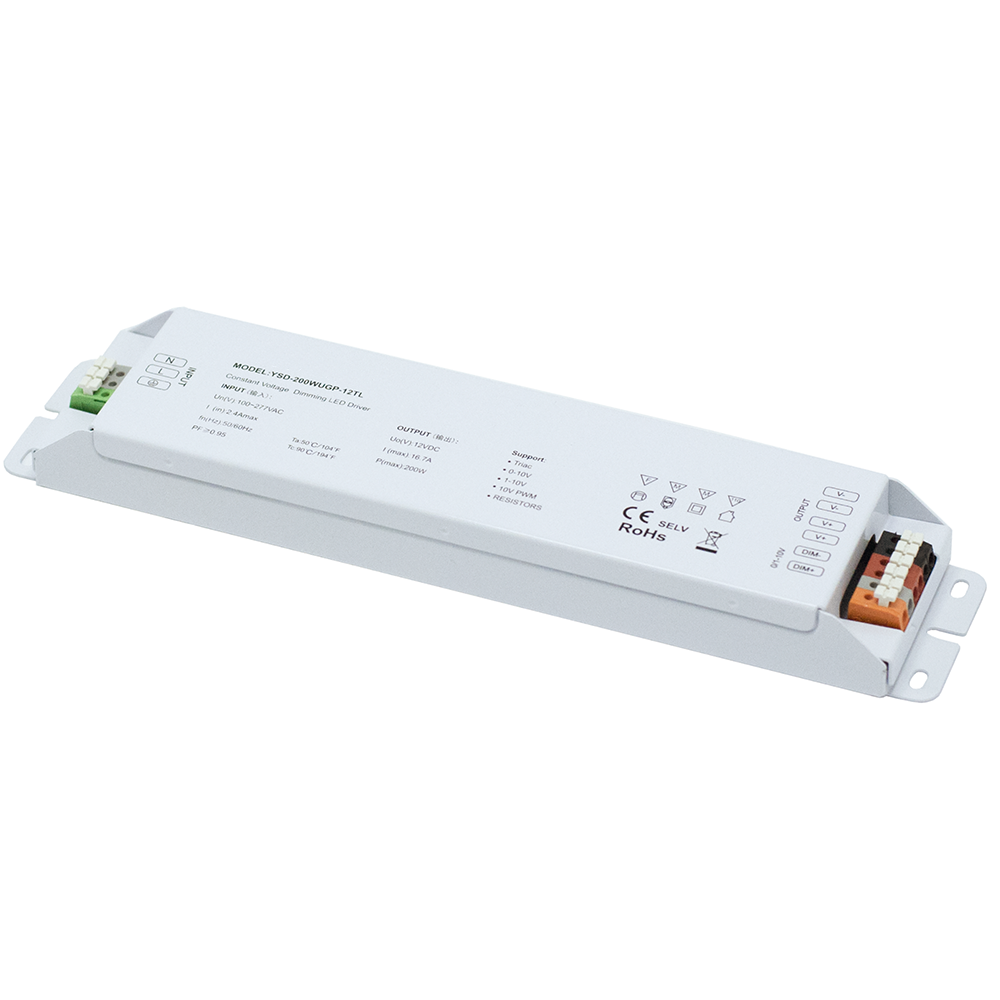 $66.98
 $45.99
 $48.99
Product Information
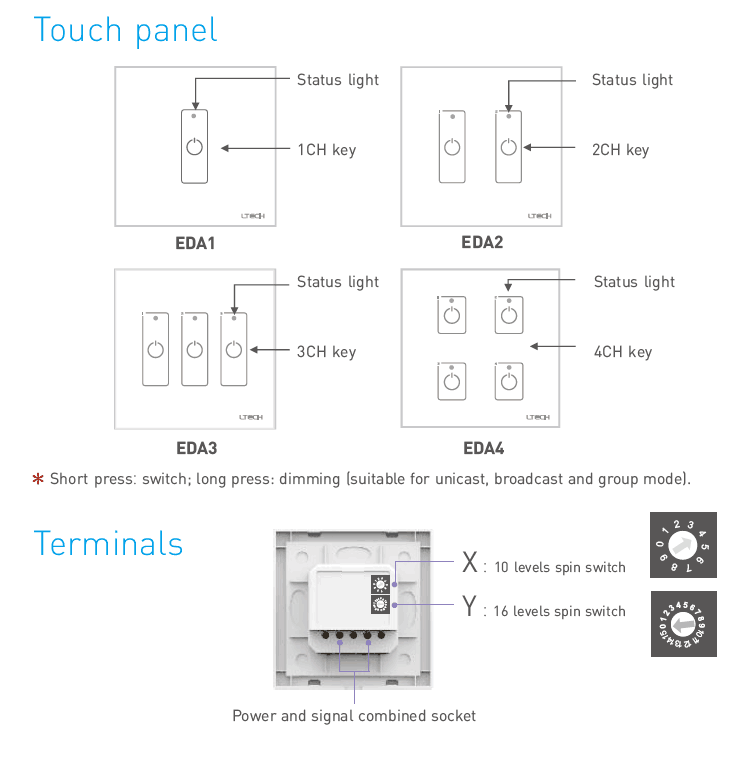
The EDA4 DALI touch panel provides 4-channel digital master control for constant voltage and constant current drivers across any standard dali lighting system. Engineered strictly to the IEC62386 international standard for dali digital addressable lighting interface networks, this wall-mounted touch panel dimmer draws power directly from the 16V DALI bus line, eliminating the need for an external AC or DC power adapter. Dual rotary switches on the rear plate allow direct hardware configuration of 64 unicast addresses, 16 group addresses, 16 scene settings, or system-wide broadcast commands without software commissioning tools. The glass surface features 4 responsive touch keys with individual LED status lights, supporting short-press switching and long-press stepless dimming for connected LED strip installations.
Key Features
DALI IEC62386 Standard Compliance
Communicates seamlessly with certified DALI broadcast, group, and addressable devices across standard 2-wire bus networks.
4-Channel Independent Control
Equipped with 4 capacitive touch keys and individual blue LED status indicators to switch and dim 4 sequential zones.
Direct DALI Bus Powered
Consumes 6mA static current at 16V directly from the signal line, requiring no standalone mains power connection.
Hardware Rotary Addressing
Two onboard spin switches enable swift on-site configuration for unicast addresses 0-63, groups 0-15, and scenes 0-15.
Standard 86 and European Fit
Mounts flush into European back boxes and standard 86-style wall boxes using 60mm center screw spacing.
Technical Highlights
- Full compliance with international standard IEC62386 ensures multi-brand driver and ballast interoperability.
- Integrated dual spin switch mechanism (X: 10 levels, Y: 16 levels) configures addressing without a computer interface.
- Unicast mode (X = 0 to 6) sets initial address values from 0 to 63, allowing 4 keys to control 4 consecutive addresses.
- Group mode (X = 7) and Scene mode (X = 8) direct 4 channels to sequential group IDs or scene presets (0 to 15).
- Broadcast mode (X = 9) commands all DALI devices simultaneously across the bus line with single-touch interaction.
- Ultra-low power draw of 4mA standby current and 6mA operating current at nominal 16V bus voltage reduces overall bus supply load.
- Smooth stepless dimming response on long keypress prevents lumen jumps and visual stepping on LED strip light loads.
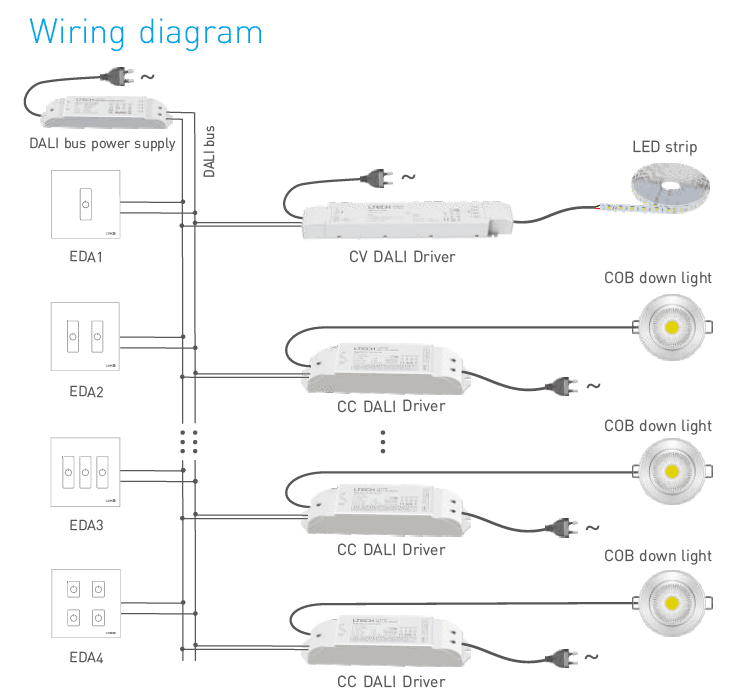
Product Specifications
| Parameter | Details |
|---|---|
| Model Number | EDA4 |
| Protocol | DALI Standard IEC62386 |
| Control Channels | 4 Channels |
| Power Supply | DALI Bus Powered (Nominal 16V) |
| Output Signal | DALI Digital Signal |
| Static Current | 6mA @ 16V |
| Standby Current | 4mA @ 16V |
| Dimming Interface | Capacitive Touch Keys with LED Status Indicators |
| Control Modes | Unicast (0-63), Group (0-15), Scene (0-15), Broadcast |
| Addressing Method | Dual Rotary Spin Switches (10-level X, 16-level Y) |
| Dimming Function | Short press: ON/OFF; Long press: Dim Up / Dim Down |
| Operating Temperature | -30℃ to 55℃ |
| Mounting Box Compatibility | European Style and 86 Style (60mm screw pitch) |
| Product Dimensions | 86 mm × 86 mm × 37 mm (L×W×H) |
| Package Dimensions | 113 mm × 112 mm × 50 mm (L×W×H) |
| Gross Weight | 200 g |
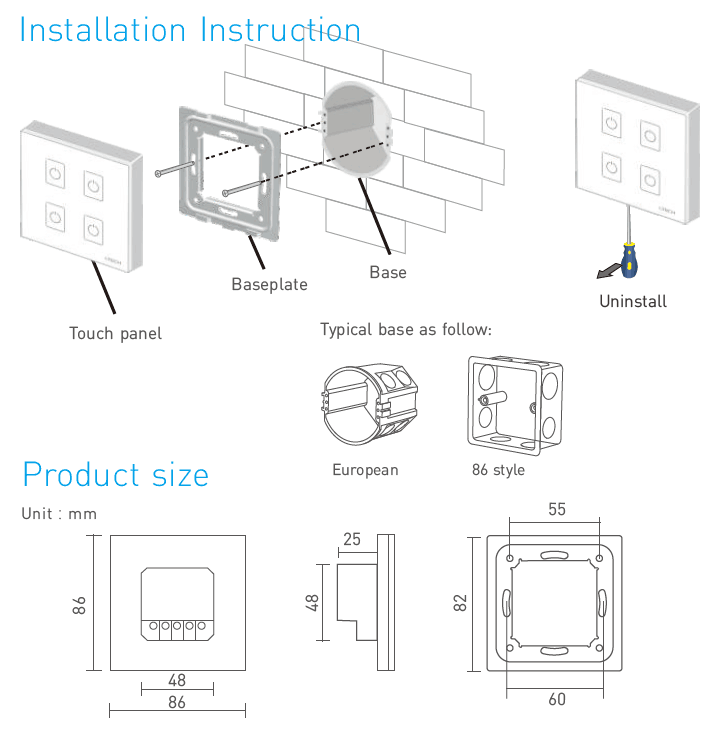
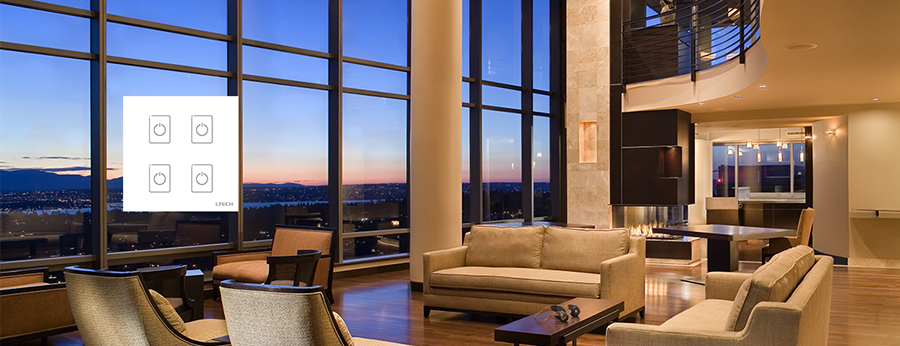
Application Scenarios
How to Control & Use This Controller
- Verify that your DALI bus line is supplied with an active DALI bus power supply providing 12V to 20.5V DC (nominal 16V).
- Detach the glass faceplate from the baseplate by gently inserting a flat screwdriver into the bottom release slot.
- Set the working mode and starting address using the two rear rotary switches: choose X (0-6) for Unicast (initial address = X×10+Y), X=7 for Group mode (group = Y), X=8 for Scene mode (scene = Y), or X=9 for Broadcast mode.
- Connect the two non-polarized DALI bus signal wires directly into the rear screw terminal socket marked with the DALI bus icon.
- Fasten the baseplate securely to the 86-style or European wall junction box using the provided mounting screws at 60mm hole pitch.
- Snap the front touch panel firmly onto the mounted baseplate until the locking tabs click into position.
- Operate each channel: short-press touch key 1, 2, 3, or 4 to switch ON/OFF; long-press to dim up or dim down smoothly.
- Do not connect AC line voltage (110V/230V) to the DALI terminals, as direct mains voltage will immediately damage the panel circuit board.
- Ensure the total current drawn on the DALI bus line, including the 6mA static current of this panel and all connected drivers, does not exceed the maximum rating of your bus power supply (typically 250mA max).
- DALI signal polarity is reversible, but ensure terminal wiring is tight and free of loose copper strands.
- Always isolate power to the DALI bus before adjusting the rotary address switches or mounting the baseplate.
- Do not install in damp outdoor locations or expose to condensing moisture; this unit is rated for indoor use within -30℃ to 55℃.
What's in the Box
- ✓1 × EDA4 4-Channel DALI Touch Panel Controller
- ✓1 × European / 86-Style Mounting Baseplate
- ✓1 × Installation Manual and Wiring Guide
⇩ Downloads & Documents
PDFEDA4
Frequently Asked Questions
Q: Does the EDA4 DALI touch panel require an external 12V or 24V power supply?
A:No. The EDA4 is powered directly by the DALI bus line, consuming a low static current of 6mA at 16V, so it needs no additional power adapter.
Q: How do the 4 touch keys operate across the DALI addresses?
A:In Unicast mode, the 4 keys control 4 consecutive addresses starting from the initial value set by the rotary dials. For example, if address 40 is set, key 1 controls address 40, key 2 controls 41, key 3 controls 42, and key 4 controls 43.
Q: Can I use this touch panel dimmer to control LED strip lighting?
A:Yes. When paired with a compatible CV DALI Dimmable Driver or CC DALI Dimmable Driver, this panel provides full switching and smooth dimming for constant voltage LED strip lighting and constant current downlights.
Q: What is the difference between short press and long press actions?
A:A short press on any channel key switches the assigned luminaire ON or OFF. A continuous long press smoothly dims the brightness level up or down.
Q: Does the DALI bus wire connection have positive and negative polarity?
A:DALI bus signals are standard non-polarized communication lines, so you can connect the two bus wires to the terminal block in either orientation.
Q: What wall boxes are compatible with the mounting base?
A:The mounting baseplate accommodates standard 86-style wall boxes as well as European round/square junction boxes with standard 60mm screw hole spacing.
Q: How does the panel function in Broadcast mode?
A:When the X rotary switch is turned to 9, the panel operates in Broadcast mode, where touching the panel keys sends switching and dimming commands to all DALI luminaires on the bus simultaneously.
Reviews
Customer Experience
Your feedback is important to us! Share your thoughts and photos with other customers.
Downloads
Files for EDA4Images
These images were taken with Canon EOS 5D Mark IV and the studio light source is provided by Ra 98's full spectrum LED strip to realistically reproduce the colors of the item itself. All copyrights are created by the superlightingled team, please feel free to browse and download if you are a registered user!
LED Strip Lights Guide
Here you can learn anything about LED strip lights — pick the topic you are interested in to go deeper. We cover LED strip lights, power supplies, controllers, accessories, and how to connect LED strip lights. You can also watch our demo videos.
Led strip lights
►Everything you need to know before you buying led strip lights
| Top 6 Considerations Before Buying LED Strip Lights 1. Where do I want to place the LED strip lights? Indoor or outdoor? • What are waterproof led strip lights? • How to cut and connect waterproof led strip lights? 2. How much LED brightness do I need? 3. The working voltage is available? • 5V VS 12V VS 24V led strips • AC VS DC 4. How long is the LED strip light suitable for my project? 5. Do I need an LED light controller to adjust the LED color and brightness? 6. How to power the LED strip lights? 1. How do led strip lights work? 2. How long can you run an LED strip? 3. How long do LED strip lights last? Is it worth getting led strip lights? 1. Do LED strip lights use a lot of electricity? 2. Why are LED lights energy efficient? 3. Are LED Strip Lights sustainable? 4. What are the pron and cons of led strip lights? 5. Precautions for led strip lights 1. Do LED strip lights overheat? 2. How do you stop LED strips from overheating? 3. Can LED strips catch fire? 4. Is it safe to sleep with LED strip lights on? What are the types of led strip lights? Flexible led strip lights VS rigid led strip lights - 1. What are flexible led strip lights? 2. What are rigid led strip lights? 3. What happens if you bend LED strip lights? 4. What is the difference between flexible led strips and rigid led strips? 1. Can you cut led light strips? 2. What happens if you cut an led strip? 3. How to cut led strip lights? 4. How to connect RGB color changing led strip lights with a connector? 5. How to know what your led strip light is? How to choose the correct SMD led for your strip? Which is the brightest SMD LED? What does SMD 5050 mean? How many lumens is a 5050 SMD LED? How to know what type of LED strip? What is the difference between 2835 and 5050 LED? |
►COB led strip light
| 1. What is COB? 2. What is the COB production process? 3. Different types of COB strip lights 4. What is the difference between COB and SMD led strip lights? 5. What is the difference between COB and LED? 6. Are COB led strips better? 7. How to cut and connect COB led strips? 8. How to install COB led strip lights? 9. Can COB light strips use aluminum channels? 10. Why choose superlightingled? |
►Led neon lights
| 1. What is led neon light? 2. What are neon led lights used for? 3. Are led neon lights good? 4. How to choose led neon rope lights? 5. Are led neon ropes use DC or AC? 6. Can you change the light-emitting angle or the luminous way of neon led strip? 1. How to cut led neon lights 2. Can led neon lights be connected? 3. Easy 7 steps to make led neon lights 4. How to install led neon rope? |
►Addressable led strip
| Ultimate Guide to Choosing the Right Addressable LED Strip What is an addressable LED strip? Can you cut addressable LED strips? How to judge if an LED strip is individually addressable? How to choose the best DC12V addressable led strips? How to choose the best DC5V digital led strips? How to choose the right IC for your project? Which IC is most commonly used? How do I know my IC type? How do I know if my IC is good or bad? How many types of IC are there? |
►Color, color temperature, and CRI
| The Color Difference Between Warm White 2700K, 3000K, 4000K, 6000K Pure White and 7000K Cool White 1. What is color temperature? 2. What color temperature is right for me? • 2700K VS 3000K • How obvious is the difference between 2700K and 3000K? • Warm White 3000K VS Natural White 4000K VS Daylight White 6000K • Warm White VS Cool White 3. Enjoy 2700K, 4000K, 6000K 4. Further Reading: How to install Warm White LED light strip? How to choose the right color for your led strip lights? - 1. How many colors are in LED strip lights? 2. What do LED light colors mean? 3. Why do white LED light turns to yellow? 4. Why are your led strip lights not the same color? 5. What is the most relaxing color for LED lights? 6. What color led lights is best for sleeping? 7. Are led lights bad for your eyes? 8. Is cool white or warm white better for eyes? 1. What is the best color temperature? 2. Does color temperature keep the same as time goes by? 3. What color temperature is best for night? 4. Led strip lights about color temperature,CCT VS RGBW VS RGBCCT; What is color rendering index? 1. What is CRI in led lights? 2. How to choose the right CRI when buying led strip lights? 3. What is the relationship between CRI and brightness? 4. Is higher CRI better? High CRI VS Low CRI; 5. How to find CRI value? |
Led strip light connection
| How to connect led strip lights? 1. How to connect led strip lights together? 2. How to connect LED light strips without connectors? 3. How to solder wires to LED strips? 4. How to connect LED strips without soldering? 5. Which one is better between soldering and using a connector? 6. How to connect mutiple led strip lights? 7. How many LED strip lights can you connect? How to connect led strip to the power supply? 1. Ensuring the working voltage and power first 2. How to hardwire led strip lights? 3. Can I connect multiple LED strips to the same LED power supply? How to wire led strip lights? How to wire single color led strip lights? How to wire tunable white/CCT led strip lights? How to wire RGB color changing led strip lights? |
Controller for led strip lights
| How to choose led strip light controllers? 1. WIFI controller 2. RF controller 3. IR controller 4. Bluetooth controller 5. Remote control and panel control 6. Single color controller and multi-color controller 7. DMX512 controller 8. SPI controller 9. DALI controller 10. 0/1-10V dimmer 11. Triac series 12. Sonsor series |
Led power supply
| How to calculate power for led strip lights? 4 steps to calculate the power you need Performance And Reasons Of LED Voltage Drop How to choose led strip light power supply? 1. Alternating current power supply VS Direct current power supply 2. Constant current power supply VS Constant voltage power supply 3. How to choose the best led power supply for your led strip light? |
Led strip light installlation
| How to install led strip lights? What accessories will be needed? 1. Adhesive installation for IP20 and IP65 led strip lights 2. How to choose the right led tape? 3. Can IP20 and IP65 led strip lights use aluminum profiles? 4. How to use aluminum profiles? 5. Mounted clip installation for IP67 and IP68 light strips How to install LED sensor stair lights? Lighting Up Your Stairs With LED Strip Lights Ideas How to install led strip lights on TV? How to install led strip lights outdoor? |
Accessories
| How to choose led strip light connectors? 1. Are all LED light strip connectors the same? 2. How do LED strip lights connectors work? 3. What connectors do you need for LED strip lights? 4. What are the different kinds of LED connectors? 5. How to choose the right connector for your led strip lights? Ultimate Guide on Aluminum Profile for LED Strip Lighting 1. What are aluminium profiles used for? 2. Why choose aluminum profiles? 3. Different types of LED aluminum profiles 4. LED aluminum profile VS COB LED strips 5. How to install LED aluminum channels? 6. How To Get Ideal Light Diffuser For Your LED Strip? 7. Add Black Aluminum LED Light Diffusers For Your Home Lighting 8. How To Find The Right Aluminum LED Light Strip Diffuser Channel? |
Customers who bought this product also purchased...
Scroll for more →